
Leonardo AI is a powerful tool that uses artificial intelligence to create images from text descriptions, known as prompts. You type something like “a magical forest with glowing mushrooms,” and Leonardo AI generates a high-quality image to match. It’s designed to be user-friendly, so anyone—from beginners to pros—can create art, game assets, or marketing visuals.
How to Use Leonardo AI
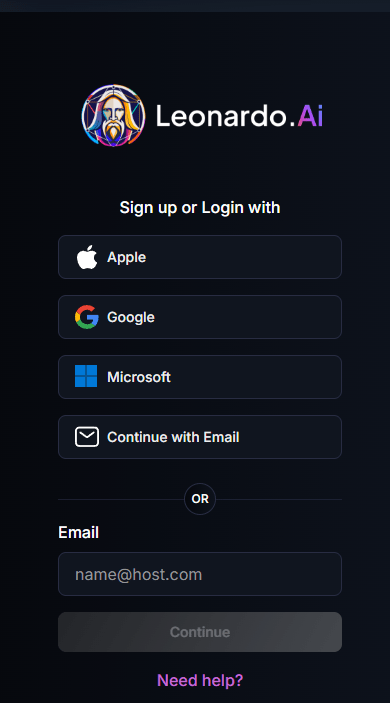
Step 1: Sign Up
- Visit leonardo.ai and create an account using Google, Microsoft, Apple, or email. You’ll get a verification code to start.
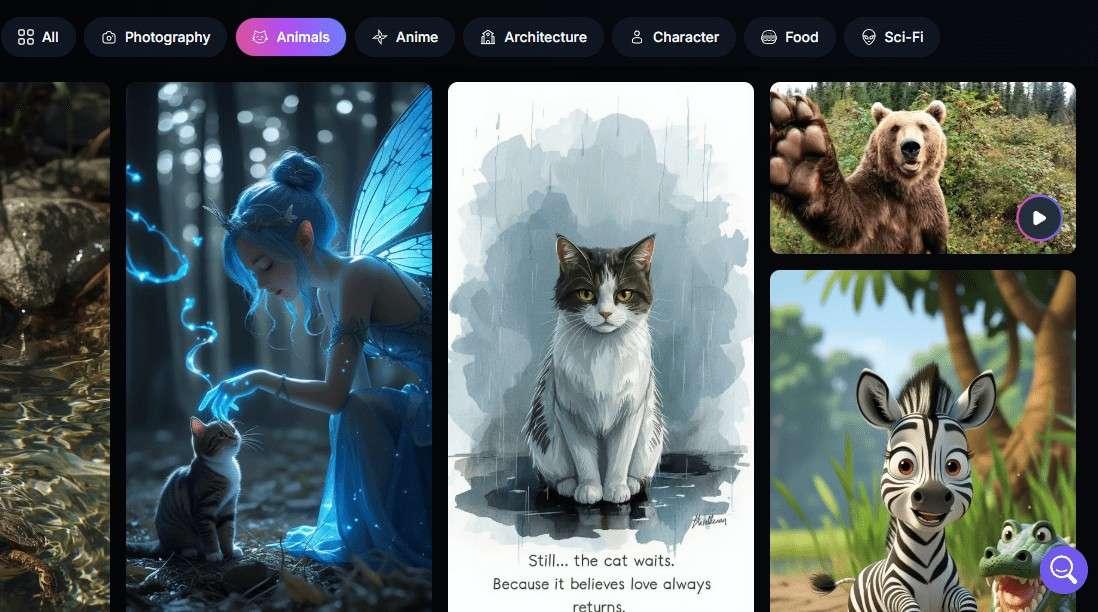
Step 2: Choose Your Interest
- Select your creative focus (e.g., animal, game assets, art) to customize your experience.
Step 3: Write a Prompt
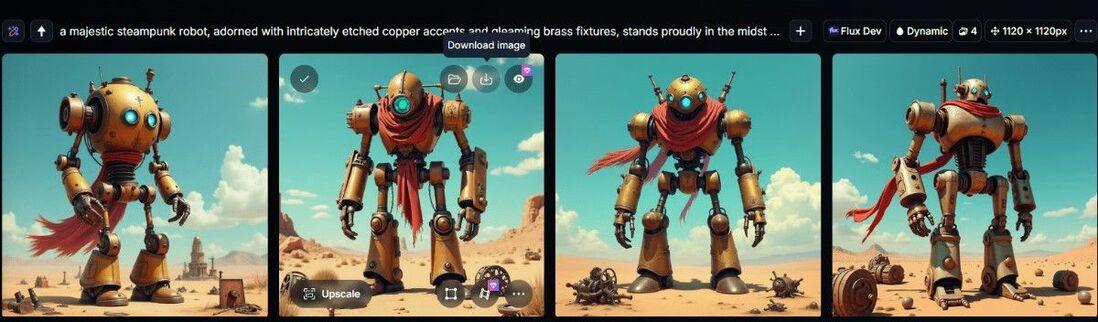
- Go to the Image Generation tab and type a description, like “a steampunk robot in a desert.”

Step 4: Pick a Model
- Choose from pre-trained models for your desired style.
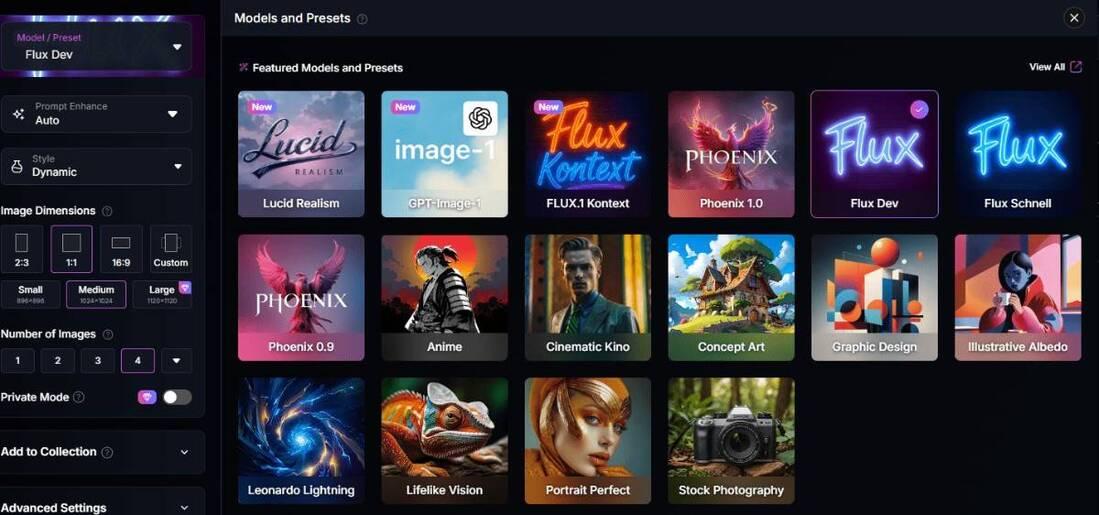
Step 5: Customize Settings
- Adjust image size, style, or add negative prompts (e.g., “no blurry details”) for better results.
Step 6: Generate
- Click “Generate” to create your images. Free users use tokens.
Step 7: Edit or Download
- Use the AI Canvas to tweak your image or download it for use. Paid users can keep images private.
Use Cases
Leonardo AI is a go-to for many creative projects. Here are some ideas with example prompts:
- Game Assets: “A medieval sword with glowing runes, photorealistic style.” Perfect for game developers.
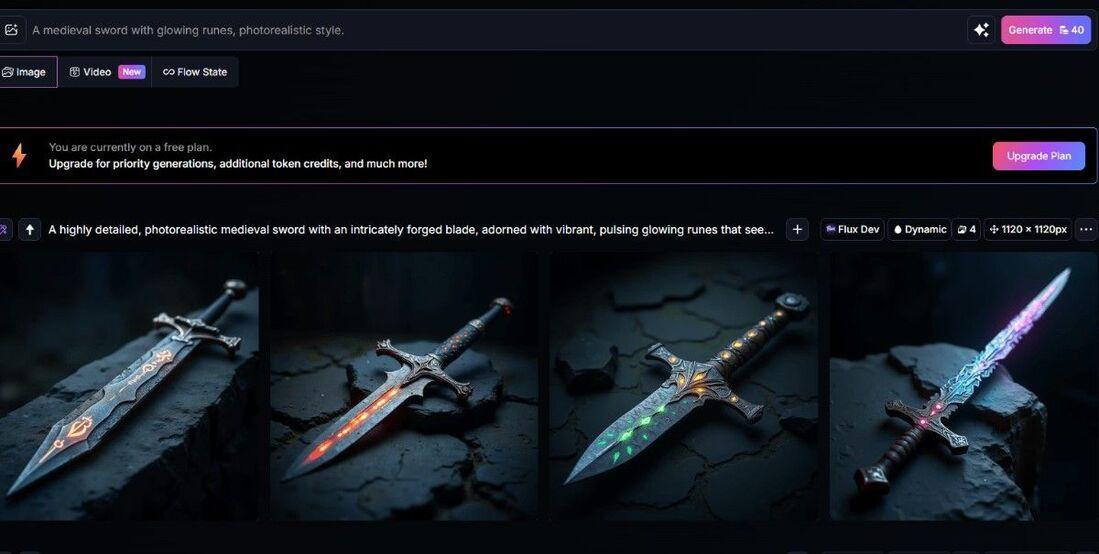
- Social Media Content: “A vibrant cartoon cupcake with sparkles.” Great for eye-catching posts.
- Marketing Visuals: “A sleek car on a city street at night, cinematic style.” Ideal for ads.
- Concept Art: “A futuristic spaceship orbiting a planet, in digital painting style.” Helps artists brainstorm.
- Personal Art: “A cozy cat in a sweater by a fireplace, watercolor style.” Fun for hobbyists.
What Can Leonardo AI Do Best?
Leonardo AI excels at:
- Photorealistic Images: Creates stunning, lifelike visuals with up to 95% prompt accuracy.
- Game Asset Creation: Generates characters, props, and environments quickly, saving developers time.
- Style Variety: Offers models for anime, vintage, or cinematic art, giving you endless creative options.
- Custom Training: Lets you train models on your own images for consistent, brand-specific results.It’s a game-changer for fast, high-quality visuals, especially for gaming and marketing.
Where Leonardo AI Lacks and Tips to Avoid Issues
No tool is perfect, and Leonardo AI has some quirks:
- Free Plan Limits: Images are public, and you’re capped at 150 tokens daily.
Tip: Upgrade to a paid plan (from $10/month) for private images and more tokens.
- Text in Images: Struggles with generating clear text, like signs or labels.
Tip: Add text later using editing software.
- Complex Prompts: Too many details can lead to messy results.
Tip: Keep prompts clear and focused, like “a red dragon in a forest” instead of adding too many elements.
- Copyright Concerns: Some artists worry about AI models using existing art, which could raise legal issues.
Tip: Check Leonardo’s terms of service for commercial use and consider paid plans for full ownership.
Best Practices for Best Outputs
A great prompt is key to awesome images. Here’s how to nail it:
- Good Prompt: “A cyberpunk city at night with neon signs, in a photorealistic style, high contrast.” This is specific, with a clear setting, style, and vibe. Result: A vibrant, detailed cityscape.
- Bad Prompt: “A city with lights.” This is vague, so the AI might pick random styles or details. Result: Could be a dull or mismatched image.
Best Practice Tips:
- Be specific about style, colors, and mood.
- Use negative prompts to avoid unwanted elements (e.g., “no blurry edges”).
- Experiment with models like Leonardo Diffusion XL for different looks.
- Start with 8-15 images when training custom models for balanced results.
