
JioTV
Made for unlimited mobile entertainment
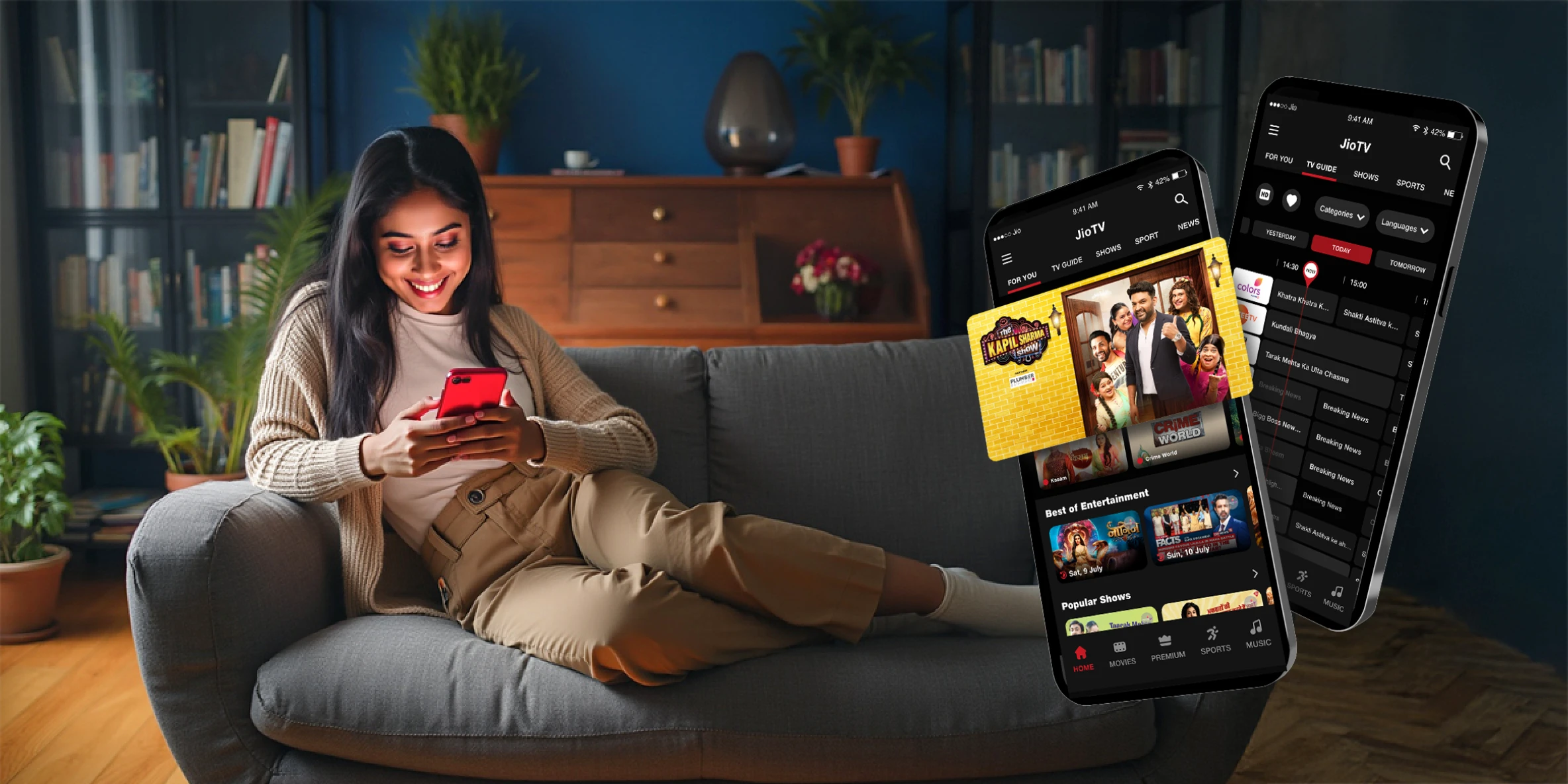
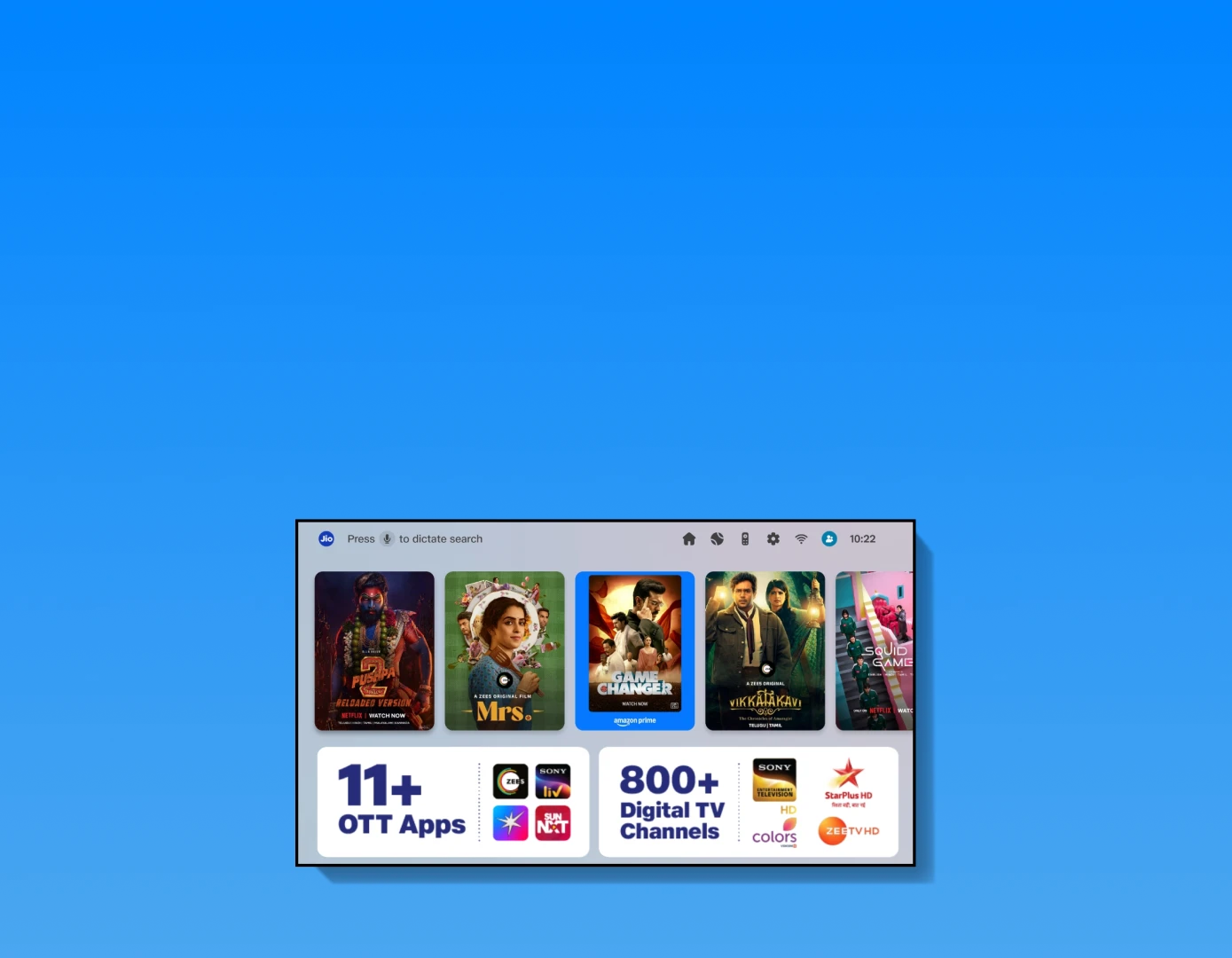
Your ultimate entertainment super app is here! Binge 1000+ live TV channels across genres in multiple languages and enjoy trending content from 10+ top OTT apps- all in one place.
Download JioTV app now








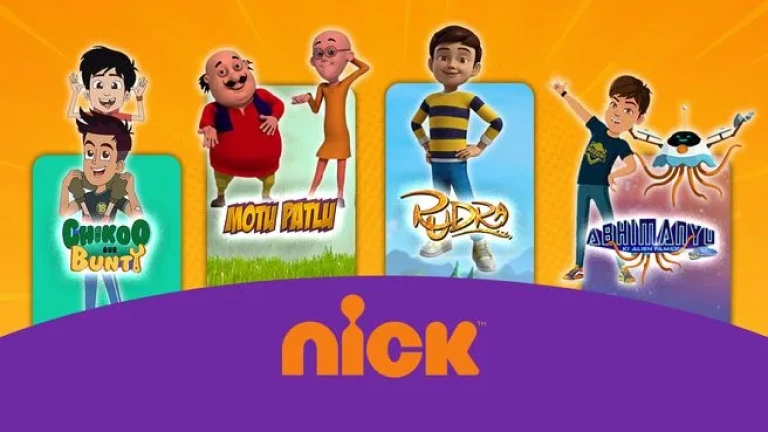



A complete family entertainer
From daily soaps and movies to news, sports, kids’ shows, and devotional content — now stream it all on the go. What’s more, with the 7-Day Catch-Up TV feature, watch any show, any episode, anytime, anywhere.

Music lovers love it more
Get all the chart-toppers, right here. Hit play and vibe to your favourite songs, music, and lyrics that hit different.

Crazy about regional content?
This is your perfect streaming spot for Bengali, Tamil, Malayalam, Marathi and Kannada movies and music.

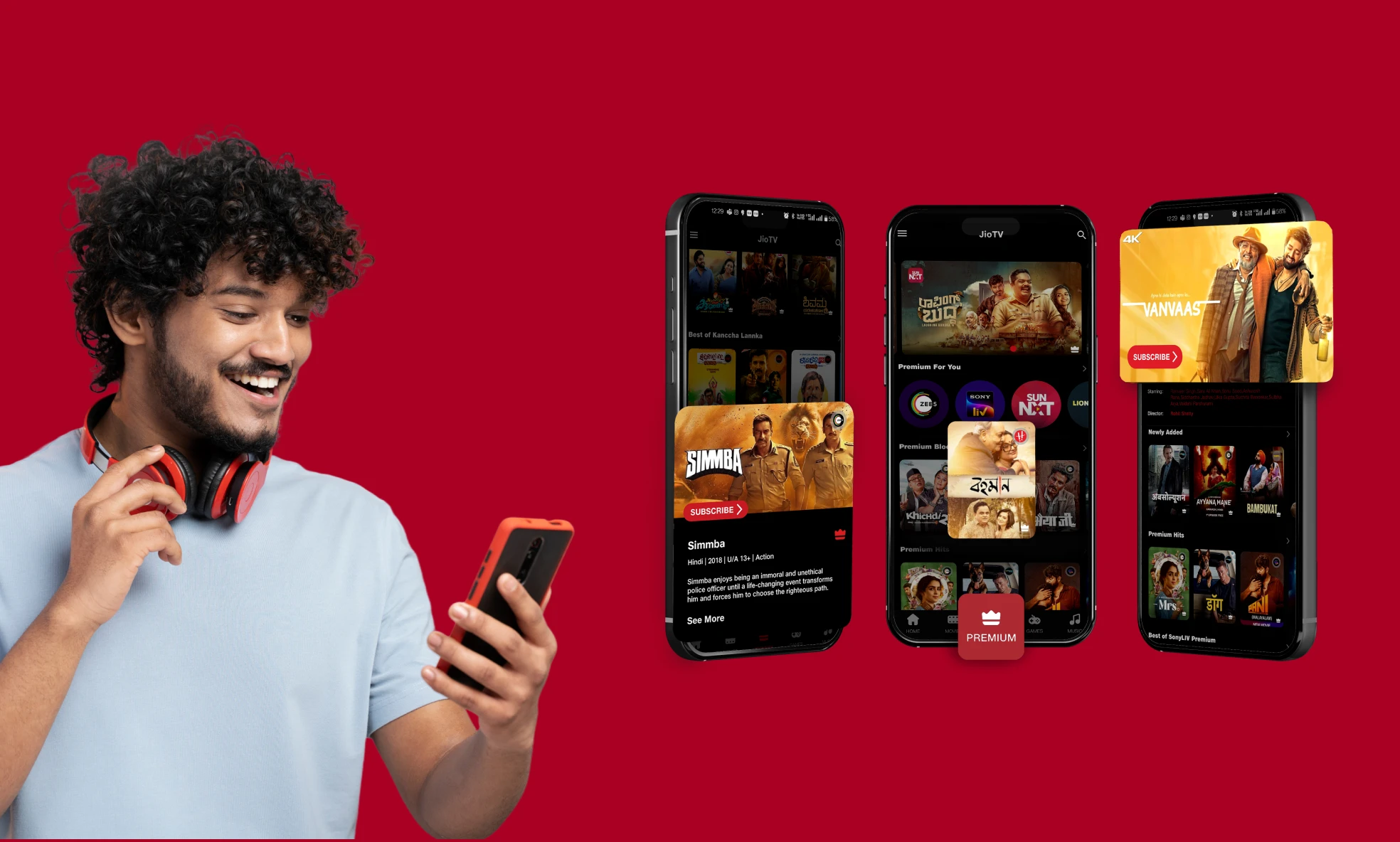
Major highlights
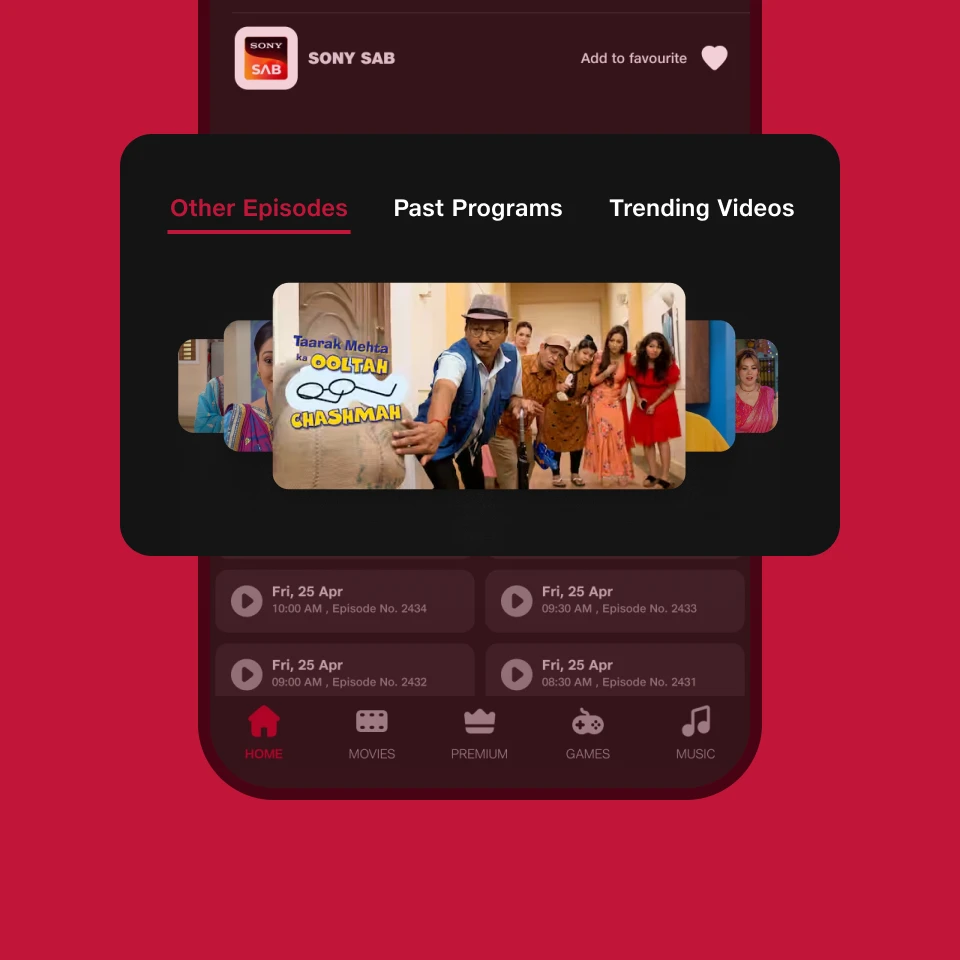
7-Day Catch-Up
Missed an episode? Watch it anytime with 7-day catch-up on your favourite live TV channels.
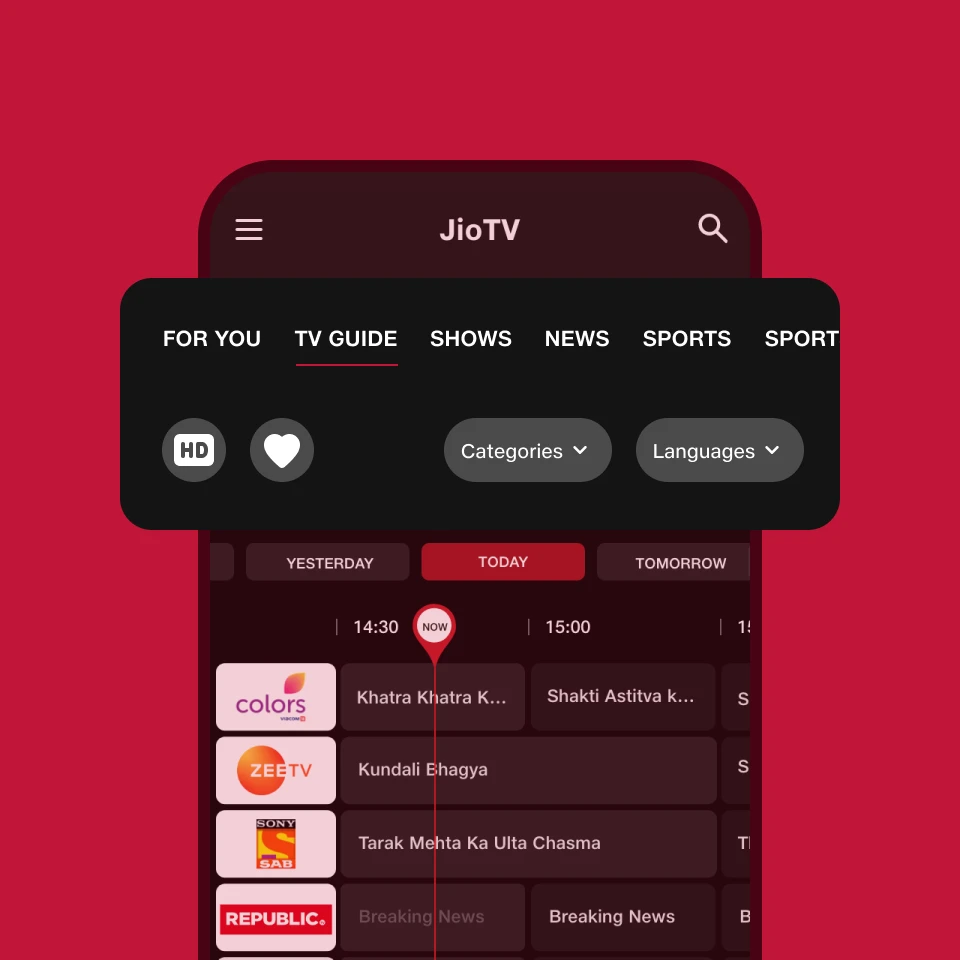
TV Guide
Explore what's coming up, catch up on what you missed, and plan your perfect TV time across all channels.
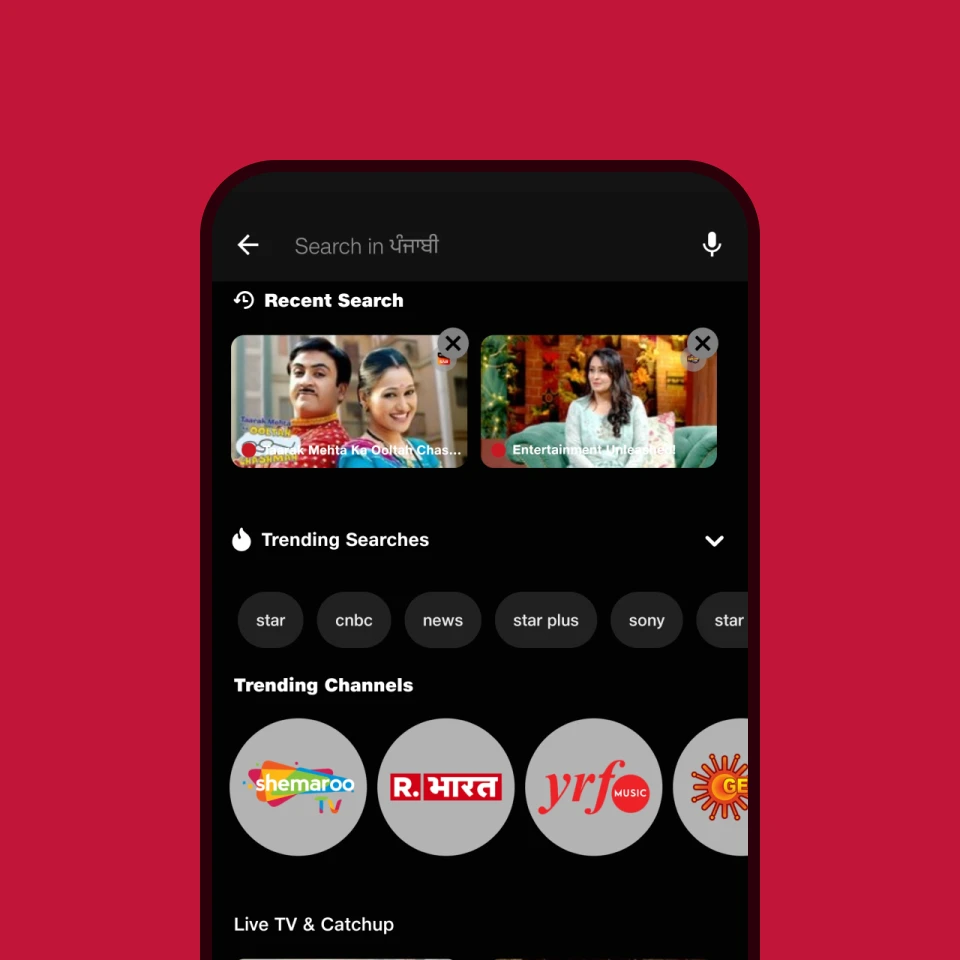
Smart Search
Search by genre, actors, storyline, language, and more to quickly find the content you’re looking for.
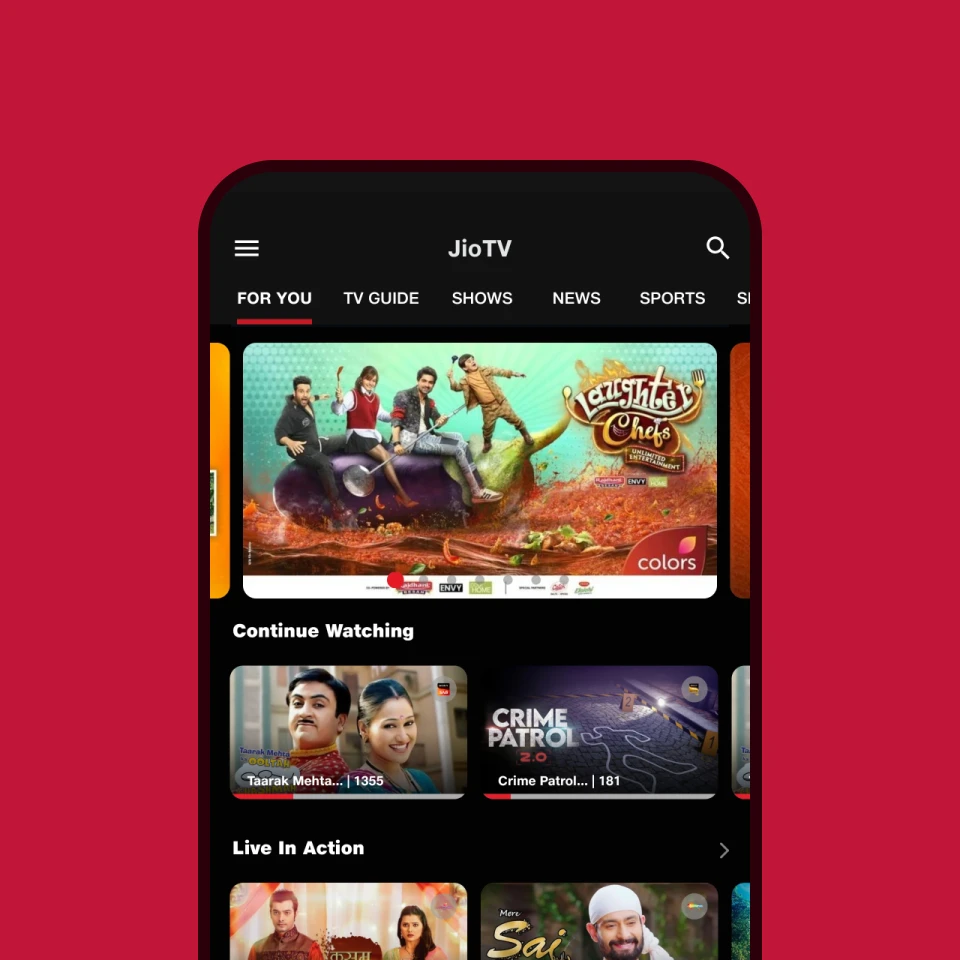
Continue Watching
Pick up right where you left off — whether it's a show or a movie — and resume watching on any device.
Discover the features that bring more fun
Watchlist & Reminders
Never miss a thing! Add shows to your Watch List and set reminders for upcoming programmes.
Live Events Reimagined
Experience live events like never before with key moments, multi-cam views, and 360° coverage.
Multi-audio & Subtitle
Browse and watch content in your preferred language, and enjoy subtitles across a wide range of shows.
Parental Control
Take control of your family’s viewing. Set restrictions and create a safe space for your children.
Picture-in-Picture (PIP)
Multitasking was never this easy. Now enjoy watching your favourite show while browsing or chatting.
Kids & Educational Content
A safe and enriching environment for young minds—explore fun, age-appropriate kids' shows and educational videos.
Here’s what JioTV users have to say

As a retired individual who enjoys staying informed, JioTV has become my go-to for news. I find the interface very friendly and easy to navigate. What I truly appreciate is the uninterrupted viewing experience, thanks to the reliable network and the absence of annoying ads. Spending a couple of hours daily catching up on current events is now a seamless part of my routine. It's a solid service, and I happily recommend it, especially for fellow news enthusiasts!
Kritartha Rajkhowa
Retired Professional
Coimbatore
I've found JioTV to be a convenient part of my recharge bundle, and I actively started enjoying it about six months ago. I appreciate having access to a variety of content, including movies through SonyLiv. While I also explore other platforms that are part of my bundle, I've always liked watching content on JioTV. It's a good app, and I often turn to it when I'm in the mood for movies and shows. Many of my friends are already using JioTV, and I'd happily recommend it!
Ajanta Bera
Working Professional
West Bengal
I am a father of a 16-year-old son with cerebral palsy. My wife spends most of the time with him. According to her, JioTV is a great entertainment source for him. He loves to watch content from Nick and Sony channels while she can finish household chores. They have been using it since the launch and have had a positive experience, with occasional Jio network-related buffering. She has no suggestions for improvement and recommends JioTV. Just happy using it.
Mukesh Sharma
Working Professional
Delhi
I have been using the JioTV app for a long time. I enjoy its exceptional video quality on my phone screen. I am especially glued to it for watching news debates between 7 pm and 9 pm that too without buffering. As a senior citizen, I would expect more election coverage including candidate debates and easier recharge options with concessions for senior citizens. Despite this, I would rate JioTV 10 out of 10, want to start a fan club, and highly recommend it to others.
Vincent Das
81-year-old Retired Professional
Karnataka
Since 2016, I’ve been using the JioTV app and I’m totally into it for the convenience of watching anytime, anywhere—and yes, the high-quality video on mobile is a big plus. I mostly watch Bigg Boss and cricket matches almost daily to meet my entertainment needs. It has largely replaced YouTube and Facebook in my daily viewing routine. Despite a few ads, JioTV is my go-to entertainment app for relaxation, and I highly recommend it to anyone looking for entertainment on the go.
Shakil Ahmad Shaikh
Entrepreneur
Mumbai
More from Jio

Still have questions? Check JioTV FAQ
Where do I download JioTV from?
-
You can download the JioTV app directly from your device’s app store.
- 1. If you’re using an Android device, go to the Google Play Store and search for JioTV.
- 2. If you’re using an iOS device, open the Apple App Store and search for JioTV. Just tap on install, open the app once the download is complete and sign in to watch your content.
On which devices can I use JioTV?
You can watch JioTV on a wide range of mobile devices. It works on smartphones, feature phones, and tablets, so you can enjoy your favourite content wherever you are.
Can I watch telecast programmes on JioTV previously?
Yes, you can watch past programmes using the Catchup feature on JioTV. This feature is available on select channels and lets you watch shows that were telecast over the last seven days.
Can I use JioTV in a regional language?
-
Yes, you can use JioTV in your preferred regional language by updating the app settings.
- 1. Open the JioTV app and go to Menu
- 2. Tap on Settings
- 3. Select Display/Content Languages
- 4. Choose your preferred language
JioTV supports 10+ languages, making it easy for you to watch content in the language you are most comfortable with.
How can I mark a channel as favourite on JioTV?
-
You can mark any channel as your favourite directly from the program details page:
- 1. Open the program details page and tap the heart (favourite) icon below the player, adjacent to channel name.
- 2. Your selected channels will then appear in your favourites (in Hamburger) for quick access.


