


Wi-Fi is faster than ever before, but that speed comes with a cost in terms of range. If you've been noticing connectivity issues, like dead zones, drop-outs, or sluggishly slow sites when browsing, you're probably wondering how to extend your Wi-Fi coverage at the minimum cost. While moving your router to a more central location is an option, it's not always possible. You could also pick up a Wi-Fi extender to rebroadcast your existing Wi-Fi network, but that's throwing good money after bad, in my experience. It's better to upgrade to a mesh network, which will give you better Wi-Fi coverage and handle your devices better so you're not left frustrated waiting for pages to load.
4 Mesh networks will give you better Wi-Fi coverage
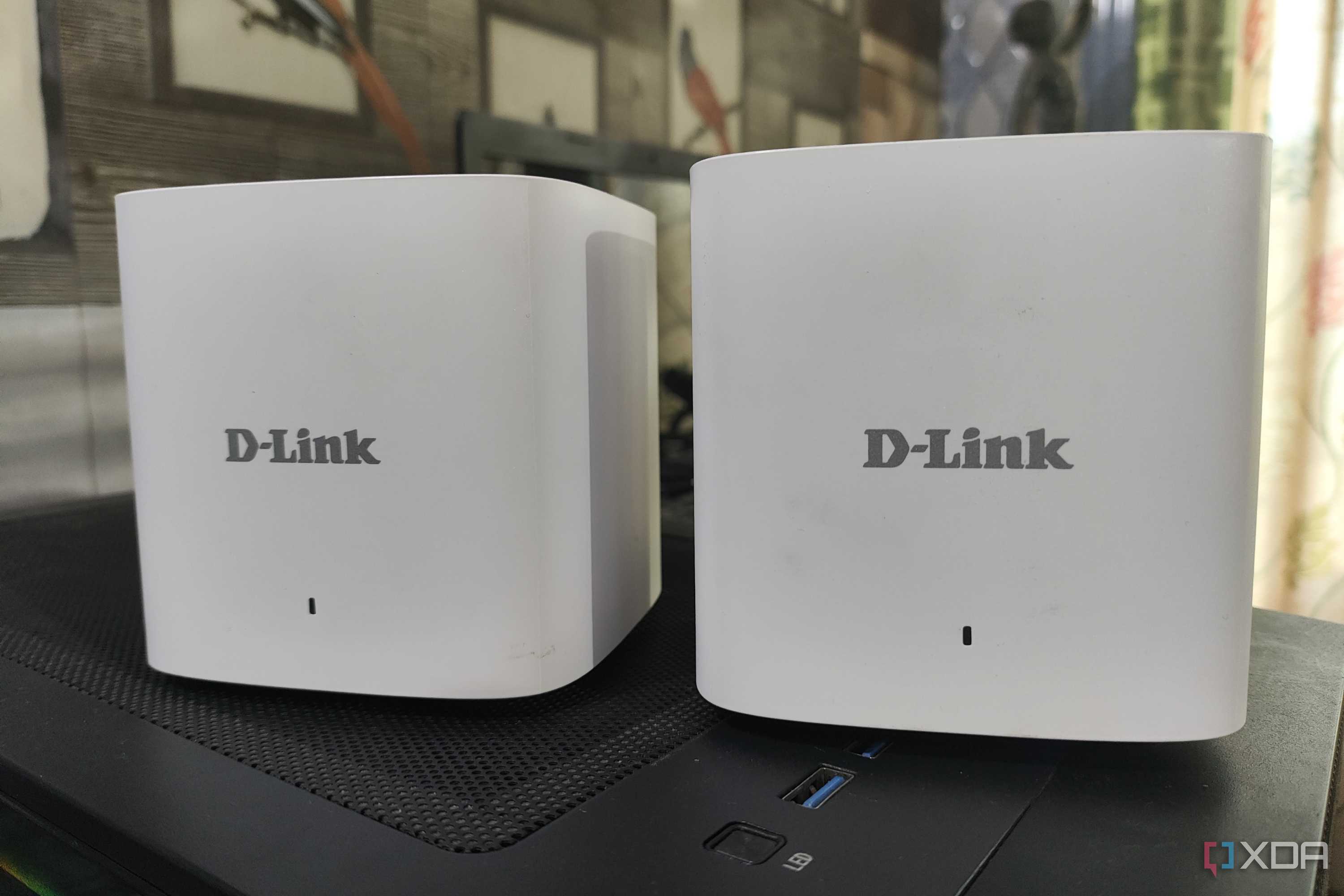
Wi-Fi extenders simply repeat your existing Wi-Fi signal
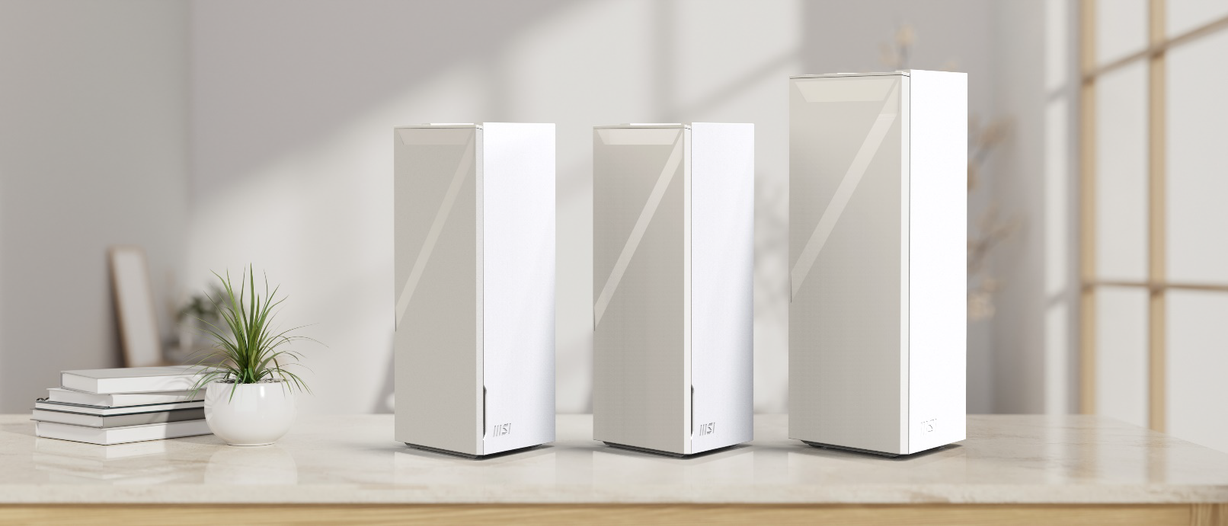
Source: MSI 
Source: Motorola 


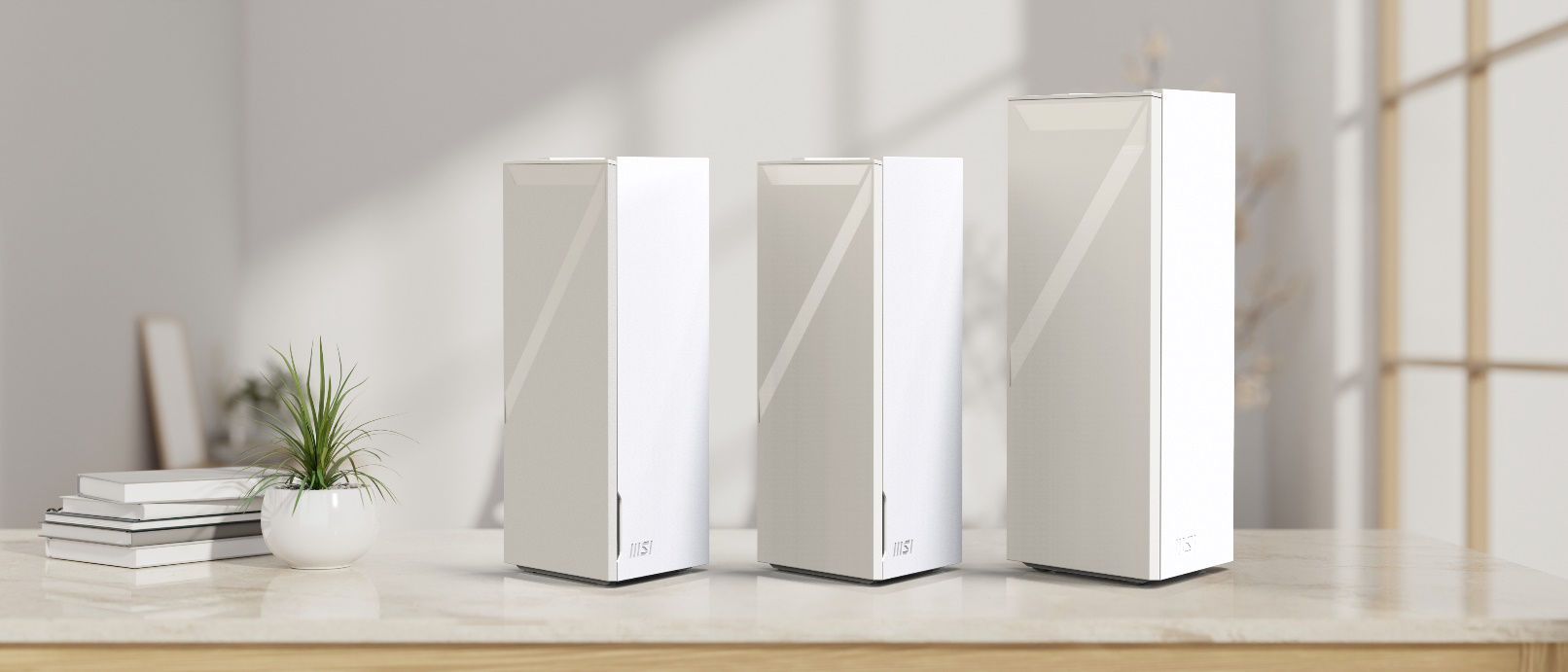
Source: MSI 
Source: Motorola 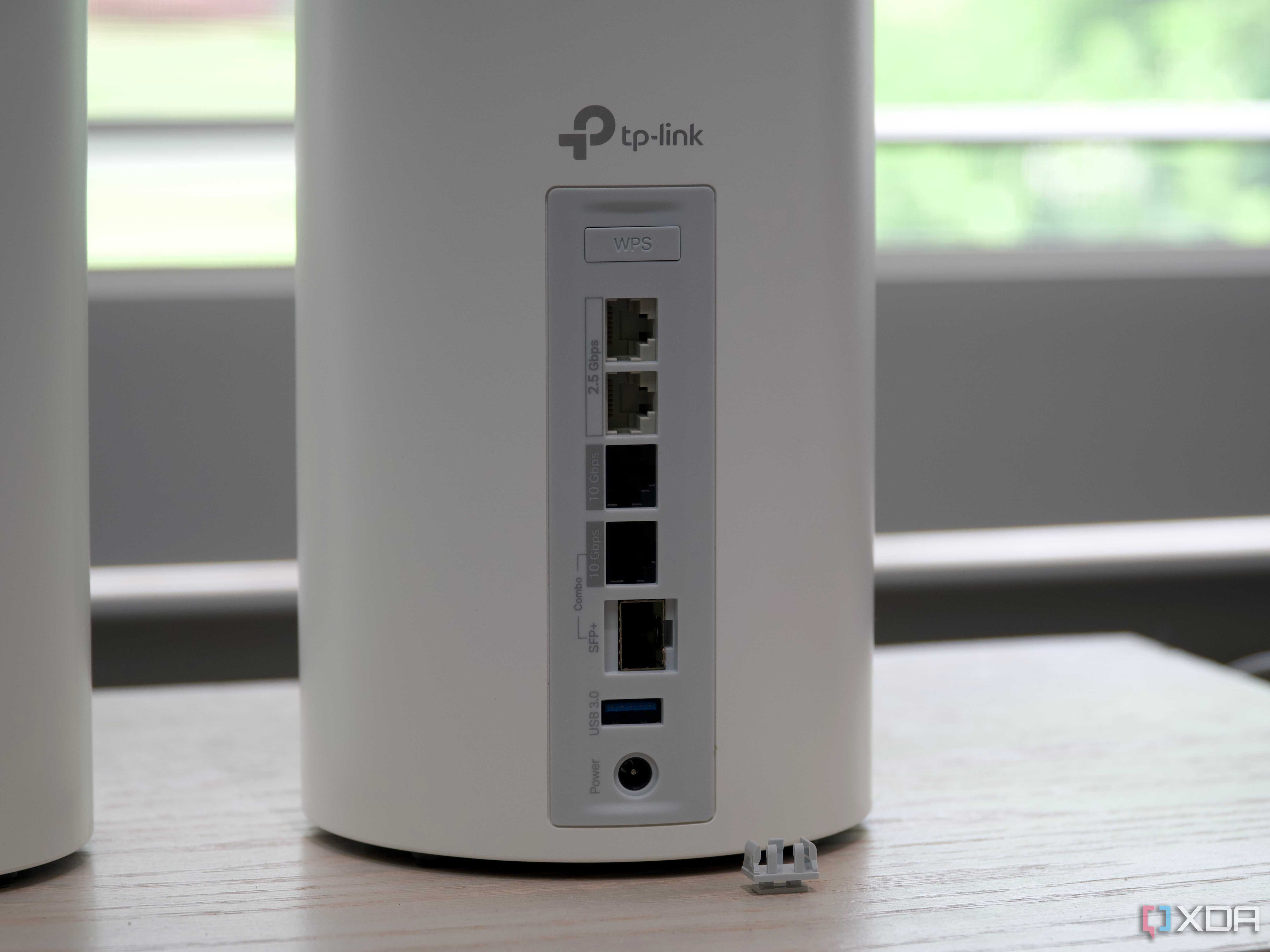
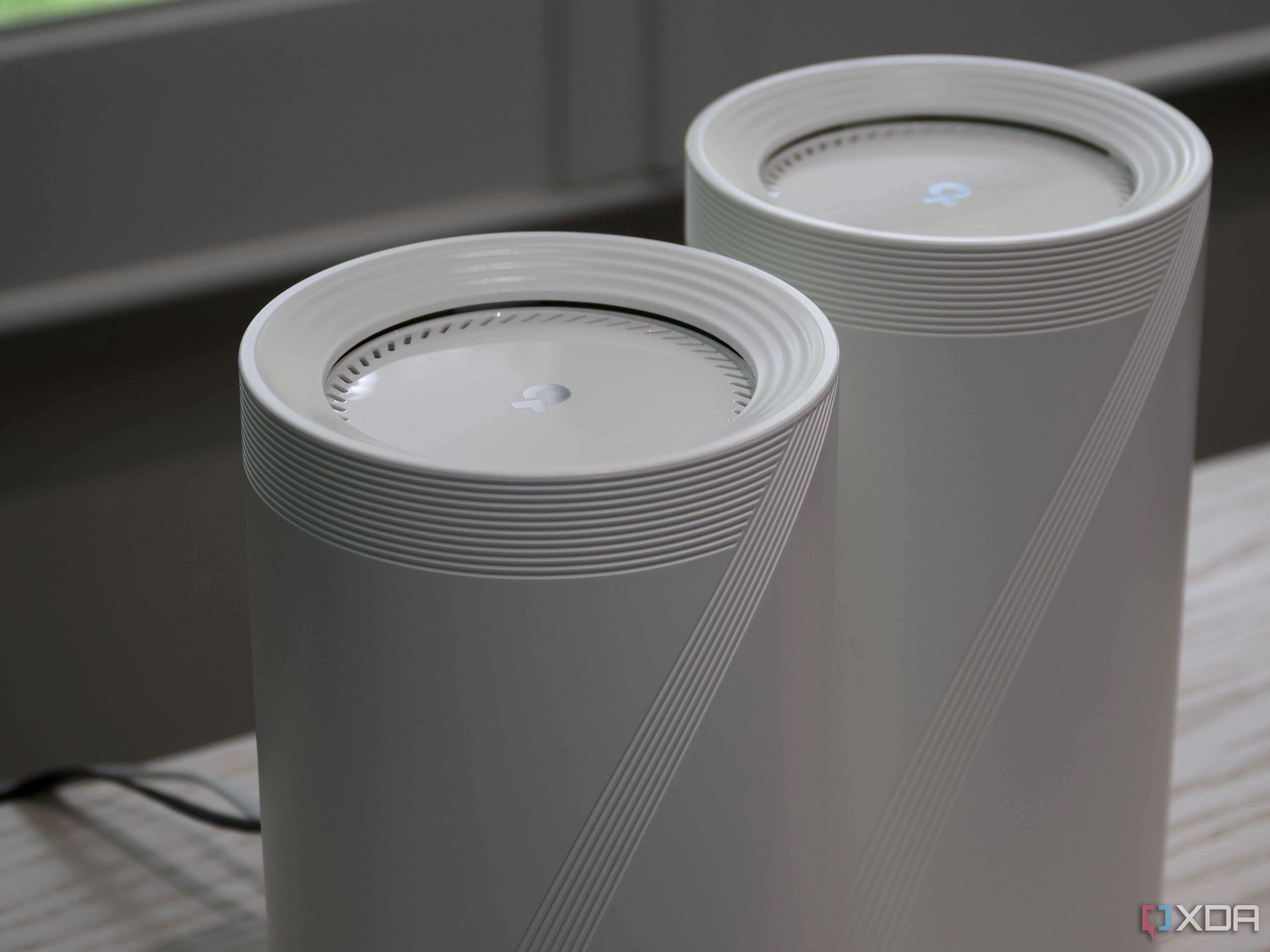
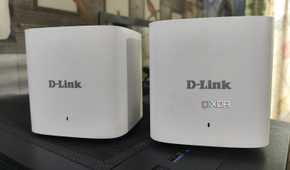
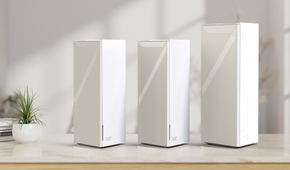

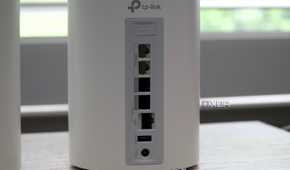

When thinking of expanding your Wi-Fi network, one primary consideration is coverage. While you can extend your Wi-Fi network with extenders, they have a few issues that make them undesirable for whole-home coverage. That's not to say they're bad, because if all you need to do is strengthen the Wi-Fi signal close to your router, they can do that job fairly well. But for the best coverage around your home, a mesh network is superior.
For a start, mesh networks use band steering to connect your devices to the best signal strength and quality between the 2.4GHz, 5GHz, and 6GHz (if Wi-Fi 6E or 7) bands. They also use AP steering to reallocate devices to balance the load between the nodes, so every device gets consistent coverage. That's in addition to the mesh nodes seamlessly handing off devices as they move around the home, like the smartphone in your pocket. Wi-Fi extenders would hold on to the signal from the extender or the router until the last moment, leading to momentary dips in connectivity. The other thing is that, like the Wi-Fi signals from your neighbors, Wi-Fi extenders will conflict with your router and each other if set to the same channels. Mesh nodes will test for congestion and reconfigure as necessary, to reduce interferences.
3 Mesh networks are easier to set up
One central admin page handles every mesh node

Unlike Wi-Fi extenders, mesh networks typically replace your entire home's Wi-Fi network. Which is fine, because that gives you the best Wi-Fi experience wherever you are. Because they're centrally managed, you only need one app to update or change settings. The same can't be said for Wi-Fi extenders, which have their own configuration pages that aren't connected to the pages used to admin your main router. It's so much more seamless to handle a mesh network because the software and the app do most of the heavy lifting for you. And speaking of seamless, because mesh nodes use the same SSID as the main router, your devices are handed off as you move around to ensure the best possible connection quality.
They also run the same software on every node, which makes a difference as it relays traffic around your devices. That software is often automatically installed and updated by the system, keeping your home more secure with the latest in security fixes. With a router and Wi-Fi extenders, you would have to log into each device individually, and often manually download the firmware updates from the manufacturers. It's a lengthy process, and one that many users either don't do, or don't know they even need to do. Mesh networks keep on getting safer and more usable, which is a big deal.
2 You'll get faster Wi-Fi speeds with a mesh network
Wi-Fi extenders might give you range but at the cost of speed

In addition to better coverage, mesh networks will give you better Wi-Fi speeds than using Wi-Fi extenders. When a Wi-Fi extender is being used, they're inefficient at sending information. That's by design, because they connect to your main router, and then rebroadcast that signal as a second hotspot. That doubles up the traffic in both directions, as it has to rebroadcast signals from your device and the router. No firmware magic sends the data packets where they need to go, and every packet has to go back to the main router, even if you're trying to access data on a NAS or other device in the same room as you. Extenders can also only extend the signal strength that reaches them, so they need to be located close to your main router.
Mesh routers also have other ways of ensuring the Wi-Fi speed is consistent around the network, like having multiple radios to send and receive data simultaneously. Newer mesh kits that support Wi-Fi 6E or Wi-Fi 7 also usually use the 6GHz band for the backhaul between nodes, which is faster and less congested than the 5GHz or 2.4GHz bands most routers use. Or you could opt to use Ethernet as the backhaul, because every mesh router has the same hardware, including a LAN port for wired connectivity. The mesh software knows how the hardware is connected, and will change settings accordingly so you don't have to handle advanced networking routing.
1 You might get added extras with mesh hardware
Like smart home hubs for Zigbee devices

Cutting-edge routers aren't just good at blanketing your home with sweet, stable Wi-Fi. That's a given, but they also come with a host of fringe benefits that you might not have thought you needed. This might include ad-blocking, threat-and-malware blocking, or easy-to-use VPN services, although these often come with a subscription fee attached. Or you might get support for Thread, Matter, or Zigbee, to make your smart home setup a much simpler task.
Do you have any Hue lighting or other smart home devices that use the Zigbee protocol to talk to a control hub? Amazon's Eero mesh routers have inbuilt home hub functionality, so you can connect directly to the nodes via Zigbee without needing the specific hub plugged into Ethernet. One fewer box taking up a precious Ethernet port, and one fewer power brick vying for socket space near your networking equipment.
Investing in a mesh network is better than throwing away money on a Wi-Fi repeater
Stable, consistent Wi-Fi is almost a requirement for modern life at this point, and you shouldn't compromise when trying to ensure the quality of the wireless signal in your home. Mesh networks are the future of wireless networking for many reasons, while Wi-Fi extenders are a temporary fix for range issues. Extenders are unlikely to give you the top speeds that your home Wi-Fi can reach, or that of your internet connection. They are a bad fix for a worse problem, that of no Wi-Fi signal at all, and there are better options now. Mesh routers have become affordable, and some manufacturers like Asus allow you to create a mesh network by adding another compatible router to the one you might already own.
