


Summary
- Floorp is a customizable Firefox-based browser with features like side panels, workspaces, and vertical tabs for organization and convenience.
- Privacy is a focus, with anti-tracking measures and a recommendation to install uBlock Origin for added protection.
- Despite being a lesser-known browser in active development, Floorp offers a unique and stable browsing experience with extensive customization options.
There are so many browsers out there that you can install, but one of the best ones that I've been using recently is Floorp. It's a fork of Firefox that's completely open source, and combines the best features of Vivaldi and the best features of Firefox, resulting in a fantastic hybrid that makes it a treat to use. While browsers are inherently personal, I believe everyone should at least try give Floorp a chance. It helps that it's based on Mozilla's rendering engine, Gecko, so that you won't be affected by any of the Manifest V3 stuff going on, either. It's also built on Firefox's ESR channel.
Floorp is still in active development, and some users have reported that it can be buggy or clunky. I've been using it for a few days and haven't experienced any jank that I wouldn't have pretty much anywhere else, but it's worth keeping in mind and looking out for it in case you would be sensitive to that. However, these are some of the fantastic features that Floorp has that I've been enjoying.
Floorp runs on Windows, Mac, and Linux, but some of the features like Progressive Web Apps are only promised to work on Windows at the moment. I have been using it on both Windows and Mac without issue.

Floorp
Floorp is a Firefox-based browser with a ton of customizability, combining the best of Firefox and Vivaldi.
5 Sidepanels
Open up other websites while you're browsing

Have you ever wanted to quickly access another website in a smaller window while still browsing the site that you're on? Vivaldi has a feature that does exactly that, and so does Floorp. In essence, it can open a window to any website that you add to the side panel, incorporating it as a part of your screen without taking away from what you're looking at.
It's useful for a few reasons, the biggest being that you can do things like quickly access Google Translate or even your calendar. It has a "Floorp Notes" option built in so that you can quickly take notes as you browse as well, which makes it even better.
4 Customizable tabs (including vertical tabs)
A great customization feature
There are very few ways to get vertical tabs in any browser at the moment, and one of the only browsers that supports them natively is Edge. There are extensions you can get for Chromium-based browsers that may or may not work, and you can do some hacky workarounds with Firefox to get them working too. Vivaldi has vertical tabs at the very least, but then this is yet another feature that matches something Vivaldi has, too.
I like having vertical tabs on because it's easier to see the name of the pages that are open, and I can scroll up and down if I have a lot of tabs. You can also create a container tab to hide away some of them if you don't need them at present, making it fantastic for organization.
All of the tab types it supports are as follows:
- Normal tabs
- Hide the horizontal tab bar
- Vertical tabs
- Show tabs at the bottom of the window
- Show tabs underneath toolbar
3 Workspaces
Separate your work

Floorp has another great option that I haven't really seen in many other browsers, and that's workspaces. It's essentially a way to quickly change from one set of tabs to another, meaning that you could have a "Work" workspace and a "Social media" workspace, as an example. This can help prevent you from getting sidetracked, or can even just help you better organize yourself.
This feature is available in Vivaldi too, and it works the same way.
2 Privacy
Like any good browser should, privacy is a focus here

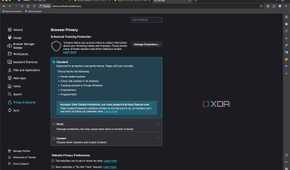
If you're worried about being tracked online, a good browser nowadays takes steps to prevent that from happening. Floorp is pretty big on its anti-tracking stance, and one developer (who is very active on Reddit, addressing concerns and questions from users) has previously said that "All of our developers, including myself, are Japanese students. We are not working under the direction of the school, so if we collect your personal information, it will not be of any use to us." While the developer has recommended users focused on privacy use the likes of Tor Browser instead, that doesn't mean no steps have been taken to protect users, either.
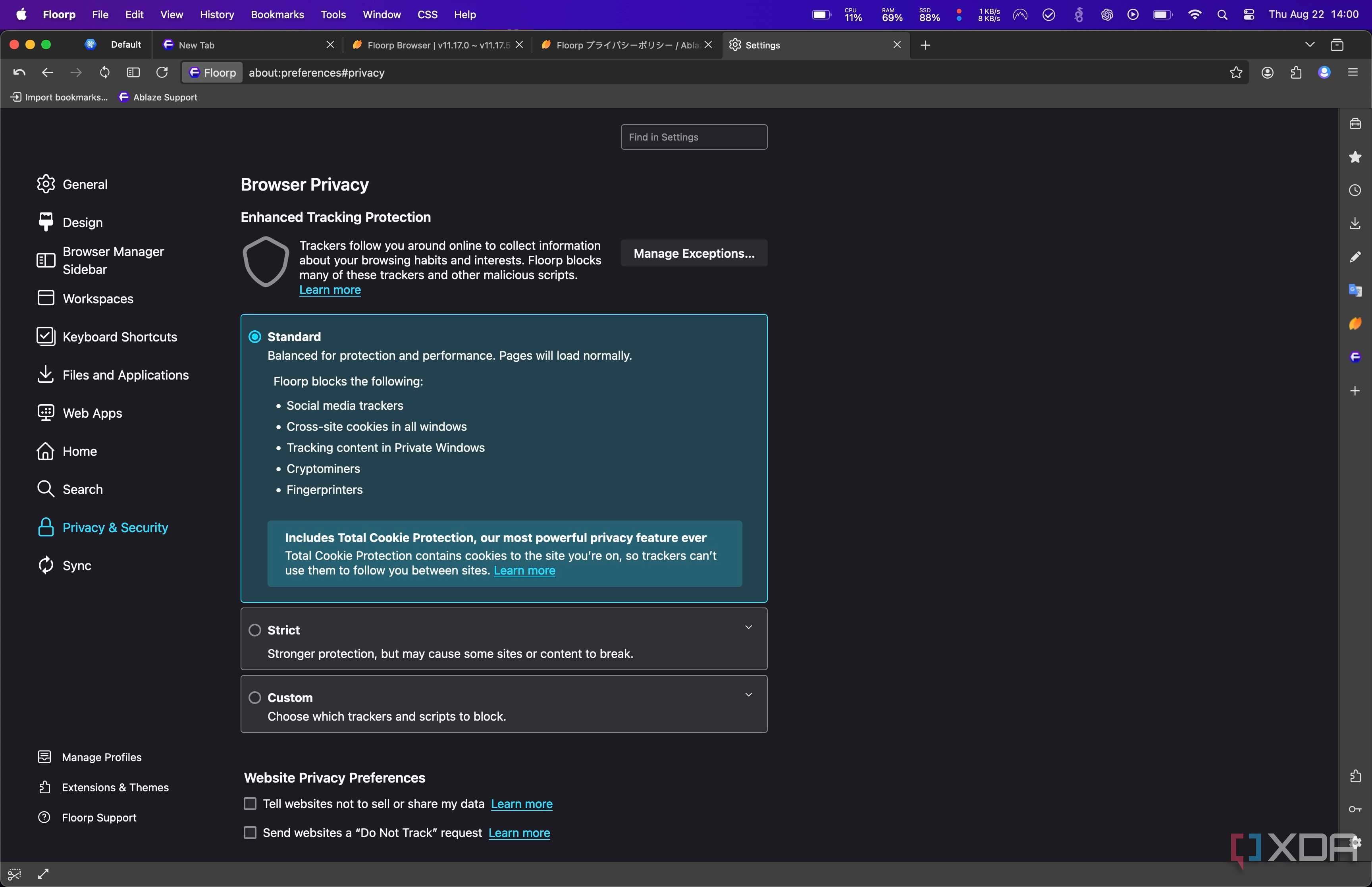
As an example, no data is collected from users, and the options to even turn on tracking are disabled in Floorp. Plus, Floorp recommends you install uBlock Origin in the privacy and security section of the browser if you want additional peace of mind. While it's a minor thing, seeing something like that in the settings is great, and the developers acknowledging that they are running a relatively unknown browser and telling users they shouldn't just trust a random browser is a breath of fresh air.
Furthermore, there are "container" tabs that you can launch, where basically, those tabs will launch in a separate environment where they can only access data on a segregated basis. Other tabs don't have access to what goes on in those containers. It's kind of like browsing in private mode, except you can switch between the tabs normally with the knowledge that only tabs in the same container can see and access that data.
Finally, running a privacy test on a completely stock Floorp browser (no extensions or changes from defaults) also gave some pretty fantastic results.
1 Customization
So many options


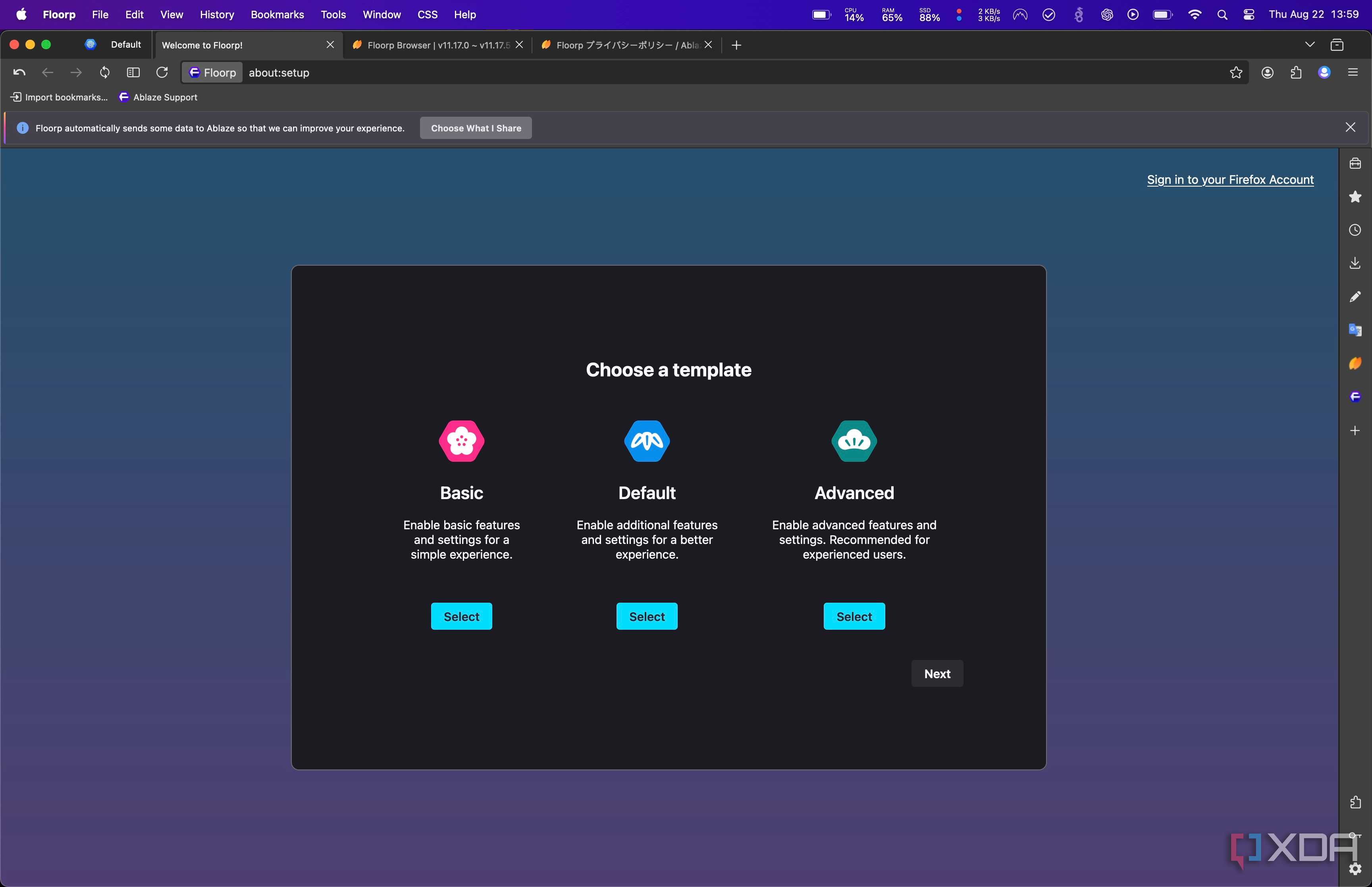
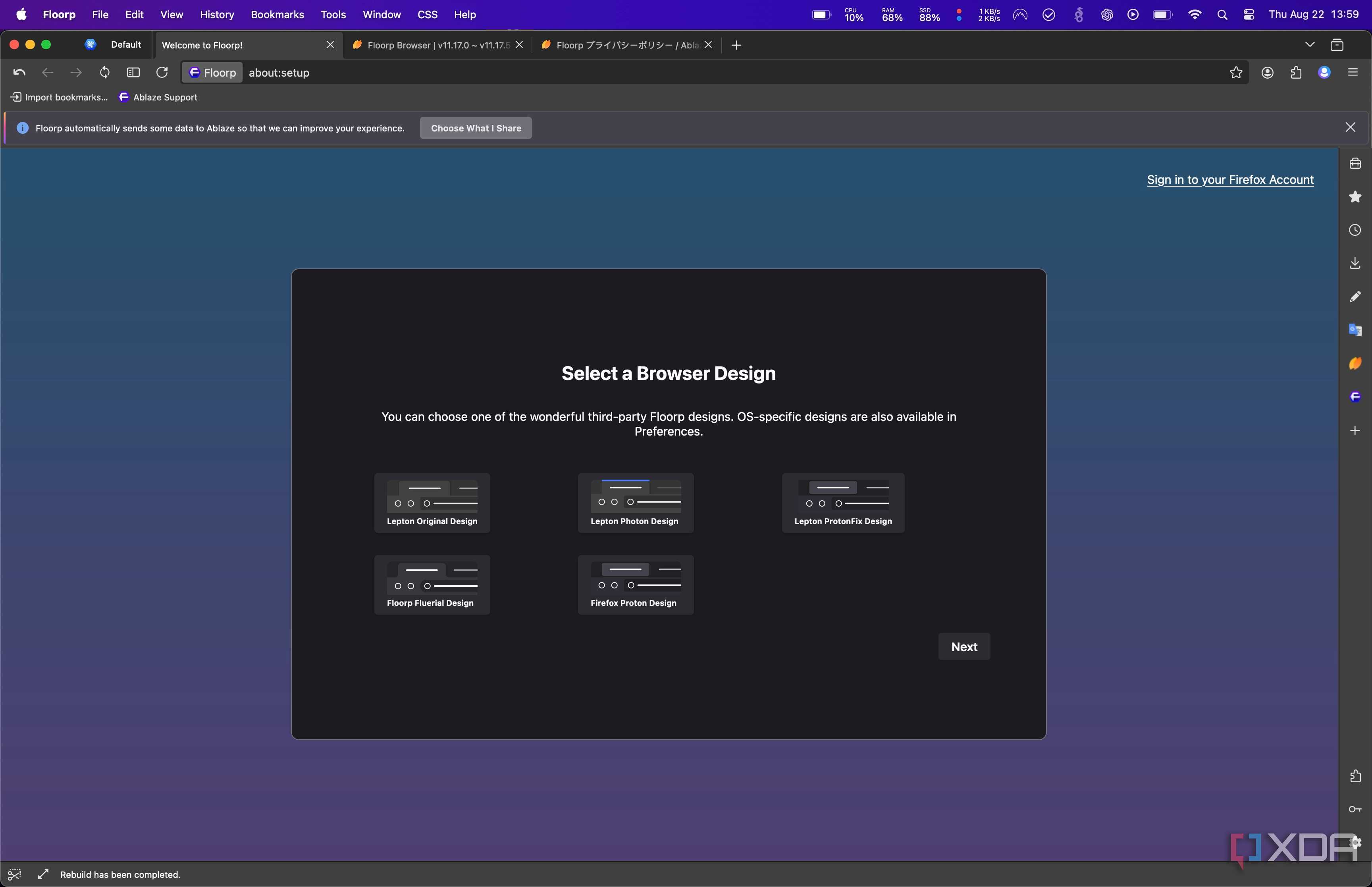
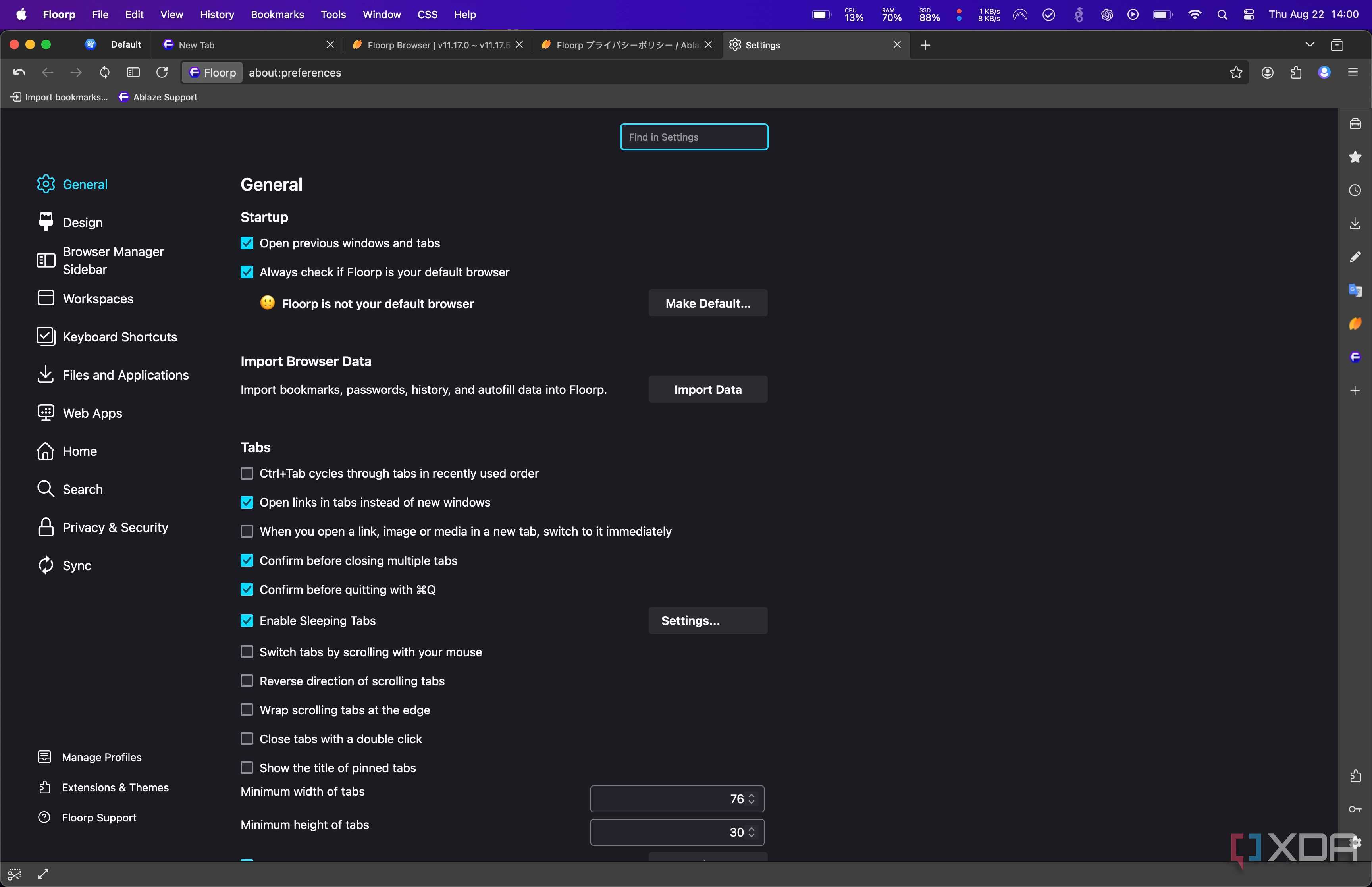
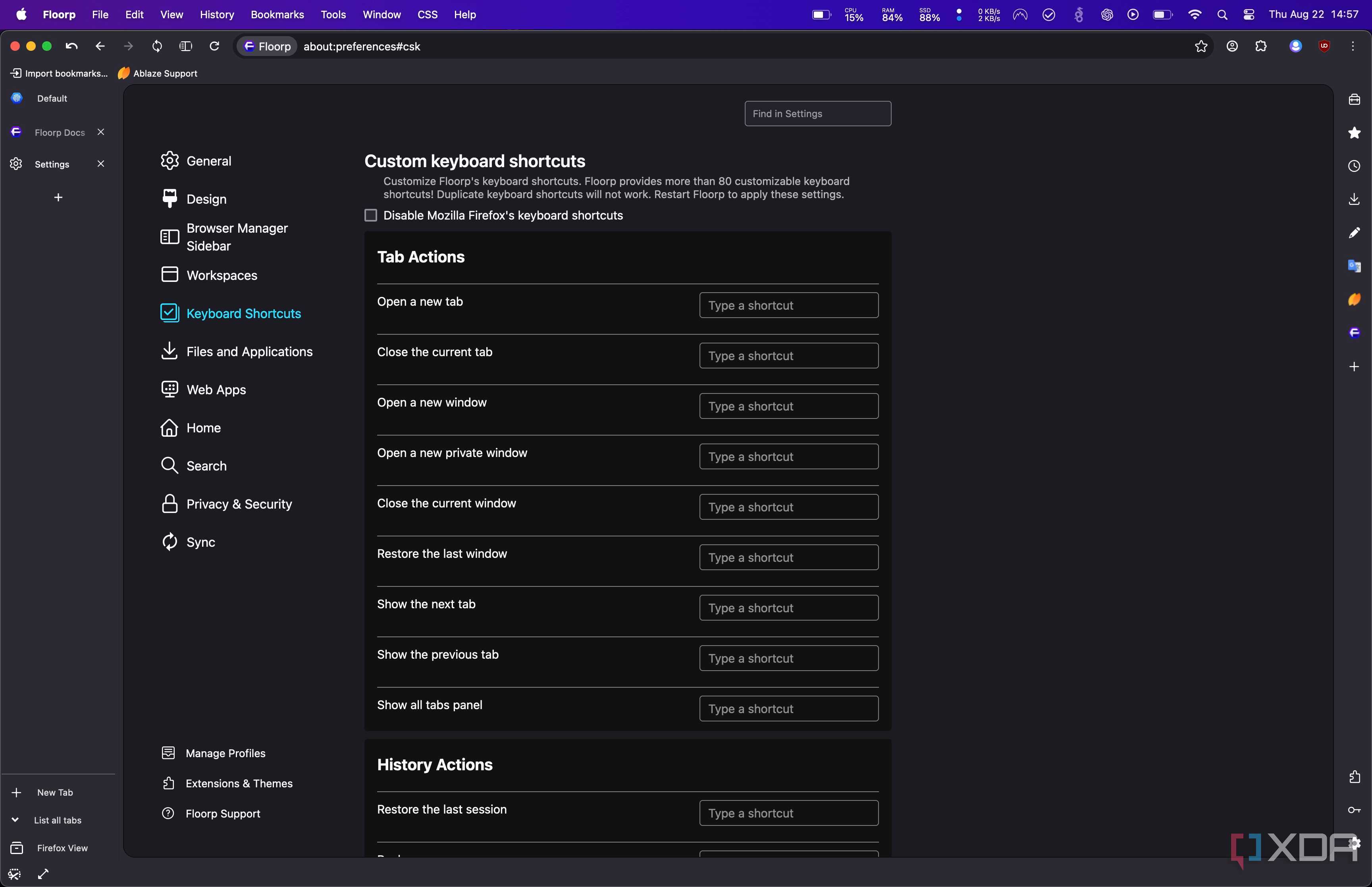
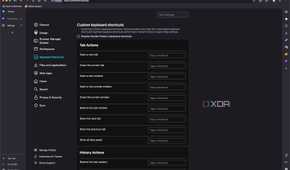
While we've already talked about the customization options for tabs, Floorp has a ton of customization options in general. Practically every aspect of the UI can be tweaked and changed, and you can really make it your own. Plus, there are theme options where you can download new themes, or use one of the themes that come with the browser.
From the moment you install the browser, there are a few options you can choose from. From features, to design, there's a lot you can change out of the box. By default, you'll get a fairly vanilla browsing experience, but dive under the hood and you can really make this browser your own. It's a crazy amount of customization, and I'm surprised by just how stable it really is given how much can be changed.
