


There are quite a few more single-board computer (SBC) options than there were in 2012 when Raspberry Pi launched its first model. Even though Raspberry Pi wasn’t the first in the field, it did fan the flames in that marketplace in a huge way. Exposing so many folks to the world of DIY projects with SBCs drew in dozens of competitors, if not more.
Some of these competing SBCs even offer superior specs to the Raspberry Pi 5 and often at least slightly better pricing. Nevertheless, there are numerous reasons why the Raspberry Pi remains the best SBC for most people.
5 More varied operating system support
If you want choices in your OS, Raspberry Pi has them

There’s nothing wrong with the official Raspberry Pi OS. In fact, the Debian Bookworm-based Linux variant is a powerful, easy-to-use option for desktop computing on the Raspberry Pi. Your DIY needs might be better suited by another choice, though.
The Raspberry Pi offers plenty of choices beyond the official operating system, including different flavors of Linux and images tailored for specific purposes. For example, there are OS images designed for use with a Raspberry Pi to run your smart home, act as a Wi-Fi router, or serve as a media server for your entertainment needs.
You aren’t limited to Linux for your OS, either. You can install Windows 11 on the Raspberry Pi. There’s also an image for RISC OS, an operating system originally designed by Acorn Computers and released in 1987.
4 Ease of finding the documentation you need
From beginner-friendly documentation to drawings, schematics, and CAD files

From its start, the Raspberry Pi Foundation has offered better documentation than just about any other SBC manufacturer. Beginners will find it easy to get started with their SBC with a wealth of documentation and tutorial videos covering topics useful to newbies and advanced users alike.
Remember, the Raspberry Pi Foundation started as a means to improve STEM education in developing countries. It just happened that the SBC really grabbed a foothold with the DIY community, too, and the documentation the foundation developed for education serves DIY enthusiasts well.
Beyond the documentation, hardware projects often depend on good schematics and 3D design files. The Raspberry Pi won’t let you down, with available mechanical schematics as well as STEP files to use in your CAD drawings.
3 Better and more robust community support
The RPi community is always eager to help newcomers and seasoned DIYers alike

There are few things more frustrating than when you not only can’t get a project to work the way you want, but you also can’t find any helpful tips to put you back on track. The Raspberry Pi community is so widespread and robust that it’s highly unlikely you won’t be able to get help when you need it.
Numerous forums, Facebook groups, subreddits, and more await you when you need some help with a project. The official Raspberry Pi community boasts thousands of contributing members, as do several other forums on the internet.
Unless what you’re trying to do just isn’t possible with a Raspberry Pi, you’re bound to find the information you need to resolve those pesky roadblocks you’ve come across in your project. Just be sure to remember your etiquette on these forums and search for an answer before posing a question that’s already been answered dozens of times.
2 Stronger selection of compatible hardware
From sensors and servos to AI accelerators, there’s more to choose from for Raspberry Pi
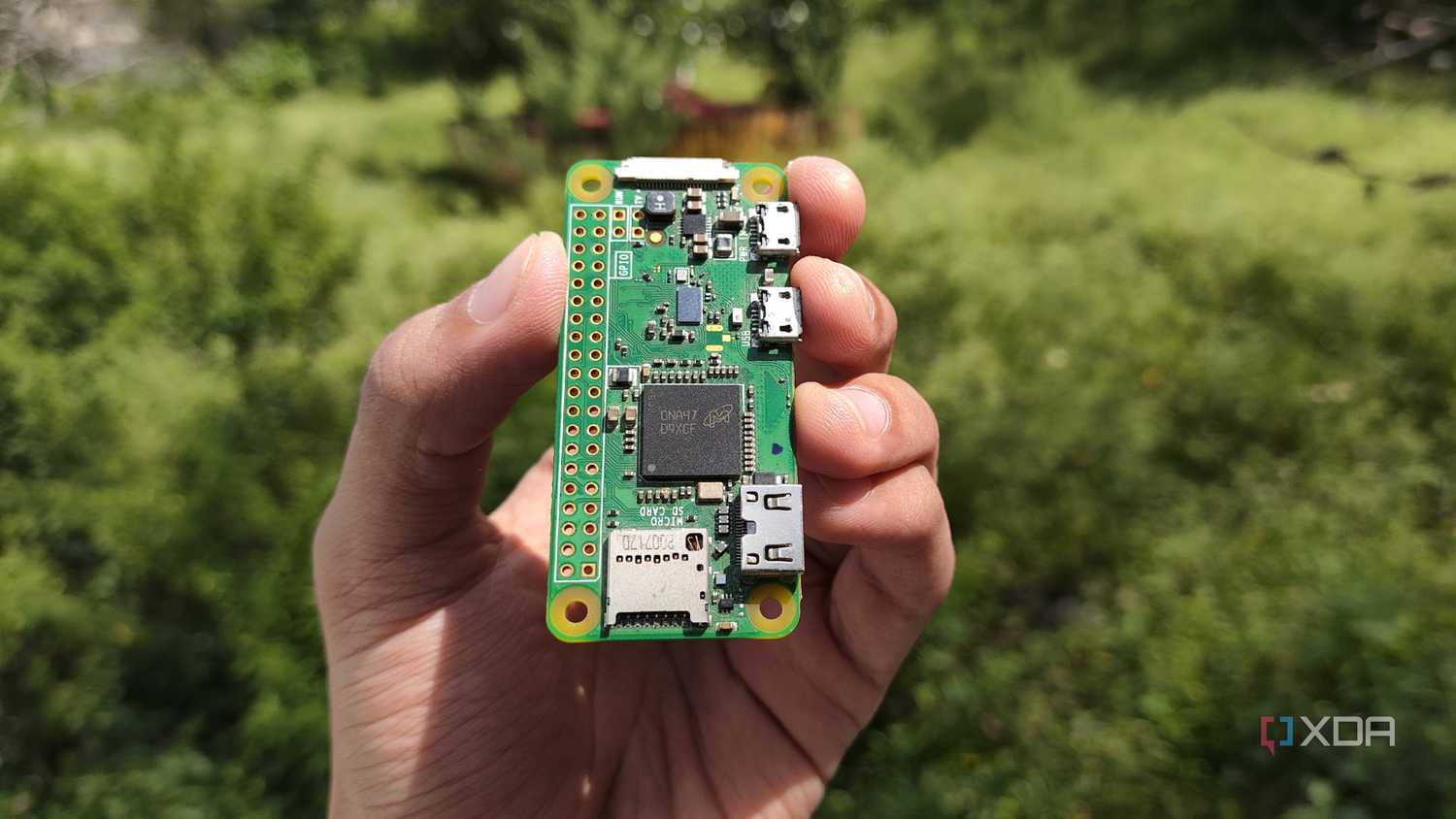
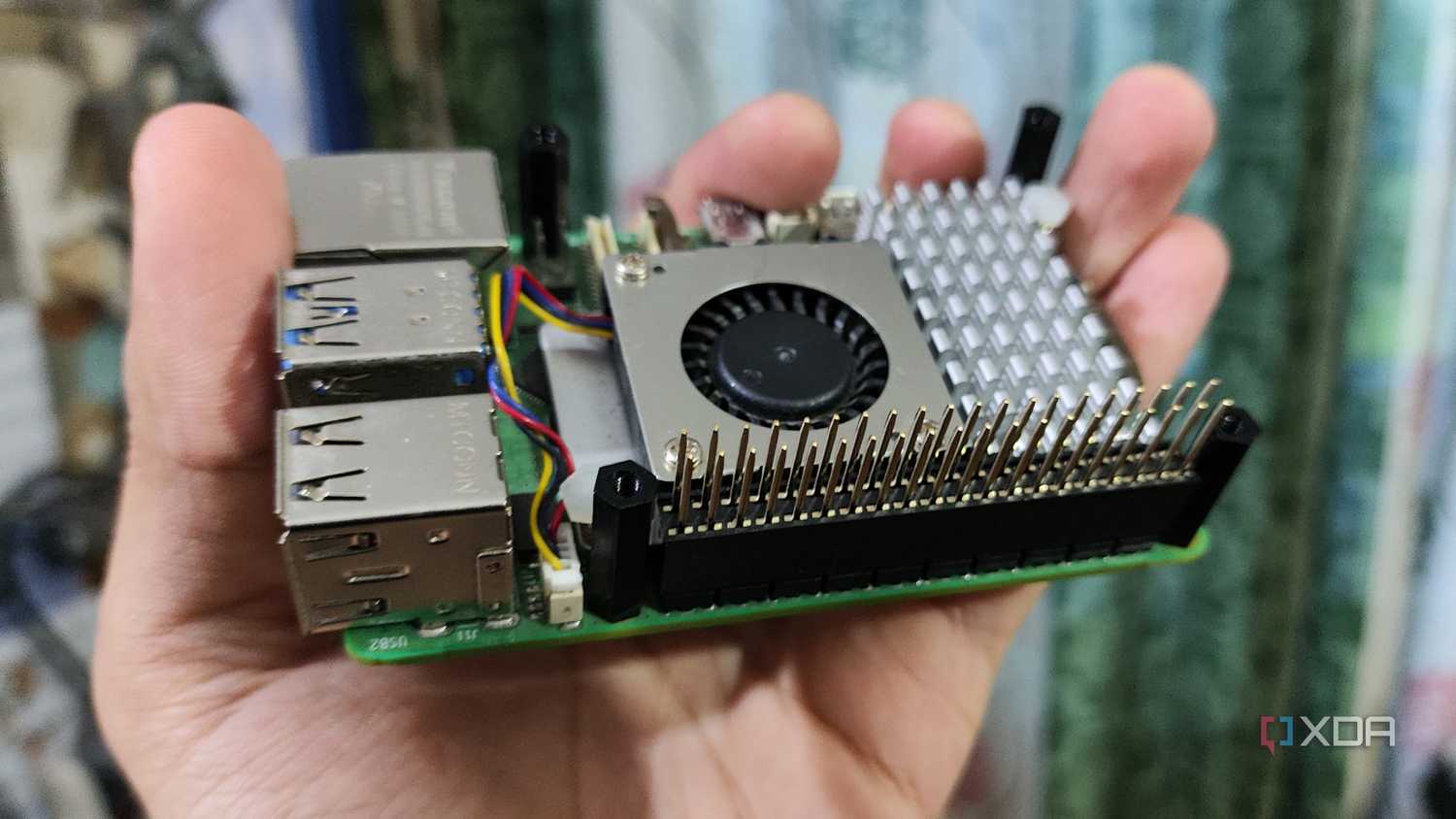
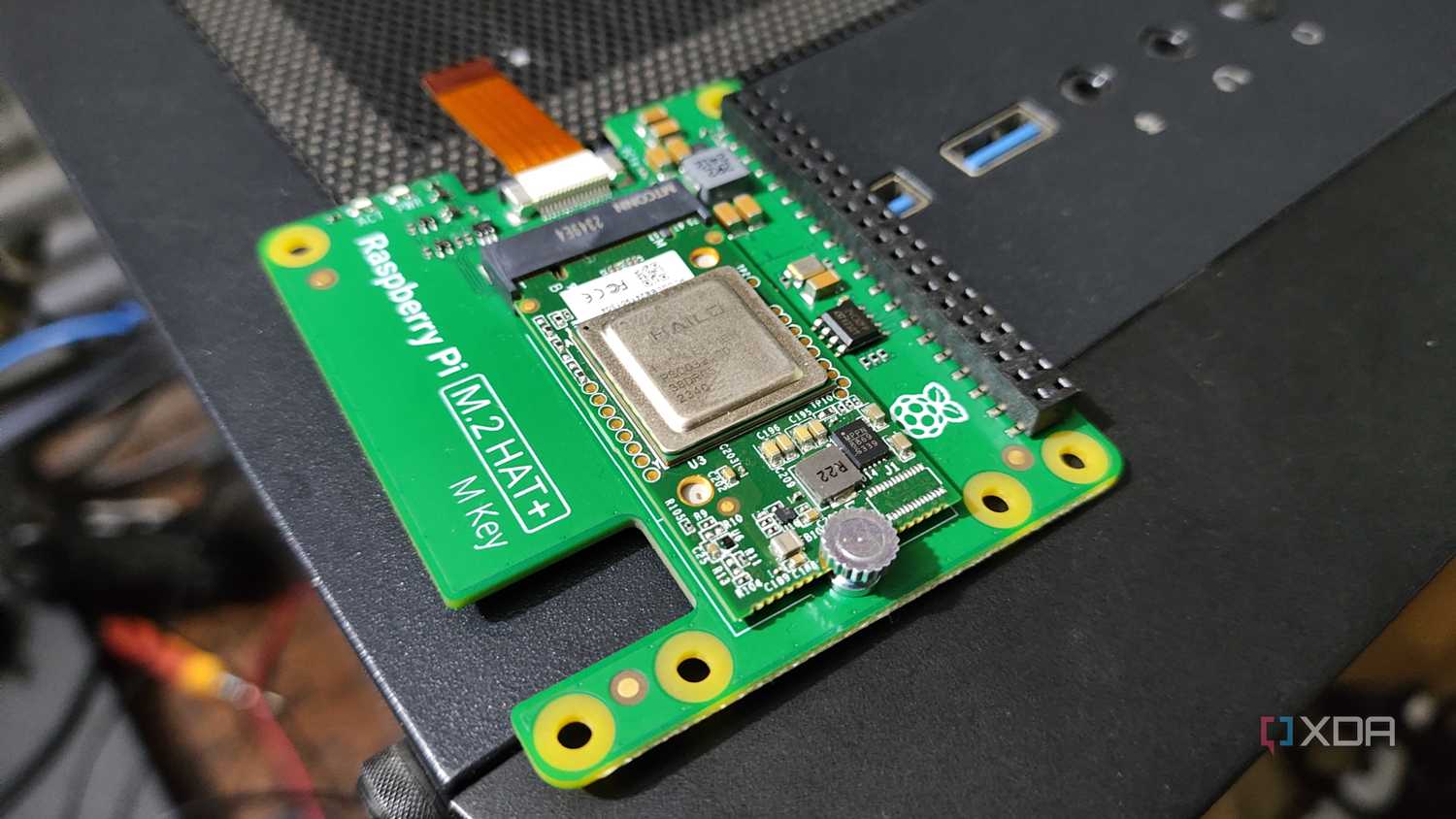
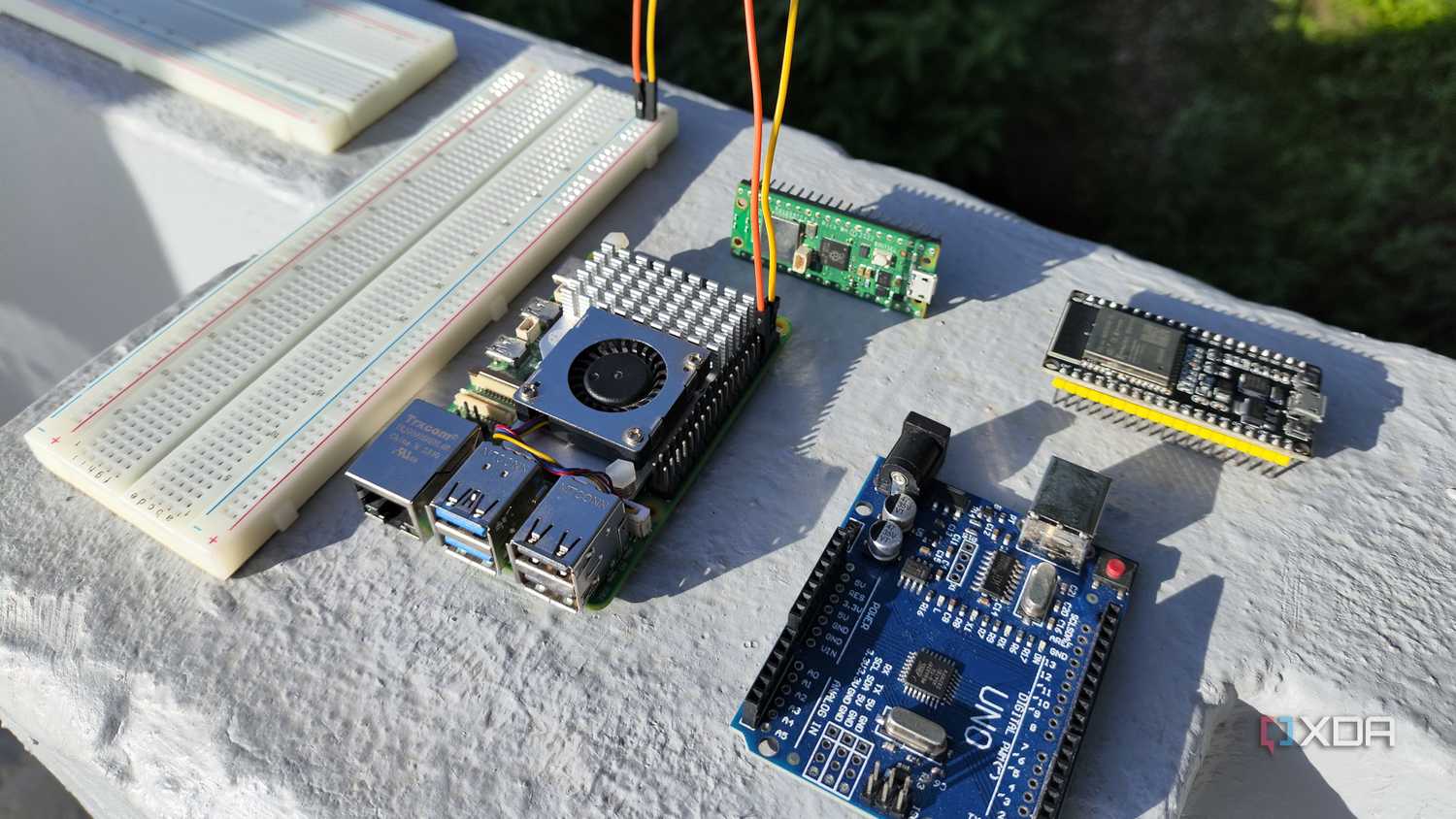
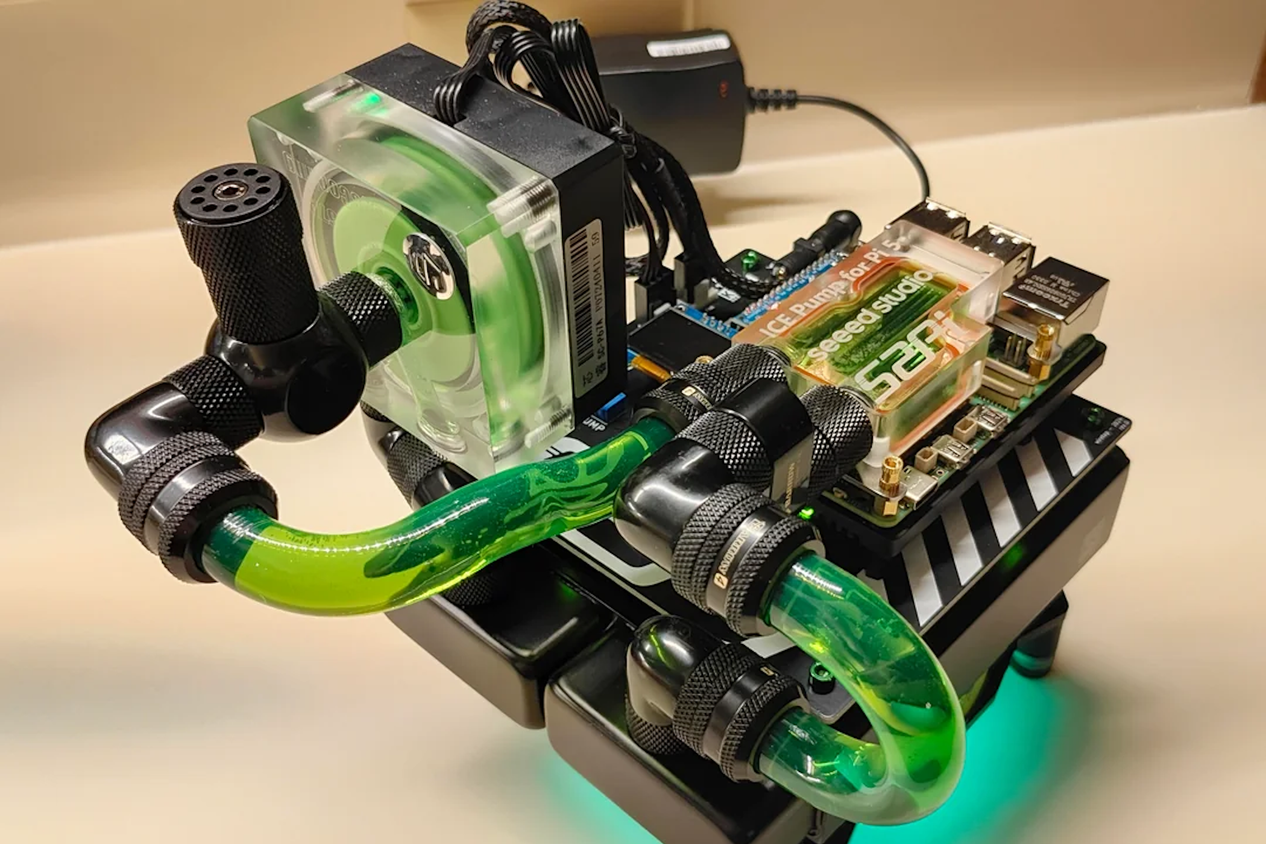
Image Credit: retro3dfx / Reddit


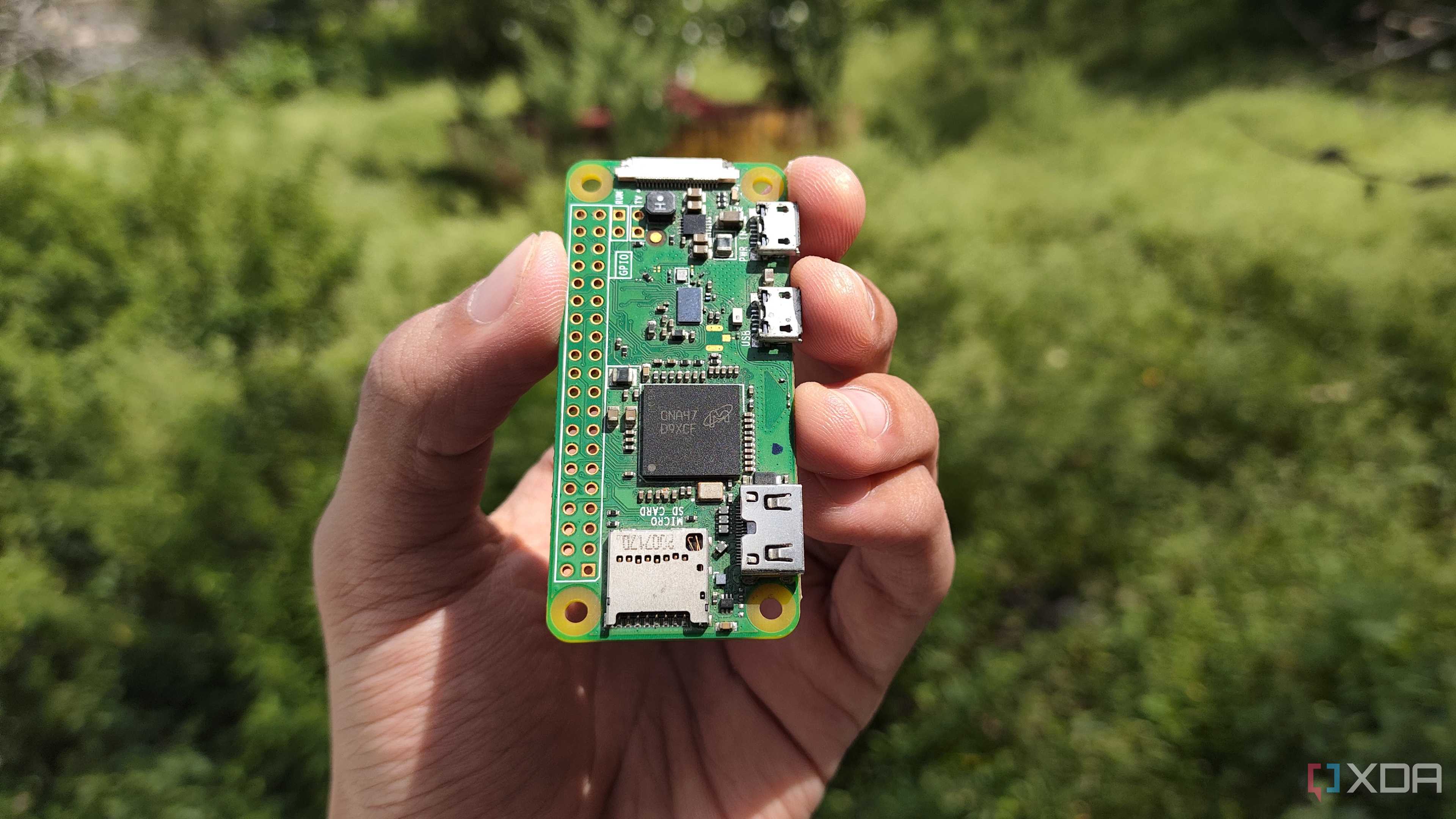
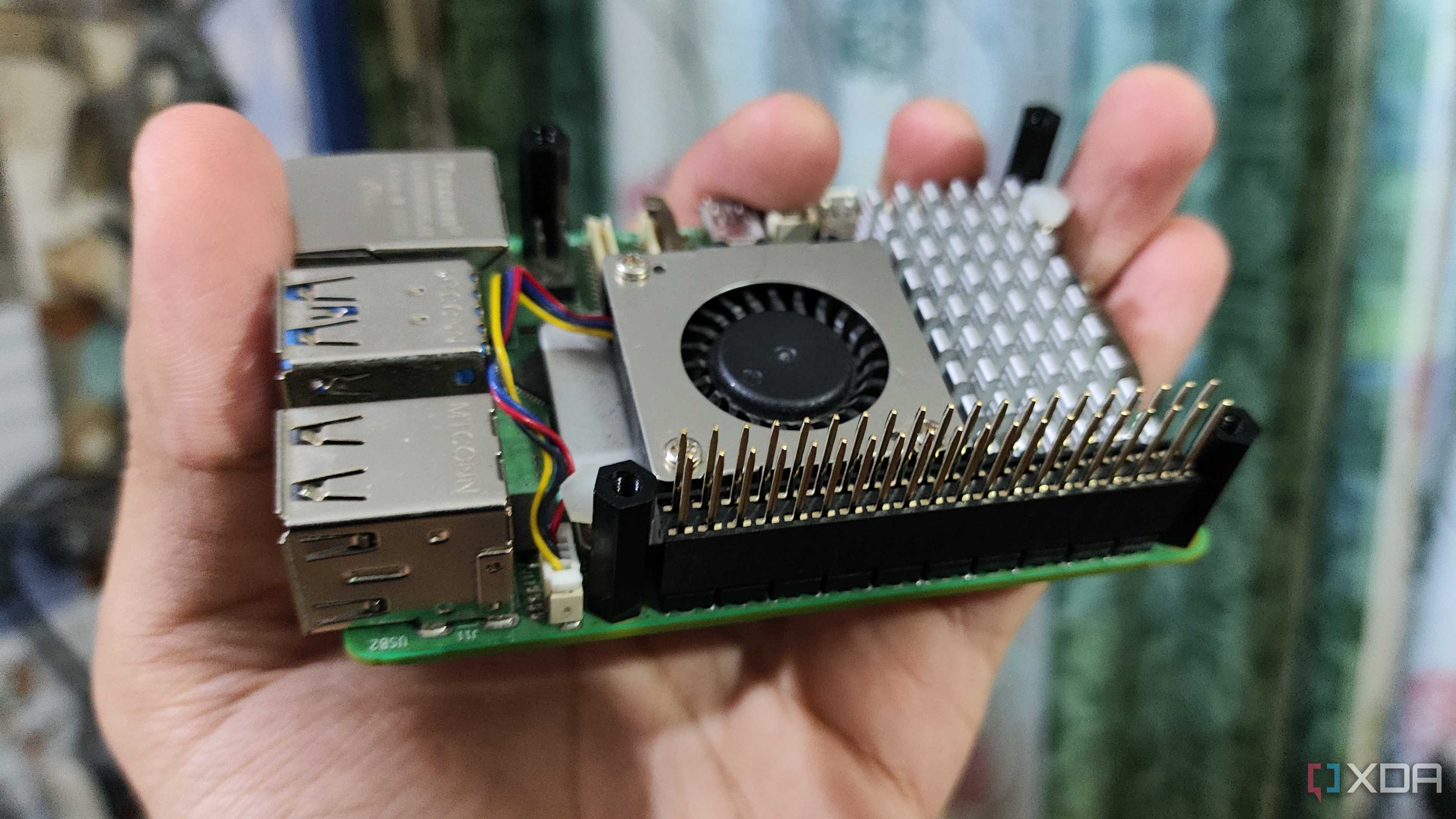
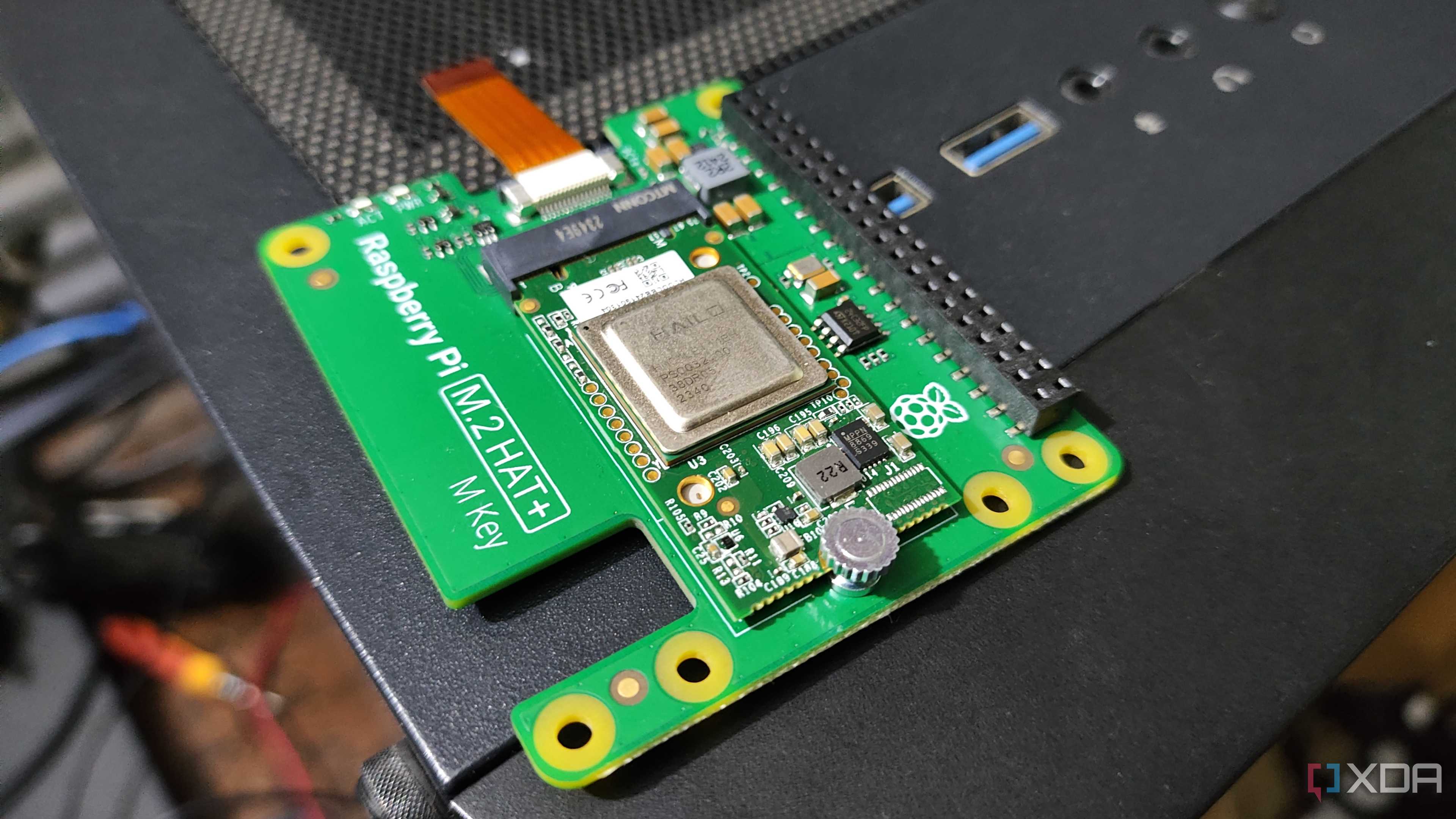
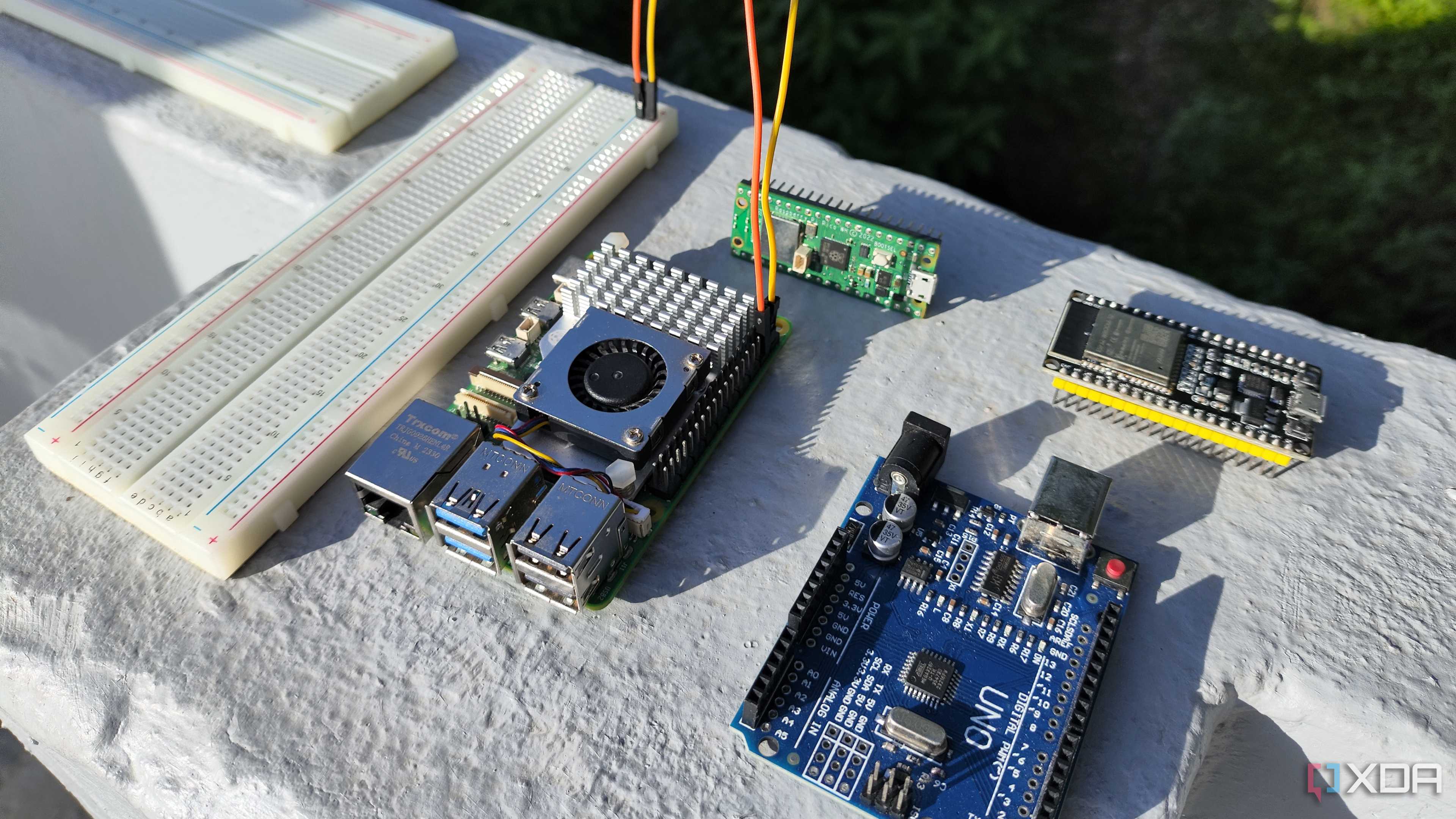
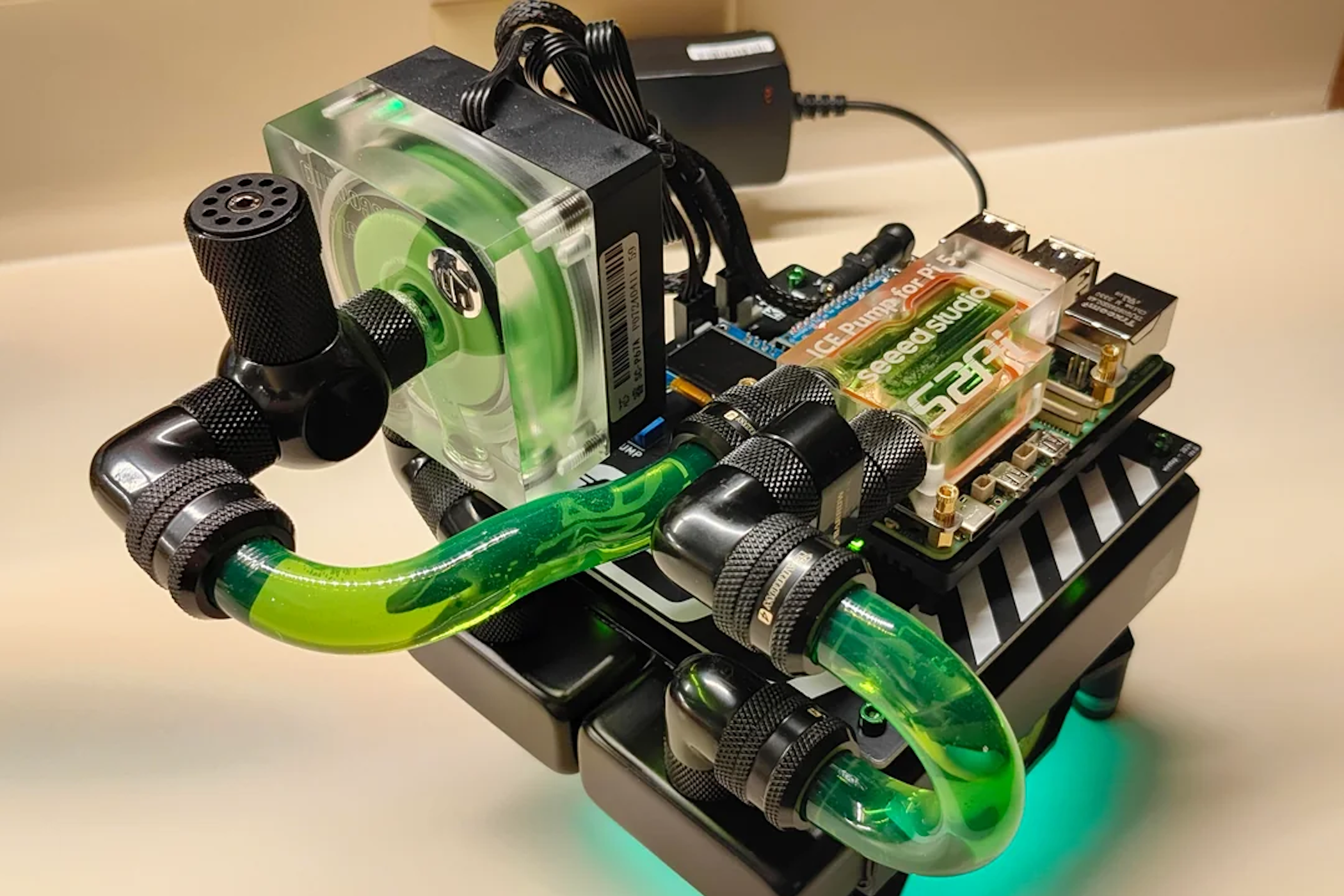
Image Credit: retro3dfx / Reddit
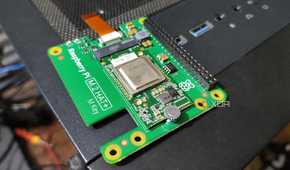
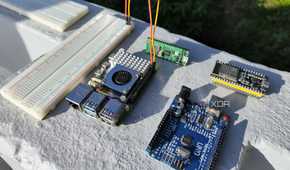
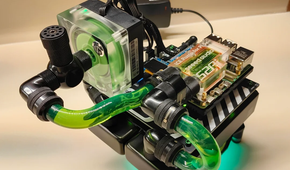
If you’re developing a cool project with your SBC, you need more than just the computer and its operating system. Depending on what you’re building, you might need sensors, servos to make parts move, or camera add-ons. Since the Raspberry Pi really sparked the DIY phenomenon, it just makes sense there’s more of that to choose from for the RPi.
There are almost endless possibilities for what you can connect to your Raspberry Pi, whether you’re putting together a hyperlocal weather station or building a robotic buggy that can navigate a course on its own. The Raspberry Pi includes the USB ports everyone is used to, but it doesn’t stop there.
The 40-pin General Purpose Input/Output (GPIO) header on every Raspberry Pi opens up your project’s potential to incorporate thousands of different sensors, motors, and more. These could connect straight to the GPIO header itself, or they might be part of a more complicated module. Using HAT (Hardware Attached on Top) modules, you can add AI accelerators, SIM modules for cellular connections, NVMe storage, and much more.
Other SBCs have options available, too, but not quite to the extent that you’ll find for the Raspberry Pi. This is especially true for those SBCs that use different pin mapping for their GPIO headers than the Raspberry Pi, since expansions like the HAT typically connect via the GPIO header.
1 A world of software choices for Raspberry Pi
A one-stop shop for almost any app, package, or library you could ask for

If you’re truly trying to make the most out of your SBC, you want plenty of choices of apps to install. If you’ve got the official Raspberry Pi OS installed, you’re already off to a great start for that, but it doesn’t have to end there.
An unofficial GUI-based application store called Pi-Apps hosts more than 200 different apps you can download and install with just one click. These include programming libraries, packages, and apps ranging from productivity software to games and emulators. Whether the apps come from their official developers or GitHub, Pi-Apps makes it easy to install (or remove) the software you need.
Recovering nicely from prior supply chain issues
At one point, the Raspberry Pi was exceptionally difficult to obtain. Supply chain issues plagued the SBC manufacturer for months, right up until the Raspberry Pi 5 came out. Those supply woes led to price hikes that many balked at.
The supply chain issues have, thankfully, been addressed, and obtaining a Raspberry Pi 4 or 5 is easier than ever. Prices haven’t decreased much, but the recent release of the Raspberry Pi 5 with 2GB of RAM makes it less expensive to use for those projects which aren’t actually resource-intensive.
