


For the longest time, the 10 Gigabit Ethernet standard, or 10GbE, was the pinnacle of connectivity to aim at for home lab, NAS, or home server owners. It never really caught on in consumer-level gear, except for a few halo products, and advancements in wireless connectivity standards outpaced the speed of wired adoption. It's also been replaced in the data center, with 40GbE and 100GbE taking its place. Those are faster than you really need at home, though, and so is 10GbE wired networking. Outside a few enthusiast needs, most computer users are better off investing in their wireless router to ensure it has the latest Wi-Fi standards.
5 10GbE is expensive
Seriously, you could better use your money

The biggest drawback to using 10GbE networking at home is the cost. Although, it's not quite as simple as it seems. That's because of a few factors, like ISP service offerings, the market segments 10GbE is usually equipped on, and the costs of 40GbE and 100GbE both dropping since launch. Most homes in the U.S. that can access fiber or cable internet are limited to 1 Gigabit as a maximum download speed. So, the 10GbE network speeds would only benefit devices inside your home network and only those devices with a hard-wired connection and relevant adapter.
The cost of 10GbE equipment depends on whether it uses 10G-BaseT RJ45 ports (copper ethernet cables like the ones used for 1GbE and 2.5GbE) or 10G BaseT SFP+, which uses multi-mode fiber cabling instead. To use fiber, you need cables, transceivers, and PCIe cards, but the overall costs are lower as switches that use SFP+ are more affordable, and you can easily get second-hand enterprise gear. The problem here is that most consumer-level devices, like motherboards or NAS enclosures, use 10GbE RJ45 sockets. Network switches that support 10GbE RJ45 are substantially more expensive than those that support fiber SFP+ transceivers, and so are RJ45-supporting transceivers if you want to convert an SFP+ switch. Add that to the already high price of the 10GbE-equipped consumer devices, and it all adds up really quickly.
4 It takes up processing power
Your desktop CPU will not thank you

With any recent CPU and motherboard, even the budget options are probably able to handle the extra processing load of 10GbE adapters. But it still does take up system overhead, and RAM, which might be enough to make you pause about picking up 10GbE for your desktop. Granted, some of the overhead is handled by the network adapter if you have a PCIe one, but that doesn't happen if your motherboard has 10GbE built-in. The other thing is that some PCIe cards also spike CPU usage, particularly Aquantia-based ones. While that might be driver or firmware issues, cards based on those chipsets have widespread issues. Given that part of the reason you'd want 10GbE in the first place is to have high throughput for database or virtualization use, any network adapter that eats up CPU cycles is a bad thing indeed.
3 Your computer will get hot
10GbE transceivers get toasty warm

Converting things into other things often creates heat, and doing it faster makes the rate of heating increase accordingly. Transmitting 10GbE speeds over either copper twisted-pair cables or fiber generates plenty of heat, with SPF transceivers rated to work between 0C and 70C. I don't think the SPF RJ45 transceiver I use between my NAS and my network switch gets quite that hot, but it's warm enough that I don't like picking up the network switch from that side, and significantly warmer than the other end of the switch which is 1GbE ports. It's also warm regardless of whether my NAS is actively sending data or not.
In my case, that heat is only being dissipated into thin air, as my networking equipment is all on open-air shelving. If I had a 10GbE network card in my PC, that heat would be dumped partially inside my case, and I'd have to worry about upgrading my cooling solutions to remove it.
2 It's superfluous
Ask yourself, do I really need this?

If you're considering upgrading to 10GbE equipment, perhaps before considering specifications, heat, or even the cost, you should ask yourself if you really need this. Now, I'm not saying there aren't some reasons that you could need 10GbE at home. There are, from running a home media server to exploring networking and server equipment in a home lab, or if you have an all-flash NAS that can actually transfer data fast enough to saturate a 1GbE or 2.5GbE link.
But for most of us, those considerations don't apply. Gaming consoles don't use 10GbE, neither do laptops, and neither do TVs nor any of the other smart home devices that come with Ethernet ports. The majority of these come with 1GbE ports, which can be easily and cheaply connected to a home network with readily available and cost-effective copper wiring. If they even come with Ethernet ports, as many devices rely solely on wireless connectivity these days. Do you need 10GbE to wire your low-resolution video doorbell to your network? Or to check on surveillance cameras? No, you don't. Wi-Fi is fine.
1 Wireless connections are good enough for most users
Wi-Fi 7 might even be better

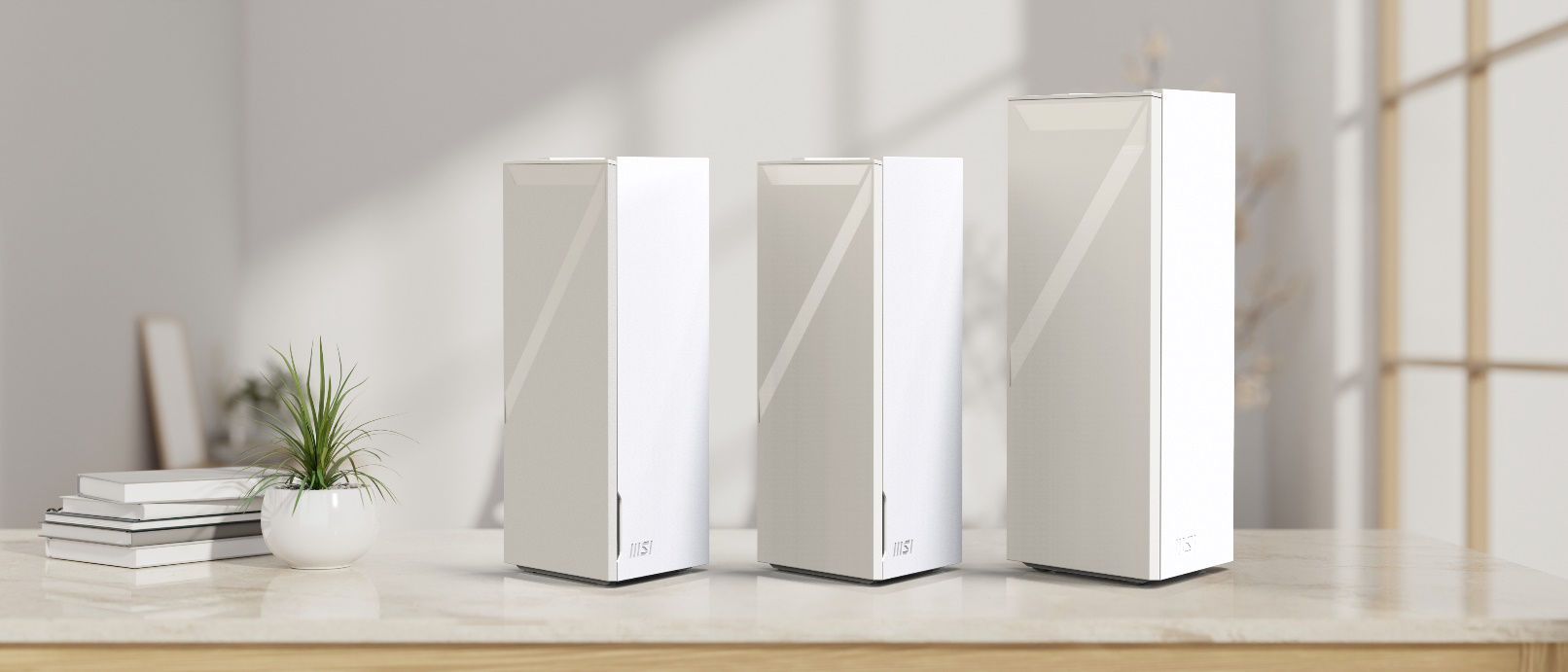
Source: MSI 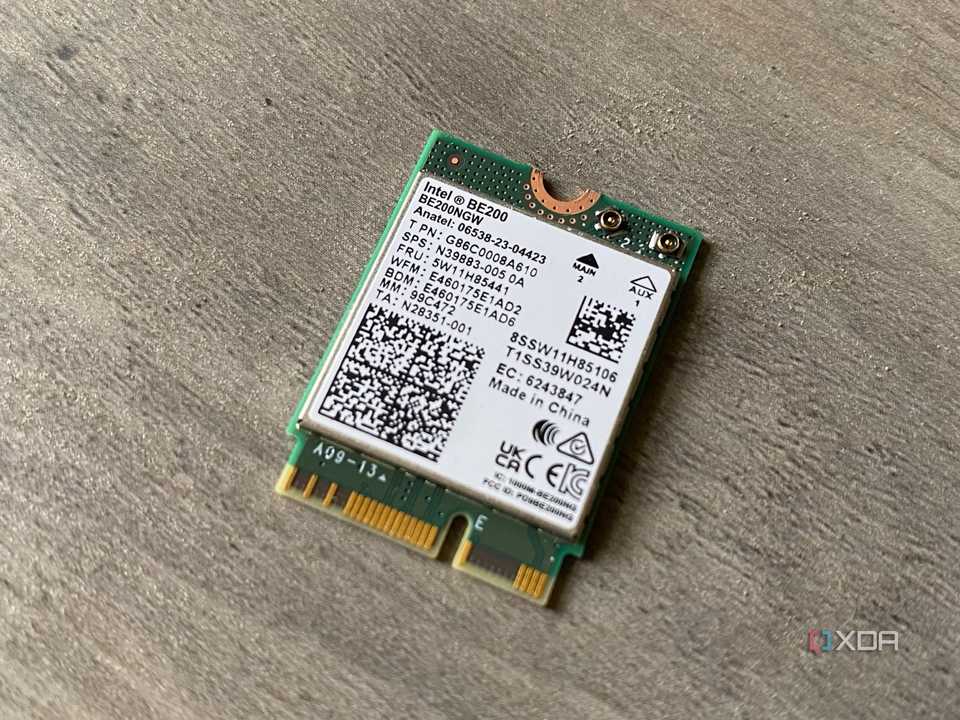



Source: MSI 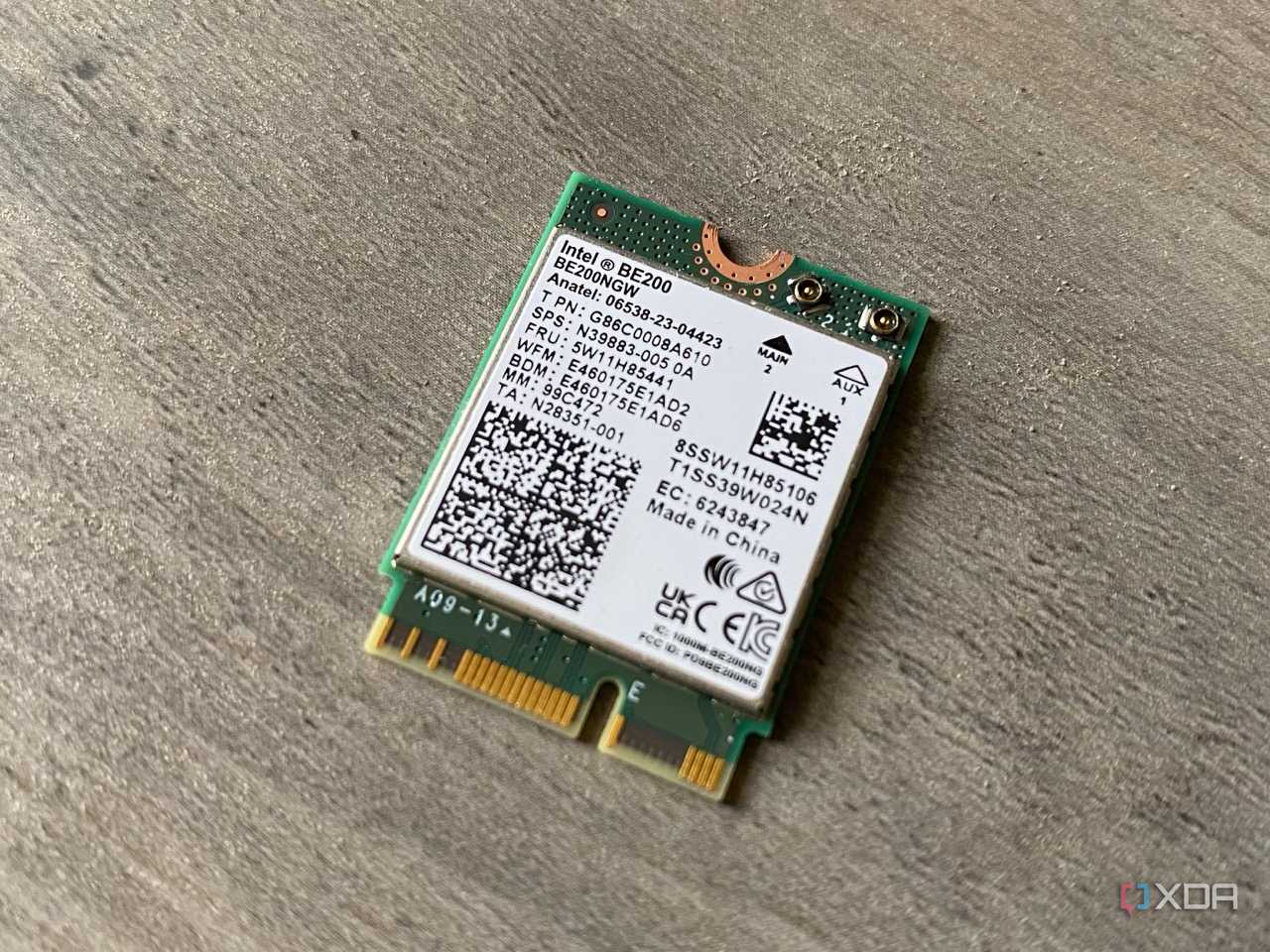
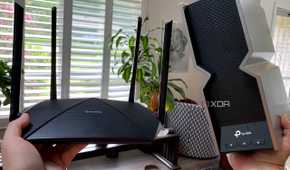

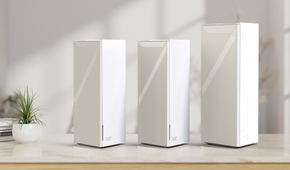
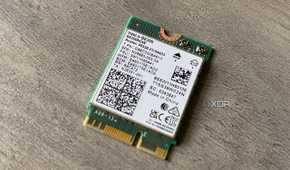
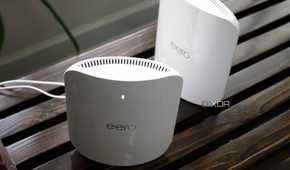
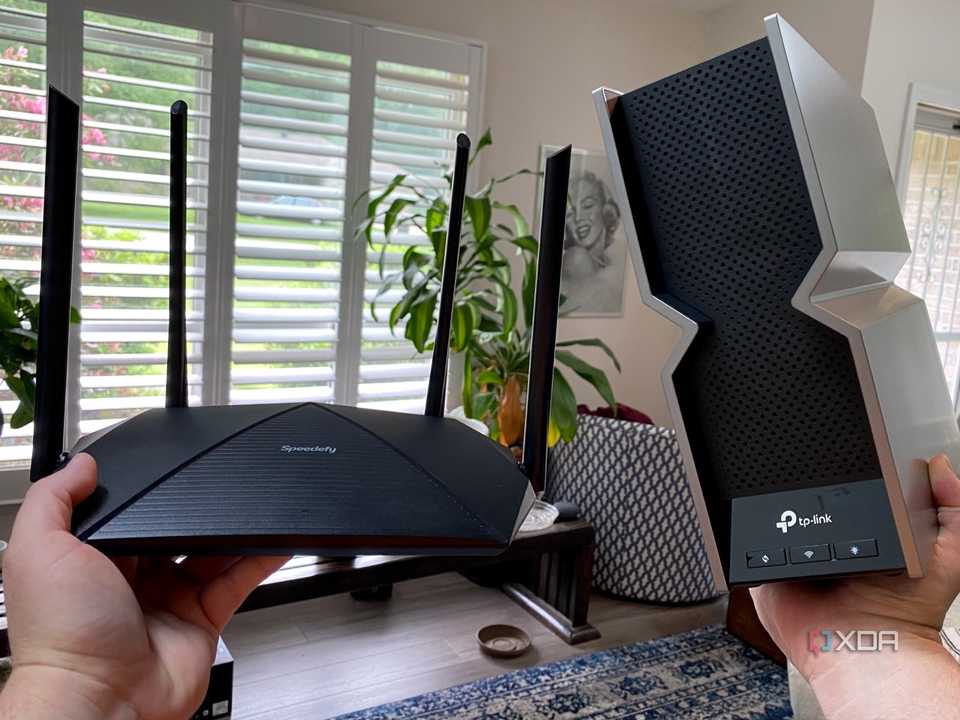
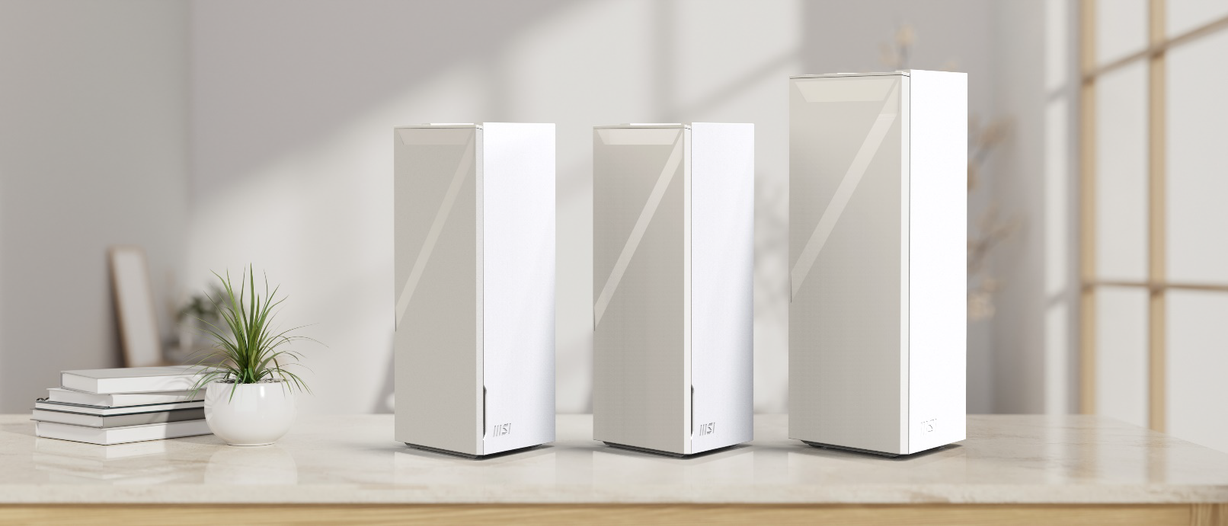
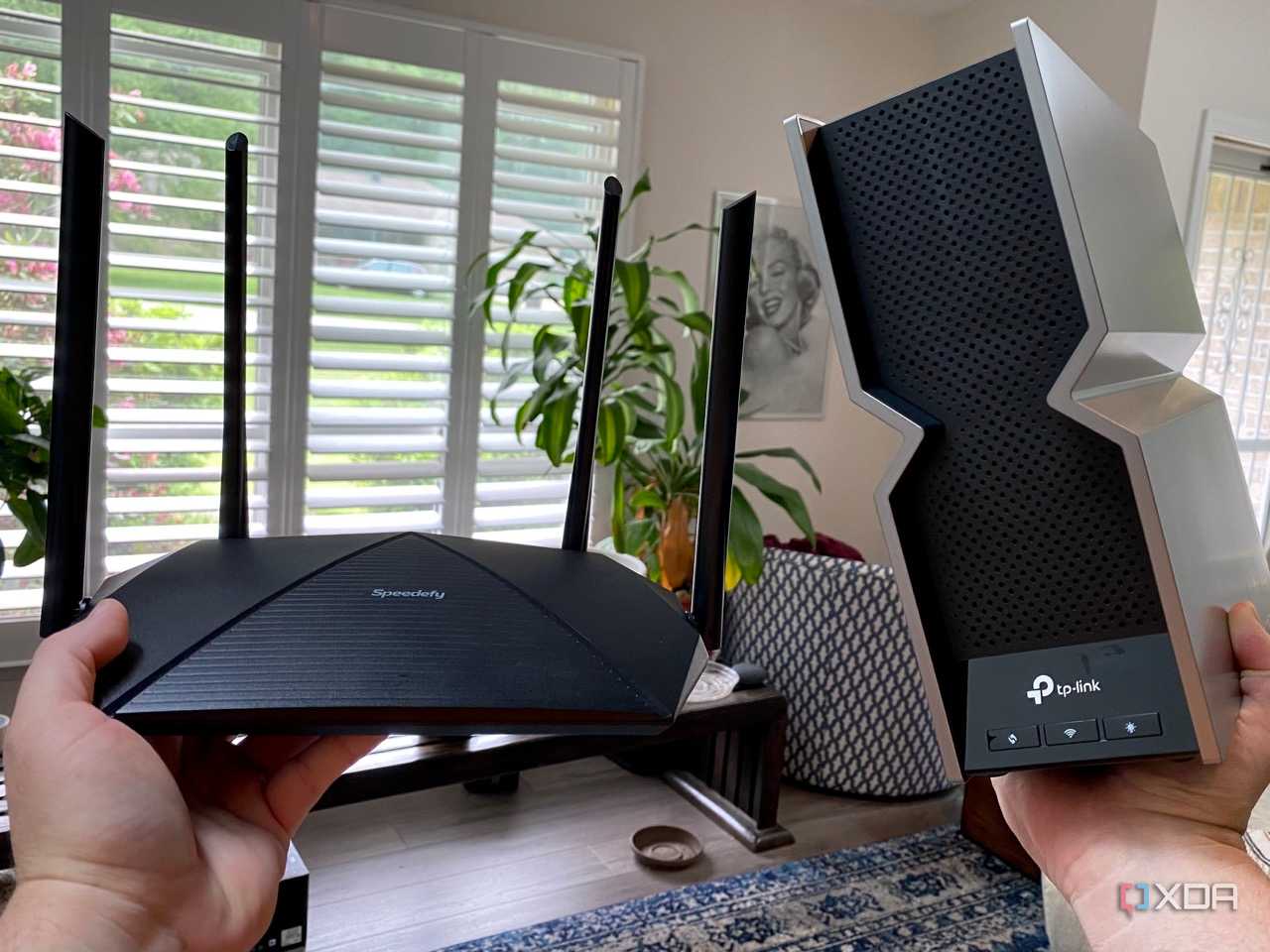
Another reason not to bother with 10GbE wired networking is that wireless speeds and adoption have outpaced that of wired networking. Outside the data center, Wi-Fi is king, and it's not looking like it will slow down any time soon, with millions of Wi-Fi 7 devices about to be in consumers' hands thanks to the iPhone 16 launch. Wi-Fi 6 was already getting close to 10GbE's max data rates, and Wi-Fi 7 blasts past that to a theoretical maximum of 46 Gbps. That's over four times the speed of 10GbE cables without having to run physical wires or do anything other than upgrade to a compatible router.
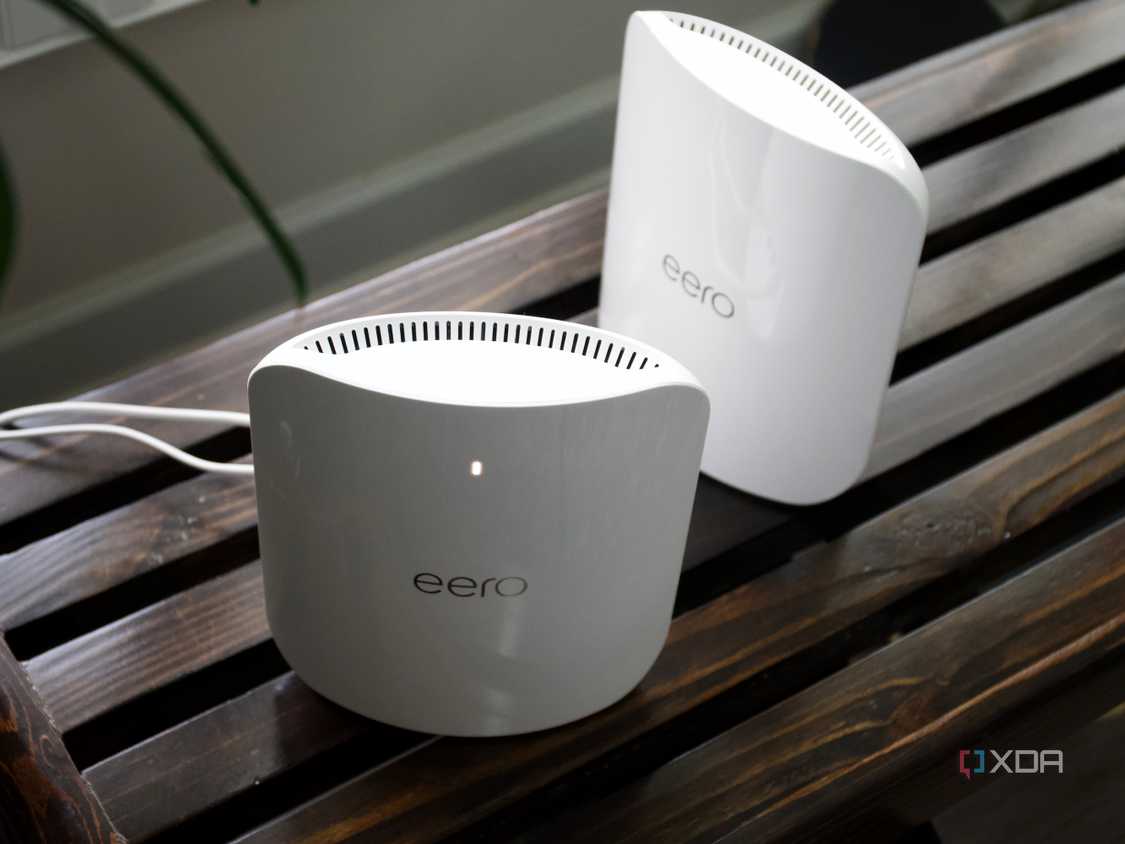
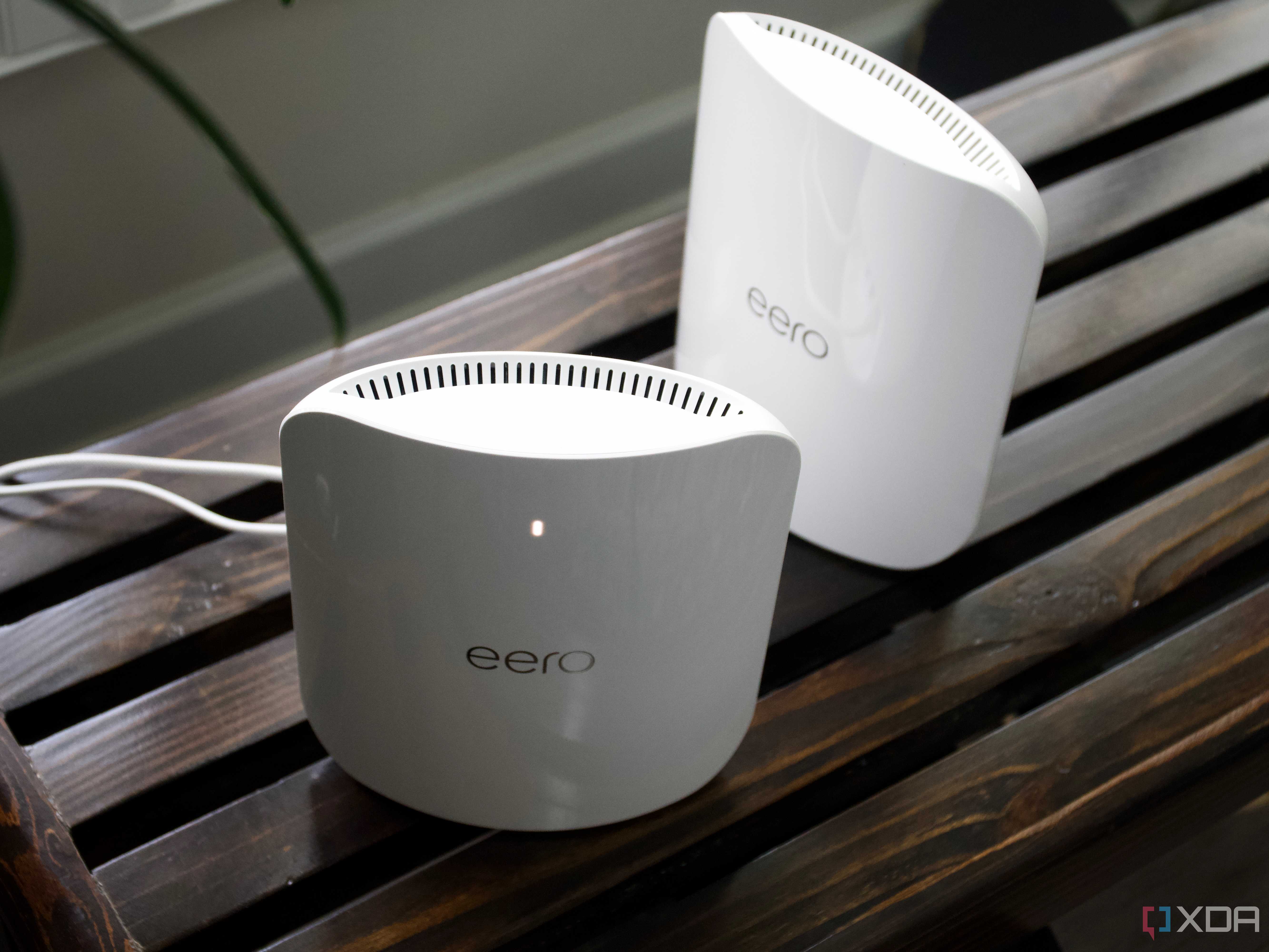
The only thing holding back Wi-Fi is signal consistency issues, but you can get around that by setting up a mesh network. That's also as simple as plugging in the mesh nodes to power and sitting back while the firmware connects them together. No fuss, no muss, and no struggling to pull cables through your walls. Wi-Fi 8 is in development already, with faster speeds and, more importantly, higher reliability. When that lands, the days of home networks needing wires are over.
You don't want the hassle of rewiring your home with 10GbE cables
There probably will be a point where home networks do need 10GbE speeds. But, we haven't reached it yet, and by the time we do, faster wired connectivity standards will be cheaper and more available to home users. Using RJ45 Ethernet cables for 10GbE is only useful for short distances anyway, so you'd want to wire your home with multi-mode fiber for the best results, and then you can think about 40GbE or 100GbE because they all use the same fiber connections. But, with fewer devices coming with Ethernet ports, and faster Wi-Fi standards with high bandwidth, is wired connectivity becoming a thing of the past for home networks? It might just be, outside of enthusiasts and home labbers.
