


Summary
- Testing various AI models for text-to-video generation was a disaster, leading to half-baked, inconsistent footage.
- Stable Video, Runway Gen 2, and LumaLab's Dream Machine all failed to produce satisfactory results for the short film project.
- AI-powered tools may work with top-tier equipment and stylized, animated approaches, but they're not good enough for realistic shots.
When OpenAI showcased the text-to-video generation capabilities of Sora earlier this year, I was blown away by the clips the AI model was capable of creating. Up until that moment, I’d struggled to come up with real-life scenarios where I’d need to use generative AI. But Sora's impressive video generation capabilities struck a chord with me, and I found myself regularly keeping tabs on OpenAI's amazing AI construct. You see, film-making was always a passion of mine, which got sidelined by my obsession with tech.
So, I decided to direct my first AI-powered short movie a few days ago. But since OpenAI’s next-gen video-generation platform isn’t available yet, I had to look into other ways to create the footage. As you can expect, the entire project was doomed from the very beginning, and all I got were half-baked videos that had far less consistency than the naming schemes used by hardware manufacturers.
Working on the script

Since I wanted AI models to generate the entire film, I had to come up with a simple script that I could convert into easily understandable prompts. I went with the theme of the daily life of a man in his 20s. I wanted to put my own twist on the matter, as near the end, it’s revealed that our protagonist is an AI who does everything he can to pretend to be a normal human.
A bit cheeky for someone using AI, I know, but since over 90% of the footage would include scenes from daily life, AI models shouldn’t hallucinate too much when creating the videos. Or so I thought until I actually dived headfirst into the AI tools. Forget recording the narration/voices for the film, I couldn’t even go as far as three shots into the movie without the AI messing something up. Heck, I ended up abandoning the idea after hours of creating prompts that led to horrendous results. But if you’re interested in my misadventure, here’s a timeline of how everything went down:
Stable Video produced somewhat real-looking clips
But the footage didn’t follow the script at all
I started things off with Stable Video’s text-to-video facility to create the first frame, which included a man getting out of bed, turning off his alarm clock, and switching on the lights. For those unaware, the text-to-video option on Stable Video first generates a set of images. Once you pick the ideal image, the model uses it as a reference for the rest of the clip. As it turned out, my prompt was too much for Stable Video to comprehend, as none of the three images were even remotely close to what I had in mind.

But I went with the one that looked somewhat okay and used it to generate the video. What I got was a clip of a man muttering under his breath as he pulled his hand away from the alarm clock, which didn’t even fit the contents of the script.
I shortened the prompt and repeated the procedure, but the result was still the same. So, I decided to switch things up a bit for my next attempt. Instead of using Stable Video to generate both the image and the footage, I split the workload by using another AI model to create a reference image that was more in line with what I wanted.
The results were a little better when using Adobe Firefly and Stable Video
However, I hit a major issue after generating the first scene
Since I’ve already subscribed to Adobe’s Creative Cloud, I used Firefly to generate the image for Stable Video. This time, I gave a concise prompt and selected the necessary filters to give the image a more realistic appearance. After a couple of attempts, Firefly managed to create an image that I can only describe as adequate.


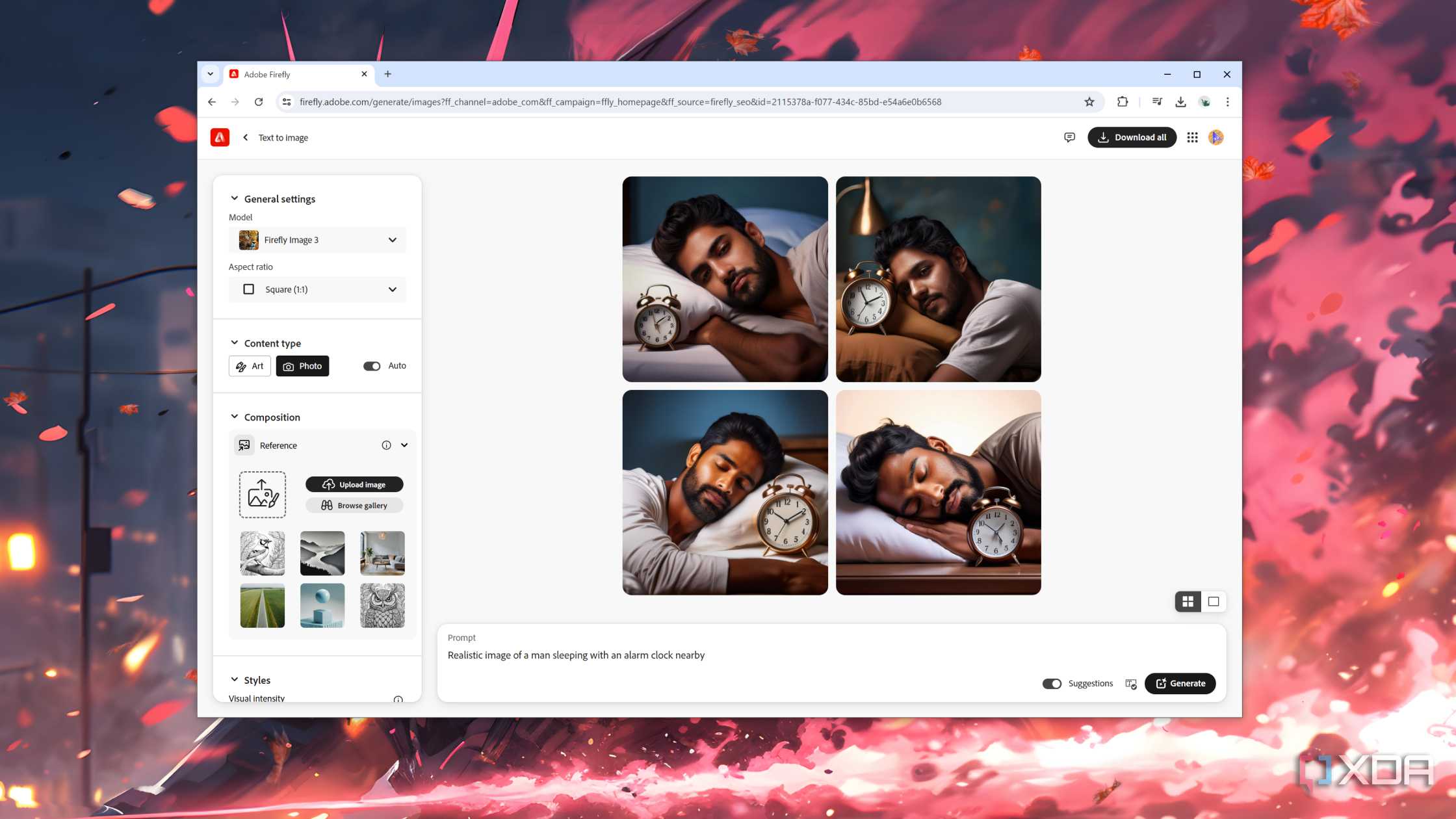
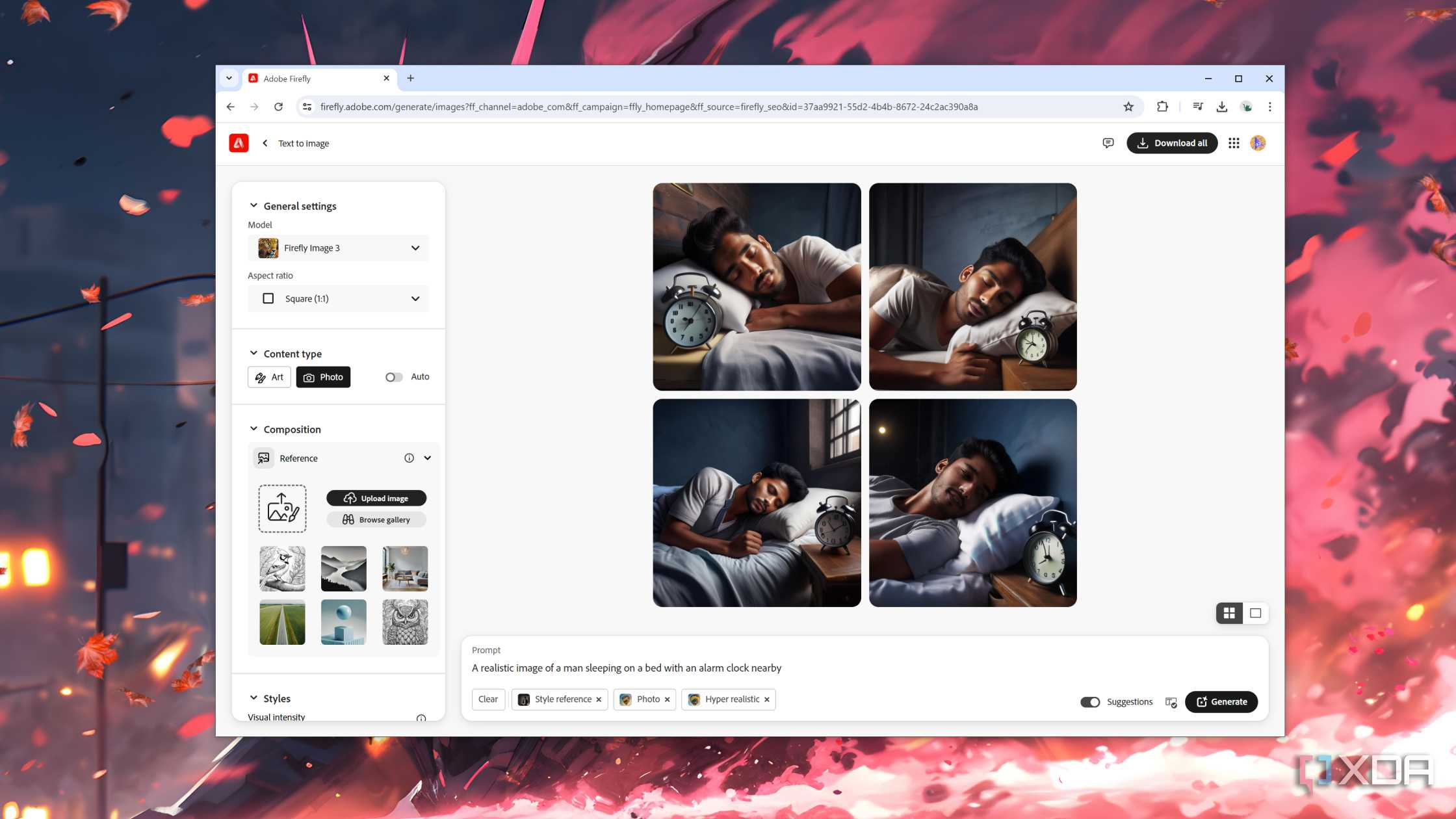
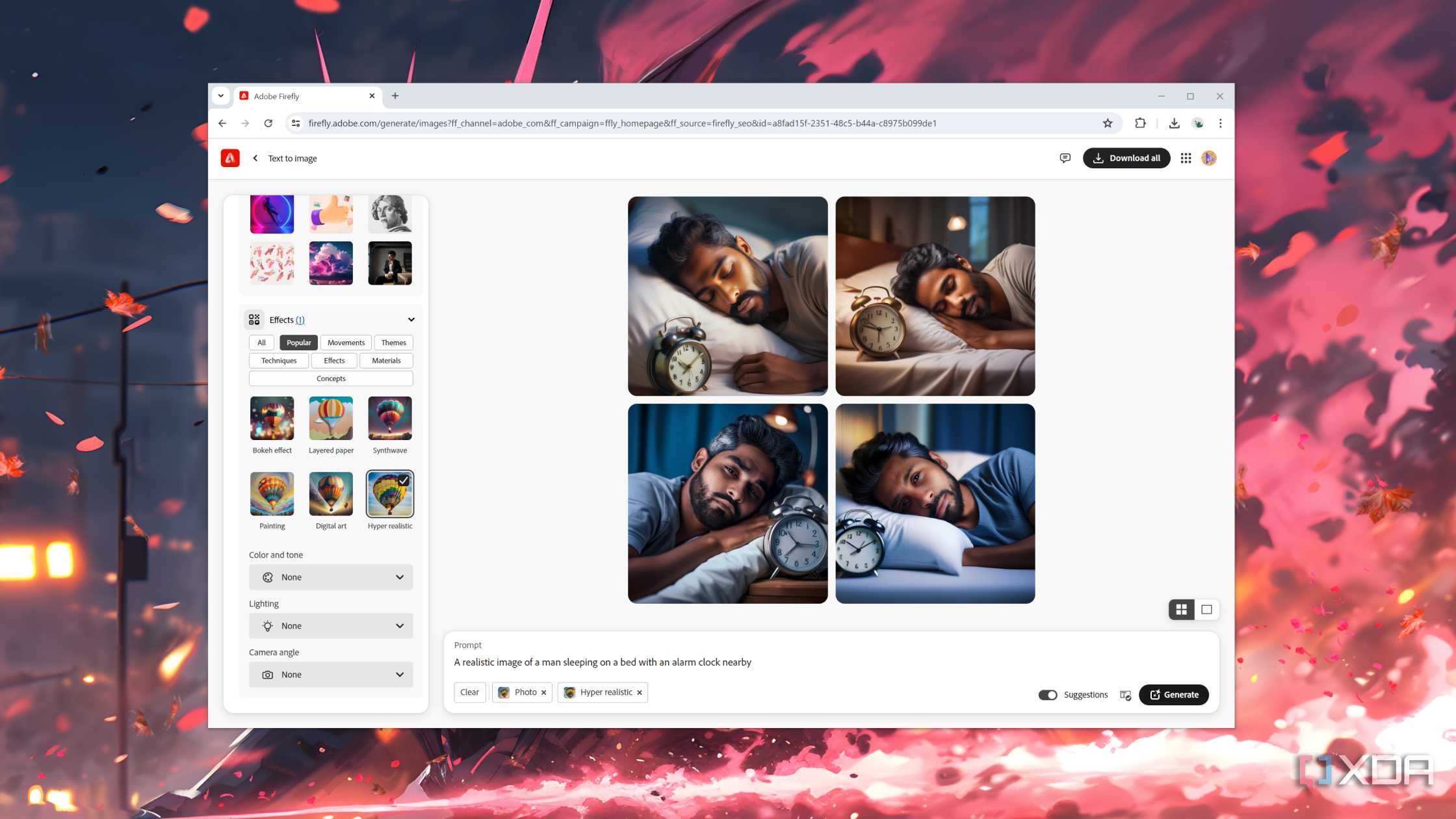
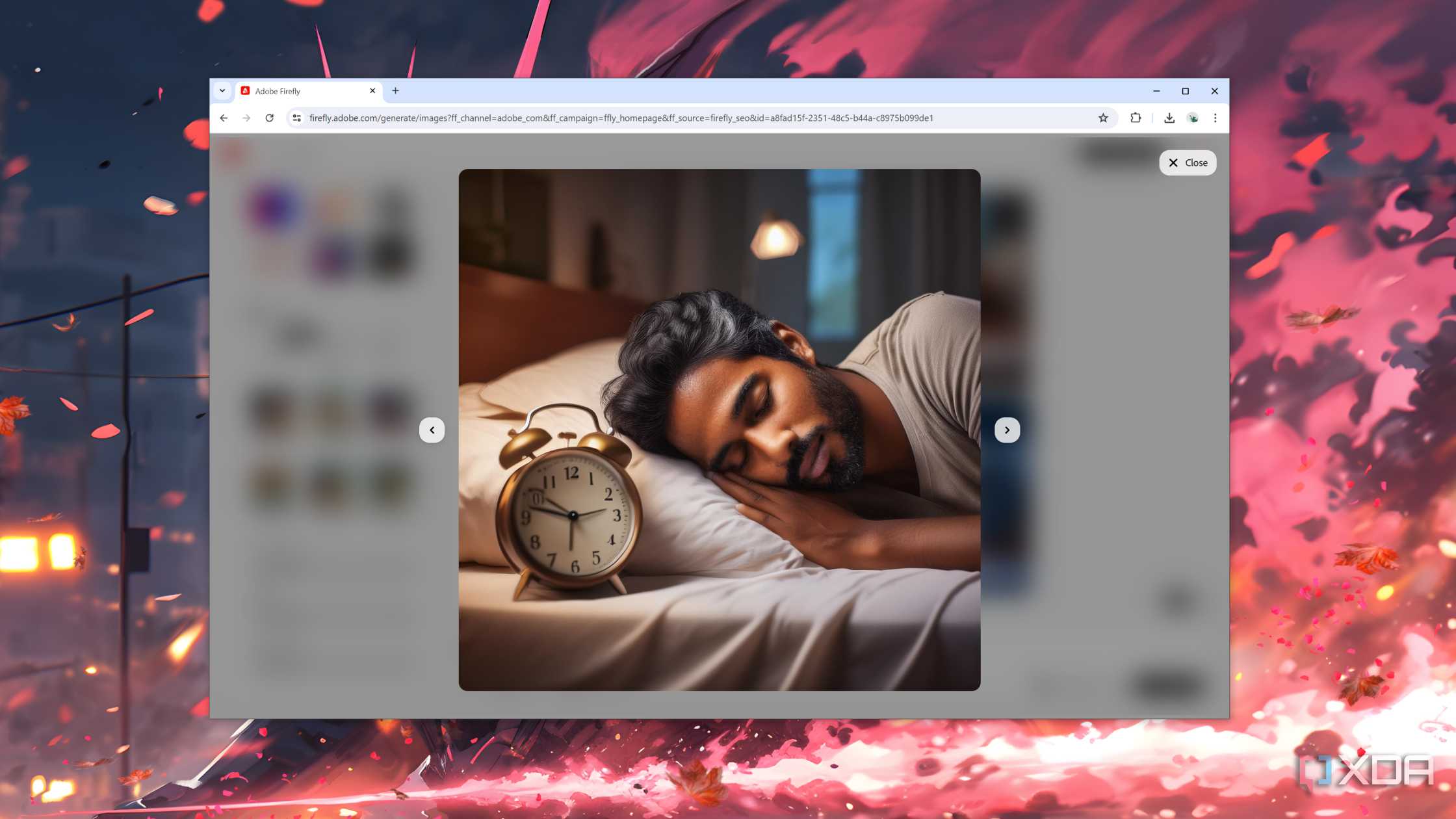
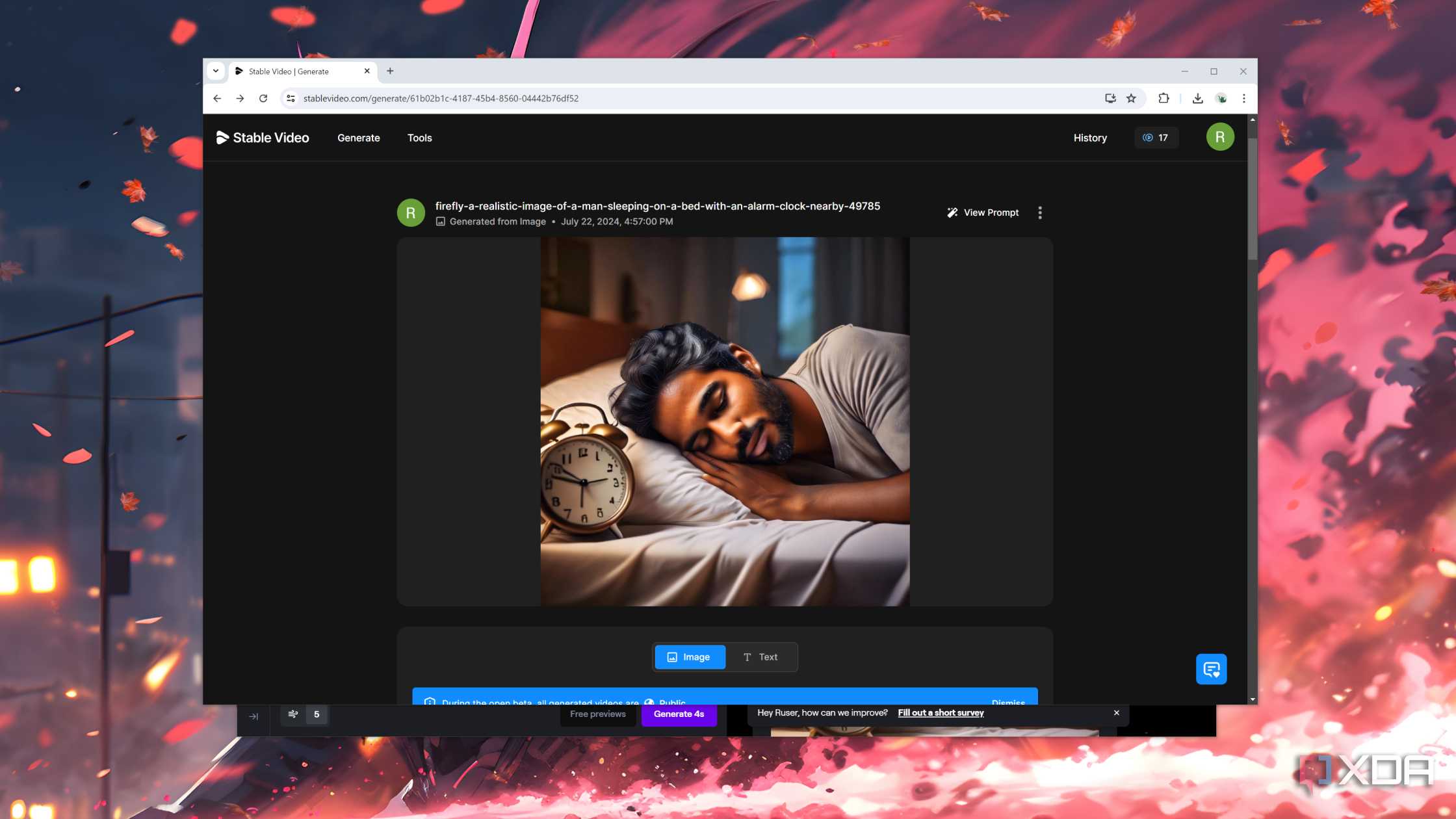





I fed this image to Stable Video and all it did was pan the camera around. Nevertheless, I was finally done with the first shot of the film and hit a major roadblock: making sure the same character appeared in all scenes.
Since the second shot featured the guy eating breakfast, I generated some prompts featuring him eating food at the dining table. In the first couple of images, Firefly created a (different) man staring at the camera, so I had to modify the prompt to create a somewhat realistic scenario. But the protagonist from the previous scene was nowhere to be, well, seen. After more attempts, I finally got an image where the guy looked somewhat similar to our protagonist and uploaded it to Stable Video.

Unfortunately, Stable Video butchered the animation, and the character's face looked like something out of a low-budget horror movie near the end of the clip. Another thing worth mentioning is that Stable Video uses credits to generate videos, and by now, I'd used up all of mine. So, I waited another day before uploading other Firefly images to the AI model.
Transitioning to the next scene was always an issue, and once I tried to generate clips with another character in the shot, things quickly fell apart, and I ended up calling it quits after running out of credits yet again. As such, it was time to look at other alternatives.
Runway Gen 2 produced mixed results
At least it has quicker load times

With Stable Video failing to produce anything decent, I turned my attention to Runway Gen 2. Instead of directly using the images I created using Firefly, I opted to generate both reference photo and the video on Runway ML, and well, this is what I got.
So, I doubled back on that decision and fed the Firefly image to the Runway ML. Sadly, the videos were even more terrible than the last time, and even after creating five different clips with other reference images, I couldn’t complete the second frame of the short movie. The problem was further exacerbated once you threw Firefly’s lack of consistency when creating the images into the mix. The only decent clip I got was of our main character writing something in his notebook for scene four.
However, all hope wasn't lost, since there was one model I still hadn’t used yet: LumaLab’s Dream Machine.
The Dream Machine created nightmare-fuel content
It was also a test of patience, in more ways than one

One of the best features of LumaLabs’ Dream Machine is that it lets you create five-second clips, and extend them further using more prompts. Theoretically, this should prevent the AI model from changing the protagonist’s face in every shot. The key word here is theoretically, because, in practice, Dream Machine gave me the most headache out of all the apps I had tried so far.
Once again, I started with the first prompt of a man waking up and turning off an alarm clock. After entering the prompt into the search bar, I waited for more than an hour before receiving the first five seconds of the video. Leaving the man’s weird expressions aside, the first clip was surprisingly decent, and I got a little excited that the project was finally taking off.
However, things fell apart after I clicked the Extend button and entered the second prompt about the protagonist getting out of bed and heading out towards the door. After waiting for what felt like an eternity, all I got was this monstrosity:
I tried generating the rest of the footage, but my other attempts failed just as spectacularly, forcing me to wrap up the ending of the film. Unfortunately, the scene where the protagonist lies down and inserts a USB cable into his neck couldn’t be created because Firefly failed to generate the right image even after 20 tries. As you can guess, the text-to-video generation tools produced absolute abominations when I let them generate both the reference image and the video for the ending sequence. With that, I took off my director's hat while laughing at the absurdity of the shots in my short film.
It’ll be a long time before AI takes over any film-making jobs

Despite the project ending in a massive failure, I did learn a couple of things. For one, AI-powered tools like Stable Video can produce somewhat decent results if you provide them with reference images from decent text-to-image generators. Also, panning and zooming in the photo is far better than asking the generative model to animate or add motion to a character. For current AI models, you should also remember that you won't get to use the same character in more than one video.
Of course, I’m not completely shunning AI either. Even in its current state, it might just work if you have a high-end PC running the best Stable Diffusion-powered image generator alongside the paid versions of the apps I used. In hindsight, I also shouldn’t have aimed for a realistic film to begin with. Instead, I should have gone with stylized, animated clips with different characters and a couple of still images to transition between each shot.
But that’s a project for another time. For now, I’m perfectly satisfied with composing human-shot footage and editing it using After Effects and DaVinci Resolve.
