


Summary
- Ducky Zero 6108 is a fantastic no-frills keyboard that impresses with solid build quality and comfortable typing experience.
- Lack of manual and confusing controls make initial setup a challenge, but customer support can provide guidance for smooth operation.
- At $100, this keyboard is a great entry-level option for customization with custom switches and impressive attention to detail.
Ducky is a company you've probably heard about in the mechanical keyboard sphere, and the company is known for making decently well-rounded keyboards that promise a high build quality and a comfortable typing experience. The Ducky Zero 6108 is essentially that philosophy wrapped up in a single keyboard, without any additional frills or extras.
The Ducky Zero 6108 is a fantastic keyboard that feels amazing to type on, but there's a lot that I'm not a fan of, too. It was needlessly difficult to get started with it, mostly thanks to the fact that there was no manual in the box and the manual the company submitted to the FCC didn't match the keyboard. While I was able to use the keyboard wired for a few weeks, when I eventually tried to switch to wireless mode, I was unable to get it to connect and I couldn't get it to connect back as a wired keyboard anymore either.
I have since contacted Ducky and received the lowdown on how all of the keyboard's features work, so you can read this review and get an idea of it so that you don't have to suffer like I did. I also saw other users on Reddit aying the same thing, so I know that it's not a problem limited to me. Once you have the manual, it's a great keyboard, and I highly recommend it for both gamers and those who work at their computers alike.
About this review: Ducky sent me the Ducky Zero 6108 for the purposes of this review on the 5th of July, 2024. The company had no input into the contents of this review.


Ducky Zero 6108

- Form factor
- Full size
- Switch options
- Cherry MX2A
- Colorways
- Black, White
- Backlight
- RGB
The Ducky Zero 6108 is a fantastic no-frills keyboard that manages to impress, though you'll need to do some research to ensure you know how to fully use it.
- No-frills
- Great to type on
- Looks fantastic
- No software controls
- Too basic for some
Pricing and availability
The Ducky Zero 6108 comes in two colors, Black or White, and will set you back $100. There aren't any other options aside from those, keeping the choice fairly simple.
Ducky Zero 6108
- Form factor
- Full size
- Switch options
- Cherry MX2A
- Colorways
- Black, White
- Backlight
- RGB
- Dampening
- PU bottom foam
- Keycaps
- Double-shot PBT
- Supported operating systems
- Windows, Mac
- Hot-swappable
- Yes
- Battery capacity
- 2,500 mAh
- Connectivity
- Bluetooth, Wired, 2.4GHz
- Weight
- 1.2 kg
- Brand
- Ducky
- Num Pad
- Yes
Build quality and design
Completely modular


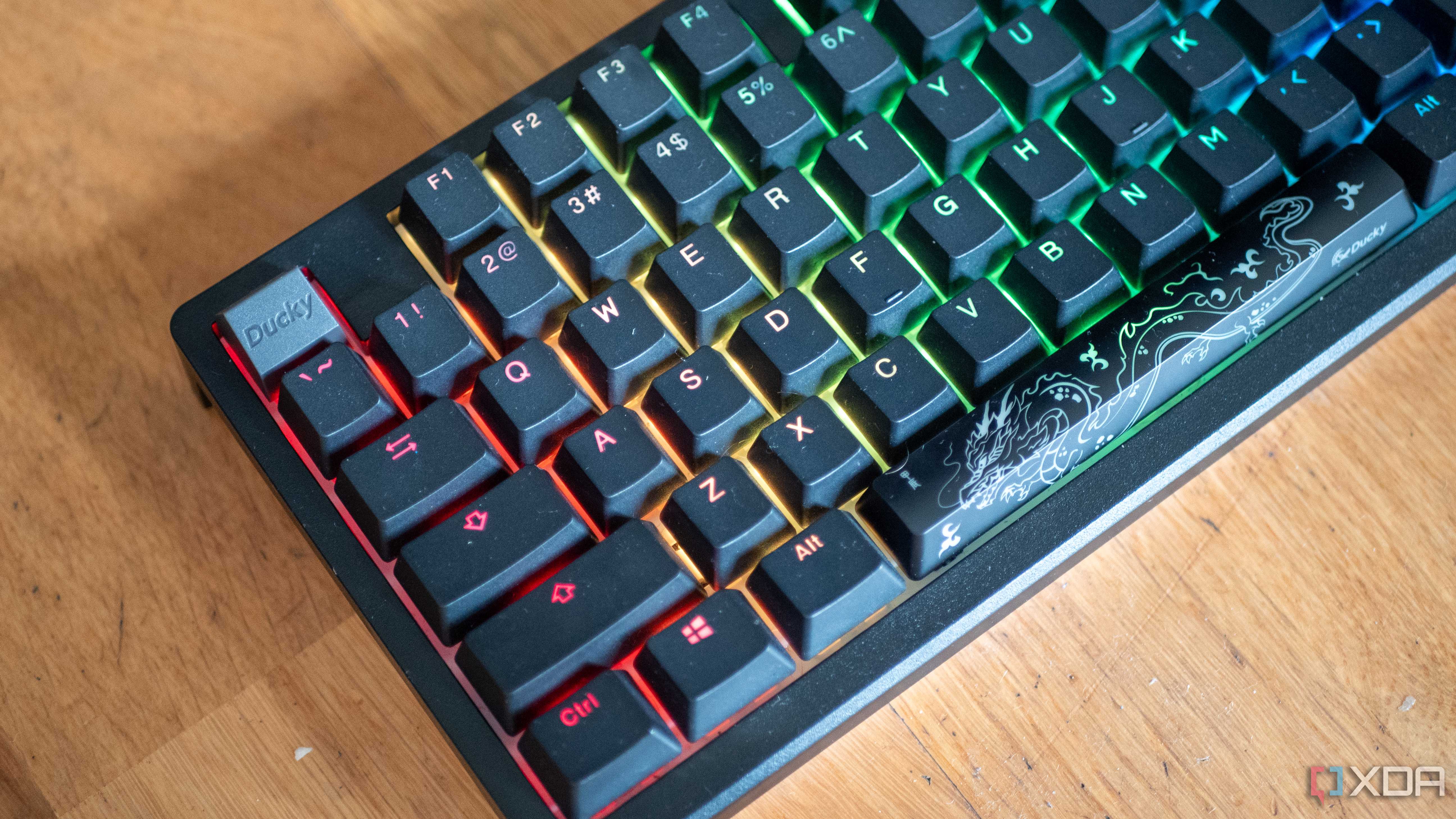
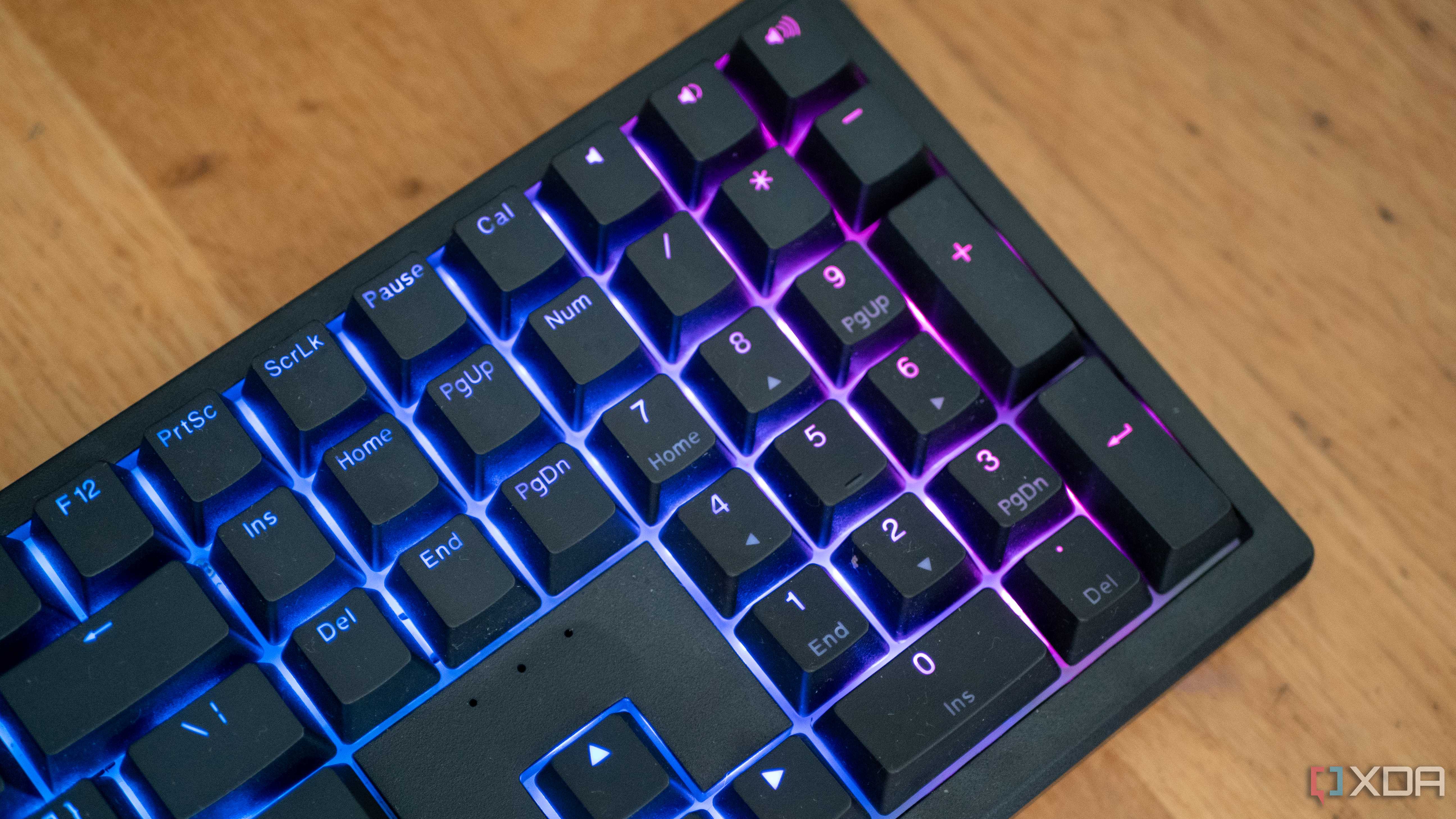
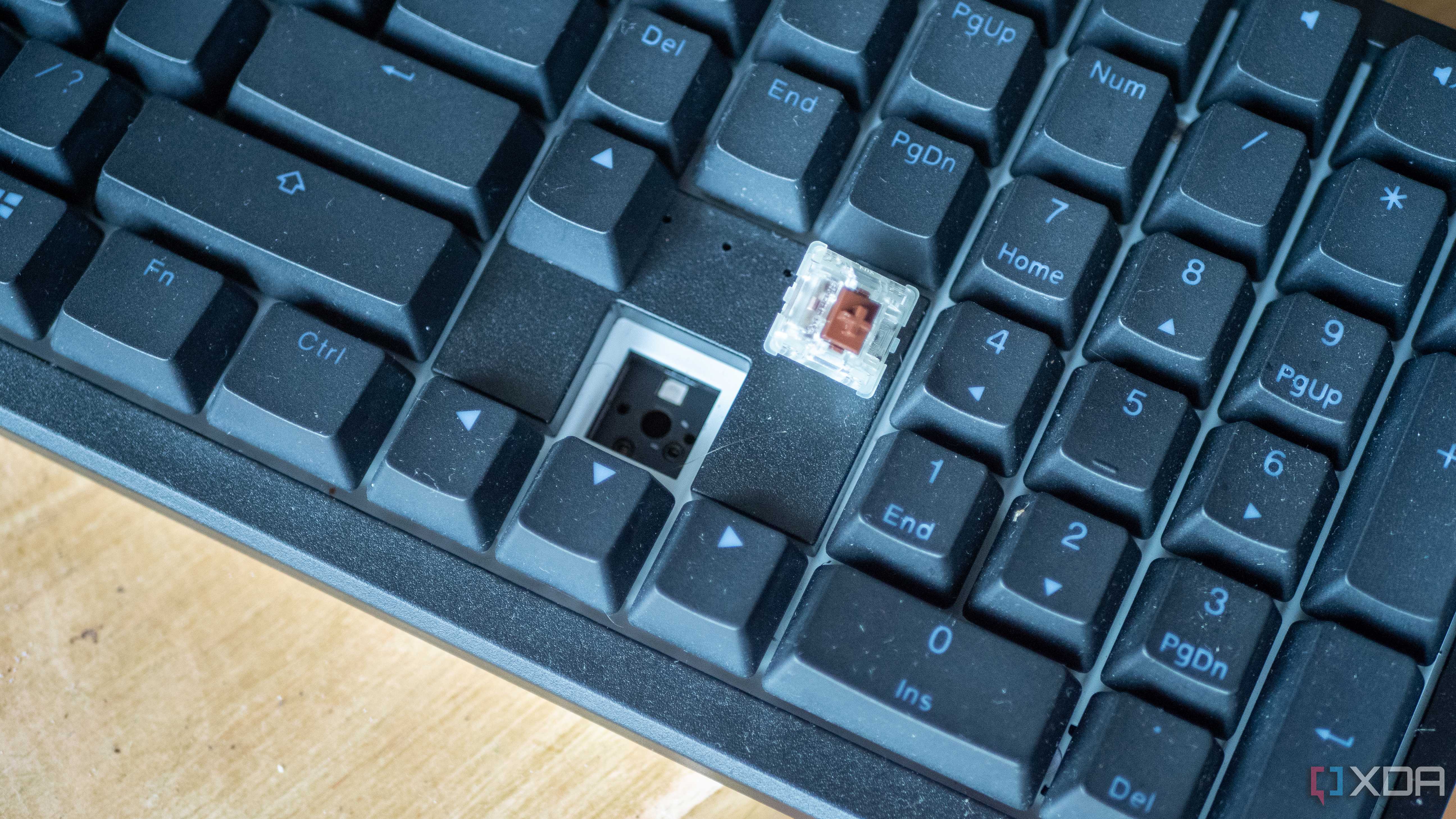
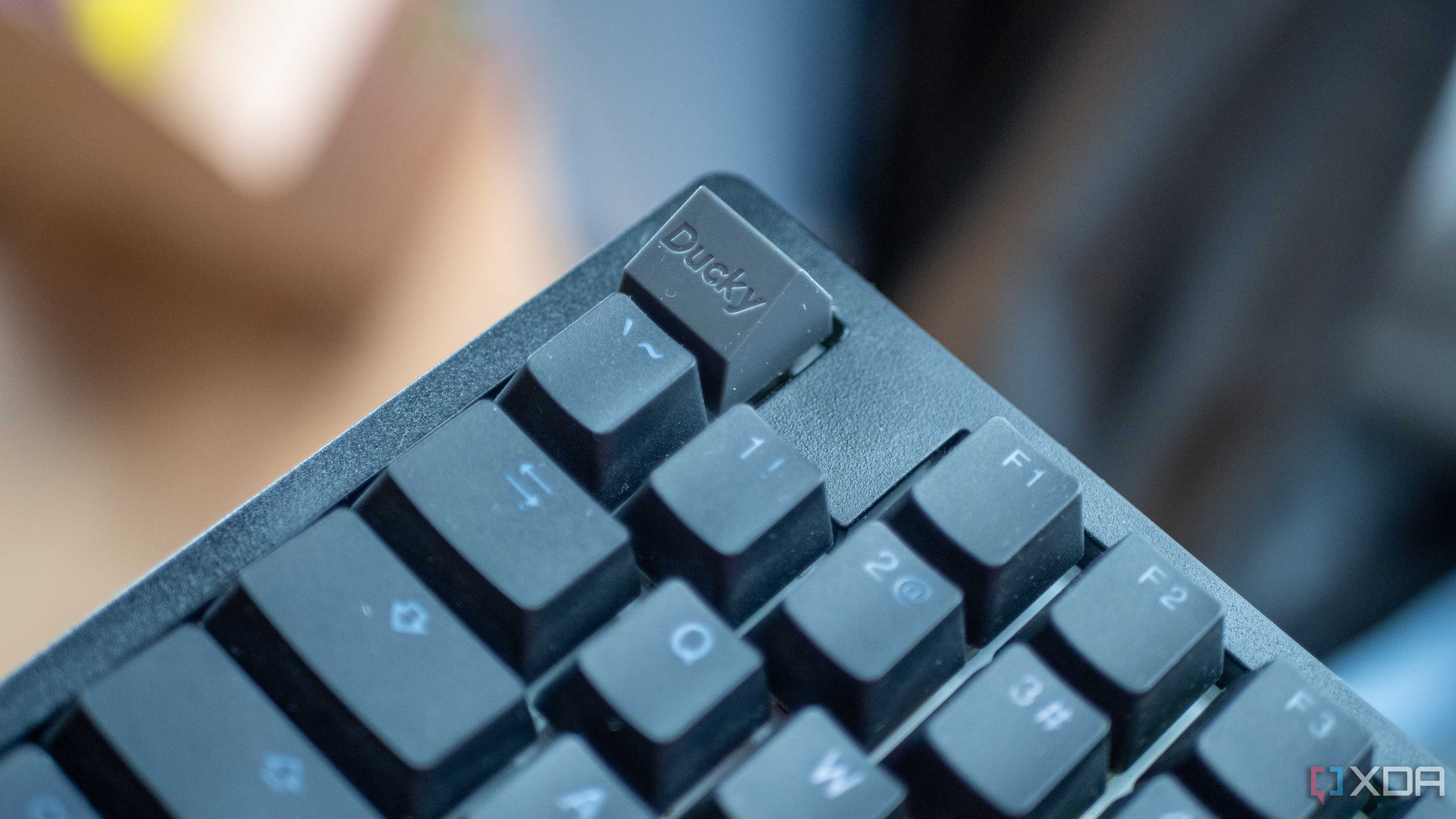
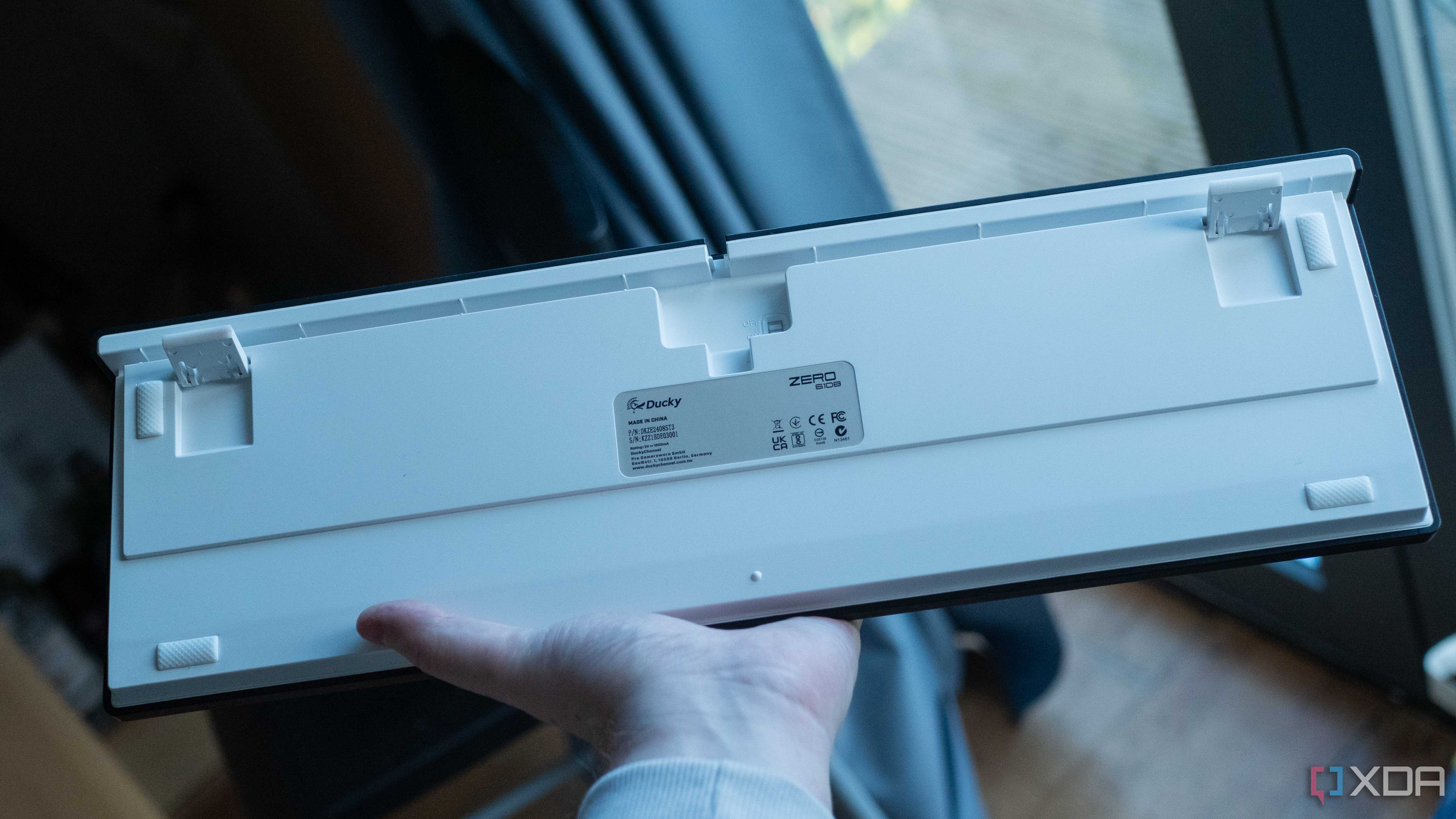
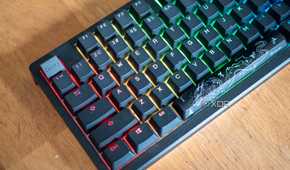
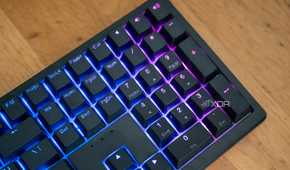
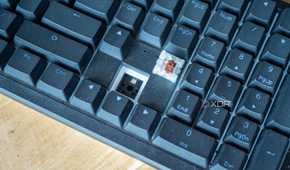

The Ducky Zero 6108 is a no-frills mechanical keyboard with a completely modular design, in the sense that not only can you replace the keycaps, but the switches as well. This model comes with Cherry MX2A Brown switches that are completely hotswappable for three or five pin switches. There is a removal tool in the box to remove the switches as well as the keycaps, and it's super easy to remove them if you need to.
It's a fairly weighty keyboard coming in at 1.2 kg, or just over two and a half pounds. It's a little bit of a cramped layout which has taken some getting used to, but over time my hands adjusted and were able to to type on it just as fast as I would have with other keyboards that I was used to. It's a full-size keyboard which I'm not typically a fan of, but that's a personal preference rather than a legitimate downside. The keycaps are made with double-shot PBT, meaning that they should last a long time.
One of the best parts of this keyboard is the "PU bottom foam" which Ducky says is for "enhanced acoustics." It's essentially meant to dampen the sound a little bit, which I think it manages to achieve. If you don't like the switches, you can change them too, which is fantastic. If you're someone who likes pre-built keyboards but wants to dip their toes into a custom keyboard, then this might genuinely be a great way to start.
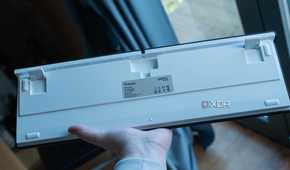
There's not a lot to hugely say really, Ducky has kept the keyboard's design pretty barebones. The power switch is on the underside of the keyboard, and the feet that can prop the keyboard up do a good job of keeping it standing up when using it. I also love that the company's solution to dongle transport is to provide a keycap in the box that can hold the dongle. I placed it on my escape key. I do wish there was somewhere internal to the keyboard it could be stored, like with the Logitech G915 TKL.
Controls and software
There is no software

The most confusing part of the Ducky Zero 6108 is the fact that there is absolutely no software. There's nothing to install to control the lighting, to connect it wirelessly, or to modify any keybinds. It's an as-is keyboard with a few keybinds you can press that will enable or disable certain modes or change certain settings. While on the one hand, the simplicity is fantastic, on the other, it leads to a confusing experience.
Here's the problem: the FCC documentation for this keyboard mentions, for example, that you can press Fn+G to switched to wireless mode. This did not work. In fact, for the majority of the review period, I was using the keyboard completely wired, as I couldn't get it to connect wirelessly. I eventually managed to get it to work wirelessly, but then it wouldn't work wired, and I wasn't quite sure what I did to do that. When I reached out to Ducky, they provided me with a manual, and from there, I was able to get it working completely.
For those who are looking to get the keyboard, these are the controls you need to know:
- Fn+F1: Bluetooth mode 1
- Fn+F2: Bluetooth mode 2
- Fn+F3: Bluetooth mode 3
- Fn+F4: Bluetooth mode 4
- Fn+F5: 2.4GHz wireless mode
- Fn+F6: USB wired mode
On top fo that, there are some other additional controls you can learn, too.
- Fn + Windows for 3 seconds: Lock/unlock Windows key.
-
Fn + Left Ctrl for 3 seconds: Caps Lock and Left Ctrl function swap.
- When the switch is successful, hold Fn + Caps Lock for 3 seconds and then switch back.
- Left Windows + Right Windows key for 3 seconds: Reset back to factory defaults.
You can also change the lighting by holding Fn+Shift, turn off the lighting with Fn+X, increase or decrease the brightness with Fn+Up/Down arrow, and increase or decrease the speed of the light changes with Fn+Left/Right arrow. While there are a lot of options, it's a lot to try and remember, which is why a manual would be great to have.
Aside from that, that's also partially why I think this keyboard desperately needs some control software. There are a lot of options, and a visual component to help with that would be fantastic. There's something to be said about an all-in-one solution though where ev erything is controlled by the keyboard.
Should you buy the Ducky Zero 6108?

The Ducky Zero 6108 is a fantastic low-cost keyboard that you can pick up from a range of sellers, and at a cost of $100, it's really hard to go wrong with it. As an entry-level board for making modifications with custom switches it's still a great option, but as an as-is keyboard it manages to impress as well. While it lacks a ton of the "fancy" features that other keyboards may have, it does keyboard things really well, and that's what matters most.
The attention to detail with this keyboard is fantastic too. Not only does it have little features thrown in like a keyhcp and switch remover in the box, but you even get a custom space bar with a dragon insignia on it in the box. While it's a plain spacebar by default, you can switch it out if you want, and it looks fantastic as I've shown in the photos above. Even with its wireless capabilities, it has a 2,500 mAh battery that lasts quite a long time and seems to have a pretty far range.
Are there better keyboards? Almost certainly, but will you get them this cheap? Probably not. The biggest issue is the lack of software in my eyes. If it had a custom software package that was even optional for controlling it, I'd happily recommend this keyboard to just about anyone. That, and the lack of manual, really soured the experience overall, and I'm hopeful that the manual will be easier to find going forward.
You should buy the Ducky Zero 6108 if:
- You want a jack-of-all-trades keyboard without any additional frills
- You want an affordable high-quality keyboard
- You want a full size keyboard
You shouldn't buy the Ducky Zero 6108 if:
- You don't want to learn a bunch of controls
- You would like a software-controlled keyboard
Ducky Zero 6108
- Form factor
- Full size
- Switch options
- Cherry MX2A
- Colorways
- Black, White
- Backlight
- RGB
The Ducky Zero 6108 is a fantastic no-frills keyboard that manages to impress, though you'll need to do some research to ensure you know how to fully use it.
