


There is no end to the number of to-do list and task management apps available across the web. Todoist, Asana, Zoho — the list goes on and on. As powerful as those applications are, their best features are locked behind paywalls, and you don't have as much control over their privacy as you might with something else. Tududi offers a fully self-hosted, totally free alternative that outstrips anything third-party apps have to offer in a lot of different ways. It's self-hosted, so the initial setup can be slightly confusing, but it's one of the easiest applications to get up and running that I've worked with.
Tududi is also under active development, and its most recent update added a much-needed feature: universal search. I can search all of my tasks (even completed ones) with just a few keystrokes and find the information I'm looking for. Once Tududi is up and running, you can access it from any browser, and it's very mobile-friendly for users on the go.
Tududi's hierarchical structure is a godsend for organization
The best way to eat an elephant is one bite at a time

Large-scale, involved projects can easily start to feel overwhelming. Tududi brings with it a multi-layered structure that breaks projects down into smaller and smaller components. There are three main levels: Areas, the most broad definition (like home, work, hobby, etc.); Projects, which live within each Area; and Tasks, which are self-explanatory.
Tasks can be broken down into sub-tasks. For example, if you're working on a home renovation project, you might have a project titled "Kitchen," and within that you might have a task called "Upgrade the faucet." And that might have a subtask like, "Buy a faucet wrench."
Each project can have different labels and varying completion status
Rome wasn't built in a day


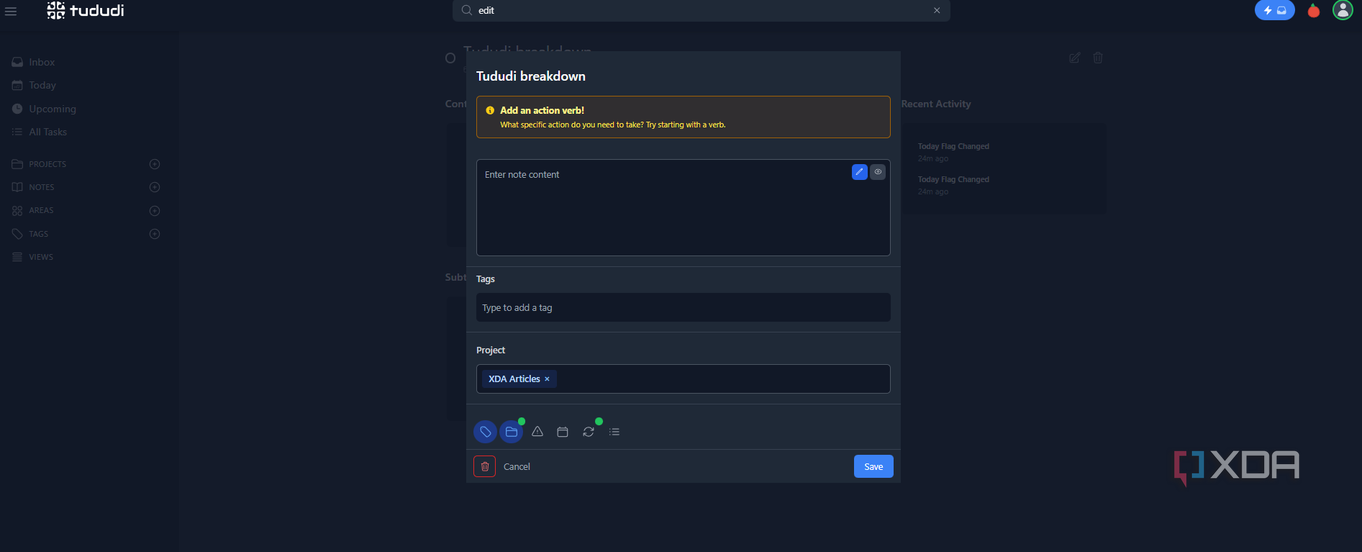
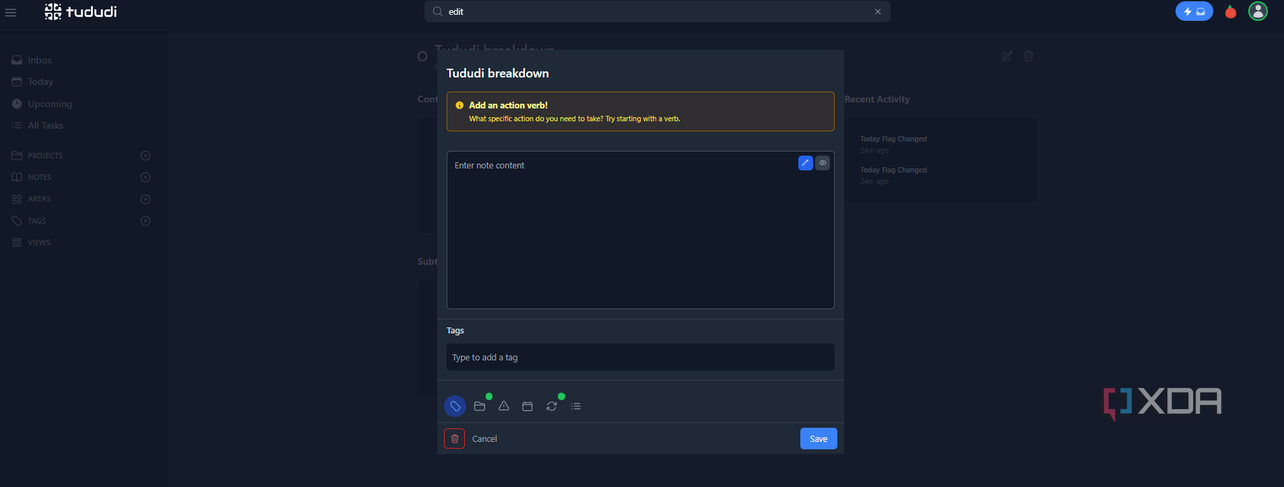


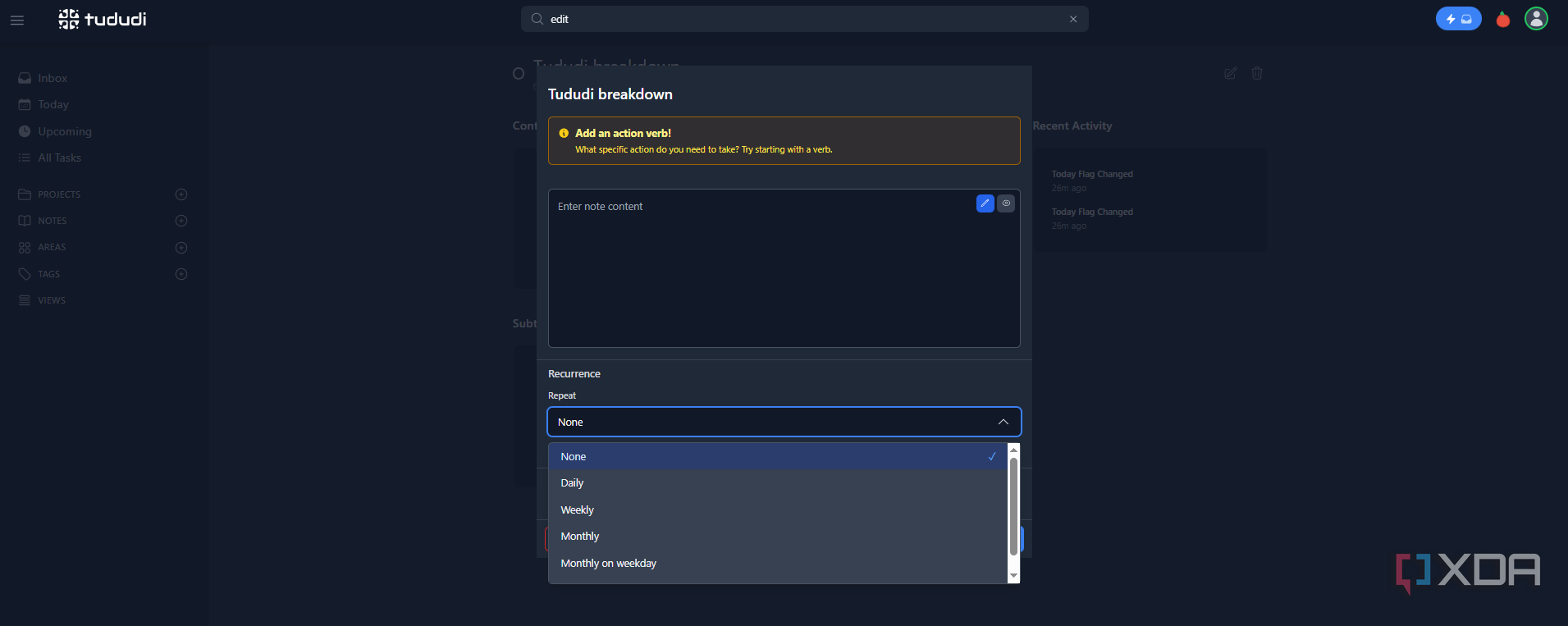
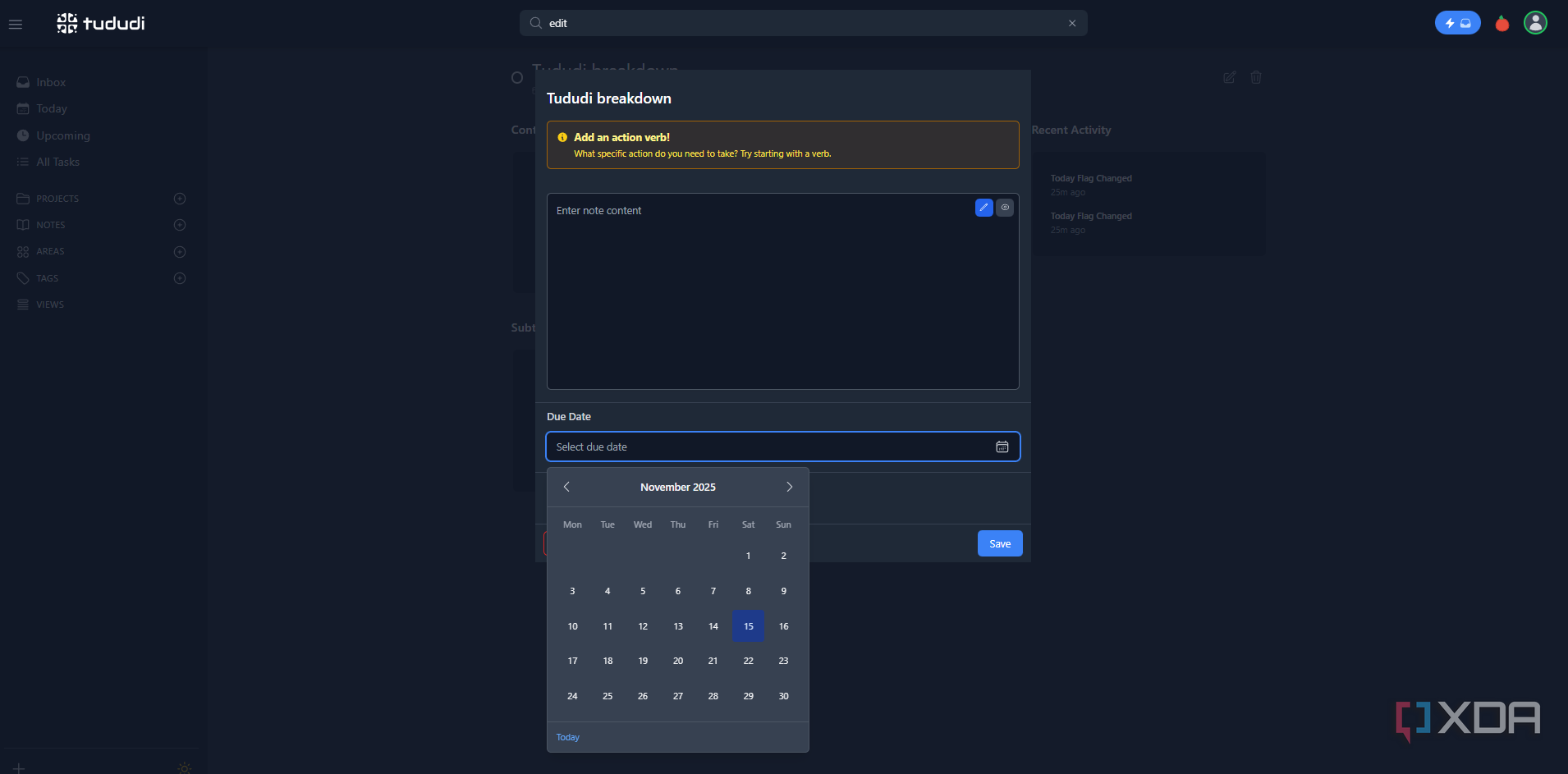
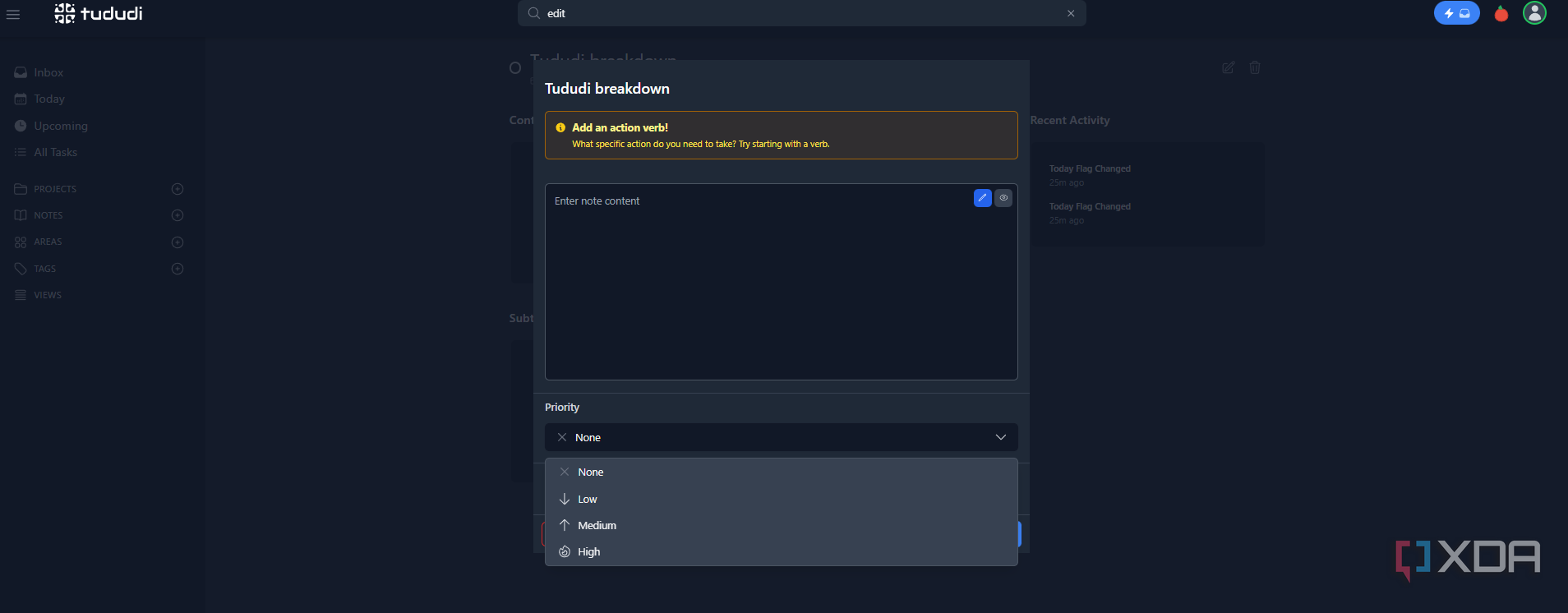
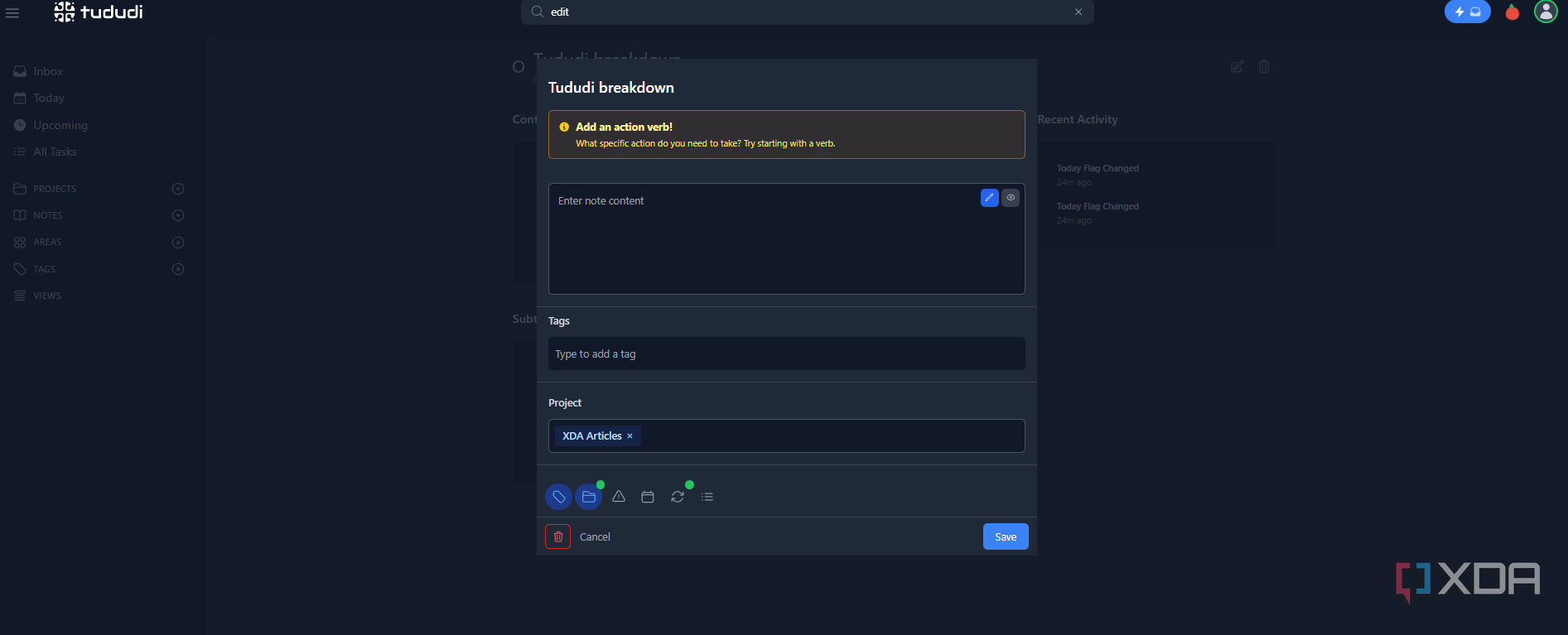
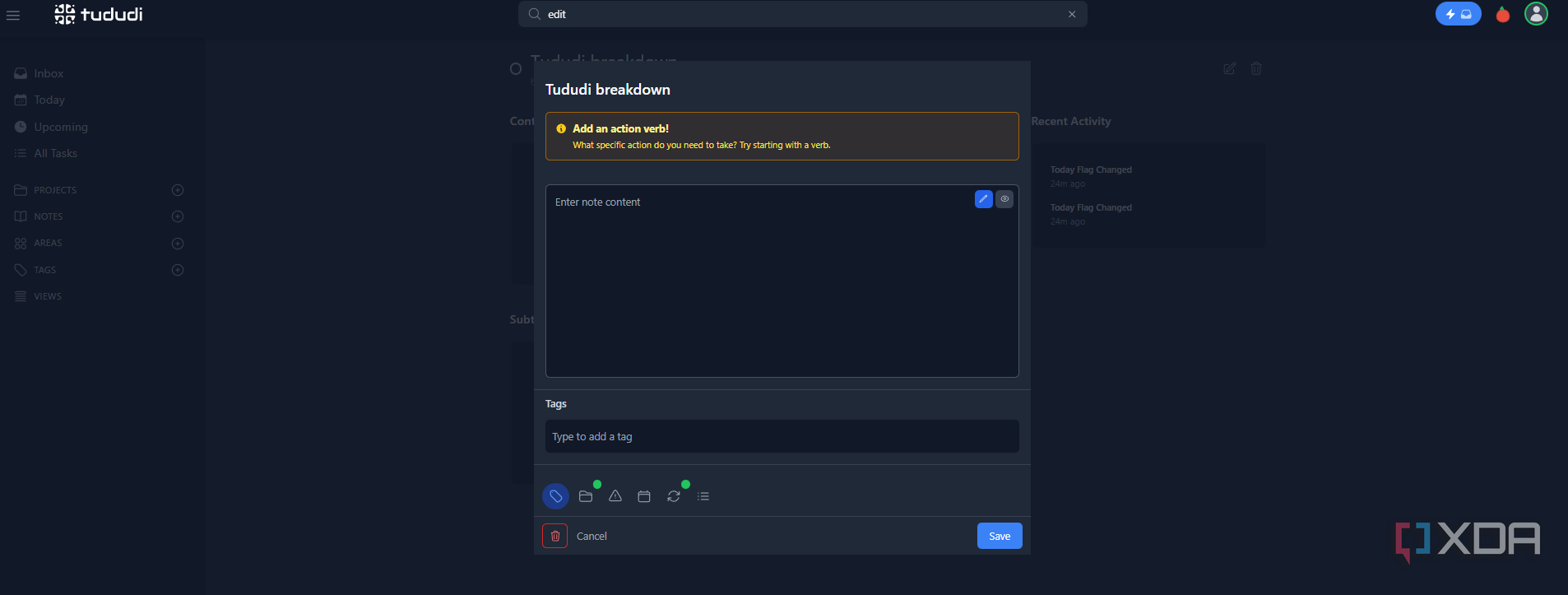
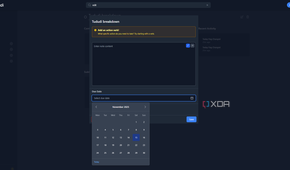
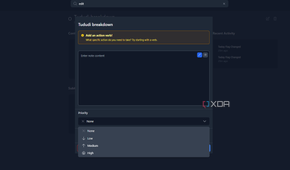
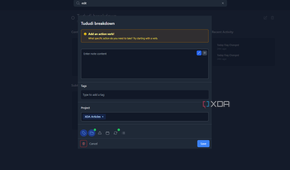
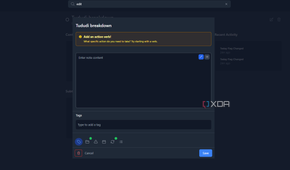
Unlike other project management tools, Tududi lets you define a project as more than just "In progress" or "Complete." There are five main status definitions: Idea, Planned, In Progress, Blocked, and Completed. You can also set custom tags for each project and task, as well as individual project images. Tududi also allows users to define tasks as low, medium, or high priority, with set due dates for each task, subtask, and overall project.
You can also set recurring due dates for tasks that repeat daily, weekly, monthly, monthly on weekday, or monthly on the last day of the month. You can choose whether the next due date is scheduled based on the original due date or the date of completion.
Manage tasks through Telegram
Manage everything on-the-go

Tududi also integrates with Telegram to allow you to manage your to-do list and collaboration on-the-go. Sure, you can access your Tududi dashboard through your mobile browser, but you can also connect your account to a Telegram bot to add tasks through messages. You can control who can send messages to the bot by allowing specific user IDs and usernames.
You can also request task summary notifications be sent to your Telegram account every one, two, four, eight, or 12 hours, or once per day or week.
Self-hosting isn't for everyone
The learning curve is steep

Tududi itself is simple. Once you get the application up and running, there's basically nothing to it; the interface is intuitive, and almost anyone can figure out their way around scheduling tasks and creating projects within about five minutes. There is also extensive documentation available to help new users get the hang of things. That said, the problem lies in setting up Docker and hosting your first container. If you've never used Docker before, it's more than a bit overwhelming, and not something I would suggest for the less tech-savvy users.
Tududi is primarily intended for deployment through Docker. Though there are other methods, they're even more complicated; until Tududi has an easy installation package, it won't be the most accessible application for the average user.
Figuring out how to use Docker opens the door to a lot of other apps
It's a valuable tool in your belt

While Docker does come with a steep learning curve, if you intend to use self-hosted applications with any degree of regularity, it's worth learning. Docker is widely used and has an active community of users that can help newcomers figure out the application, and there's quite a bit of documentation to help solve any hurdles. Learning to use Docker will teach you a lot about self-hosting, and those skills will open the door to tons of other applications like Vaultwarden, Home Assistant, and many others.
Tududi's search function elevates it above the competition
Tududi is an immensely useful tool, and one that is easy to integrate into day-to-day workflow. While it doesn't match every other option in terms of features, its focus on privacy is reassuring, and the ability to find any project through its search feature (especially if you have a lot of ongoing projects at once) makes me gravitate towards using it over something like Todoist.

Tududi
Tududi is a self-hosted task management application with basic features like to-do list functionality with Telegram integration.
