


Microsoft Office has been the de facto player in the productivity suite arena. But its cost can be a barrier for many, especially after a recent hike due to a forced Copilot integration. Fortunately, the open-source community offers compelling alternatives that deliver powerful features without a hefty price tag.
This post explores three excellent options, each offering a robust set of applications for word processing, spreadsheets, presentations, and more. They offer compelling reasons to finally make the move to ditch the paid software and embrace the open-source world.
3 Apache OpenOffice
Isn’t dead yet

OpenOffice’s dispute with LibreOffice is out in the wild. While OpenOffice has been declared dead countless times, Apache has done a respectable job updating it with regular maintenance and security patches. Back in April 2024, the company announced it would bring much-awaited features to OpenOffice in future updates. Overall, I want to emphasize that OpenOffice is far from dead, and it can easily serve as a Microsoft 365 alternative.
OpenOffice gets the basics right. You can create a text document, a presentation, a spreadsheet, use the drawing tool, create a database, and much more. Besides, it is similar to Microsoft Office and feels familiar, so you shouldn’t have a hard time getting started with it. The UI and iconography look outdated, though. If you are looking for modern esthetics, explore other options on the list.
You can customize the toolbar and export your files in various formats, and it works completely fine with your existing Office files. Apache also offers 1000+ templates from a dedicated store online. You can create a family tree, an elegant resume, or even a birthday card without starting from scratch.
2 OnlyOffice
A solid offering


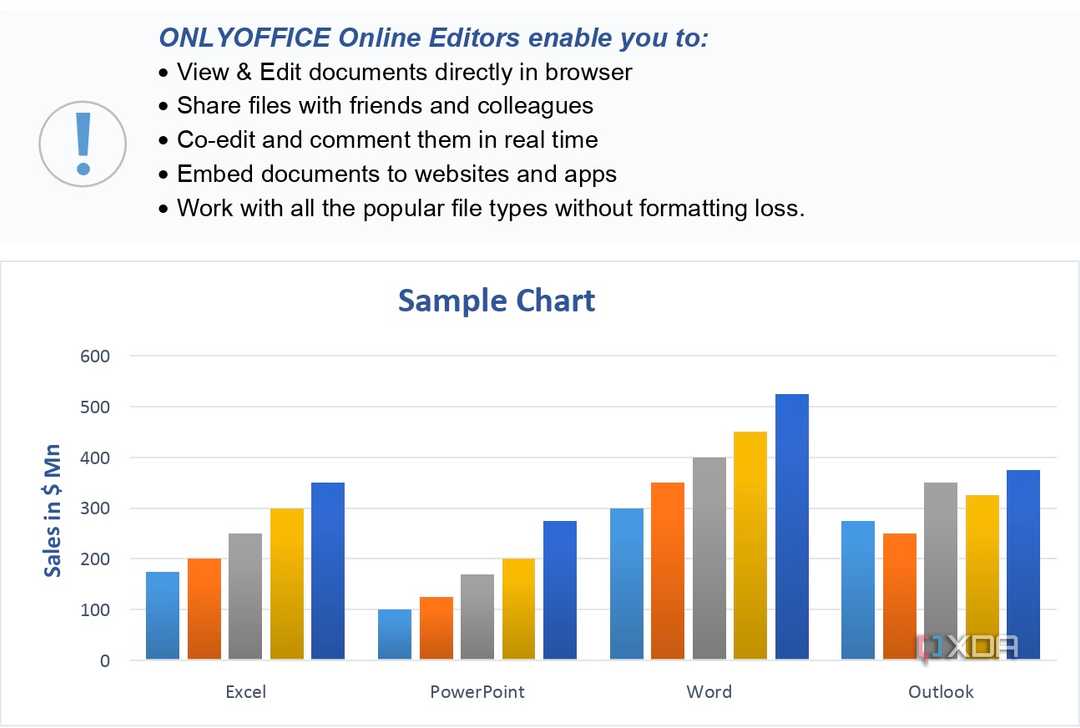


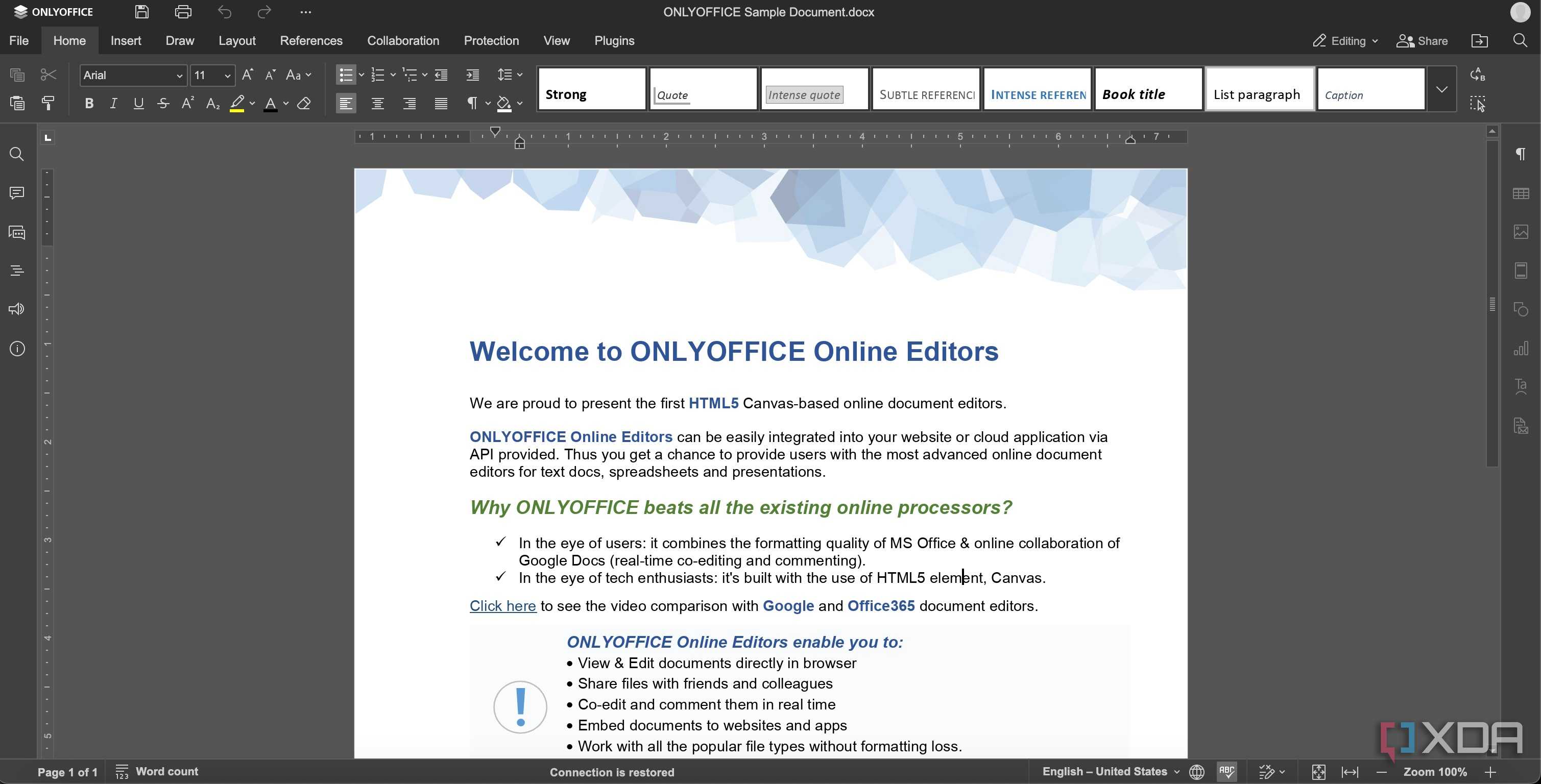
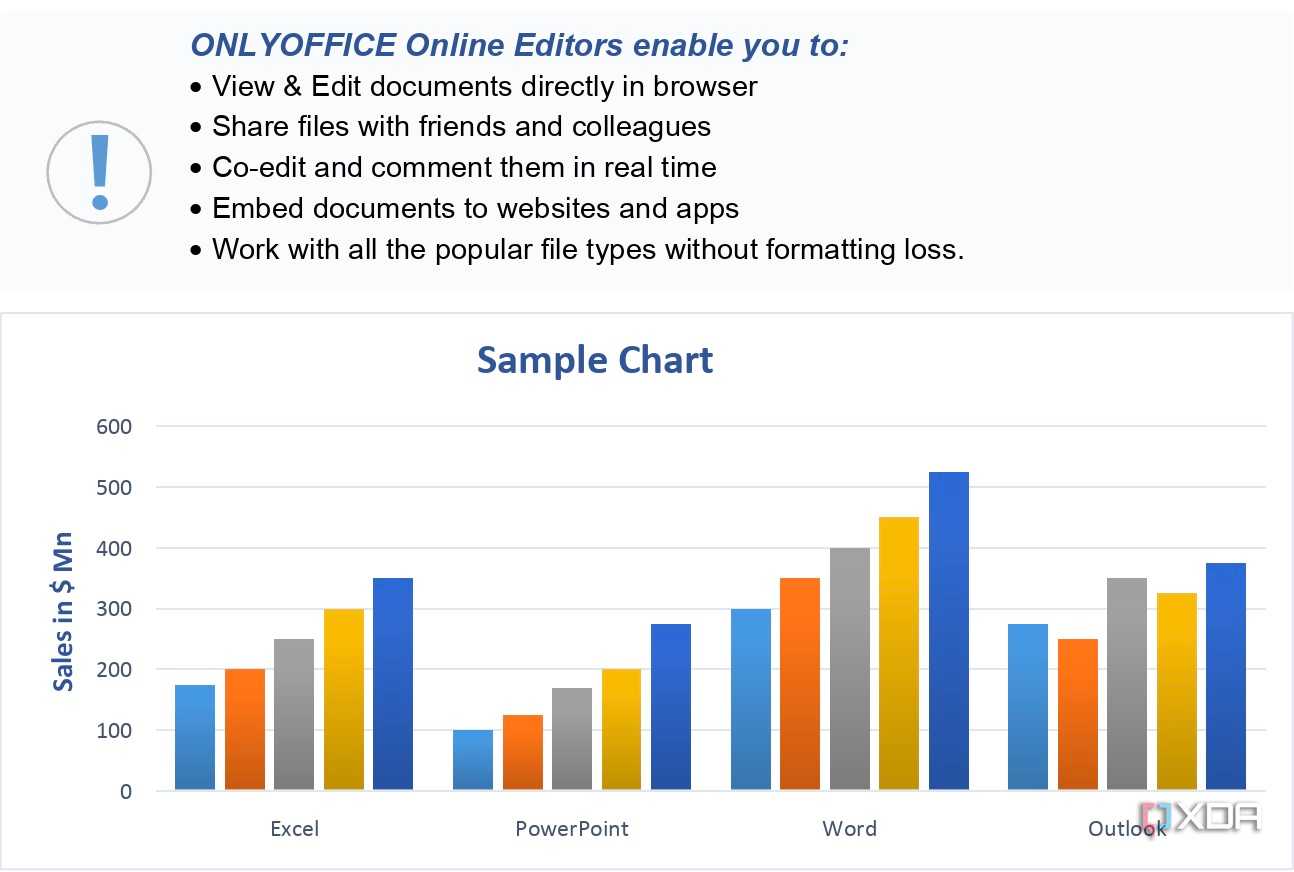
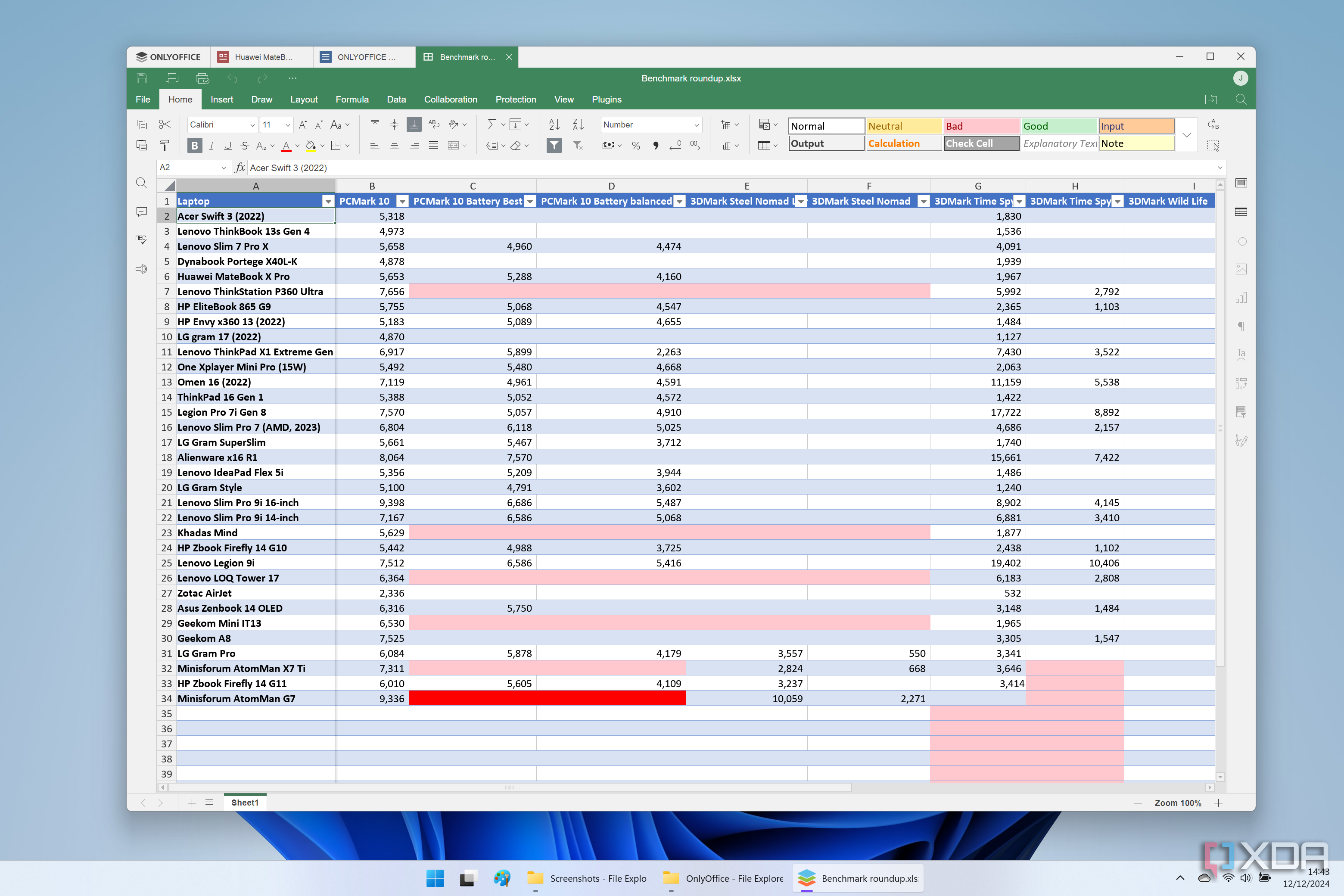
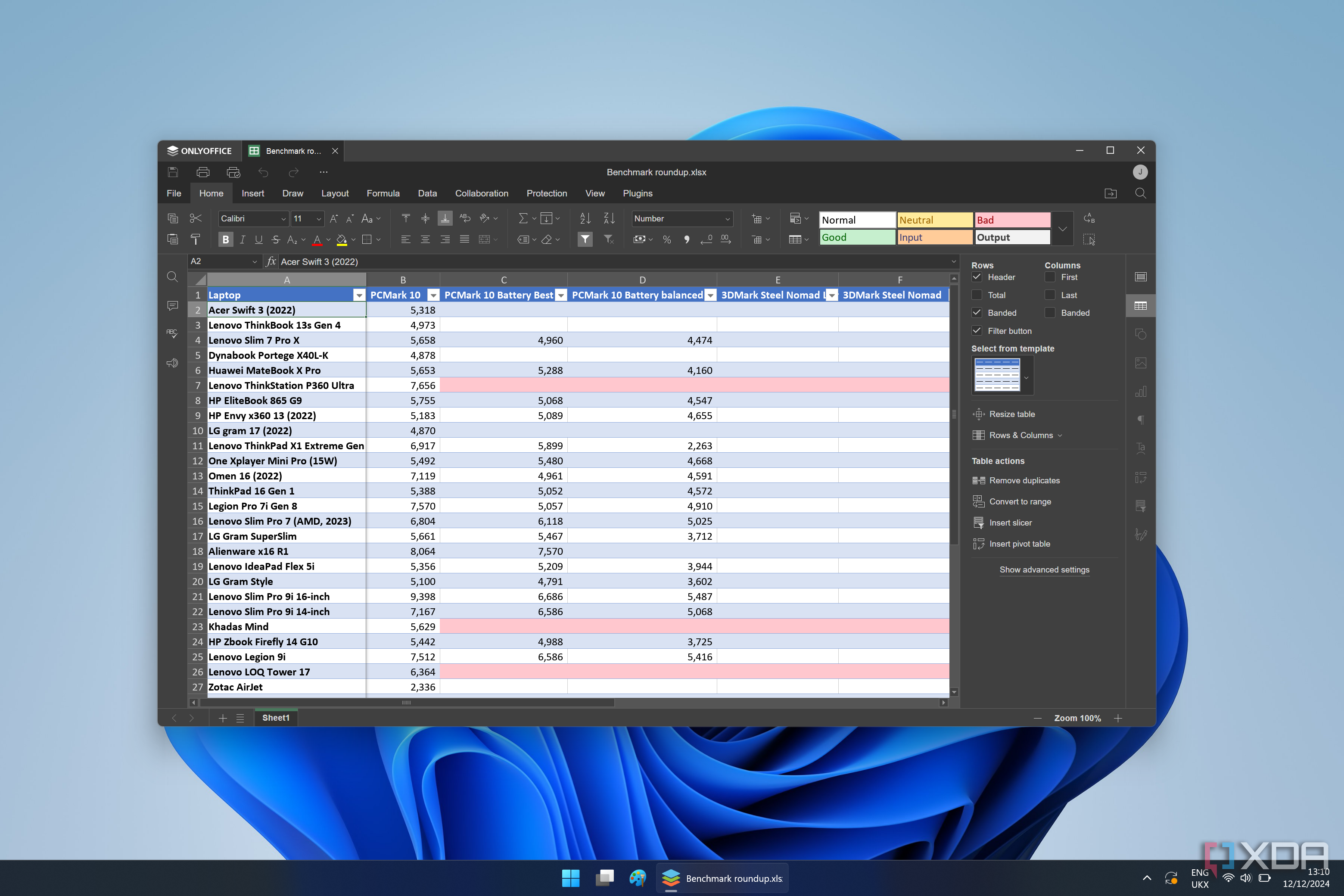
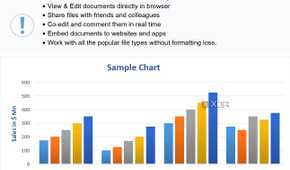
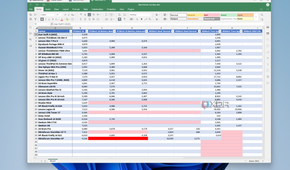
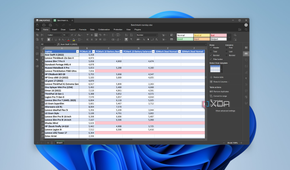
OnlyOffice has all the perks to become an ideal Microsoft Office alternative. It ticks all the boxes – a wide range of features, cross-platform availability, a user-friendly interface, file format compatibility, and open source nature.
My absolute favorite feature has to be its tab-based interface. I can open multiple documents, PPTs, and spreadsheets at a time and refer to crucial data without switching between apps. It declutters my Windows desktop in no time. As an open-source solution, it comes with the usual goodies such as transparency, community-driven development, native apps on Windows, Mac, and Linux, and a free price tag.
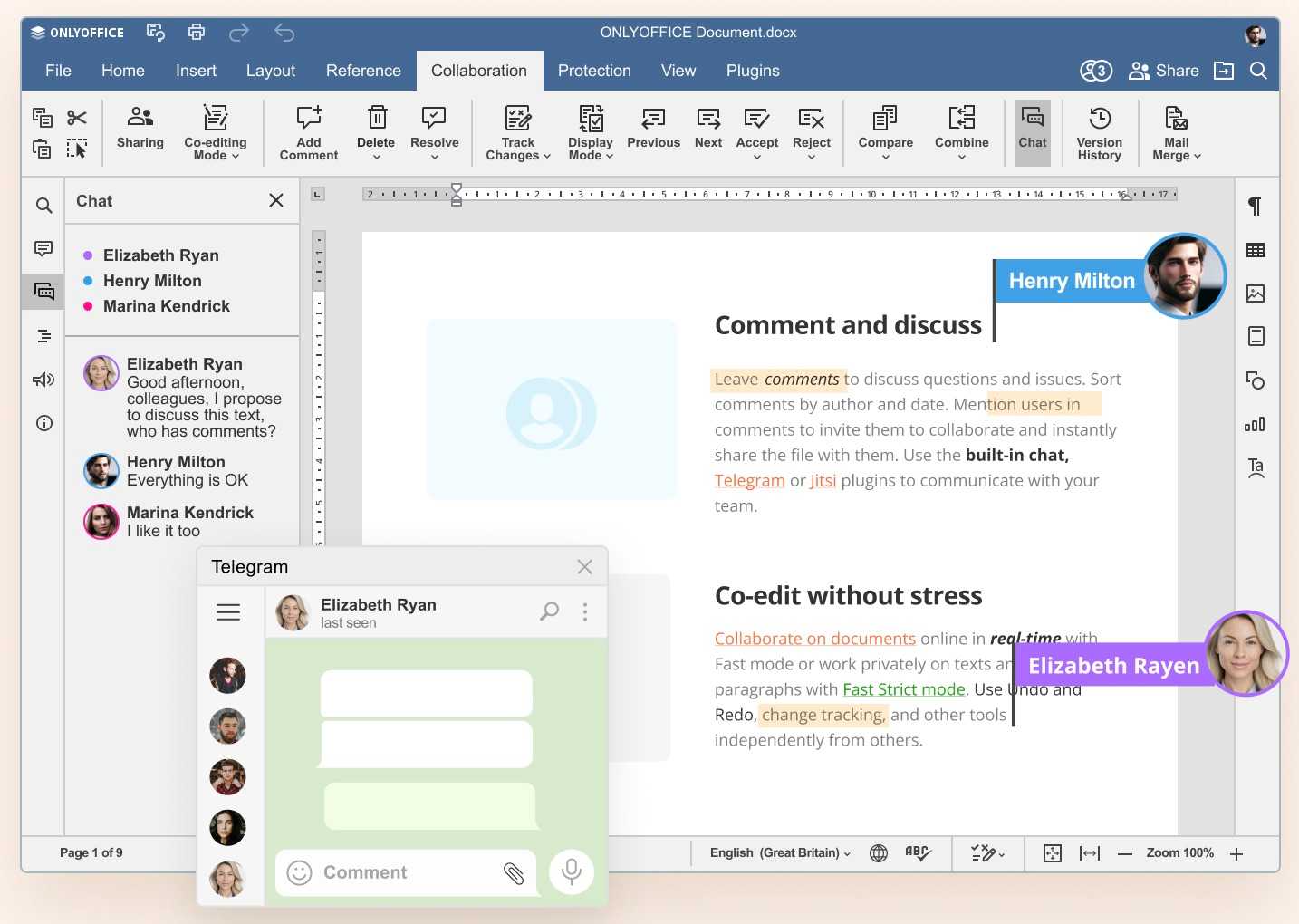
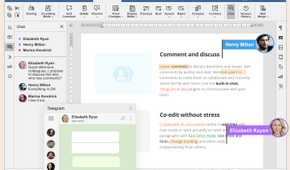
Aside from a document, spreadsheet, and presentation editor, there is a PDF editor as well. You can edit, annotate, and fill out PDF forms right within the suite. Unlike other Office alternatives, OnlyOffice supports real-time collaboration as well. It’s an ideal option if you frequently collaborate with team members and clients. As always, it has excellent compatibility with existing file formats, so that you can open and edit your old documents and presentations without breaking a sweat.
With a paid plan, you can even create an OnlyOffice workspace and manage all your team activities, including projects, emails, marketing budgets, meeting notes, and more, from a centralized location. Unlike OpenOffice and LibreOffice, OnlyOffice also has native mobile apps so that you can make small tweaks on the go.
1 LibreOffice
My go-to recommendation


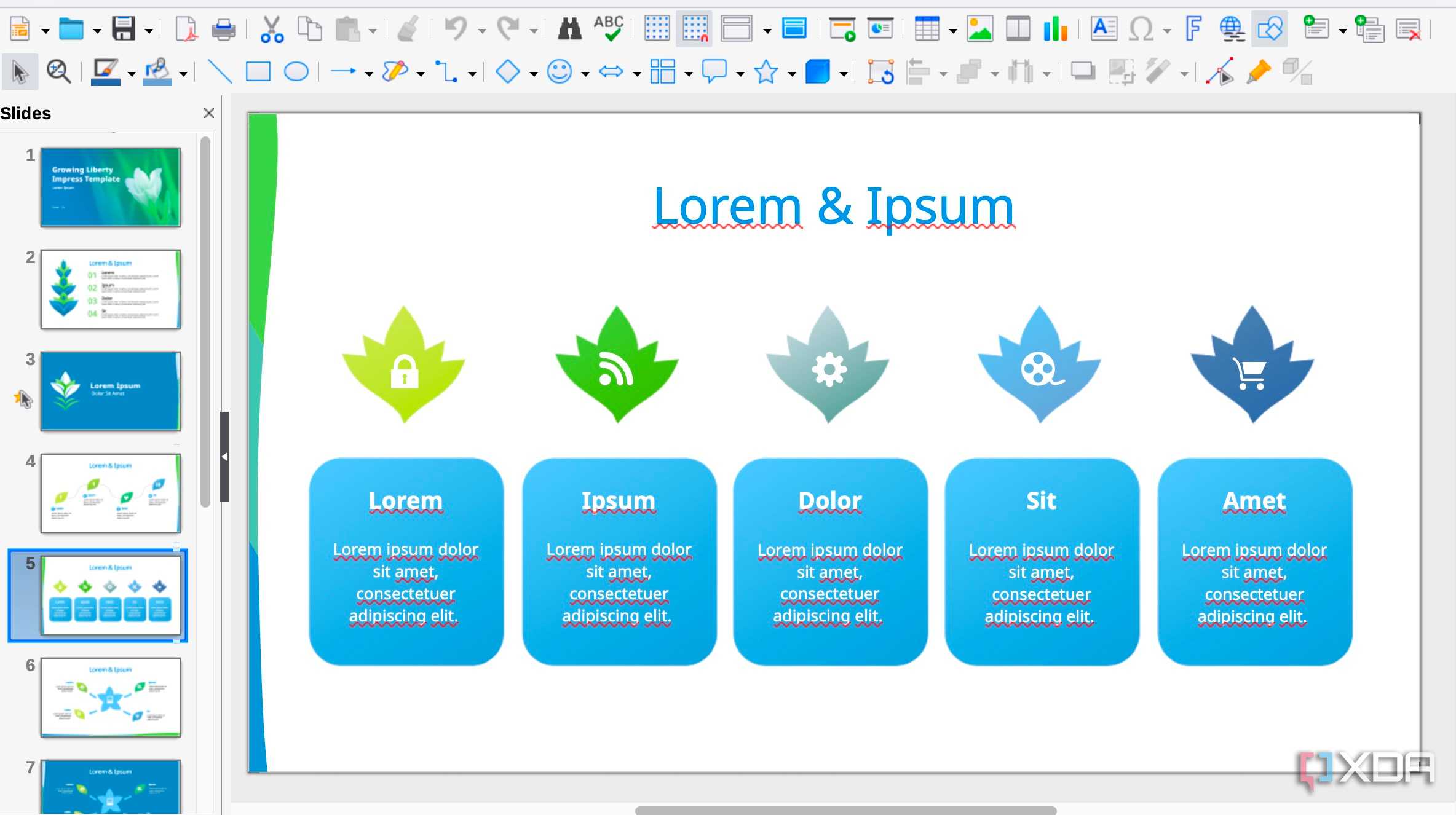
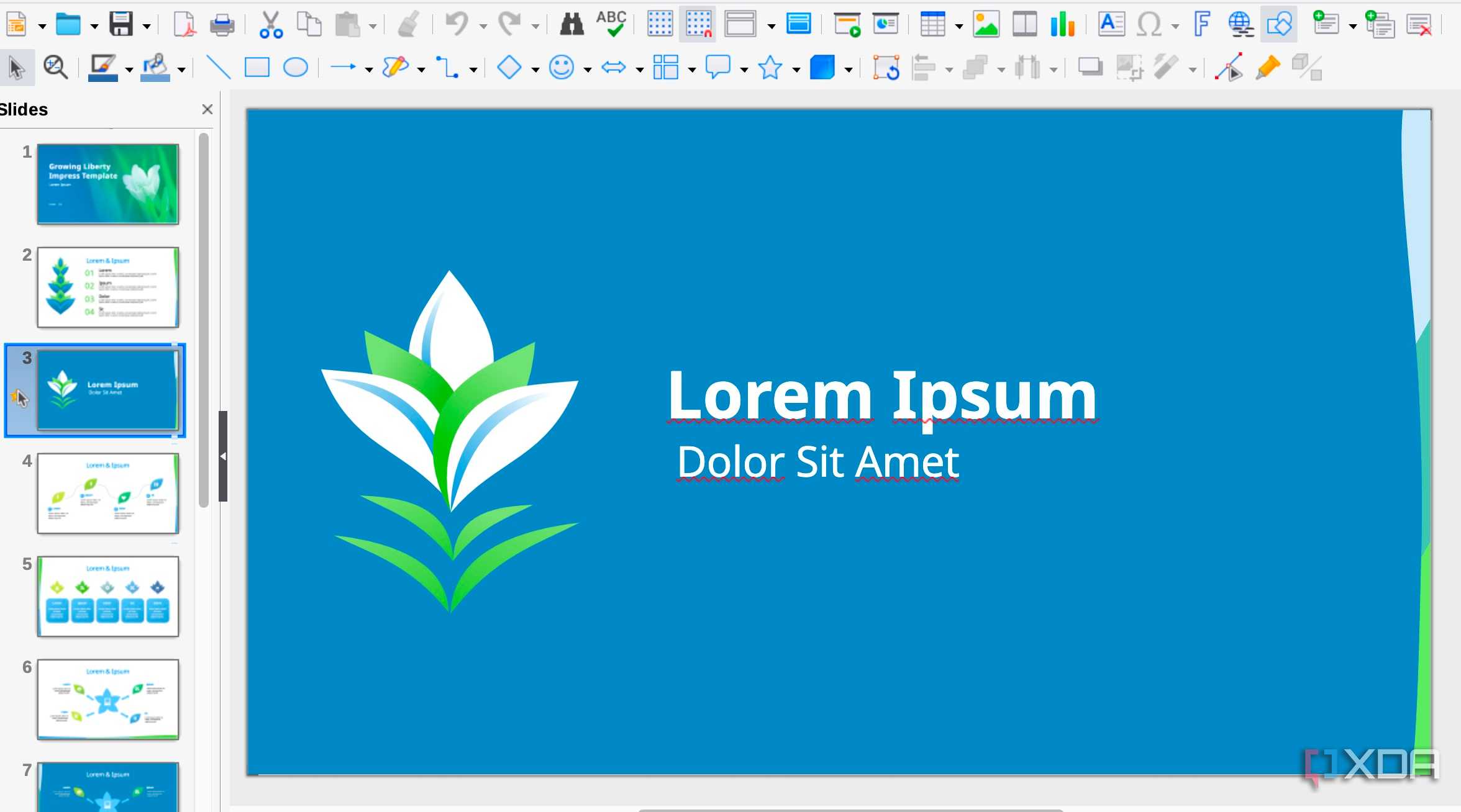
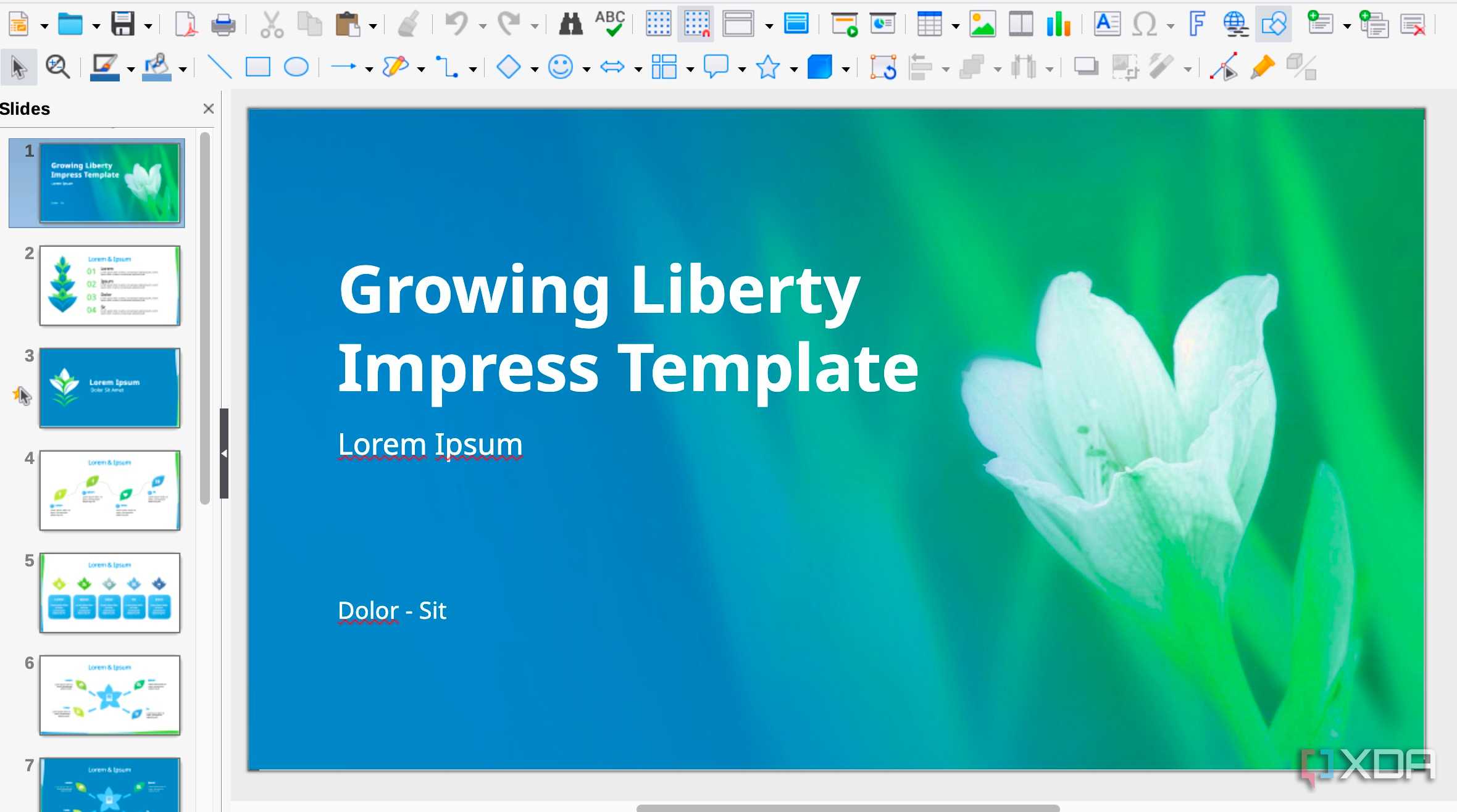
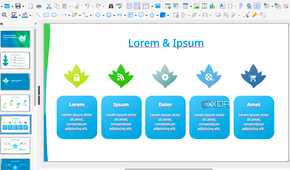
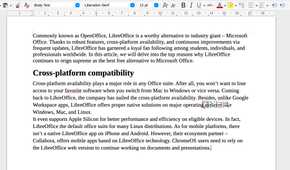
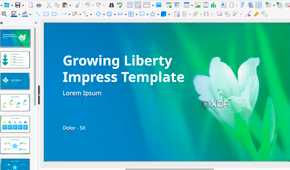
LibreOffice topping the list shouldn’t surprise anyone. After breaking off with OpenOffice, LibreOffice has received steady updates. These aren’t just maintenance and security patches, the developers have added new features with each update. For example, the company recently released a new version with better change tracking, more versatile comments, and theme improvements.
While the LibreOffice interface works just fine out of the box, you can make several tweaks to make it look like Microsoft Office. Beyond its open-source nature, I have discovered a robust suite of applications that can handle all my document creation and editing needs. The feature set is comprehensive and covers everything from word processing with Writer to spreadsheets with Calc, presentations with Impress, and even database management with Base.
One of the biggest concerns I had initially was file compatibility, but I'm glad to report that this has not been an issue at all. LibreOffice handles Microsoft Office formats like DOCX, XLSX, and PPTX remarkably well. It also handles OpenDocument Format (ODF) flawlessly, which is a big plus for many.
That means you can download any third-party template from the web and edit it using LibreOffice. Although LibreOffice has improved the UI over the years, I would still love to see more focus on polishing the interface and using modern icons.
Honorable mention: FreeOffice
Although we are on the topic of open-source Office alternatives, I would love to also share a closed-source solution called FreeOffice. As the name suggests, it’s a free Office alternative with native apps on all platforms (including mobile), a familiar user interface, a free PDF editor, and all the required features to create an engaging presentation, document, or spreadsheet.
Escape the subscription
Choosing the right office suite is a crucial decision for productivity. Whether you are a student, a professional, or simply someone looking for a free and reliable office solution, take some time to explore the alternatives above (including FreeOffice). You might just find your new favorite productivity suite among these impressive contenders.
And if you are fine with a paid (relatively cheaper) Microsoft 365 alternative, try WPS Office. Here are the top reasons why it’s an underrated office suite.
