


While Microsoft Excel has long held the crown as the go-to spreadsheet software, Google Sheets has emerged as a powerful alternative in recent times. Although it doesn’t offer advanced data analysis and visualization tools like Excel, Google’s spreadsheet software leaves Microsoft’s solution in the dust in other key areas. This article will delve into the main reasons why Google’s solution outperforms Microsoft Excel and how it might be the perfect spreadsheet tool you’ve been looking for.
5 Accessibility and cost

Like other Google Workspace apps, Google Sheets is a web-based solution. This means that whether you have a Windows, Mac, Linux, or even a ChromeOS-based system, you can access all your spreadsheets in your favorite desktop browser. It takes away the hassle of installing dedicated software and maintaining it with frequent updates.
The web-based approach unlocks flexibility and ensures that your essential data is always within reach. Excel also has a web version, but it's slow and nowhere near as robust as their desktop apps.
All Google Sheets features are free to use. It can be an ideal option for anyone dealing with a tight budget. In contrast, Microsoft Excel requires a paid Microsoft 365 plan, which starts at $7 per month or $70 per year. It may not sound like much for a professional, but when you have a decent team size, the overall cost can quickly add up to hundreds of dollars or more.
4 Real-time collaboration and data management


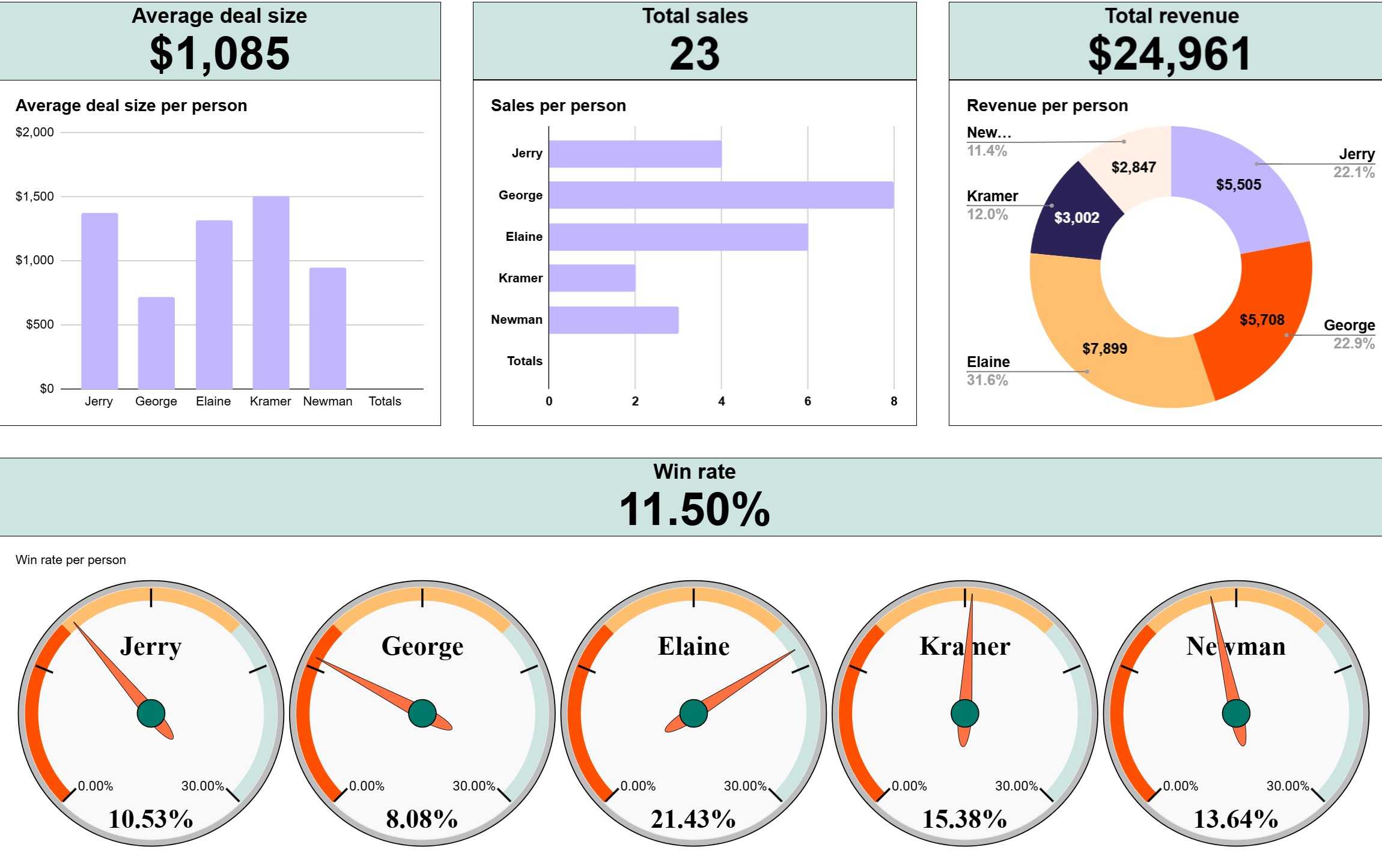
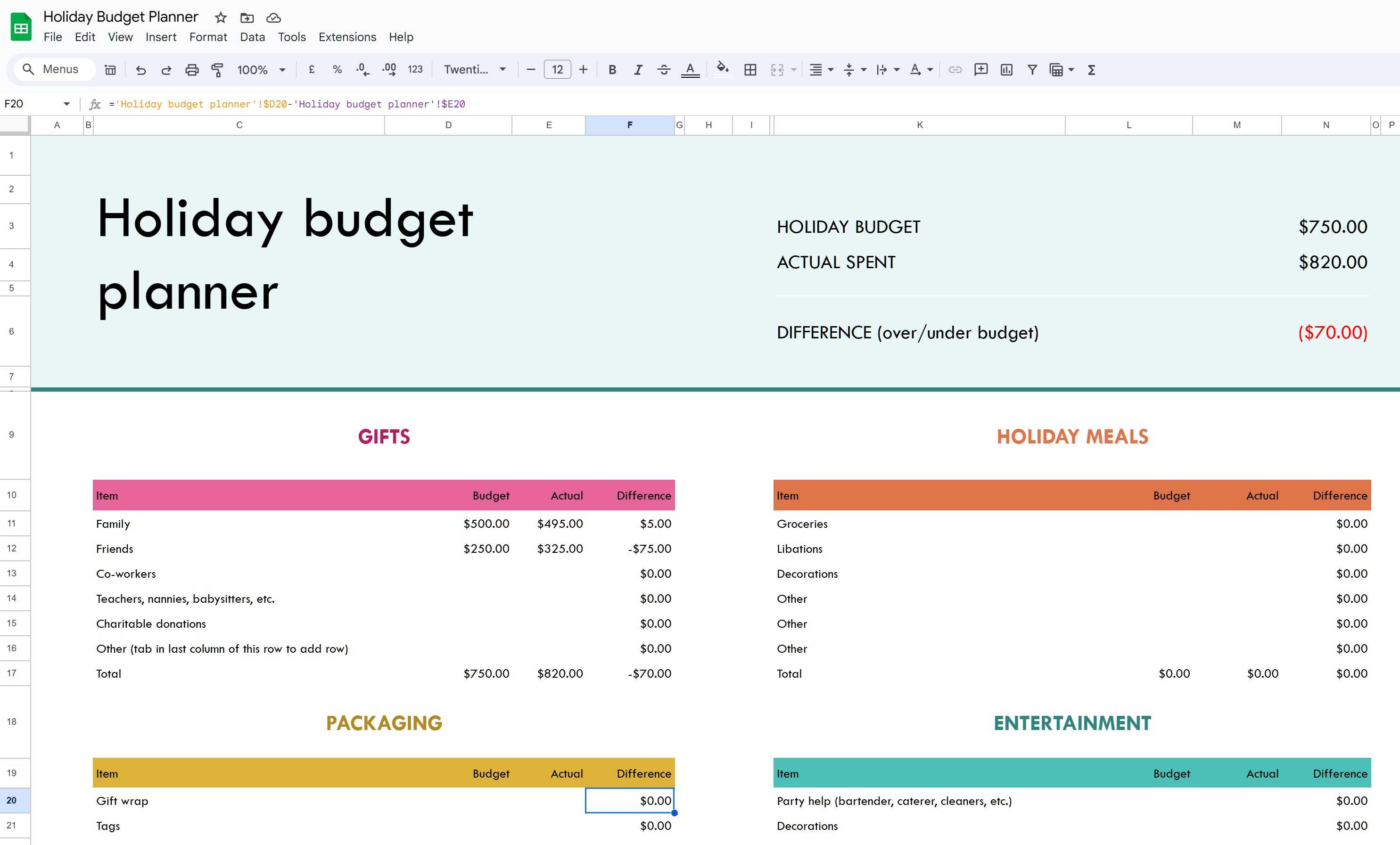
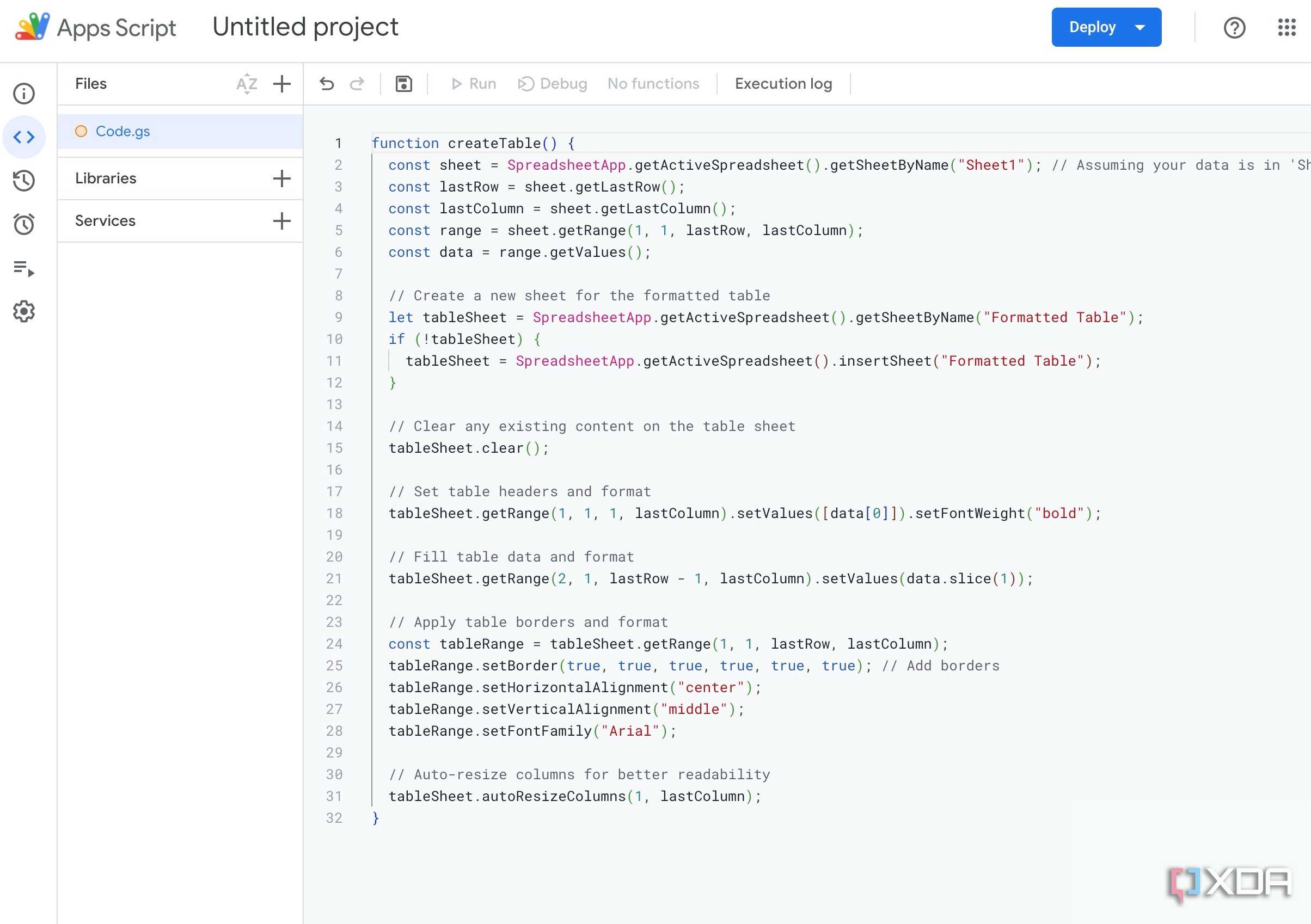
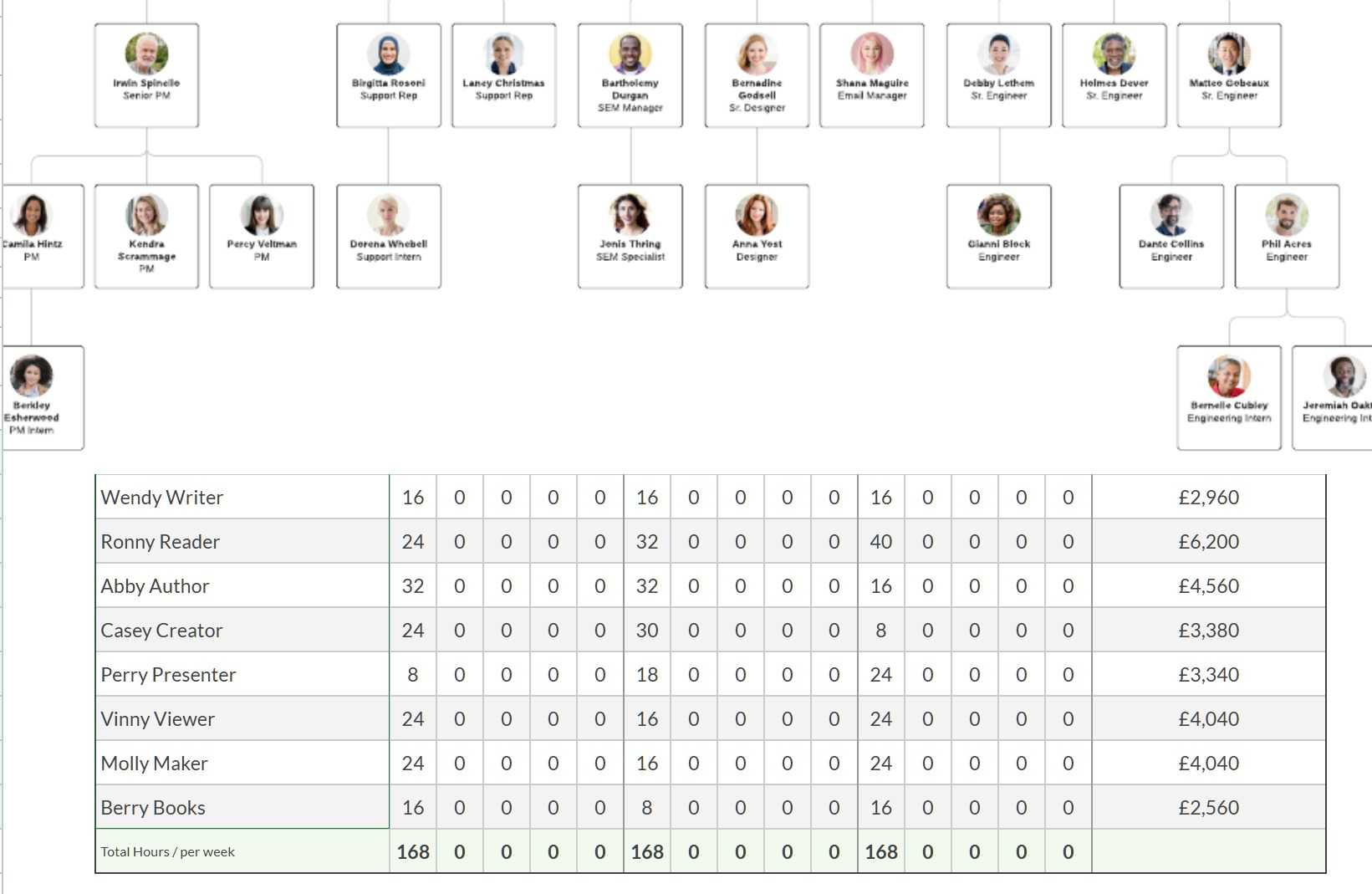


Flawless collaboration and data management is the heart of Google Sheets. This is one area where Google Sheets has a significant advantage over Excel. All Google Workspace apps were designed with real-time collaboration in mind. Microsoft also offers live collaboration, but the entire experience isn’t as smooth as Google Sheets. If you often work with your team members on the same sheet simultaneously, you can’t go wrong with Google Sheets.
Google Sheets has comments and chat functionality that streamlines communication and feedback systems within the team. You can tag team members, share suggestions, and ensure that everyone stays informed and aligned. It basically eliminates the need to use a third-party messaging app.
With Google Drive's real-time synchronization and data management, there’s no need to stress over losing hours of work due to a crash or if you forget to save your progress. You can also view previous versions, compare changes, and even revert to an earlier version if needed. This capability is extremely useful for teamwork, change management, correcting mistakes, and conducting audits.
3 Simplicity

If you are new to the spreadsheet world, Google’s take feels simplified and streamlined compared to its counterpart from Microsoft. Excel has a busy interface that may confuse first-time users. Even considering the user interface, since the Material You makeover on Google Sheets, I feel it has a better aesthetic appeal than Excel’s ultra-professional look.
Another advantage of this approach is the consistent experience. For example, Excel has different user interfaces on Windows, Mac, and the web, and it may irritate someone who frequently switches between devices. On the flip side, Google Sheets’ Material You web UI remains the same, regardless of your device. It offers a seamless experience where you can continue working on your spreadsheets with a familiar UI.
2 Google Sheets add-ons

Granted, Google Sheets isn’t as feature-rich as Microsoft Excel out of the box. Here is where Google Workspace add-ons come into play. The company offers a dedicated Google Workspace Marketplace where you can find handy add-ons for all of your use cases. They will take your Google Sheets functionality to the next level.
For example, Microsoft Excel has built-in support for Python, where you can execute Python codes, generate useful charts, review related data with plots, and more with relevant commands. While Google Sheets doesn’t support Python natively, you can install a third-party add-on like Neptyne to call Python code directly from your spreadsheets.
With a vast library of add-ons available, you can customize your spreadsheet environment, automate tasks, and integrate with other tools to boost productivity and unlock new insights. Lucidchart, Supermetrics, Mailchimp, and DocuSign are some of the popular add-ons to try with your Google Sheets account.
1 Robust integration with Google services

To no one’s surprise, Google Sheets has a solid integration with the company’s apps and services. For example, you can use Google Forms to collect valuable data and export it with a single click into your Google Sheets account.
By default, Google Sheets operates within Google Drive, and its new home view on the web provides easy access to all your essential documents, presentations, files, and spreadsheets in one centralized location. When you draft a document in Google Docs, simply enter @ and type the spreadsheet name to insert it in no time.
Simplicity meets functionality
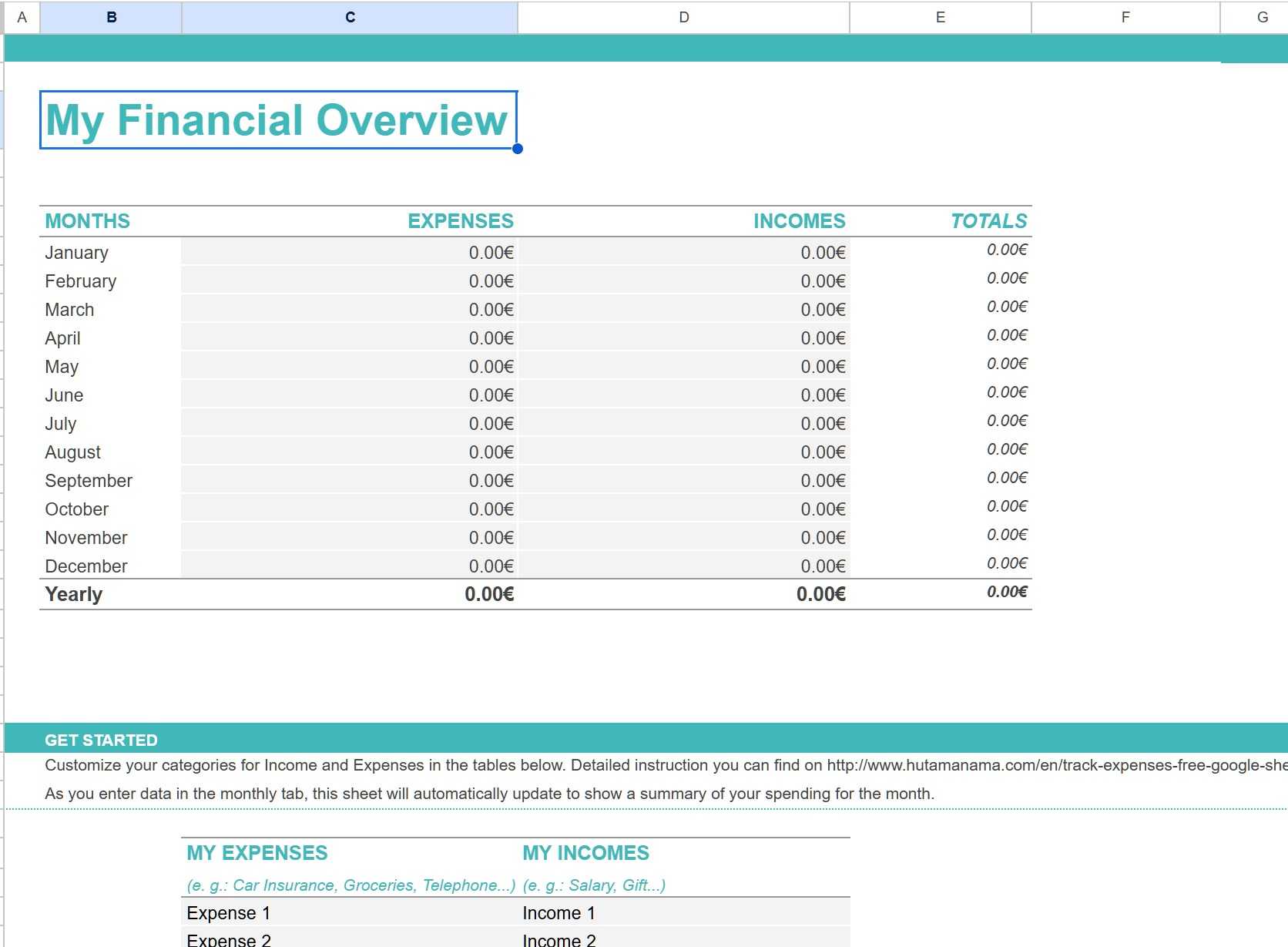
Overall, if you don’t require a specific Excel feature, Google Sheets can be a handy and affordable way to get the job done. Although Google Sheets’ templates library isn’t as extensive as Excel, the company does offer a respectable collection by default. You can also import third-party templates from the web. Check out our dedicated post if you want to find the top free Google Sheets templates.
