


Our digital workflow requires taking notes, writing documentation, and creating content at a rapid pace. While you are probably using the best tools for the job, you might be missing out on the simplicity and efficiency of Markdown. By offering a clean and intuitive approach to formatting text, this lightweight markup language is changing the way we write.
Whether you are a student, writer, developer, or simply someone who wants to get better at documentation and note-taking, Markdown can significantly improve your workflow.
5 Offers a fast writing workflow
Fly through your notes

If you are not fond of keyboard shortcuts, you may end up wasting hours on traditional note-taking and word-processing apps like Word, OneNote, Evernote, and more. Your workflow involves clicking through menus and buttons to find the right formatting option. Bold, italics, headings, lists — it all takes time and breaks your concentration.
Here is where Markdown comes into play. It replaces all that with simple, easy-to-remember symbols. Do you want to insert a heading? Type #. Need a list? Use *. While Markdown requires a learning curve, it can become second nature quickly. Besides, word processors and rich text editors (like OneNote and Evernote) hide complex formatting code behind your words. This can make it slow and messy to edit, especially when you want to move the text to a different program.
Markdown strips away unnecessary complexity and allows you to focus solely on your thoughts and ideas.
4 Wide adoption across many services
Many apps support it

Markdown is growing in popularity. Initially, it was popular among developers for writing documentation only. After experiencing the benefits of Markdown, they started using it for other types of writing, like emails, notes, and even blog posts.
Now, even well-known note-taking apps like Notion, Obsidian, Bear, and more have embraced Markdown as their primary formatting language. What’s more? The most popular word processing software, Google Docs, has recently added Markdown support. Even blogging platforms like WordPress and Ghost support Markdown. Such flexibility makes it easier for writers to create and publish content.
Aside from these tools, services like GitHub, GitLab, Discord, Slack, Teams, Medium, Ulysses, Joplin, Todoist, and Drupal support Markdown by default.
3 Future-proof solution
Your notes won’t die ever

Future-proofing is the biggest reason to use Markdown for documentation and note-taking. Markdown is like having a universal key that unlocks your notes and documents, no matter what the future of technology holds.
These files are simply plain text with a few special characters for formatting. This means they're not dependent on any specific software, operating system, or proprietary format (looking at you, Evernote). Virtually any computer or software can open such files, now and in the future.
Besides, your notes aren’t trapped within a particular app or ecosystem. If your favorite note-taking app shuts down or becomes outdated, your data is still accessible. You can easily move your Markdown files to a different app and start editing them like a pro.
2 Delivers flawless collaboration
Share your notes like a pro

Smooth collaboration is another unsung hero of Markdown. Your team members aren’t limited to a specific software only. When you share a file in Markdown format, everyone on the team can contribute, regardless of their preferred operating system or text editor. All they need is a basic text editor to view and edit Markdown files.
For example, when you share a OneNote notebook with someone and the person opens it on the web, it may mess up formatting. Instead of worrying about such issues, Markdown ensures that everyone is on the same page, literally. It ensures that the focus remains on the content, not the tools. It’s one of the things you need to consider when looking for a note-taking solution.
1 Technical writing benefits
Ideal for software development


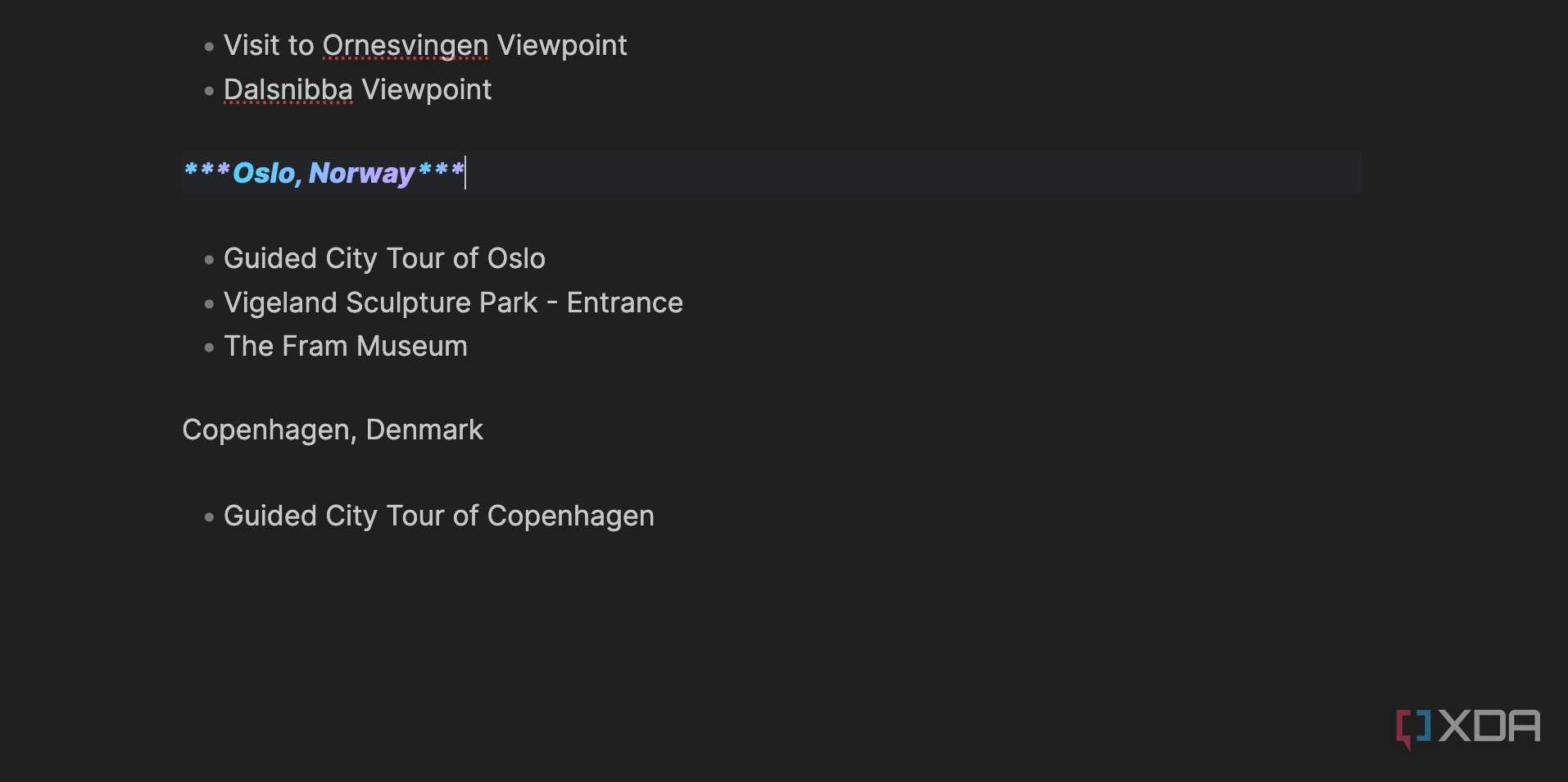
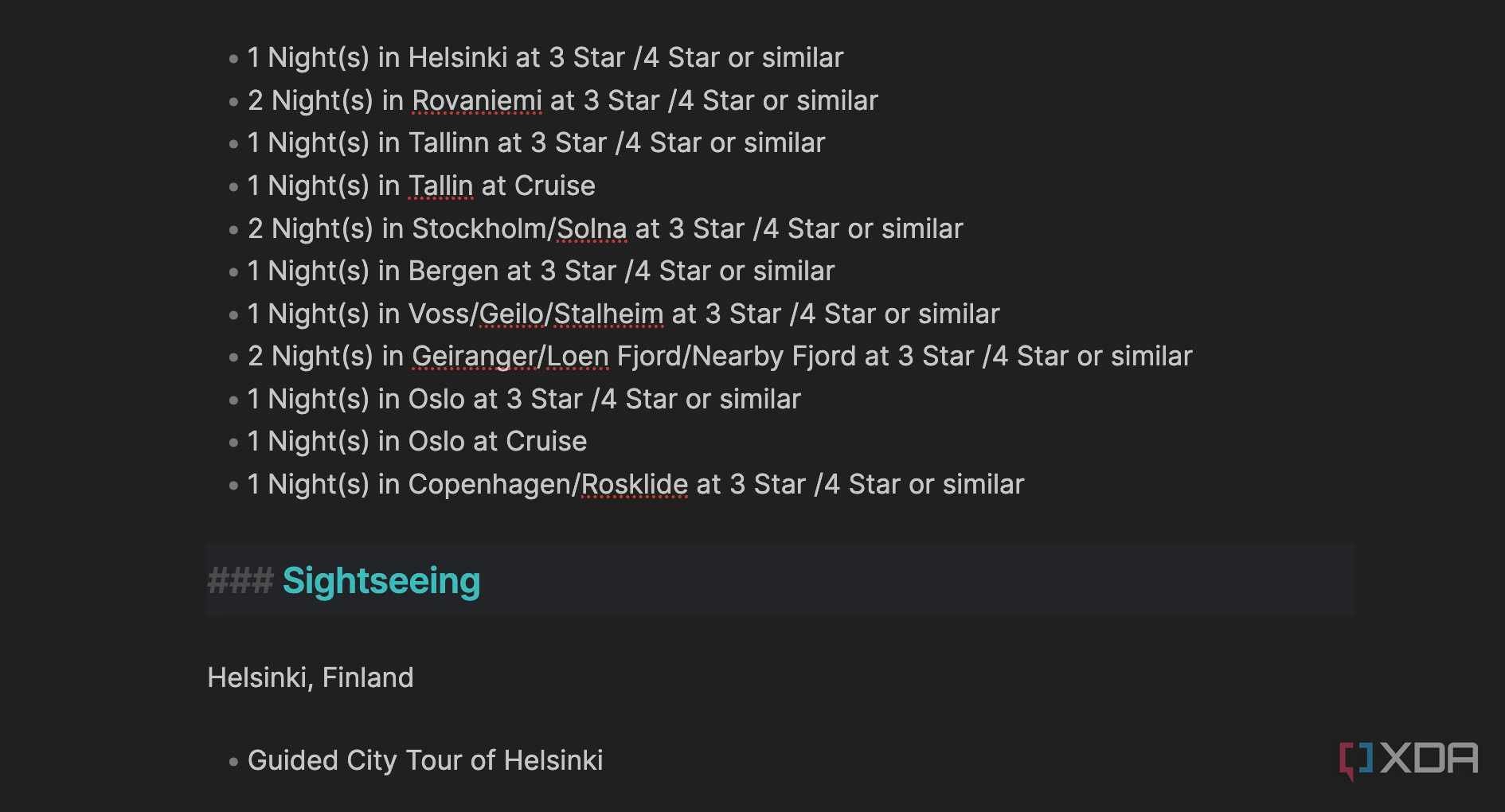
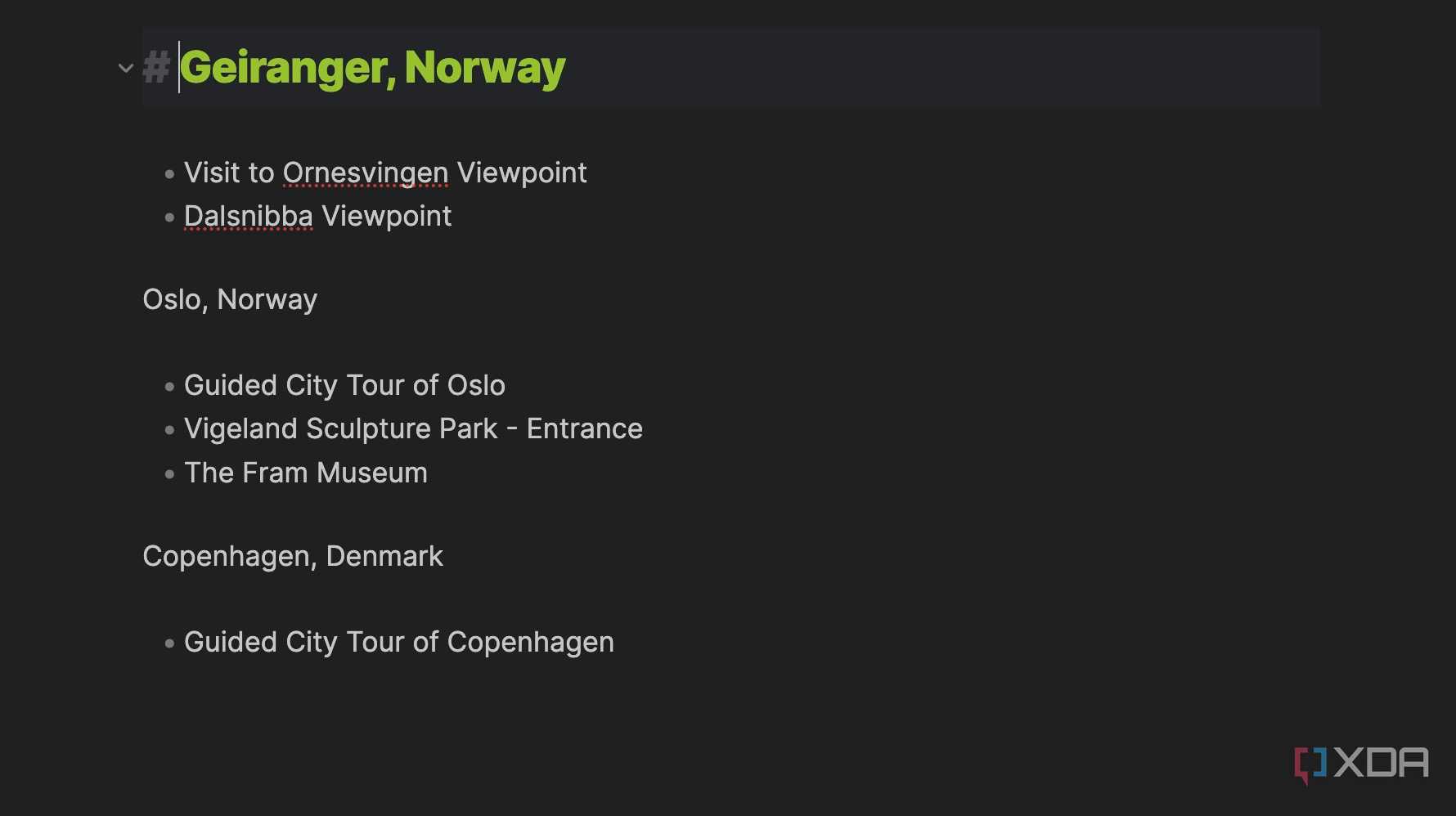
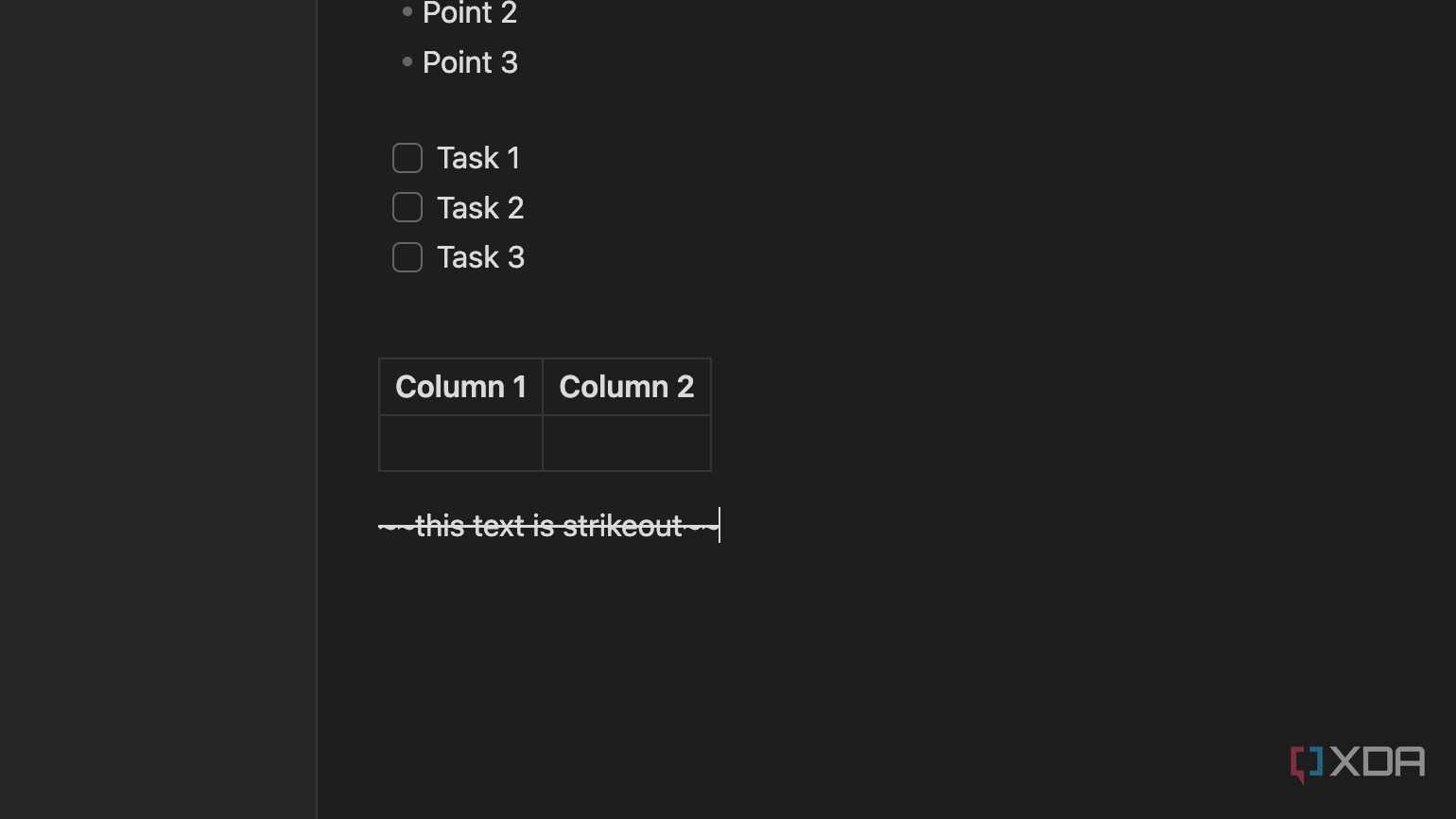
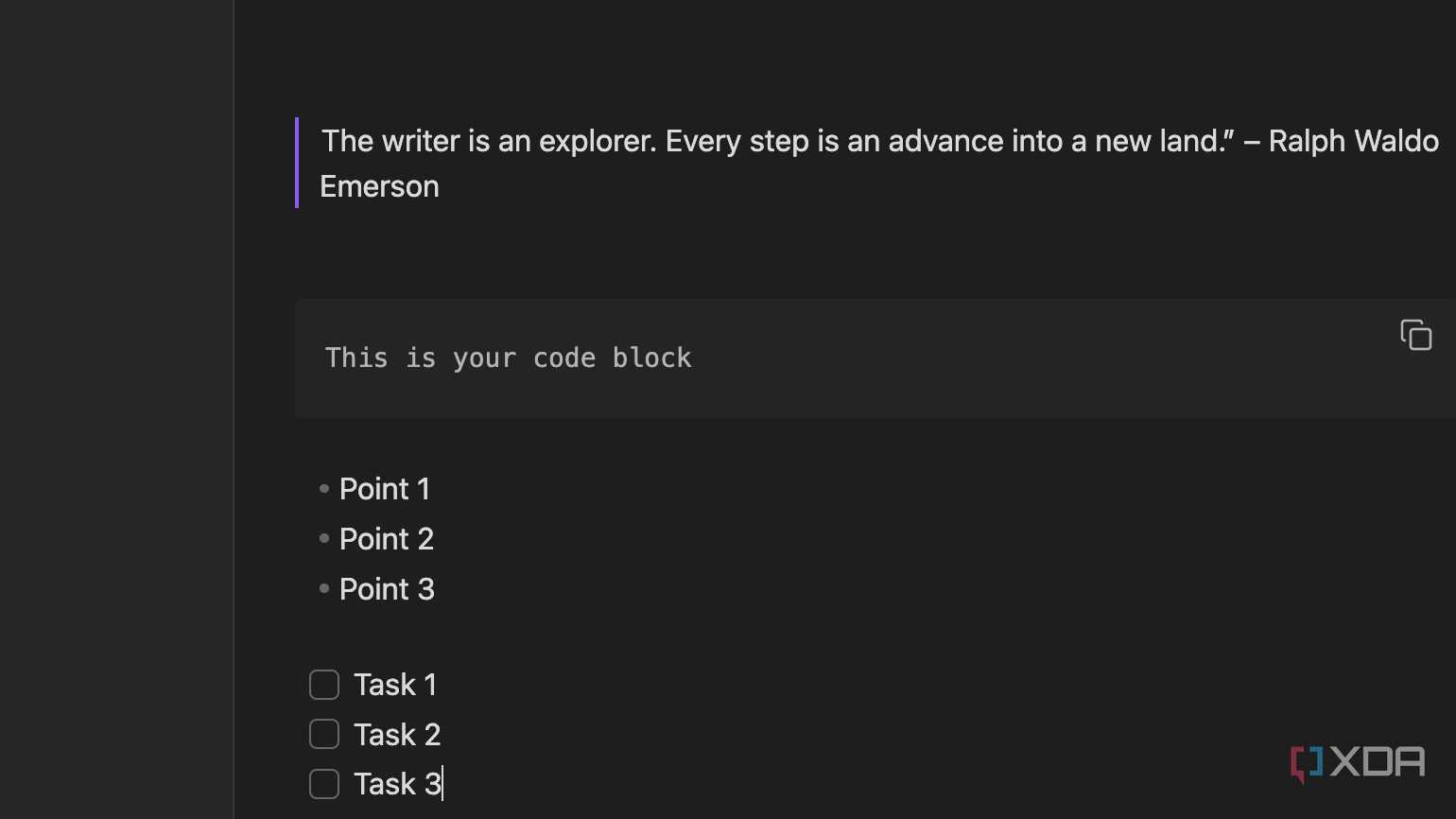



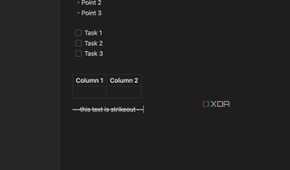

As mentioned earlier, Markdown is quite popular among developers, and rightfully so. After all, technical writing demands clear, universal language and precise formatting, and only Markdown’s simple syntax can help achieve such results.
Markdown was designed with the web in mind. You can easily convert Markdown to HTML for web pages, PDF for print, or even presentations. It saves you both time and effort. You can maintain consistent formatting across different websites and formats and publish your documents online with minimal effort.
Stop struggling with formatting
Are you tired of wrestling with complex formatting menus and clunky interfaces? Markdown offers a better way to write. It lets you focus on your ideas, not the formatting. Whether you're crafting detailed documentation, jotting down quick notes, or writing a blog post, pick a tool that supports Markdown and boost your productivity in no time.
Obsidian is one of the popular tools that supports Markdown out of the box. If you are a power Obsidian user, check out these Markdown tips and tricks to improve your notetaking.
