


Summary
- Top time-tracking tools for laptops: Toggl Track, Timely, TrackingTime, Clockify, and Timing.
- The 80/20 rule in time management suggests focusing on 20% of tasks for 80% of results.
- Benefits of time tracking include improved habits, better task planning, team management, and identifying unproductive tasks.
Tracking your work hours is an essential productivity tool to improve your workflow. It lets you focus on tasks that matter the most, and helps you get through a busy schedule efficiently. Thankfully, there is no shortage of time-tracking tools out there, and among them, we have hand-picked the top options to master your time on your laptop. Whether you are a professional, student, or freelancer, check out these software solutions to boost your productivity.
The ‘Pareto Principle’ concept (often known as the 80/20 rule) applies to time management as well. It suggests that roughly 80% of your results come from 20% of your efforts. So, track your time and focus on the most important tasks to maximize your productivity.
5 Toggl Track
Source: Toggle Track 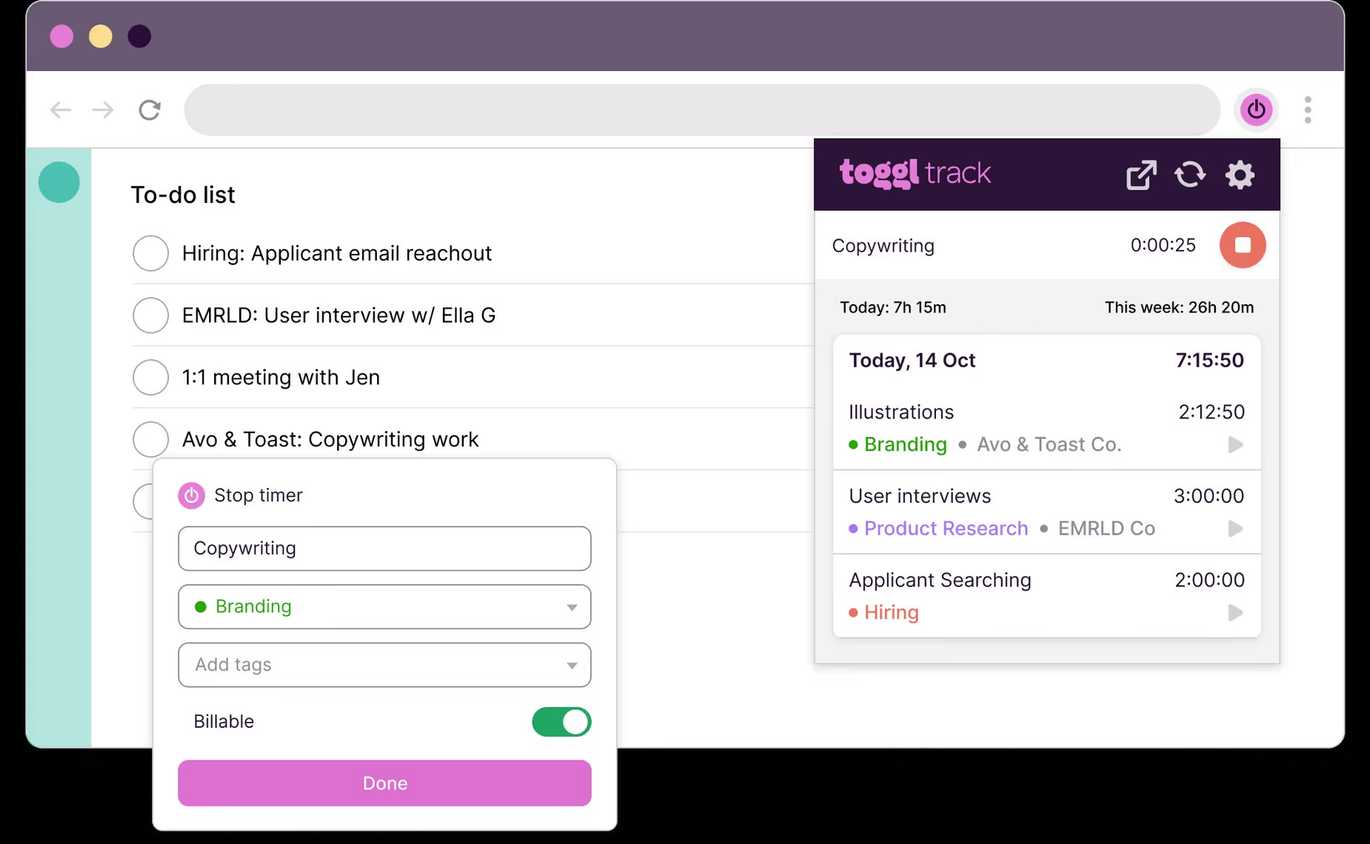
Source: Toggle Track 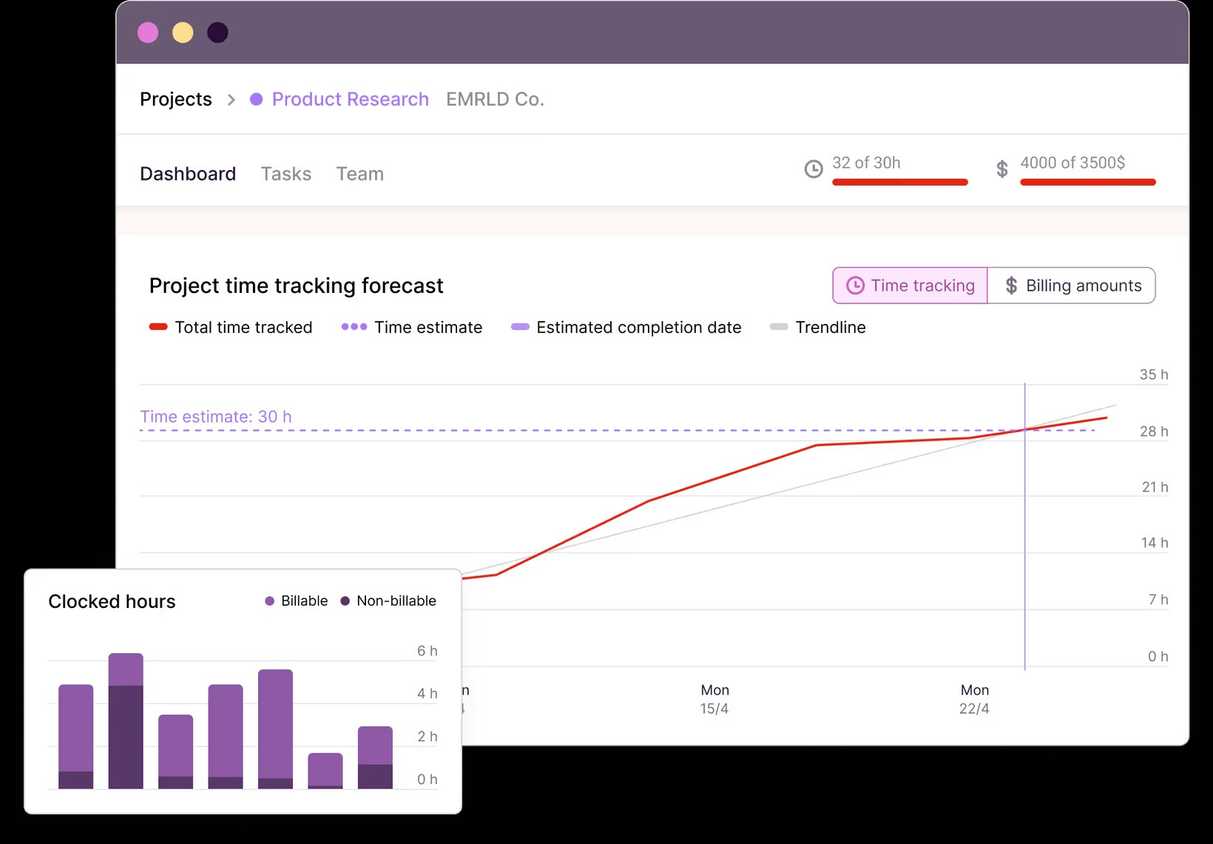
Source: Toggle Track 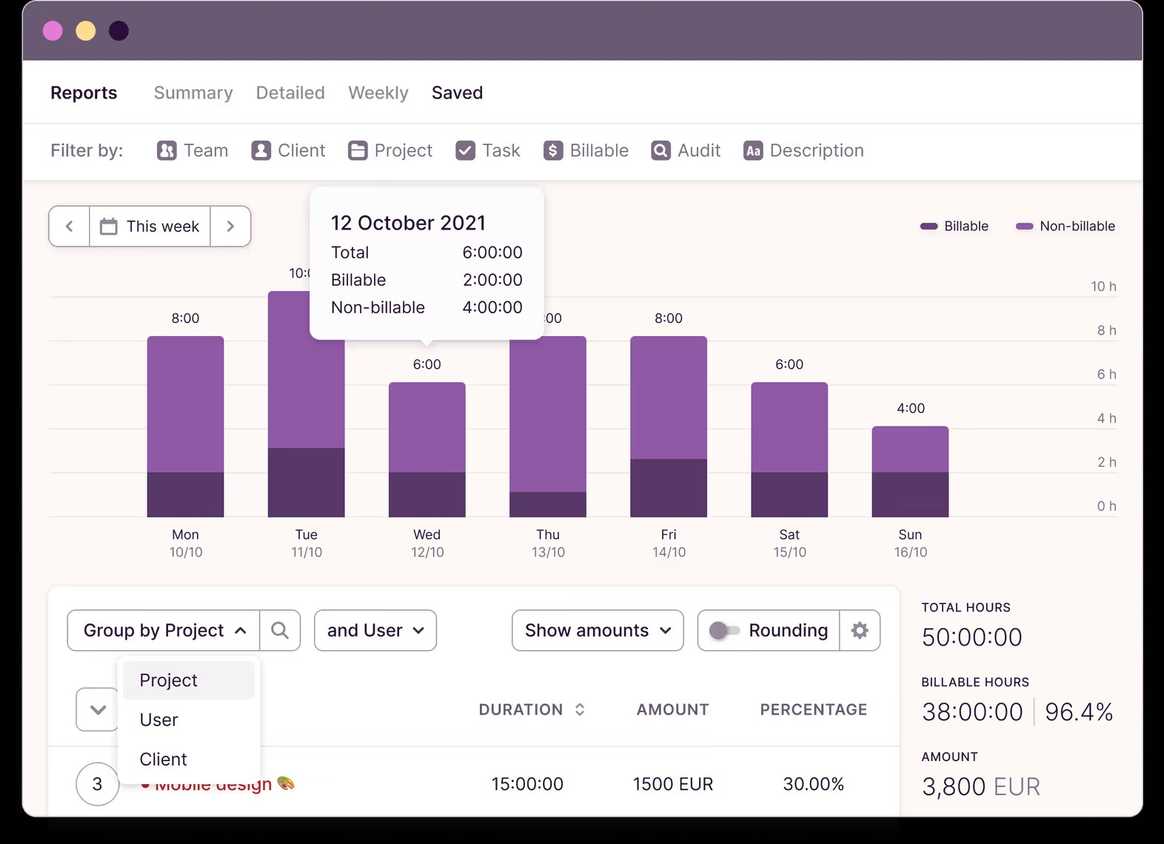
Source: Toggle Track 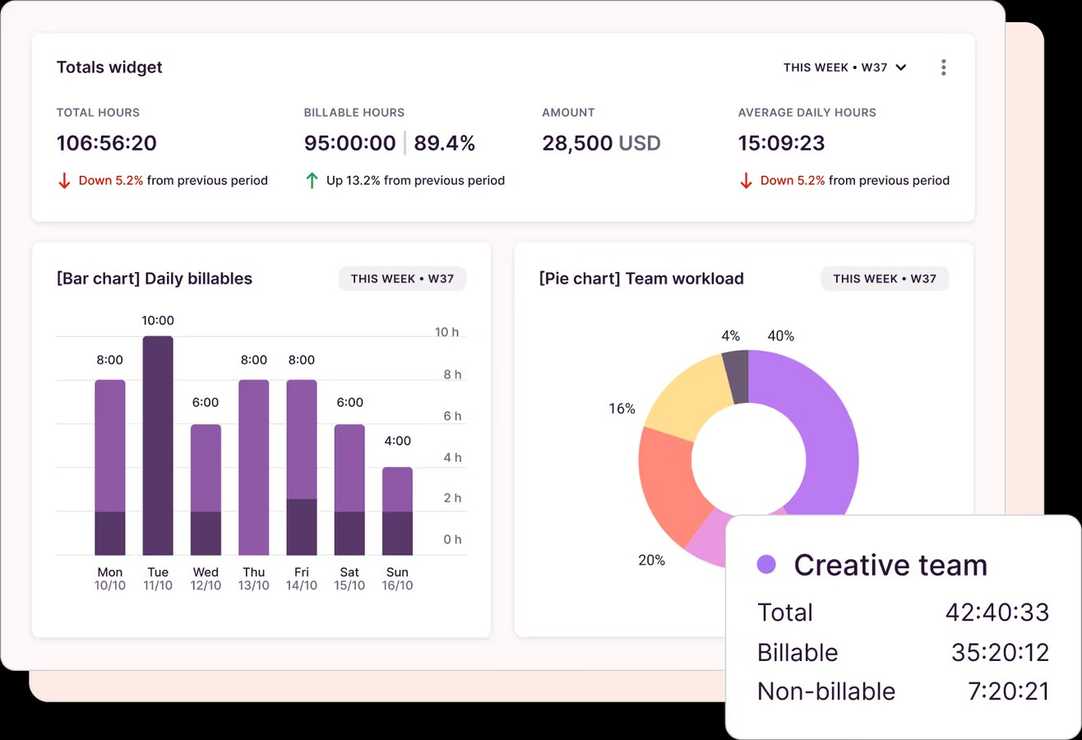
Source: Toggle Track


Source: Toggle Track 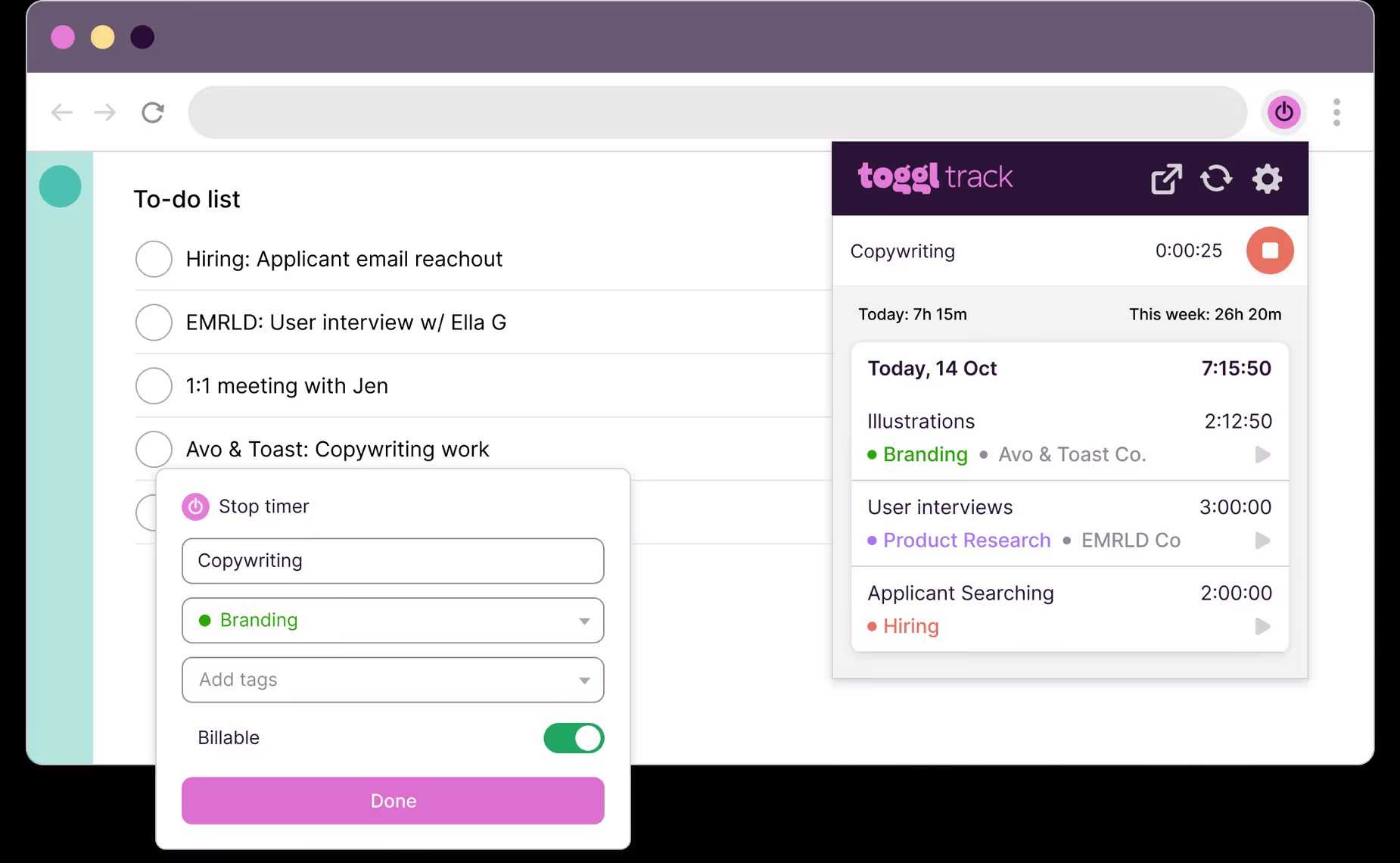
Source: Toggle Track 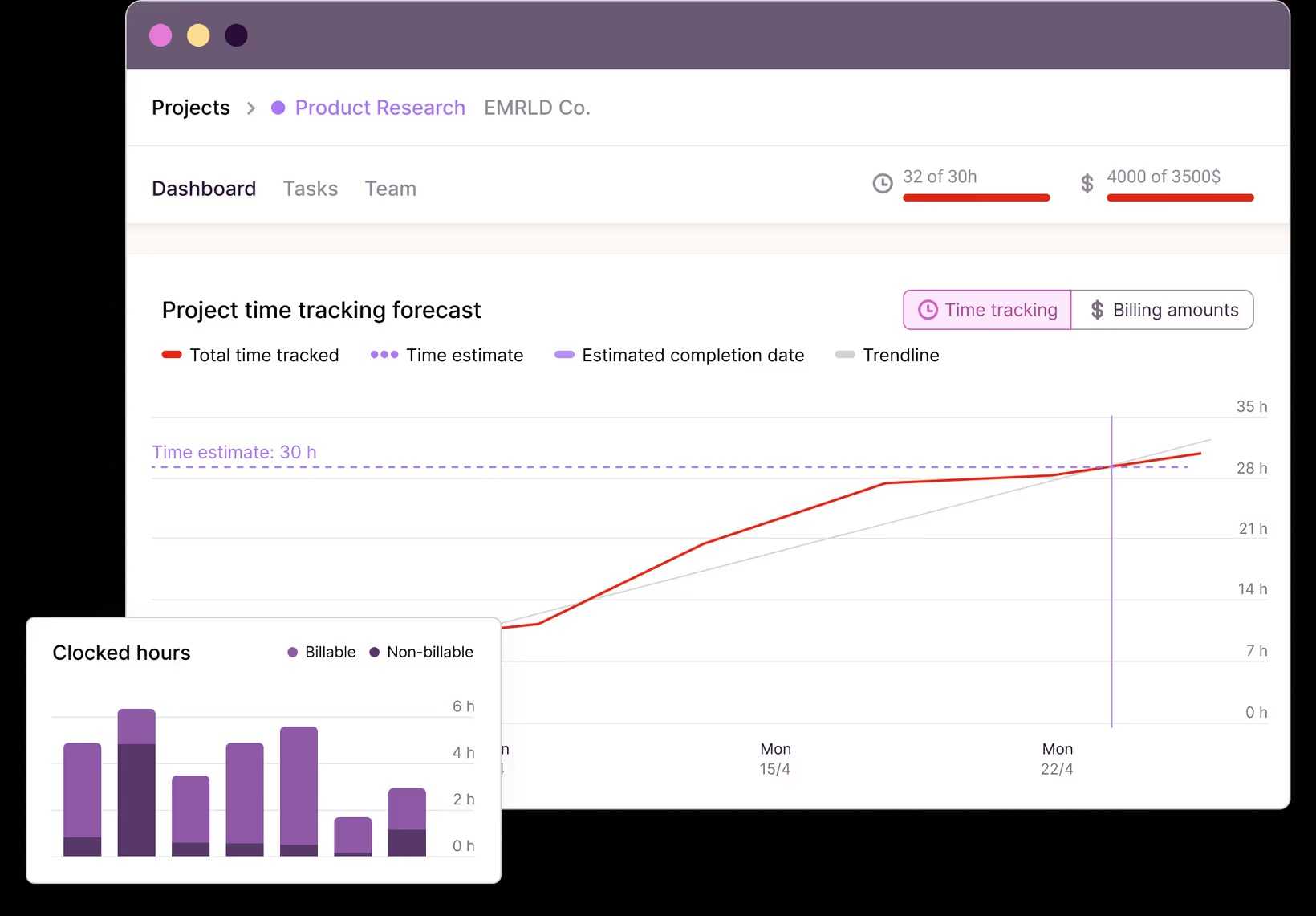
Source: Toggle Track 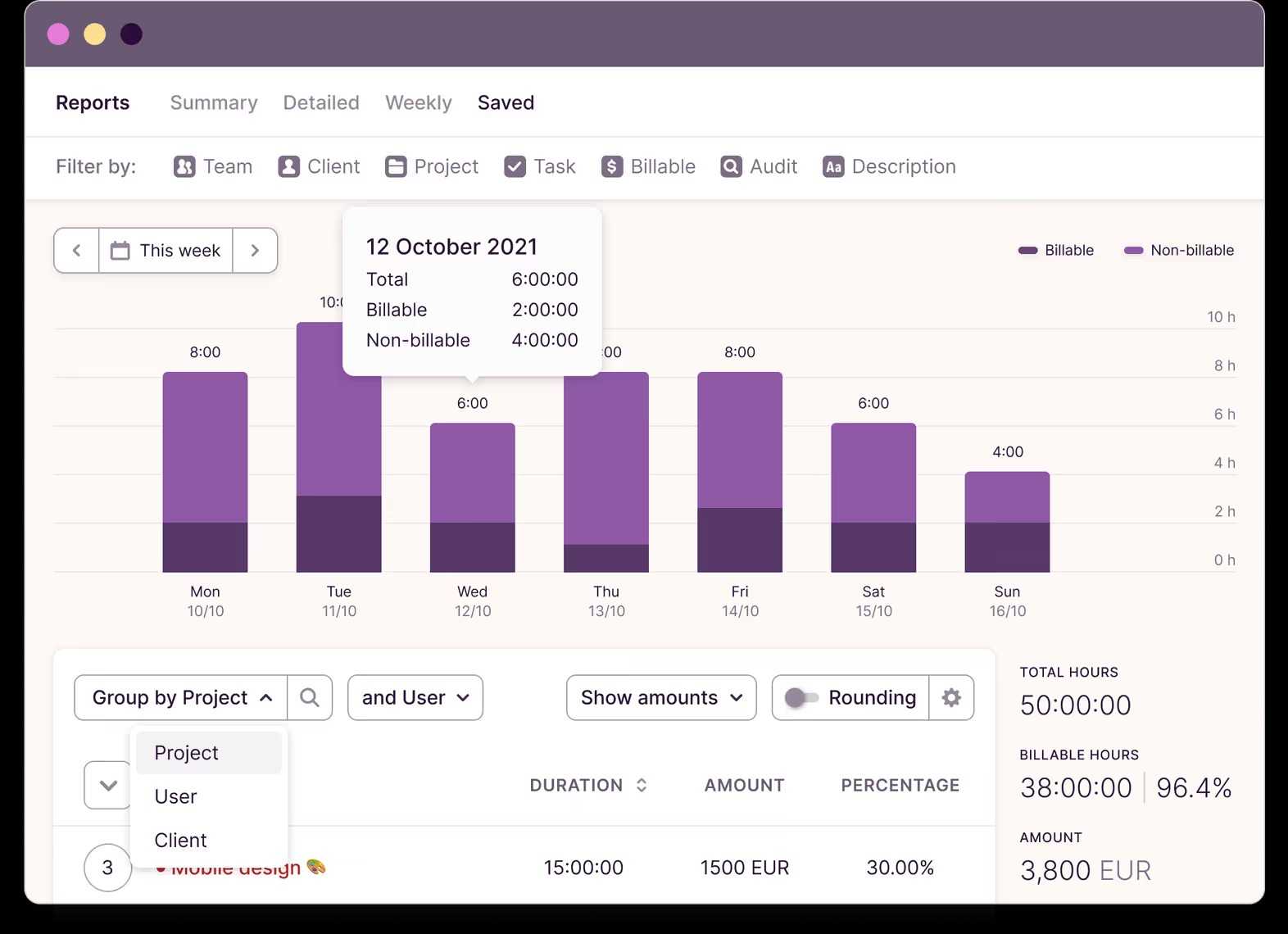
Source: Toggle Track 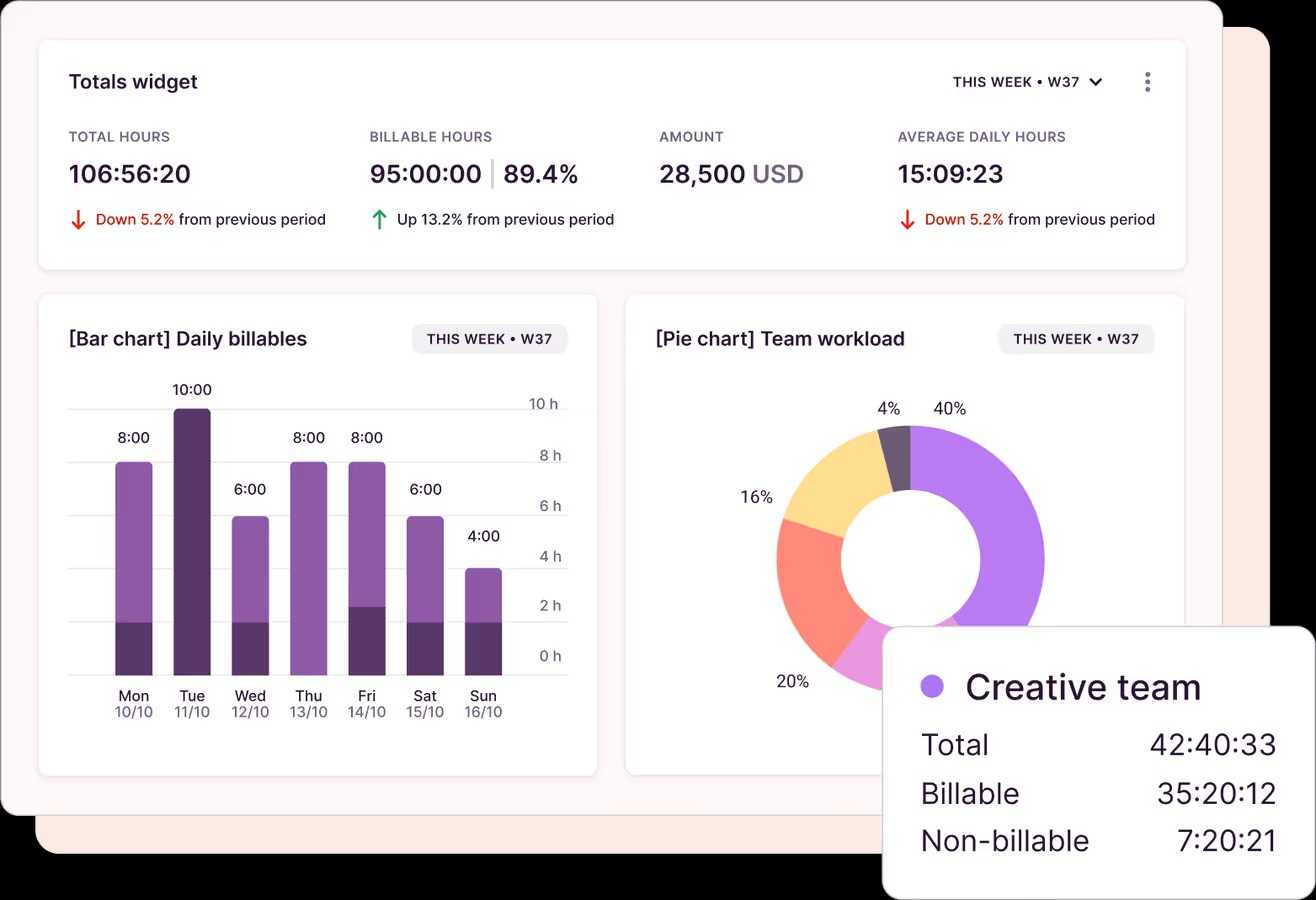
Source: Toggle Track
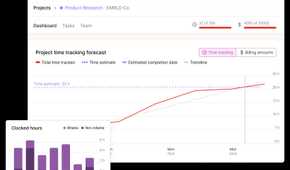
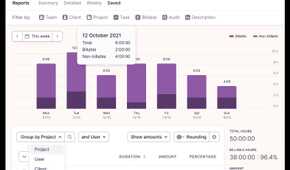
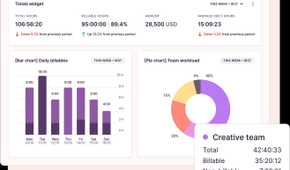
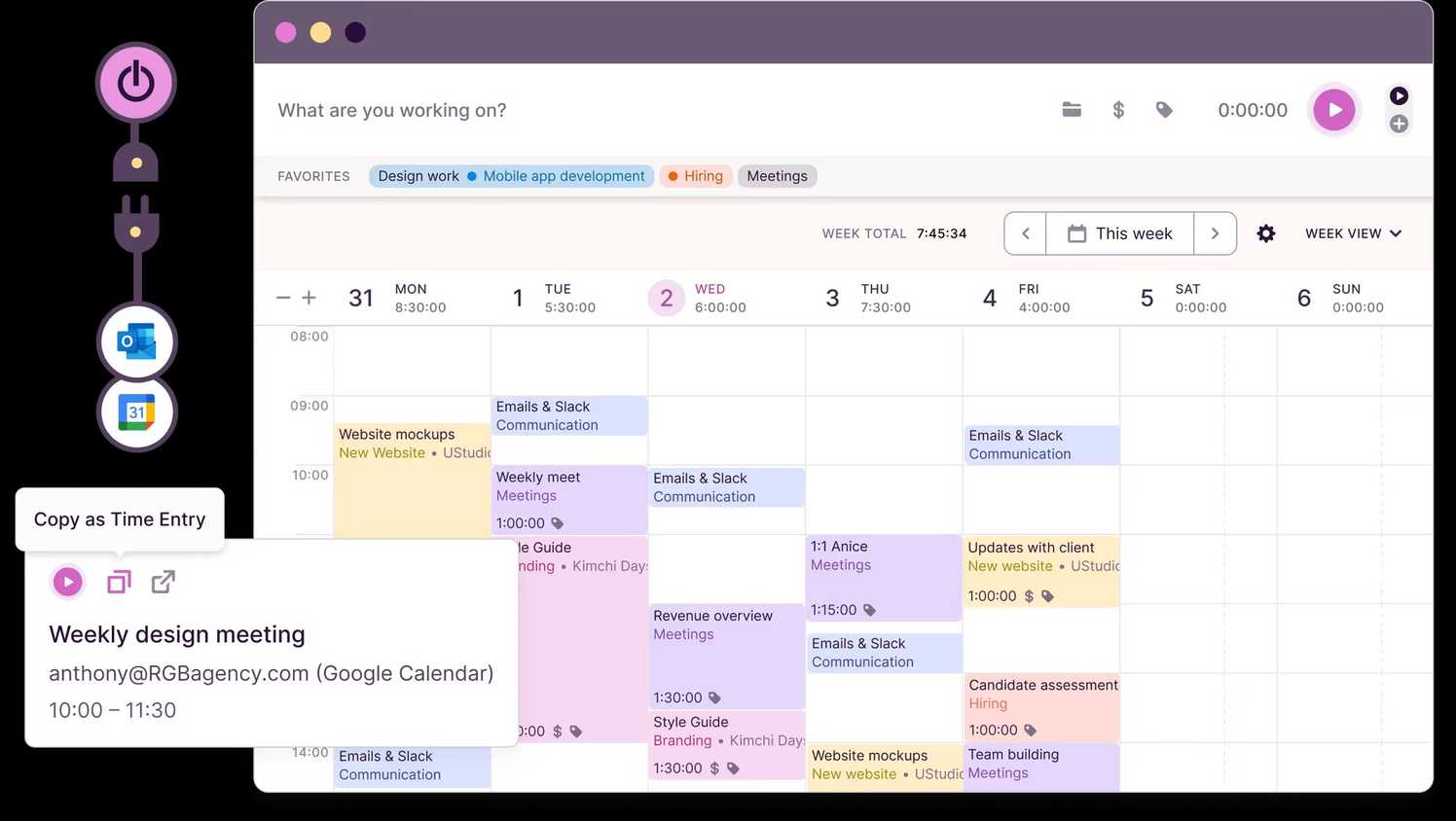
Toggl Track goes beyond basic time tracking and offers a bunch of add-ons to manage your business like a pro. Apart from automated time tracking, it supports timesheet reports, invoicing, time reporting, and analytics. It aims to deliver a one-stop solution for all your personal and business needs.
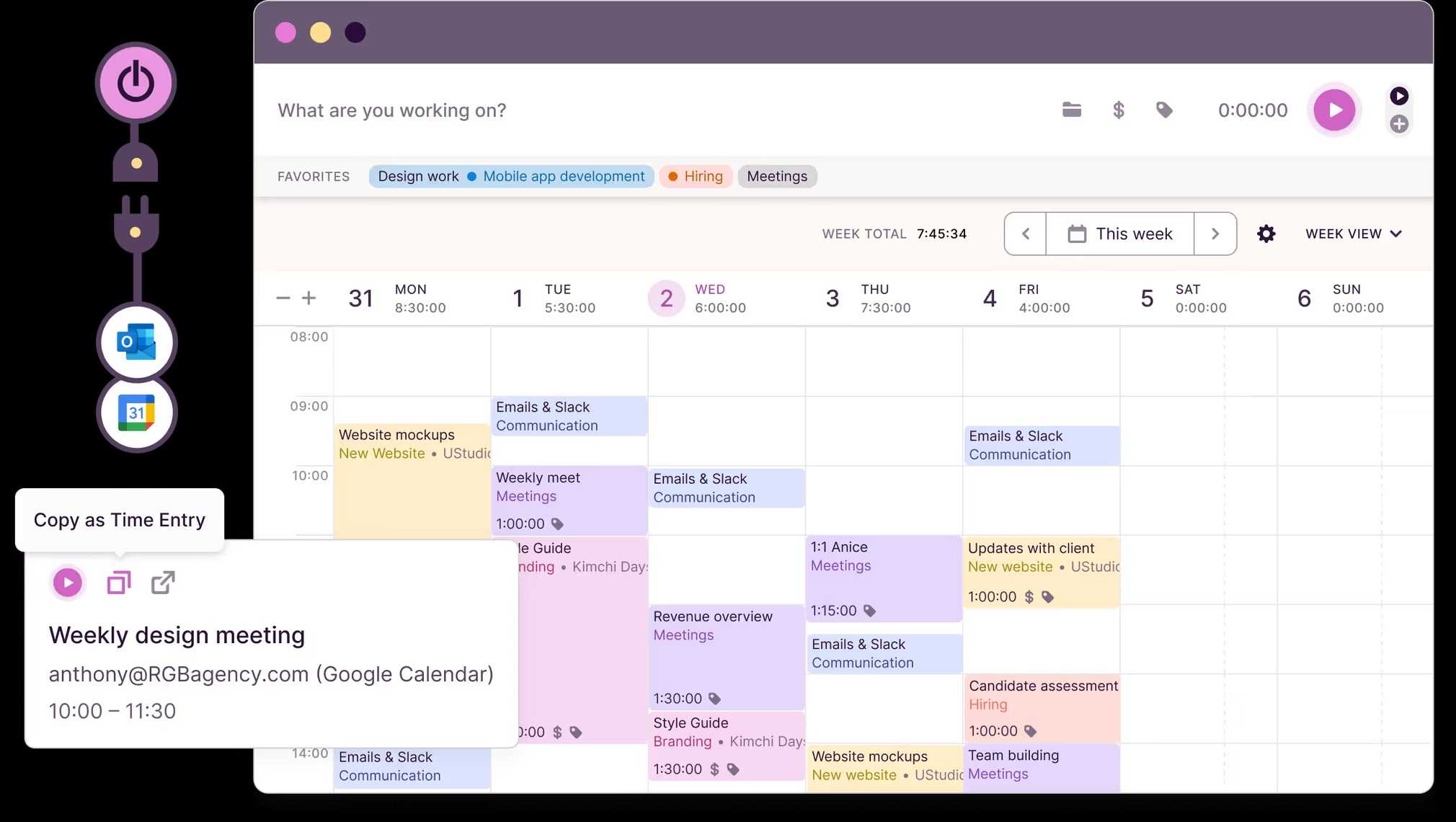
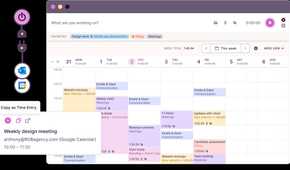
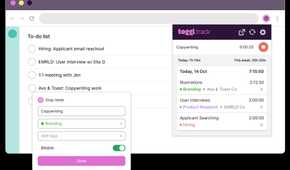
One of the best features of Toggl Track is seamless integration with third-party apps. You can link productivity tools like Asana, Jira, Evernote, Notion, Slack, Todoist, Outlook, and more, to sync relevant data in Toggl in real time. If you are a developer, you can use the Toggl Track API to create your own integration, or rely on Zapier to connect apps and automate workflows.
Once you establish a connection, the Toggl Track button will appear in your favorite apps and give you a continual reminder to track your time. Toggl Track also supports Pomodoro to set the amount of time for a task with short breaks in between.
Toggl Track is available on all major desktop and mobile platforms. With unlimited time tracking, clients, tags, and integration with popular tools, the Toggl Track free plan is good enough for personal use and freelancers. The Starter plan begins at $9 per user per month, or higher if you want more options.

4 Timely
Source: Timely 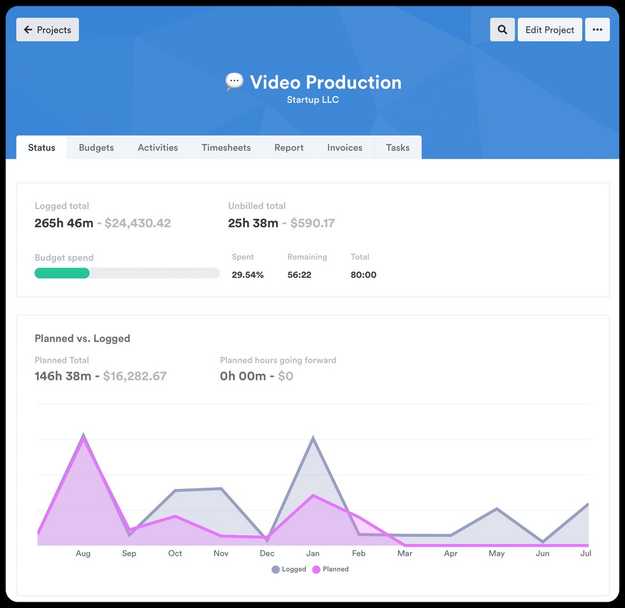
Source: Timely 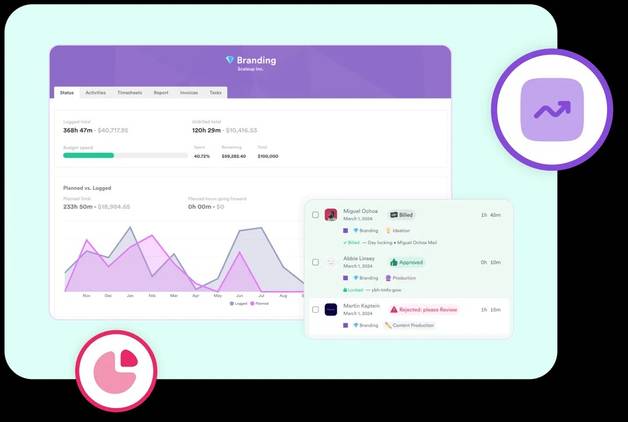
Source: Timely 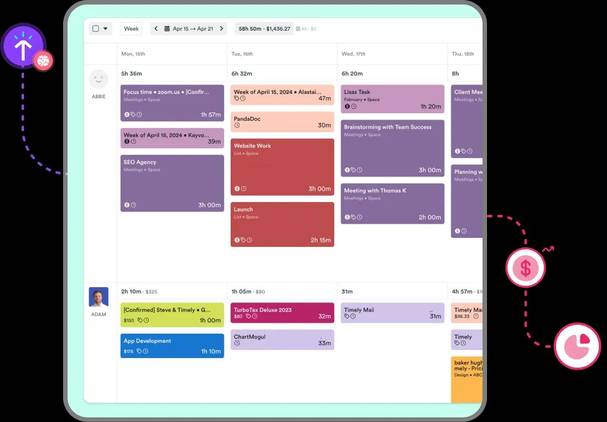
Source: Timely 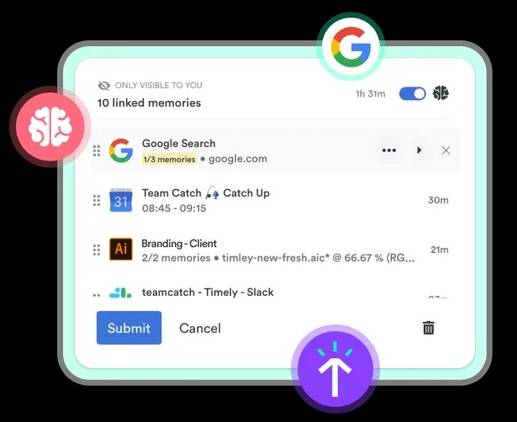
Source: Timely


Source: Timely 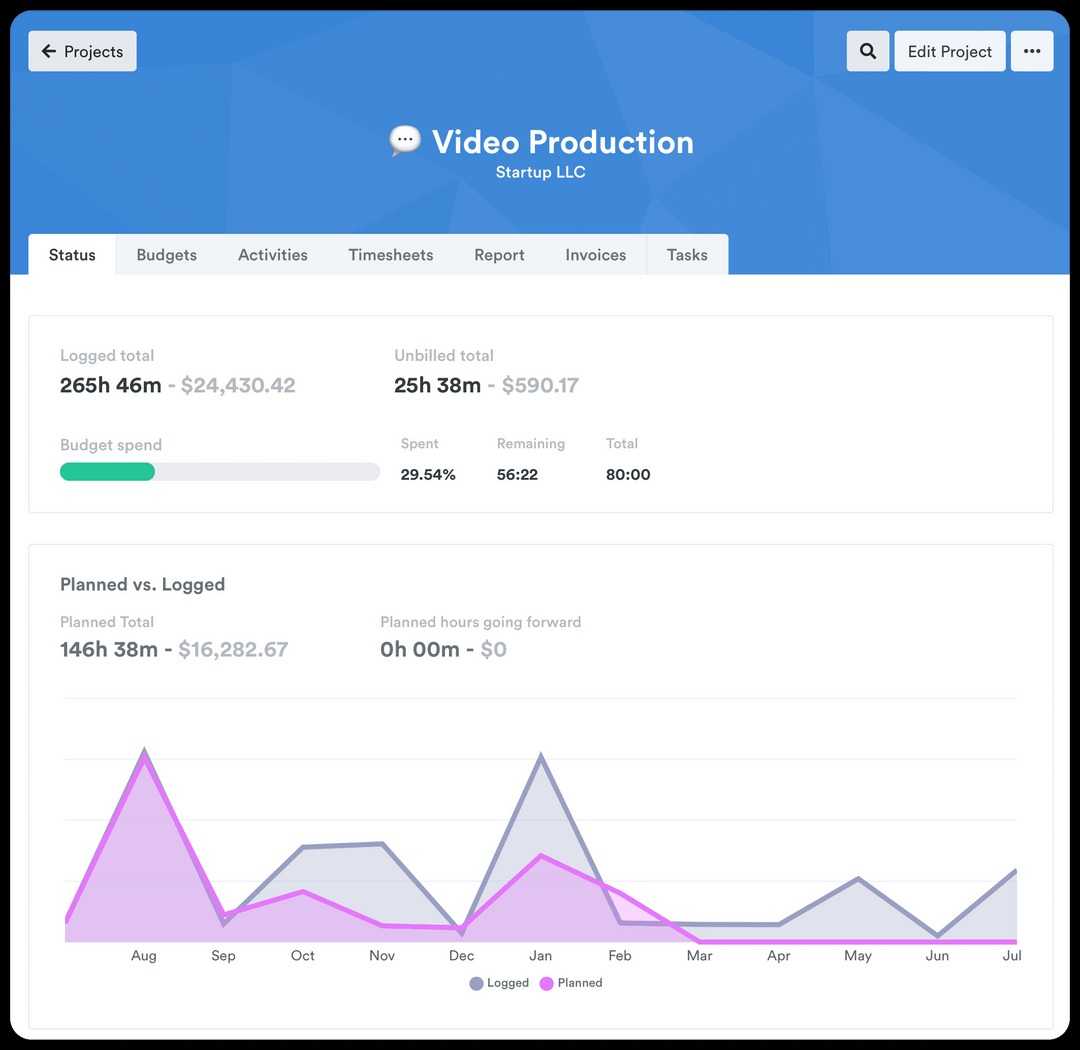
Source: Timely 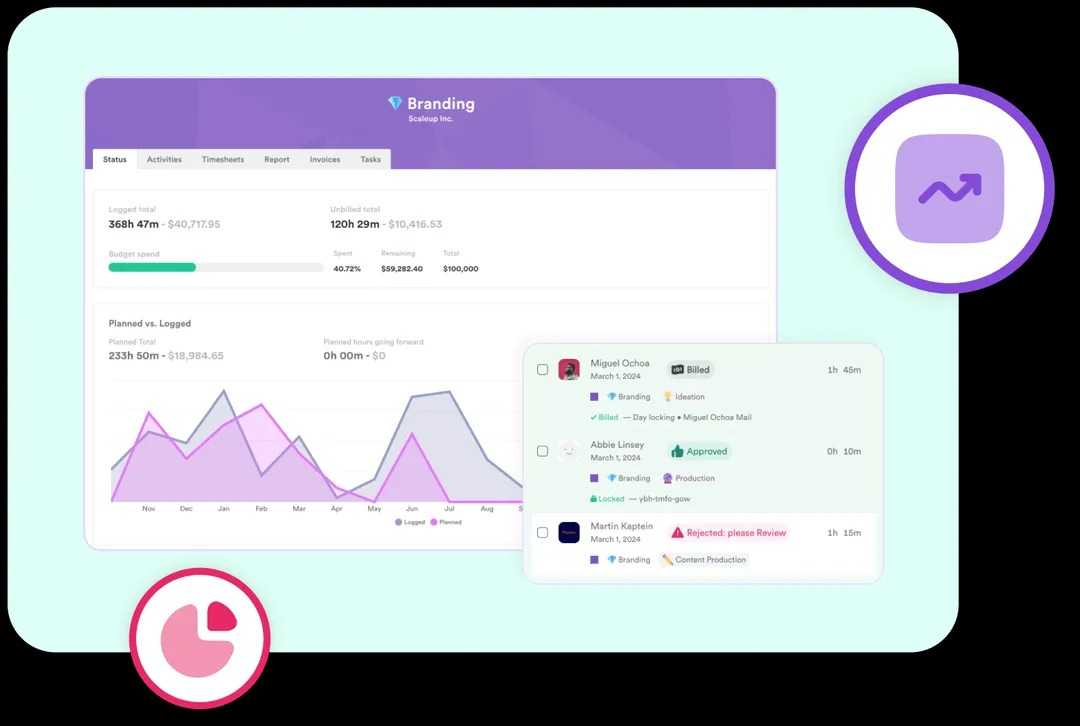
Source: Timely 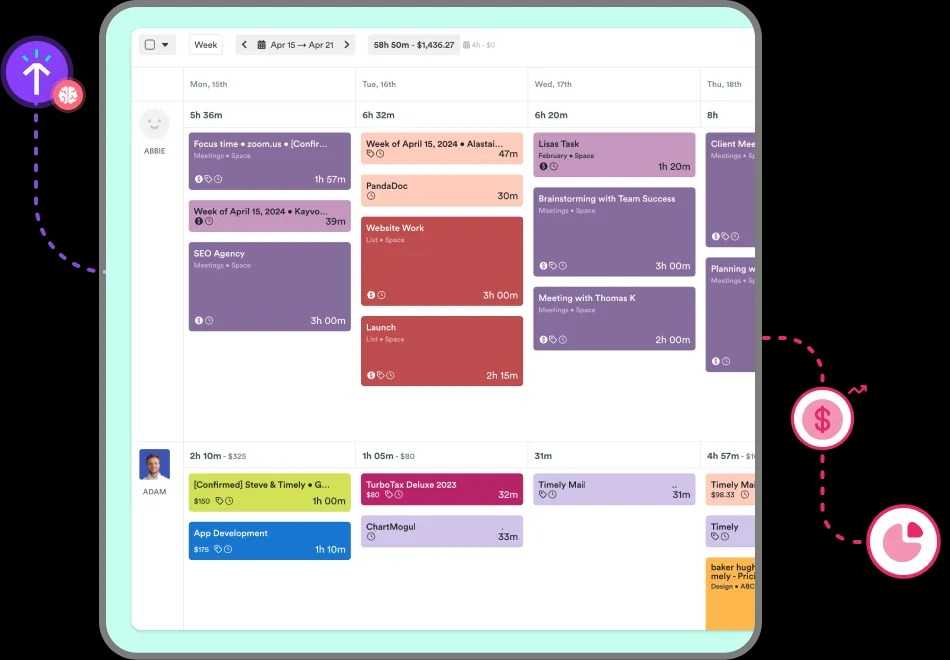
Source: Timely 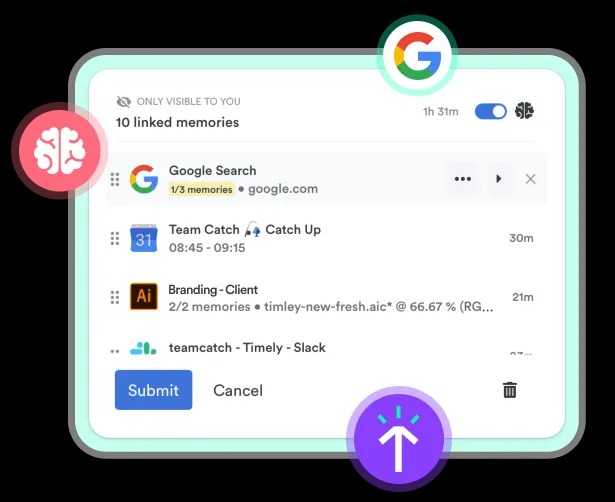
Source: Timely
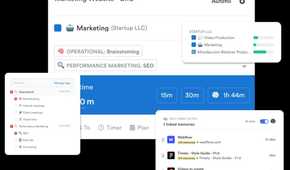
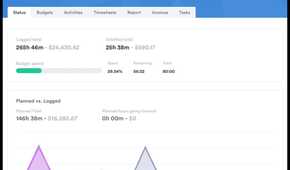
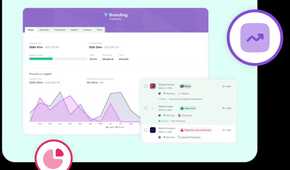
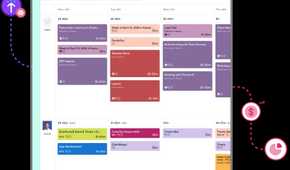
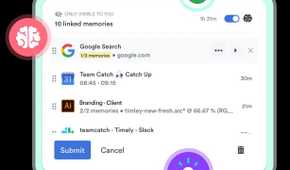
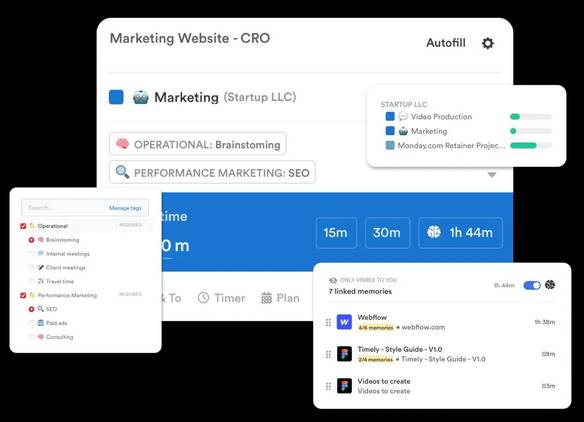
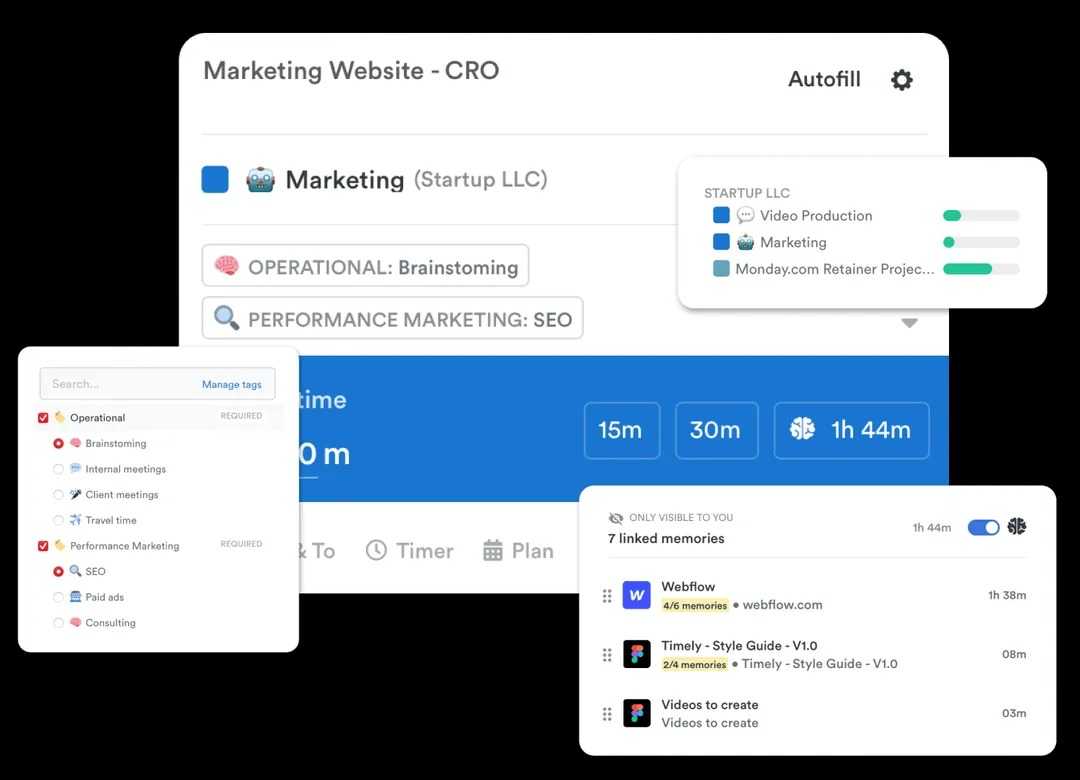
Timely is another cross-platform solution to track your time efficiently. Although it supports automatic time tracking, the built-in memory tracking takes the entire experience to the next level. It works in the background to track everything you have worked on throughout the day. It’s a must-have feature for businesses that work on billable hours.
As an employee, you don’t need to worry about such features though. All the data remains private to you, and you can be selective about sharing data on your timesheet. Once you download and open Timely, it asks you to connect your personal and work calendar, as well as frequently-used apps. Timely has an AI assistant that learns your work pattern and makes suggestions for categorizing your activities for better efficiency.
Other features include timesheets, billable hours, time planning, project management, task management, workspace capacity, overtime and undertime, invoices, and more. Timely offers a free trial, after which you would need to start a subscription for at least $9 per month, depending on which features you need.

3 TrackingTime
Source: TrackingTime 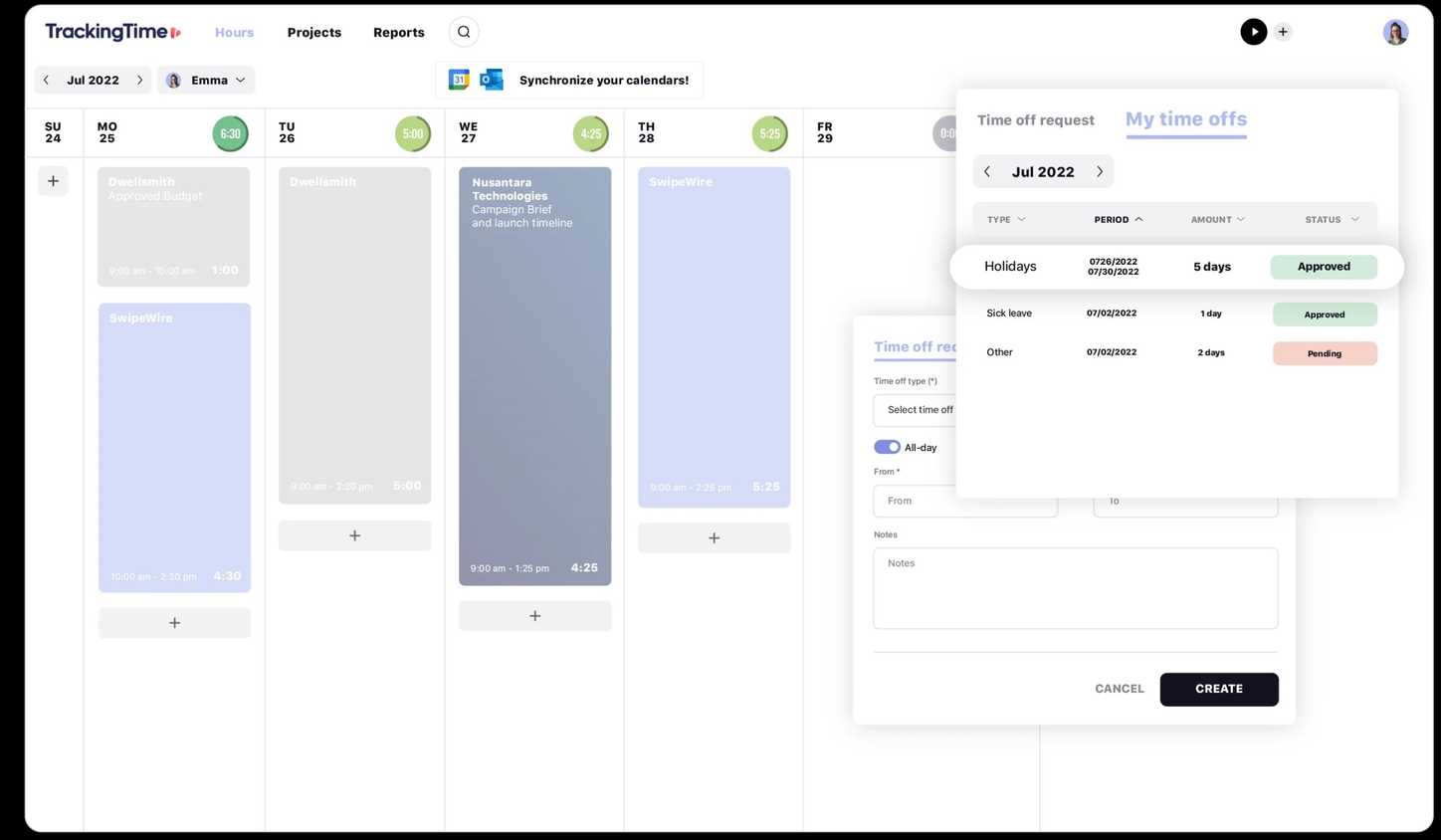
Source: TrackingTime 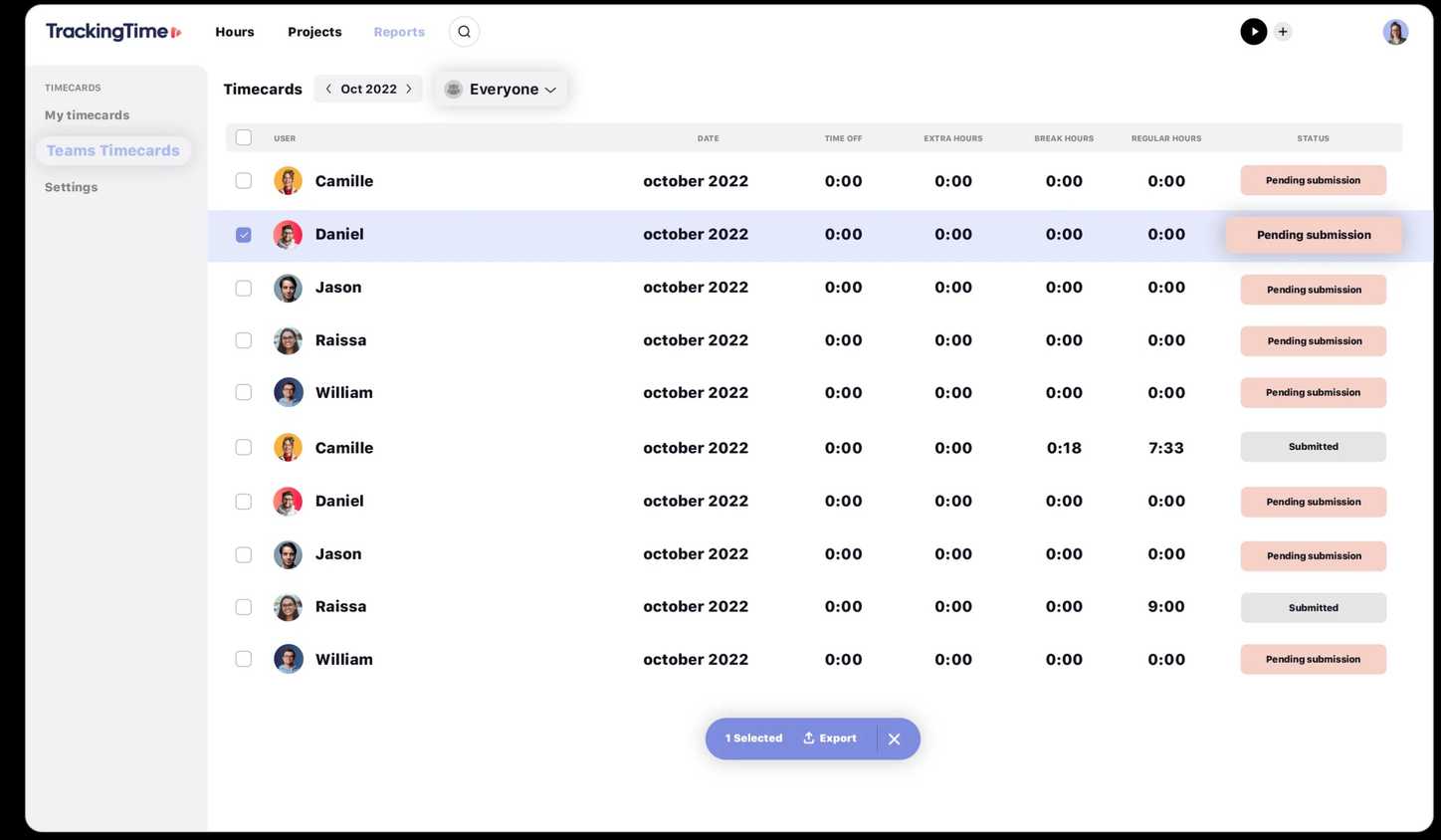
Source: TrackingTime 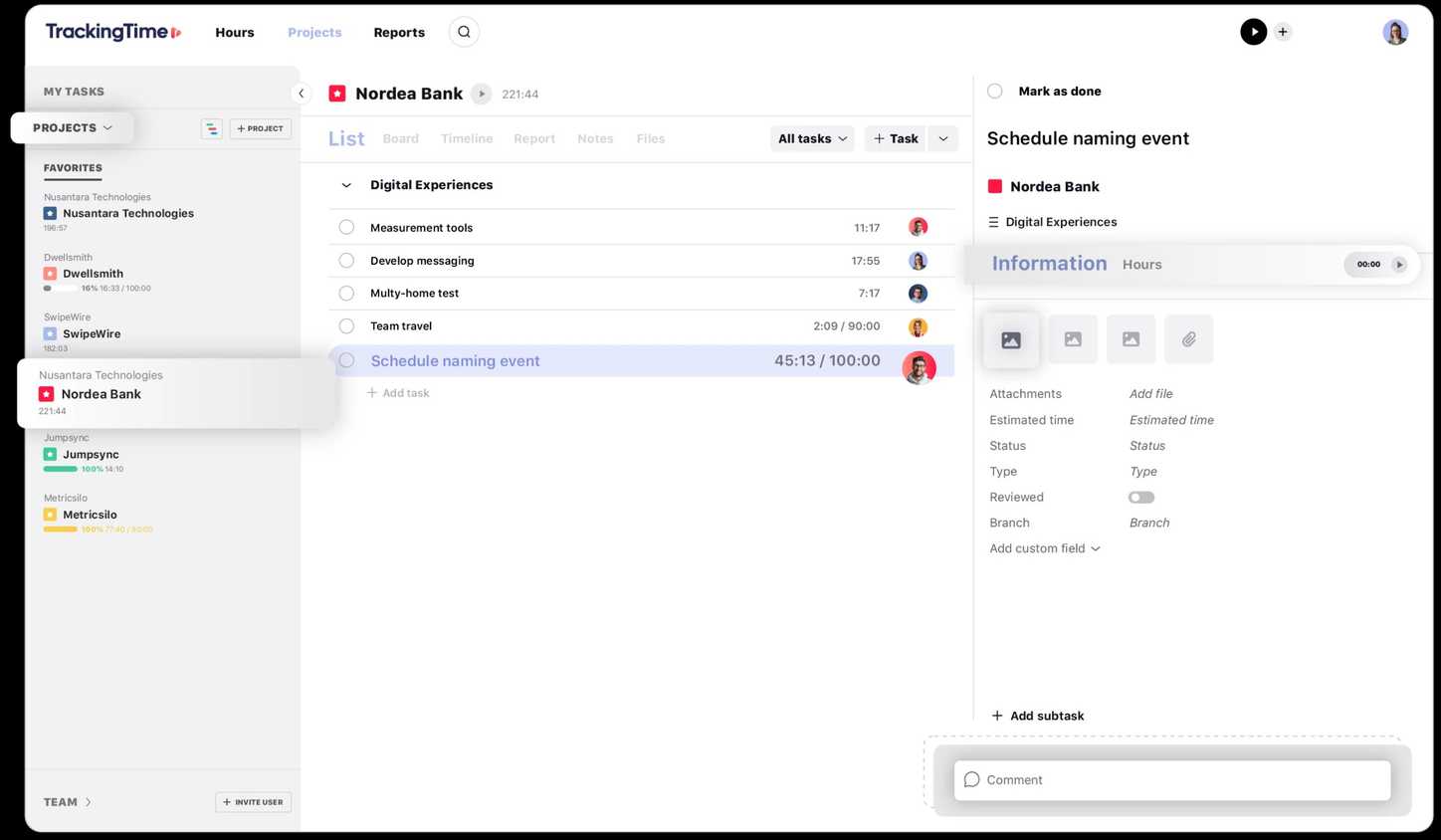
Source: TrackingTime 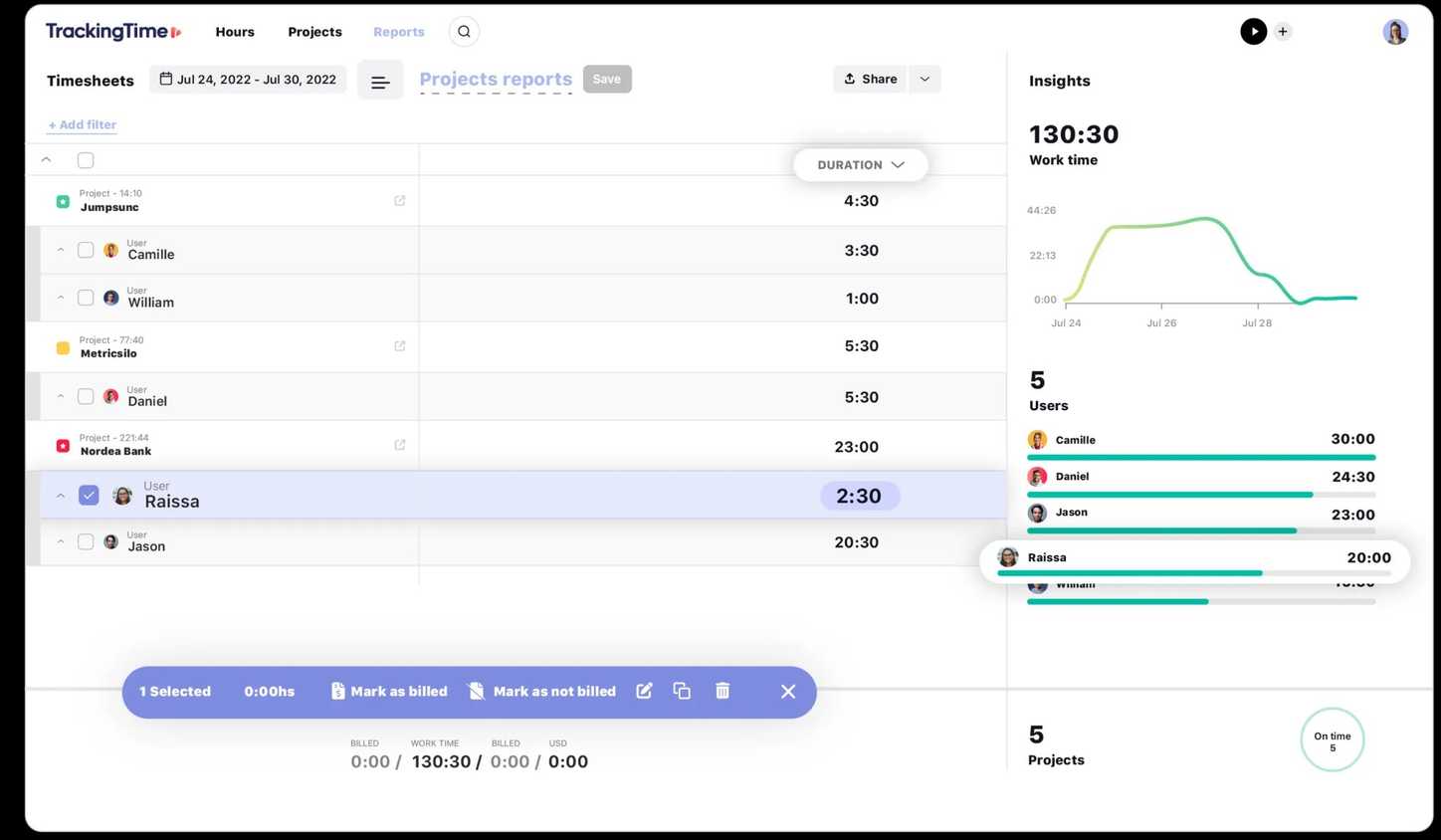
Source: Tracking Time


Source: TrackingTime 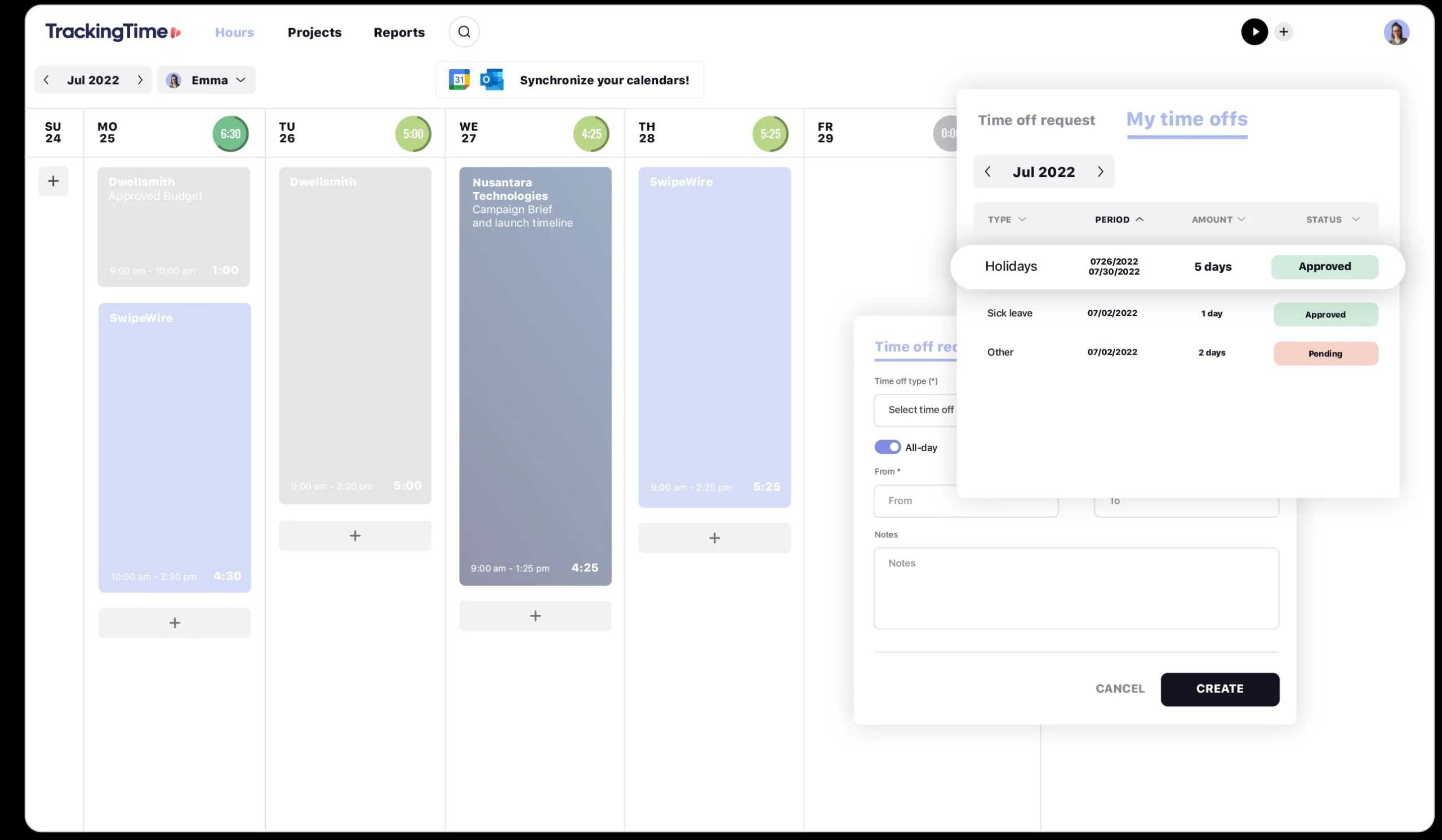
Source: TrackingTime 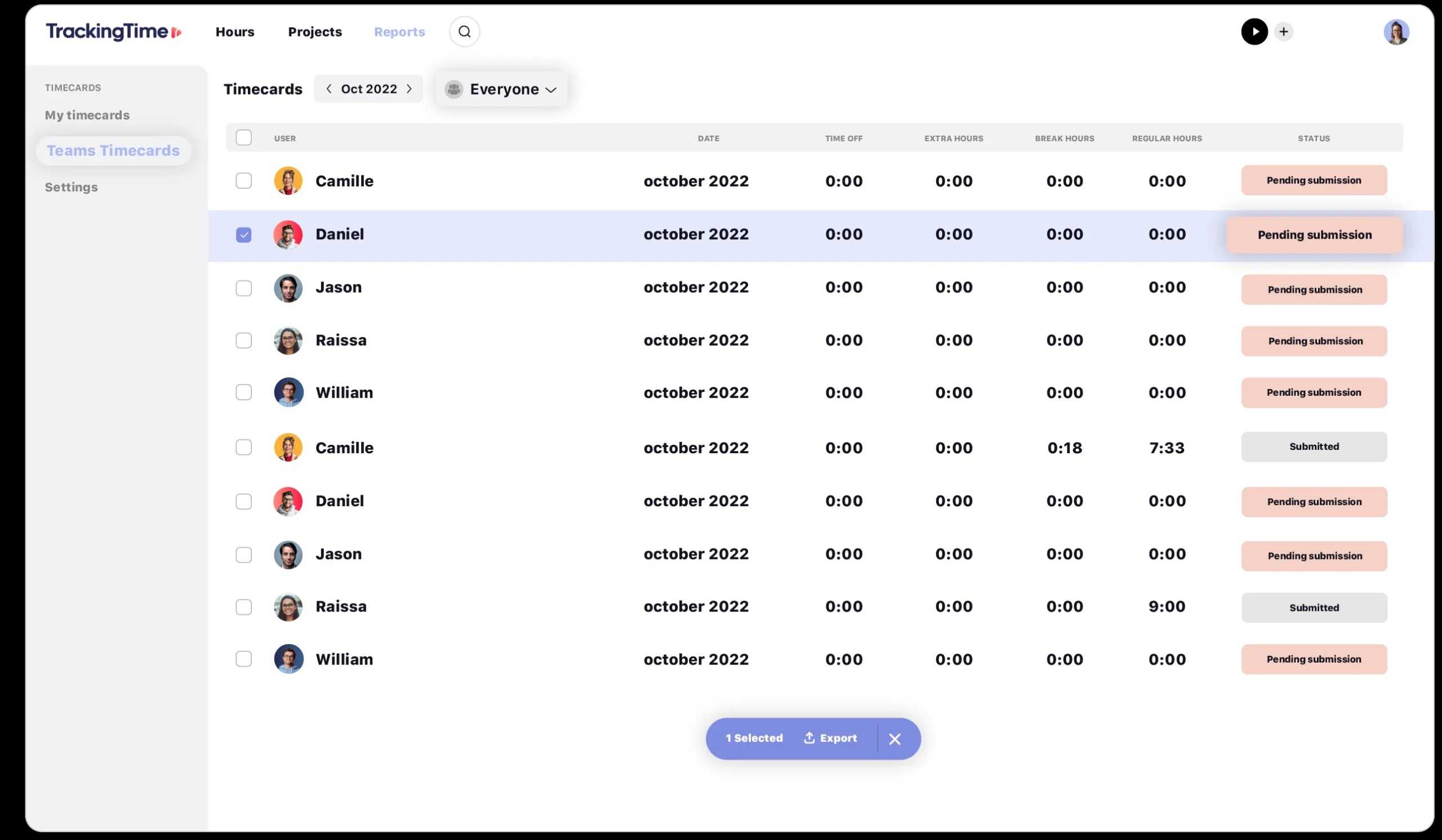
Source: TrackingTime 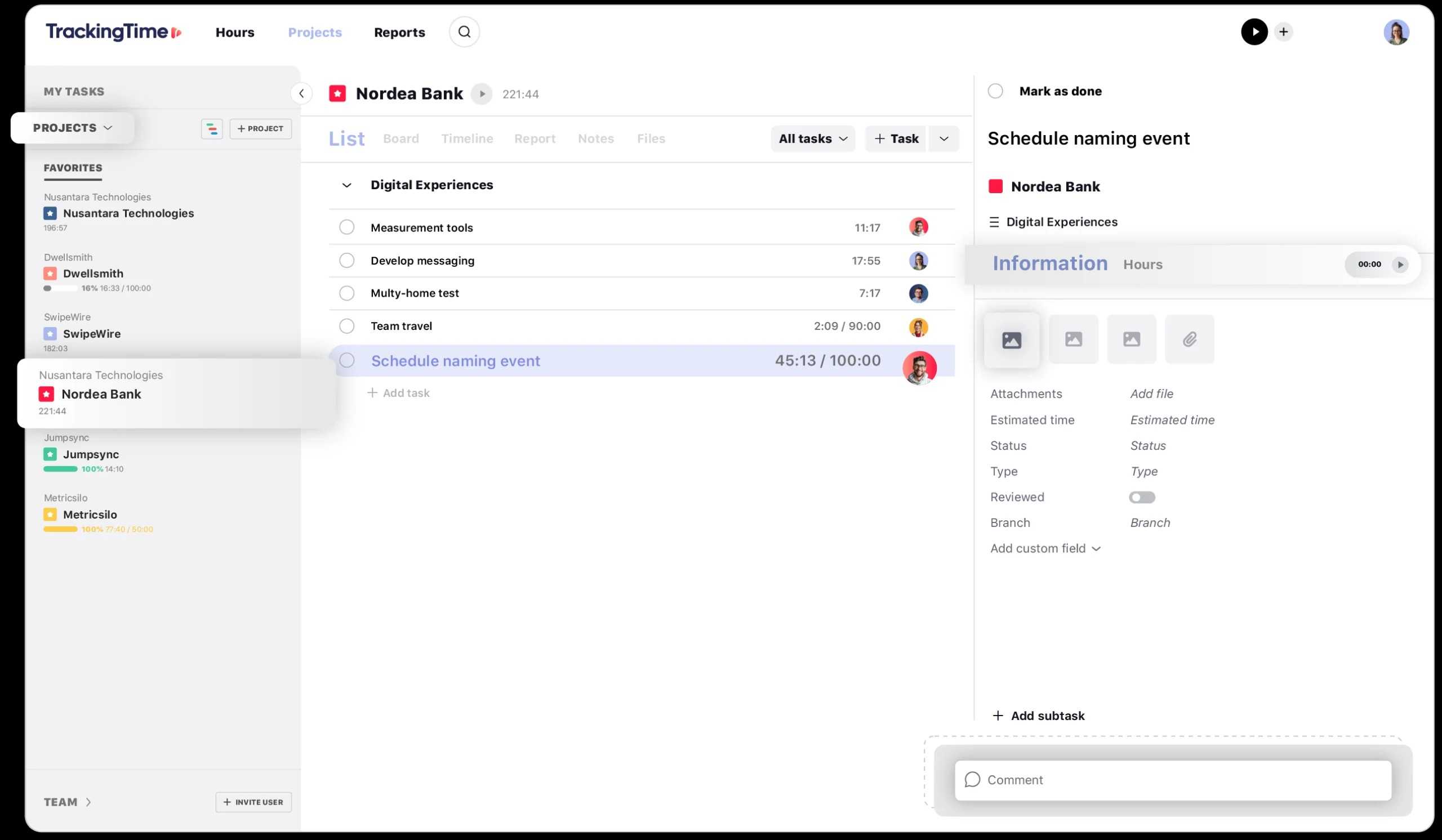
Source: TrackingTime 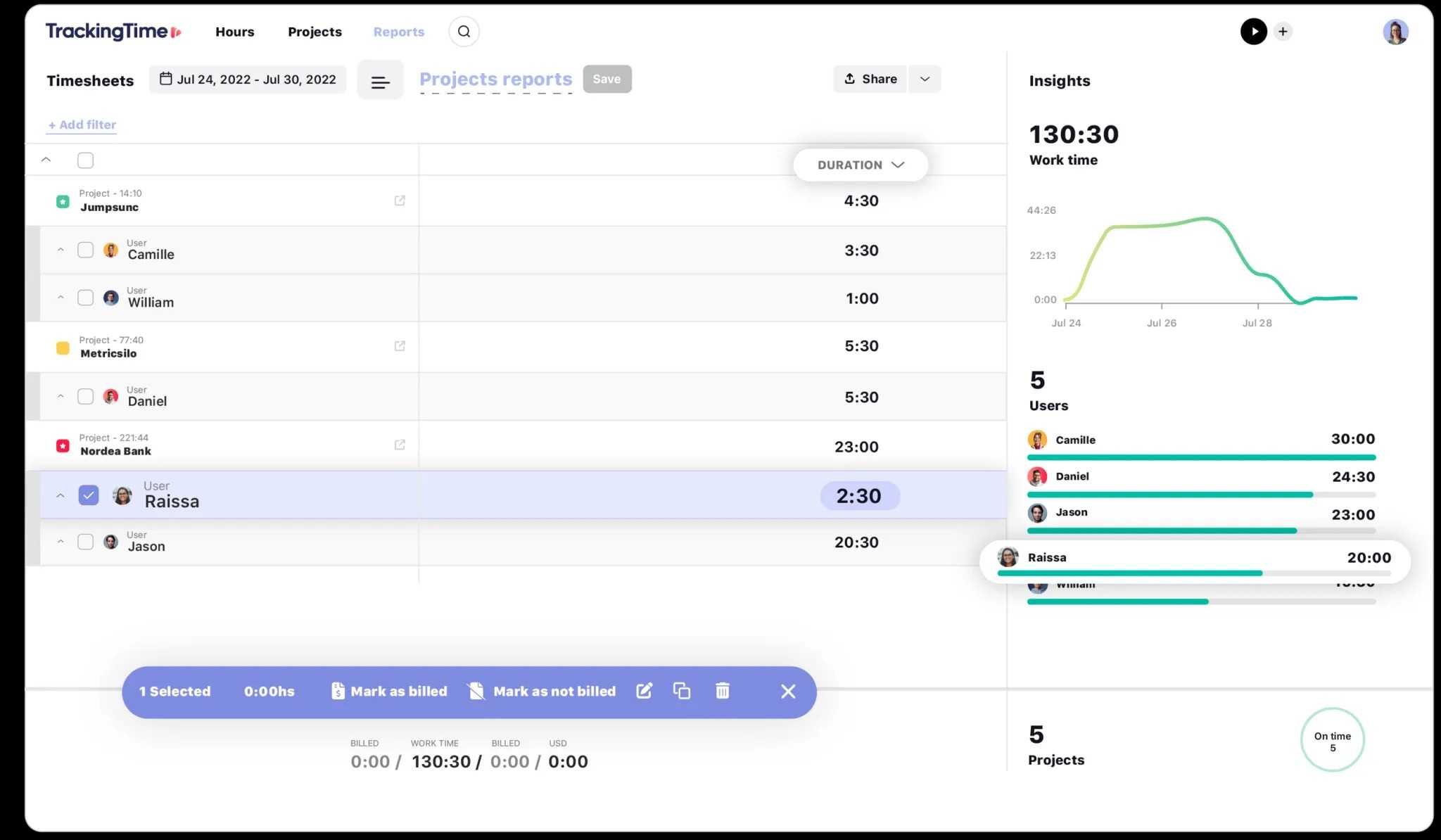
Source: Tracking Time
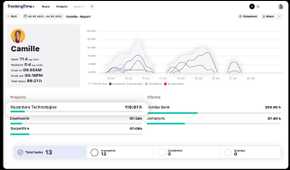
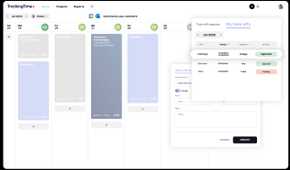
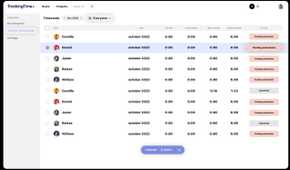
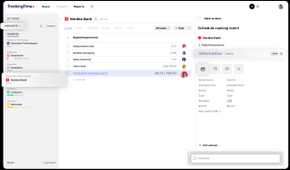
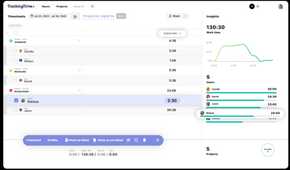
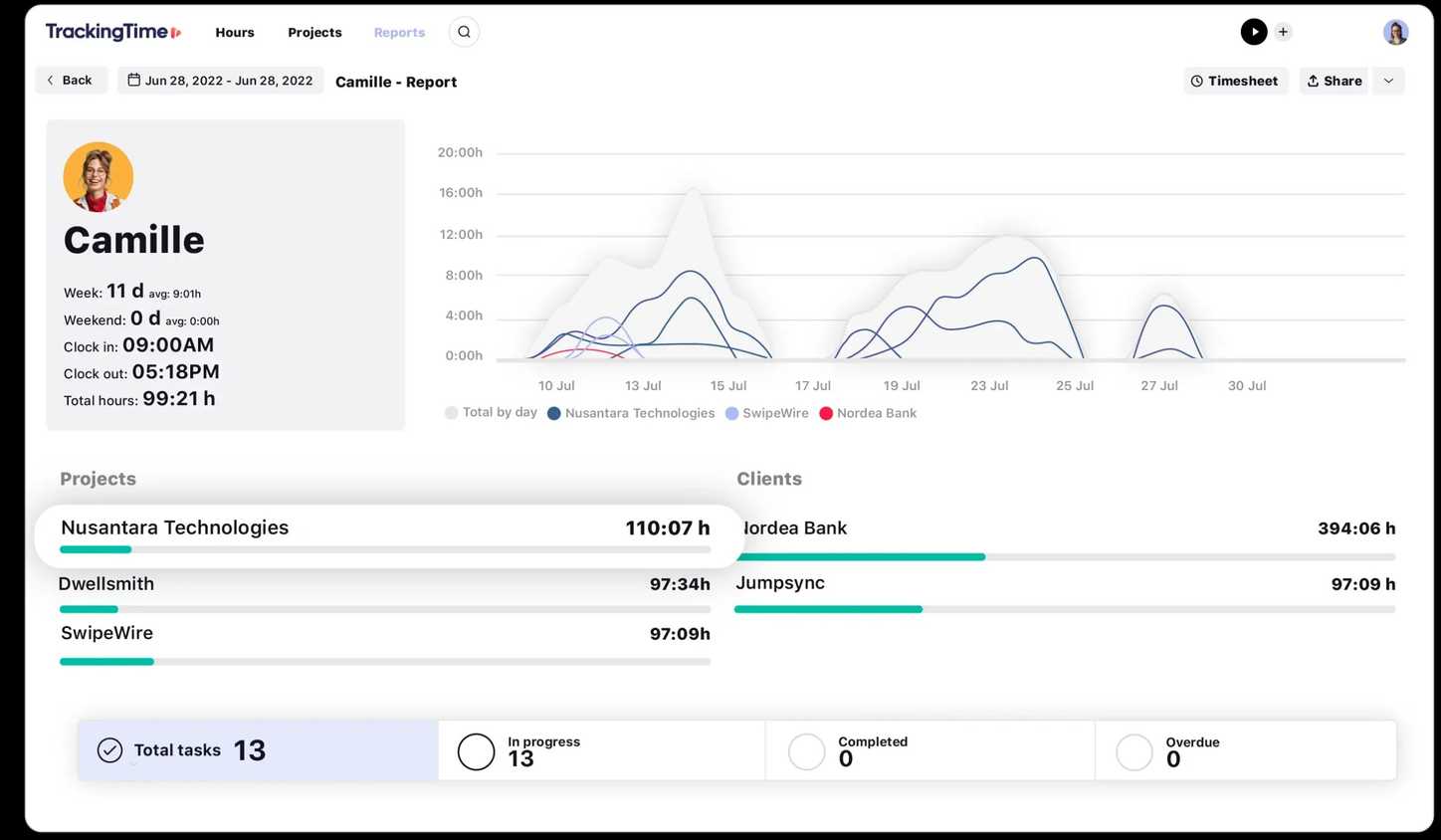
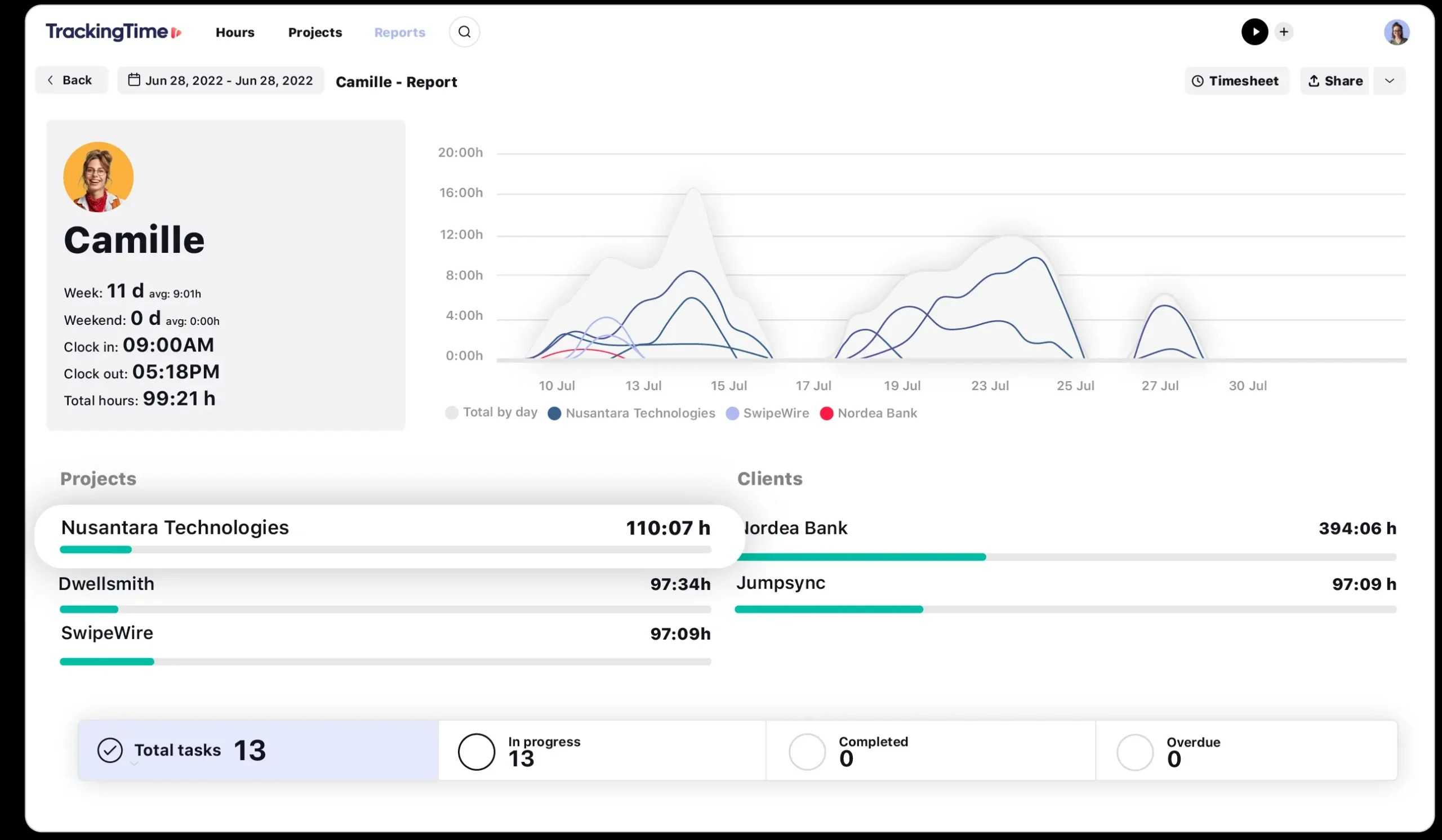
TrackingTime is a robust solution to track your time seamlessly. It’s your all-in-one productivity bundle with a bunch of helpful tools. The software is available on Android, iOS, Windows, Mac, Chrome, Firefox, and the web.
TrackingTime doesn’t show a typical interface with reports and analytics upfront. Instead, it offers a calendar widget that shows the amount of time you have tracked in a specific day in a given month. Aside from time tracking, the software also helps you manage your day better. You can block time for a specific task and glance over these color-coded blocks from the right side.
Other noteworthy features include robust project management, timesheets, attendance tracking, time cards, invoicing, and time reporting. As for third-party integration, you can connect TrackingTime to popular solutions like Asana, Airtable, Basecamp, Clickup, Coda, Evernote, Figma, GitHub, Zapier, and more. The free plan is quite basic though. The Freelancer plan starts at $8 per month, and goes up from there.

2 Clockify
Source: Clockify 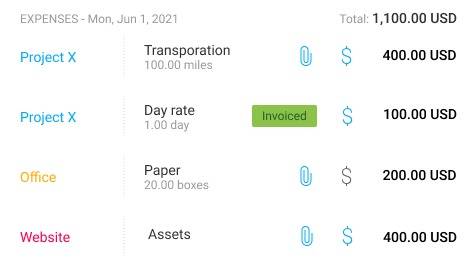
Source: Clockify 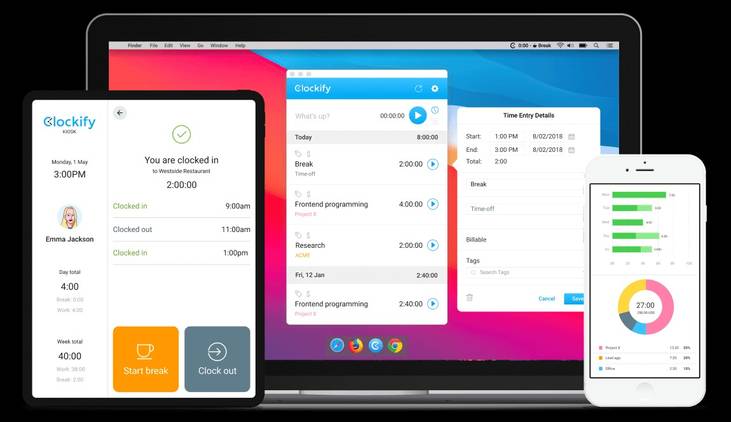
Source: Clockify 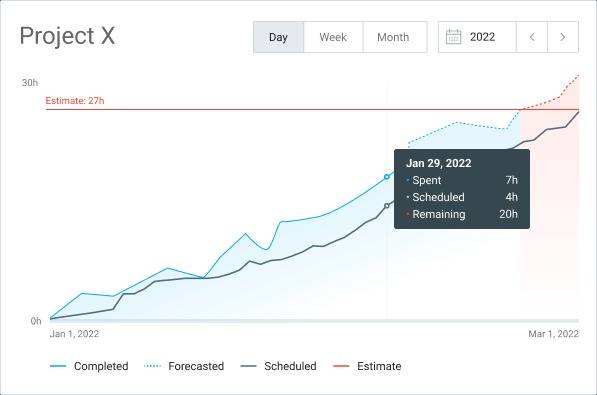
Source: Clockify 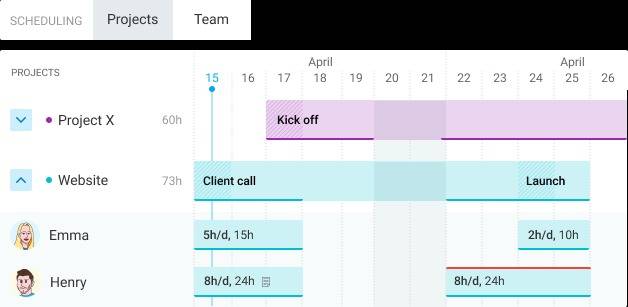
Source: Clockify


Source: Clockify 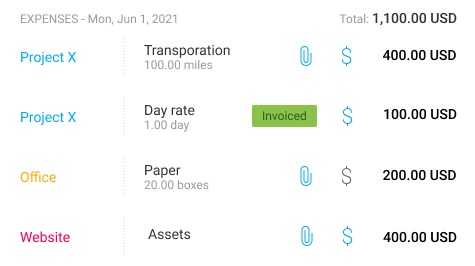
Source: Clockify 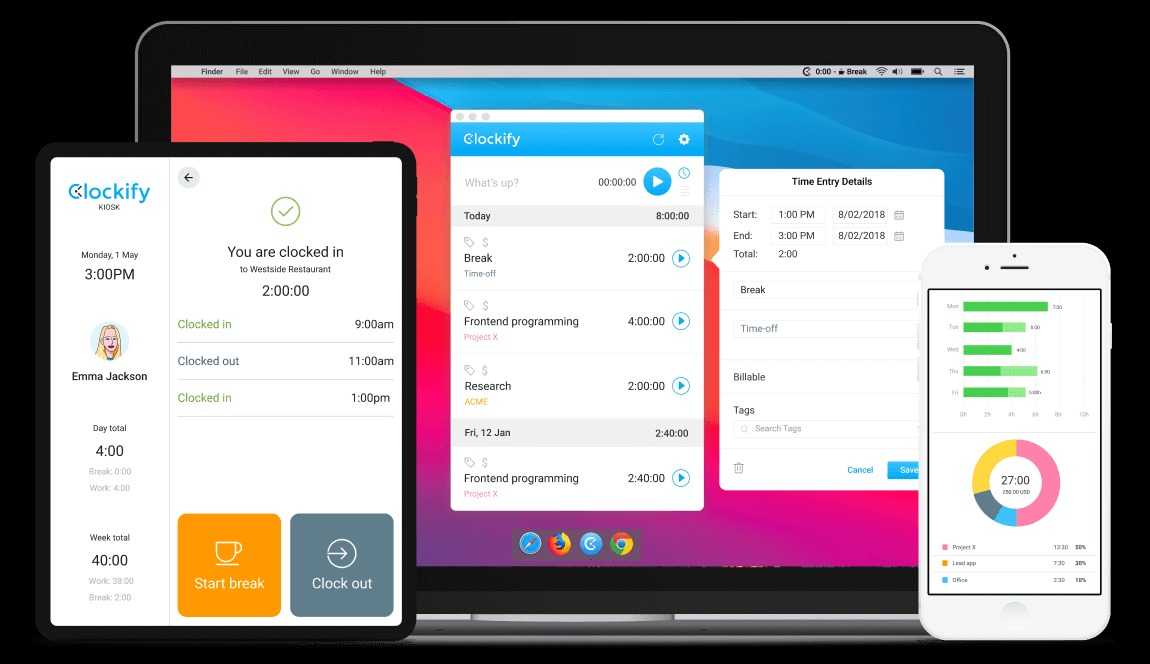
Source: Clockify 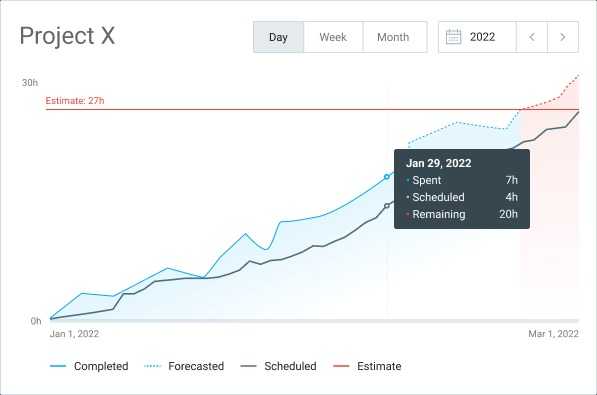
Source: Clockify 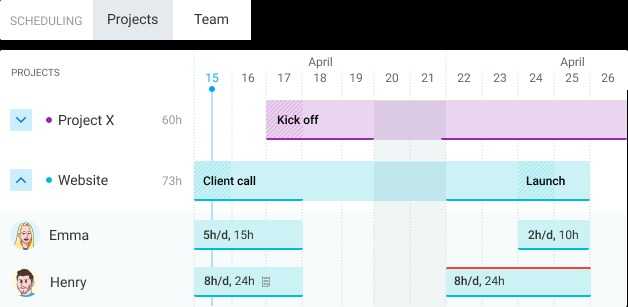
Source: Clockify
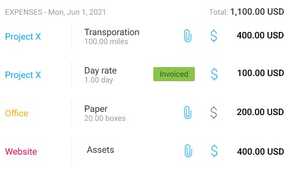
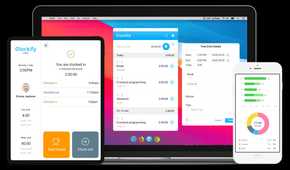
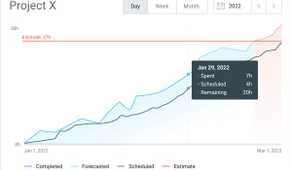
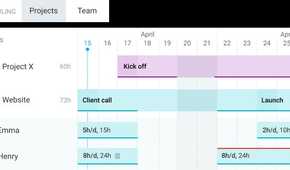
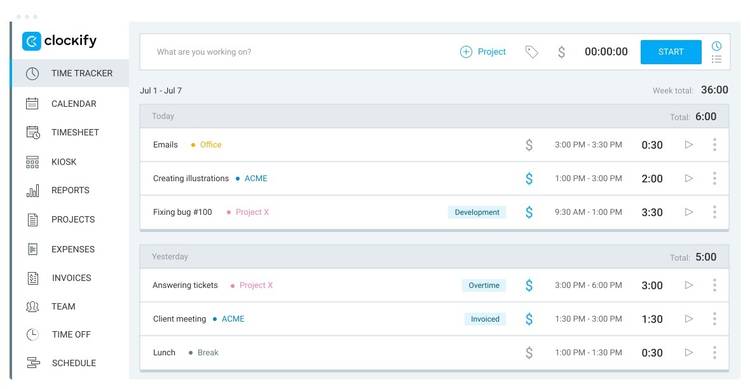
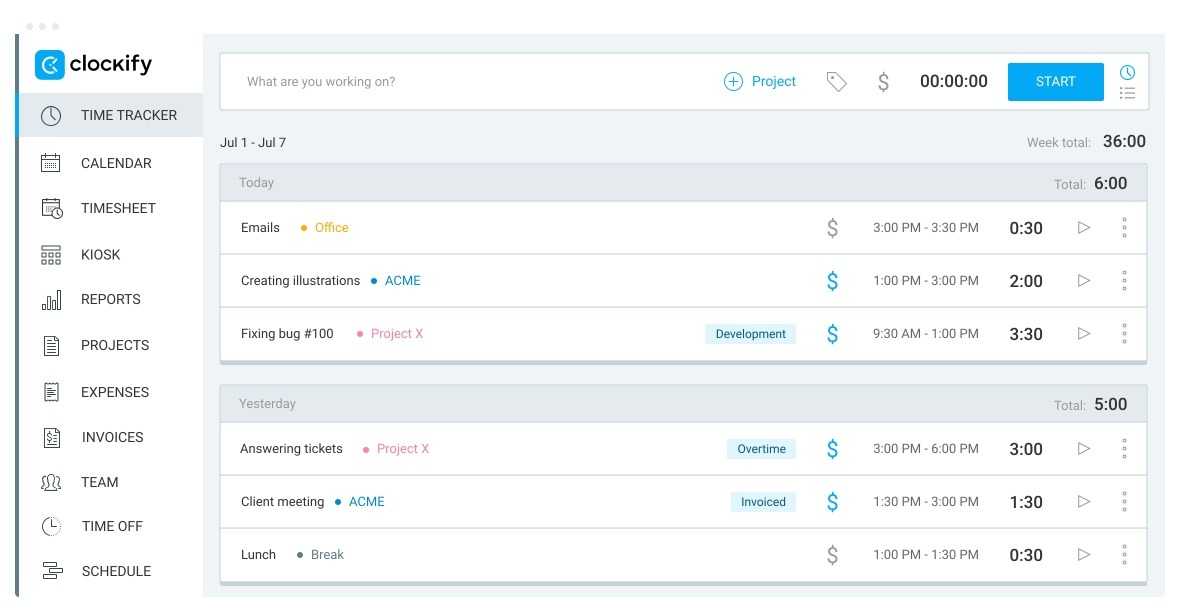
Speaking of the top time tracking software, how could we omit Clockify from the list? It’s one of the most popular solutions for personal and business use. It supports auto-tracking, a robust calendar view, timesheets, reports, projects, expense reports, invoices, and more, to help manage your work hours and teams.
If you have a small team, you will surely appreciate the built-in tools to manage your members. You can schedule work, assignments, shifts, employee leaves and holidays, and even approve timesheets. Whether you use the company’s mobile, desktop, or web app, Clockify sticks to a simple interface and doesn’t bombard a new user with dozens of options and menus.
Like Toggl Track, Clockify has one of the most feature-rich free plans, so that you can get started without any cost yet with plenty of benefits. It includes unlimited projects, tracking, and users in the free plan. To unlock invoicing, time off, approvals, lock time, and other features, you could upgrade to the Standard plan at $5.50 per month, or even a more advanced plan.

1 Timing
Source: Timing 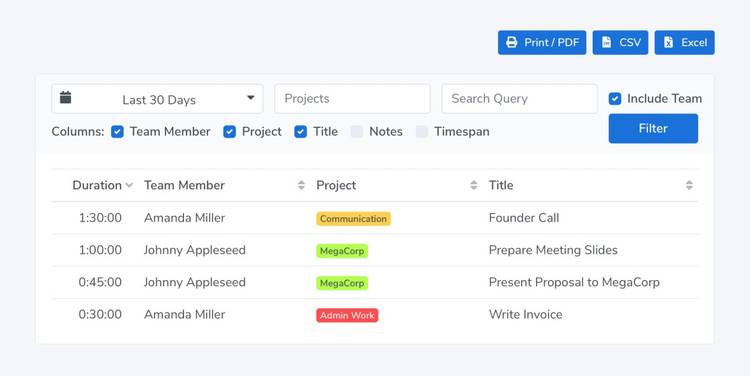
Source: Timing 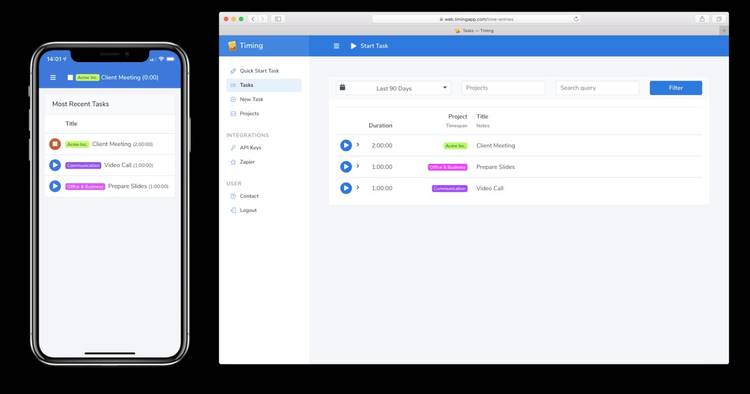
Source: Timing 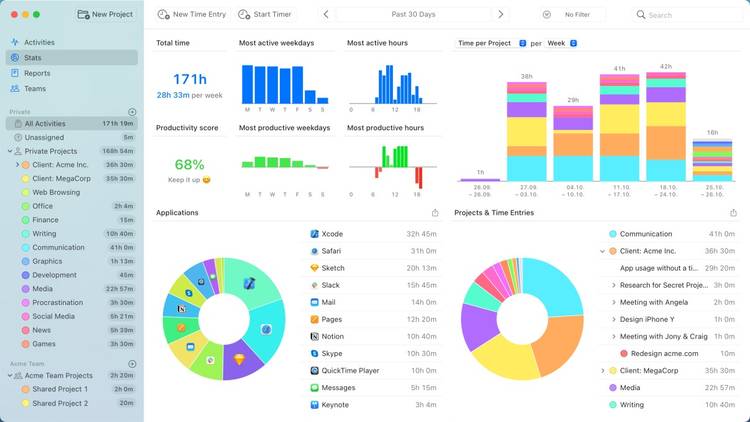
Source: Timing 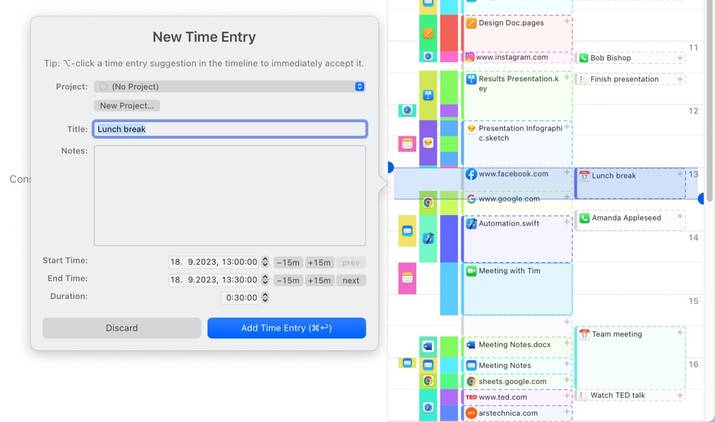
Source: Timing


Source: Timing 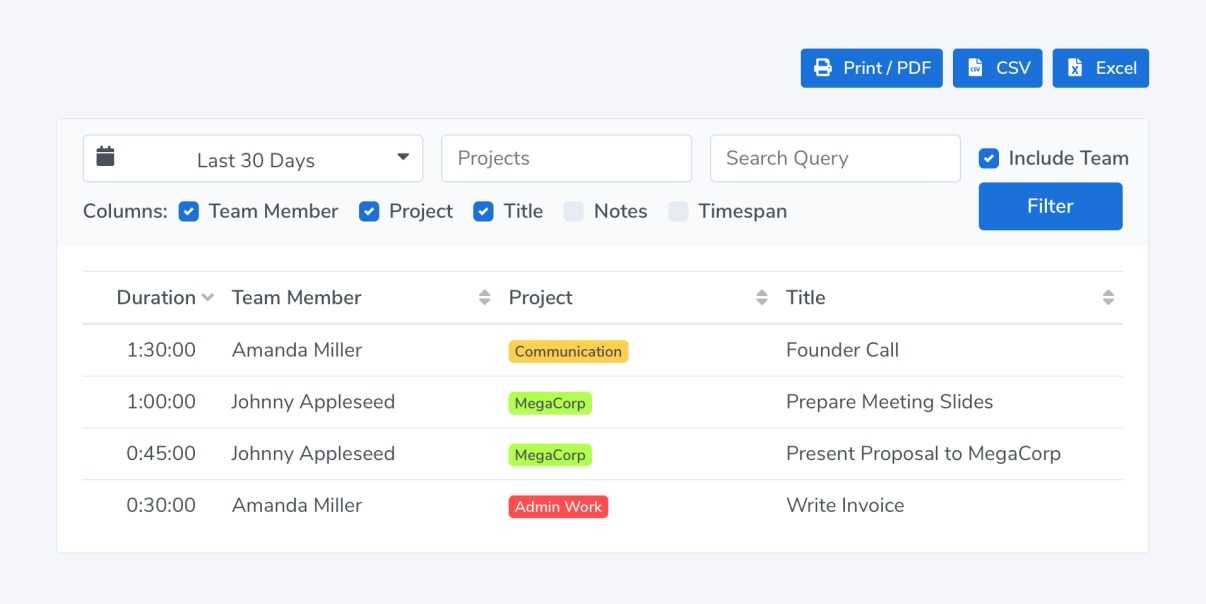
Source: Timing 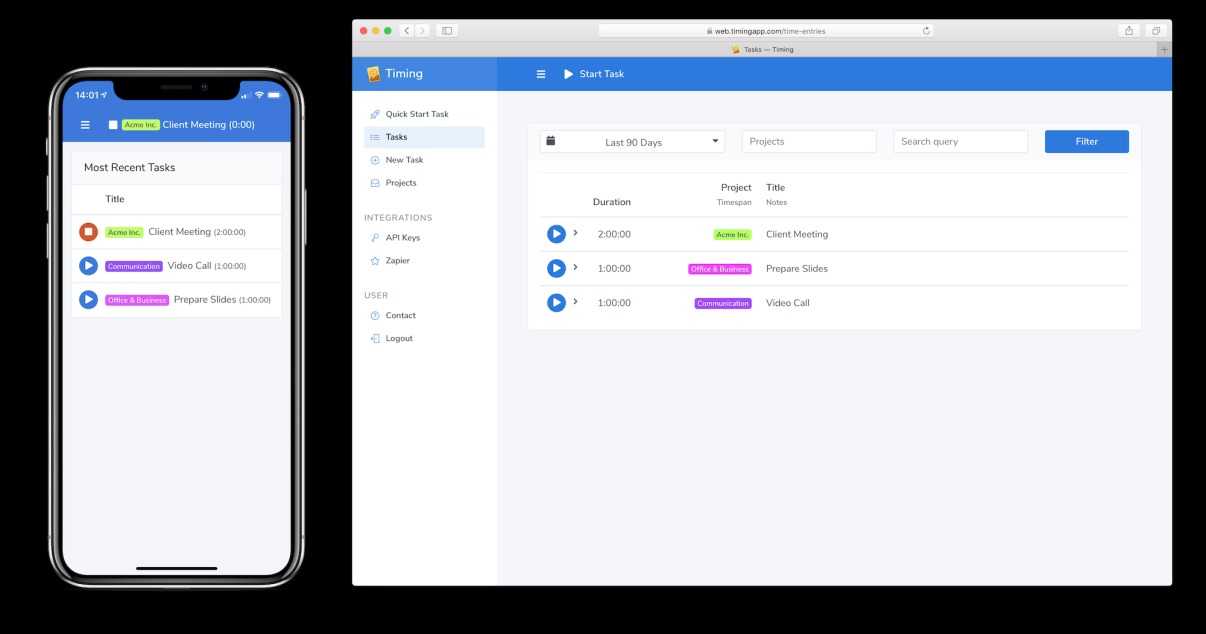
Source: Timing 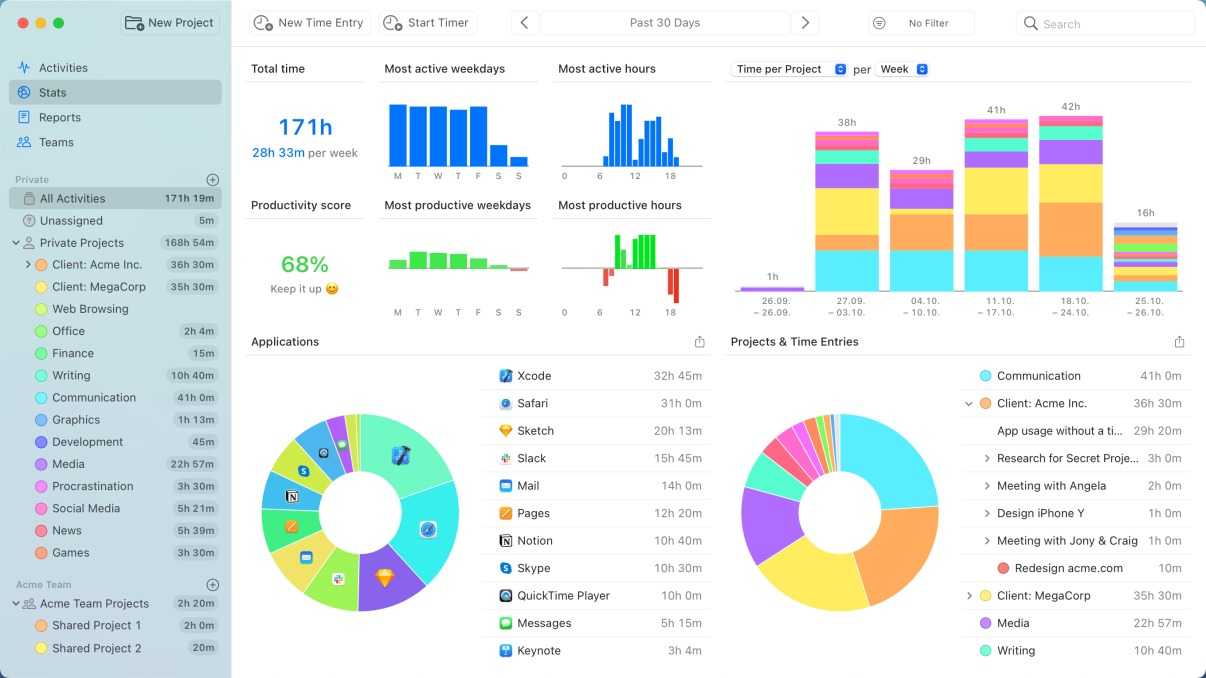
Source: Timing 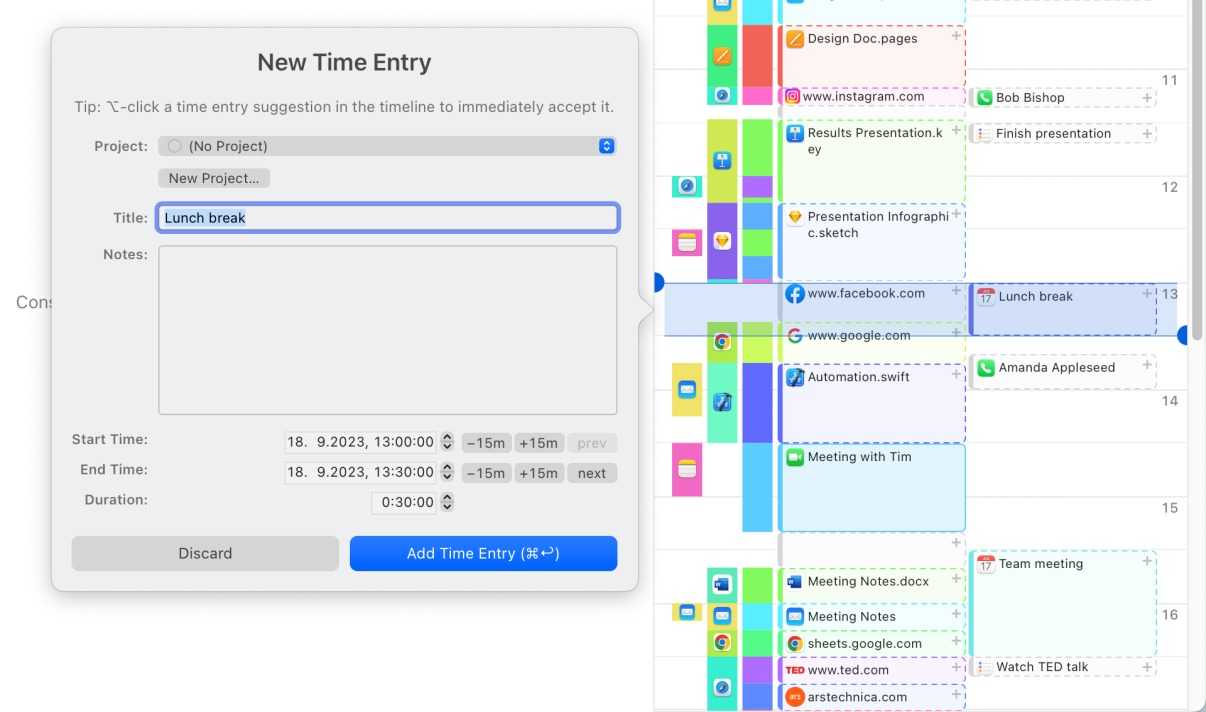
Source: Timing
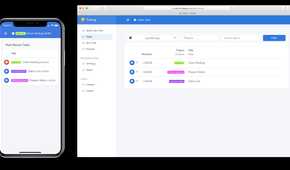
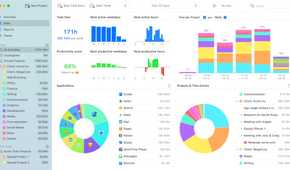
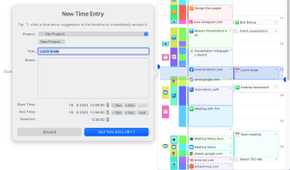
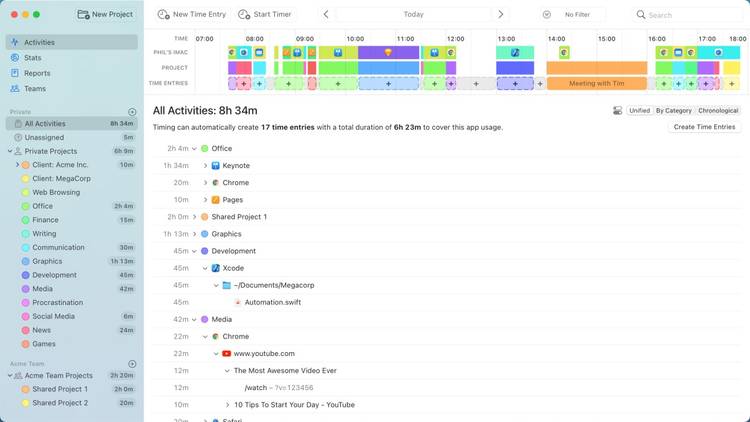
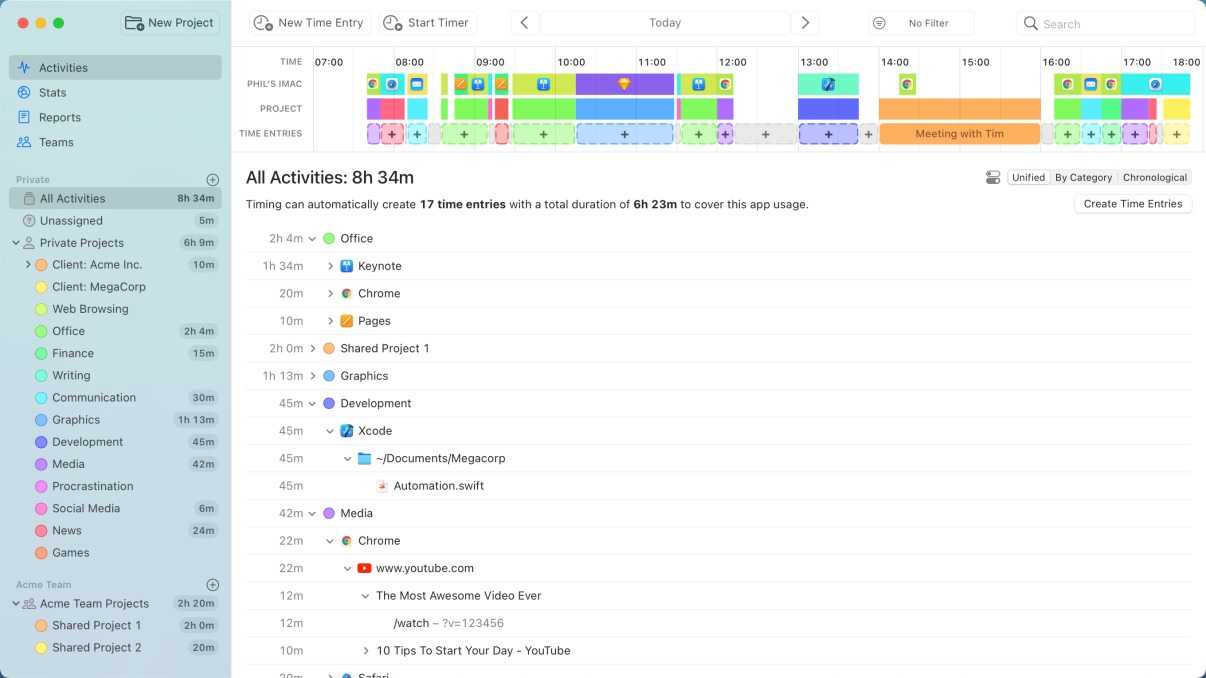
Timing is one of the best time-trackers for personal use. Whether you use a web browser, remote work apps, Microsoft 365 tools, web development apps, or video production tools, Timing is compatible with all these apps to deliver astute tracking.
You can categorize your tracked time, and after some time, Timing learns your behavior to automate the process for you (to save you additional time). If you are someone who prefers to manage your day by blocking time for important tasks, Timing is for you.
Timing integrates well with Screen Time on iPhone and iPad. You can import your mobile and tablet usage from Screen Time and have a comprehensive overview of all your work. Timing comes with a 30-day free trial; after that, you would need to subscribe to the Professional plan at $9 per month (or a higher tier if you prefer).

Advantages of time tracking
Are you still of two minds about time tracking? Here are some of the benefits of tracking your time regularly:
- Active time tracking helps you develop better habits gradually, with the useful data and discipline
- You can have a better understanding of how much time a task takes to complete, for improved planning
- You can manage your team members, their assignments, client invoices, and leaves from a single app
- You can identify tasks that take more time than usual, so that you can take the required steps to manage such unproductive tasks
From minutes to mastery
Time tracking also comes in handy when you have many tasks and responsibilities to address. Although all the above-mentioned apps are quite capable options, you should pick the one that meets your needs and preferences. In addition to time-tracking software, you could also invest in a project management tool to manage your workflow in style.
