


Even if you’re not as much of a tech lover as I am, there are plenty of reasons to deploy your home lab. By letting you self-host a plethora of cool services, a centralized server can help you save money you’d otherwise spend on recurring subscriptions – all while keeping your private data away from the prying eyes of huge corporations. Likewise, you can use your home lab as a testing ground for your favorite computing projects, and gain some experience when things go wrong.
Although you’ll find several easy-to-use tools to simplify your home lab experiments, not all of them are beginner-friendly. In fact, many of them are overkill for a normal home lab environment – and I say that as someone who tinkers with them almost every day!
NetBox
My all-powerful network documentation tool


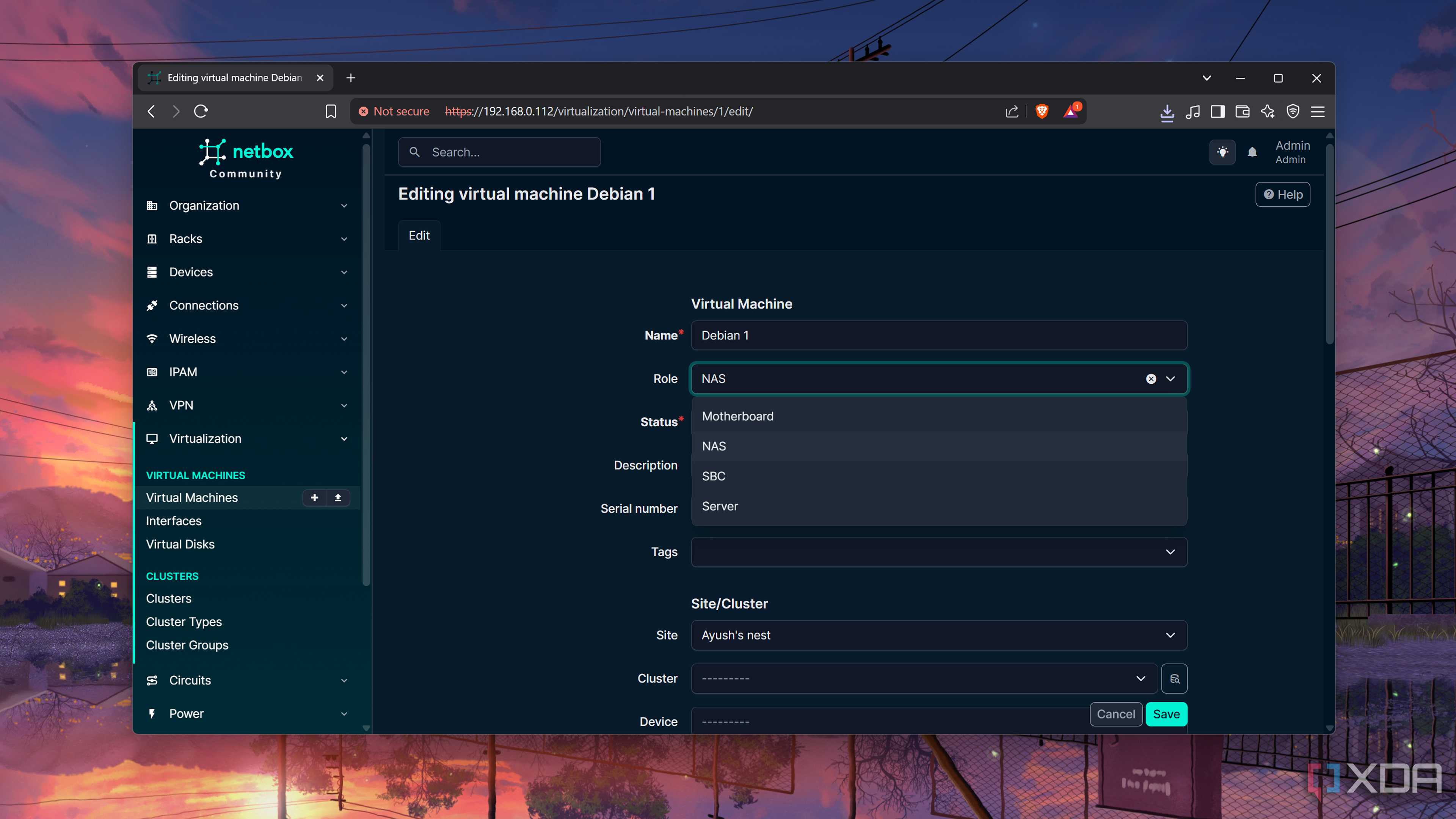
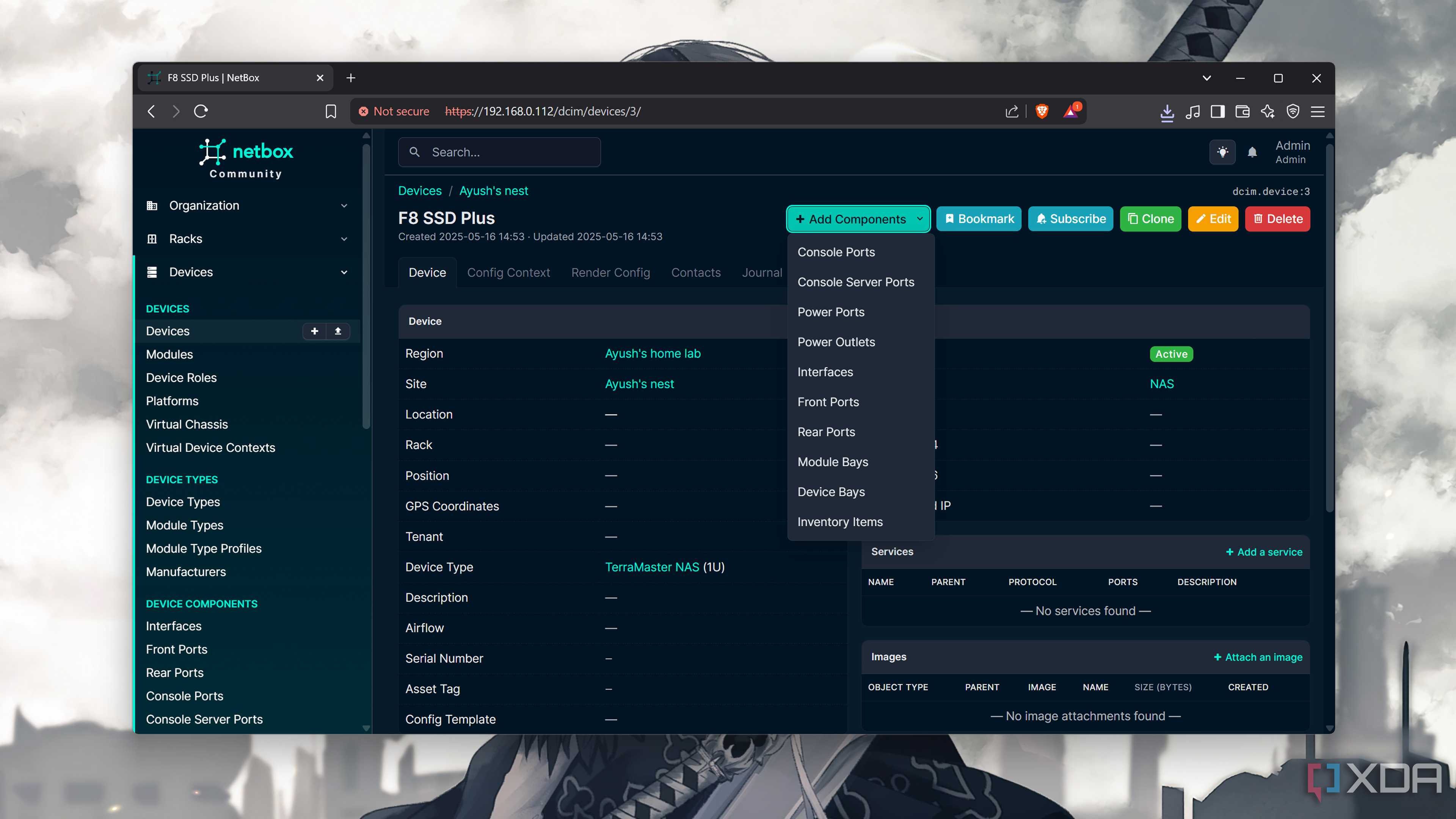
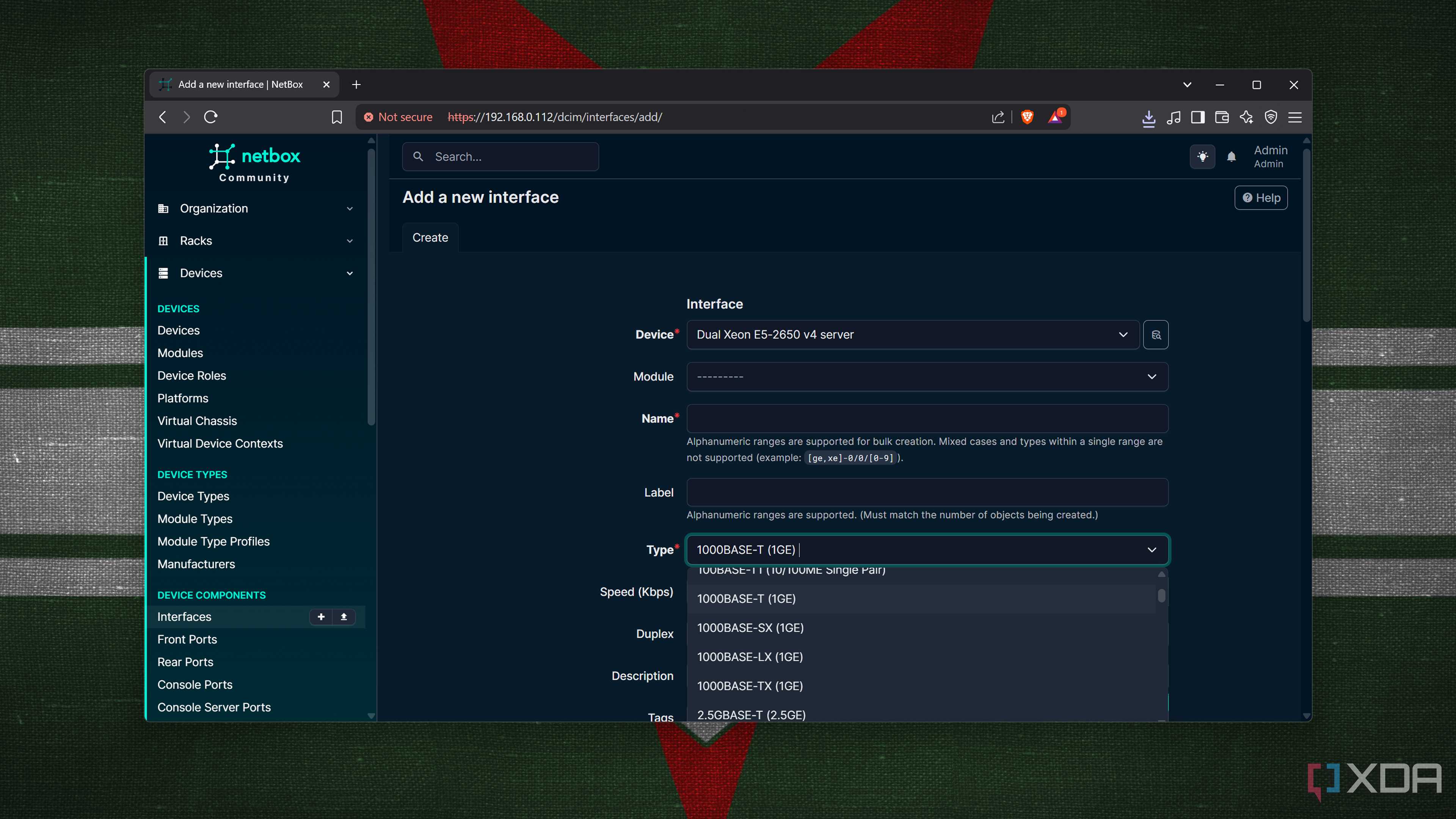
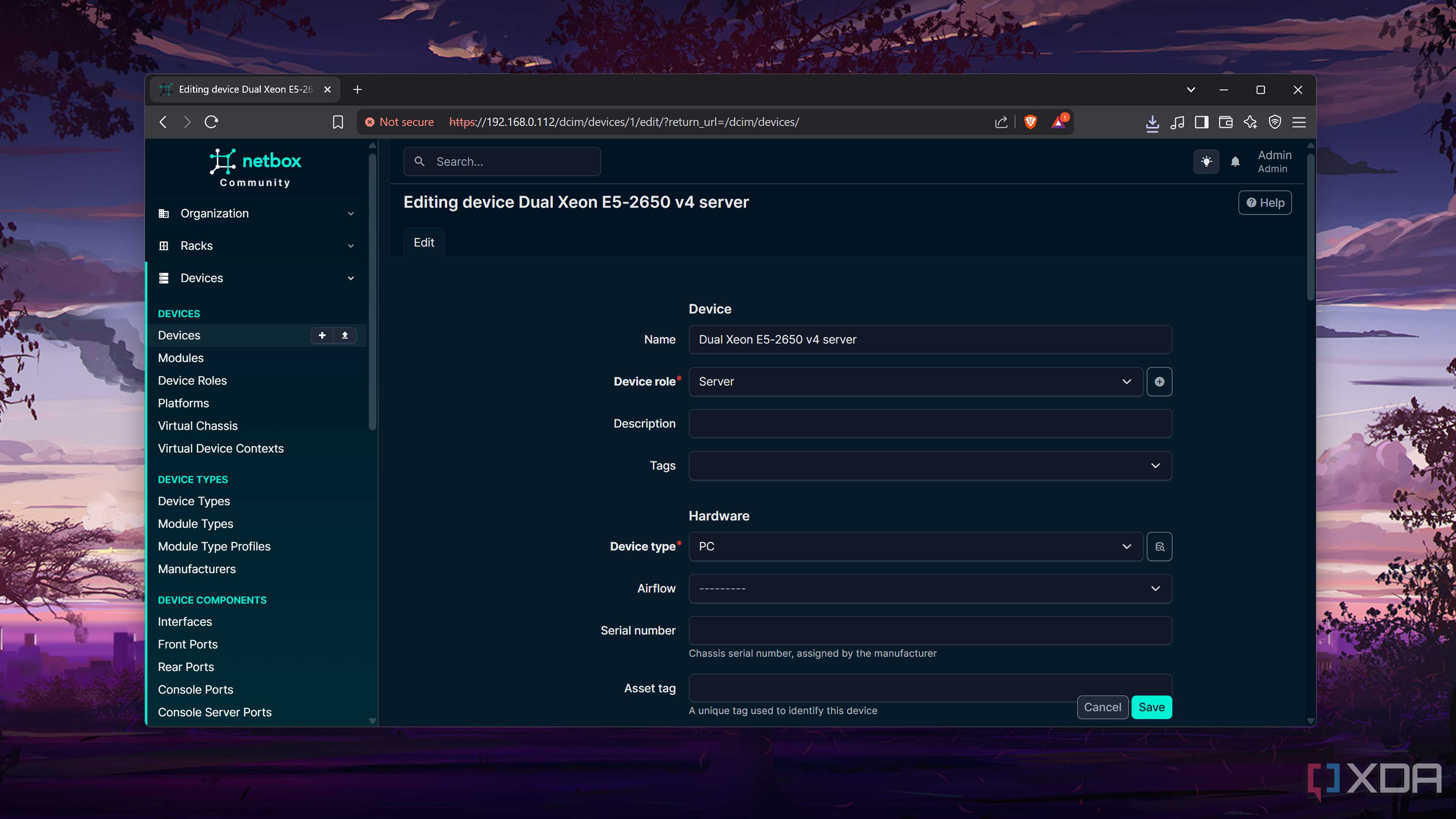
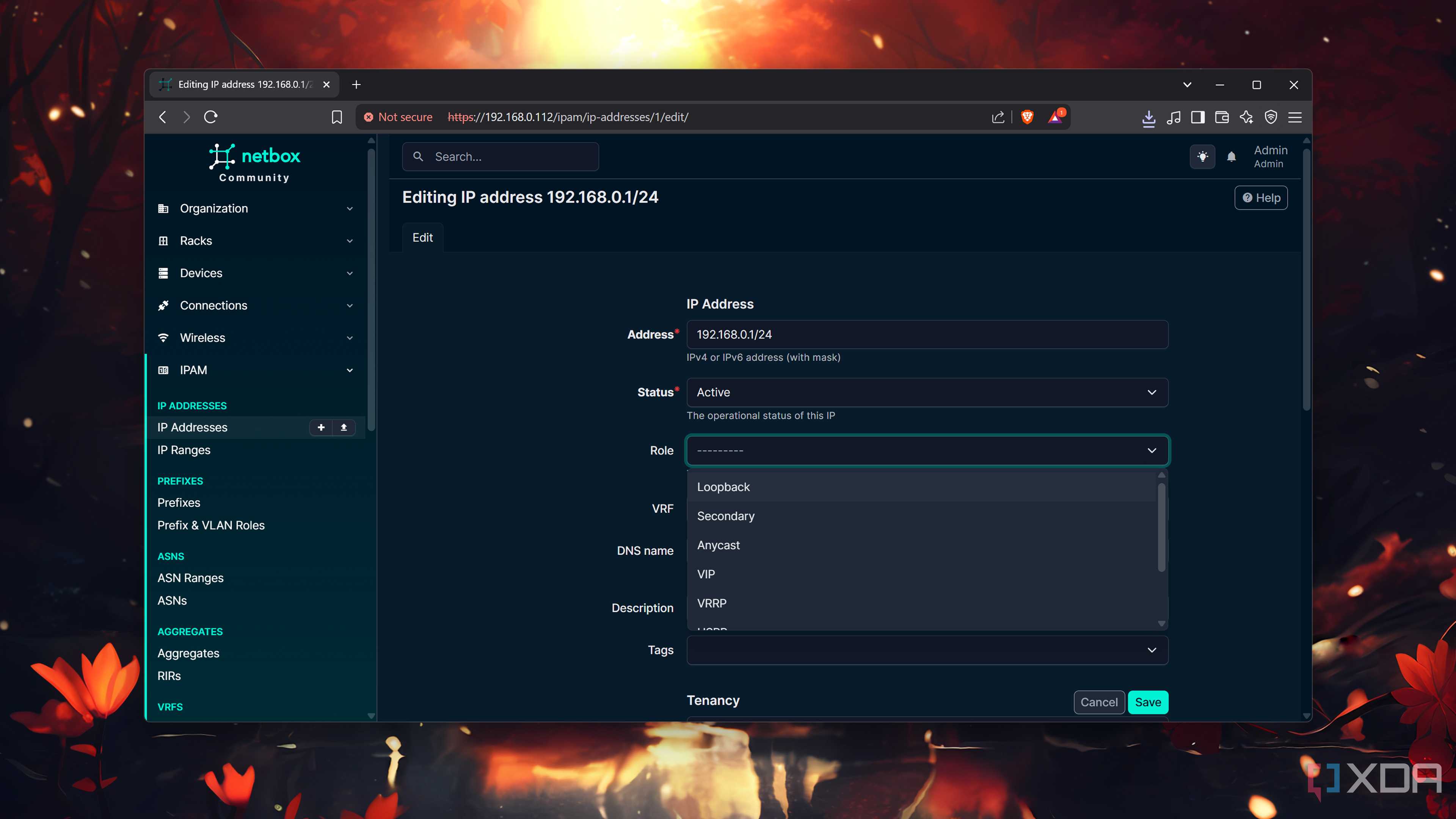
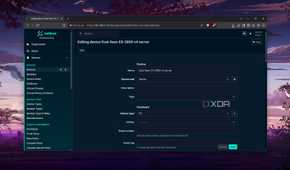
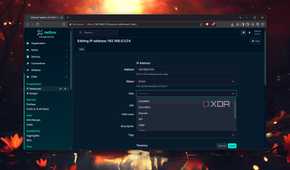
If there's one thing that my days as a fledgling home labber have taught me, it’s that I should take home lab documentation seriously. Besides storing my notes inside Trilium Notes for safekeeping, I’ve also mapped out my network devices inside NetBox. As an industry-grade source of truth platform, NetBox includes a never-ending list of fields for me to document every inch of my network stack – to the point where I was low-key intimidated by it at first.
After all, this IP Address Management (IPAM) tool includes dedicated fields for my address spaces, VLANs, subnets, routing tables, tunnels, and other network doohickeys. Thanks to its Datacenter Infrastructure Management (DCIM) roots, I’ve even added system specs and power consumption for the nodes in my arsenal. The best part? NetBox combines well with my automation toolkit, which is just as overkill as this network documentation service.
Harvester
A hardcore virtualization platform


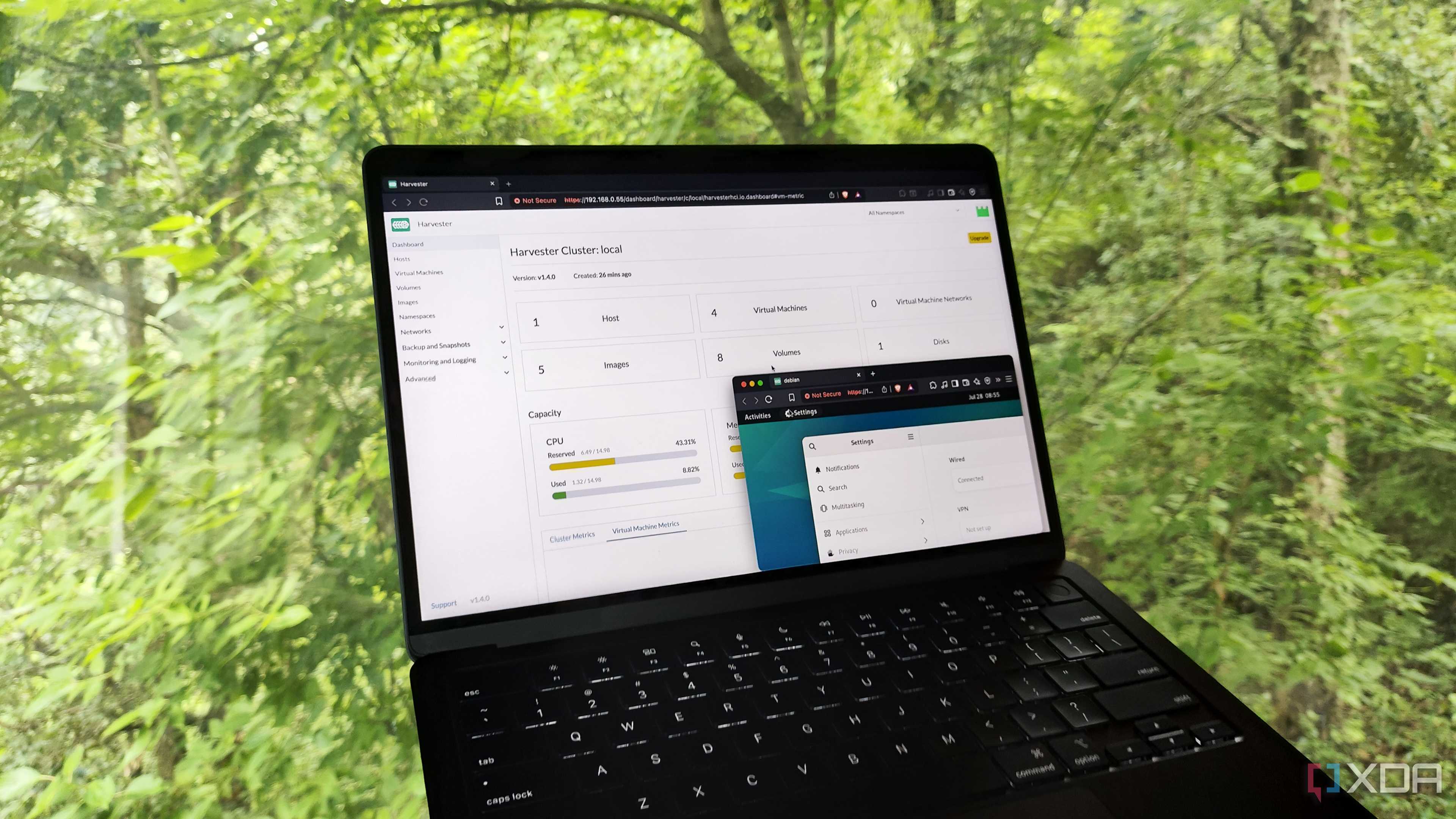
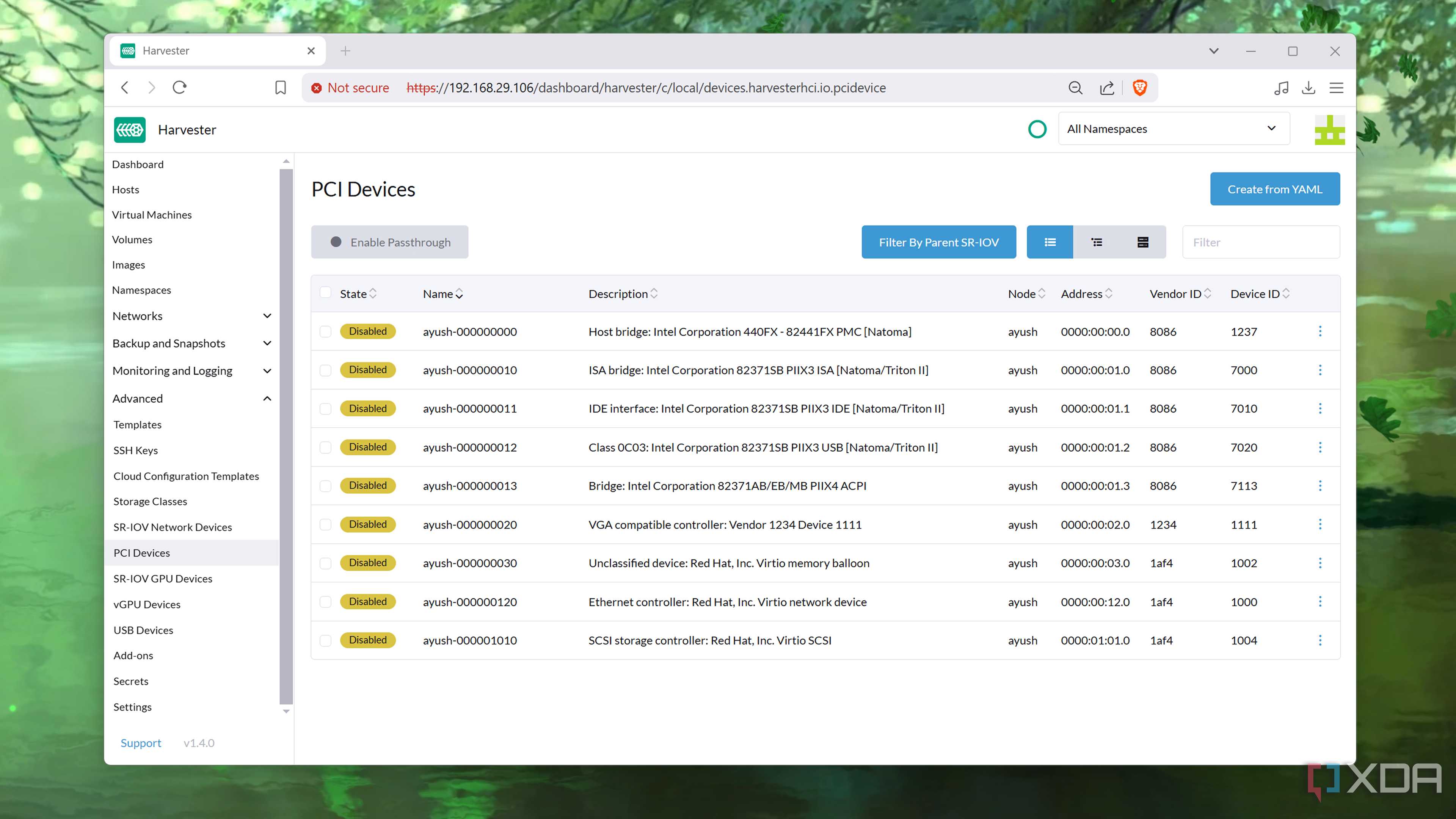
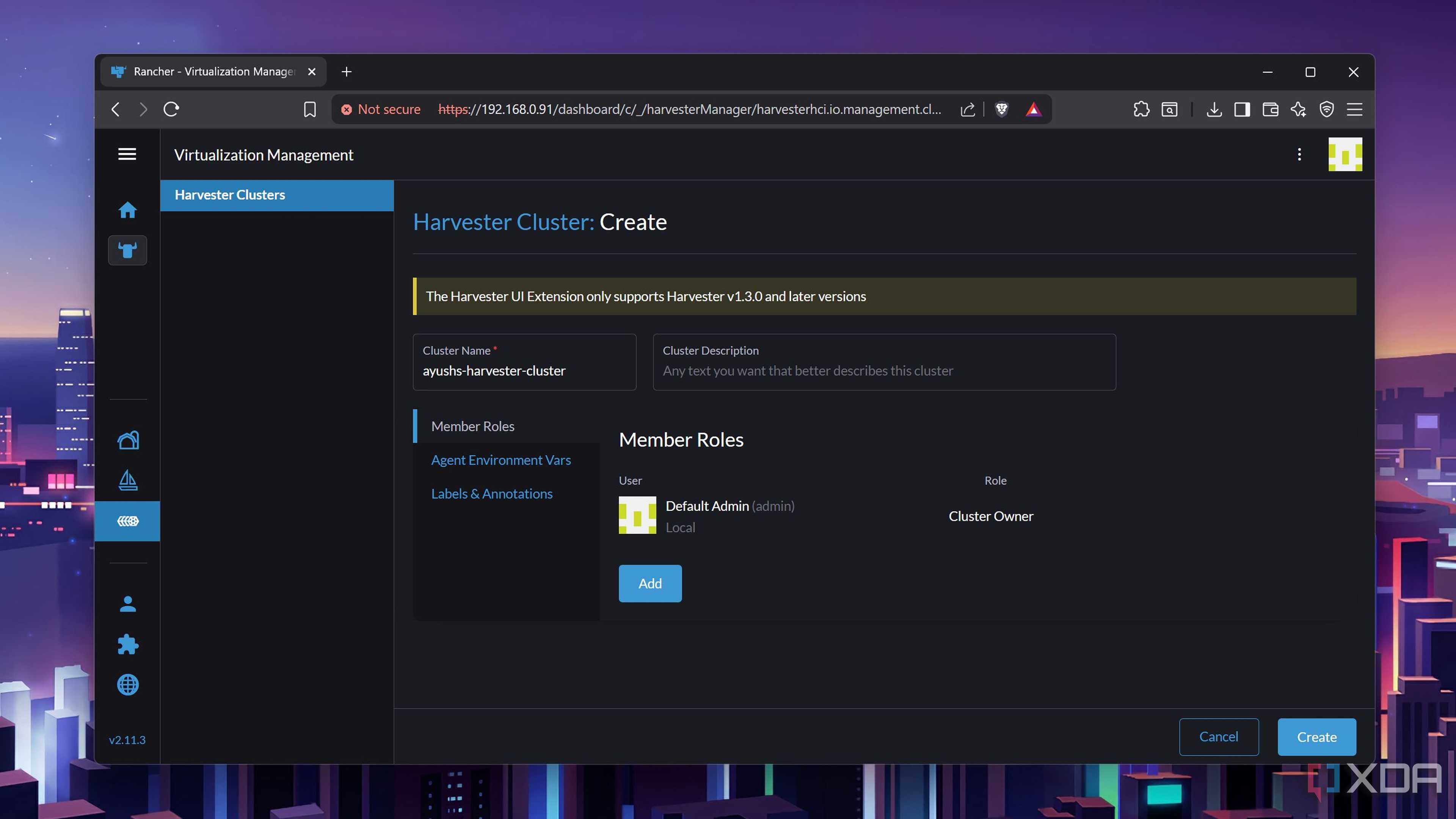
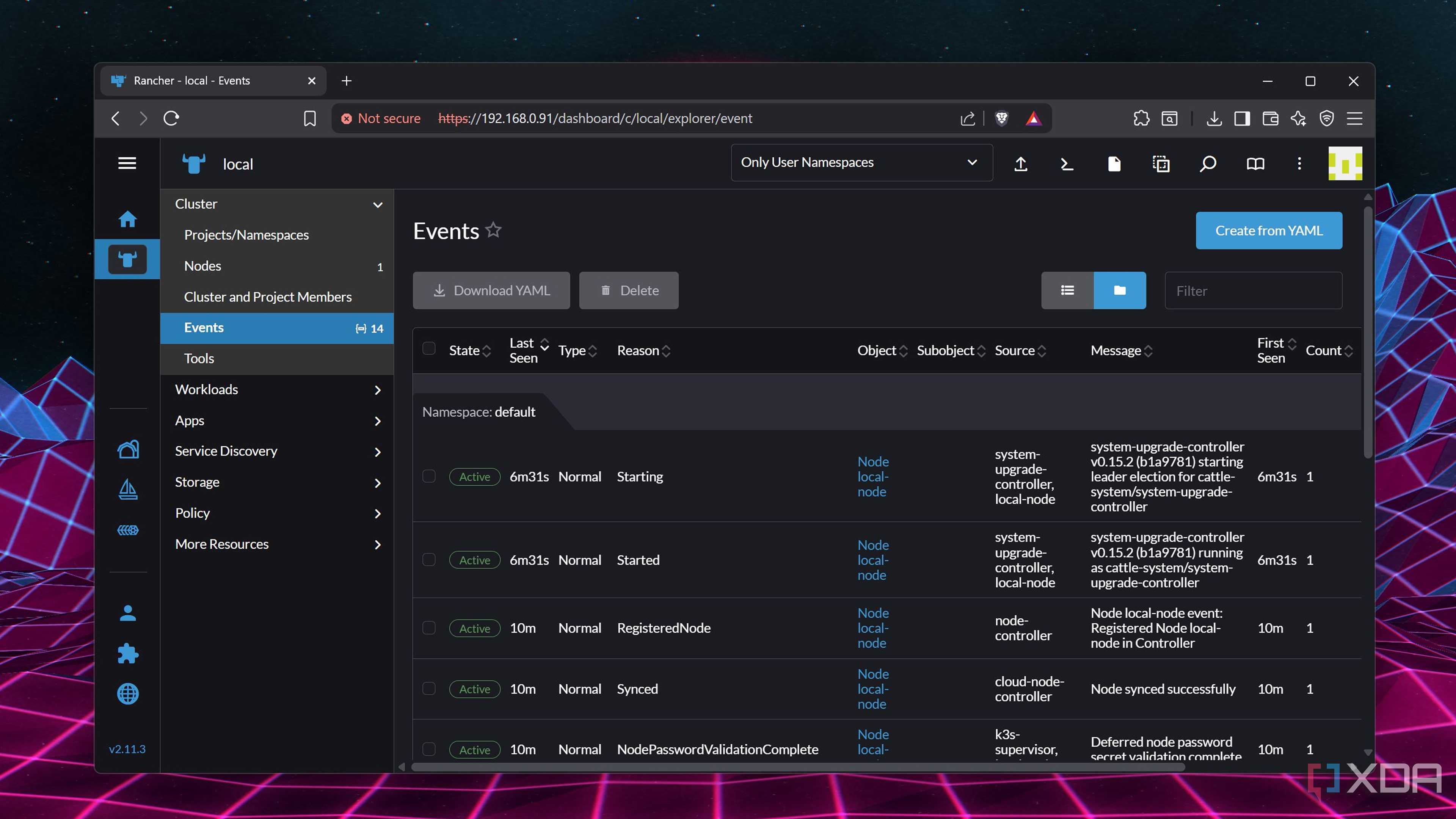
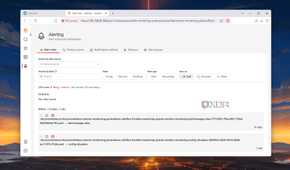
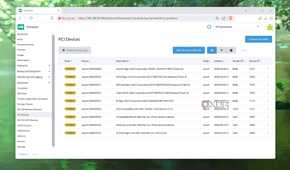
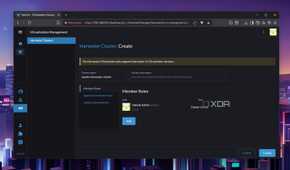
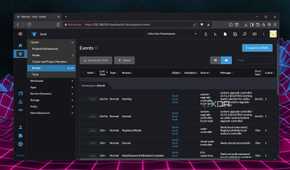
Technically, Harvester is a virtualization platform, though it fits the theme of the article – and not in the way you think. It doesn’t have an overly complex UI like OmniOS, nor does it involve a myriad of compatibility issues like ESXi. On the contrary, Harvester has a simple, no-nonsense interface that’s perfect for beginners as well as seasoned home lab veterans.
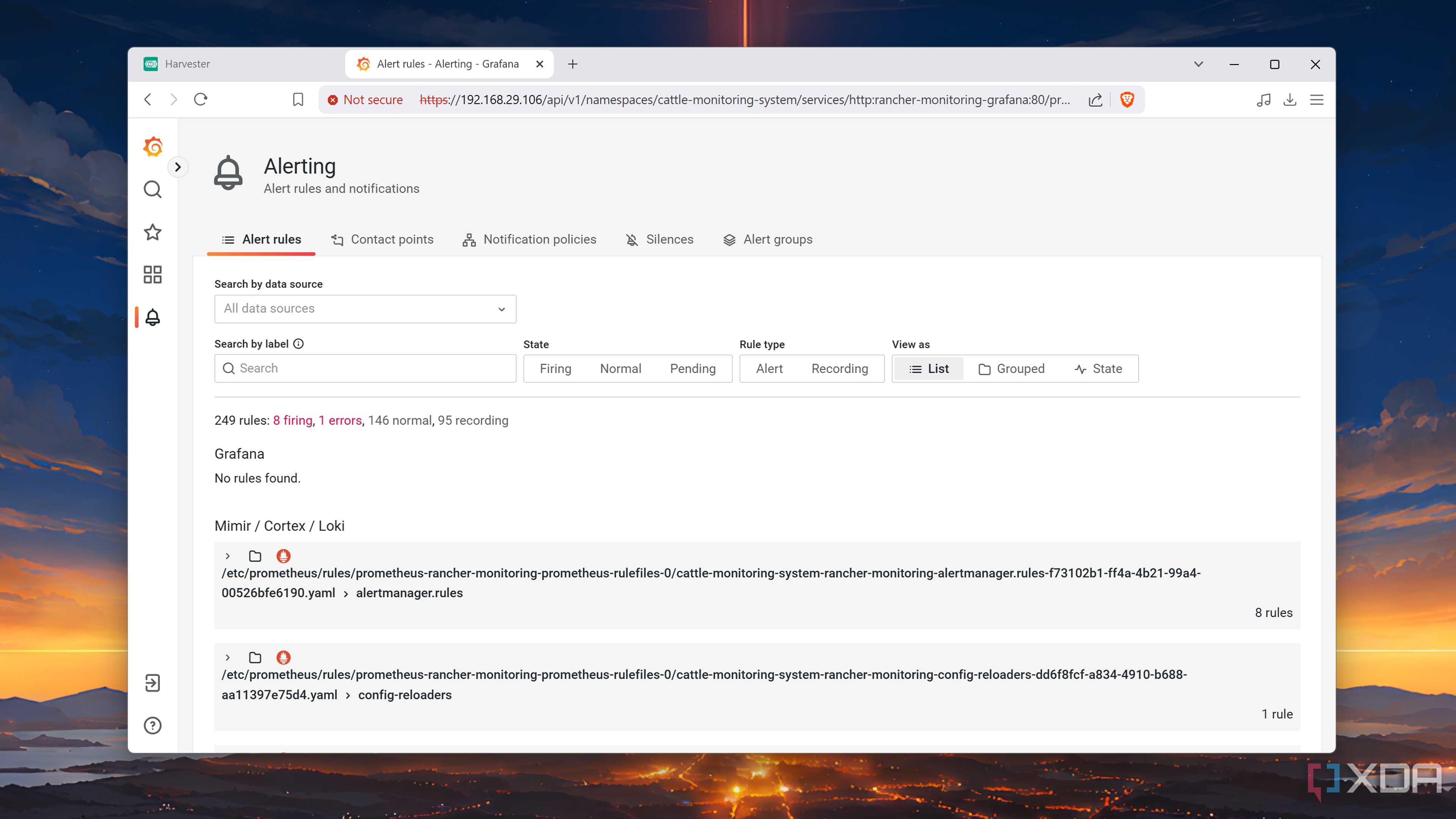
Instead, Harvester’s overkill nature comes from its obscenely high system requirements, and you’ll essentially need an enterprise-grade server or a high-end consumer PC just to run the production-ready variant of Harvester. I’ve got the test version of Harvester running on an old system, and while I use Proxmox on most nodes, I consider it the closest thing to a PVE alternative. It’s great at virtualization, includes tons of useful plugins (including some for GPU passthrough and Grafana + Prometheus monitoring), and supports Rancher’s feature-laden management platform.
Terraform
To automatically create virtual guests…

The ability to tinker with DevOps and sysadmin tools without paying for a VPS is one of my prime reasons for hosting a home lab. Terraform is one such tool that lets me provision full-fledged virtual machines and containers by defining their specs inside a configuration file. While I love using Terraform to sharpen my DevOps skills, it’s actually fairly useful in a home lab environment.
Since I like to start from scratch when working on a new project, I prefer spinning up small Debian virtual guests on my Proxmox server. Luckily, Terraform’s Infrastructure as Code (IaC) design lets me create templates in advance, and I can execute a single command to whip up a new virtual guest without going through a long VM/LXC creation wizard. That’s before I combine it with Ansible…
Ansible
... And automate their setup process

Although I could use Terraform and Ansible interchangeably (or even either tool for VM automation), they serve different roles in my home lab. The former is better for provisioning my virtual guests, whereas the latter is perfect for configuring them. Thanks to Ansible playbooks, I’ve got a ton of options to customize the newly-created virtual machines and containers to my liking.
And I don’t just mean packages either; Ansible playbooks can modify the system settings, network options (including those mentioned in my NetBox container), and desktop customization tools.
Kubernetes
Running on a cluster, no less


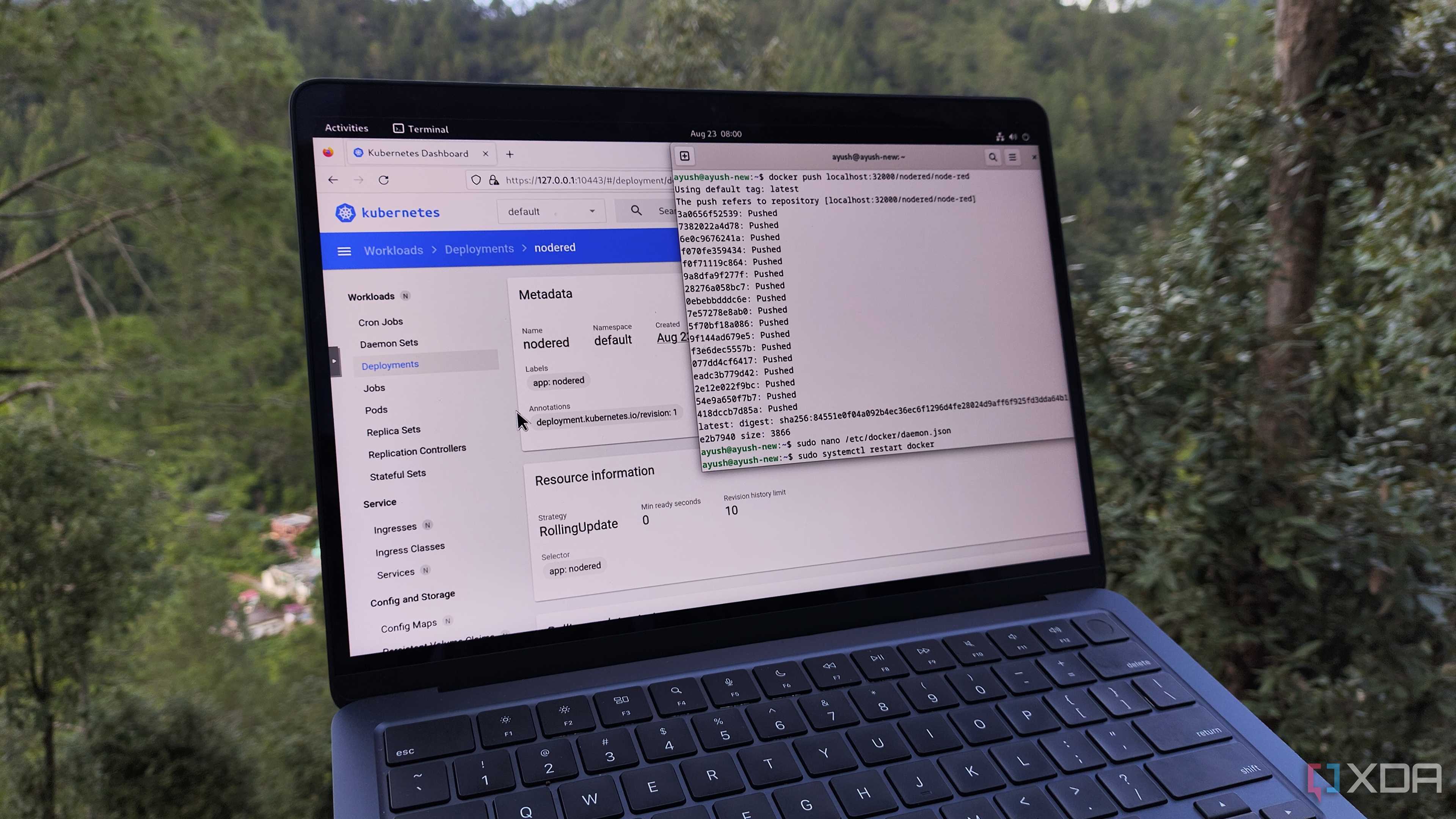
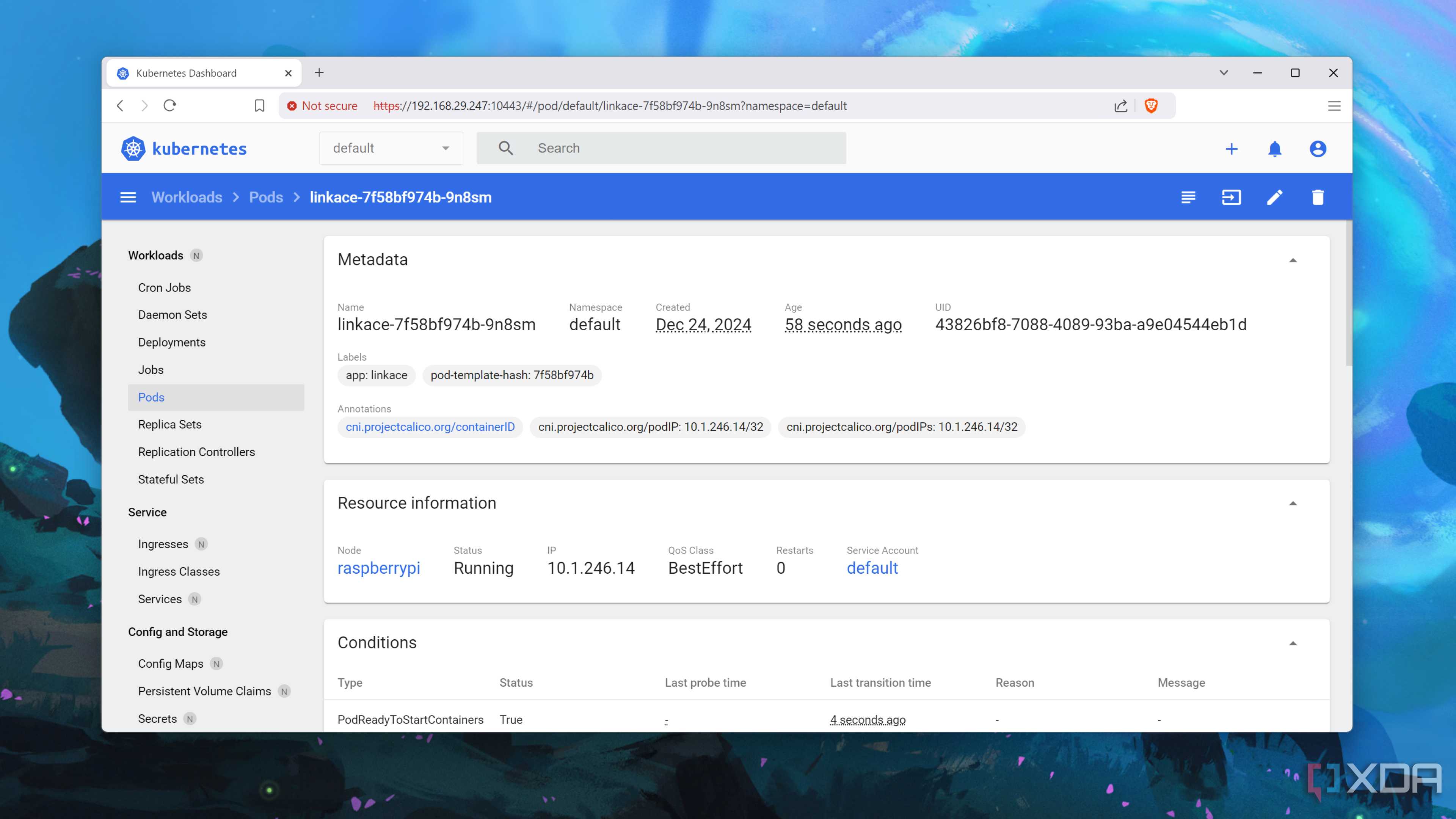
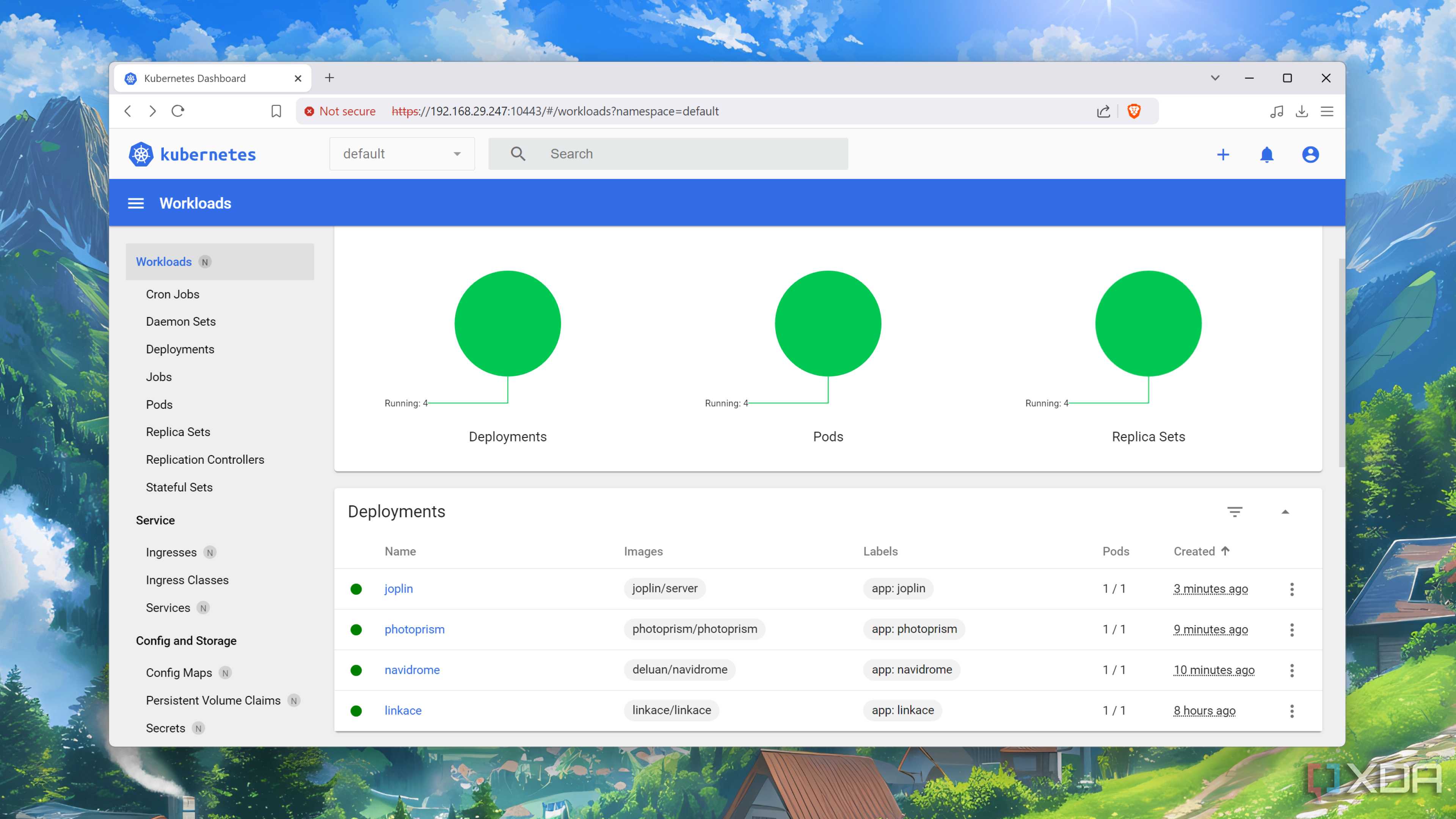
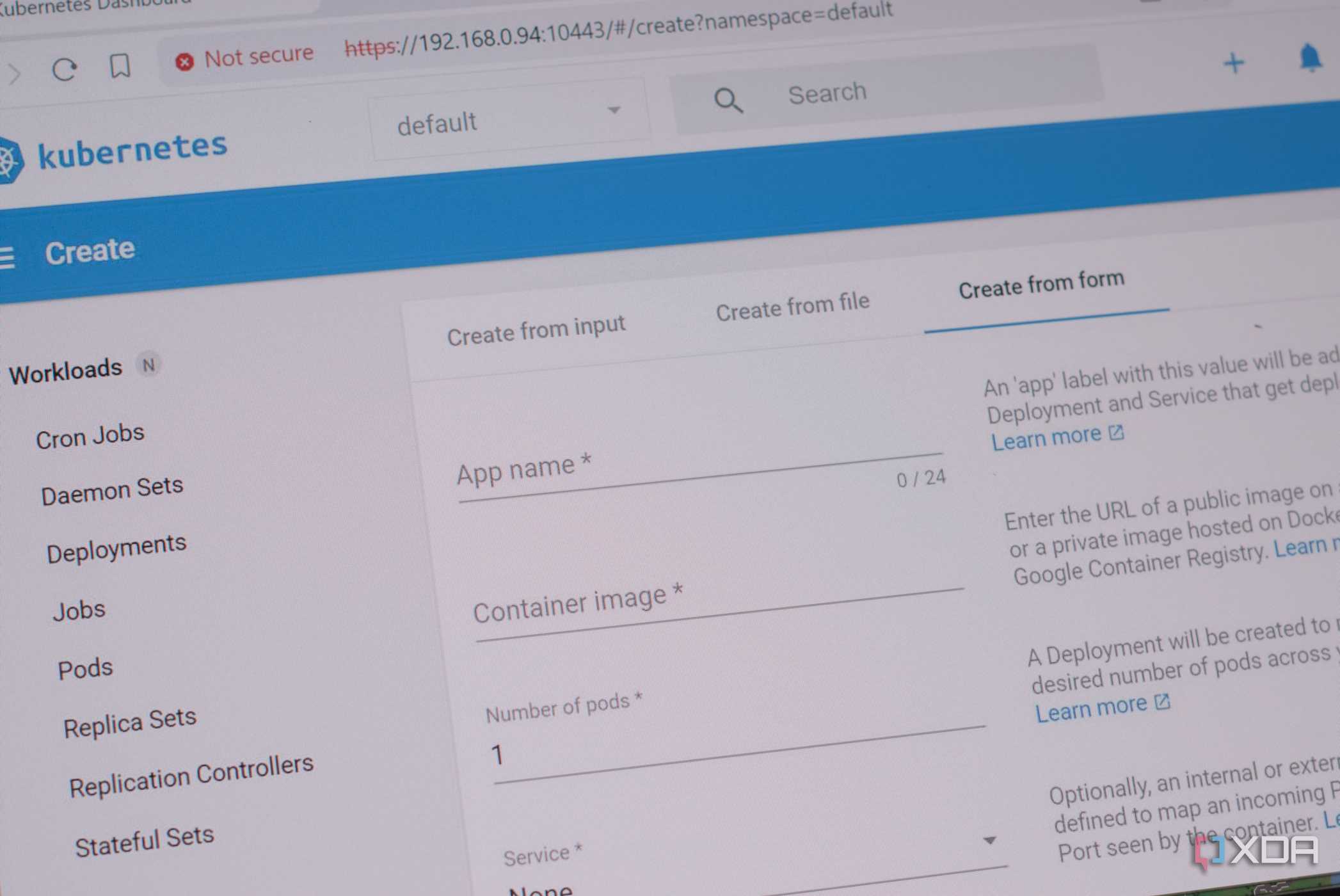
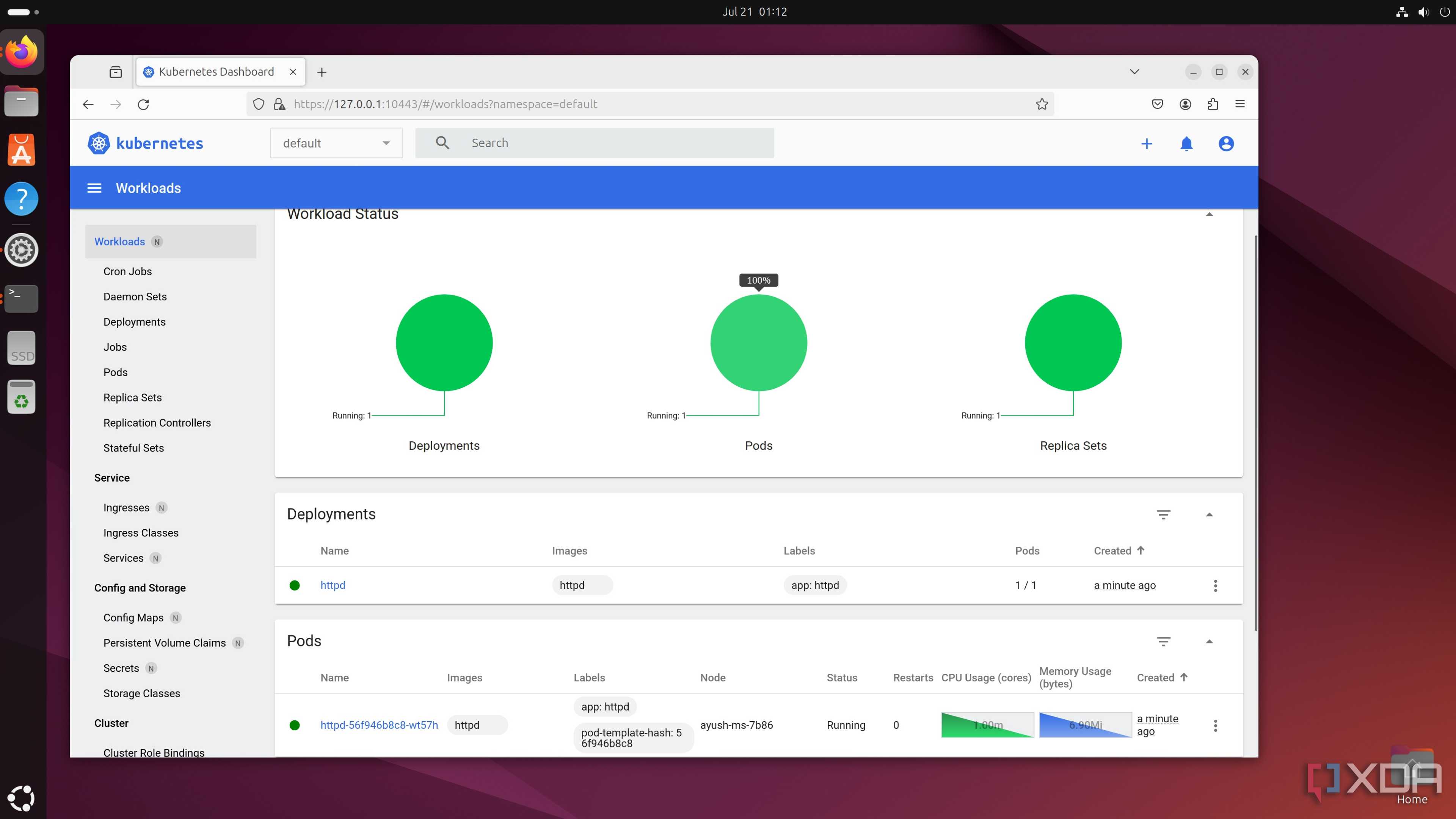
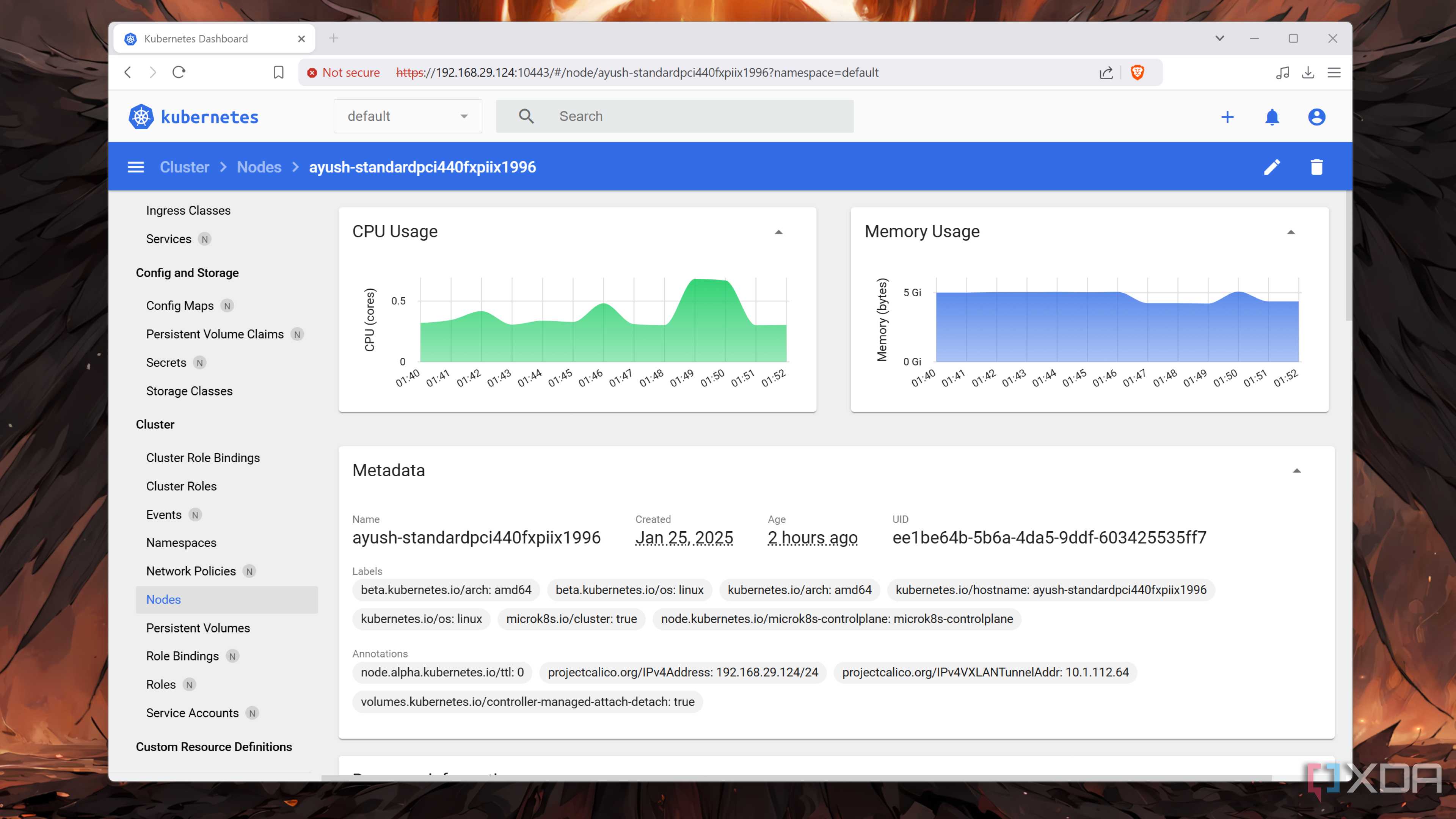
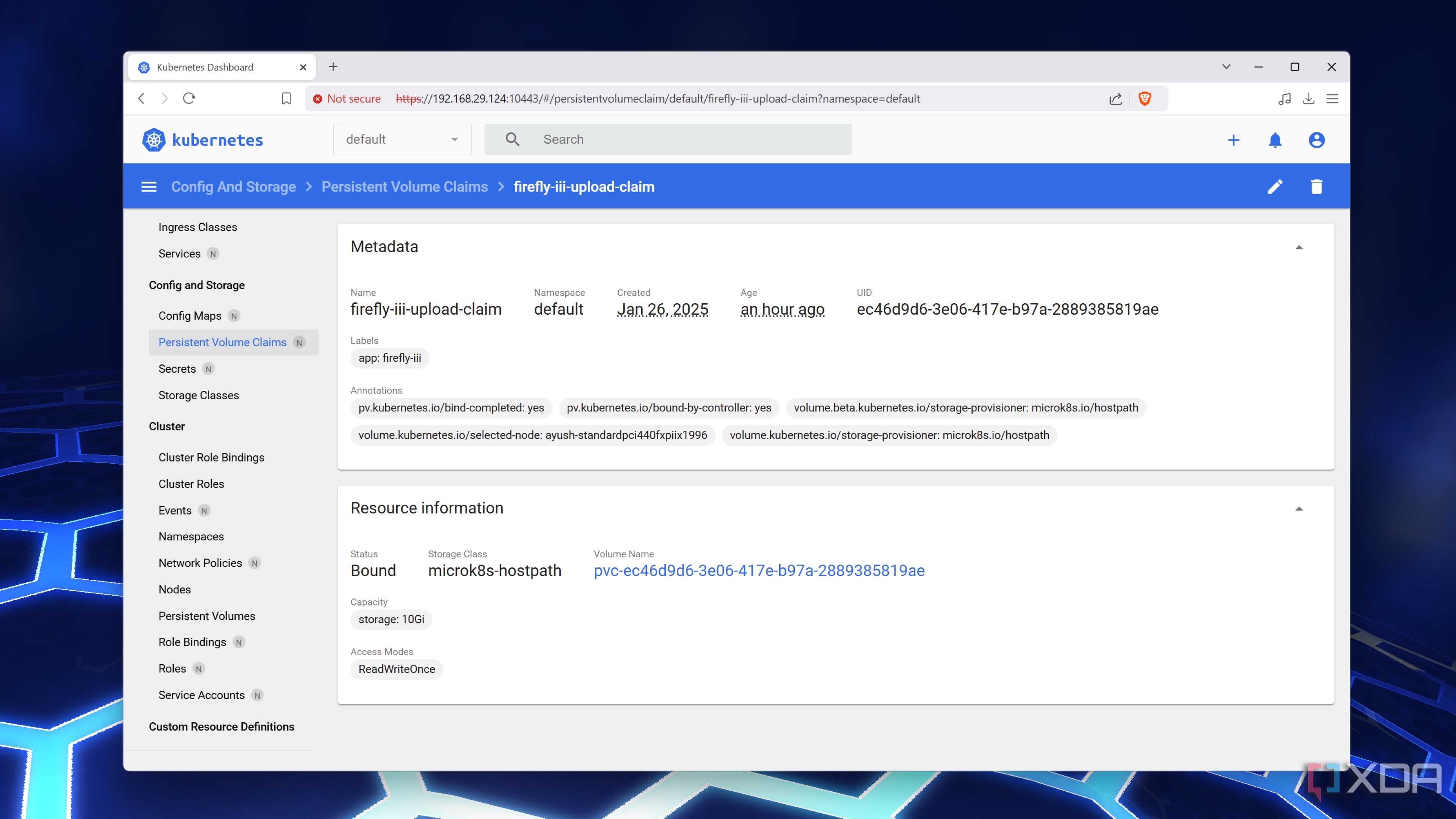
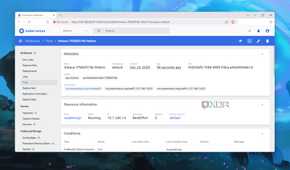
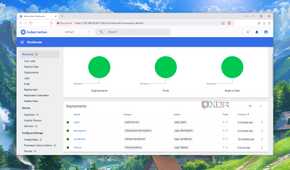
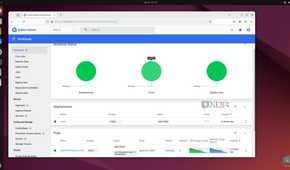
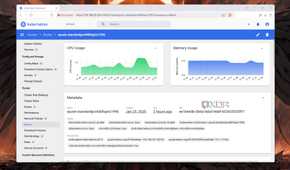
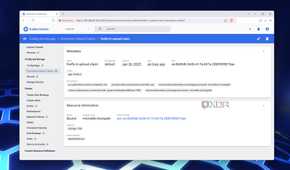
My favorite aspect of containers is that they are extremely lightweight, and I say that as someone who has repurposed old laptops and PCs as container-hosting workstations. Better yet, I’ve even turned a few Arm SBCs into a Kubernetes cluster. Sure, it’s a bit excessive for the average home labber, but my Kubernetes workstations are ideal for my tinkering needs.
For one, Kubernetes is a popular utility in the DevOps ecosystem, and my SBC cluster offers an inexpensive way to familiarize myself with the container orchestration features of the platform. Plus, the high-availability provisions offered by this setup are ideal for hosting the mission-critical containers that I’m afraid to run on my experimental workstation.
Despite their complex nature, I love these fun tools


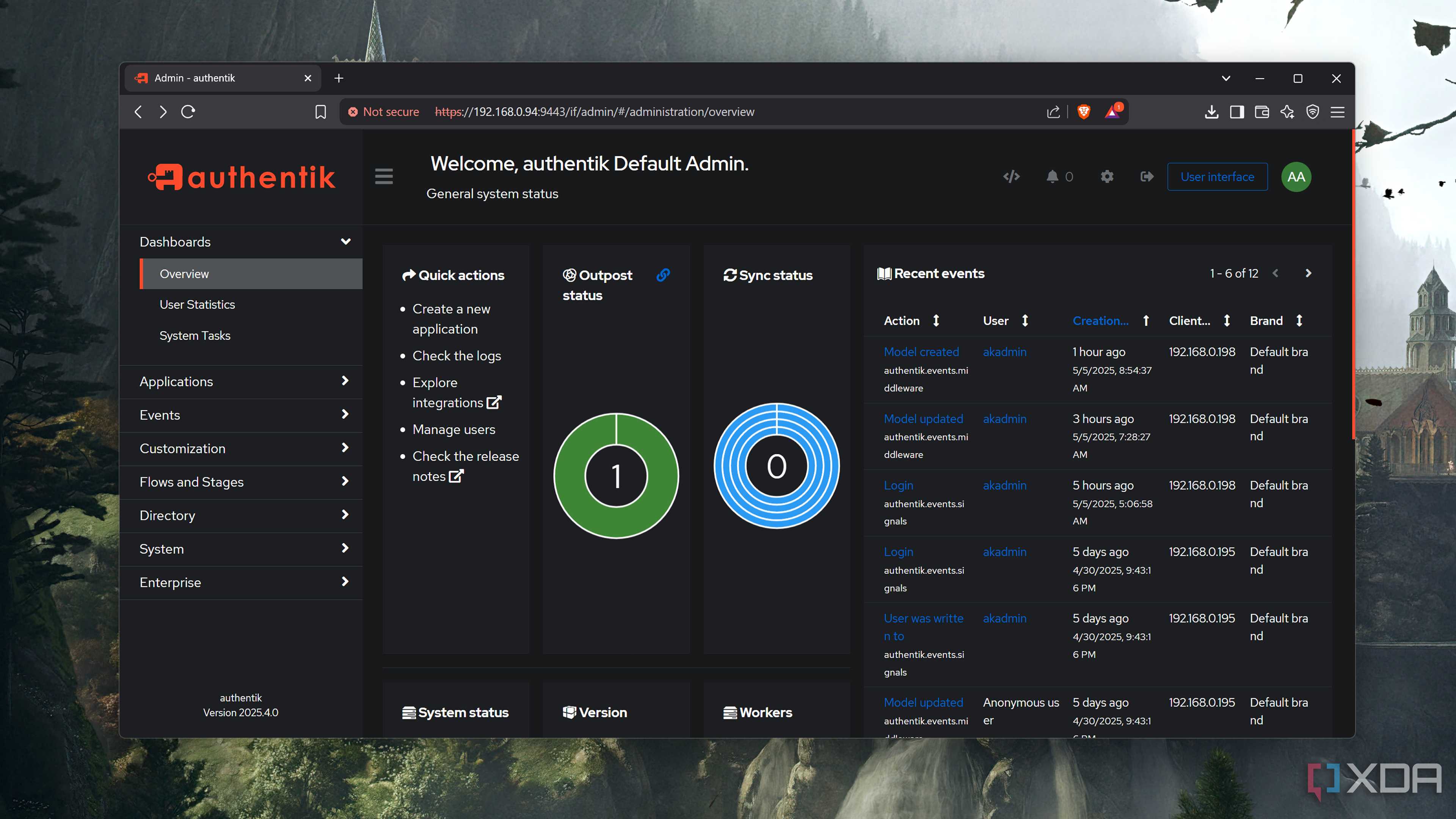
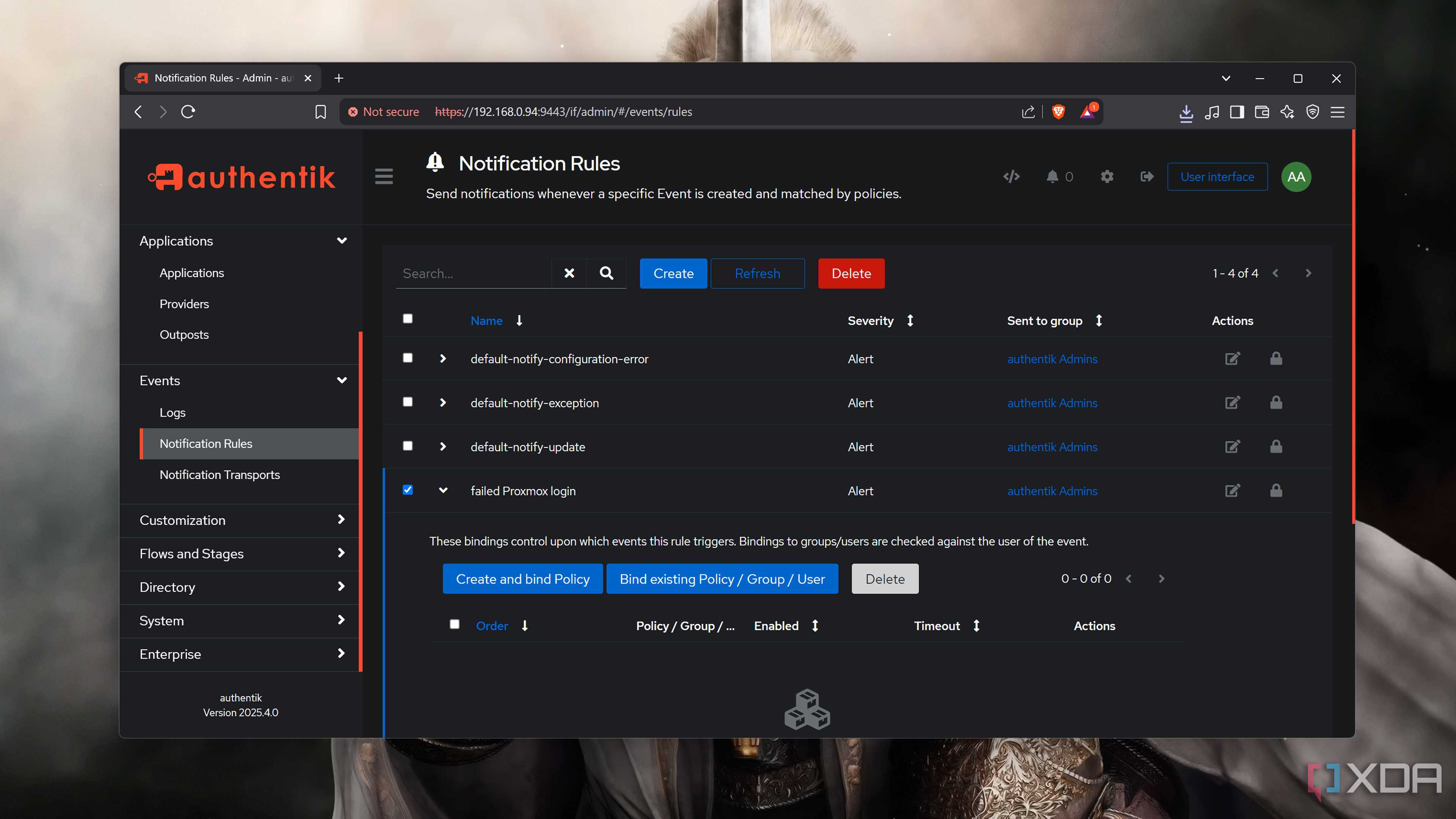
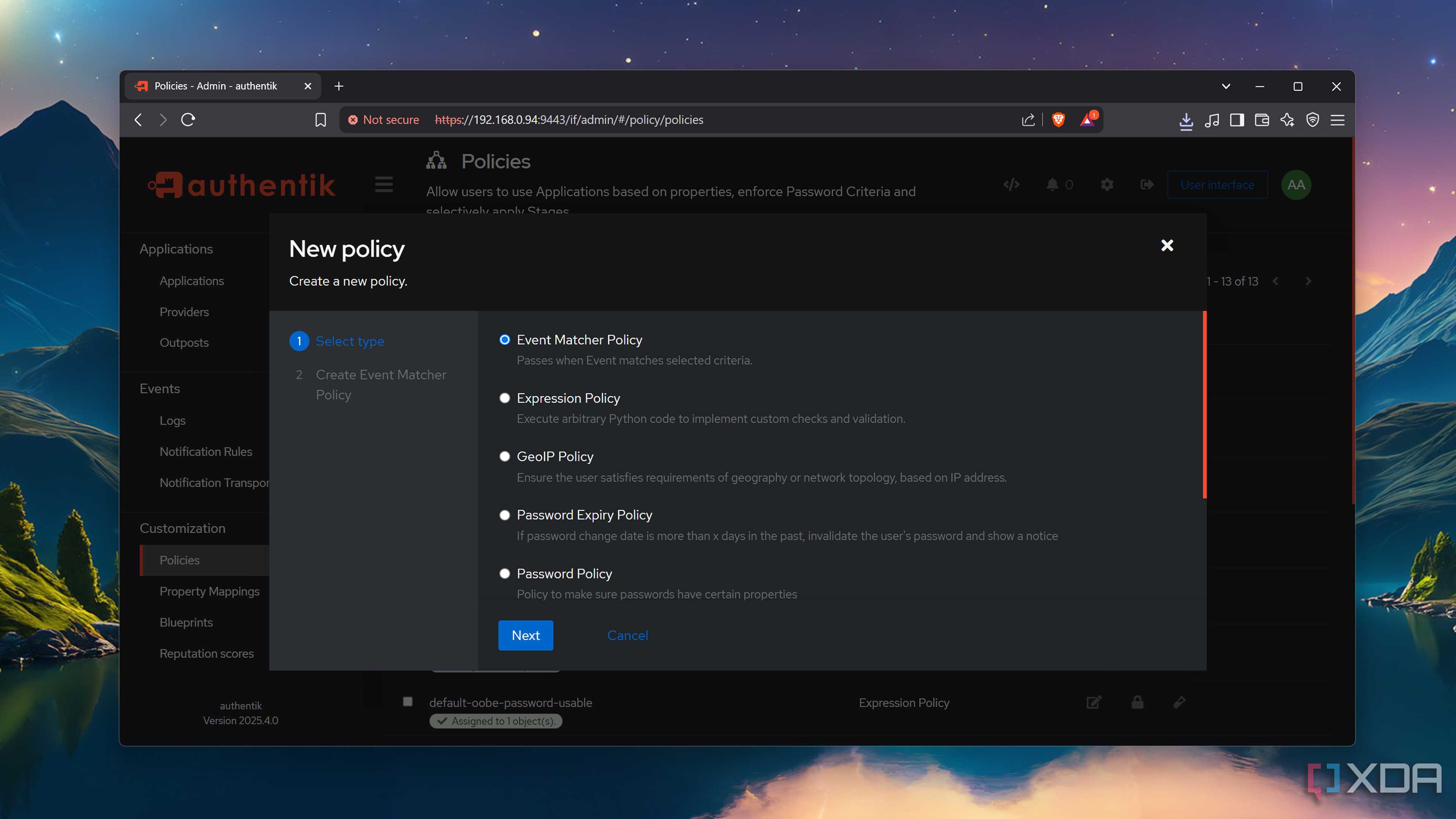
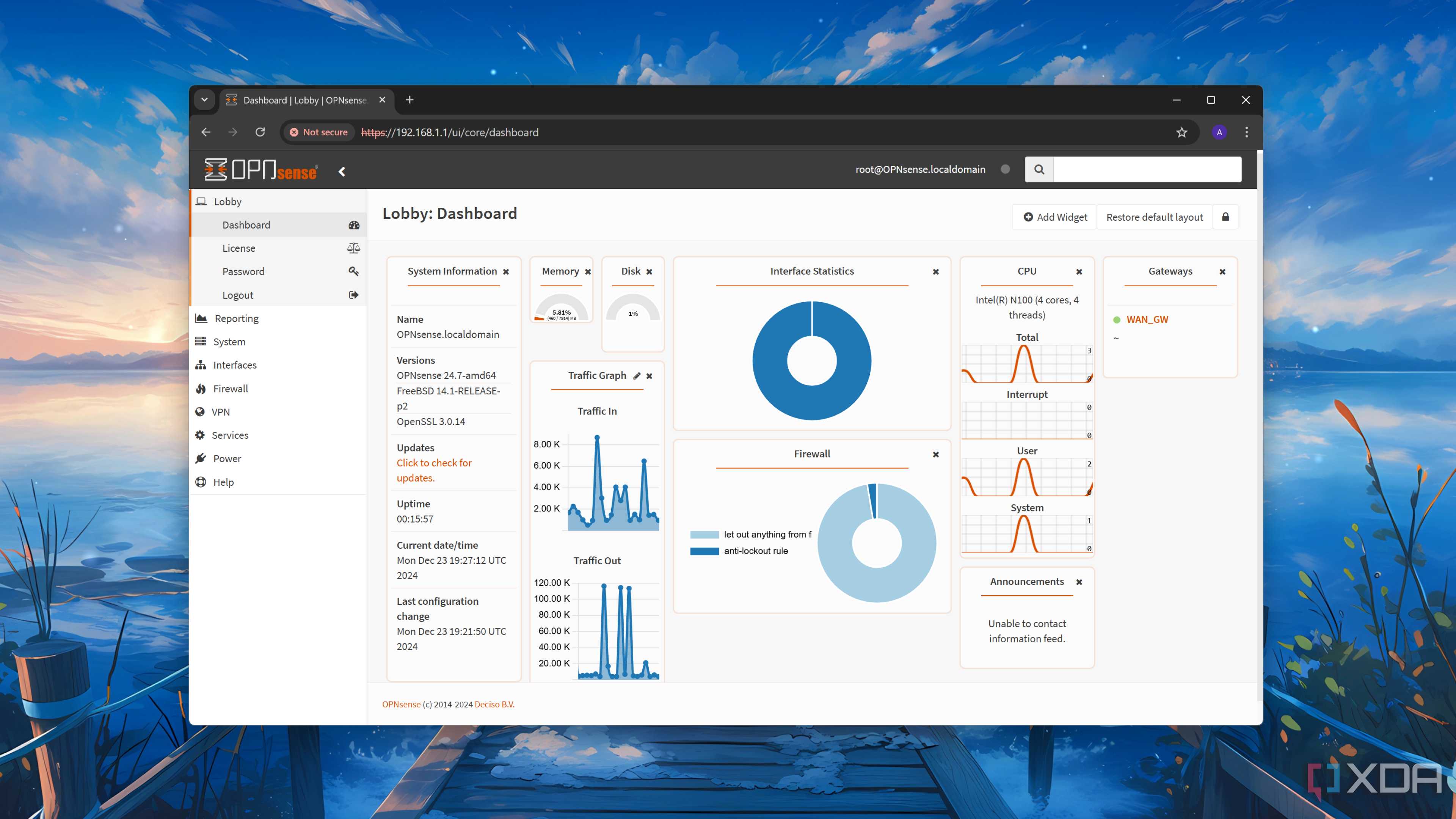
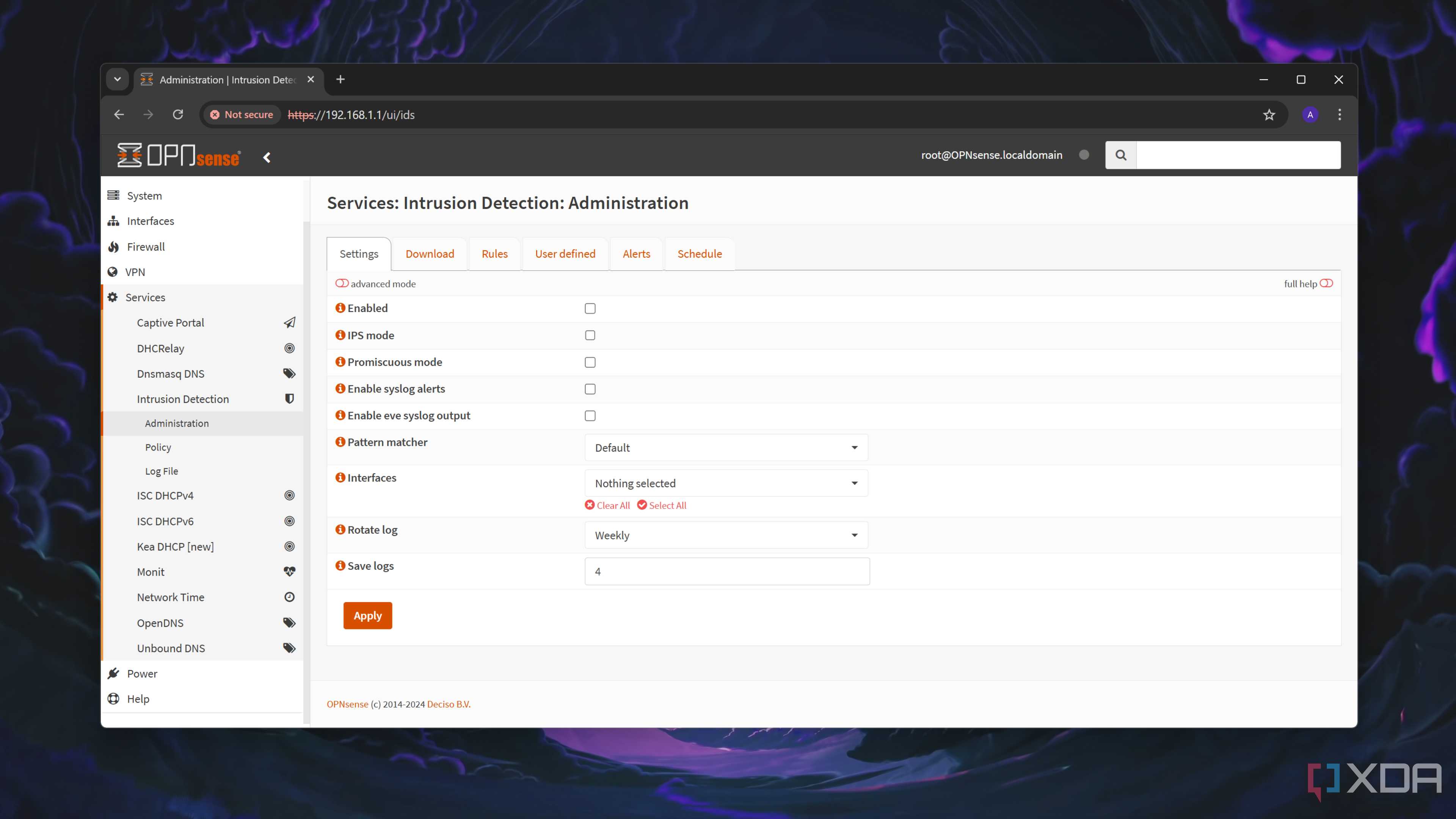
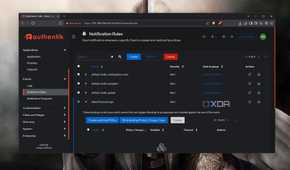
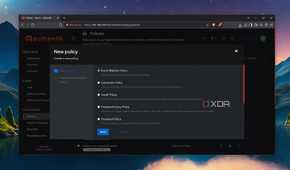
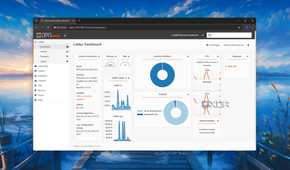
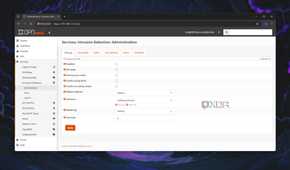
Looking for more tools to pacify your tinkering spirit? Well, I’ve got some more suggestions. Single Sign-On (SSO) utilities are great at letting you log in to your home lab services from the same set of credentials, and Authentik is my favorite utility for the job. Then you’ve got self-hosted firewalls, though I consider them a necessity rather than an “overkill” service. While we’re on the subject of complicated apps, a locally-hosted email server is more overkill than every utility I’ve mentioned in the article – to the point where I couldn’t even get a fully-operational email server up and running without mail clients flagging my messages as spam.
