


Having a home network is now about a lot more than just accessing the internet. With an ever-growing number of IoT devices in our homes, managing the complex ecosystem can feel like a daunting task. Here is where network monitoring and controlling tools come into play. These software solutions will give you a visual overview so that you can optimize bandwidth, enhance security, and troubleshoot common network-related glitches with ease. Here are the top tools to monitor your smart home network and empower you.
What are home network monitoring tools?
Before we go over the tools, let’s have a word about home monitoring software. As the title suggests, these tools let you observe and analyze the activities of your home network. You can glance over the bandwidth usage of different devices and even suspend specific ones if needed.
A capable solution also lets you monitor data flow, identify connected devices, detect unusual activities, prevent unauthorized access attempts, and monitor network performance. You can even track the status of your connected devices, including routers, printers, and smart home devices.
Whether you are troubleshooting buffering during the Super Bowl, shielding your home network from cyber threats, or simply curious about which devices are hogging all the bandwidth, a home network monitor is essential. There are also home automation solutions like Home Assistant, which can provide a unified platform to bring all your smart home devices together, allowing you to manage them efficiently.
4 Home Assistant
Manage your smart home devices like a pro

Home Assistant is not a network monitoring solution, so it has a different function than the rest of the monitoring tools on this list. Instead, this software acts as a command center for all your smart devices. You can think of it as the brain of your smart home, controlling everything from smart lights and thermostats to your security cameras and media servers (e.g. Plex).
It supports a vast ecosystem of devices from different brands and uses various communication protocols. This means you can connect almost any smart device you have, from Philips Hue lights and Nest thermostats, to your Samsung TV and Sonos speakers. It also supports automation and the flexibility to write your own scripts to extend its functionality.
However, do note that Home Assistant has a steeper learning curve than an individual smart home app would require. It entails a more complex setup than your usual apps, like Google Home or Samsung SmartThings services, which are built into smartphones. It also requires dedicated hardware like a Raspberry Pi or similar. But for the sophisticated, centralized smart home hub that it offers, it may be worth your effort. Our dedicated post below describes more of its features and benefits. The network diagnostic and troubleshooting features on-offer are limited, so our next suggestions will cover these topics in case you are looking for such tools.
3 GlassWire
A user-friendly network 'security camera'
Source: GlassWire 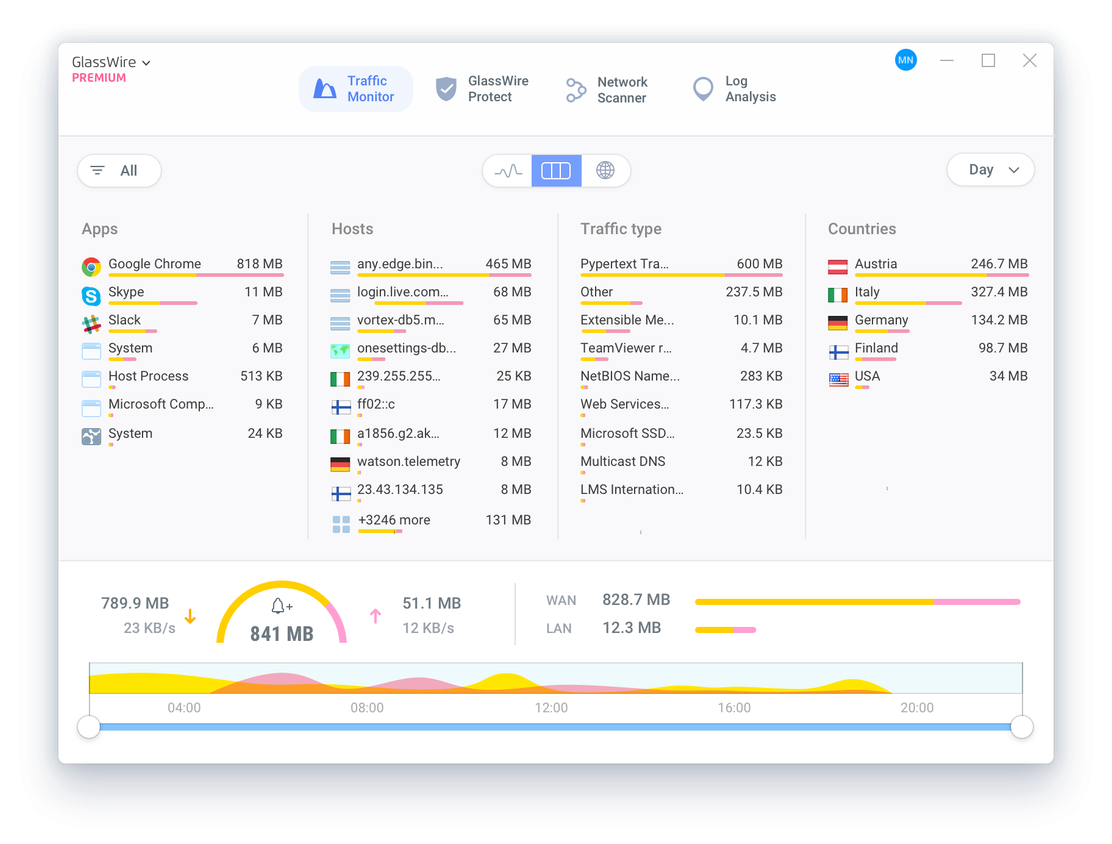
Source: GlassWire 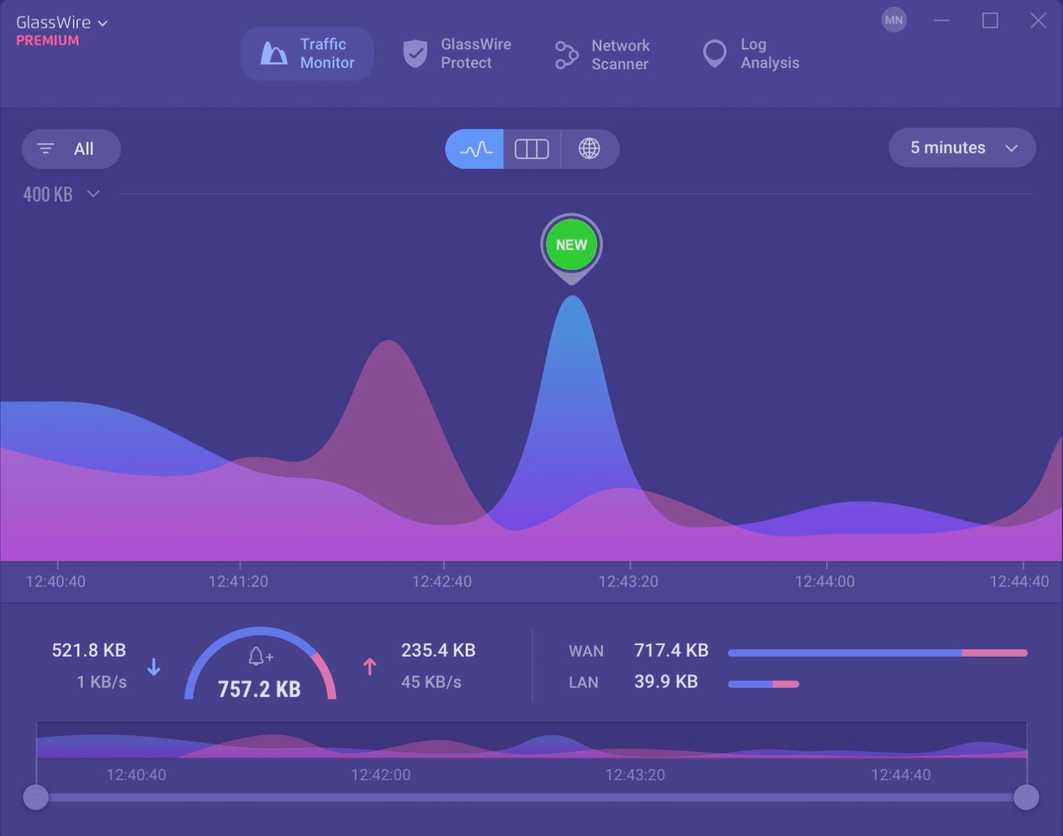
Source: GlassWire 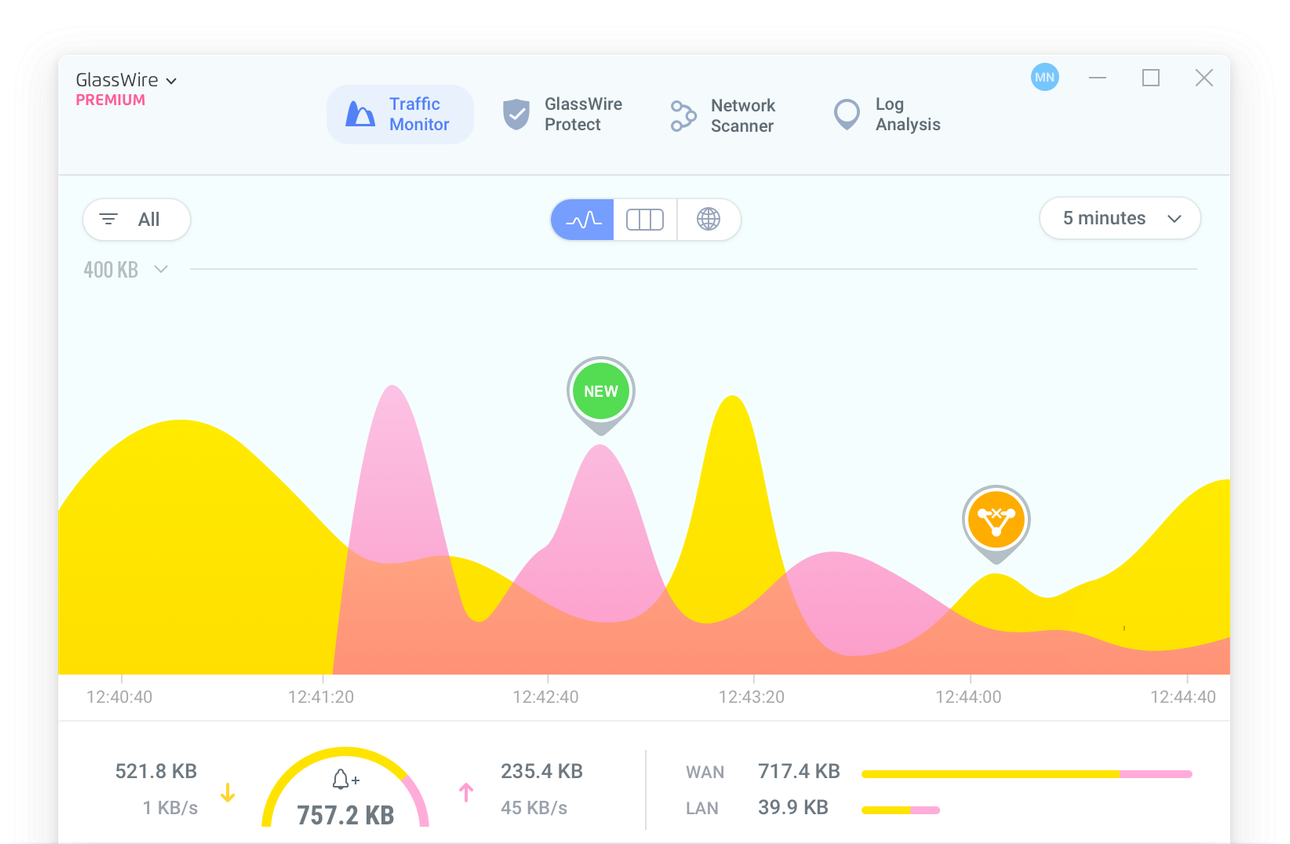
Source: GlassWire 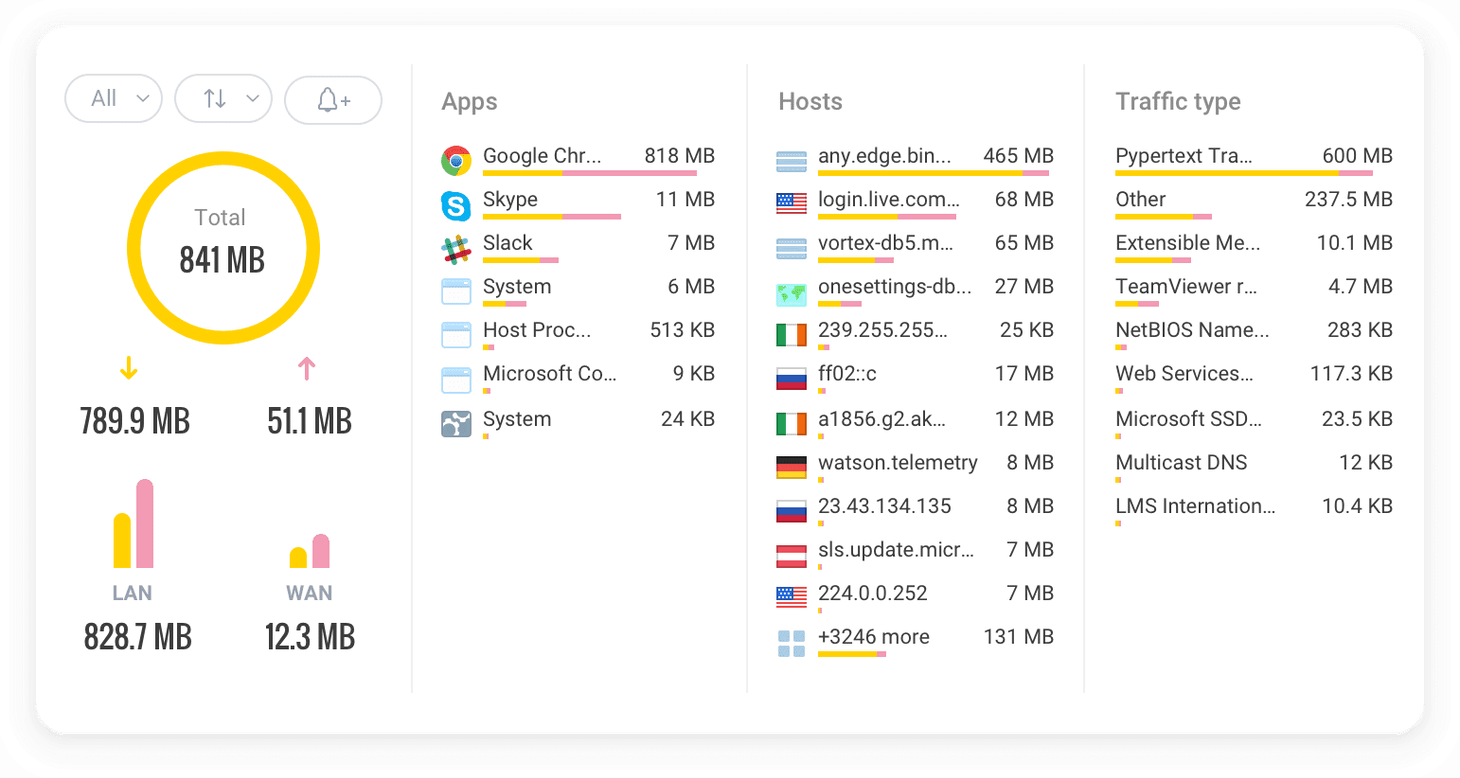
Source: GlassWire


Source: GlassWire 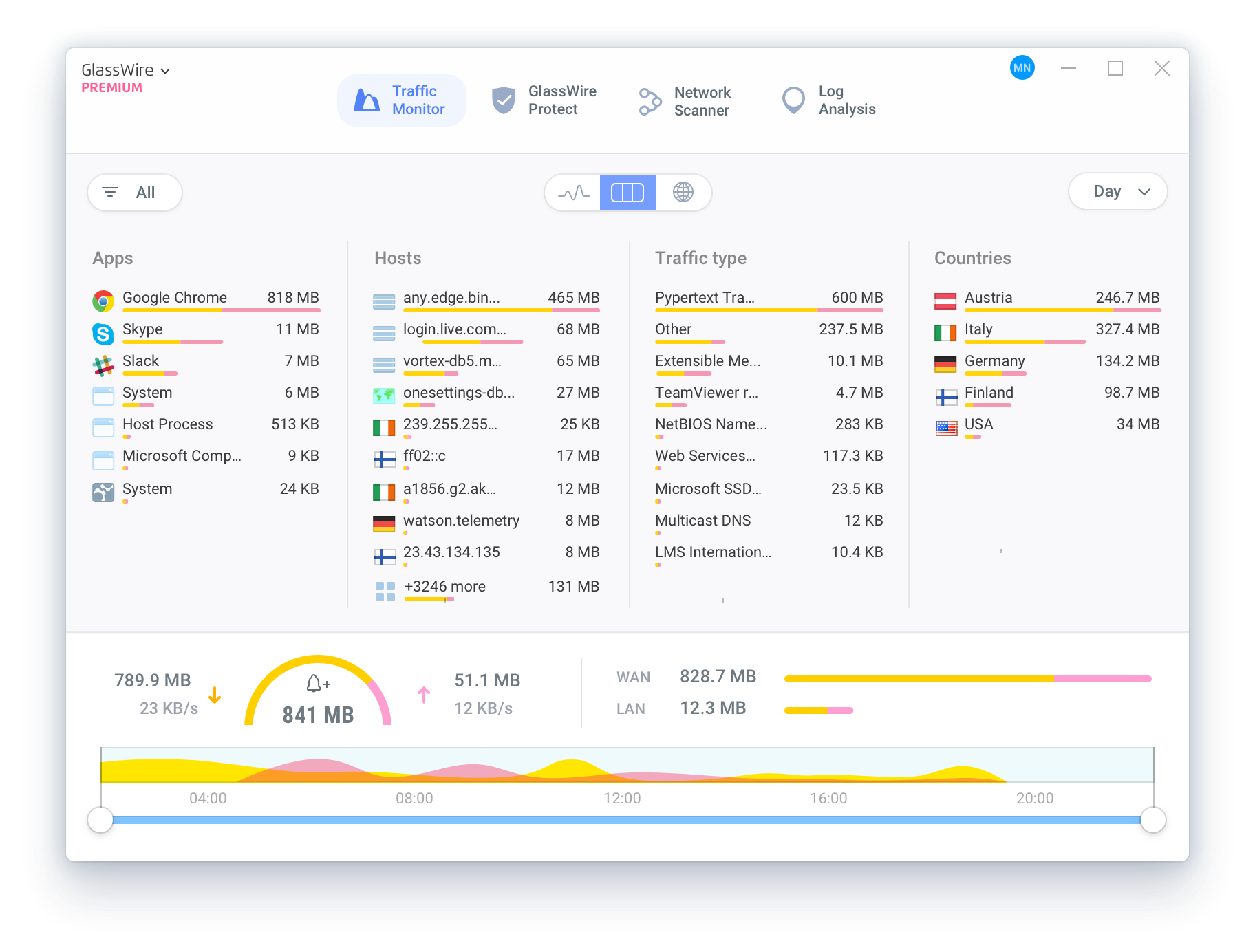
Source: GlassWire 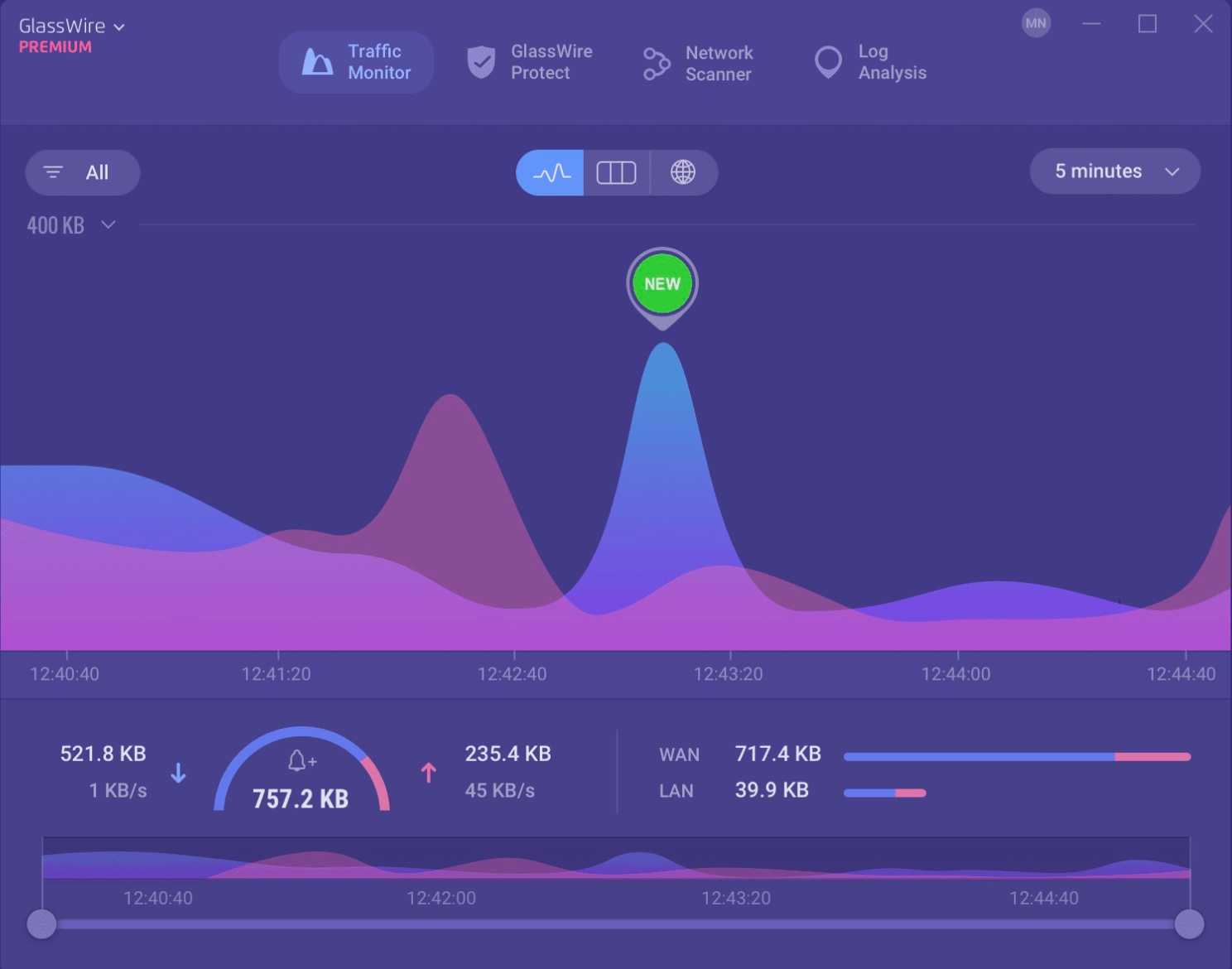
Source: GlassWire 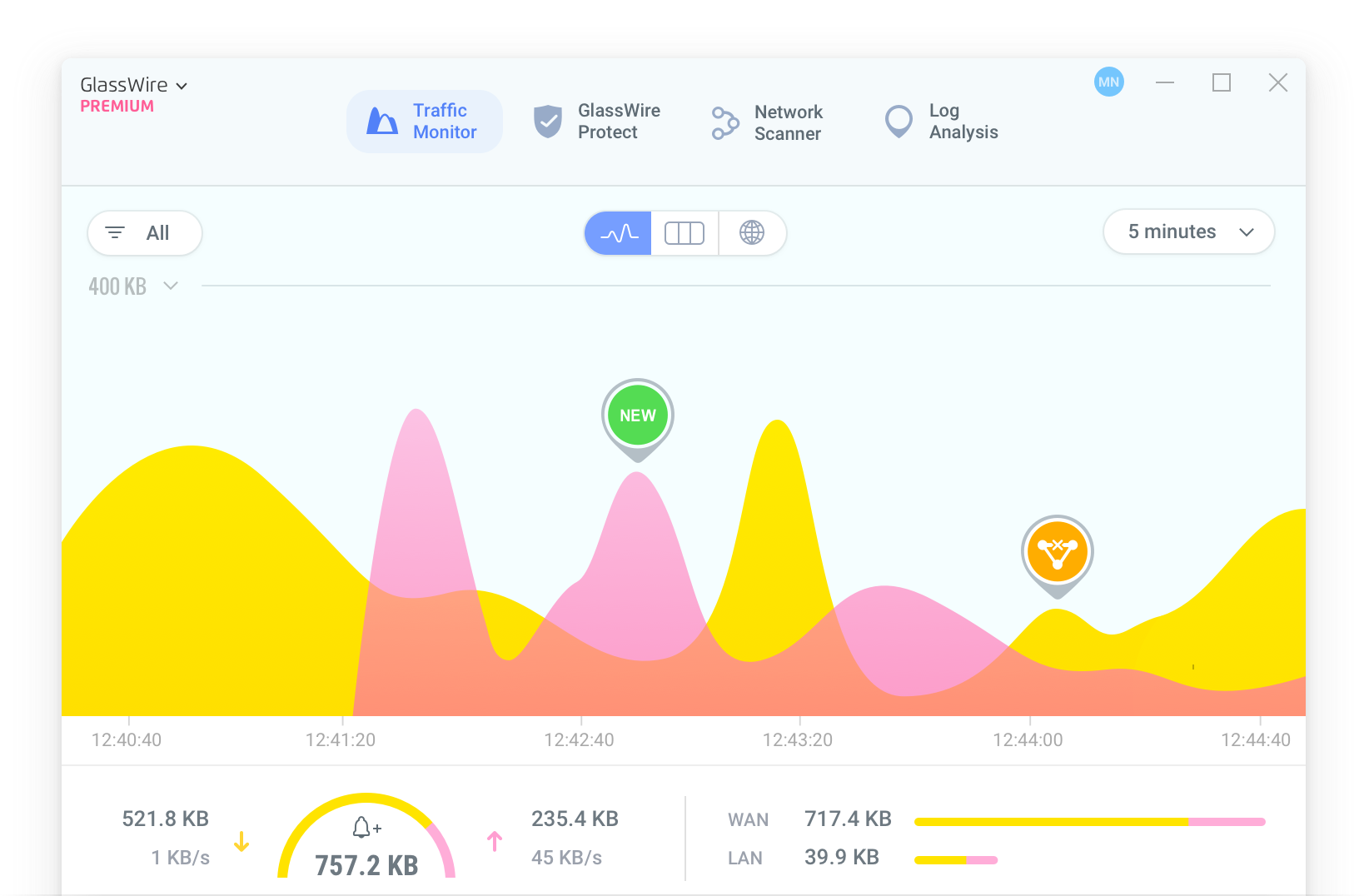
Source: GlassWire 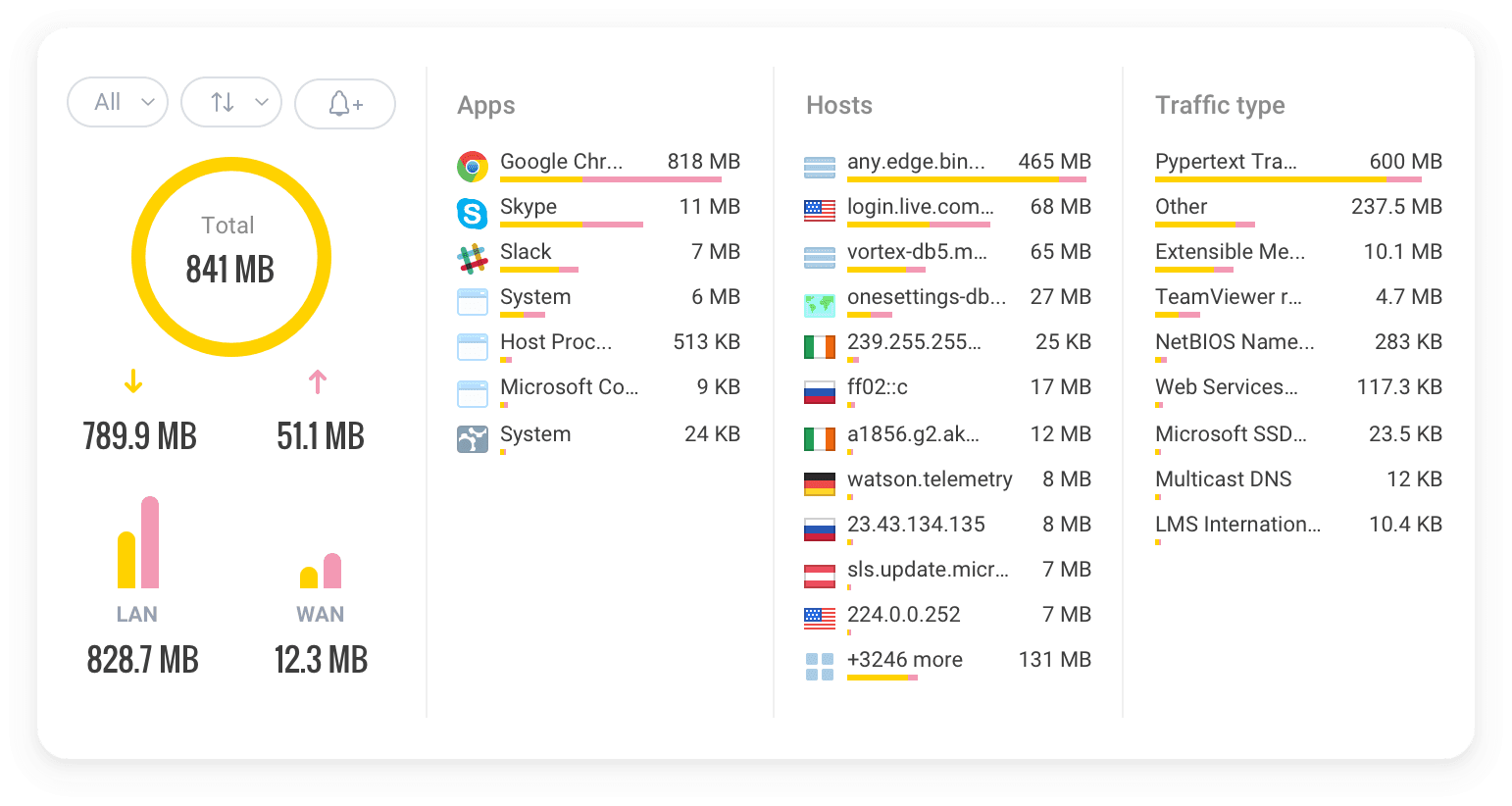
Source: GlassWire
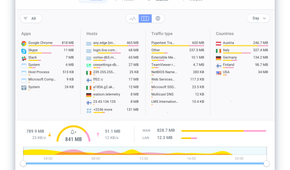

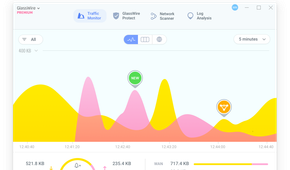
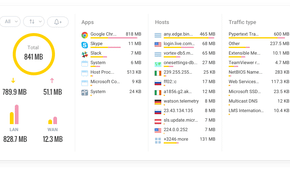
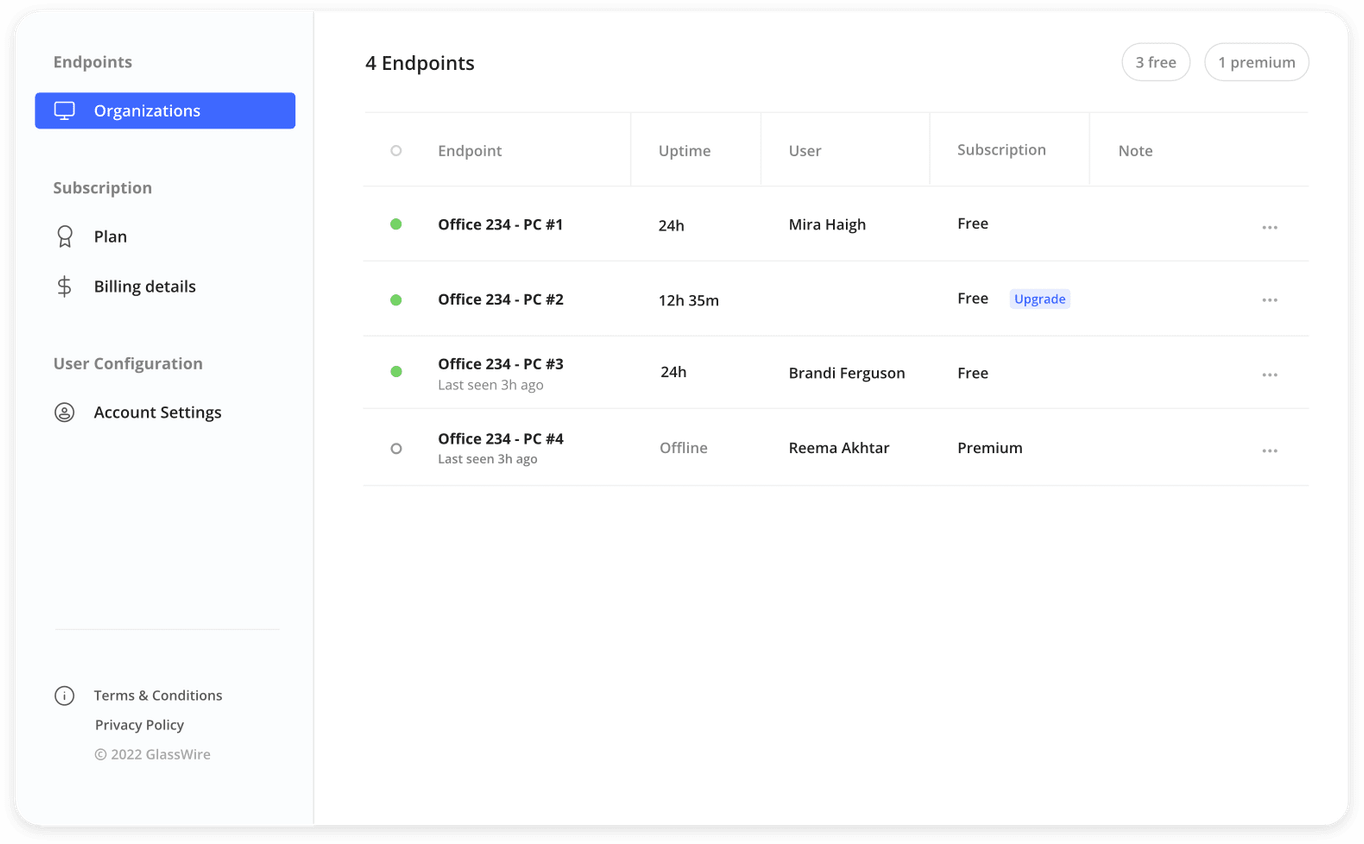
GlassWire is an easy-to-use home network monitoring tool. It offers a handy traffic monitor, GlassWire protector, network scanner, and a detailed log analysis. It basically acts like a security camera for your home internet connection, allowing you to see what’s happening in real time.
GlassWire's free plan includes a firewall to block specific apps from accessing the internet. Its intuitive interface and clear visualizations with different graphs make it simple to understand your network activity. The list of features includes bandwidth usage monitor, management console, internet privacy protection, server monitoring, and more.
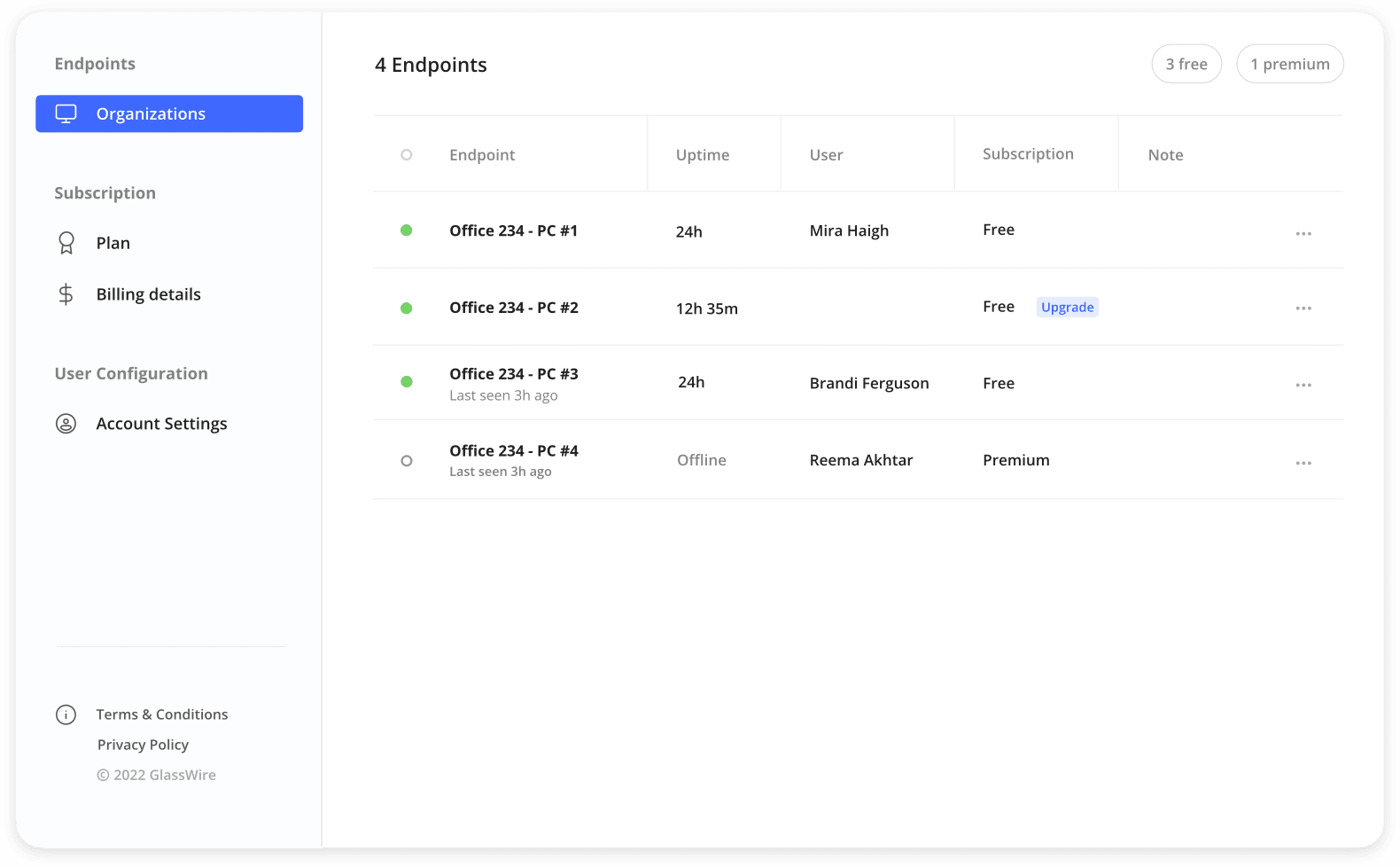
However, note that GlassWire is primarily designed to monitor and control network activity on individual devices, not to manage a robust home network. The GlassWire free plan only lets you monitor and control network activity on individual devices. So if you just want to monitor network activities on your main device, go for it. If you want to unlock new device connections along with other goodies like themes, unlimited graph history, firewall profiles, and more, consider upgrading to a premium plan which is priced at $3 per month.
2 Fing
Your pocket-sized network scanner

Fing is a feature-rich network-wide monitoring solution with cross-platform availability. Aside from the usual info like MAC address, connected devices, and IP address, you can even check the device owner’s name (if available, of course).
Fing has nailed the network security, enabling you to detect intruders and unauthorized devices on your network. The system alerts you to potential risks, vulnerable devices, and suspicious network activities so that you can take the required steps to shield your personal data. With ping tests, DNS lookups, and traceroute, you have ample troubleshooting tools at your fingertips to resolve network problems.
The paid plans (which start at $25 per year) enable IFTTT integration, automated scan, speed test, and other goodies on your home network.
1 Domotz
An IT expert for your home network

Domotz is a robust network monitoring and management platform designed for both home users and professionals. It delivers a powerful suite of tools to monitor, manage, and troubleshoot your network from anywhere. The software automatically detects all the devices connected to your network and displays necessary information like IP address, MAC address, manufacturer model, and device type.
Whether you want to manage network infrastructure like switches, routers, VPNs, NAS, servers, and databases, or operational tech like printers, security systems, and smart devices, Domotz gets the job done with a centralized dashboard.
You can even integrate it with popular platforms like Slack, Microsoft Teams, Meraki, and more to streamline workflows and automate tasks. The pricing starts at $1.50 per managed device per month.
Aside from these paid tools, you can also explore the router management interface through a web browser to see and manage all your connected devices. You can set parental controls, configure network settings, monitor bandwidth usage, and a lot more.
Transform your home network experience
Do you ever feel like your Wi-Fi is 'playing hard to get'? One minute, you are streaming Sunday Night Football; the next, you are staring at a loading wheel. These tools will help you get to the bottom of your network issues, and avert ones that are heading your way. When it comes to home network monitoring tools, there is no one-size-fits-all solution. You need to factor in ease of use, features, cost, and, of course, platform compatibility to pin down a solution for your smart home.
Once your home network is up and running safely, check out these upgrades to take it to the next level.
