


A deep dive into my Amazon history shows that in 2011, I paid $50 for a 500GB external HDD, and in 2013, I paid $165 for a 250GB SATA internal SSD. Those prices, and far worse, were the era of storage costs that I grew up in, so suffice it to say that having a ton of storage space with me on the go was never something I adopted into my daily tech repertoire until recently.
Today, portable SSDs can cost as little as $75 per terabyte, with read/write speeds over 2,000 MB/s, which has completely changed the landscape and my attitude on the utility of portable storage. Now that I can fit a multi-terabyte SSD in the palm of my hand, clip it onto a keychain, or slip it easily into my pocket, here are the top ways my portable SSD has become a part of daily life.
3 Photo and video files
Transfer, storage, and live use of large files

Photography has a place in both my work and personal life, and I can often be found with my Nikon DSLR in hand. Whether I'm at a conference for work, a family event, or just taking pictures of my dog, Peanut, I often shoot hundreds of initial photos to be whittled down later in the editing process. I occasionally work with 4K footage for product reviews or personal videos, mostly of Peanut.
Programs like Adobe Lightroom or Adobe Premiere make it easy for me to work on my RAW files directly from my external SSD with a fast enough read/write speed, in this case, my 1 TB Crucial X10 Pro, allowing me to easily take my files with me and continue working on them on my PC, switching back and forth seamlessly.
I find that storing a ton of Nikon RAW or ProRes files on my internal SSD becomes a challenge when working remotely with my laptop, as, like many consumers, my laptop doesn't have a ton of storage space. I keep my laptops for fairly long cycles, and I'm not one to spring for the 1 TB or 2 TB internal drive.
If I'm being honest, I tend to lean toward the smaller end of the range, as I just don't feel that having a huge amount of storage on my laptop is worth the cost. While cloud storage is a feasible solution for storing a high volume of files, it's also one that carries a recurring cost. So a one-time purchase of a great external SSD is a lot cheaper over time. I'll use my external SSD for bulk storage, and then backup the final edited and compressed images on the cloud.
2 Portable game library
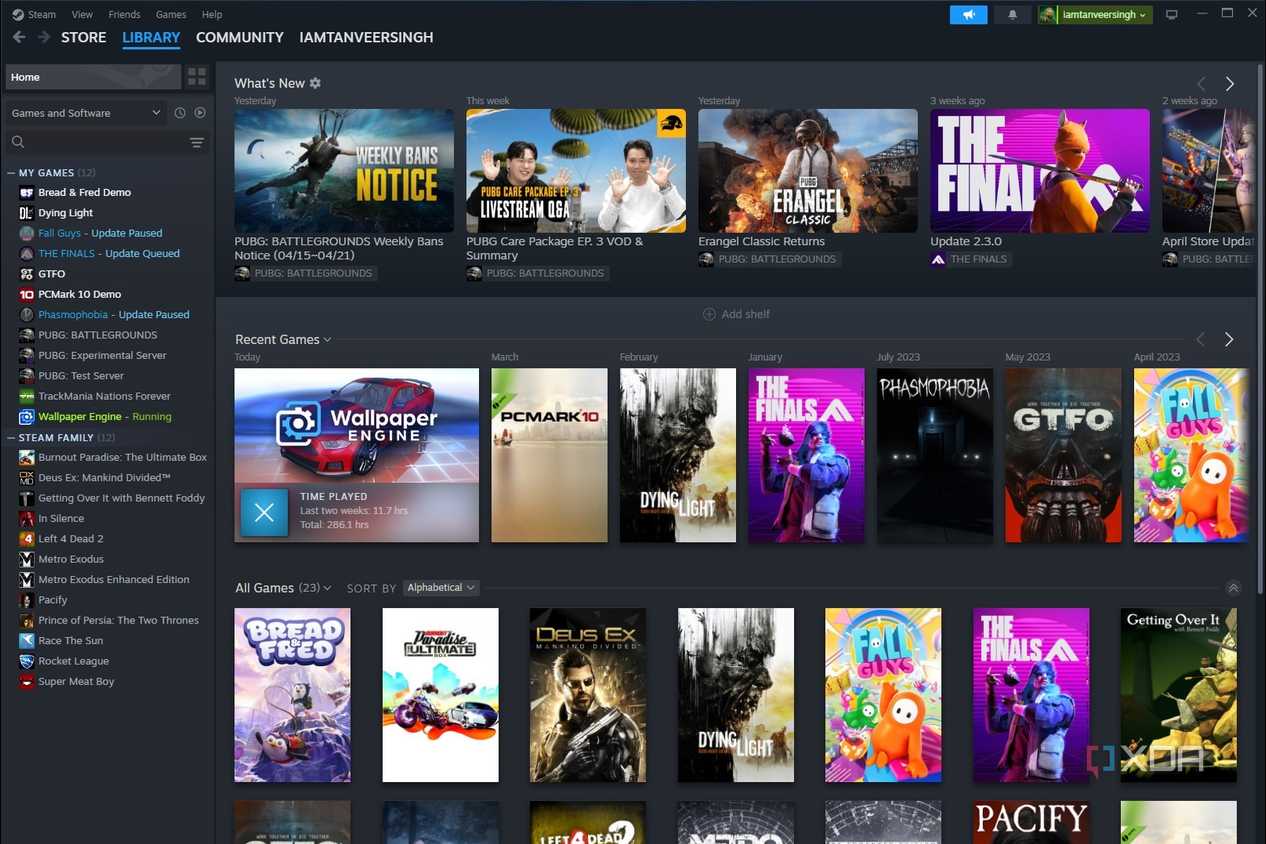
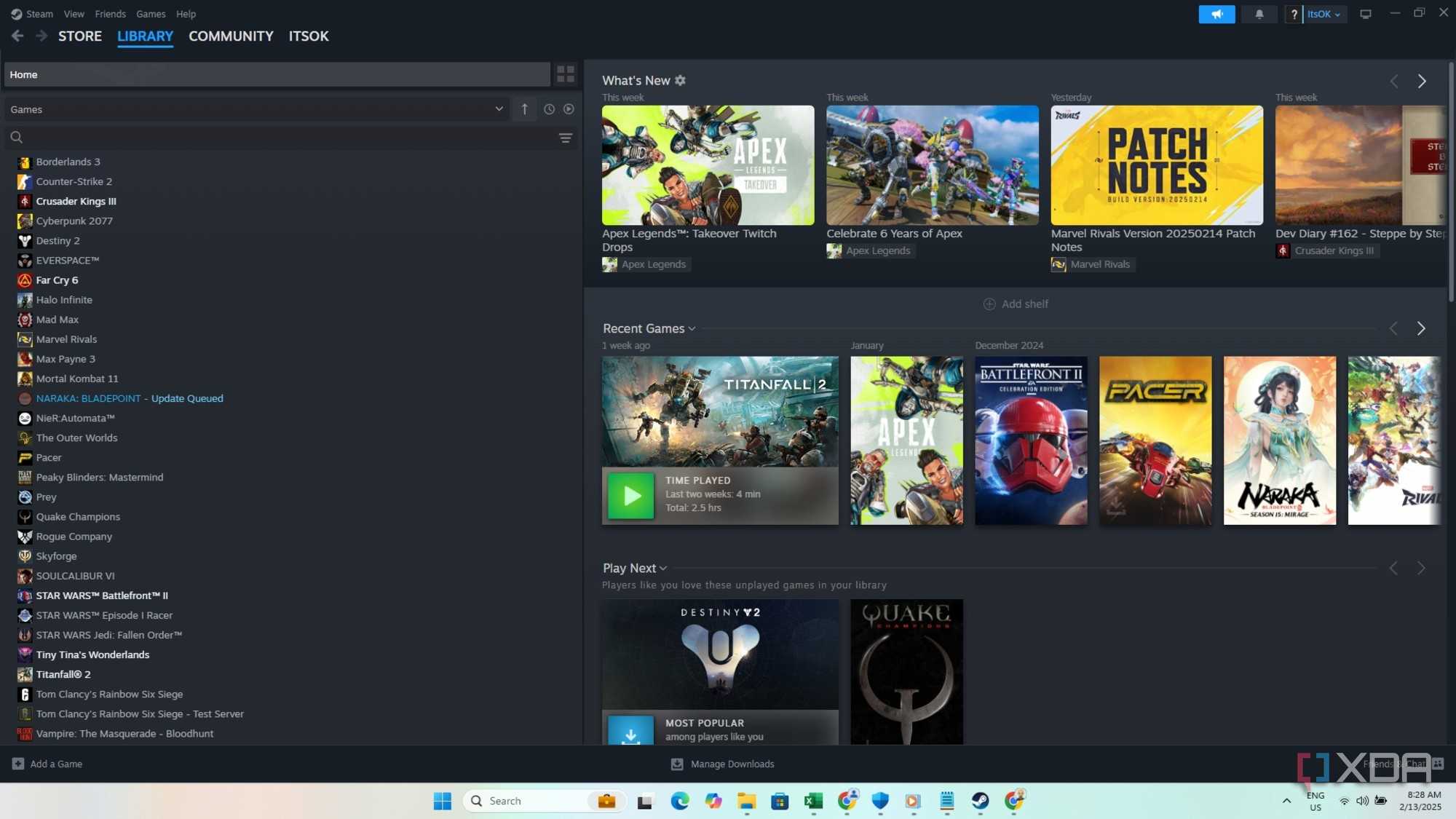
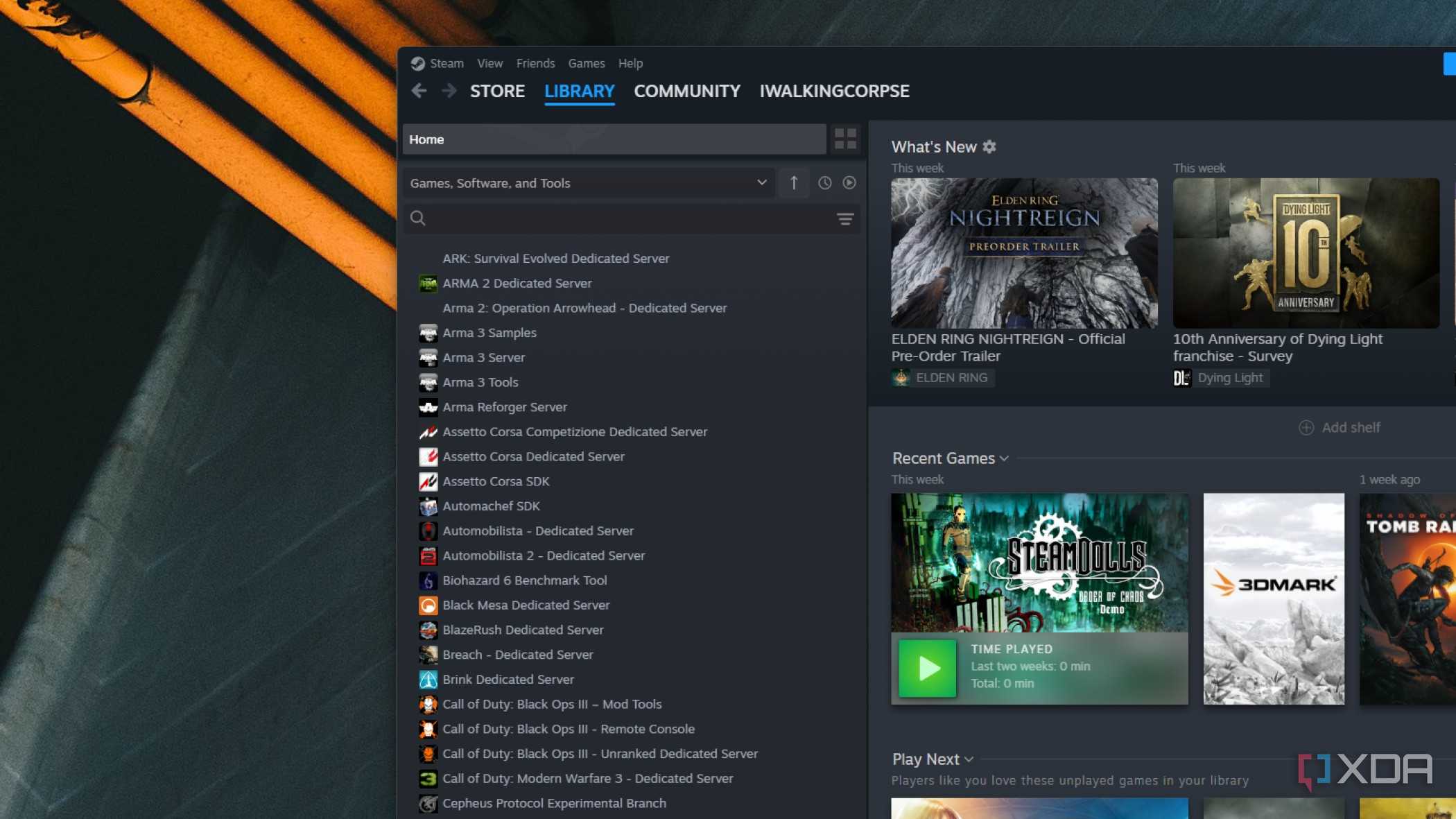
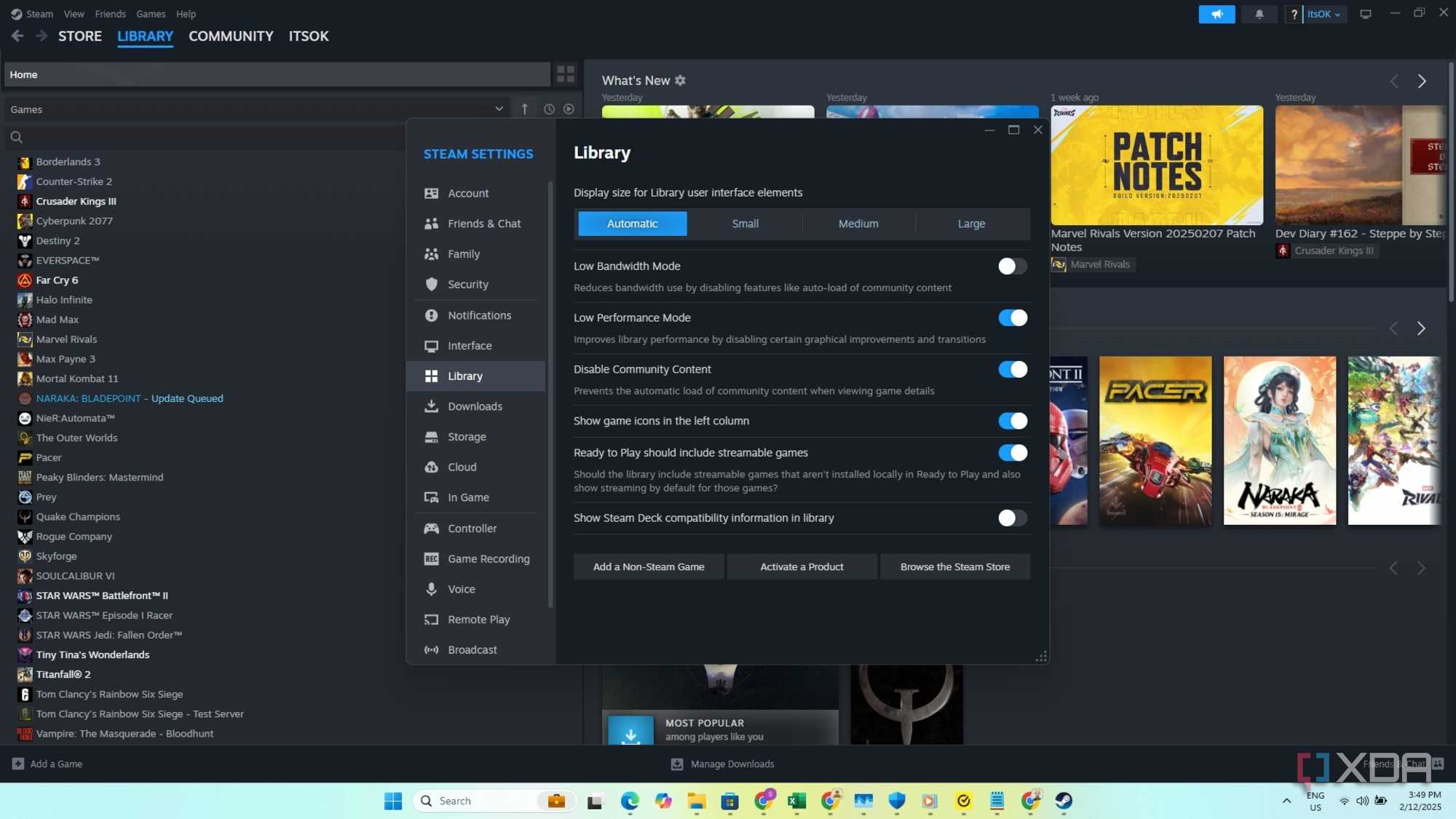
Taking my Steam library on the go
Credit: Saeed Wazir 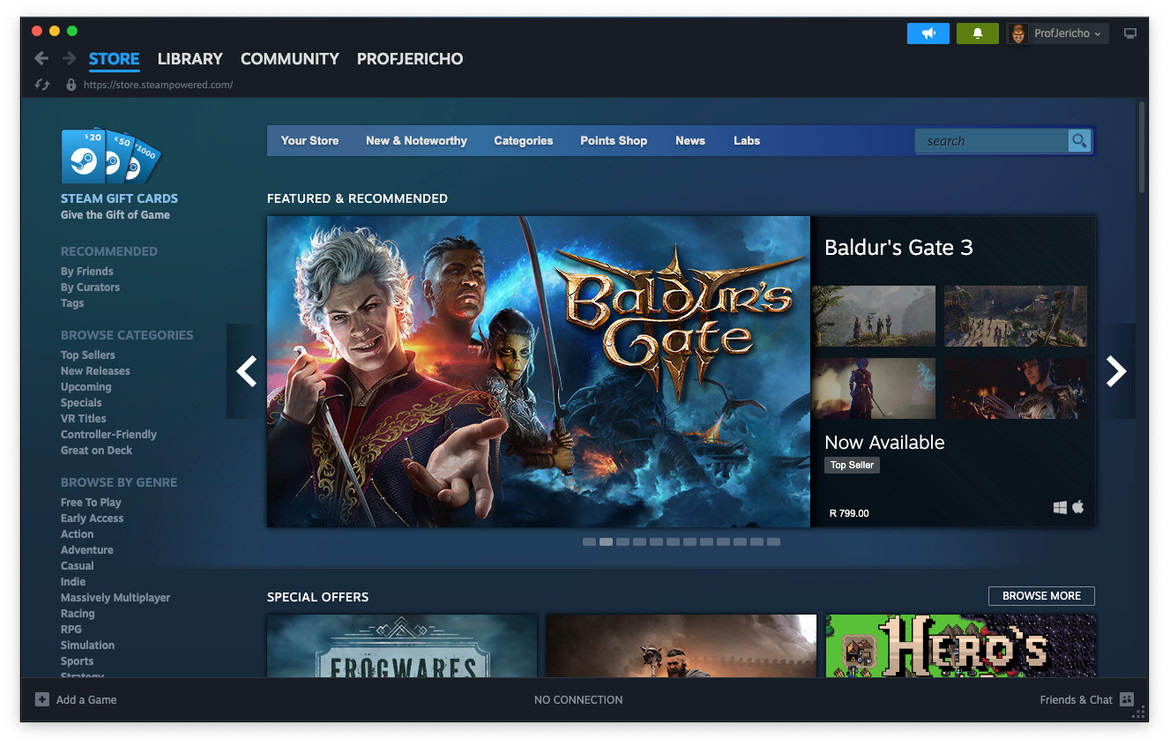


Credit: Saeed Wazir 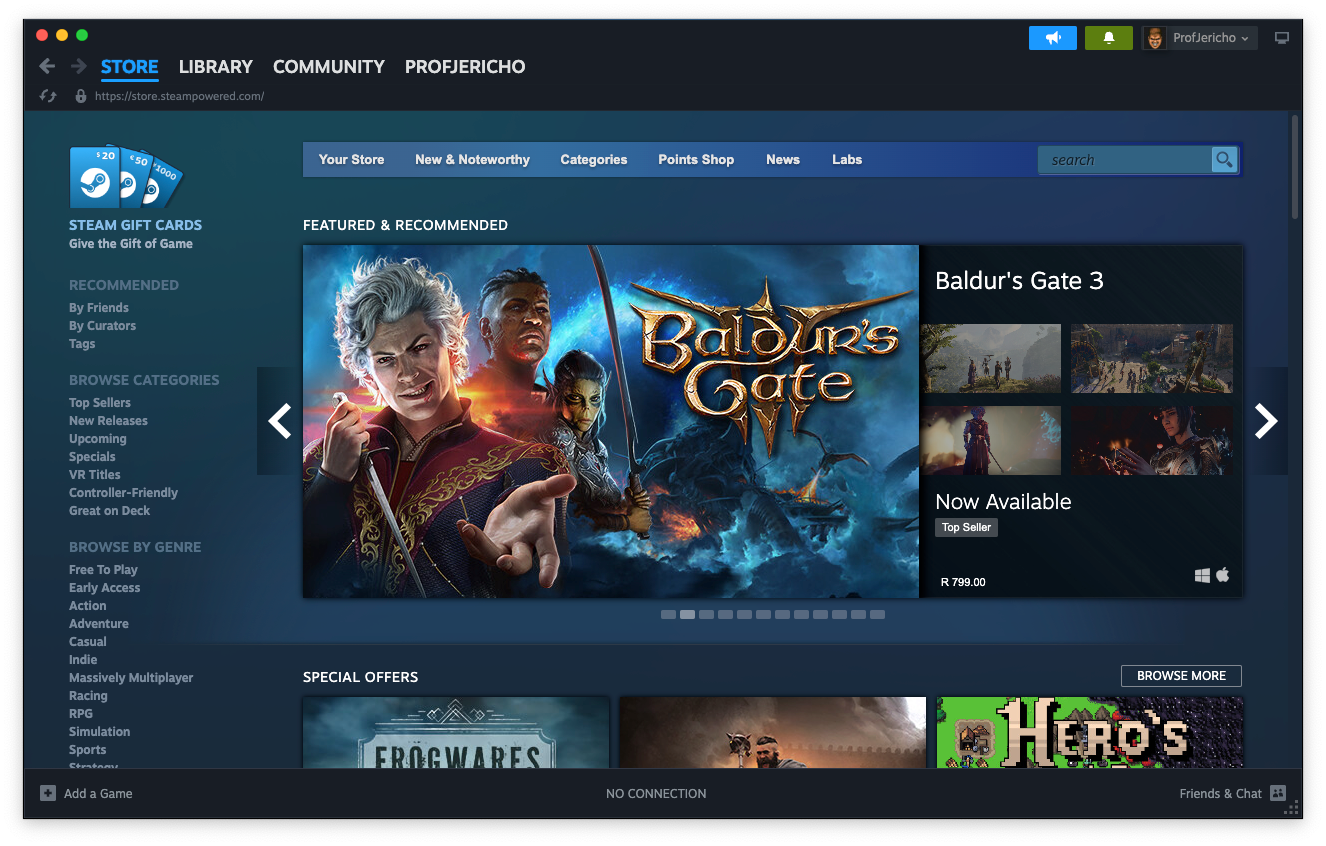
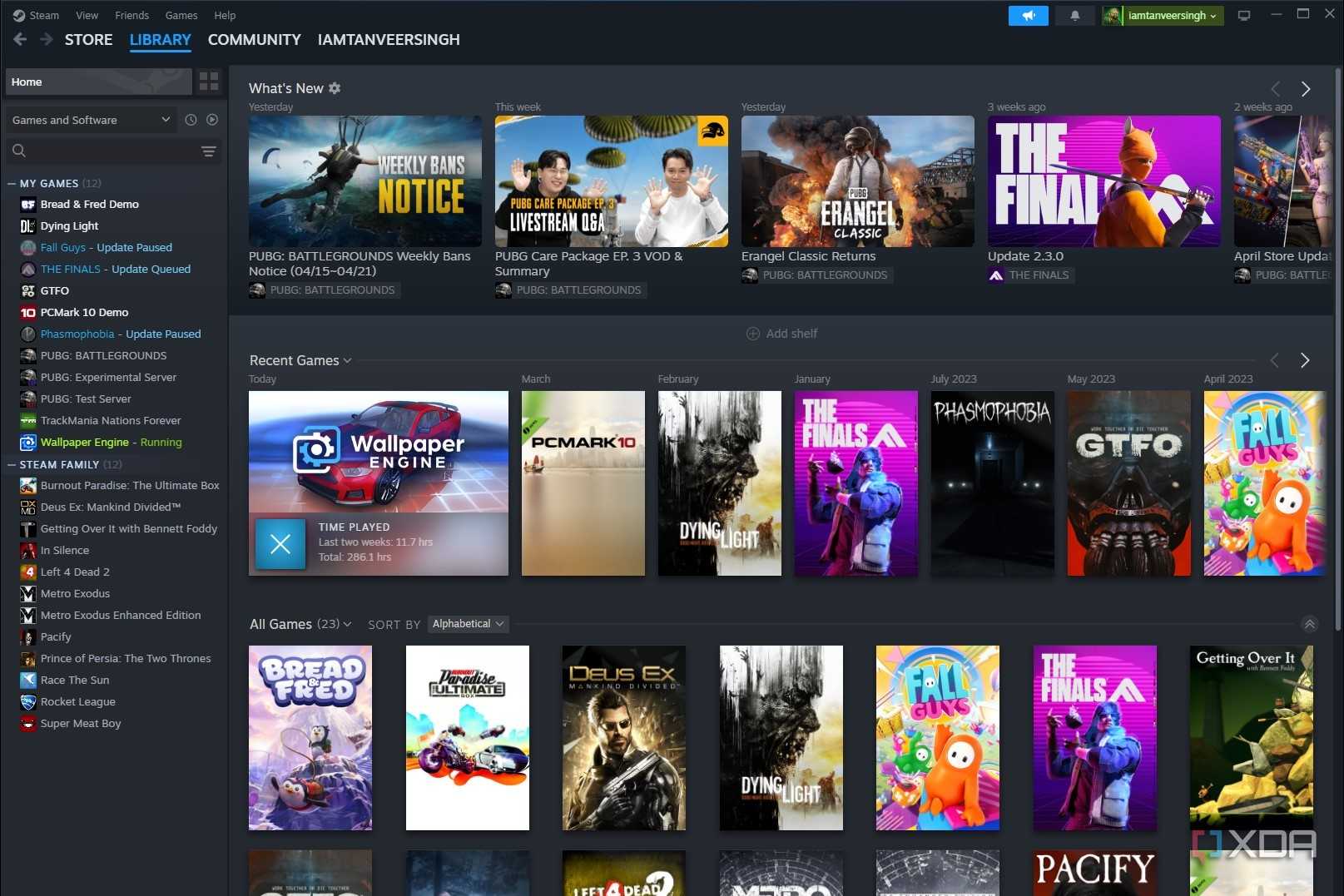





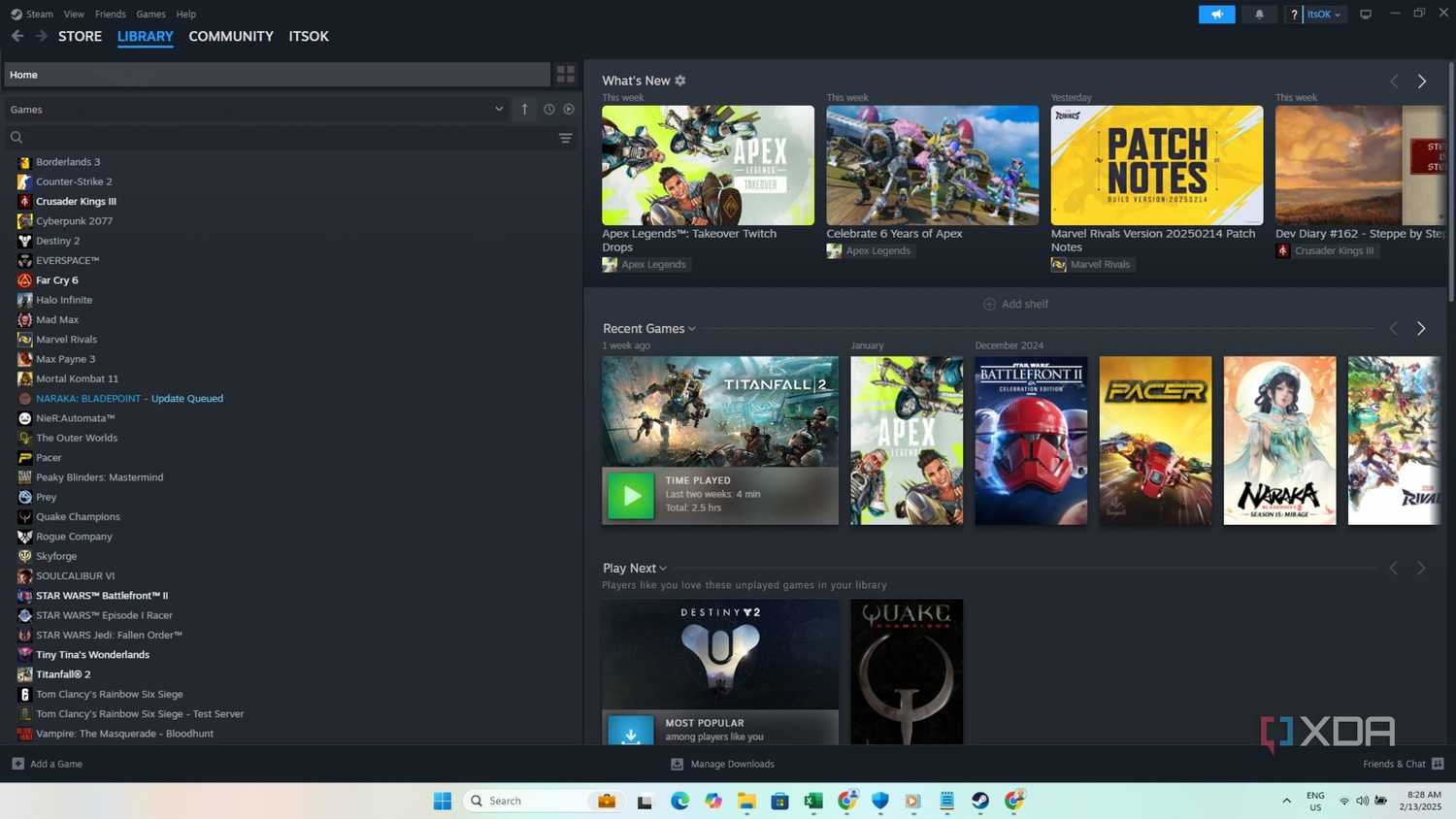
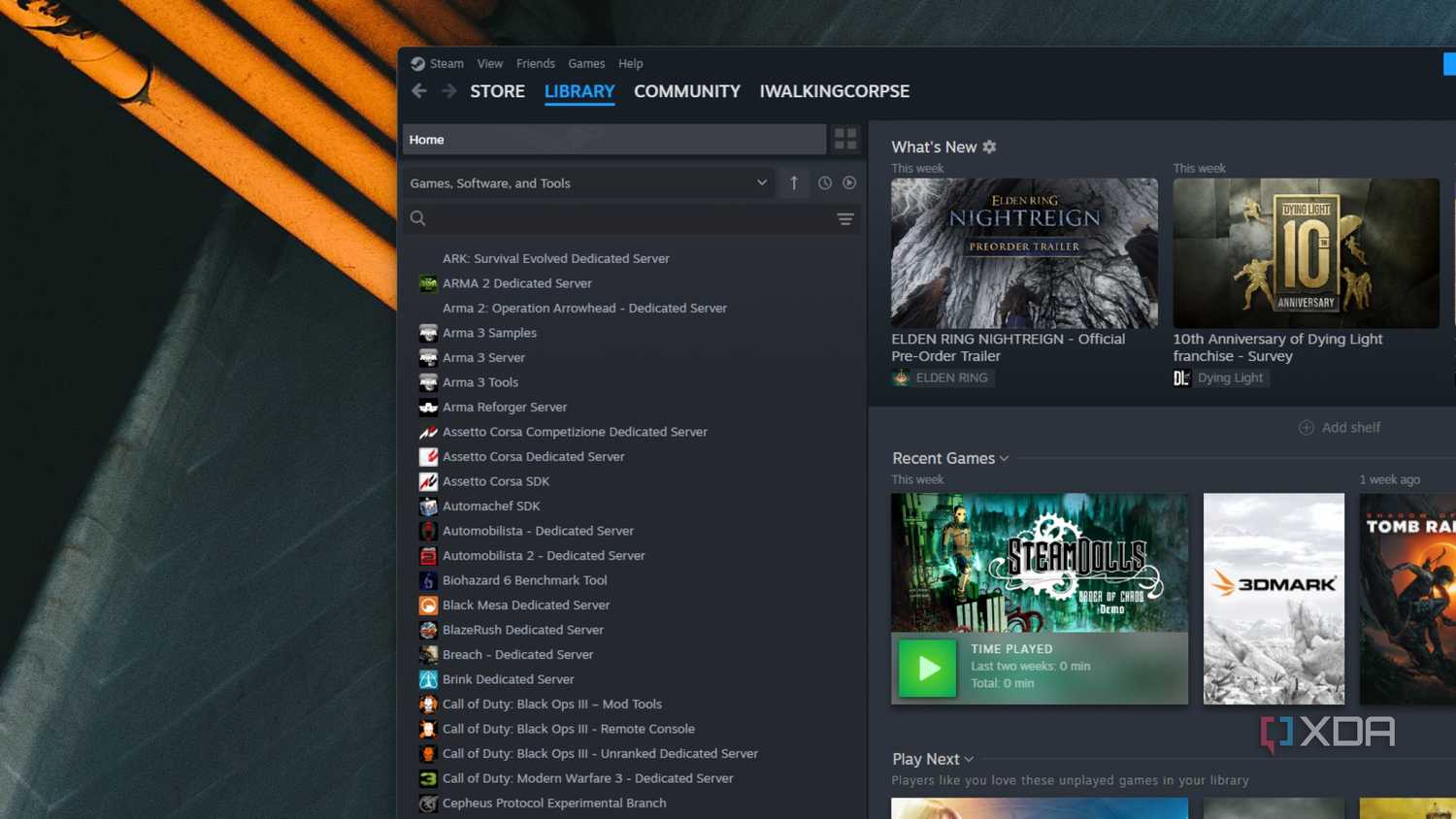
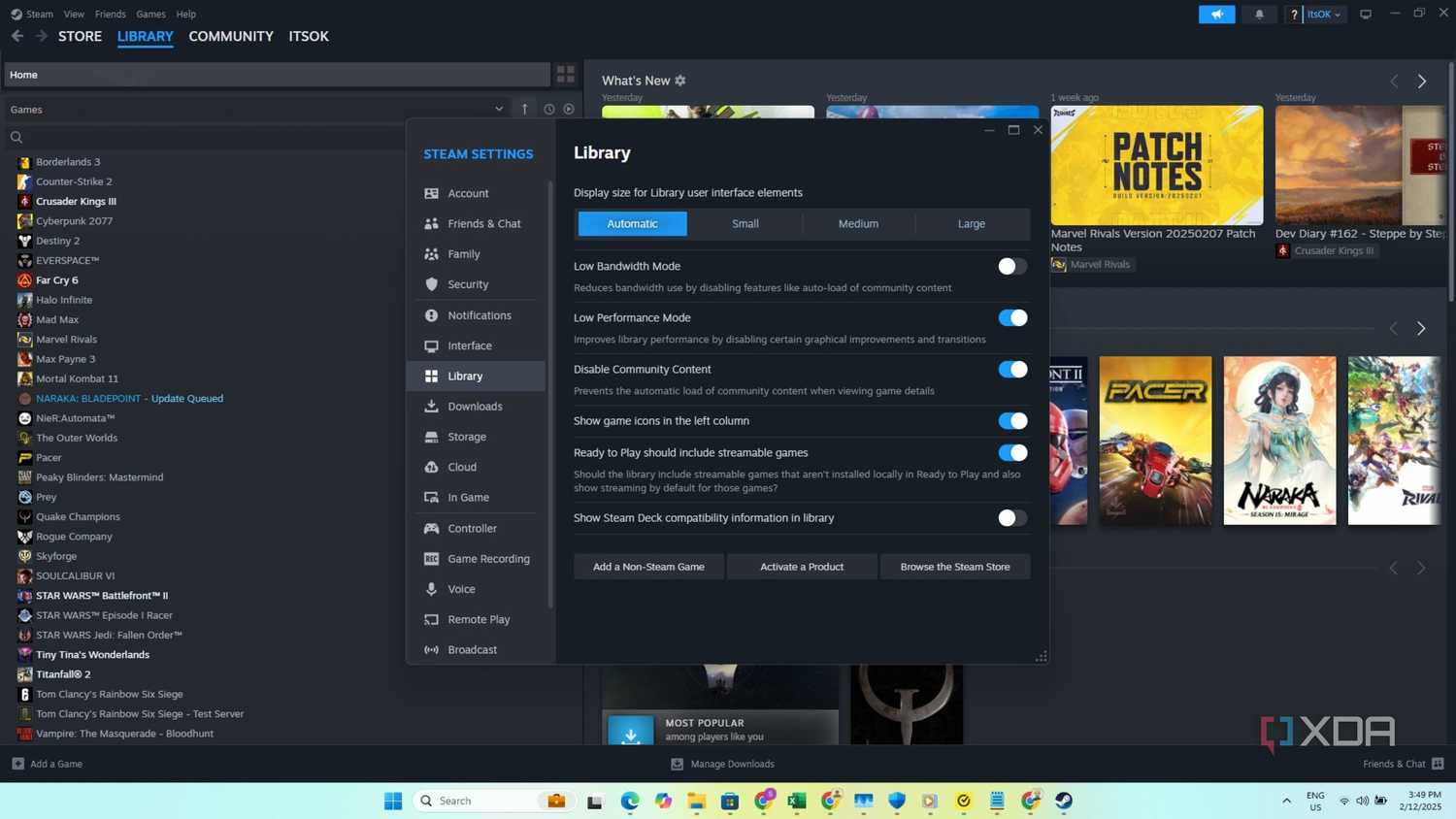
This might be my favorite use of my super portable external SSD. Being able to bring my favorite games pre-installed on my external SSD is the modern equivalent of when I would bring my favorite N64 game cartridge or GameCube disc to a friend's house so we could play it together. Whether it's a LAN party or just visiting a friend without my PC, bringing my favorite games with me means we don't have to worry about internet speeds and install times when trying to boot up a 100 GB game on their PC setup at a moment's notice.
Most higher-end portable SSDs on the market today are reaching read/write speeds above 2,000 MB/s, but the truth is you don't even need that. If you're plugging into an older motherboard like a B550, you might only have support for USB-C 3.2 Gen 2 anyway, which only supports a technical maximum of 1,000 MB/s.
While load times for assets, maps, and the like may be slower than internal SSDs for games, the gameplay itself should run just as smoothly as it would playing directly from the external drive. I tested this myself with CS2, Destiny 2, Deadlock, and Apex Legends using my Crucial X10 Pro, and while some menus and loading times were definitely a touch slower, it wasn't enough to be an issue, and the gameplay itself was as smooth as it always is on my home PC.
Games that are open-world and rely on constant loading of large textures and assets such as Cyberpunk may not run as seamlessly at sub 1,000 MB/s, but if you are using a board that supports USB-C 3.2 Gen 2x2 paired with an SSD with speeds upwards of 2,000 MB/s, then even more demanding titles should run flawlessly.
1 Cross-device productivity
Keeps project files portable between devices offline

While I definitely use cloud storage for smaller and less sensitive files, I like having the option to bring my most important project files with me from device to device, and a small external SSD is ideal for that. I tend to find myself juggling files between my laptop and PC quite often.
For instance, when I'm covering a tech conference and have taken 100 GBs of RAW images, I begin editing and working on them from the show and then need to continue working from my PC at home. The ultra-portable SSDs available today have made that transition much easier for me thanks to their quick read/write speeds, high storage capacities, and small form factors.
Another huge advantage to porting my files this way is that I'll never be dependent on a strong internet connection, or even having a connection, to move my files around between devices. Even if I were willing to pay for the amount of cloud storage necessary to store my large library of files, I'd still be reliant on a connection to download them off the cloud when I needed them, since I don't intend on keeping hundreds of gigabytes of files unnecessarily stored locally.
External SSDs have come a long way, and have become a must-have item

Small yet powerful external SSDs like my Crucial X10 Pro have become a new main-stay in my laptop bag that goes everywhere with me. From my favorite uses to more esoteric ones like running virtual machines and running your own custom OS, a great external SSD offers increasingly more utility to the average user.
