


As you expand your self-hosted services and home lab with new and varied projects, managing things like uptime and storage space can quickly become a pain. SSHing into individual servers or apps can be a pain, but wouldn't it be better to have a centralized dashboard where you could see, at a glance, the health of your home lab and its services?
That's exactly what you get when you set up monitoring for your home lab, with individual software packages, hardware devices, and network appliances all represented on an easy-to-read dashboard. Whether it's to keep an eye on your TrueNAS server or keep an eye on your home lab network with a Raspberry Pi, setting up monitoring for your home lab's contents is another essential service to add to your self-hosted apps.
5 To see all your servers and services in one place
Nothing makes home lab management easier than a single dashboard
Source: Wikimedia Commons 


Source: Wikimedia Commons 
Whether your home lab is for personal tinkering or supporting your small business, the more services and servers you spin up, the more challenging it is to keep them spinning reliably. However, by installing monitoring software and linking your separate servers and self-hosted apps, you can monitor everything from one dashboard.
Depending on the software, you can see a wealth of data from temperatures, CPU usage, disk space, and other vital metrics. The best monitoring software also offer insights so you can get ahead of problems before they become a big issue, keeping your home lab purring along.
4 For early problem detection
Monitoring everything gives you a window into home lab health
Source: Wikimedia Commons


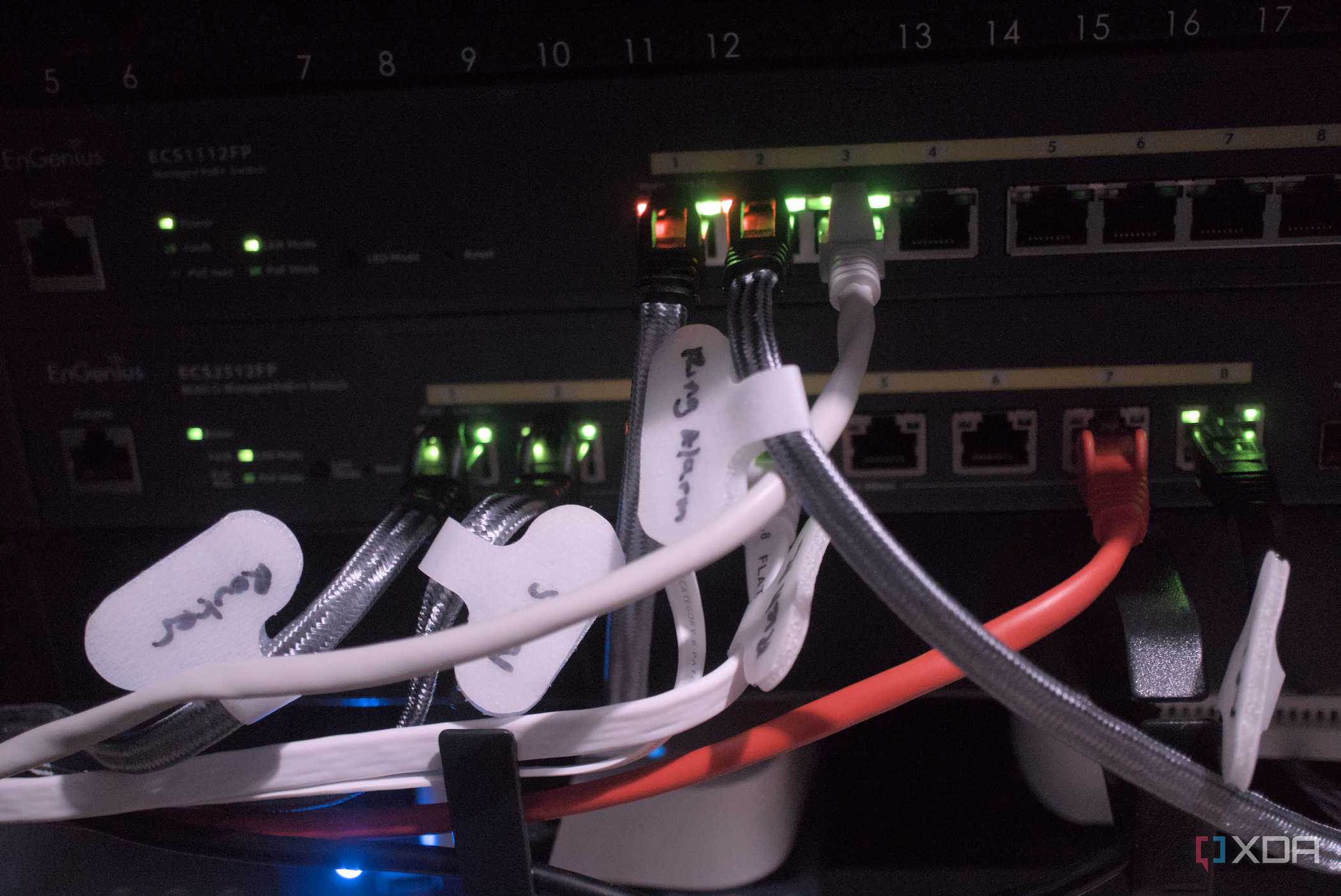
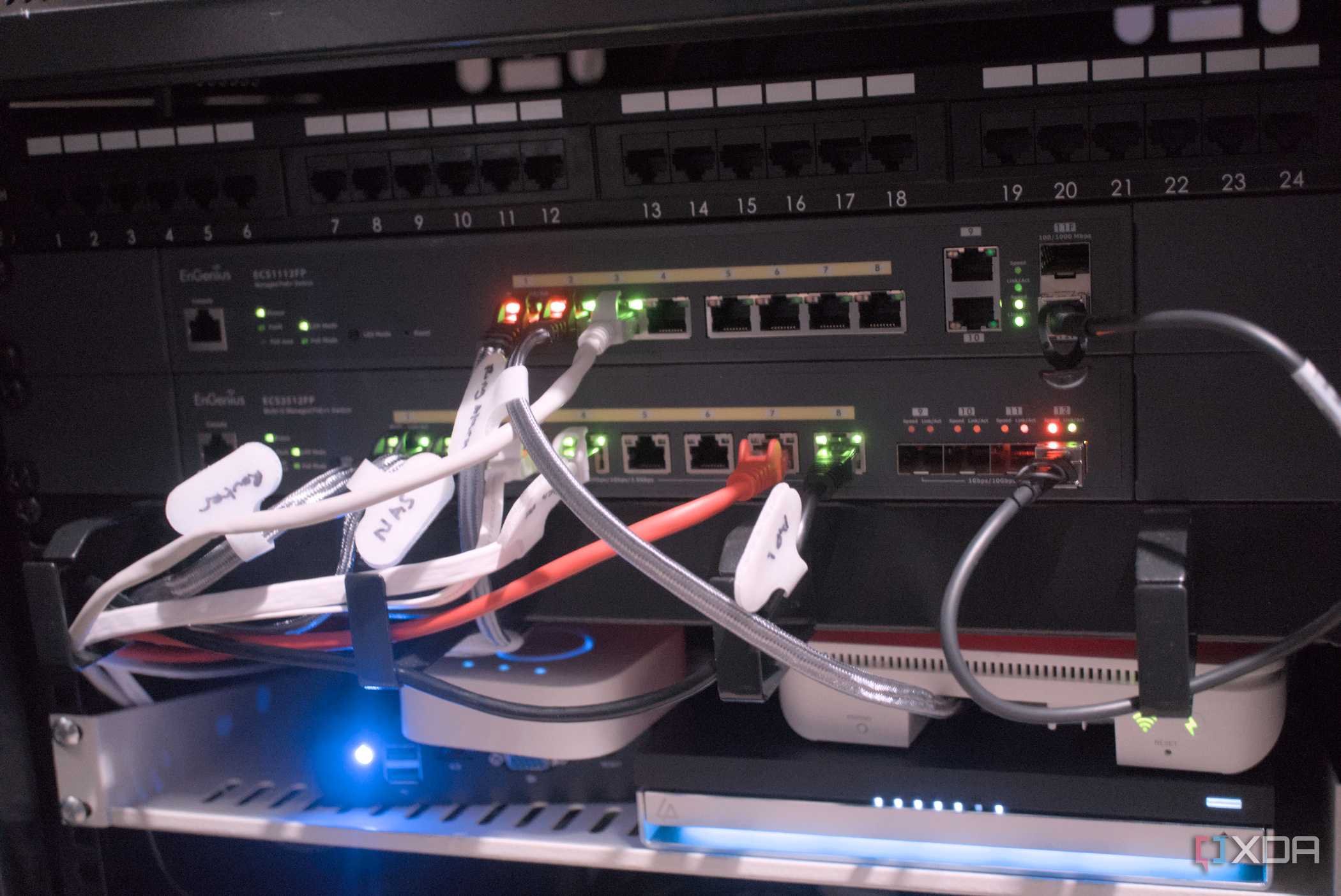
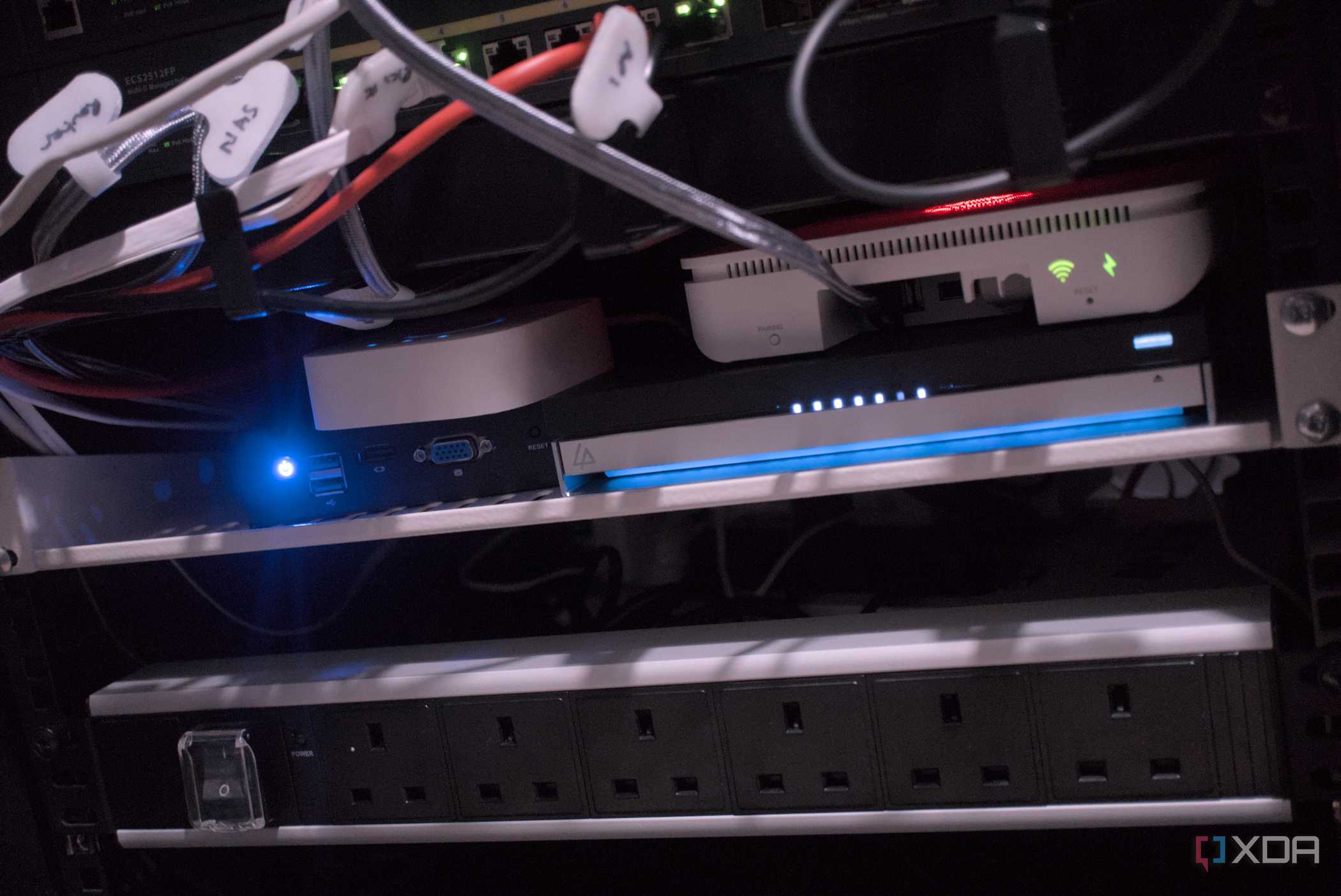
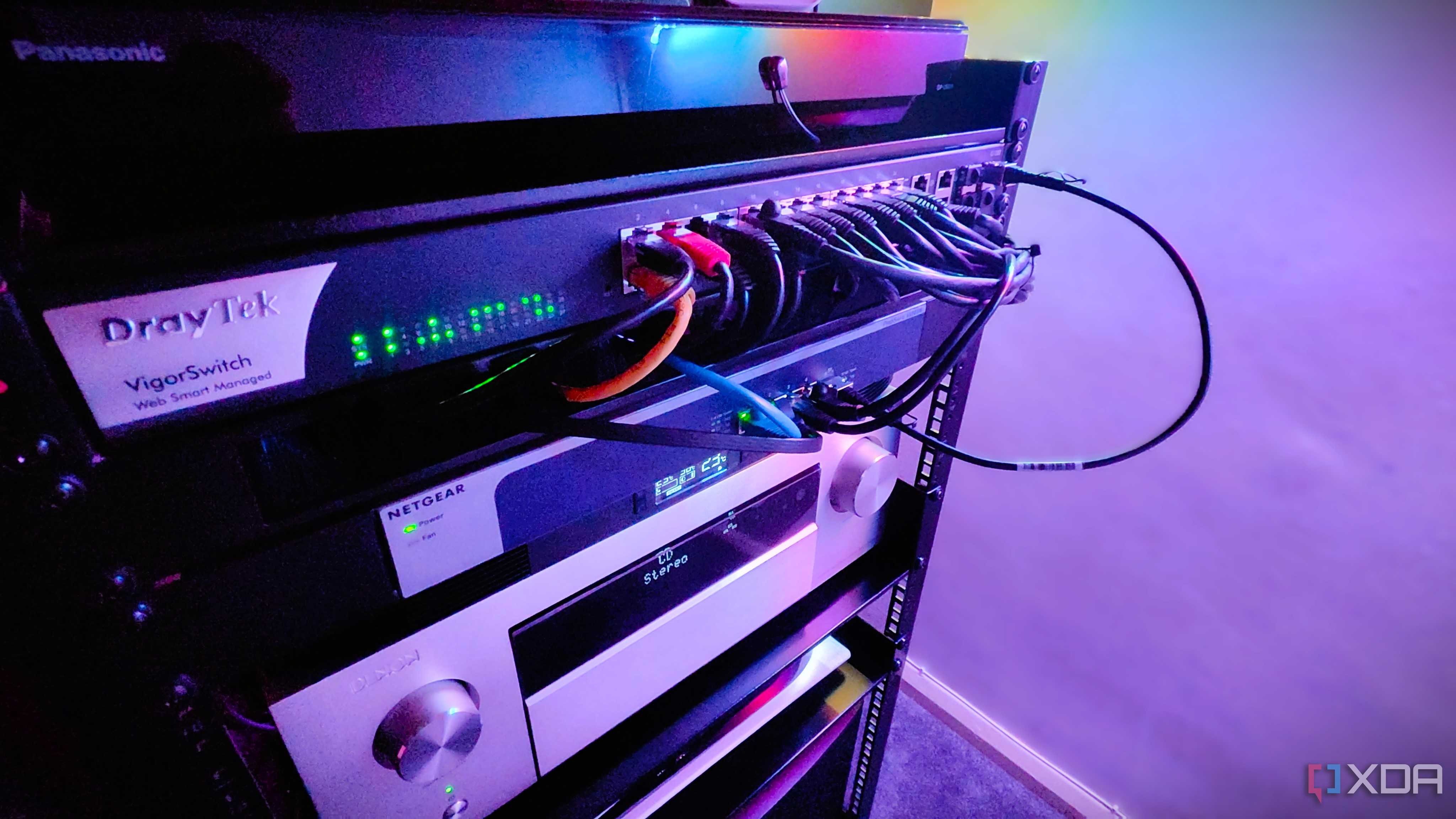
Source: Wikimedia Commons
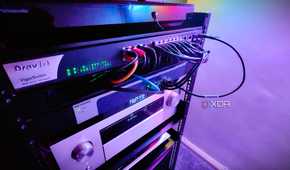
The collection of a wide range of metrics is good, but what good are logged values if you don't do anything with them? Monitoring software have inbuilt routines for alerting you to everything from services being down, to spikes in error rates, latency, requests, or any other unusual behavior that is away from the baseline for your home lab.
And yes, that does mean you need to establish a baseline at first, which also needs readjusting as your home lab grows and changes. What makes sense when you have one server and a handful of self-hosted apps is often not what makes sense once you have several servers running, and your alert thresholds need to change accordingly.
3 Better troubleshooting
When things go wrong, you'll be glad for the wealth of monitored metrics

Visualization isn't only fantastic when your home lab is running fine; it's absolutely essential when things go wrong. Troubleshooting is hard enough for home lab and networking issues when you have copious logs, but the bonus of having monitoring software is that the logs aren't kept on the device being monitored, so you can access them even if the device is kaput.
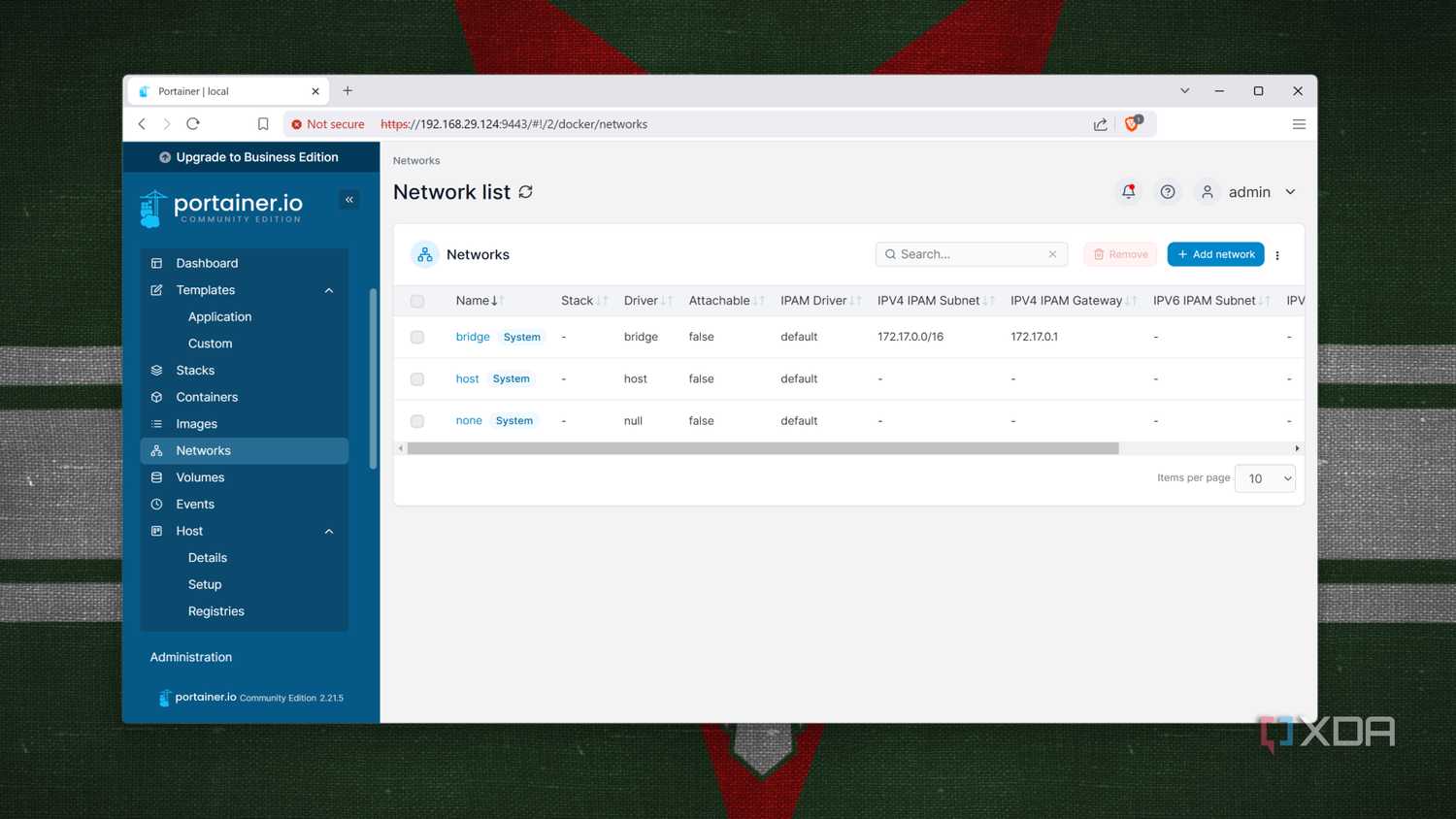
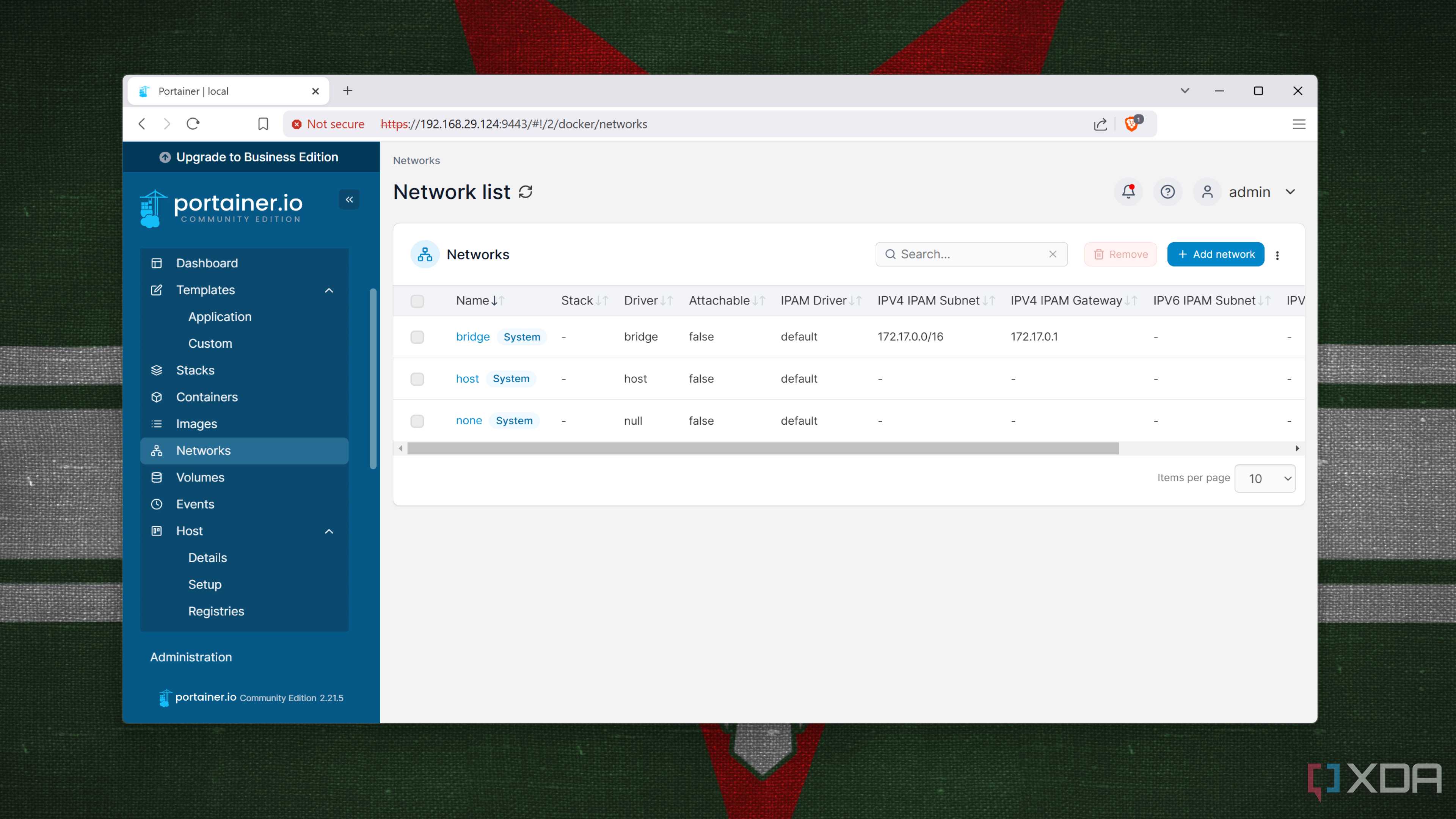
You can't troubleshoot directly from the monitoring dashboard as most software solutions don't have management facilities by default, but knowing what happened in the logs just before the issue will help you narrow things down. Some services, like Portainer, aren't strictly monitoring software, but they do keep logs of every action that's going on so you can use them for deeper troubleshooting of your containerized home lab.
2 To keep security tight
Network monitoring is essential to keep malware from propagating around your home lab


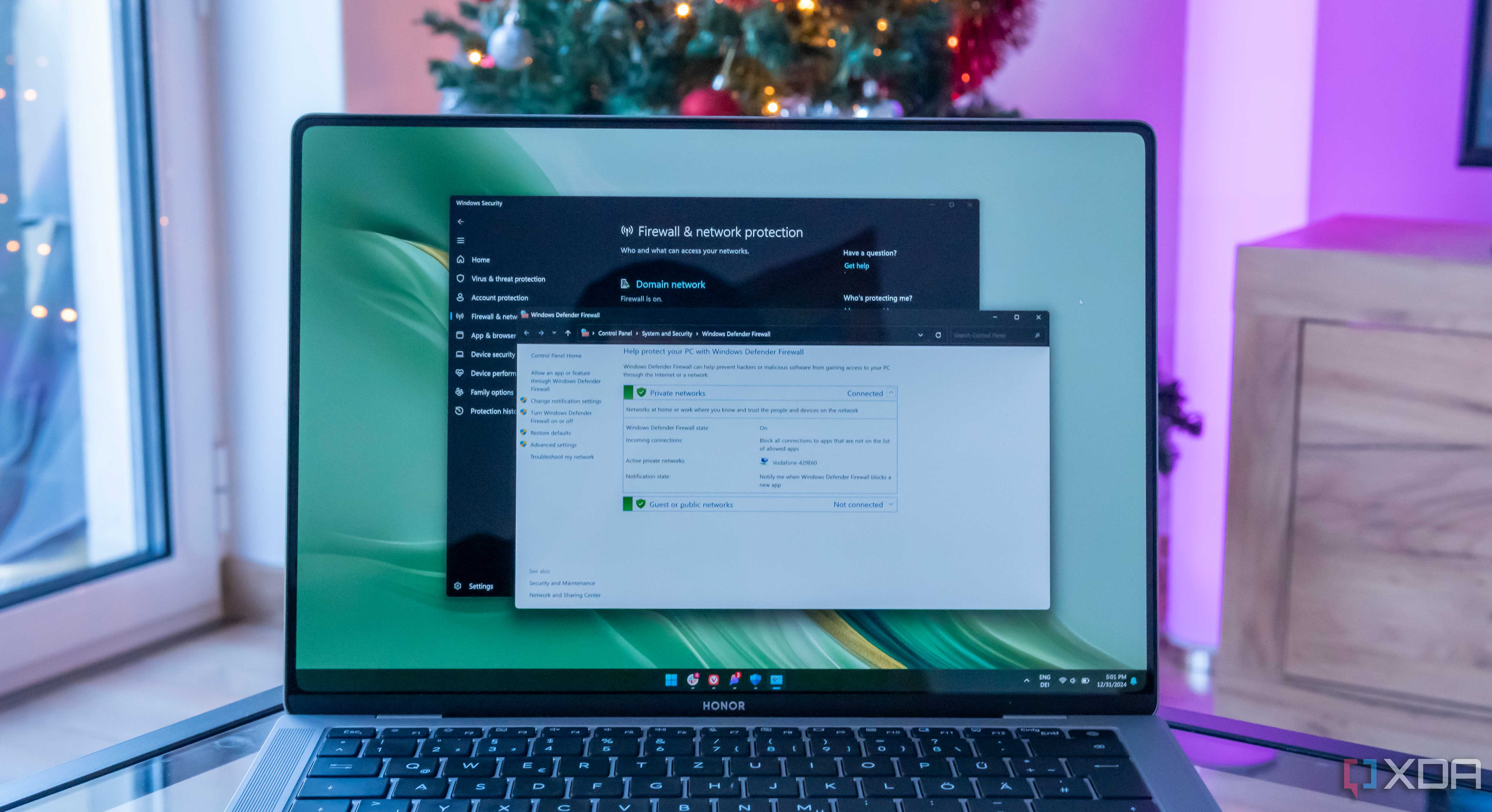
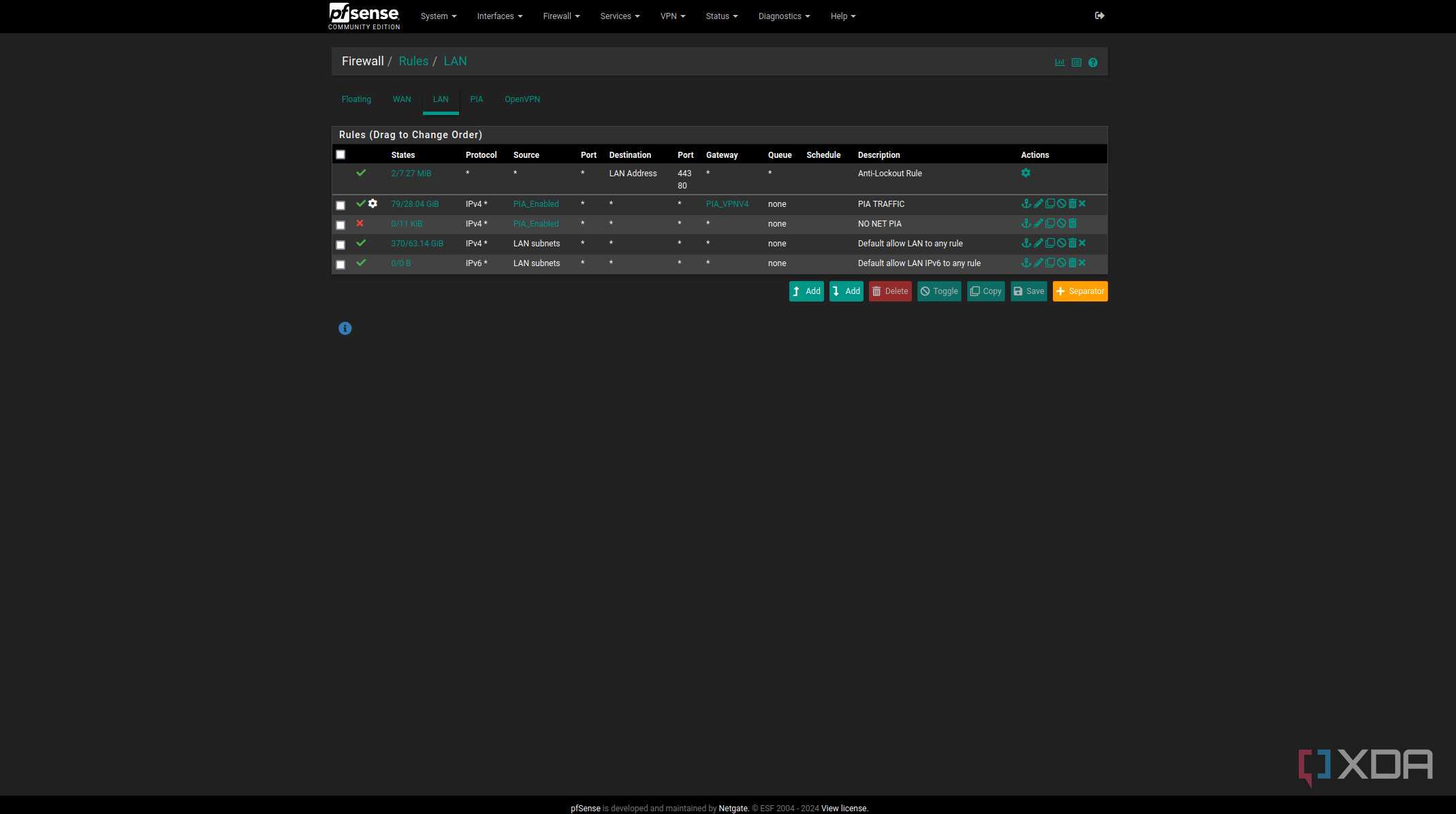
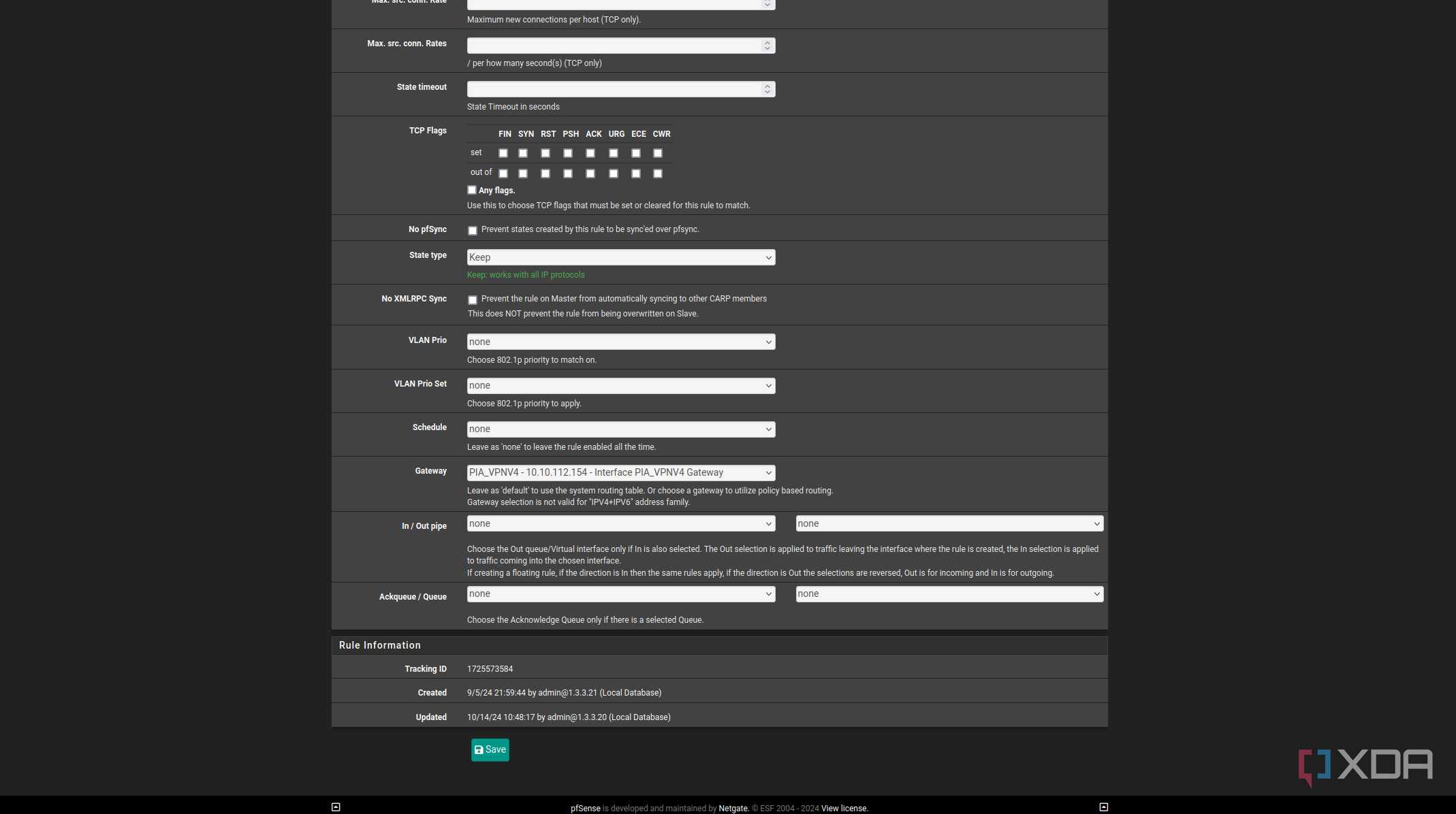
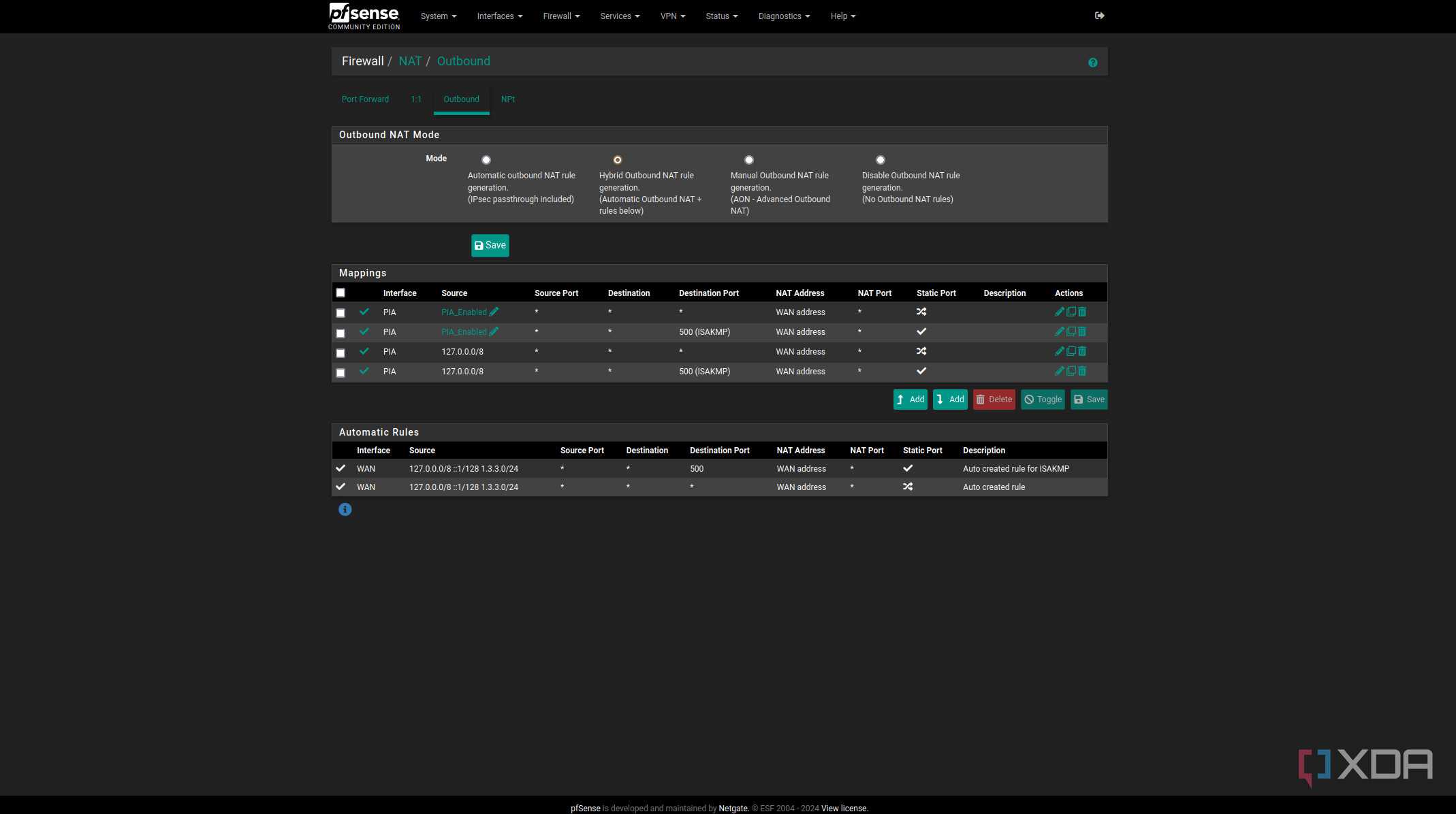
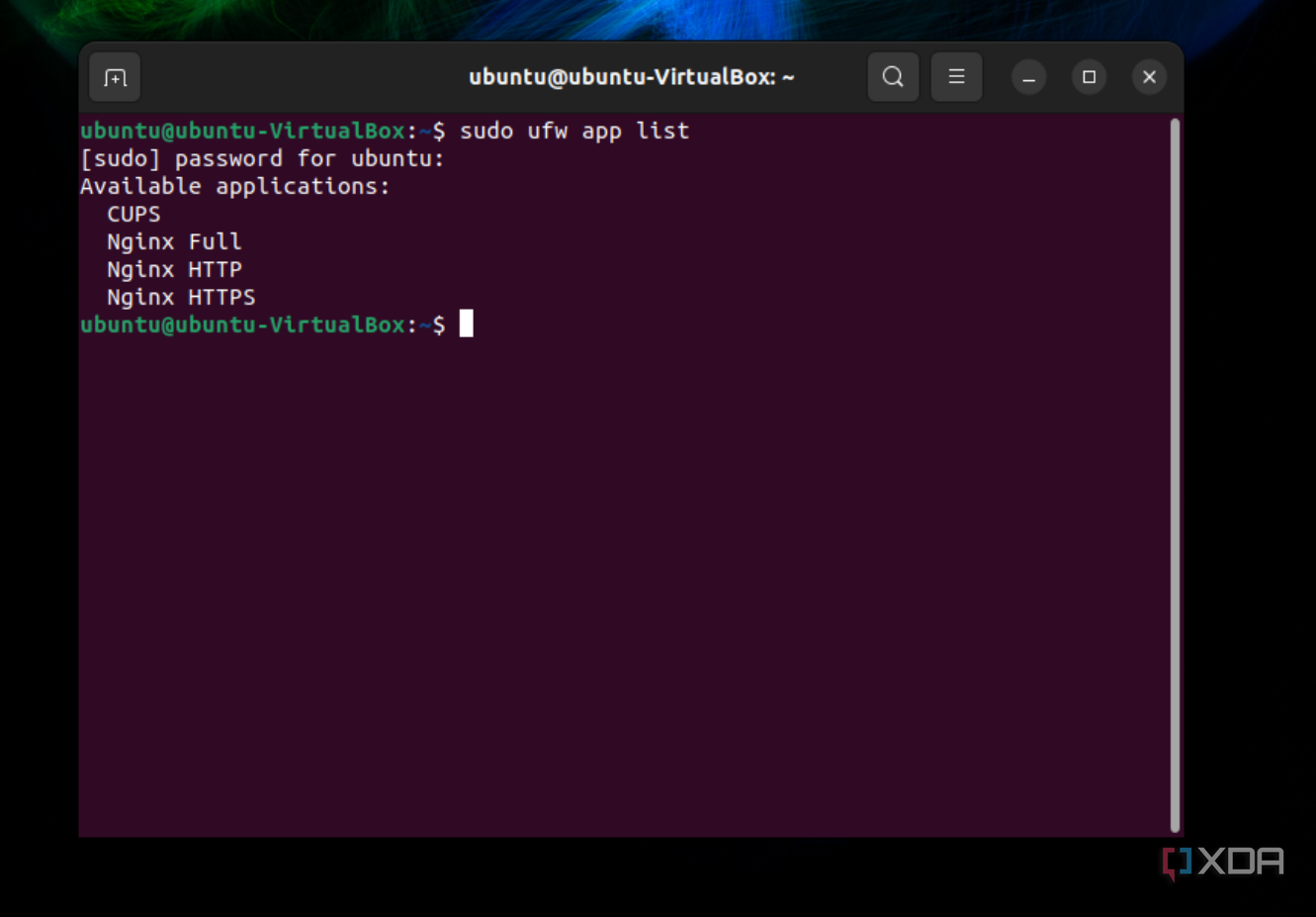
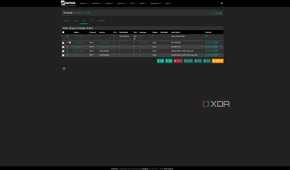
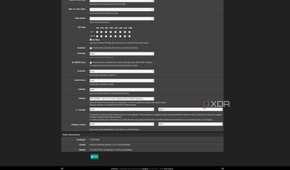
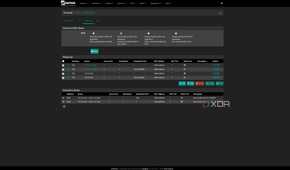
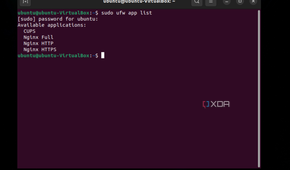
Monitoring your home lab isn't just about knowing which services are down and tracking overall uptime; it can also be a valuable security feature. Whether you've got a hardware firewall watching over your network traffic or are simply monitoring expected traffic, bandwidth, and other metrics, it all gives you a window into how your home lab is running, so you know if anything unusual is going on.
Some monitoring software also has the ability to run vulnerability scans or create behavioral checks to keep malware off your system before it puts down roots. It's another important layer of your cybersecurity solutions and is only as good as the number of things you have it attached to for monitoring purposes.
1 For optimizing routes and resources
Your home lab can get unwieldy as you expand things
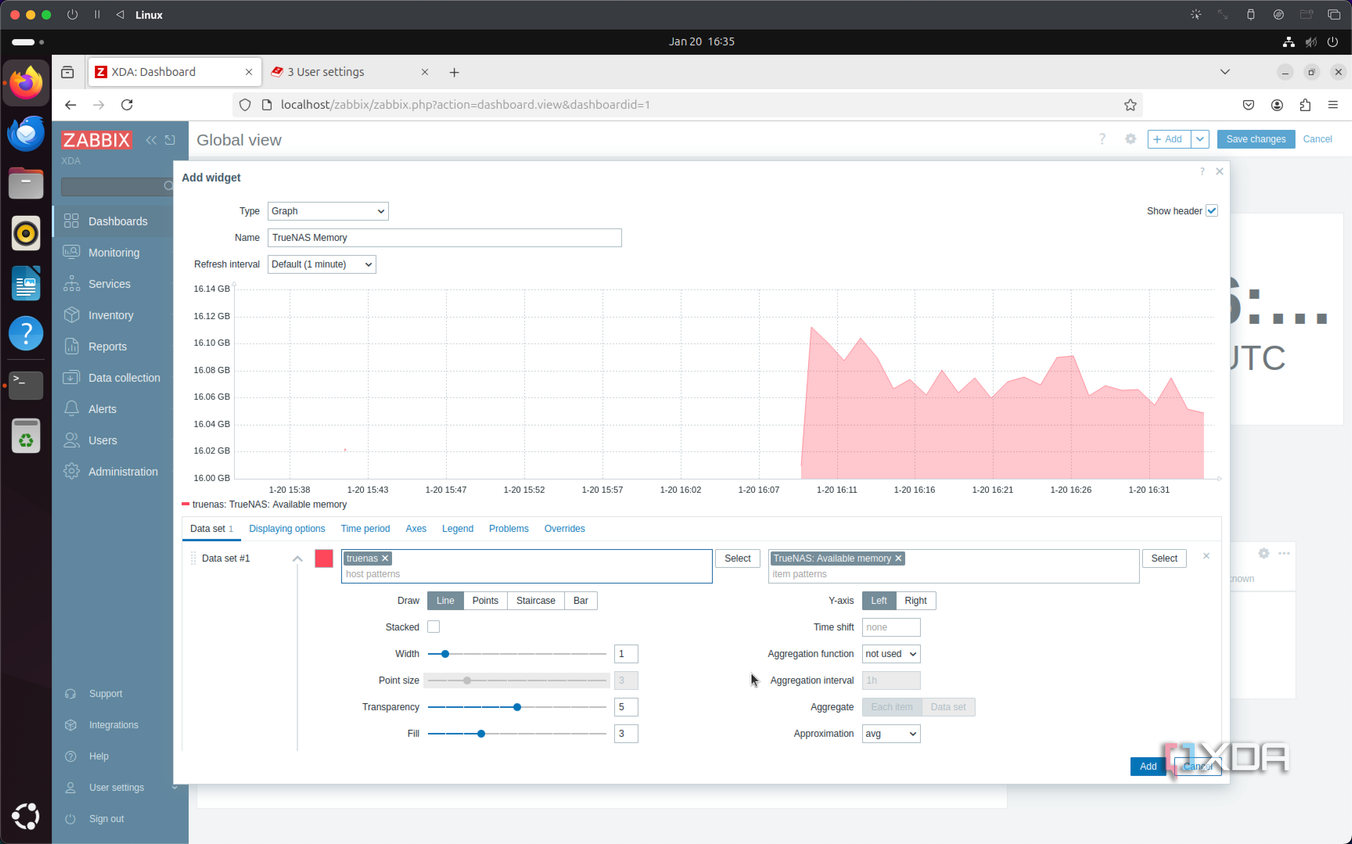
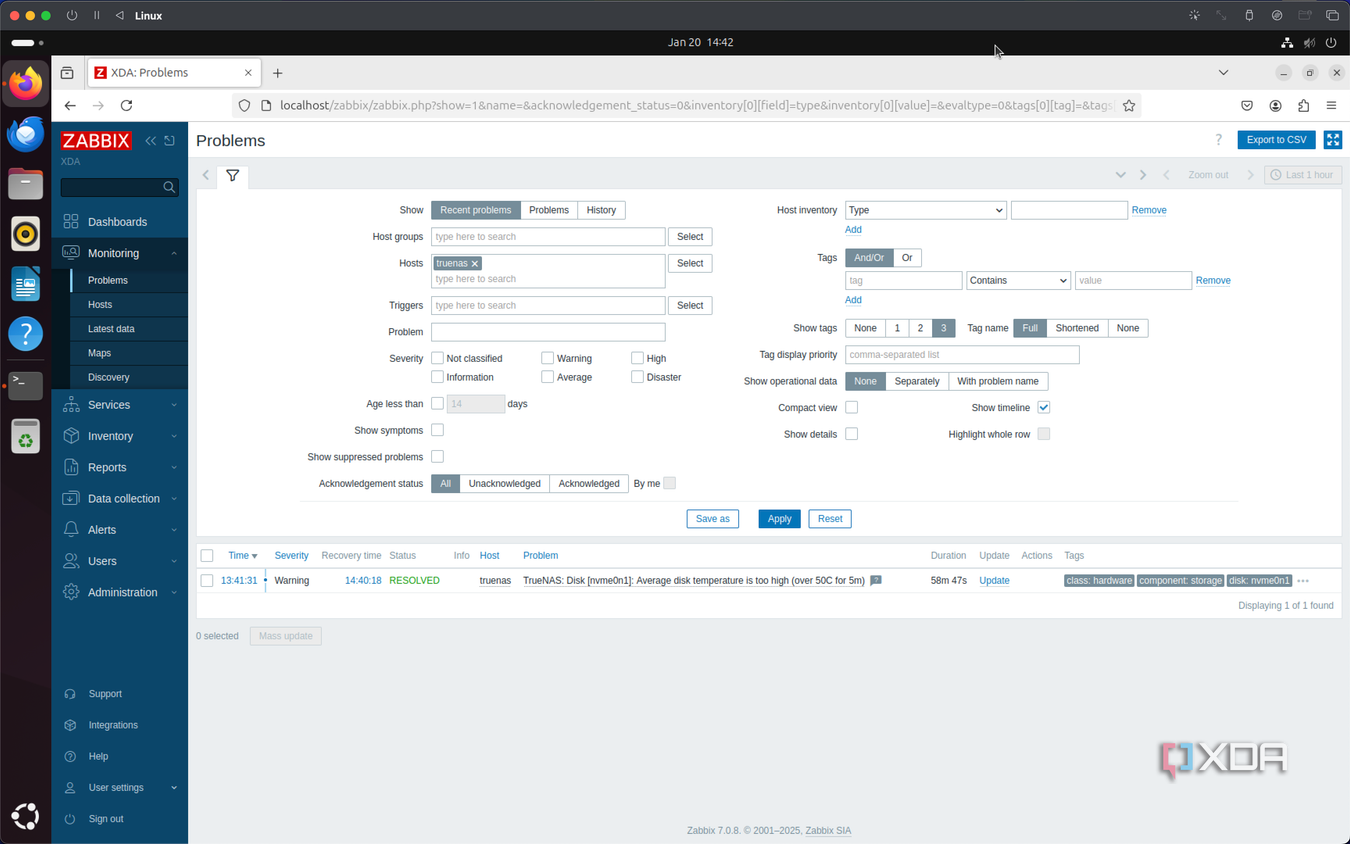
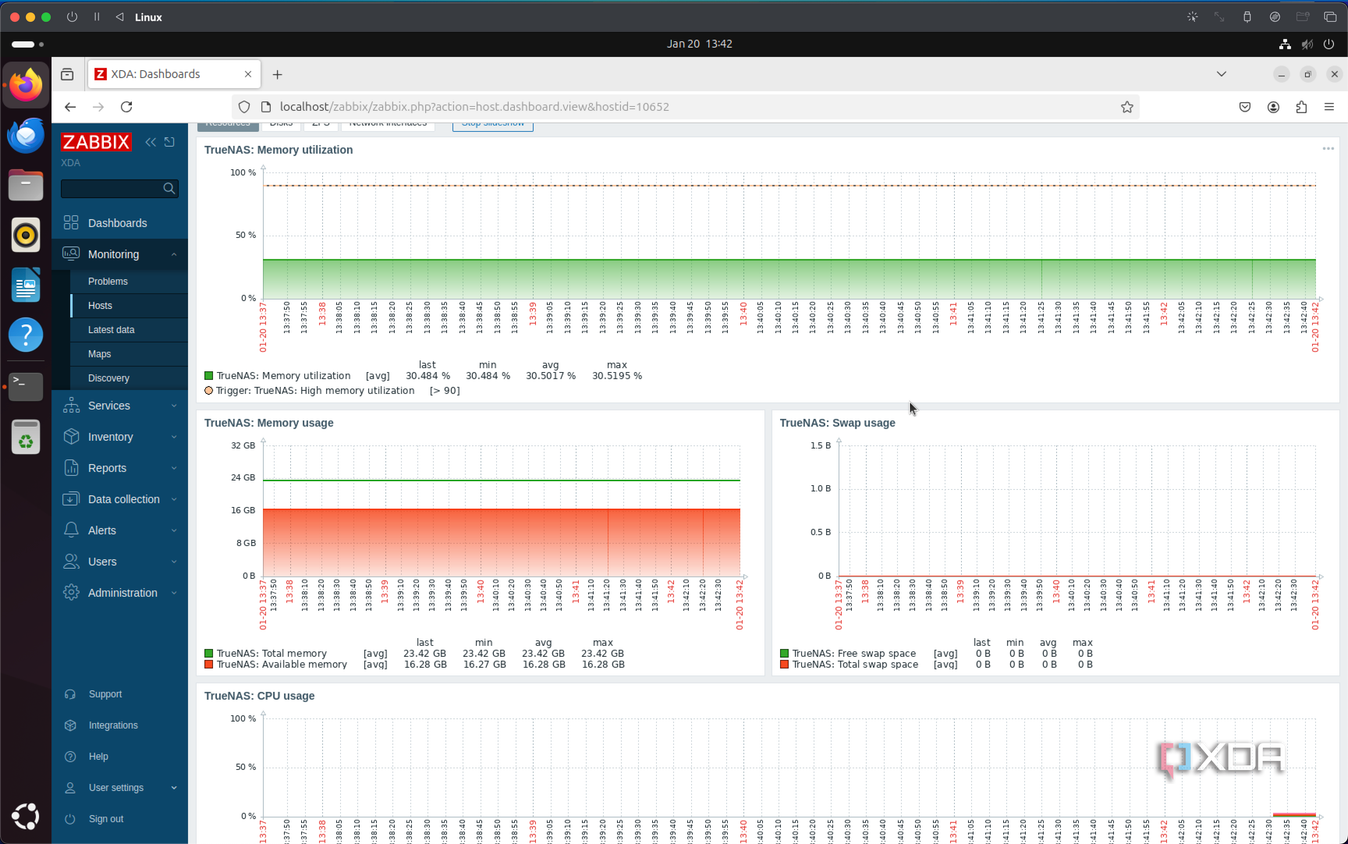
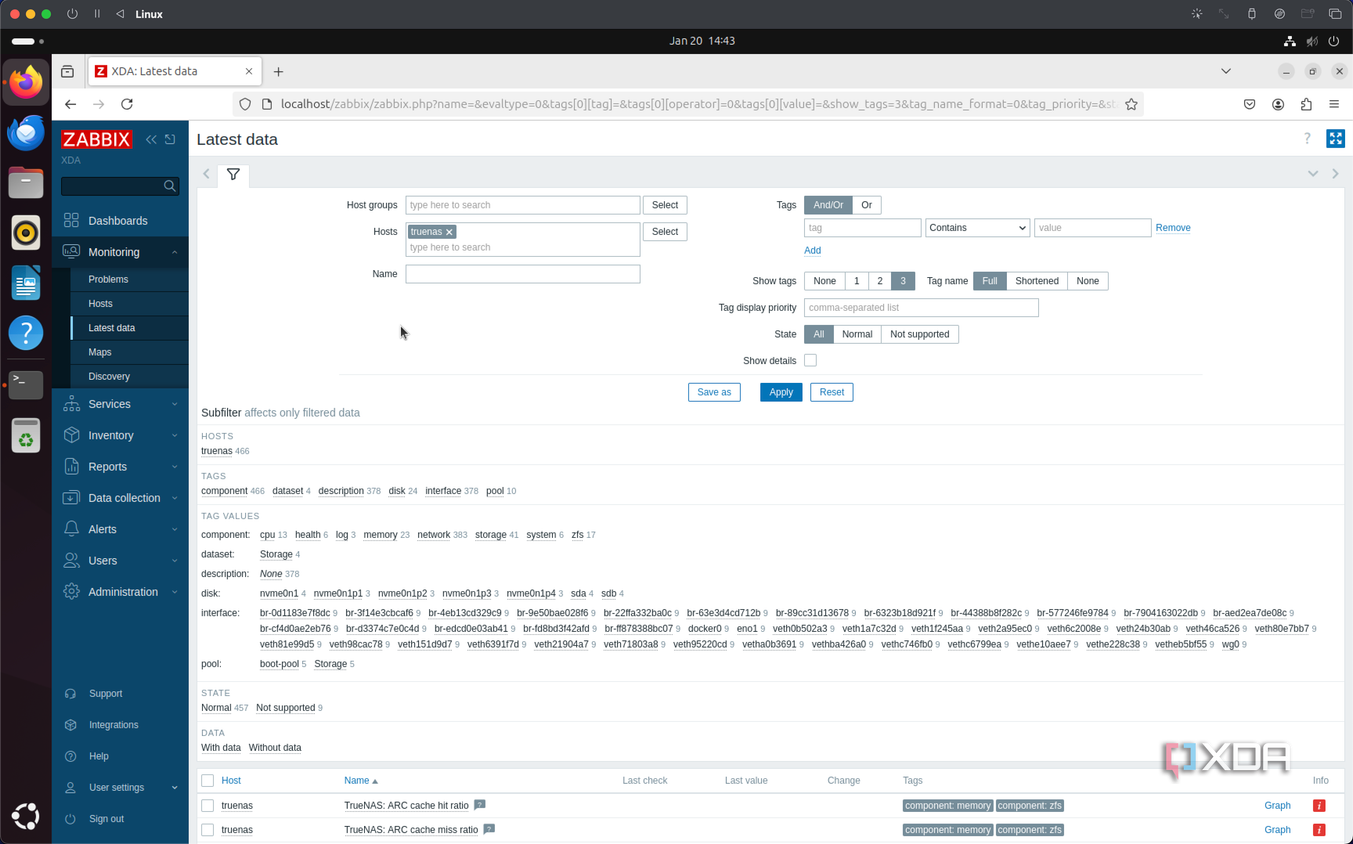
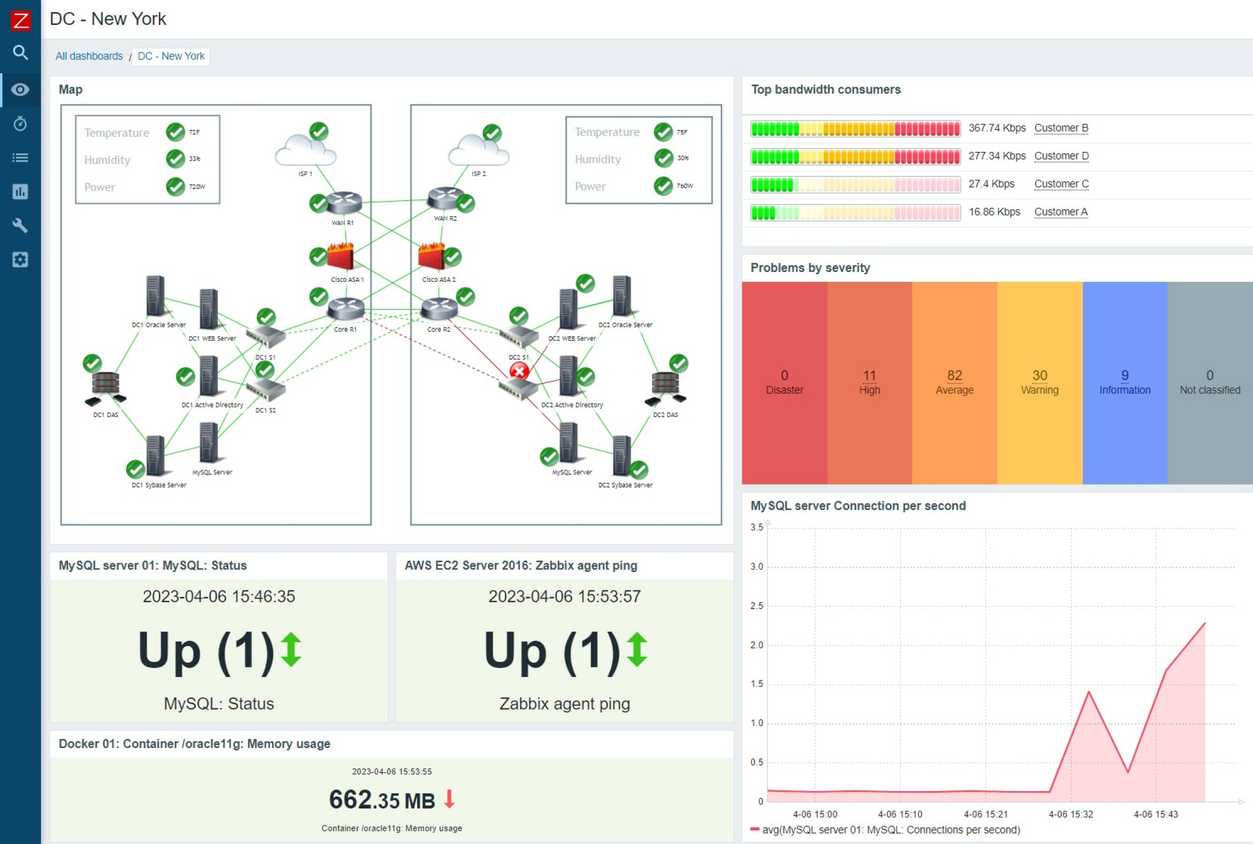


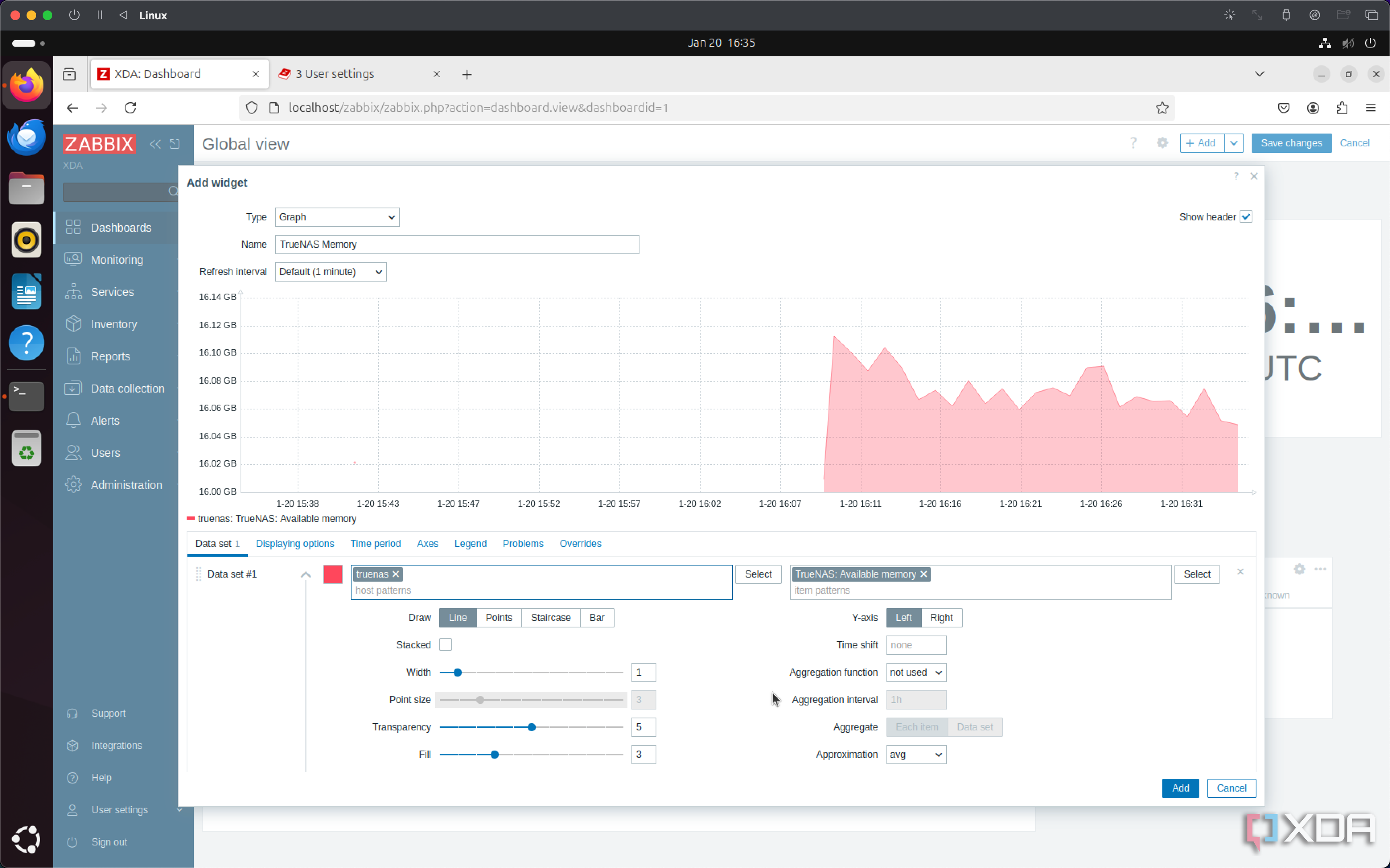
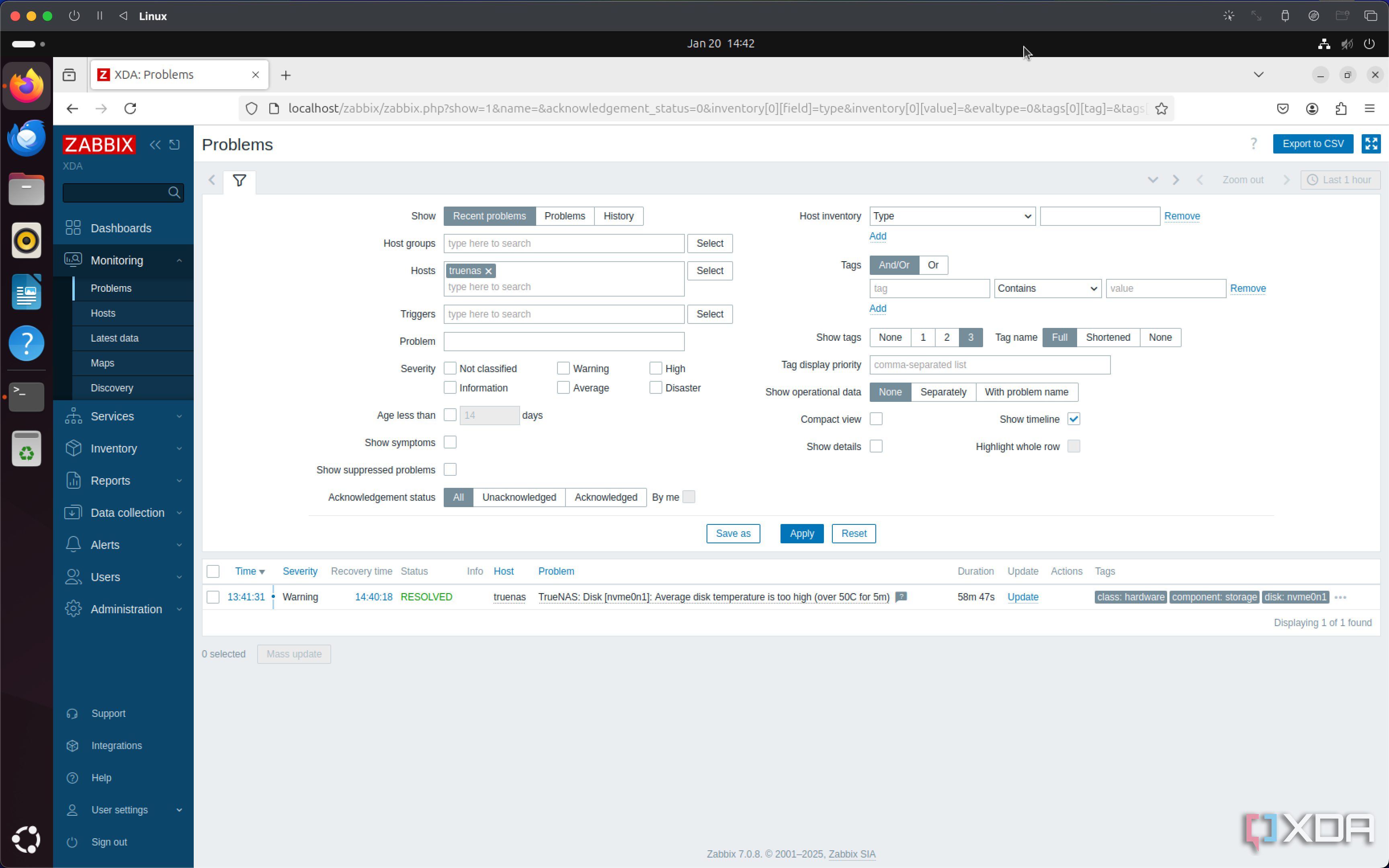
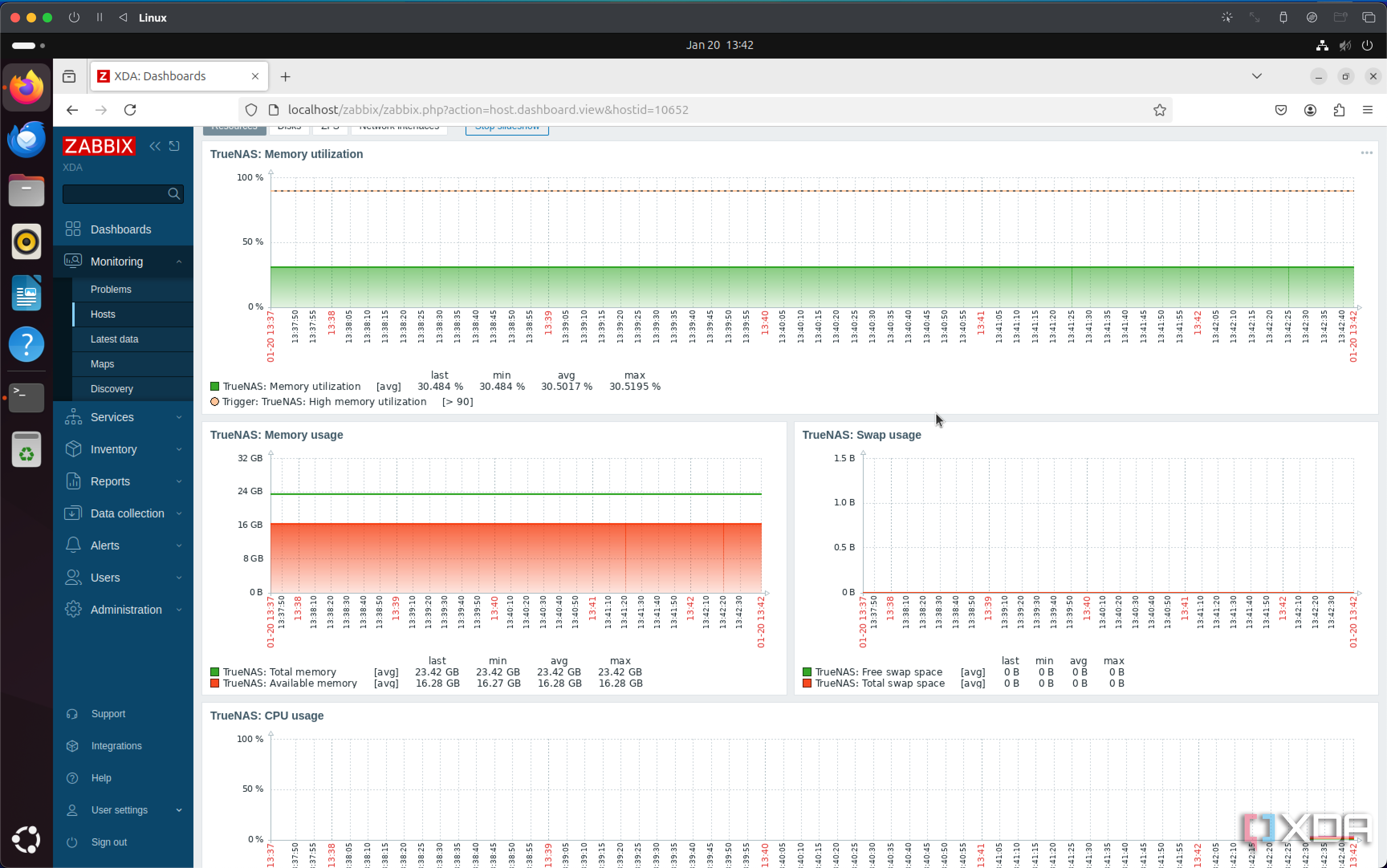

 Credit: Source: Zabbix
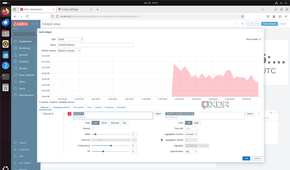
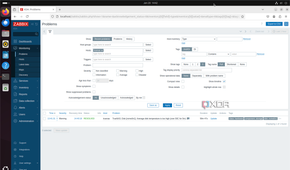
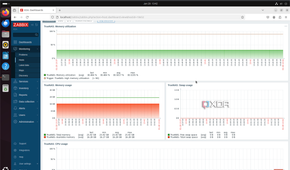
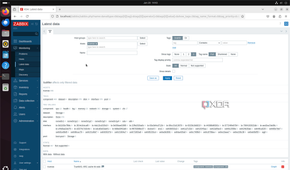
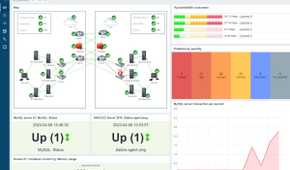
Just like in a production environment, your home lab will get to a point where routes between devices and services need optimization. This is nearly impossible if you're not doing some level of network and service monitoring, as you won't know where to start optimizing. Whether it's bandwidth issues on individual ports or running multiple DNS servers for failover and load balancing, monitoring what's going on in your home lab gives you visibility into how and where you need to adjust things.
Setting up monitoring software for your home lab is an essential part of learning
Whether your home lab is multiple physical servers talking to each other, containers that are designed to be reimaged at a moment's notice, or some mix of everything, setting up monitoring software gives you an invaluable overview of how your equipment and services are running. It gives you advance notice of issues before they become major ones and plenty of after-event data to show what went wrong and how to guard against it in the future. Plus, it's another important thing to learn as you build out your home lab from the experimental stages to something you can test production-ready services on.
