<?xml version="1.0" encoding="utf-8"?>
<!--All fonts without names are added to the default list. Fonts are chosenbased on a match: full BCP-47 language tag including script, then justlanguage, and finally order (the first font containing the glyph).Order of appearance is also the tiebreaker for weight matching. This isthe reason why the 900 weights of Roboto precede the 700 weights - weprefer the former when an 800 weight is requested. Since bold spanseffectively add 300 to the weight, this ensures that 900 is the boldpaired with the 500 weight, ensuring adequate contrast.-->
<familyset version="22">
<family lang="ja">
<font weight="400" style="normal">NotoSansCJKjp-Regular.otf</font>
</family>
<!-- first font is default -->
<familyname="sans-serif">
<fontweight="400"style="normal">Roboto-Regular.ttf</font>
<fontweight="700"style="normal">Roboto-Bold.ttf</font>
</family>
<!-- Note that aliases must come after the fonts they reference. -->
<alias name="sans-serif-thin" to="sans-serif"weight="100" />
<alias name="sans-serif-light" to="sans-serif"weight="300" />
<alias name="sans-serif-medium" to="sans-serif"weight="500" />
<alias name="sans-serif-black" to="sans-serif"weight="900" />
<alias name="arial" to="sans-serif" />
<alias name="helvetica" to="sans-serif" />
<alias name="tahoma" to="sans-serif" />
<alias name="verdana" to="sans-serif" />
<familyname="monospace">
<fontweight="400"style="normal">DroidSansMono.ttf</font>
</family>
<alias name="sans-serif-monospace" to="monospace" />
<alias name="monaco" to="monospace" />
</familyset>
フォント設定ファイルを転送
adb push C:\TEMP\fonts.xml /system/etc/fonts.xml
Raspberry Pi を再起動
adb reboot
環境設定
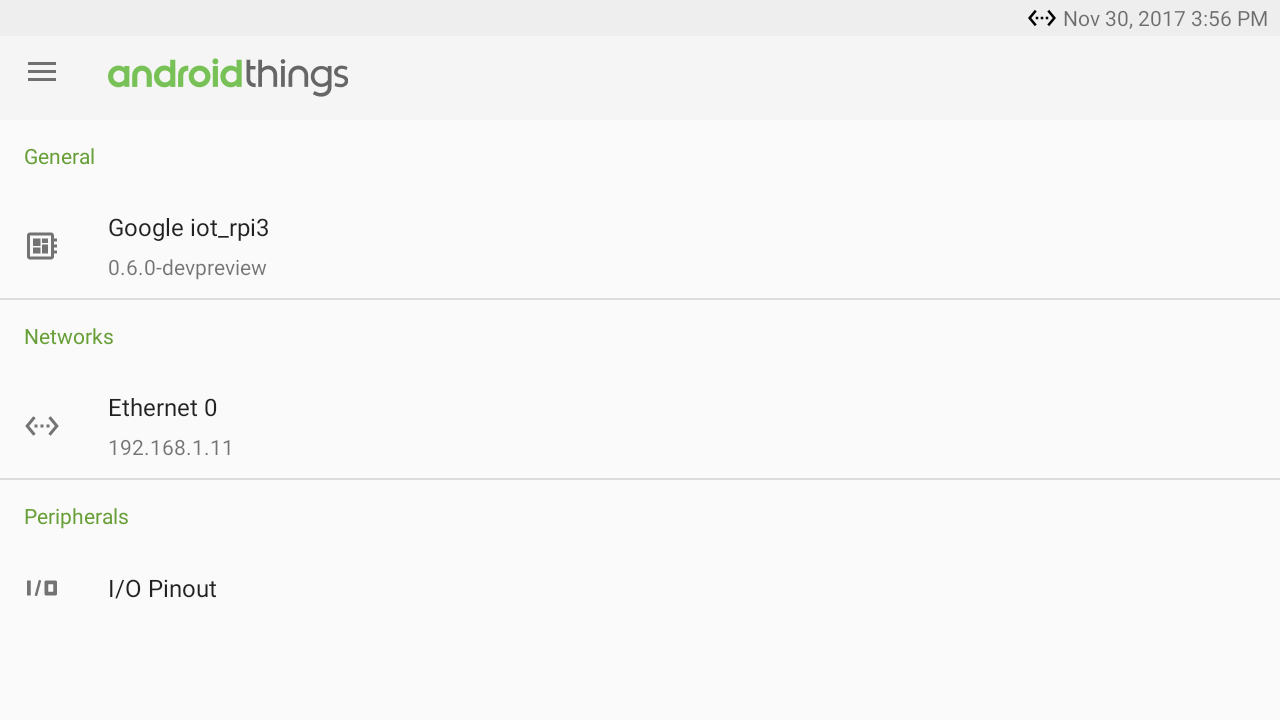
<!> DP 0.6 以降ではできなくなりました <!>
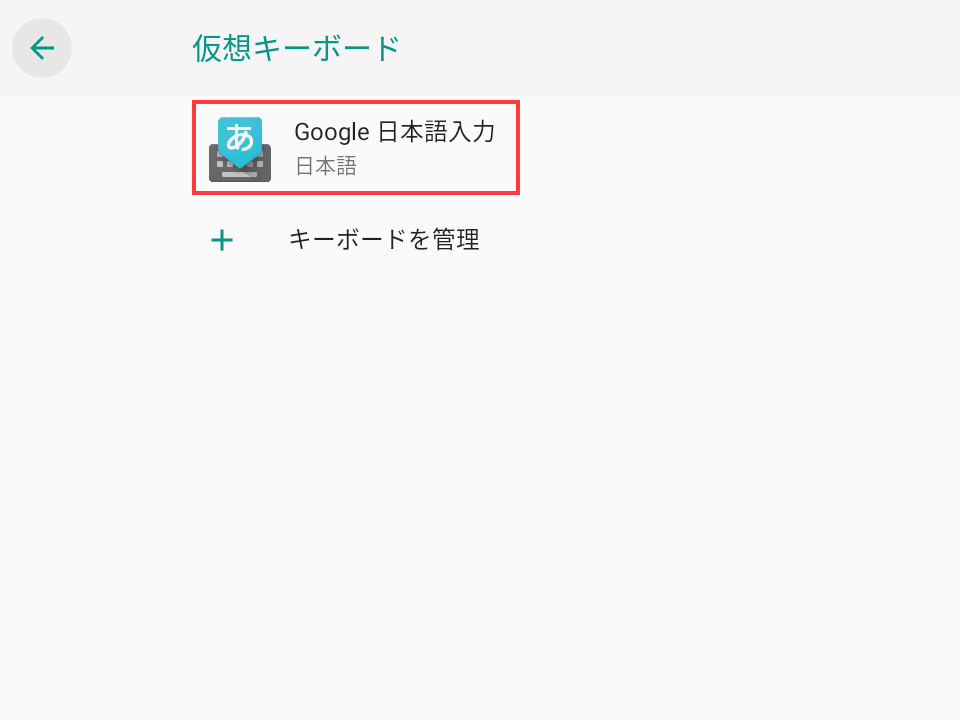
Android Things は Android なので設定画面を呼び出して設定するのが最も簡単です。