原版具体是哪个不记得了,反正是安装windows 8 的时候不停重启,提示你的计算机有问题,一查发现可能版本不支持。
1、于是找到vmware网站要查询,下载升级补丁。
Windows 8 / Windows Server 2012 Operating System does not boot or install on ESXi or ESX
在这个页面http://www.vmware.com/patchmgr/download.portal
最下面的搜索框,最后面的框里输入201112001搜索后就能出结果
下载地址:VMware ESXi 5.0, Patch Release ESXi500-201112001
2、将下载到的补丁上传到存储器,默认为datastore1,我是放在vsphere_patch目录下。
3、开启SSH
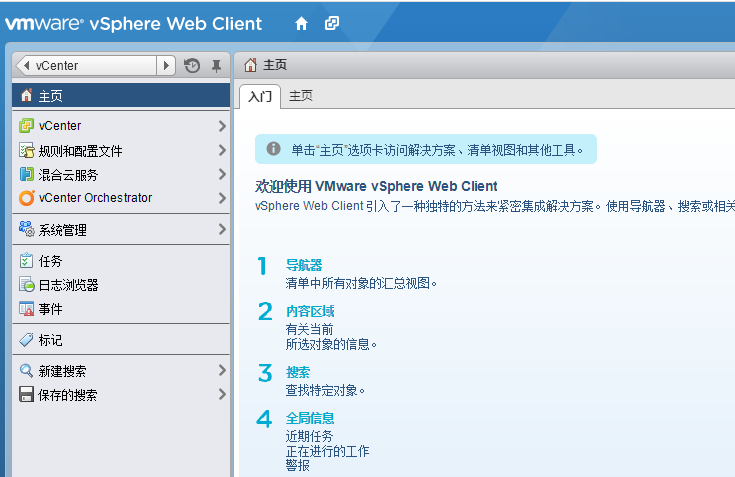
默认vsphere ssh是关闭的,点开配置,安全配置文件,右上角属性,找到SSH,选项,启动
4、用ssh连接软件连接vsphere 22端口,
命令如下:
[code]
esxcli software vib install -d=/vmfs/volumes/4f51041c-26ebf8ca-2d44-5cf3fce6841a/vsphere_patch/ESXi500-201112001.zip[/code]
升级完成,提示重启,再安装windows 8或者server 2012即可看见熟悉的安装界面了。














《vsphere 5.0打升级补丁安装windows 8和server 2012》等您坐沙发呢!