



 本文介绍了解决GitHub项目在使用npm安装依赖时出现的连接错误的方法。通过修改项目的配置,将连接方式从git://更改为https://,从而避免了由于DNS问题导致的连接失败。
1、ls-remote -h -t git://github.com/adobe-webplatform/eve.git
npm WARN deprecated bfj-node4@5.3.1: Switch to the bfj package for fixes and new features!
npm WARN deprecated nomnom@1.8.1: Package no longer supported. Contact support@npmjs.com for more info.
npm WARN deprecated circular-json@0.3.3: CircularJSON is in maintenance only, flatted is its successor.
npm ERR! Error while executing:
npm ERR! D:\Software\git\cmd\git.EXE ls-remote -h -t git://github.com/adobe-webplatform/eve.git
npm ERR! fatal: unable to connect to github.com:
npm ERR! github.com[0: 13.229.188.59]: errno=No such file or directory
npm ERR! github.com[1: 52.74.223.119]: errno=No such file or directory npm ERR! github.com[2: 13.250.177.223]: errno=No such file or directory
npm ERR! npm ERR! npm ERR! exited with error code: 128
npm ERR! A complete log of this run can be found in: npm ERR!
解决方案
cd 项目根目录
git config --global url."https://".insteadOf git://2、 解决 github项目clone报错 Failed connect to github.com:443; Connection
起因:npm构建时报错
-
npm ERR! Error while executing: -
npm ERR! /usr/bin/git ls-remote -h -t https://github.com/nhn/raphael.git -
npm ERR! -
npm ERR! fatal: unable to access 'https://github.com/nhn/raphael.git/': Failed connect to github.com:443; Connection timed out -
npm ERR! -
npm ERR! exited with error code: 128
初步估计应该还是DNS劫持github.com导致,直接去http://ping.chinaz.com/找海外节点信息
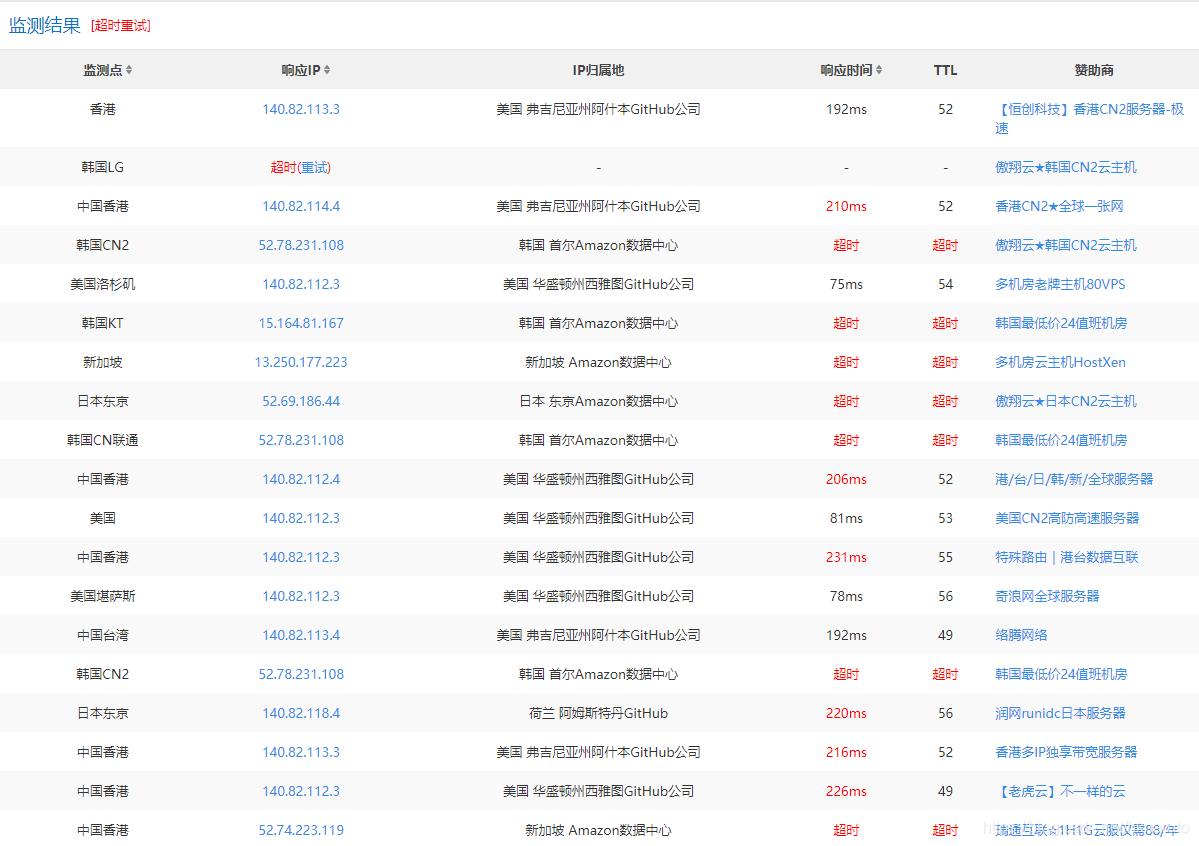
解决方案
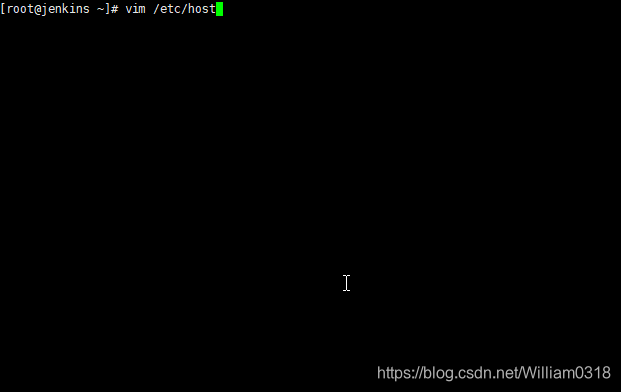
参考文章:https://blog.csdn.net/hknaruto/article/details/105134485





 扫一扫
扫一扫


 被折叠的 条评论
为什么被折叠?
被折叠的 条评论
为什么被折叠?
 到【灌水乐园】发言





