


 该博客介绍了如何使用jQuery创建手风琴效果。通过监听li标签的click事件,动态修改left值,使得点击不同卡片时,其他卡片能相应移动。内容包括HTML结构设计、CSS样式设置以及jQuery事件处理,详细解释了实现手风琴效果的步骤和思路。
效果图:
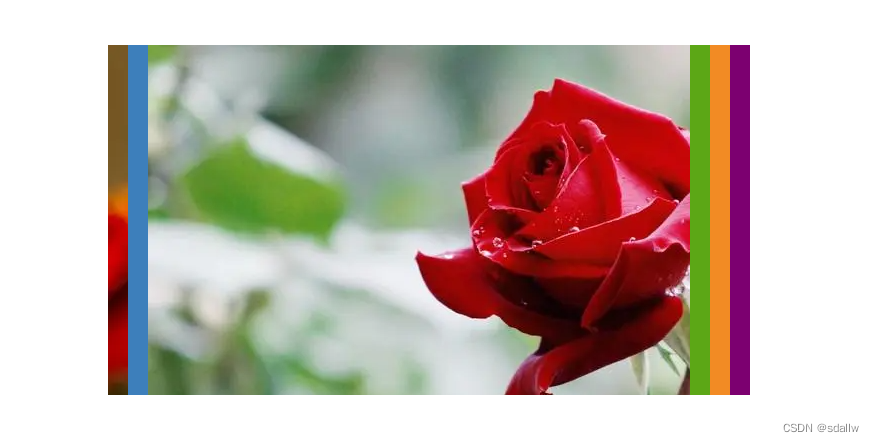
- 点击相应卡片的标签,那么就会切换至卡片的呈现
- 如果点击03标签,那么01 02 要一起移动
5个效果图片
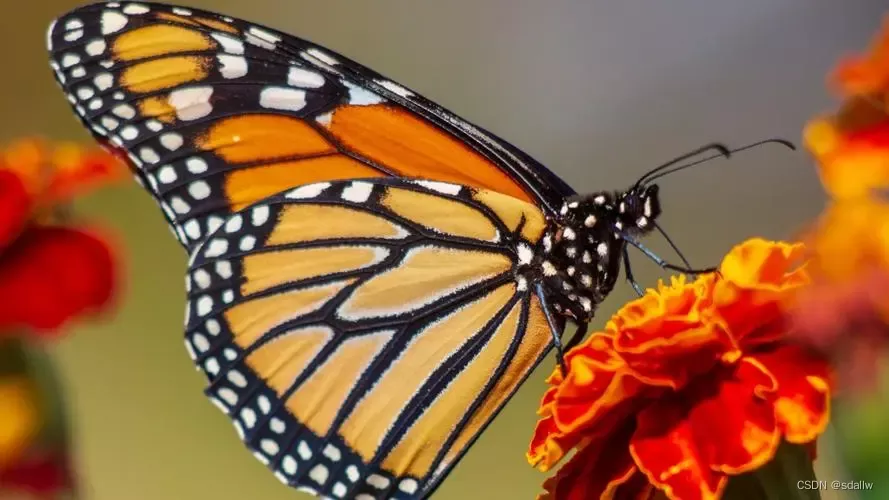

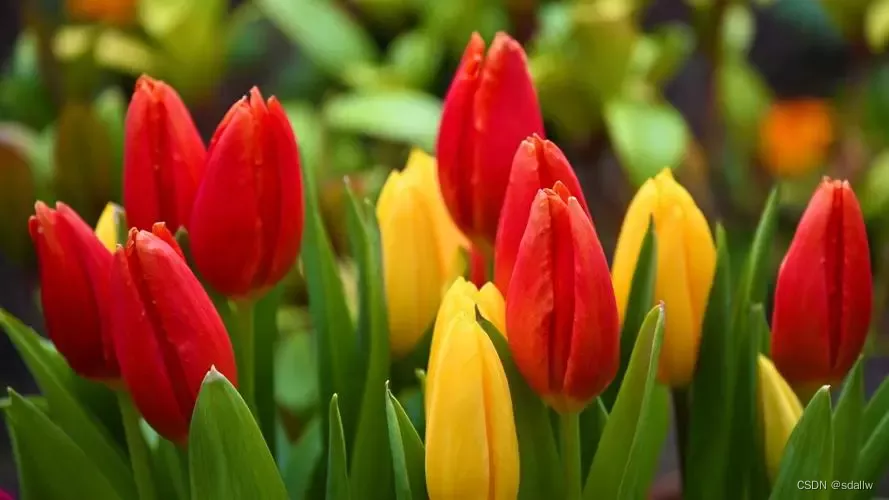
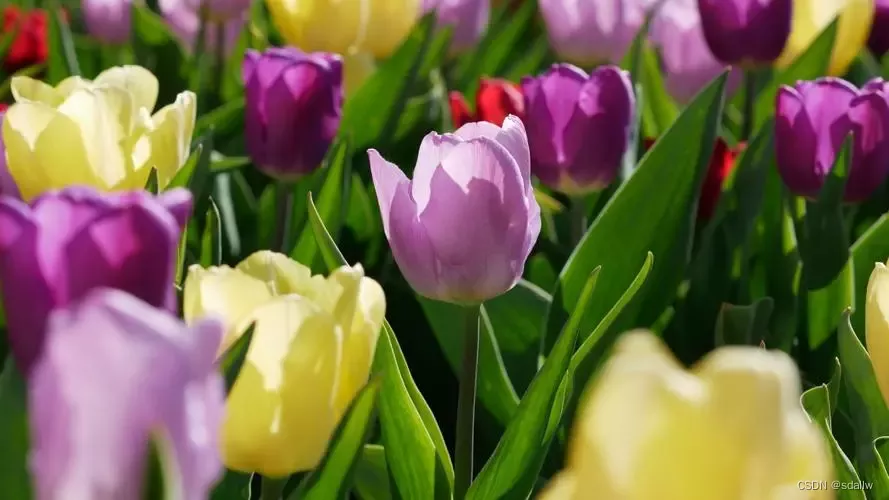
基本HTML结构如下:
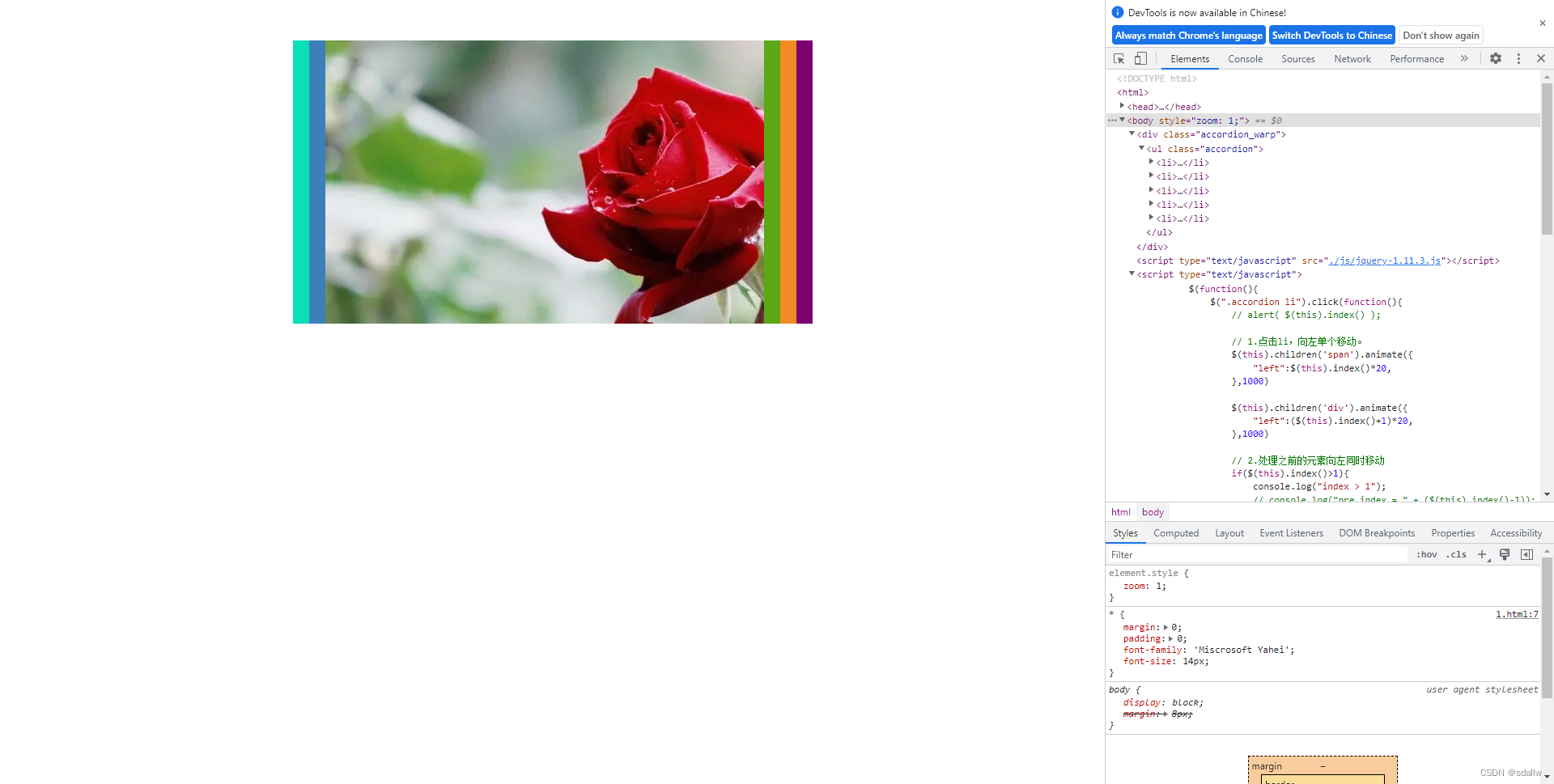
- 编写5个li标签,包含span以及图片
- 设置绝对定位,溢出部分
overflow:hidden进行隐藏
基本5个li标签需要使用的绝对定位的居中技巧,使用lef:50%,然后使用margin-lef: - 元素的一半宽度
每个li使用left属性来改变位置,做出span标签部署有层叠的效果:
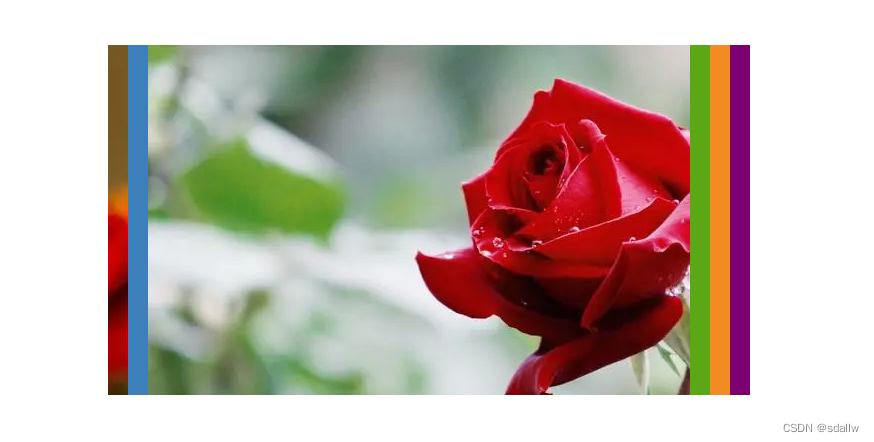
使用绝对定位以及left参数设定位置,就可以做出这个效果的了。
好了,写到这里基本完成了HTML、CSS部分的代码了,贴出源码如下:
<!DOCTYPE html>
<html>
<head>
    <title></title>

    <style type="text/css">
        * {
            margin: 0;
            padding: 0;
            font-family: 'Miscrosoft Yahei';
            font-size: 14px;
        }

        .accordion_warp{
            width: 642px;
            height: 350px;
            position: absolute;
            margin-top:50px;
            margin-left: -321px;
            left: 50%;
            overflow: hidden;
        }

        .accordion {
            width: 3210px;
            list-style: none;
        }

        .accordion li,span,div{
            float: left;
        }

        .accordion li span{
            display: block;
            width: 20px;
            height: 350px;
            color: #fff;
            text-align: center;
        }

        .accordion li div{
            width: 622px;
            height: 350px;
        }

        .accordion li:nth-child(1) span{
            position: absolute;
            left: 0;
            background-color: #09E0B5;
        }

        .accordion li:nth-child(1) div{
            position: 20px;
            background: url("images/001.jpg");
        }

        .accordion li:nth-child(2) span{
            position: absolute;
            left: 562px;
            background-color: #3D7FBB;
        }

        .accordion li:nth-child(2) div{
            position: absolute;
            left: 582px;
            background: url("images/002.jpg");
        }

        .accordion li:nth-child(3) span{
            position: absolute;
            left: 582px;
            background-color: #5CA716;
        }

        .accordion li:nth-child(3) div{
            position: absolute;
            left: 602px;
            background: url("images/003.jpg");
        }

        .accordion li:nth-child(4) span{
            position: absolute;
            left: 602px;
            background-color: #F28B24;
        }

        .accordion li:nth-child(4) div{
            position: absolute;
            left: 622px;
            background: url("images/004.jpg");
        }

        .accordion li:nth-child(5) span{
            position: absolute;
            left: 622px;
            background-color: #7C0070;
        }

        .accordion li:nth-child(5) div{
            position: absolute;
            left: 642px;
            background: url("images/005.jpg");
        }


    </style>
</head>
<body>

    <div class="accordion_warp">
        <ul class="accordion">
            <li>
                <span></span>
                <div></div>
            </li>
            <li>
                <span></span>
                <div></div>
            </li>
            <li>
                <span></span>
                <div></div>
            </li>
            <li>
                <span></span>
                <div></div>
            </li>
            <li>
                <span></span>
                <div></div>
            </li>
        </ul>
    </div>
</body>
</html>
下面就是用jquery去控制left的值,就可以实现手风琴的效果了。
根据jquery监听每个标签的click事件,根据点击的对象,修改相应的left值即可。
根据点击li标签,单个li标签向左移动
 // 1.点击li,向左单个移动。
                $(this).children('span').animate({
                    "left":$(this).index()*20,
                },1000)

                $(this).children('div').animate({
                    "left":($(this).index()+1)*20,
                },1000)
此时,点击每个li标签,就会自然向左移动。
思路解析:根据点击事件的$(this).index()就可以知道点击的是哪个li,然后再设置相应的左移距离即可。
// 2.处理之前的元素向左同时移动
                if($(this).index()>1){
                    console.log("index > 1");
                    // console.log("pre index = " + ($(this).index()-1));
                    $(this).prevAll().each(function(i){
                        // 打印每个前面元素的index()索引
                        // console.log(i + " index=" + $(this).index());
                        // 已知前面元素的index()索引,那么下面可以设置left的值了。
                        $(this).children('span').animate({
                            "left":$(this).index()*20,
                        },1000)

                        $(this).children('div').animate({
                            "left":($(this).index()+1)*20,
                        },1000)

                    })
                }
那么下面剩下的最后的问题就是,点击标签也要同时向右移动回去,这个该怎么处理呢?
首先写单个向右移动的事件
如果需要向右移动,那么就需要有条件判断什么时候需要向右移动。
简单来想的话,就是当前li的位置是处于左边的位置,那么此时再点击当然就要向右了。
那么判断左边的位置,就需要当前li的具体距离数值,如下:
 // 3.编写标签单个向右移动的方法
                console.log( $(this).index() + " left = " + $.trim($(this).children('span').css("left") ));
                console.log(typeof($(this).children('span').css("left")));

                if ( $.trim($(this).children('span').css("left")) == ($(this).index()*20 + "px") ) {
                    // 单个向右移动部分
                    // alert("turn right!");
                    $(this).children('span').animate({
                        "left":542+$(this).index()*20,
                    },1000)

                    $(this).children('div').animate({
                        "left":542+(($(this).index()+1)*20),
                    },1000)

                    // 4.批量向右移动
                    $(this).nextAll().each(function(){
                        $(this).children('span').animate({
                            "left":542+$(this).index()*20,
                        },1000)

                        $(this).children('div').animate({
                            "left":542+(($(this).index()+1)*20),
                        },1000)
                    })

                }
考虑使用nextAll()和each()来设置向右移动的方法。
完整代码如下:
<!DOCTYPE html>
<html>
<head>
    <title></title>

    <style type="text/css">
        * {
            margin: 0;
            padding: 0;
            font-family: 'Miscrosoft Yahei';
            font-size: 14px;
        }

        .accordion_warp{
            width: 642px;
            height: 350px;
            position: absolute;
            margin-top:50px;
            margin-left: -321px;
            left: 50%;
            overflow: hidden;
        }

        .accordion {
            width: 3210px;
            list-style: none;
        }

        .accordion li,span,div{
            float: left;
            cursor: pointer;
        }

        .accordion li span{
            display: block;
            width: 20px;
            height: 350px;
            color: #fff;
            text-align: center;
        }

        .accordion li div{
            width: 622px;
            height: 350px;
        }

        .accordion li:nth-child(1) span{
            position: absolute;
            left: 0;
            background-color: #09E0B5;
        }

        .accordion li:nth-child(1) div{
            position: 20px;
            background: url("./image/1.webp");
        }

        .accordion li:nth-child(2) span{
            position: absolute;
            left: 562px;
            background-color: #3D7FBB;
        }

        .accordion li:nth-child(2) div{
            position: absolute;
            left: 582px;
            background: url("./image/2.webp");
        }

        .accordion li:nth-child(3) span{
            position: absolute;
            left: 582px;
            background-color: #5CA716;
        }

        .accordion li:nth-child(3) div{
            position: absolute;
            left: 602px;
            background: url("./image/3.webp");
        }

        .accordion li:nth-child(4) span{
            position: absolute;
            left: 602px;
            background-color: #F28B24;
        }

        .accordion li:nth-child(4) div{
            position: absolute;
            left: 622px;
            background: url("./image/4.webp");
        }

        .accordion li:nth-child(5) span{
            position: absolute;
            left: 622px;
            background-color: #7C0070;
        }

        .accordion li:nth-child(5) div{
            position: absolute;
            left: 642px;
            background: url("./image/5.webp");
        }


    </style>
</head>
<body>

    <div class="accordion_warp">
        <ul class="accordion">
            <li>
                <span></span>
                <div></div>
            </li>
            <li>
                <span></span>
                <div></div>
            </li>
            <li>
                <span></span>
                <div></div>
            </li>
            <li>
                <span></span>
                <div></div>
            </li>
            <li>
                <span></span>
                <div></div>
            </li>
        </ul>
    </div>
    <script type="text/javascript" src="./js/jquery-1.11.3.js"></script>
    <script type="text/javascript">
        $(function(){
            $(".accordion li").click(function(){
                // alert( $(this).index() );

                // 1.点击li,向左单个移动。
                $(this).children('span').animate({
                    "left":$(this).index()*20,
                },1000)

                $(this).children('div').animate({
                    "left":($(this).index()+1)*20,
                },1000)

                // 2.处理之前的元素向左同时移动
                if($(this).index()>1){
                    console.log("index > 1");
                    // console.log("pre index = " + ($(this).index()-1));
                    $(this).prevAll().each(function(i){
                        // 打印每个前面元素的index()索引
                        // console.log(i + " index=" + $(this).index());
                        // 已知前面元素的index()索引,那么下面可以设置left的值了。
                        $(this).children('span').animate({
                            "left":$(this).index()*20,
                        },1000)

                        $(this).children('div').animate({
                            "left":($(this).index()+1)*20,
                        },1000)

                    })
                }

                // 3.编写标签单个向右移动的方法
                console.log( $(this).index() + " left = " + $.trim($(this).children('span').css("left") ));
                console.log(typeof($(this).children('span').css("left")));

                if ( $.trim($(this).children('span').css("left")) == ($(this).index()*20 + "px") ) {
                    // 单个向右移动部分
                    // alert("turn right!");
                    $(this).children('span').animate({
                        "left":542+$(this).index()*20,
                    },1000)

                    $(this).children('div').animate({
                        "left":542+(($(this).index()+1)*20),
                    },1000)

                    // 4.批量向右移动
                    $(this).nextAll().each(function(){
                        $(this).children('span').animate({
                            "left":542+$(this).index()*20,
                        },1000)

                        $(this).children('div').animate({
                            "left":542+(($(this).index()+1)*20),
                        },1000)
                    })

                }


            })
        })
    </script>
</body>
</html>





 扫一扫
扫一扫


 839
839

 被折叠的 条评论
为什么被折叠?
被折叠的 条评论
为什么被折叠?
 到【灌水乐园】发言





