



 本文介绍如何利用HTML中的a标签与form表单结合,通过JavaScript获取表单数据并跳转到控制器处理的方法。具体实现包括:点击a标签触发JavaScript函数获取表单中的输入值,并通过修改location.href的方式发送GET请求。
form表单中a标签的使用
说明:这里我使用的是springMvc演示
- 问题描述+核心代码:
form标签中多个input文本输入框使用a标签将数据绑定,传输到controller层处理。

 <a id="buttonBuy-a" onclick="getAru1()">test_void</a>

function getAru1() {
        var userName = document.getElementsByName("userName")[0].value;
        var password = document.getElementsByName("password")[0].value;
        var birth = document.getElementsByName("birth")[0].value;

		<%--跳转到指定处理器,并且携带当前form表单的输入数据-->
        window.document.location.href = "user/test_void?userName="+userName+"&password="+password+"&birth="+birth;

    }
- 代码-页面展示
html代码
<%--
  Created by IntelliJ IDEA.
  User: dell
  Date: 2020/10/10
  Time: 9:52
  To change this template use File | Settings | File Templates.
--%>
<%@ page contentType="text/html;charset=UTF-8" language="java" isELIgnored="false" %>
<%@ taglib uri="http://java.sun.com/jsp/jstl/core" prefix="c"%>
<html>
<head>
    <title>Login</title>
    <style>
        .four{
            background-color: #ECF1F6;
            border: 2px solid #FFF;
            height: 45px;
            line-height: 45px;
            color: #212121;
            font-weight: normal;
        }
        .show {
            background-color: #F6F6F7;
            border: 2px solid #FFF;
            height: 45px;
            line-height: 45px;
            color: #555555;
            text-align: left;
            padding-left: 10px;
        }
    </style>
</head>
<body>
<%--<form action="user/test_void">--%>
<%--<form action="" method="get" name="aaa" enctype="multipart/form-data">--%>
<form action="" method="post" name="aaa" enctype="multipart/form-data">

    <table width="500px" border="1px solid black" align="center" style="cellspacing: 0; cellpadding: 0;">
        <tr>
            <td class="four">userName</td>
            <td class="show"><input type="text" name="userName"></td>
        </tr>
        <tr>
            <td class="four">password</td>
            <td class="show"><input type="password" name="password"></td>
        </tr>
        <tr>
            <td class="four">birth</td>
            <td class="show"><input type="date" name="birth"></td>
        </tr>
        <tr>
            <td class="show" colspan="2" align="center">
<%--                <input type="submit">--%>
	<%--这里是错误,因为之前演示时有这个href干扰导致指定两次请求,导致产生干扰项有一条空数据产生--%>
<%--            <a href="user/test_void" onclick="getAru1()">test_void</a>--%>
				<%--  这里是正确的--%>
                <a onclick="getAru1()">test_void</a>
                <a href="user/test_string" onclick="document:formId.submit()">test_String</a>
                <a href="user/test_modelAndView">test_ModelAndView</a>
            </td>
        </tr>
    </table>
</form>
<script>

    function getAru1() {
        var userName = document.getElementsByName("userName")[0].value;
        var password = document.getElementsByName("password")[0].value;
        var birth = document.getElementsByName("birth")[0].value;
        // alert(userName);
        // alert(password);
        // alert(birth);

        window.document.location.href = "user/test_void?userName="+userName+"&password="+password+"&birth="+birth;

    }

</script>
</body>
</html>
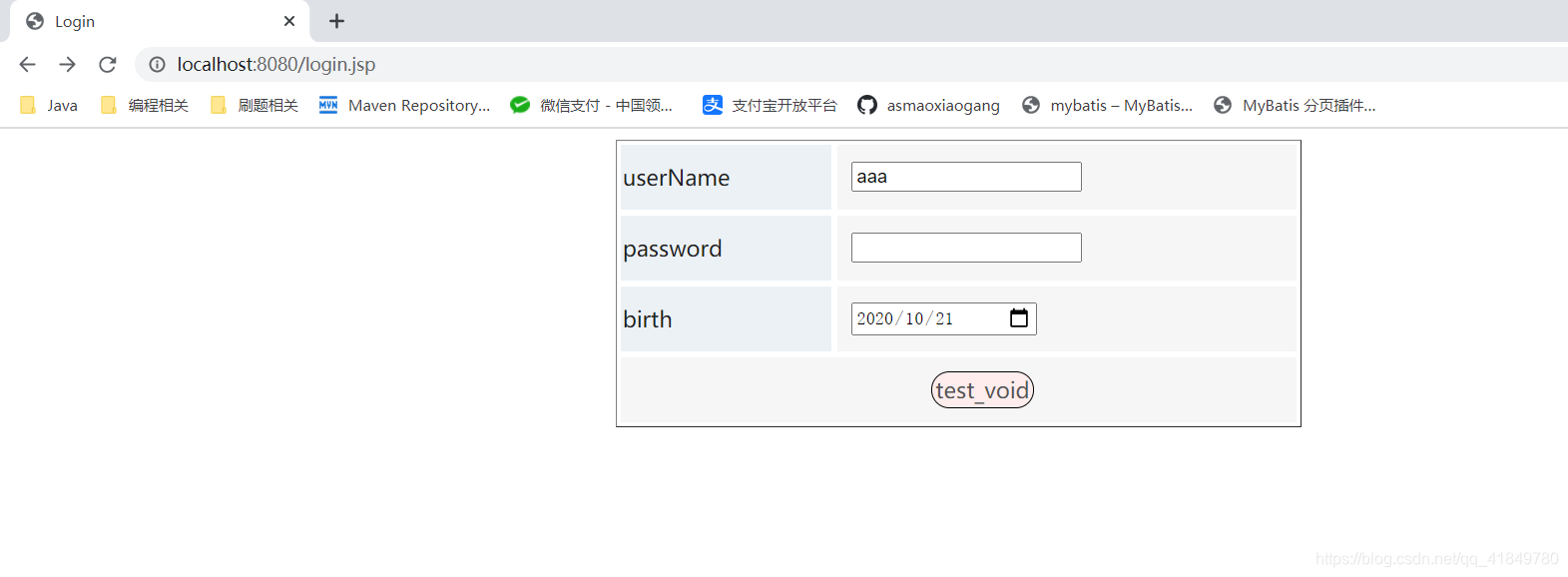
浏览器演示
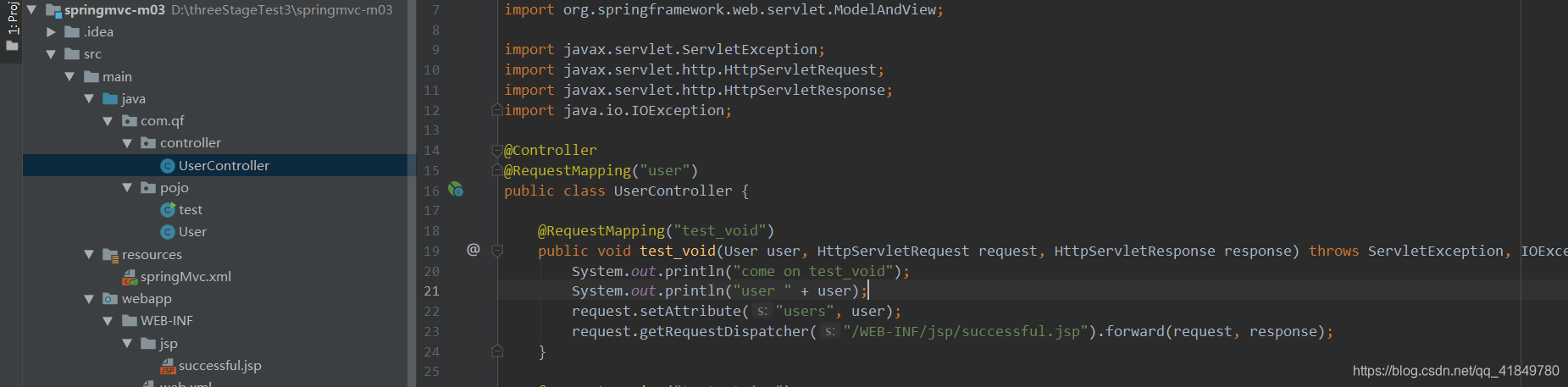
controller层
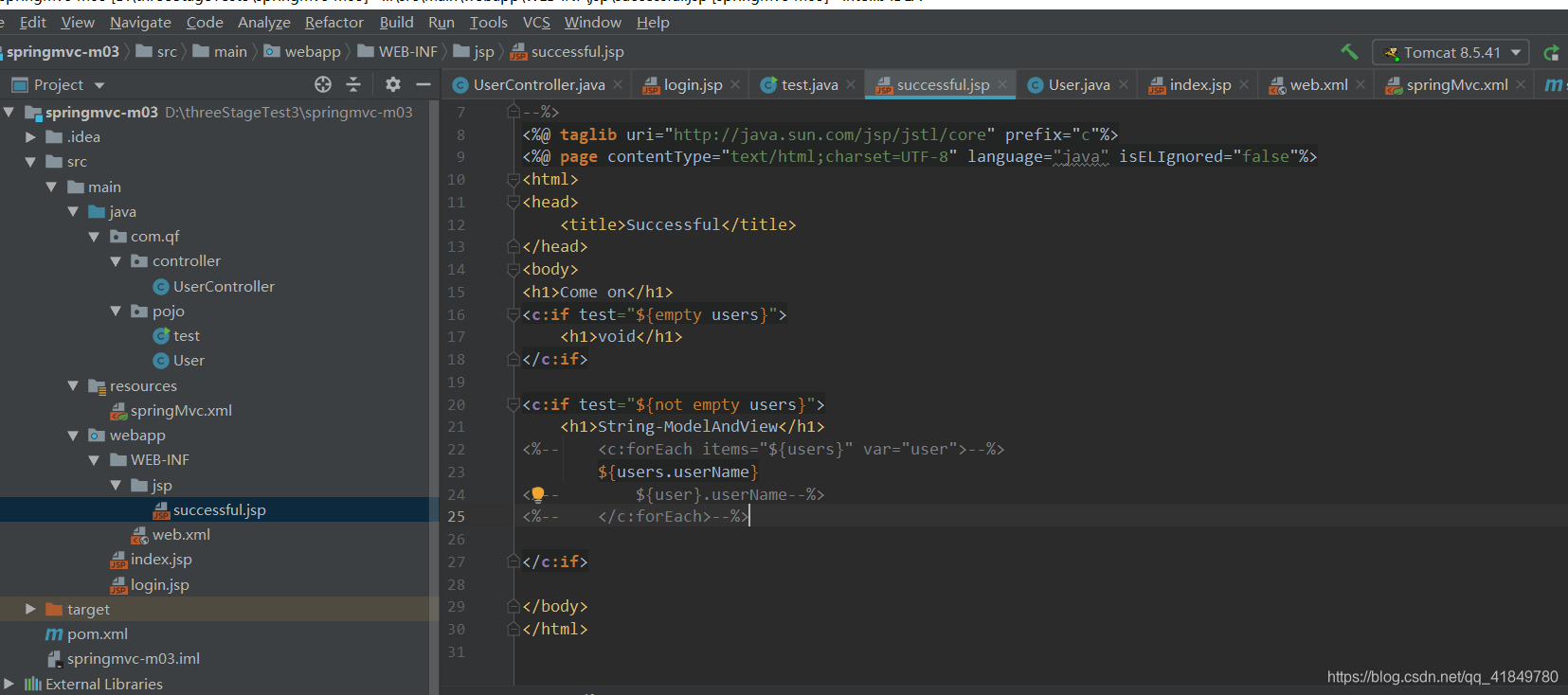
controller层成功跳转到指定HTML页面
页面配置
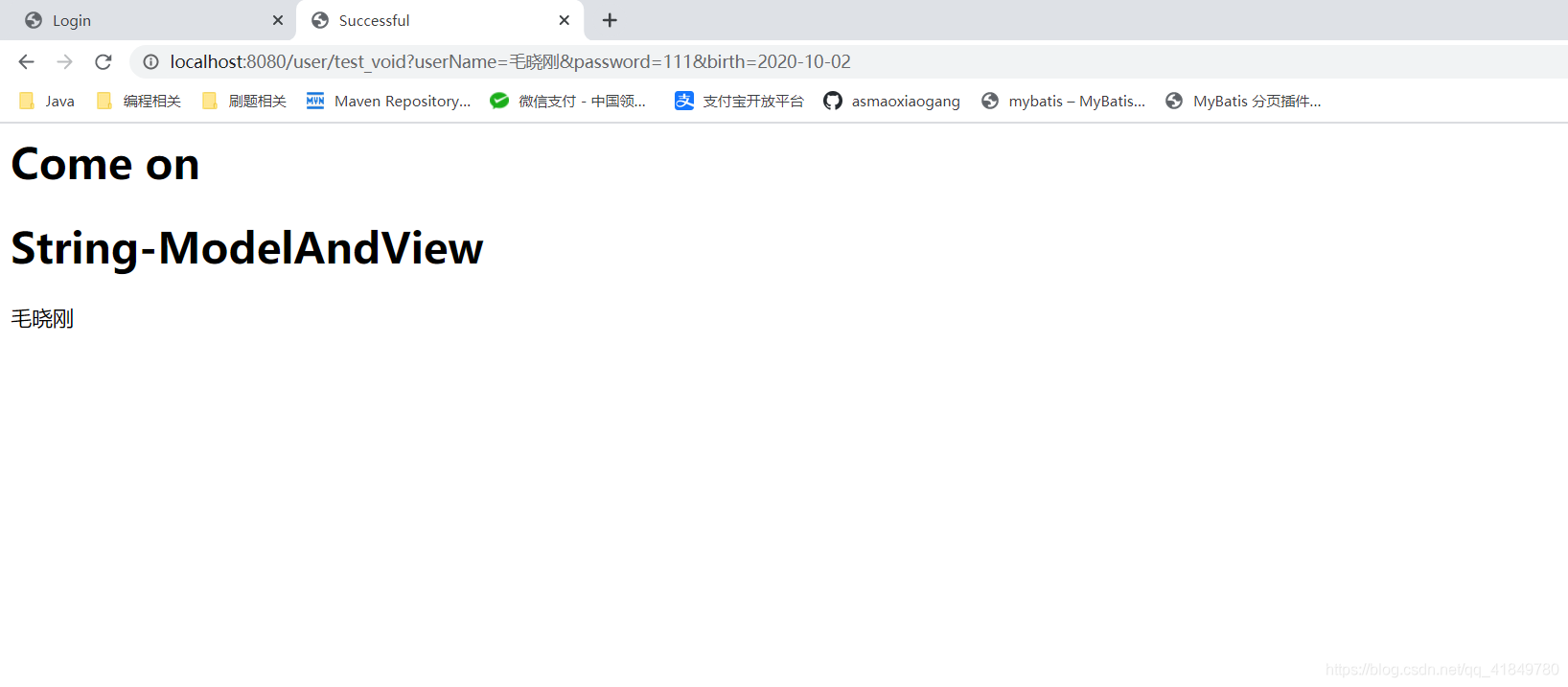
演示页面





 扫一扫
扫一扫


 3166
3166

 被折叠的 条评论
为什么被折叠?
被折叠的 条评论
为什么被折叠?
 到【灌水乐园】发言





