


直接上效果图
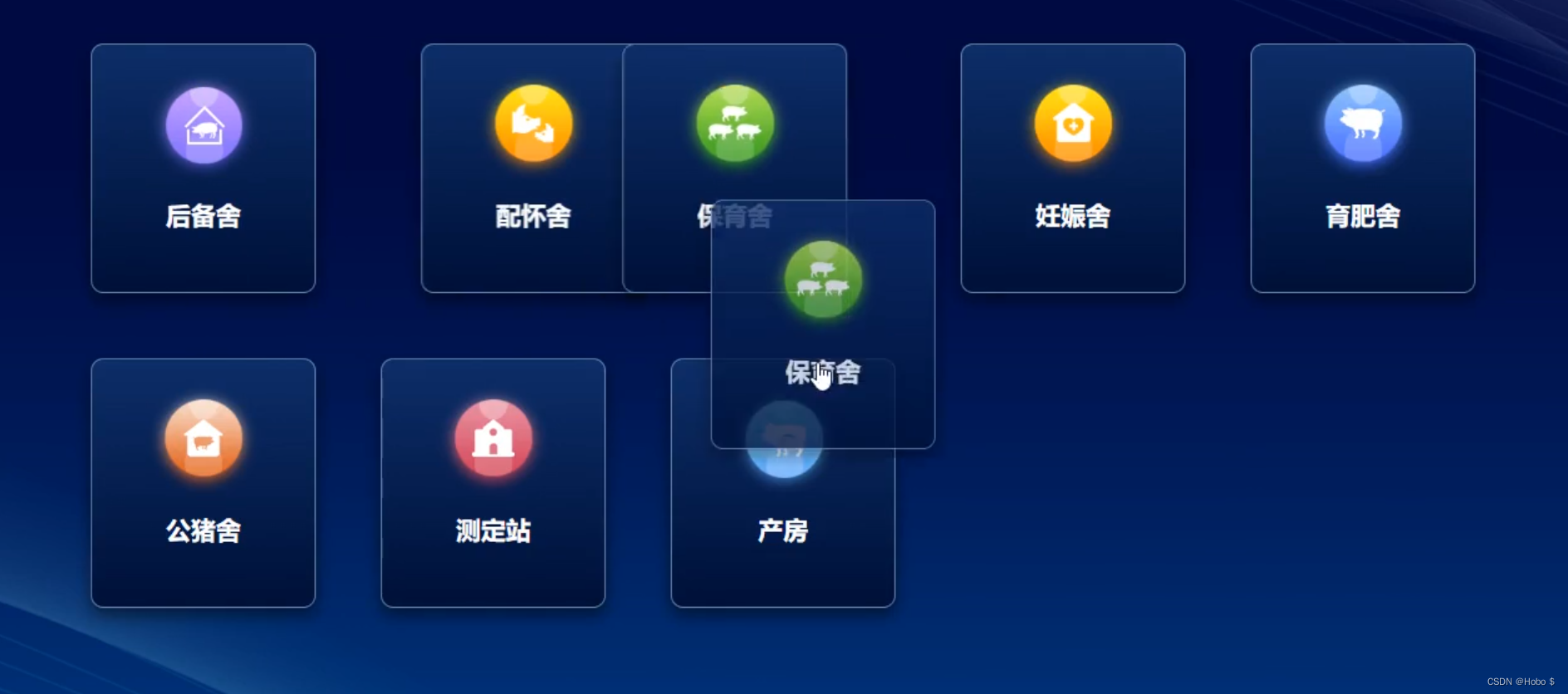
1.实现原理:使用 了Vuedraggable
Vuedraggable是一个专为 Vue 打造的拖拽排序模块,基于 Sortablejs 封装,支持 Vue3 或 Vue2
2.安装:pnpm i -S vuedraggable@next
vue3一定要安装最新版的vuedraggable
3.代码(效果图是项目中的,代码是自己写的demo,效果都一样)
<template>
    <div class="drag-box">
        <Draggable :list="list" :animation="500" class="list-group" :forceFallback="true" chosen-class="chosenClass"
            @end="endAble">
            <template #item="{ element }">
                <div class="items" @click="clickDetail(element)">
                    <div class="title">{{ element.label }}</div>
                    <img :src="element.image" alt="" style="width: 100px;">
                </div>
            </template>
        </Draggable>
    </div>
</template>

<script setup lang="ts">
import { reactive } from "vue";
import Draggable from "vuedraggable";

const list = reactive([
    {
        label: "模块1",
        id: 1,
        image: 'https://lupic.cdn.bcebos.com/20210629/3000005161_14.jpg'
    },{
        label: "模块2",
        id: 2,
        image: 'https://lupic.cdn.bcebos.com/20210629/3000005161_14.jpg'
    },{
        label: "模块3",
        id: 3,
        image: 'https://lupic.cdn.bcebos.com/20210629/3000005161_14.jpg'
    }]);
function endAble(e) {
    console.log(e);
}
function clickDetail(item) {
    console.log(item, '点击我');
}
</script>

<style scoped>
.list-group {
    width: 70%;
    display: flex;
    flex-wrap: wrap;
    padding: 20px;
}

.items {
    width: 200px;
    height: 200px;
    padding: 20px;
    background: #e3e3e3;
    border-radius: 8px;
    box-sizing: border-box;
    margin-right: 20px;
    margin-bottom: 20px;
}

</style>





 扫一扫
扫一扫


 5409
5409

 被折叠的 条评论
为什么被折叠?
被折叠的 条评论
为什么被折叠?
 到【灌水乐园】发言





