New features
-
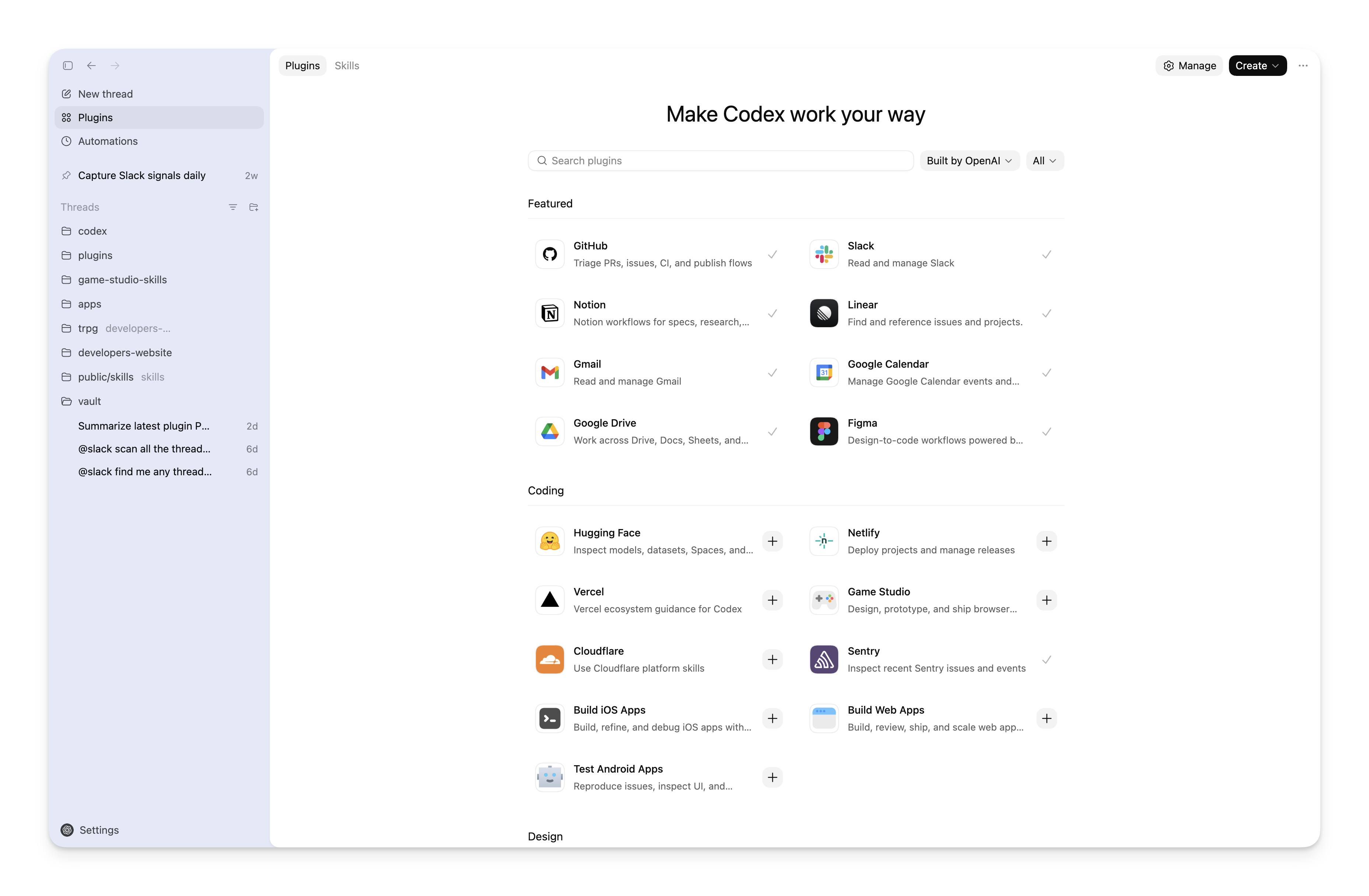
Apple Messages: Use the Apple Messages plugin to read and search Messages chats on your Mac and prepare or send messages. It’s available on all plans in the ChatGPT desktop app for macOS. You can use the plugin in ChatGPT Work and Codex. By default, ChatGPT sends messages only after you approve the message and its recipients. See the plugin guide for persistent-approval risks, revocation steps, and the known issue with tasks that disable approval prompts.
-
Site co-editing: Where Site collaboration is available, owners can invite active members of the same workspace as editors. Editors can read the Site’s live database data, update the Site, save versions, and publish changes after the owner publishes the Site for the first time. Owners retain control of the audience, settings, analytics, ownership, version restoration, and editor access.
-
Editable Site URLs: Where URL editing is available, owners can change an existing Site’s ChatGPT-hosted address without creating another deployment. The previous address redirects to the new URL. Custom domains are a separate, existing feature and aren’t changed by this setting.
-
Computer History in Europe: Computer History is now available in the EEA, Switzerland, and the United Kingdom for ChatGPT Pro, Business, and Enterprise users in the ChatGPT desktop app on macOS. It’s off by default and requires Memories. Business and Enterprise administrators must enable access before workspace members can choose to turn it on.
-
Shared thread snapshots: On all Codex plans, share a read-only snapshot of a local Codex thread from the ChatGPT desktop app for macOS. The snapshot doesn’t update when the original thread changes. Personal-account links can be opened by anyone with the link; workspace-account links are limited to members of the originating workspace. Codex redacts known secret patterns, but review the shared content because sensitive content may remain. View or revoke links in ChatGPT data controls, under Shared links.
-
Unified pinned threads: Keep the same pinned chats across the ChatGPT desktop app and iOS.