
Downloading free apps on your Android device is a simple process that can greatly enhance your smartphone experience. With millions of apps available on the Google Play Store, you can find tools, games, productivity apps, and much more without spending a dime. In this guide, we will walk you through the steps to safely download and install free apps on your Android device, ensuring you can make the most of your mobile experience without any cost. Whether you are a new Android user or looking to discover more free apps, this guide will help you navigate the Google Play Store efficiently.
Quick Facts: Play Store is the central place on Android devices where 3.9 Billion Android users can find different apps for performing different tasks. Around 3.5 million apps are available on Google Play Store. Out of these, nearly 2.5 million apps are free to use, which means users can directly download them from the Play Store without paying any fee.
Steps To Download Free Apps on Android
All tasks are done through mobile apps which are available by default, but many other apps are used for performing specific tasks like converting images to PDF format or scanning text documents, etc. These apps can be downloaded from the Play Store, which is available by default.
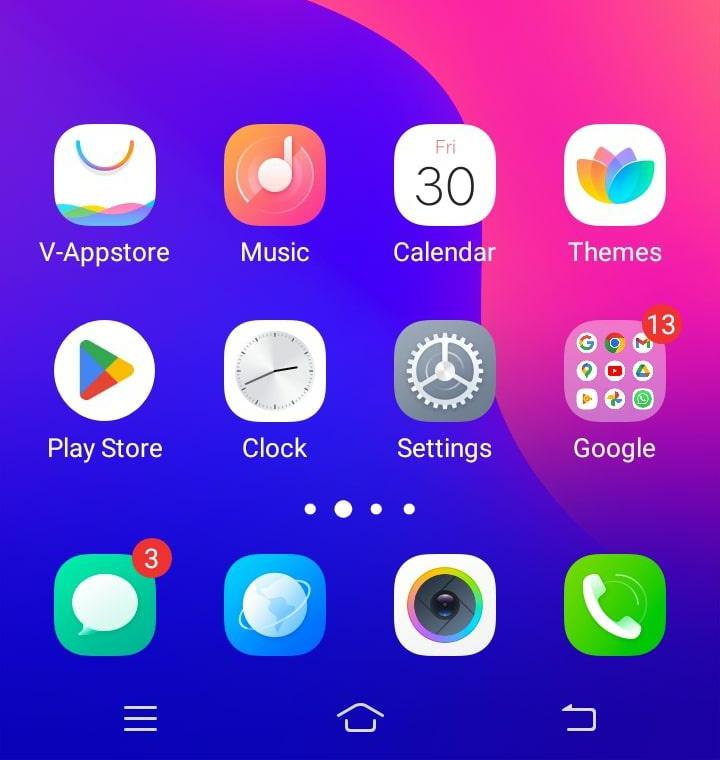
Step 1: On the home screen of Android devices, Play Store is available so click on it, but before it turns on the internet connection.
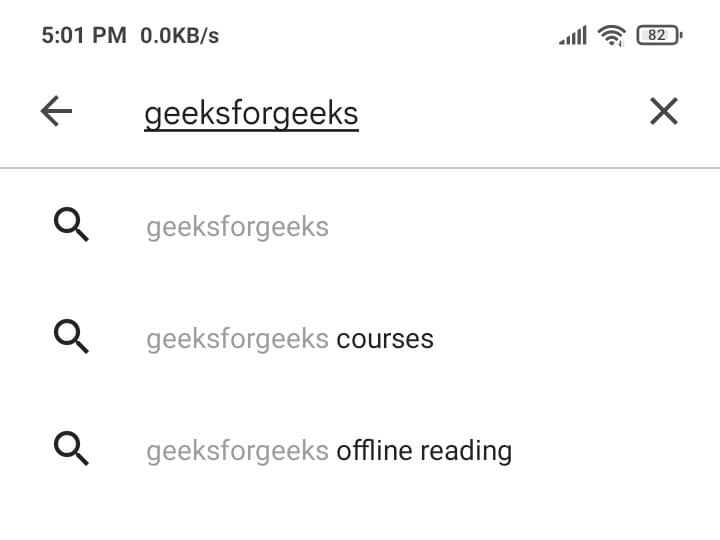
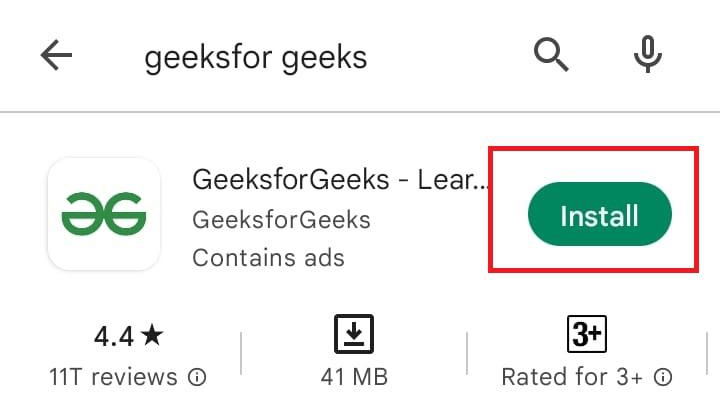
Step 2: Now in the search bar, search for any app, say Geeksforgeeks.
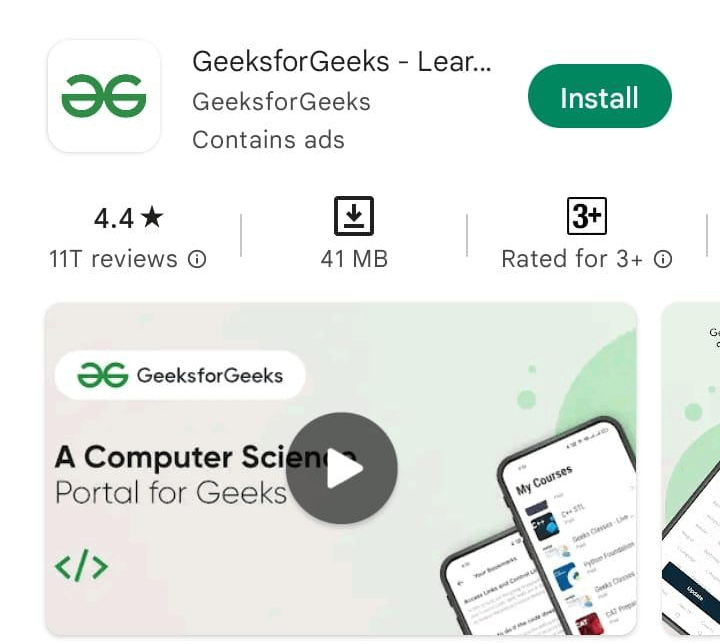
Step 3: After processing, related results will appear on the screen.
Step 4: Available app will be shown with lots of information like size, rating, number of downloads, etc.
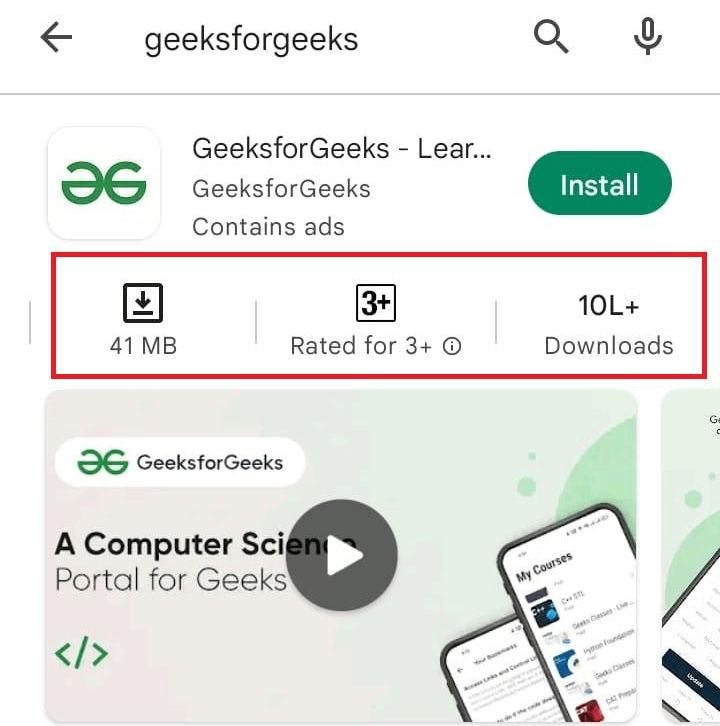
Step 5: An Installation button will be there, so click on it.
Step 6: Downloading will be started, showing the download percentage.
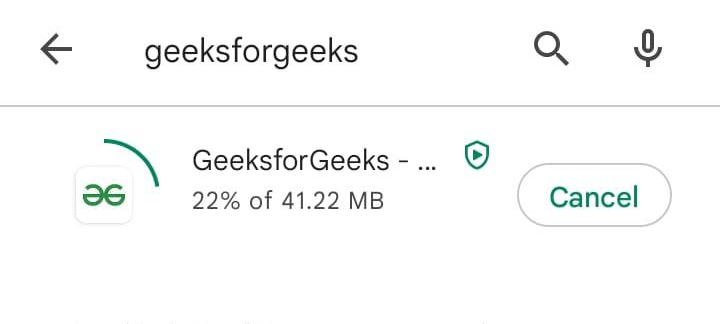
Step 7: Once downloading is complete, it will automatically start installing the app.
Step 8: Once installation is complete, a scanning screen will appear as the android system will scan the app.
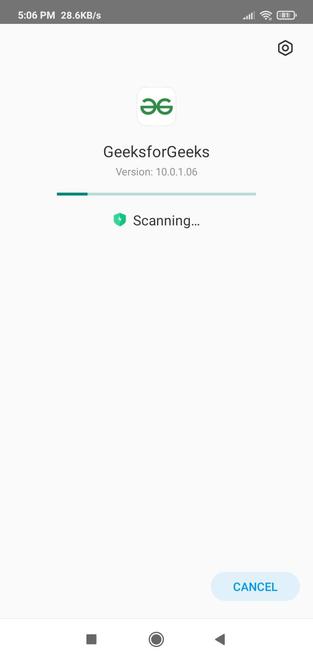
Step 9: After scanning, the open button will be visible, so click on it.

Step 10: Now the app home screen will appear, and your app is ready to use.
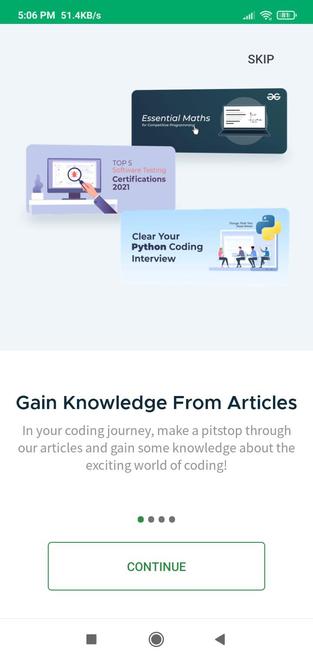
Now we can see that the app is successfully downloaded and installed on an android device.
Conclusion
Installing free applications on Android is an easy procedure, mainly by using the Google Play Store, which provides a wide range of applications in different areas. For more choices, other reliable platforms such as Amazon Appstore and APKMirror are also accessible. It's important to always get apps from reliable sources to maintain the security of your device. Updating and controlling the permissions of apps regularly can improve your experience with applications on Android.
