
Kali Linux is a Debian-based open-source Linux distribution developed and maintained by Offensive Security, designed for cybersecurity professionals and ethical hackers. It provides a vast collection of pre-installed tools for tasks such as:
- Penetration testing
- Security auditing
- Digital forensics
- Network monitoring
- Reverse engineering
Features of Kali Linux
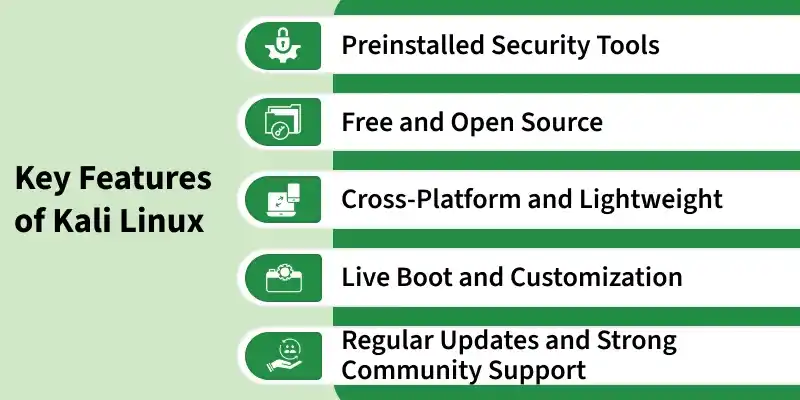
- Preinstalled Security Tools: Kali Linux includes 600+ built-in tools for ethical hacking, penetration testing, and cybersecurity tasks.
- Free and Open Source: Kali Linux is completely free and can be modified or distributed by anyone under the GPL license.
- Cross-Platform and Lightweight: It runs smoothly on desktops, laptops, virtual machines, cloud platforms, and Raspberry Pi devices.
- Live Boot and Customization: Kali Linux can run directly from a USB drive and supports creating custom ISO images.
- Regular Updates and Community Support: It receives frequent security updates and is backed by a strong cybersecurity community.
System Requirements
- Processor (CPU): Dual-core Intel or AMD processor.
- Memory (RAM): Minimum 2 GB; 4 GB or more recommended for multitasking.
- Storage: At least 20 GB of free disk space.
- Bootable Media: 8 GB or larger USB drive for a bootable installer.
- Network: Stable internet connection for updates and package downloads.
Difference Between Kali Linux and Linux Distributions
| Feature | Kali Linux | Linux Distributions |
|---|---|---|
| Purpose | Cybersecurity and penetration testing | Daily and general use |
| Users | Ethical hackers and testers | Regular users and developers |
| Tools | 600+ security tools included | Basic software included |
| Ease of Use | More technical | Beginner-friendly |
| Usage | Security testing and forensics | Office work, coding, servers |
| Environment | Tools like Nmap and Wireshark | Browser, office, multimedia apps |
| Based On | Debian-based distro | Main operating system family |
Desktop Environments
Kali Linux supports multiple desktop environments to suit different performance and usability needs.
- Xfce (Default): Lightweight and stable; minimal resource usage, ideal for older hardware.
- GNOME: Modern, elegant interface with strong productivity integration.
- KDE Plasma: Highly customizable with extensive visual and functional personalization.
Usage Guidelines
Note: Kali Linux must be used strictly for ethical, authorized, and educational purposes. Unauthorized hacking is illegal and punishable by law.
- Ethical Use Only: Use Kali for legitimate security research, learning, and authorized penetration testing — never for malicious activity.
- Obtain Written Permission: Always get explicit authorization before testing any system or network.
- Use Controlled Environments: Practice in isolated lab setups using VirtualBox, VMware, or dedicated test systems.
- Respect Privacy and Law: Follow ethical hacking guidelines and contribute positively to the cybersecurity community.
