
TLDR is the same as a man page, but it provides a very short description of tools and commands. TLDR provides the only required information about the commands and makes it users easy to read the information about the commands and tools.
TLDR has a large collection of information about the command and tools. It is especially for the beginner who has recently stepped into the Linux environment.
Syntax
tldr <command_name>
We replace the <command_name> with the name of the command we need to use finally.
Installation of TLDR
To install the TLDR, you must have installed the npm on the system. After installing the npm, install the TLDR using the following command:
npm install -g tldrIf you use the snap, TLDR is also available as a snap package. To install TLDR from snap use the following command
sudo snap install tldr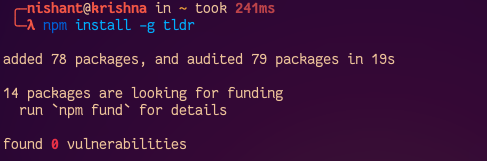
Basic Example of the TLDR Command
To see how command works we use command of tldr and look like this.
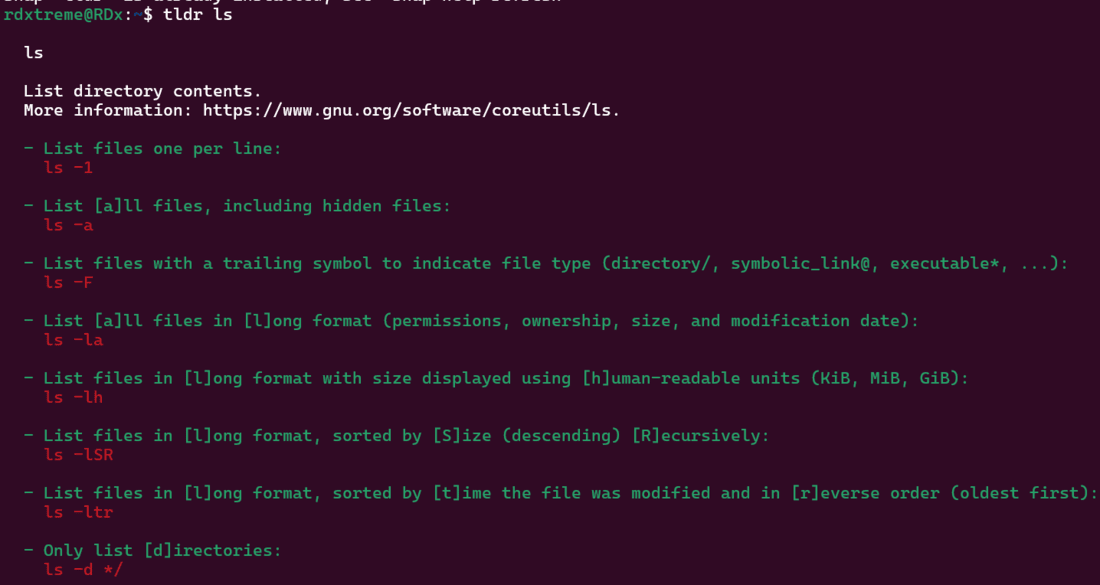
This command will return all essential commands on ls and a few basic usage examples making it easy to understand without going throught he full manual command.
Key Options for Using TLDR Command
Here is a quick reference tabble for commonly used command used options with TLDR command:
Options | Descriptions |
|---|---|
-u | This updates the local TLDR pages which are already installed |
-v | Displays the versions of the TLDR client |
--help | Shows the help for the TLDR commands |
All Options
Below are most important commands' options the TLDR, each with a brief explantaions:
Update the TLDR pages: Updates the local database to get the latest command informations:
tldr --update

Displays the TLDR version: This command checks the version of the TLDR installed in our system
tldr --version

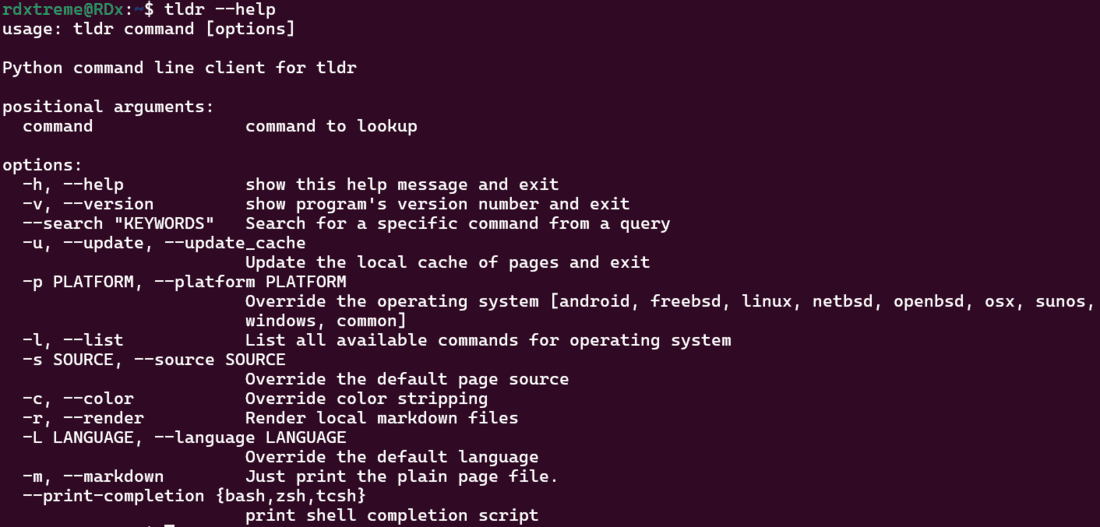
Help for TLDR usage: View help information for TLDR
tldr --help
More Usage of TLDR
To use the TLDR just use the TLDR command and mention the command whose information you want. Here is one example:
tldr cat 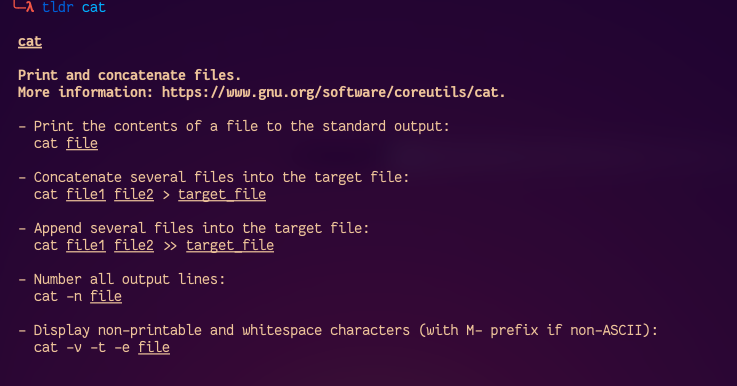
Let's see another example:
tldr cd 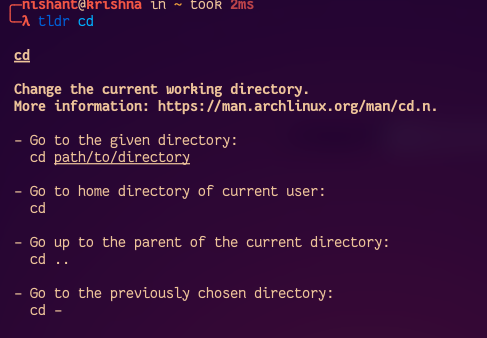
To get the all list of available collections' information about the commands for the chosen platform use the option -l with the command TLDR.
tldr -l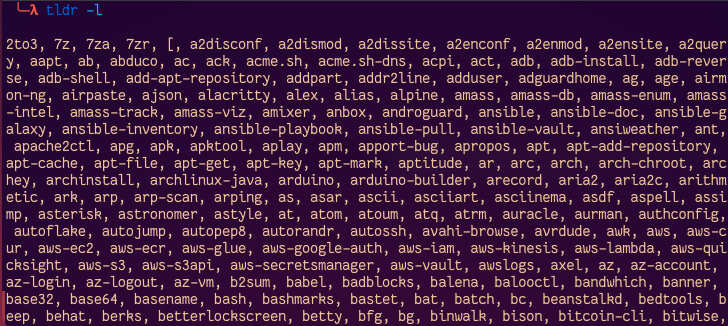
To get all list of available commands in dowthe nloaded cache, use the -a option with TLDR command:
tldr -a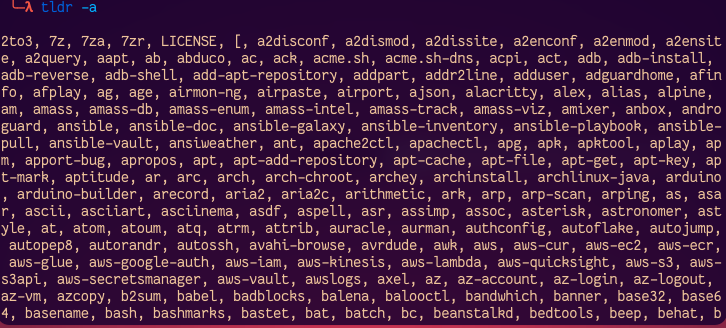
To get the output in the form of Markdown format, use the -m option with TLDR command:
tldr -m ls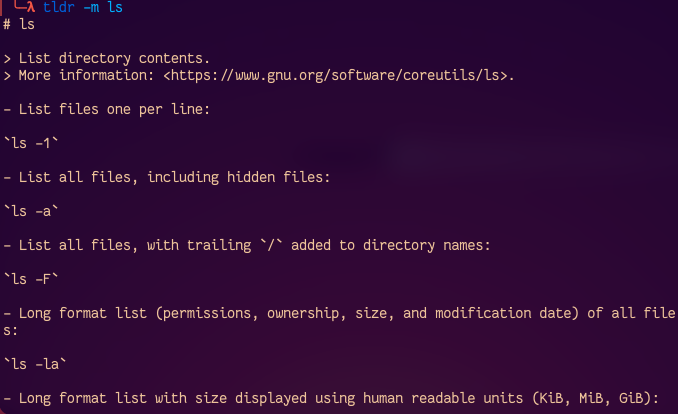
To change the output color theme use the -t option with the TLDR command. Available color themes are simple, base16, ocean.
tldr -t base16To load TLDR for random page use -r option with TLDR
tldr -r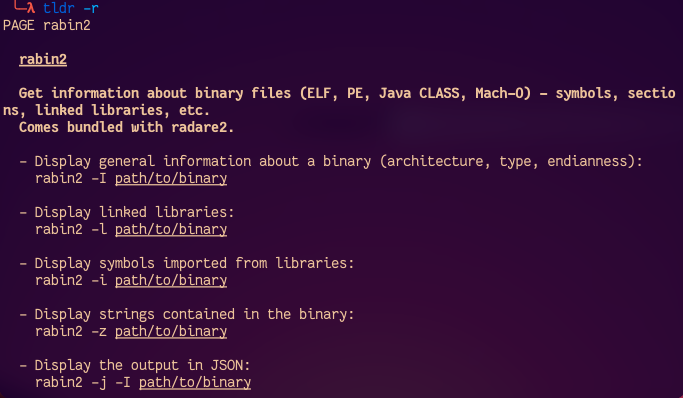
To search the command by keyword, use -s option with TLDR .
tldr -s "search for file"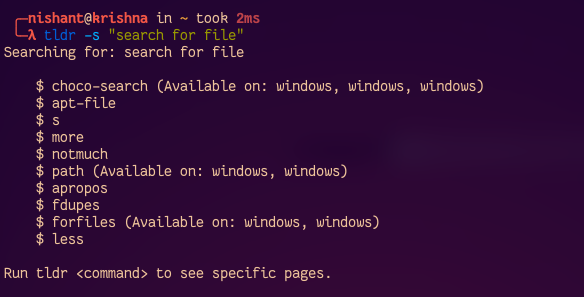
To update the TLDR command cache, use the -u option.
tldr -u
Conclusion
The TLDR command is a practical alternative to man pages, offering users a simple, quick and a small reference to only most relevant part of a command's documentations. It saves time and reduces complexity by only the most common used options and examples. TLDR mostly useful for those who are begineer or who just want to get an overview of the commands.
