


VMware’s ESXi was all the rage in the home server ecosystem a decade ago, with a large chunk of the tinkering community using the hypervisor to manage their virtualization projects. But over the years, several competitors have stepped into the home lab ring, each bringing its own unique features to the table. With Broadcom terminating the free license last year, many home labbers lost their incentive to stay on the platform.
Proxmox emerged as the biggest alternative to ESXi in the aftermath, and the platform has received even more feature-rich updates over the last year. As luck would have it, Broadcom ended up reinstating the free version of ESXi last month. With Proxmox offering multiple utilities without charging a penny, does ESXi have any pros that make it worth switching back to the freemium VMware ecosystem?
ESXi is the way to go for sysadmins and DevOps enthusiasts
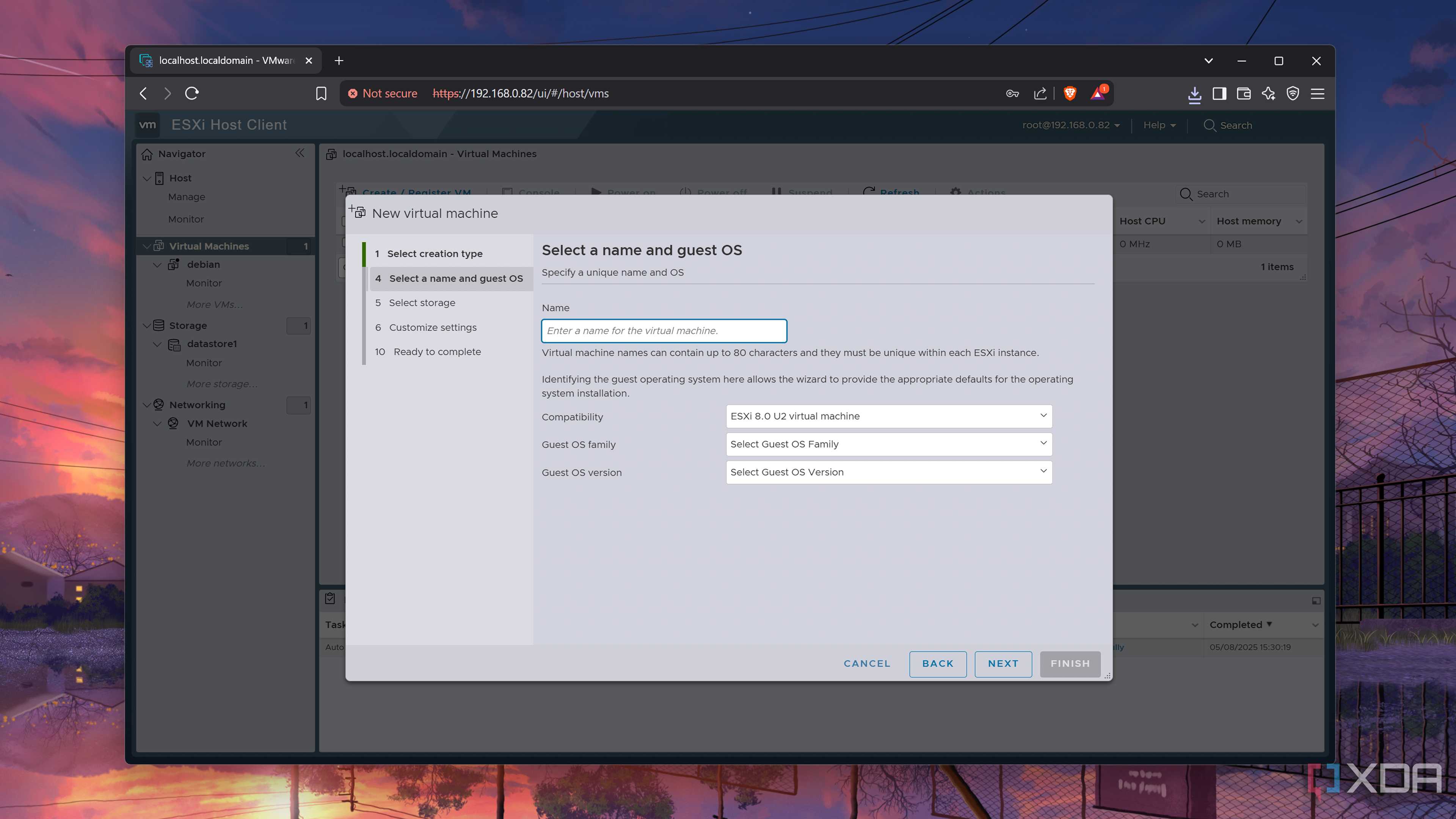
And it has a more polished UI


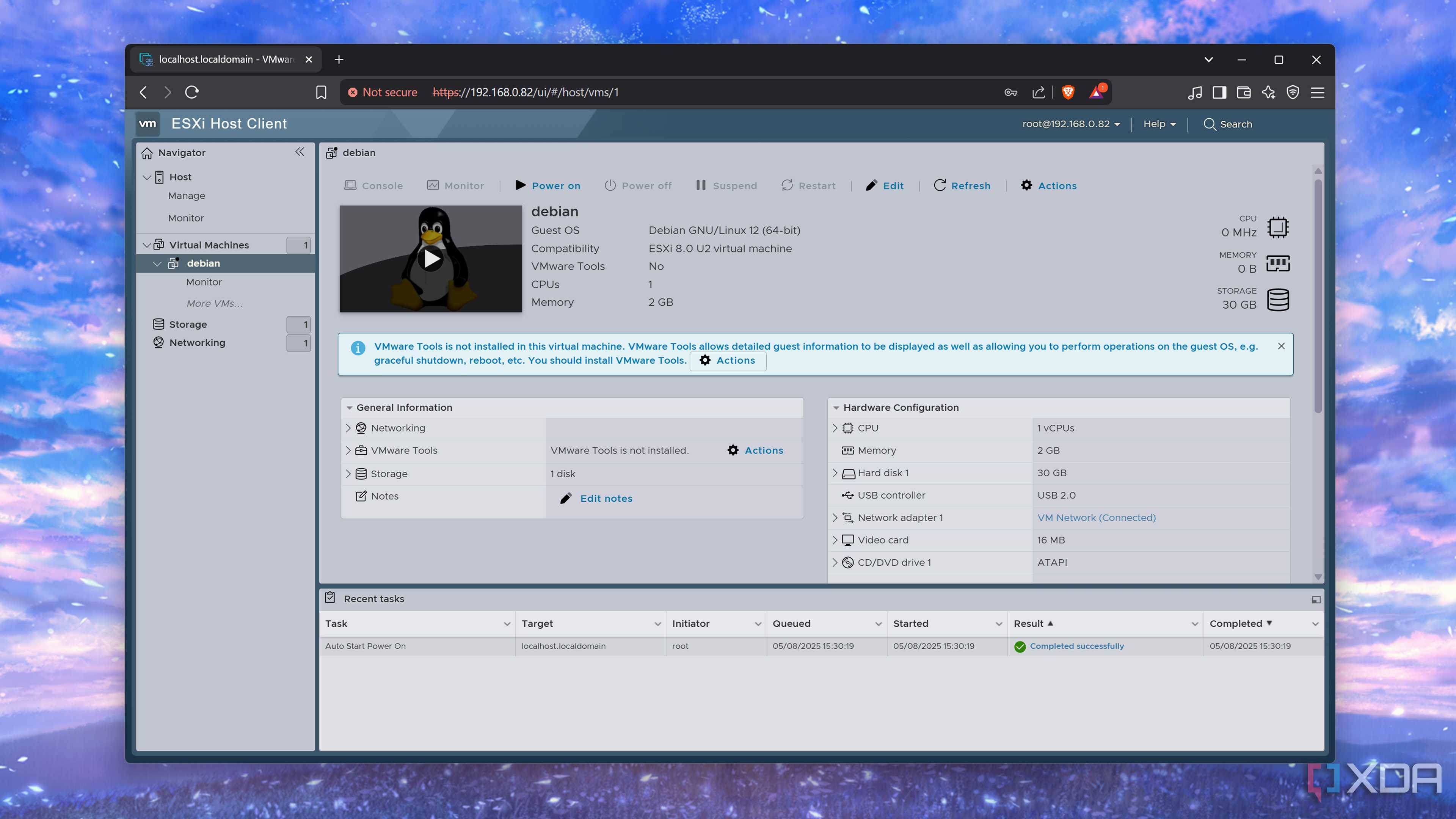
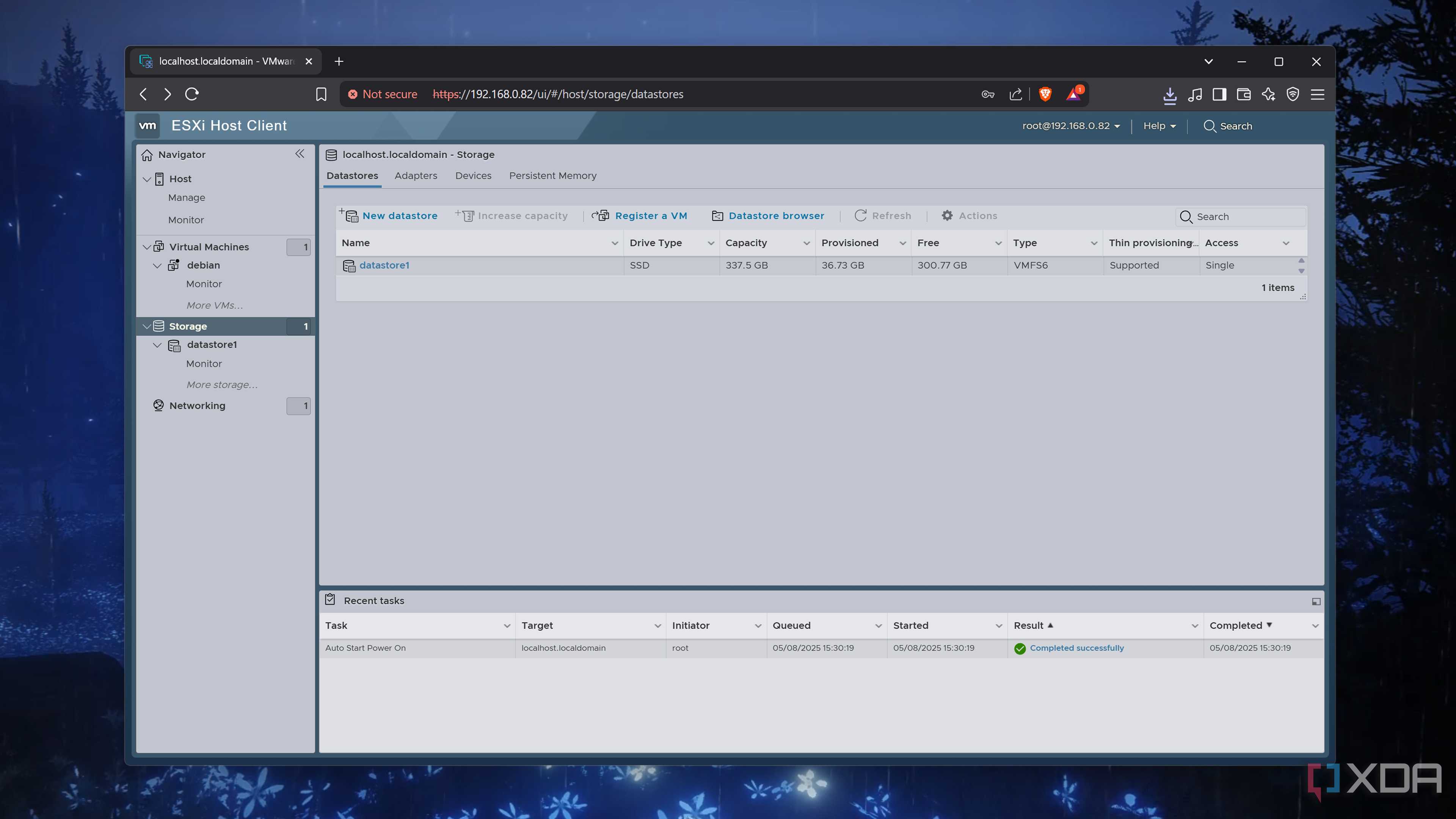
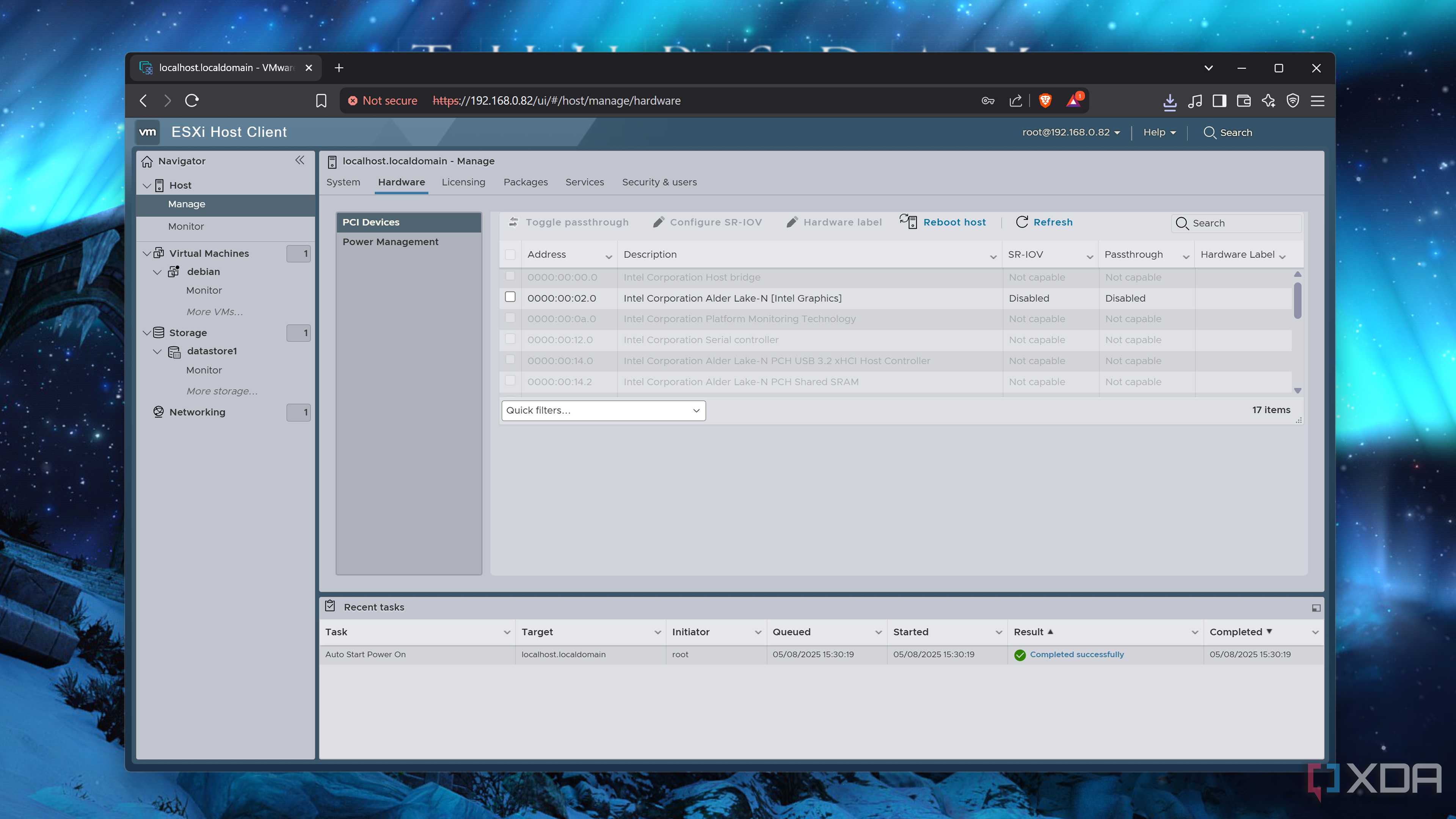
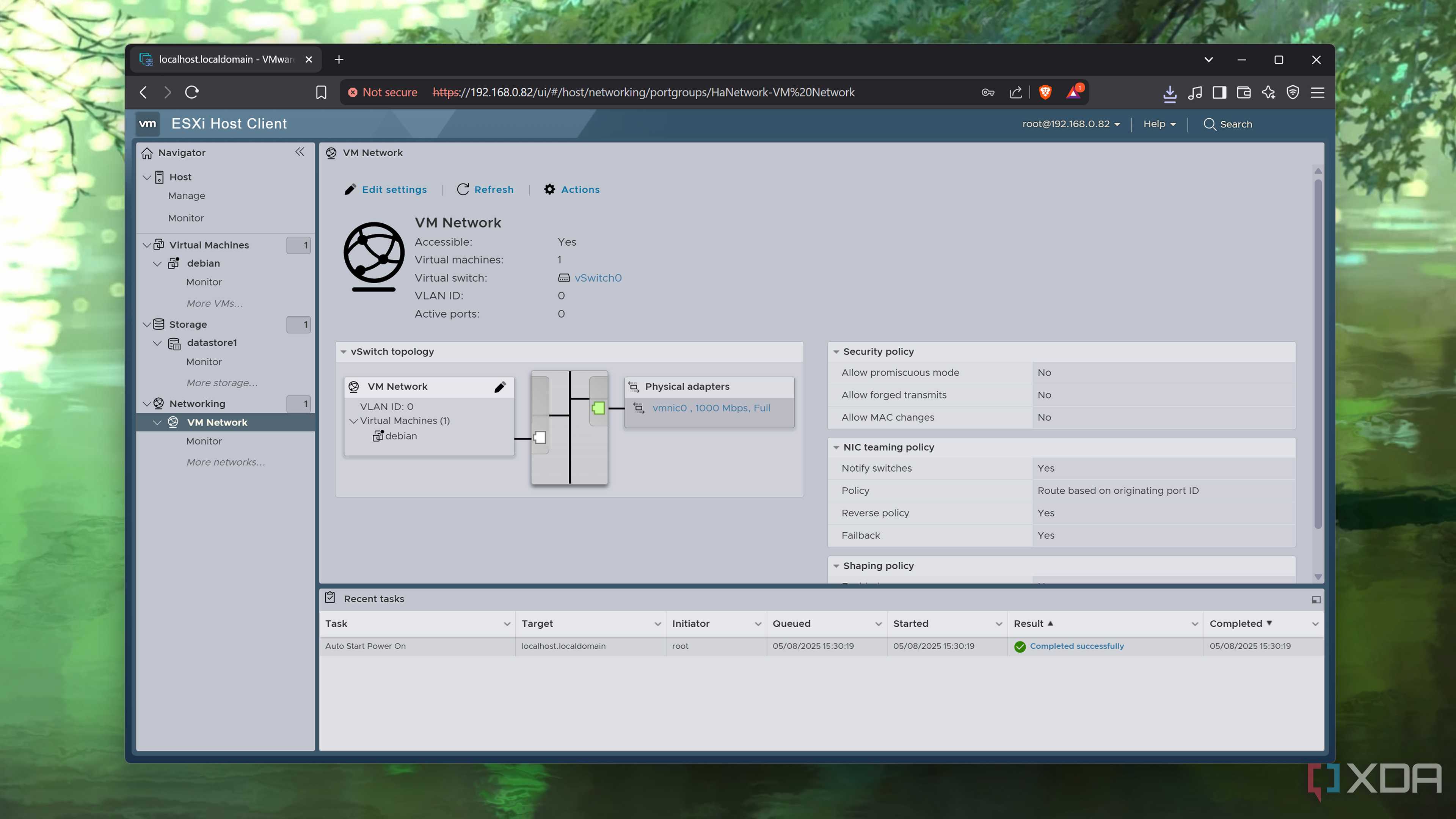
Although Proxmox has several perks for small businesses and can be equipped with every facility you’d ever need for your production tasks, the platform just isn’t mainstream in the professional world yet. As a DevOps and sysadmin enthusiast, I can confirm that the virtualization, networking, clustering, and (most importantly) troubleshooting skills you can learn from the platform will come in handy if you're seeking a career in IT. But at the end of the day, it’s still a home server OS and will likely remain that way for the next couple of years.
ESXi, on the other hand, is more popular in the corporate world, and thousands of data centers have relied on the VMware suite for decades. As such, the free version of ESXi remains the better option for tinkerers who want hands-on experience with an enterprise-grade platform.

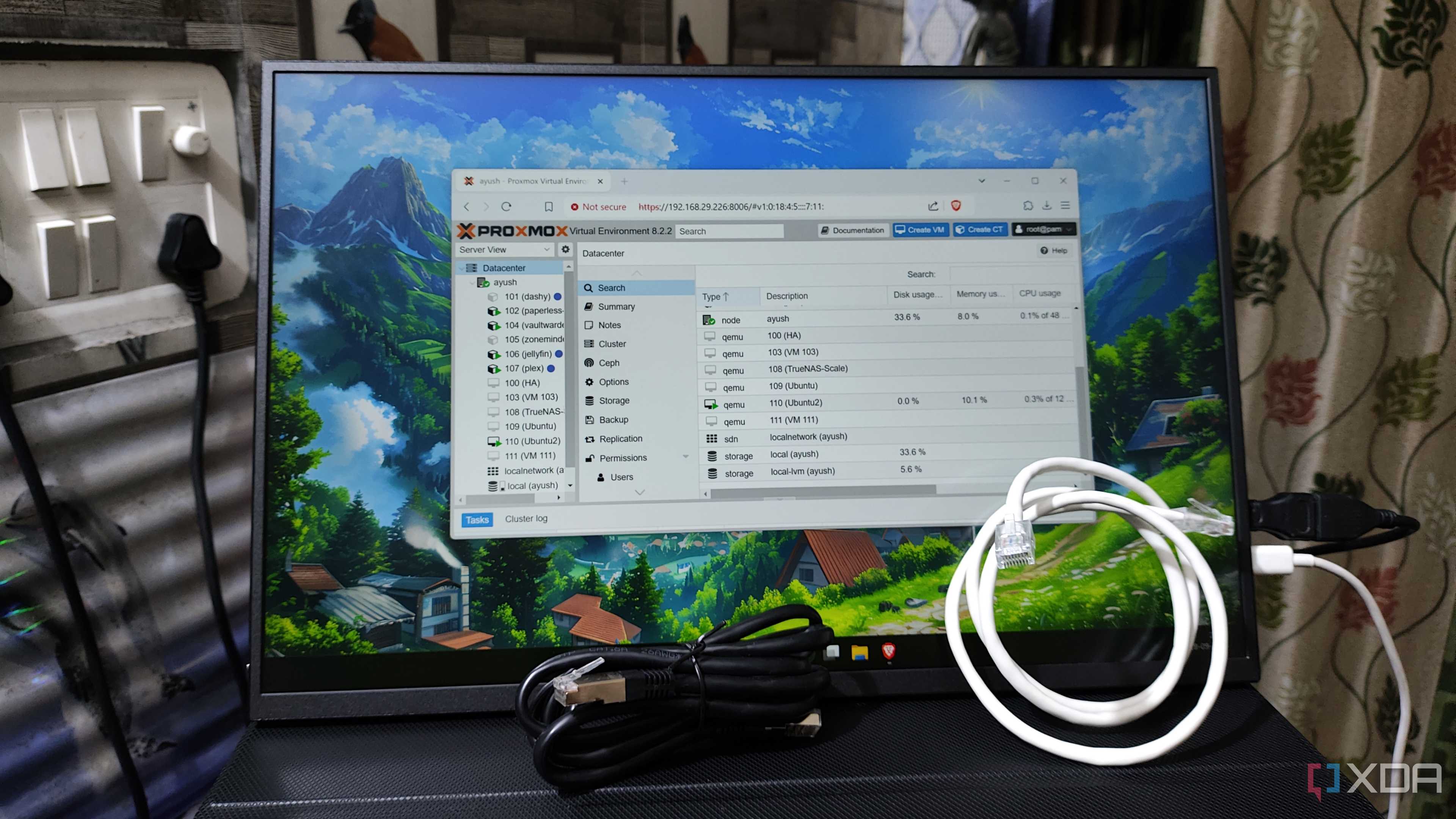
Despite using Proxmox for a long time, ESXi’s interface was a lot easier for me to pick up, and the platform itself has a gentle learning curve. Proxmox’s web UI is riddled with menus, options, and toggles, which can make it seem a lot more intimidating than it actually is. If you’re looking for a typical production-tier UI that’s simple and succinct, you can’t go wrong with ESXi. That is, assuming you can put up with its problems…
ESXi is plagued by many deal-breaking issues
The free license also depends on Broadcom's whims

With the perks of ESXi out of the way, it’s time to go over the drawbacks of the platform. And trust me, there are too many problems with the hypervisor that make it hard for me to recommend it over any other platform, let alone Proxmox.
For starters, the free version of ESXi doesn’t play nice with Ethernet drivers, which is something I learned the hard way when I tried to install it on practically every device in my home lab. My old ASRock B550 Phantom Gaming motherboard’s Ethernet card was useless for ESXi, and so were my 10GbE TX-401 NIC and USB-to-Ethernet card. My NAS units didn’t fare any better either, and I almost gave up after ESXi refused to work on my server-tier dual Xeon system. Although I eventually managed to get it working on the ZimaBoard 2 and its Intel-based Ethernet controller, the driver incompatibility issues of ESXi make it terrible for casual users who want to put their old PC to good use.

Then there are the restricted features on the free version of the hypervisor. Clustering provisions are non-existent unless you pay for the premium license. I also despise the 8 v-cores per VM limit, as there are plenty of virtual machines that can benefit from multiple CPU cores, especially once you dive into the rabbit hole called nested virtualization.
As if that’s not enough, the free ESXi license is still at the mercy of Broadcom’s whims. Call me paranoid if you must, but I’d rather not put my trust in a firm that got rid of the free version of ESXi out of nowhere.
Proxmox has come a long way in the last couple of years
PVE is the new king of consumer-grade virtualization platforms


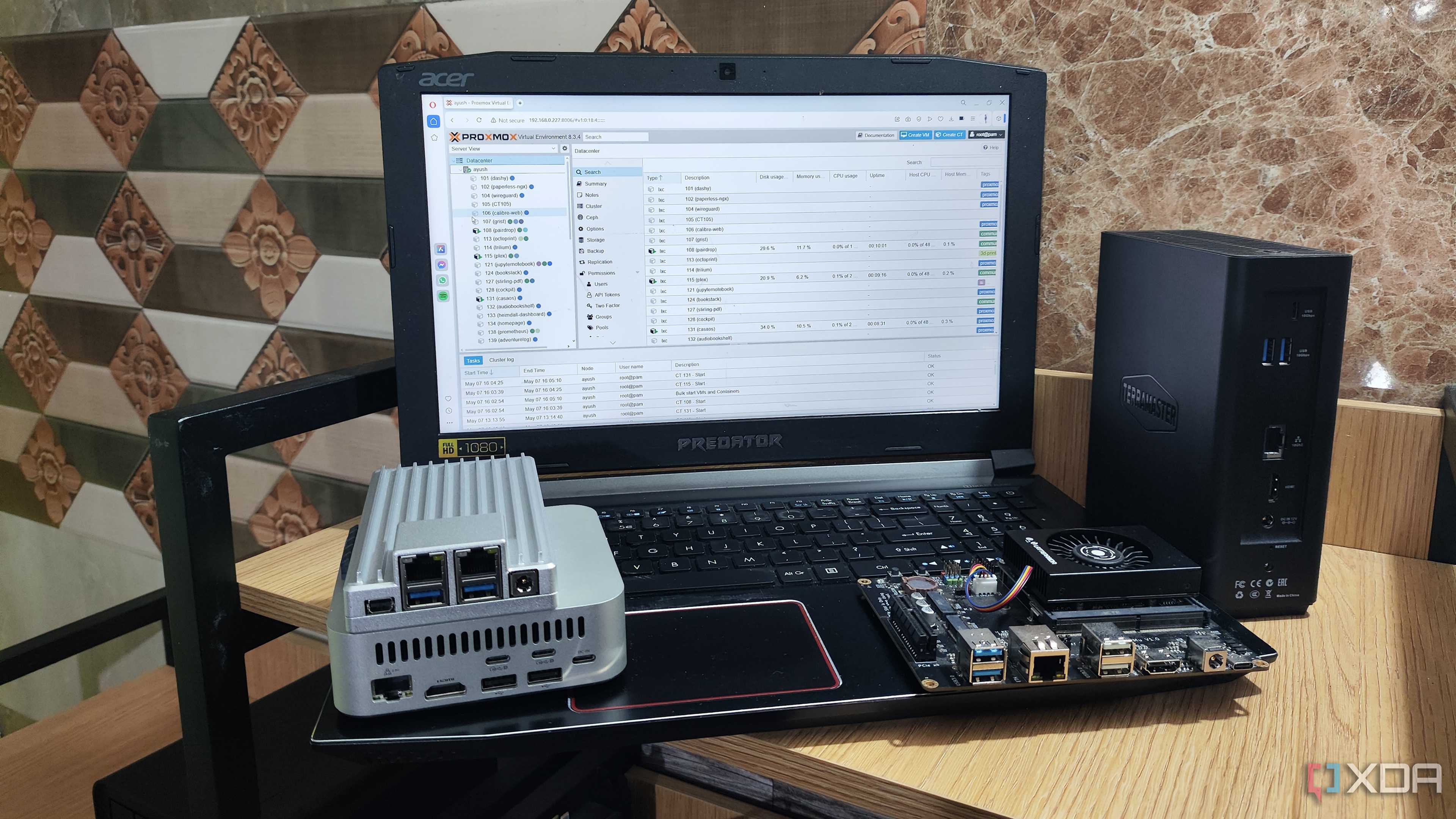
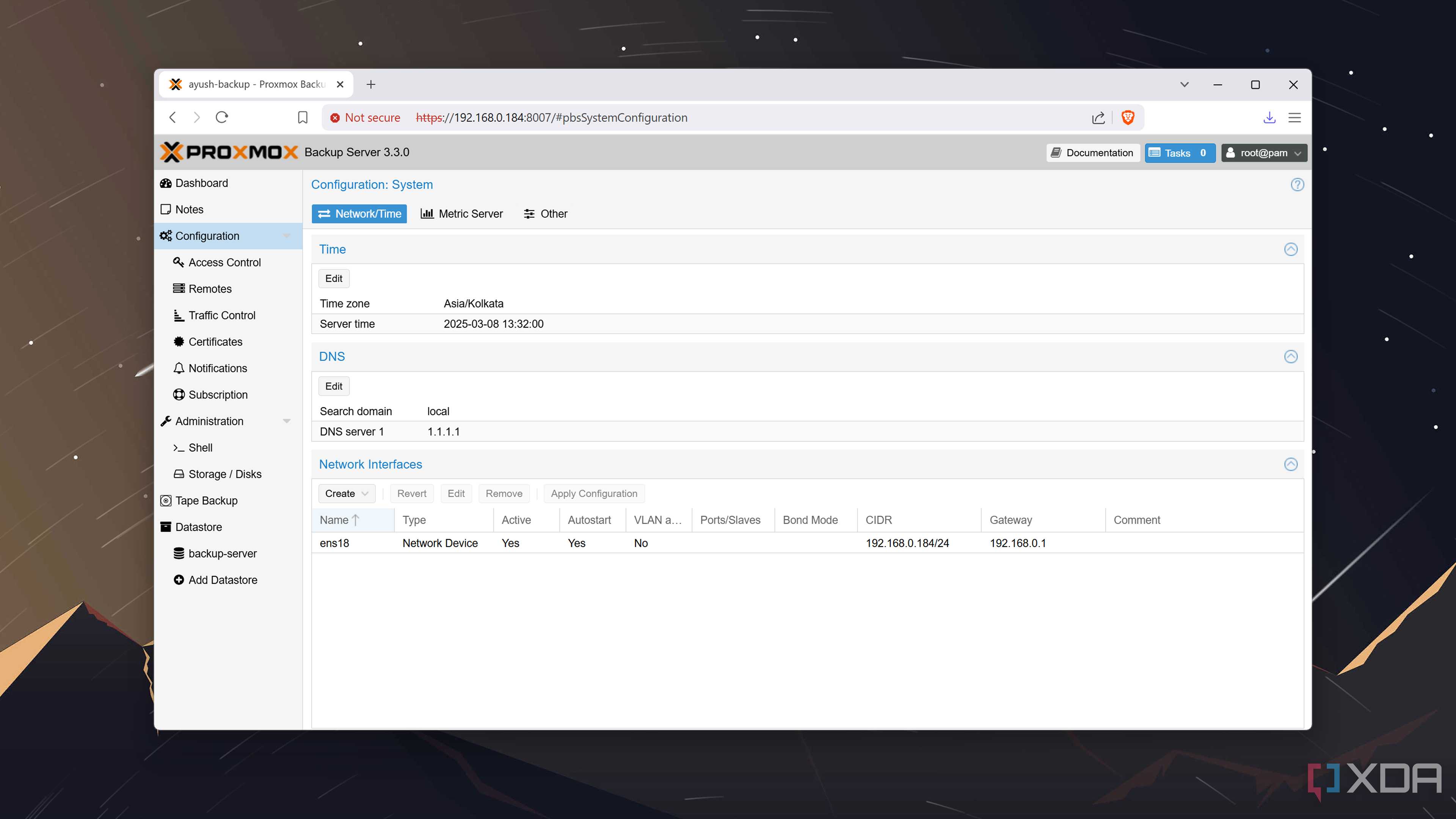
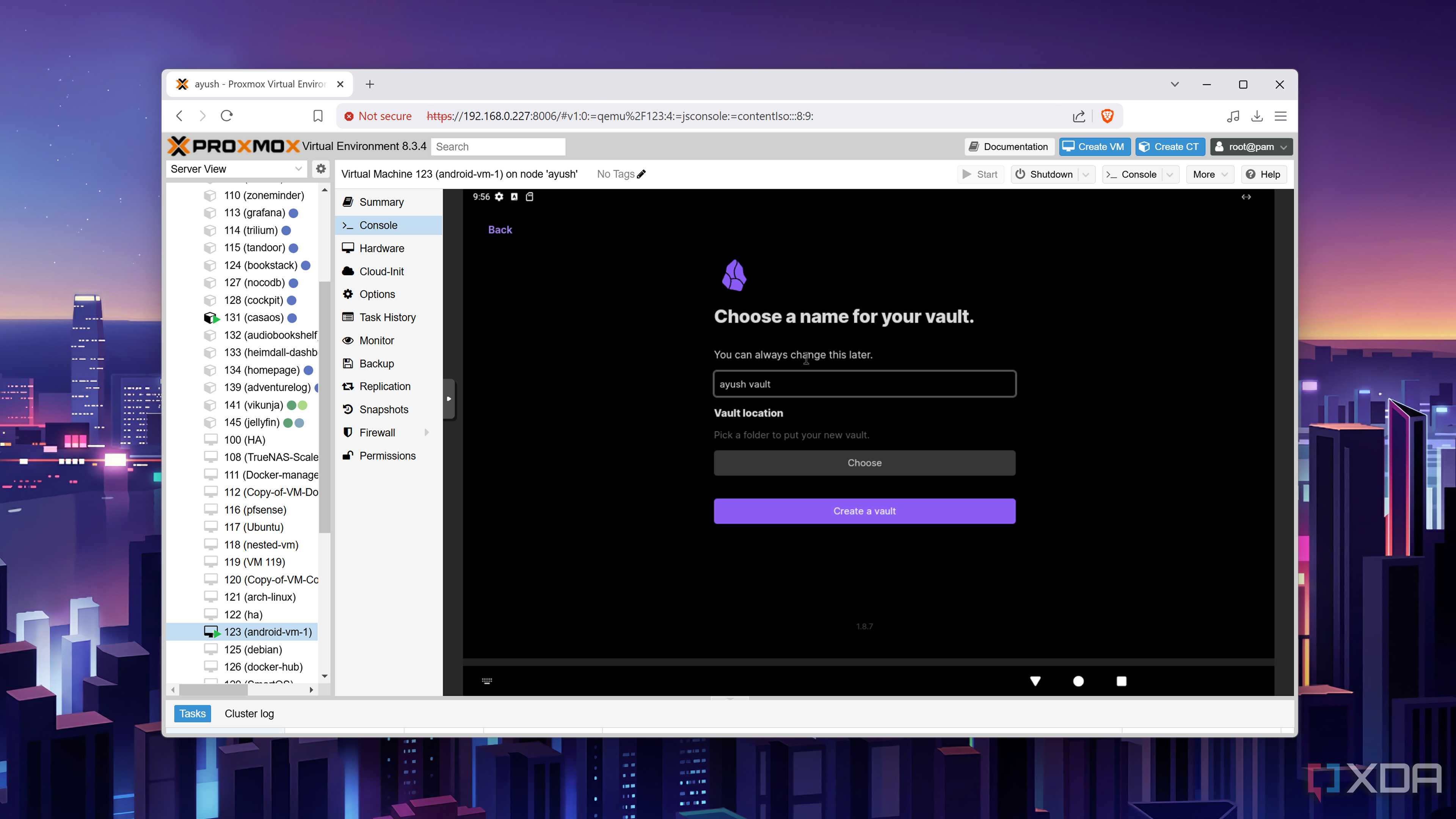
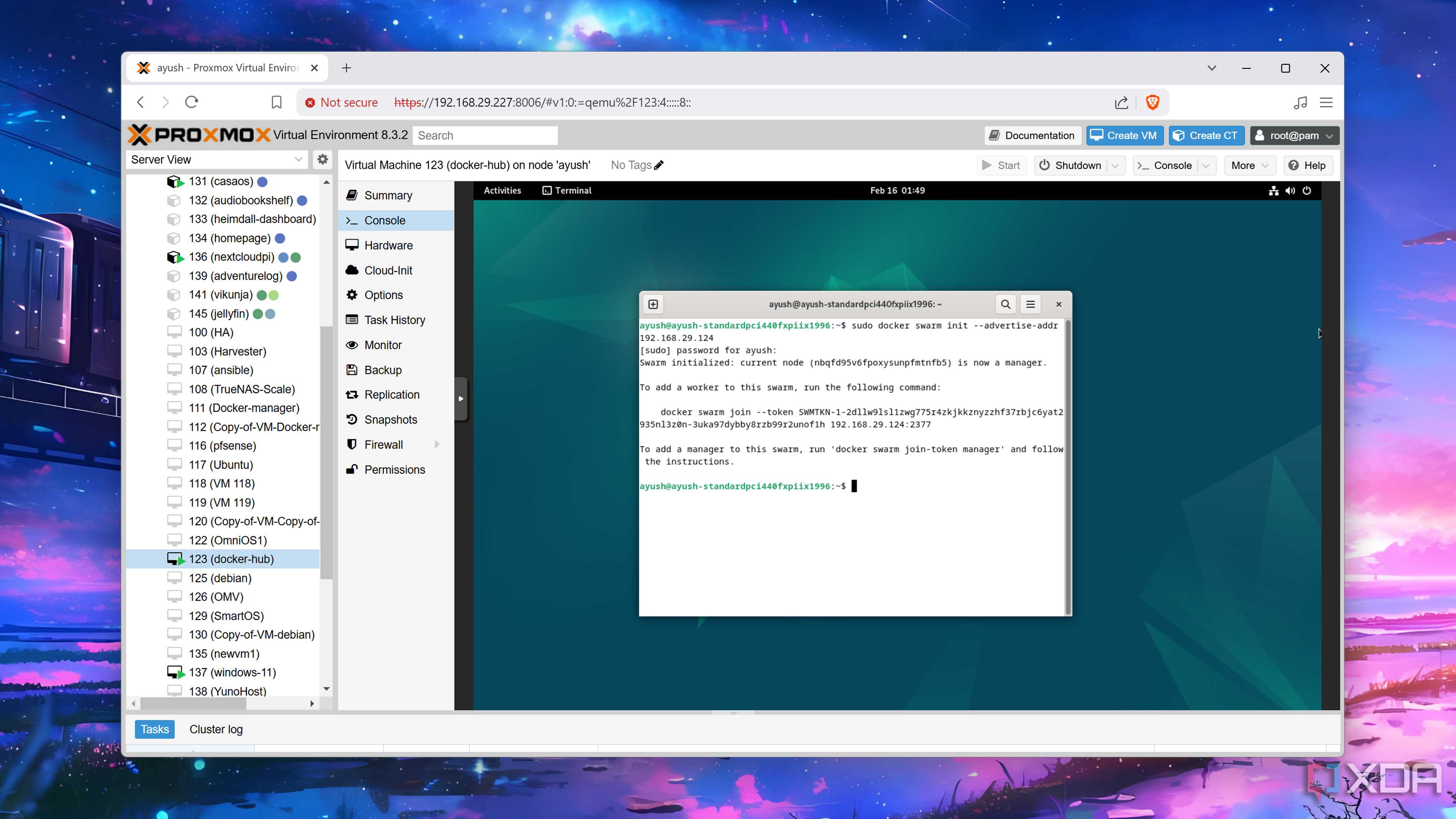
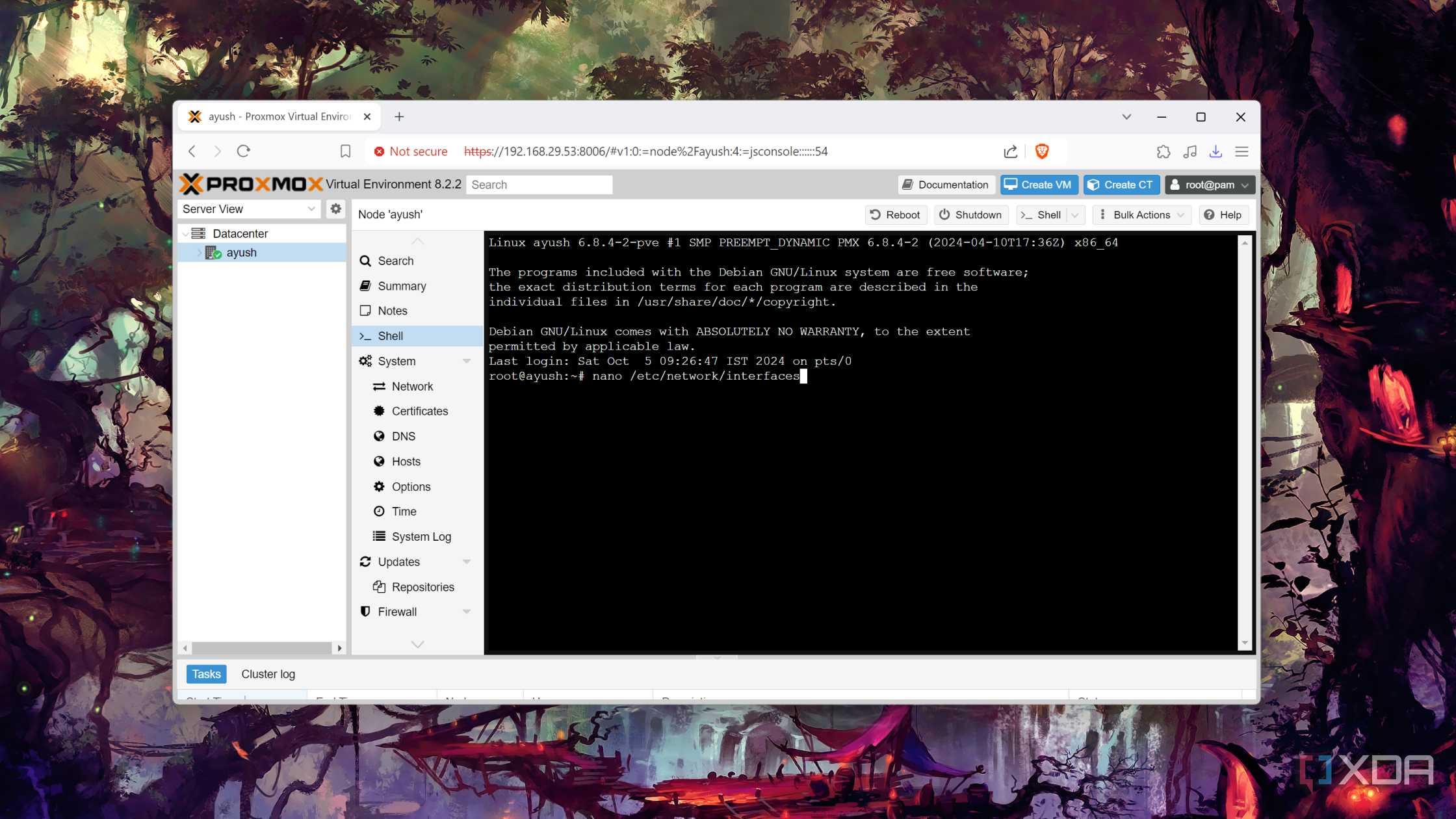
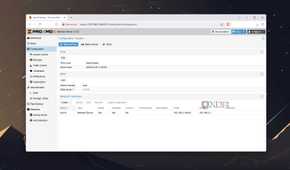
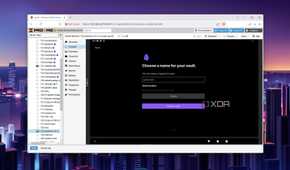
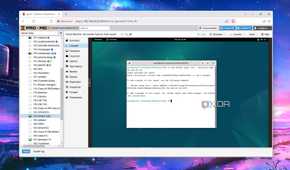
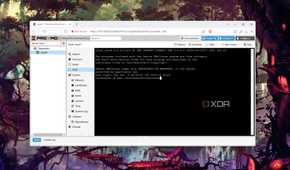
In contrast, Proxmox has been firing on all cylinders for months. Veeam added support for PVE nodes last year, and you also have the all-powerful Proxmox Backup Server at your disposal. If you want to keep your mission-critical services active at all times, you’re free to create a high-availability cluster without spending an extra penny on premium subscriptions.
The free version of Proxmox also lets me allocate as many CPU cores as I desire to my VM collection, and this facility comes in handy when I want to tinker with other virtualization platforms. Native support for ZFS is another neat trick up Proxmox’s sleeve, especially for folks who wish to deploy NAS-centric VMs or leverage RAID support for their LVM drives. Throw in the customization options, LXC support, and easy-to-deploy community scripts for Proxmox, and it’s clearly the winner for most home labbers.
ESXi is far from the best home server OS in 2025


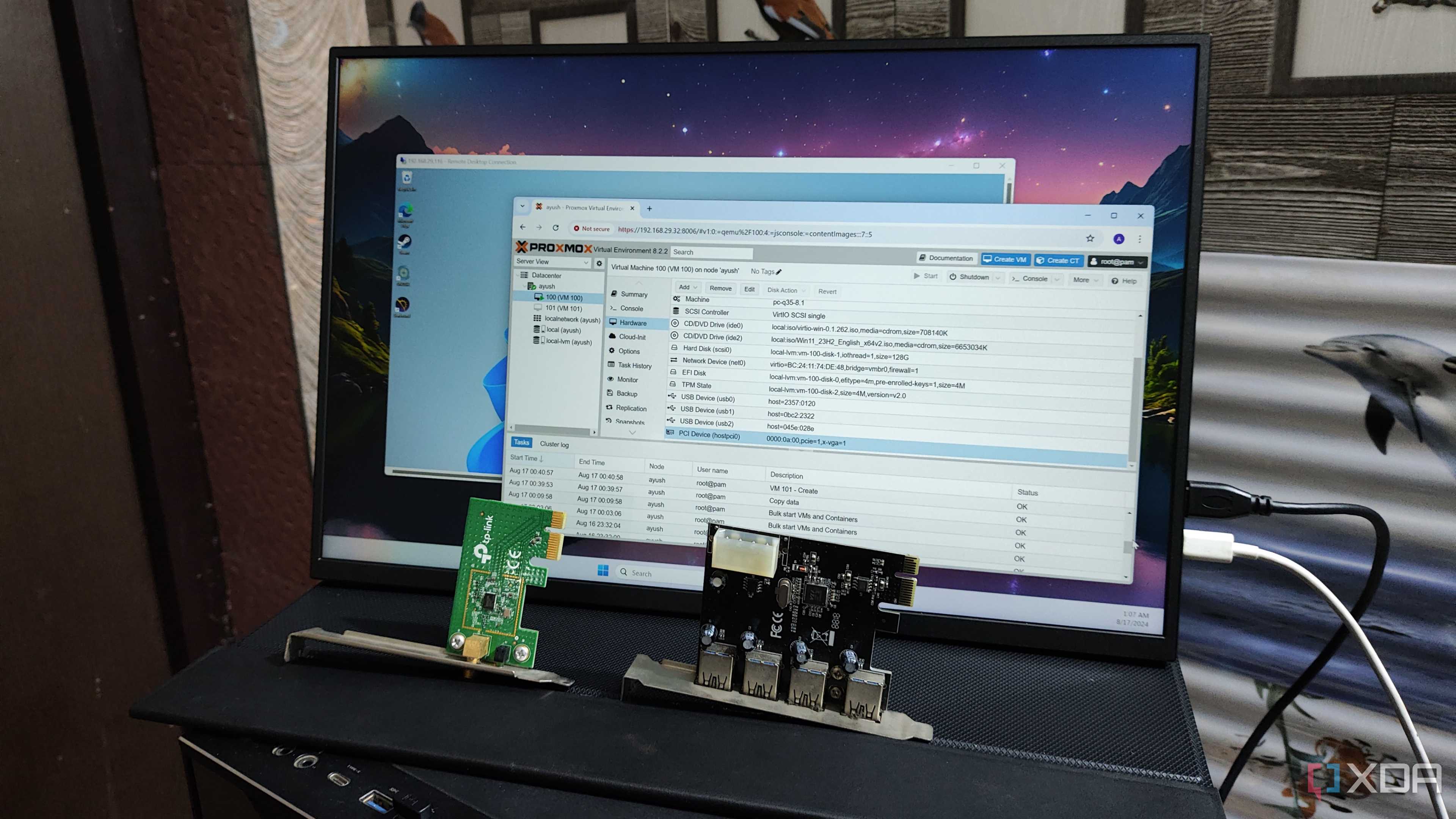
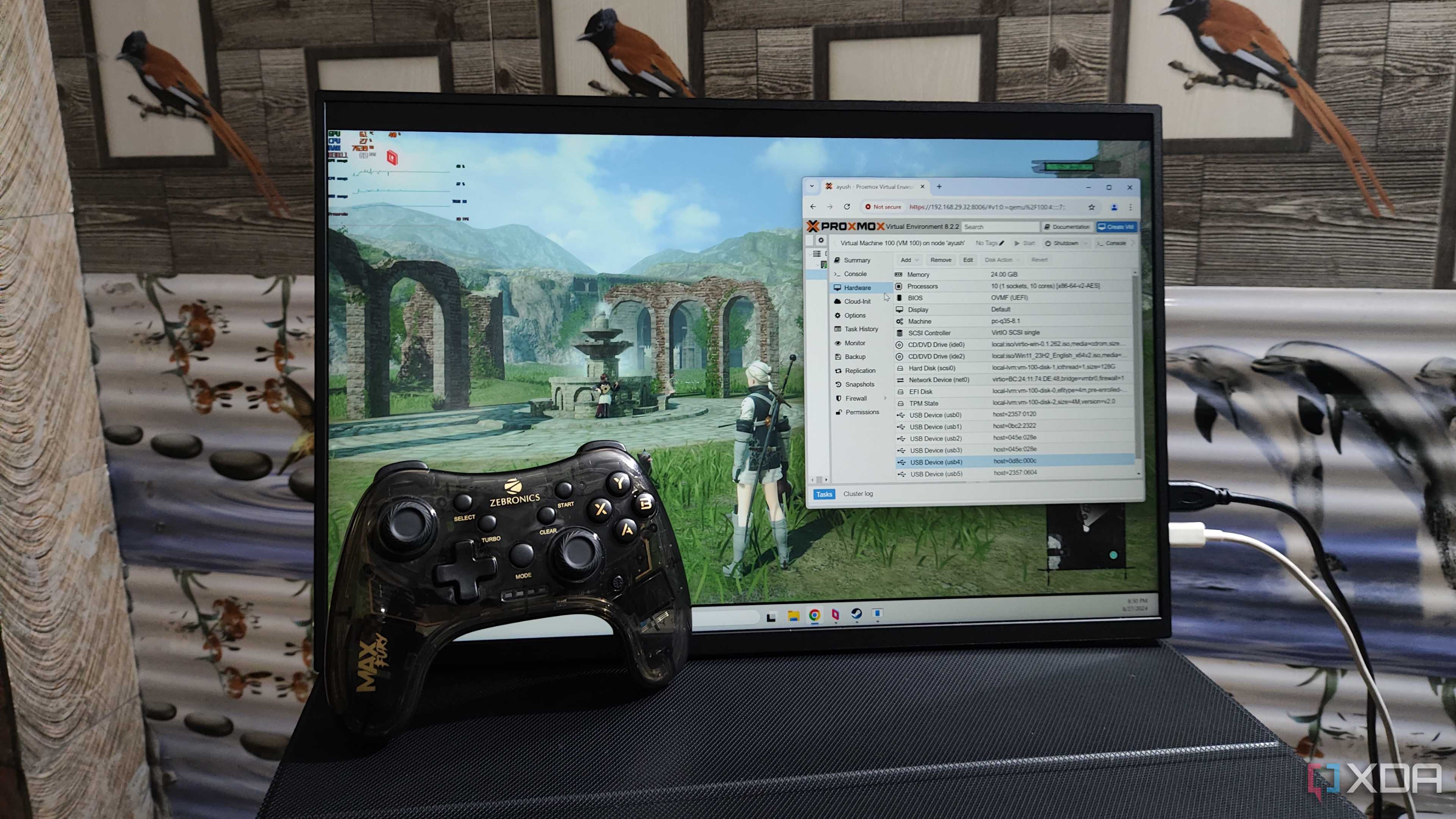
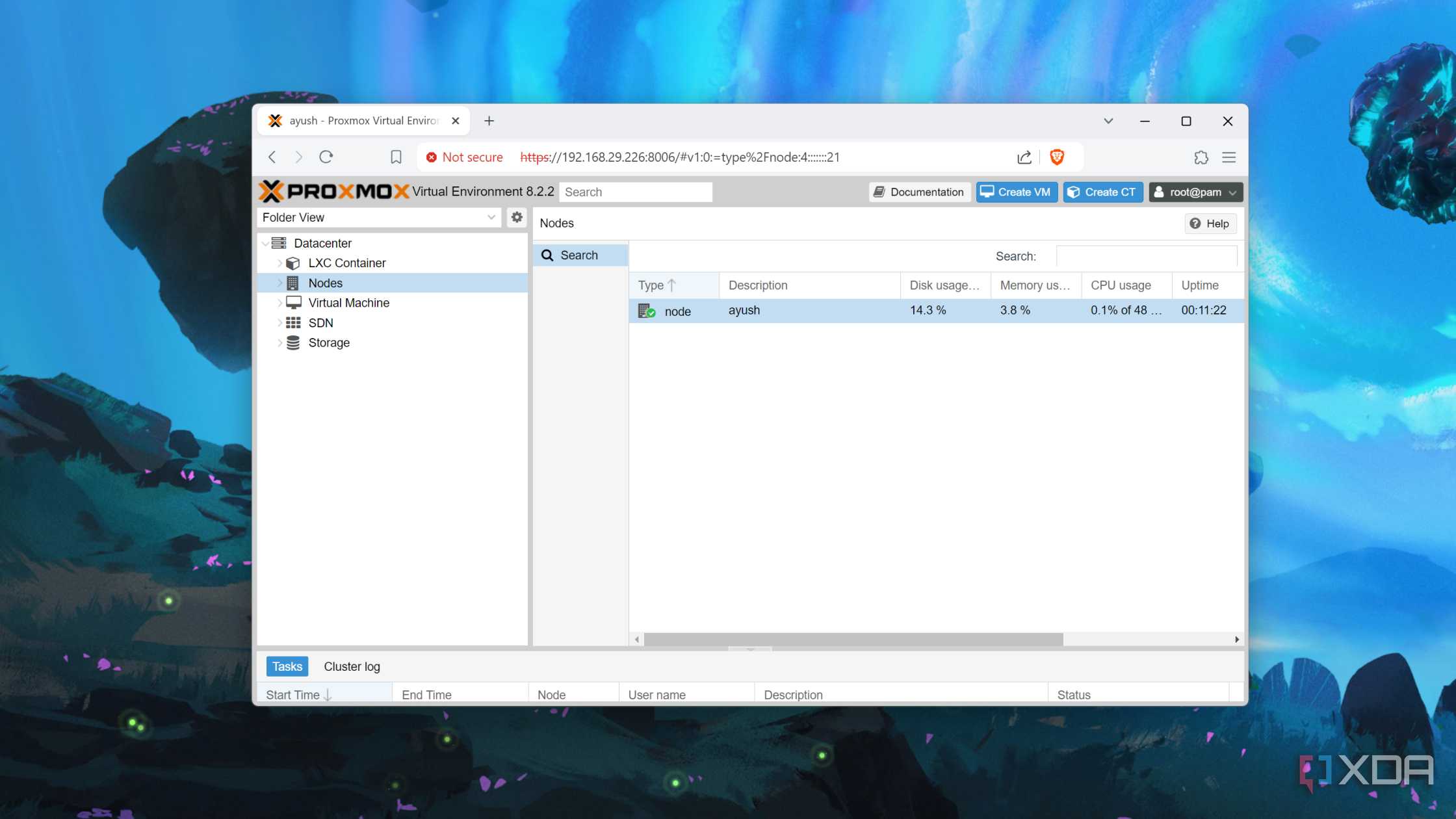
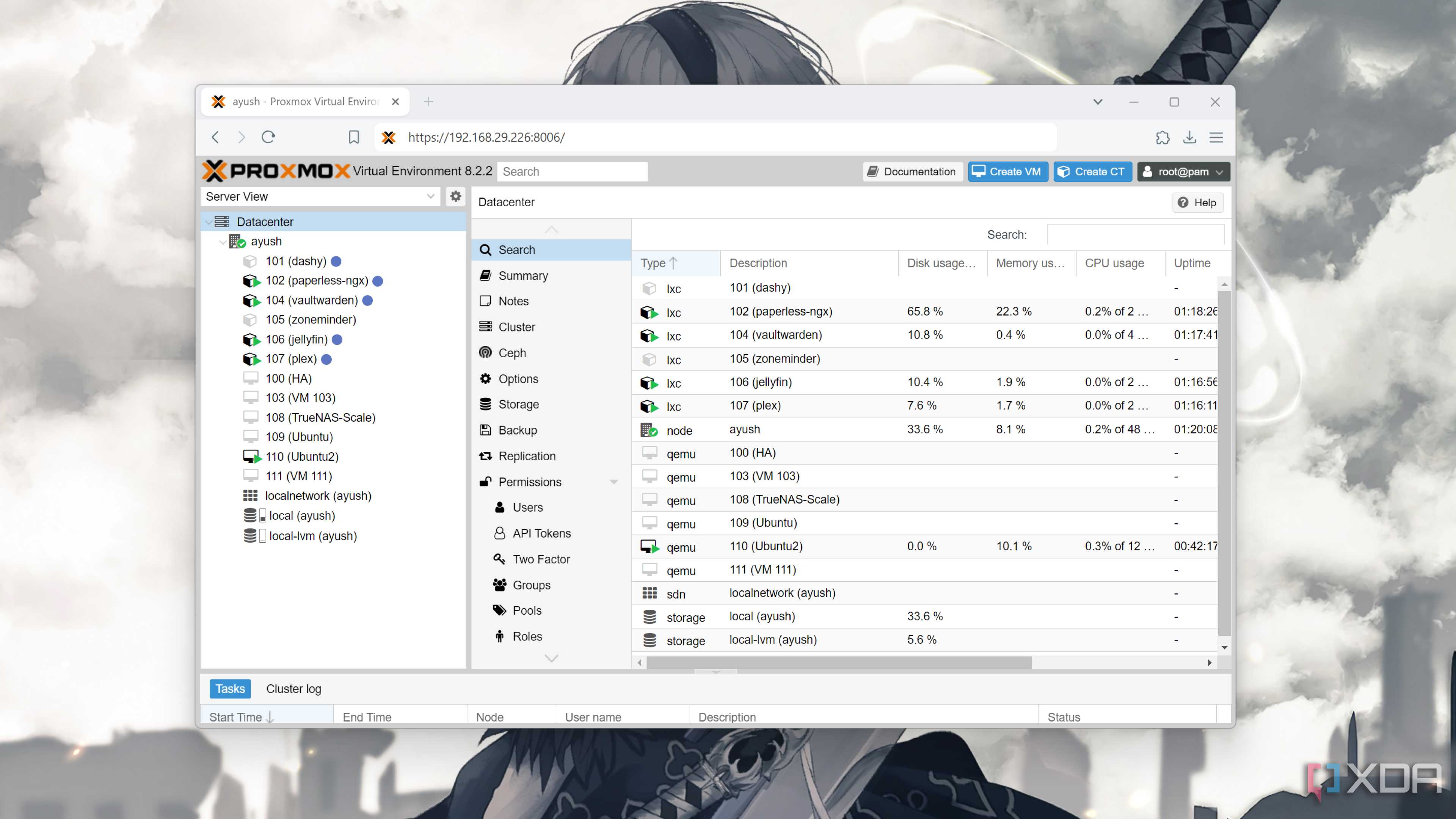

I may sound rather disgruntled when I talk about ESXi, but it’s mostly because I fail to see the point in installing the OS unless you're pursuing a career in the server management sector. The overall UI may be polished, but the hardware support is clearly lacking. And this is coming from someone who has used Unix-based home server operating systems in the past.
The highly restrictive nature of the free version of ESXi also doesn’t jive well with me. Proxmox may have a subscription model, but I don’t miss out on anything besides first-party support and an enterprise repo by sticking to the free model. Heck, if you’re looking for a production-oriented distro with a better-looking UI than Proxmox, you’ll find a ton of FOSS alternatives that leave ESXi in the dust. Having previously tested XCP-ng and Harvester, I highly recommend them (especially the latter if you’ve got the specs) over ESXi.
