


While Microsoft Excel is the most powerful spreadsheet software out there, it’s not always a feasible solution. Excel is part of the Microsoft 365 bundle that requires a monthly subscription. If you are not heavily invested in the Microsoft 365 ecosystem or do not require Excel's advanced functionalities, you might want to explore some free alternatives for your workflow.
There's a wealth of free spreadsheet software programs available, each with its own unique strengths and capabilities. Among them, I have shortlisted the top options to help you ace your assignments, track budgets, and create databases like a pro. And as a huge fan of Excel, my spreadsheet standards are high, I can assure you.
All the Excel alternatives mentioned below are compatible with your existing Excel files. You shouldn't have any issues opening your Excel files with any of them.
5 Apple Numbers

While Apple Numbers won’t win any awards in terms of features, Apple’s spreadsheet solution is still a capable option for iCloud users. It’s a part of the iWork suite and tightly integrated into the company’s devices, such as iPhone, iPad, and Mac.
Right off the bat, it offers a decent collection of templates in different categories like Personal Finance, Personal, Business, and Education. One of the biggest advantages of Apple Numbers is its UI. It is aesthetically pleasing and user-friendly, plus it won’t bombard you with endless options. Anyone with basic spreadsheet knowledge can get started with Numbers.
As expected, it utilizes Apple’s iCloud storage platform to save and collaborate on spreadsheets. While it’s an excellent option for Apple users, you should consider one of the options below if you use an Android phone or a Windows desktop in your workflow.

4 Zoho Sheet

Zoho Sheet is a part of the Zoho Office suite which offers multiple productivity apps for personal and business use. Unlike Apple Numbers and LibreOffice (more on that one later), Zoho Sheet is available on all major platforms, making it a viable Excel alternative for professionals who frequently switch between devices.
Like Excel, Zoho Sheet offers seamless collaboration with real-time updates and commenting features, a neat integration with Zoho apps, data analysis capabilities, and more.
Zoho Sheet comes with a generous free plan. You should only opt for the subscription if you want to unlock advanced features and more cloud storage. Overall, Zoho Sheet offers an outstanding free choice for spreadsheet users looking for a collaborative and cloud-based platform with a focus on automation and customization.

3 WPS Office Spreadsheet

WPS Office is one of the overlooked productivity suites out there. Like Microsoft Excel, it comes with a long list of templates to get started. It also has a centralized home tab where you can access all your documents, presentations, PDFs, and spreadsheets.
One of the biggest perks of using WPS Office Spreadsheet is its similarity to Microsoft Excel. The interface is quite close to Microsoft Excel, with a standard menu bar and all the familiar functions at the top, and it shouldn’t be difficult at all to get started.
The spreadsheet functionality is quite feature-rich and the program doesn’t skimp on major add-ons like formulas, charts, pivot tables, and advanced data analysis tools. The software’s tabbed interface makes it quite easy to switch between different files and spreadsheets with a single click. The company provides a comprehensive free plan and reasonably priced subscription options for accessing additional features.

2 LibreOffice Calc

If you are willing to look past LibreOffice Calc’s outdated UI, it can be a handy, free alternative to Microsoft Excel. Thanks to its open-source nature, LibreOffice has a vibrant community, and you have the ultimate freedom to check, modify, and distribute code.
LibreOffice Calc’s comprehensive set of features includes advanced data analysis tools, charting options, custom toolbars, keyboard shortcuts, and more.
While LibreOffice is a cross-platform solution with native apps on Windows, Mac, and Linux, its productivity suite is notably absent on mobile and tablet platforms. The company's vibrant community provides a wealth of resources, tutorials, and forums to assist you in getting started or overcoming obstacles while using Calc. This is another major reason to consider using LibreOffice over WPS Office.

1 Google Sheets


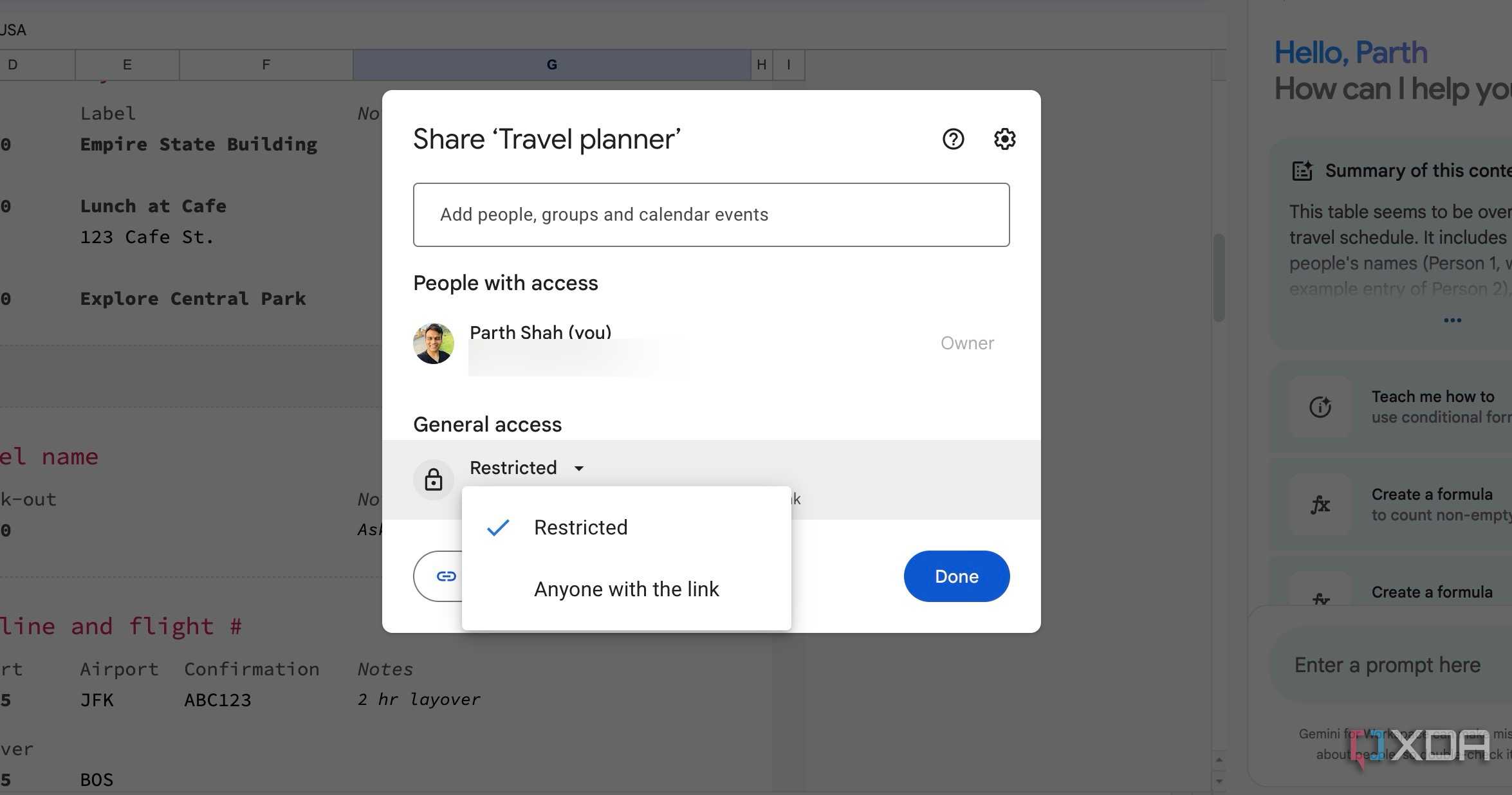



Speaking of the top Excel alternatives, you can’t go wrong with Google Sheets. It tops our list for several reasons. Google Sheets is a part of the Google Workspace suite and offers a long list of features that rivals Microsoft Excel without breaking a sweat.
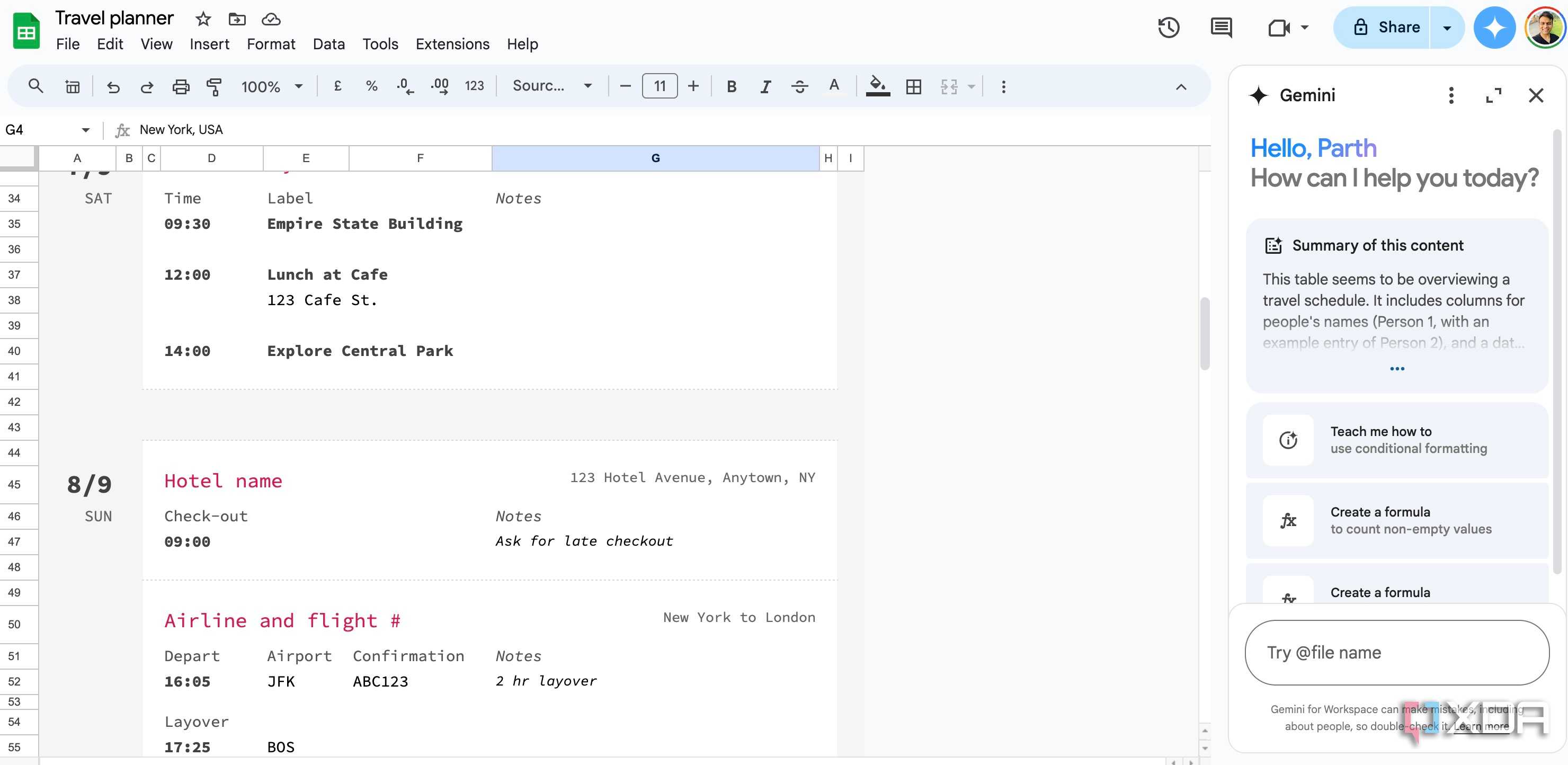
Since Google Sheets is a web-based solution, it’s accessible on all platforms. It is integrated with popular Google services to let you access your contacts, tasks, notes, and more with a single click. If you have a Google One AI Premium plan, you can explore Gemini integration to automate tedious tasks like a pro.
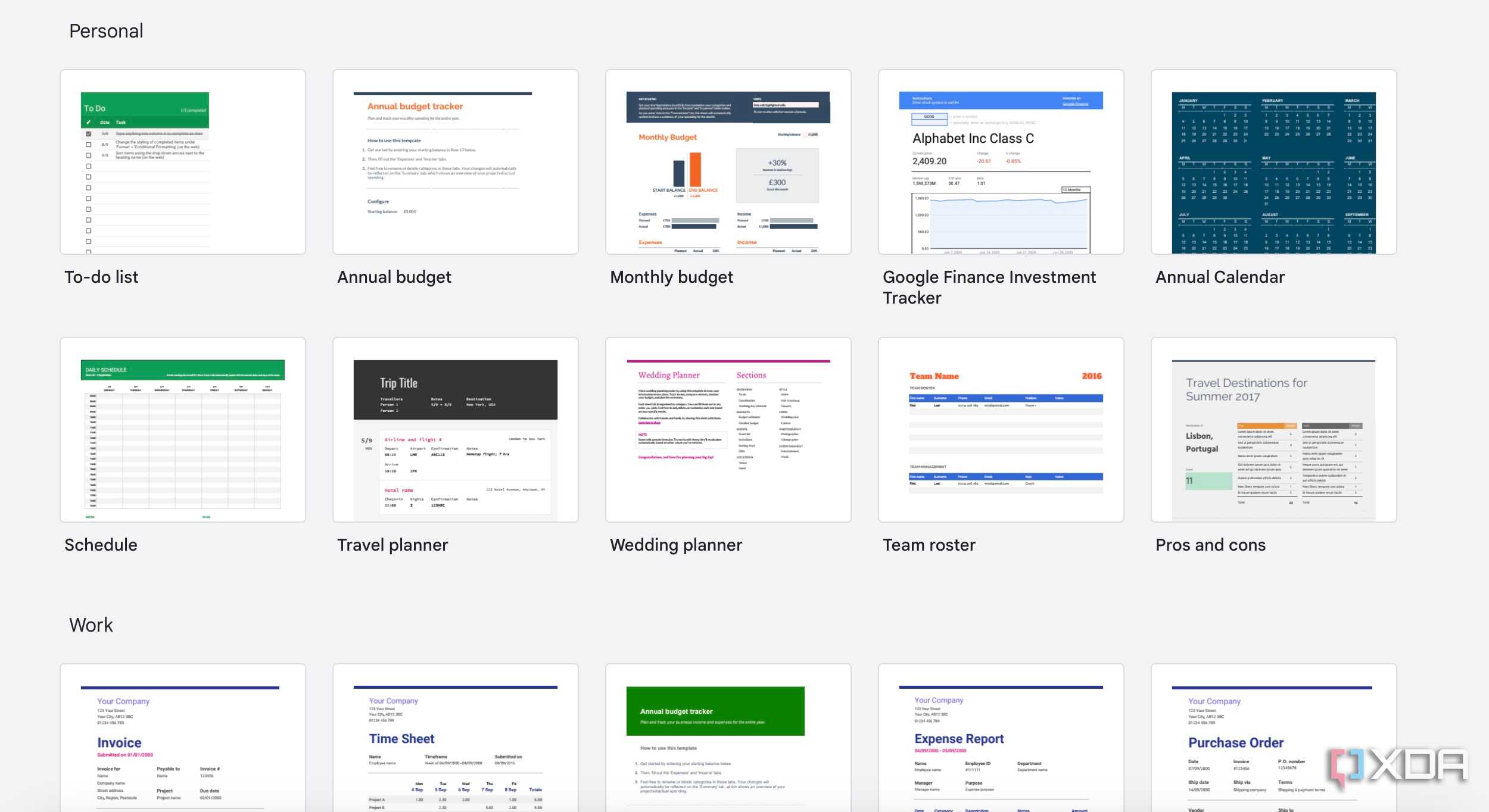
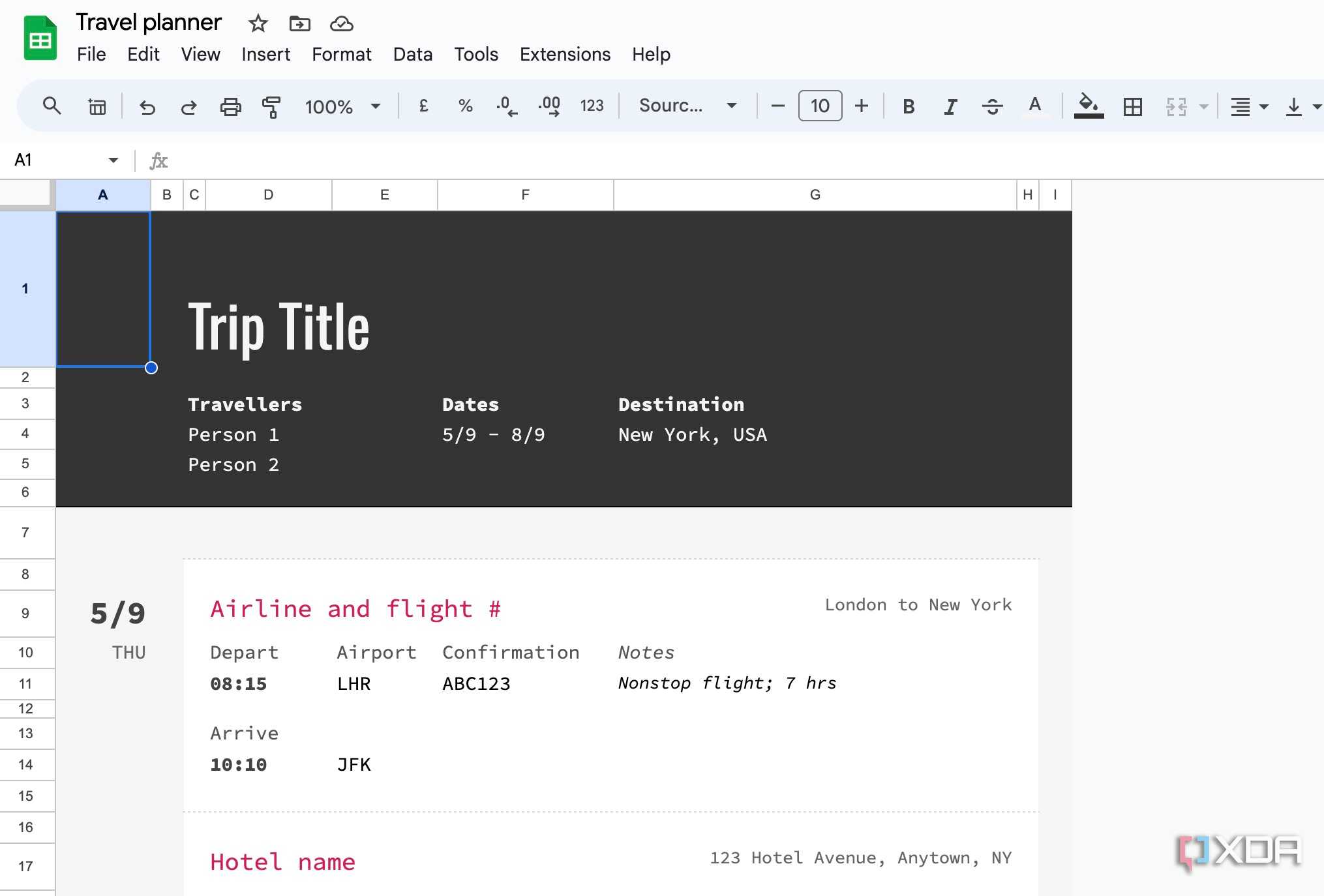
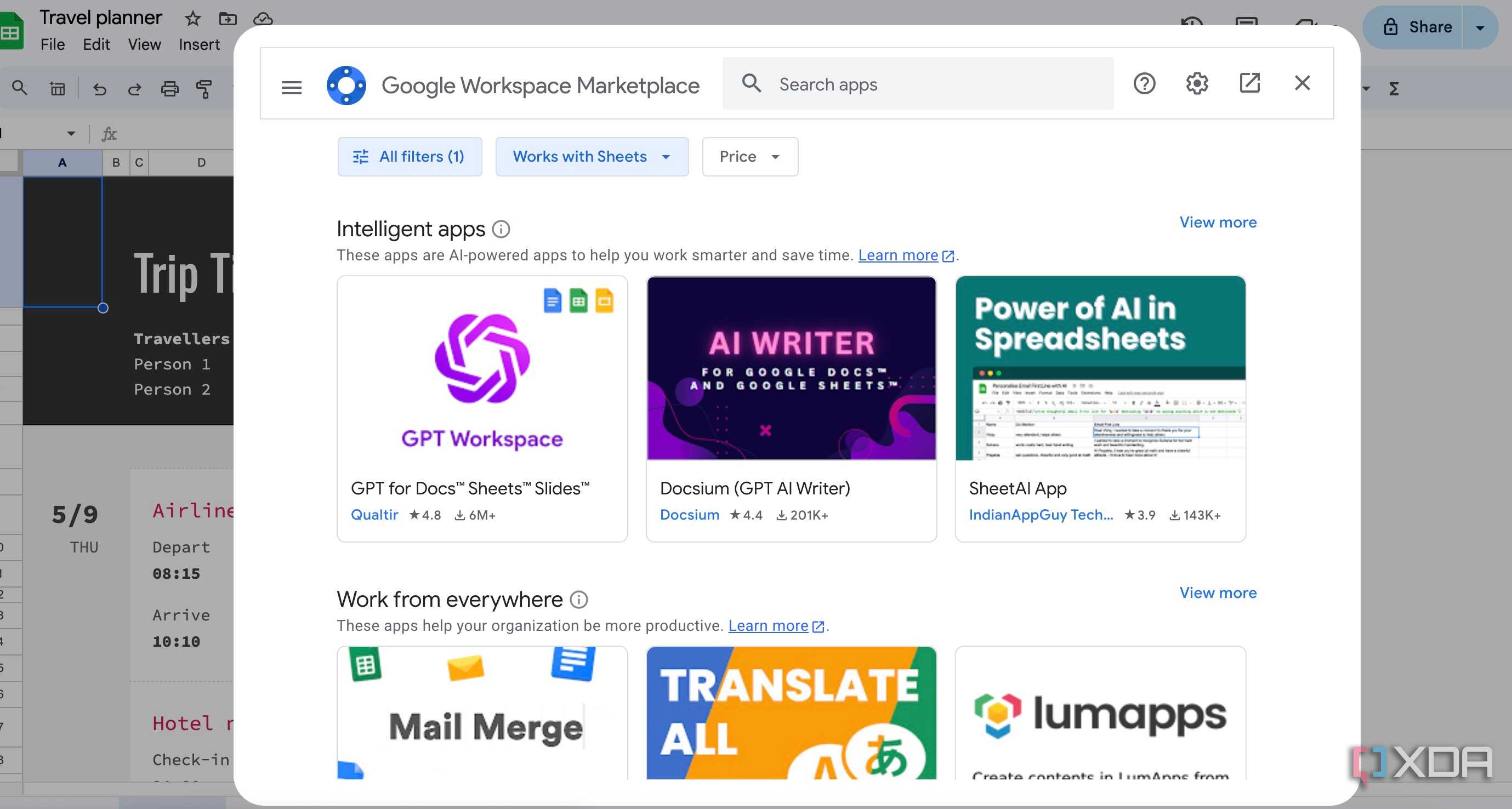
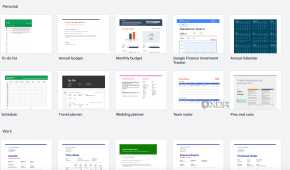
Google Sheets comes with a rich templates library and third-party add-ons to extend its functionality. For example, you can download the Neptyne add-on to unlock Python in Sheets with a single click. It also supports Google Apps Script and macros to perform repetitive tasks in no time.
Google Sheets shines in terms of real-time collaboration. It’s the top reason to pick Google’s solution over other alternatives on the list. With a recent Material You makeover on the web, you won’t have a hard time navigating Google Sheets’ functions either.

Break free from Excel
Whether you are a student, small business owner, or simply looking for a personal finance tool, the above-mentioned Excel alternatives won’t disappoint you. As you can see, each software is a part of their respective company’s productivity suite. You can pick one based on features, cross-platform availability, collaboration tools, template selection, and other relevant factors.
If you are still of two minds about going with Google Sheets, consider our main reasons for why it outperforms Microsoft Excel.
