
【lwIP】Tips #1 | How to Decrypt TLS 1.2 Traffic with Wireshark | TLS Analysis in mbedTLS Environments

Japanese version available here: 日本語版
This series covers real-world bugs, vulnerabilities, debugging techniques, and development know-how for lwIP — the TCP/IP stack widely used in embedded systems.
▶ English articles index: lwIP Troubleshooting Notes
■ When This Helps
You capture the packets in Wireshark, but all you see is encrypted `Application Data`. Sound familiar?
This article helps in situations like these:
Wireshark captures packets fine, but the contents are invisible and you can't analyze them
You want to investigate the cause of MQTT over TLS communication failures
You want to inspect HTTP requests/responses inside TLS traffic
You want to see REST API responses or detailed JSON error bodies
You want to analyze why TLS connections drop mid-session
You want to determine whether a connection failure is caused by TLS or the application layer
You want to speed up development of TLS-enabled applications
This article explains step-by-step how to decrypt TLS 1.2 traffic with Wireshark in an lwIP + mbedTLS environment.
Note: TLS 1.3 uses different secret types and a different export procedure than TLS 1.2, and is covered in a separate article (Tips #2). wolfSSL and OpenSSL are out of scope for this article.
■ Target Environment
mbedTLS version: 2.x / 3.x / 4.x
lwIP version: 2.x
TLS version: 1.2
■ What You'll Learn
How Wireshark TLS decryption works (NSS Key Log format)
How to patch `ssl_tls.c` in mbedTLS 2.x (up to 2.17.x) to output a key log that Wireshark can use for decryption
A simpler implementation using the callback API for mbedTLS 2.x (2.18.0+), 3.x, and 4.x
Steps to verify decryption in Wireshark
Troubleshooting when decryption fails (with checklist)
■ How Wireshark TLS Decryption Works
Right after capturing, TLS 1.2 traffic looks like this in Wireshark:
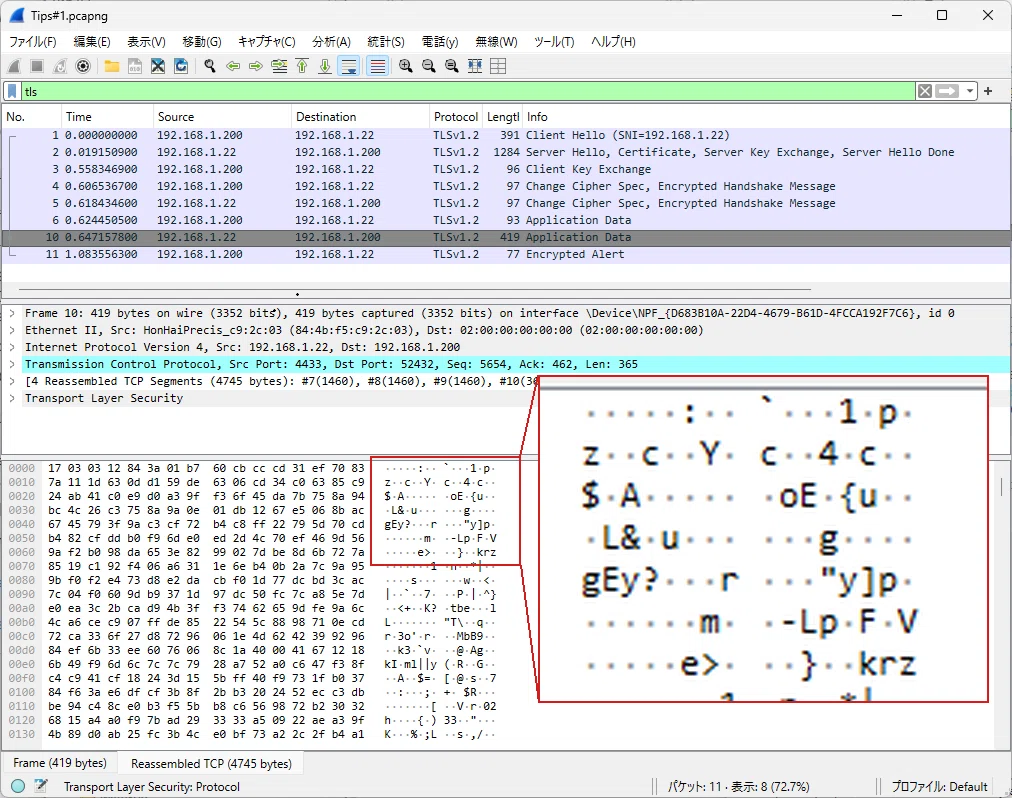
Wireshark shows only `Application Data` — the contents are a stream of hex values. There is no way to tell what data is flowing inside the encrypted session.
Once you configure Wireshark with a key log (a file containing the key material needed to decrypt TLS sessions), the same packets look like this:
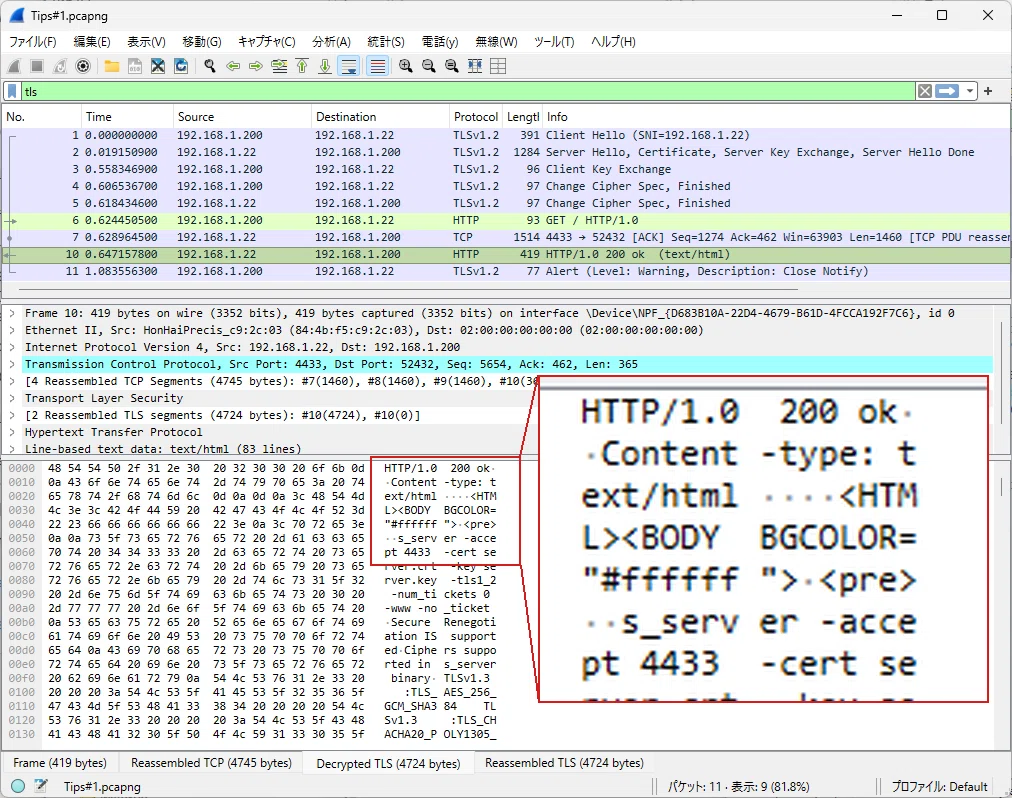
A `Decrypted TLS` tab appears, and the encrypted contents become readable as plaintext. This article explains how to reach this state in an embedded mbedTLS environment.
With TLS now used everywhere — MQTT, HTTPS, REST APIs, WebSocket — capturing packets in Wireshark no longer gives you the full picture. When something goes wrong, that wall of encrypted data makes root-cause analysis far harder than it needs to be.
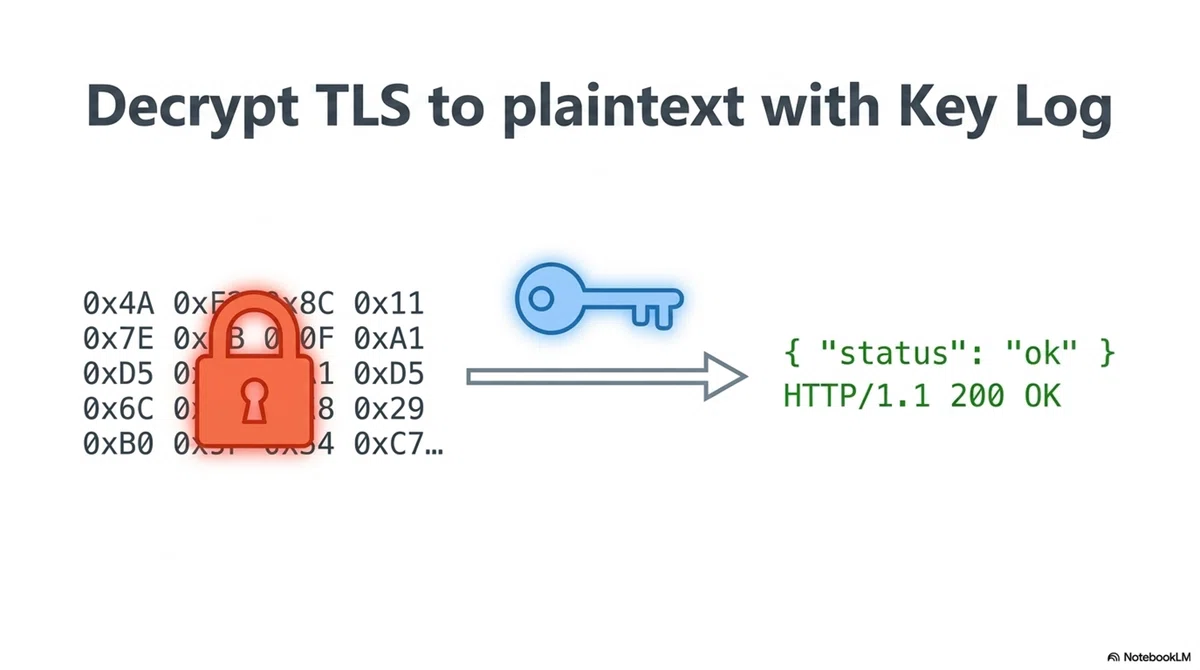
■ Easy with PC Browsers or curl
The standard method for decrypting TLS traffic in Wireshark is to use an NSS Key Log file.
The NSS Key Log format is the key log format Wireshark uses to decrypt TLS sessions. For TLS 1.2, each line follows this format:
CLIENT_RANDOM <ClientRandom 32-byte hex> <MasterSecret 48-byte hex>On Windows or Linux, if you're using Chrome or Firefox, simply set the `SSLKEYLOGFILE` environment variable before launching the browser and the key log is written to the file automatically.
Windows example (Command Prompt):
set SSLKEYLOGFILE=C:\keylog.txt
start chrome
Linux example:
export SSLKEYLOGFILE=/tmp/keylog.txt
google-chrome &
Then open Wireshark, go to Edit → Preferences → Protocols → TLS, and set the `(Pre)-Master-Secret log filename` to that file. Packets that previously showed as `Application Data` will now be decrypted.
Chrome and Firefox have `SSLKEYLOGFILE` detection built into their TLS libraries — setting the environment variable is all you need.
The same environment variable works with curl (OpenSSL build). Use `--tls-max 1.2` to force TLS 1.2.
Windows example (Command Prompt):
set SSLKEYLOGFILE=C:\keylog.txt
curl --tls-max 1.2 https://example.com
⚠️ Note: The curl bundled with Windows may not work
The `curl.exe` shipped with Windows 10/11 is built against Schannel (Windows' own TLS backend), not OpenSSL. Schannel does not support `SSLKEYLOGFILE`, so the key log will not be written even if the variable is set.
If it doesn't work, download the OpenSSL build of curl from the curl official site (curl.se/windows).
Linux example:
export SSLKEYLOGFILE=/tmp/keylog.txt
curl --tls-max 1.2 https://example.com
■ Not So Easy in Embedded Systems
When implementing TLS communication with lwIP + mbedTLS on an embedded device, the `SSLKEYLOGFILE` environment variable is not available.
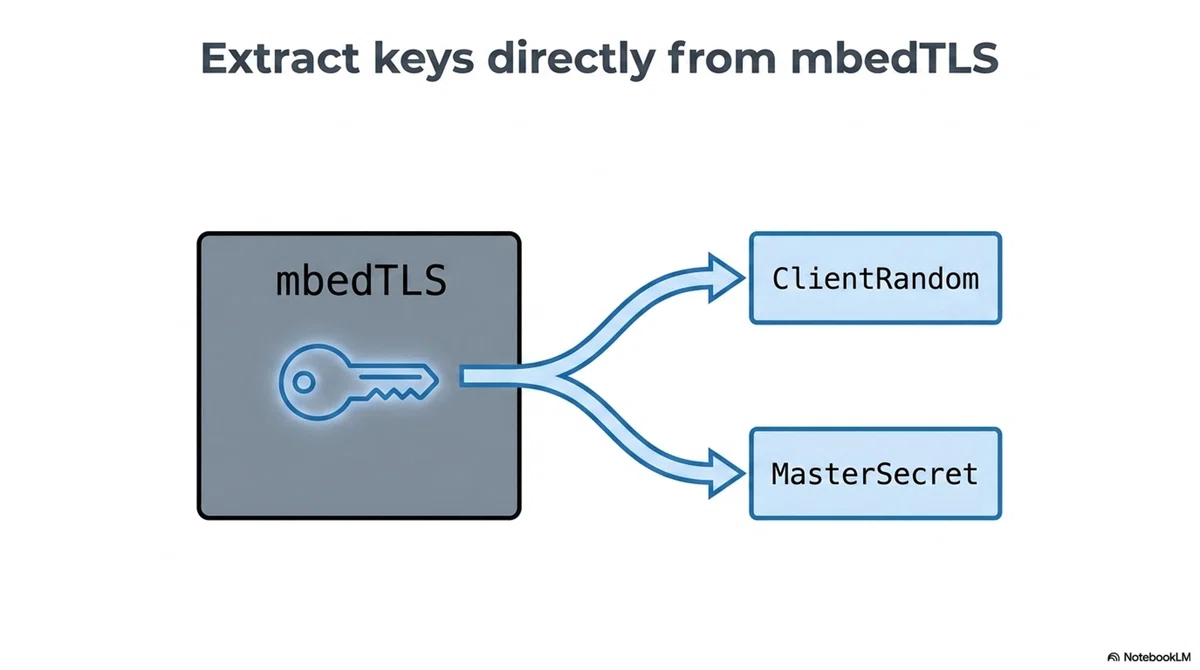
To generate TLS 1.2 key logs with mbedTLS, you need to add code that outputs the ClientRandom and MasterSecret. The implementation differs depending on the mbedTLS version.
■ About the Paid Section
The paid section provides concrete implementation examples for decrypting lwIP + mbedTLS TLS traffic.
For background on lwIP as a whole — how vendor SDKs differ, and why lwIP bug information matters — see the index article:
【lwIP】Common Bugs, Vulnerabilities and Fixes | Embedded Engineer's Field Notes
■ Implementation Steps
The implementation depends on the mbedTLS version.
ここから先は
¥ 500
この記事が気に入ったらチップで応援してみませんか?
