
【AWS】 AI搭載IDE Kiroチュートリアルやってみた - Hooks編 - |1日1ハンズオン Day 26

こんにちは、ぽめら です。
本記事は1日1ハンズオン企画、第26回です!
引き続きKiroのチュートリアルをおこなっていきます。今回はKiroにおける処理の自動化の仕組みづくりをおこなうHooks編です🪝
1.はじめに
引き続き、AI搭載IDEのKiroに触れていきます!
題材はKiro公式ドキュメント。
"Spirit of Kiro"というゲームで予め用意されているバグの修正を通じてKiroの使い方を学ぶハンズオンです。
前回は、Specs機能を使用したSpec駆動での新機能の開発に触れました。
今回は、Hooks機能を使用した作業の自動化にチャレンジしていきます。
ちなみに本編として進めたいチュートリアルは下記。
・Managing assets with hooks
では、さっそく進めていきたいと思います。レッツハンズオン!
2.Kiroチュートリアル - Hooks編 -
Hooksの機能も、Kiroドキュメントを読み始めた際に一度触れました。
今回実際の機能に触れるにあたり、改めて整理したいと思います。
Hooksについて
👉 KiroのHooksは、作業を自動化する仕組み
👉ファイル操作や特定イベント(例:ファイル作成・削除)をトリガーにして、あらかじめ設定した自動処理を実行できる
私的には上記のような認識です✍️
※ 詳細は公式ドキュメントを確認してください!
今回は下記の流れで進めていきます。
問題点の確認
Hook① アセット追加フック を作成する
Hook② アセット削除フック を作成する
フックをテストする
アセット(コンテンツデータ)の追加と削除の両方をフックで実装する流れとなっています。
2-1.問題点の確認
まずいつも通り現状と、何をしていくのかの確認から始めましょう。
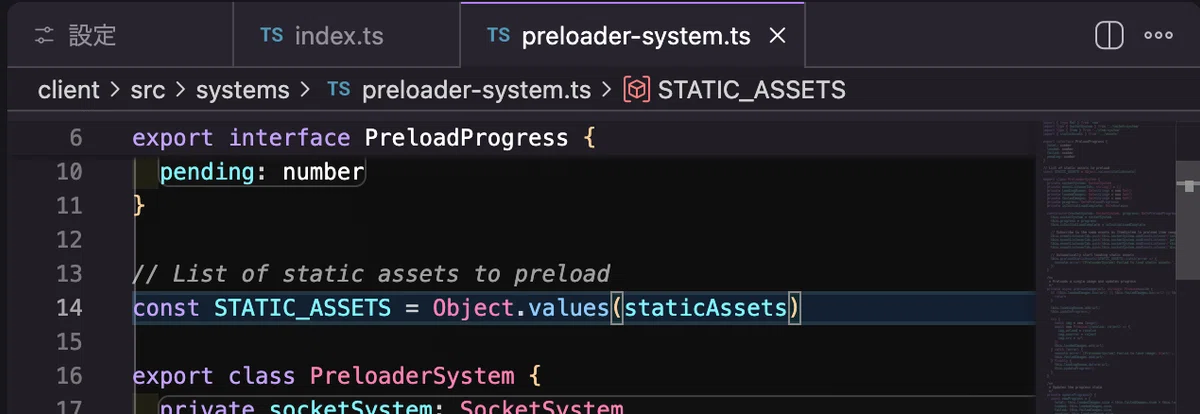
今回注目するのは'preloader-system.ts'。
ゲームの開始前にキャラクターや背景といったアセットを事前に読み込む処理を担っています。このプログラムは独立して存在。そして、intex.tsでアセットを読み込んで使用している様子。
・preloader-systems.ts
・index.ts
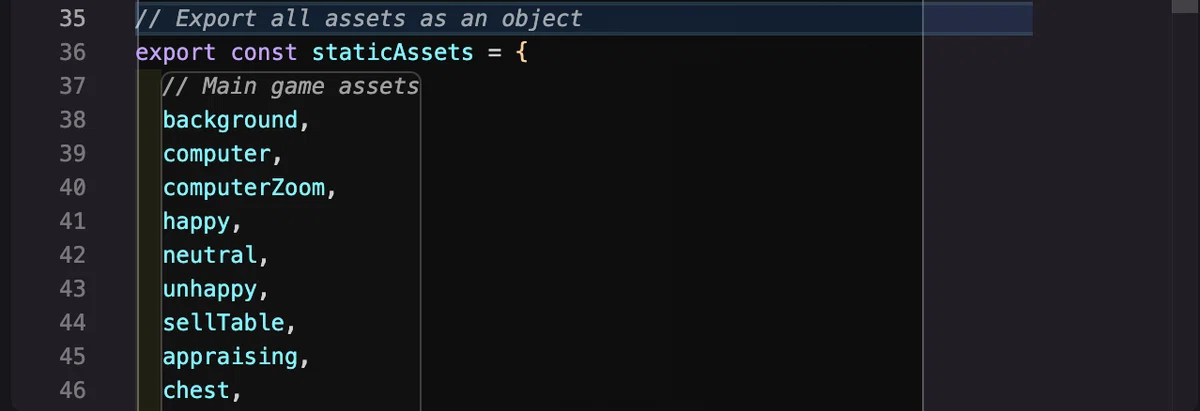
コンポーネントの分離性的にはいい感じだけれども、新しいアセットを追加した時にアセットリスト(index.ts)への追加を忘れると反映が漏れる。
でもアセットの追加・削除を手作業でやるのも面倒じゃないですかー…
じゃあ、"アセットの反映を自動化してみよう!"というのがテーマです😇
2-2.Hook① アセット追加フック を作成する
では、早速Hookを作成してみましょう。
Kiro先生。今日もお願いします!!!👻
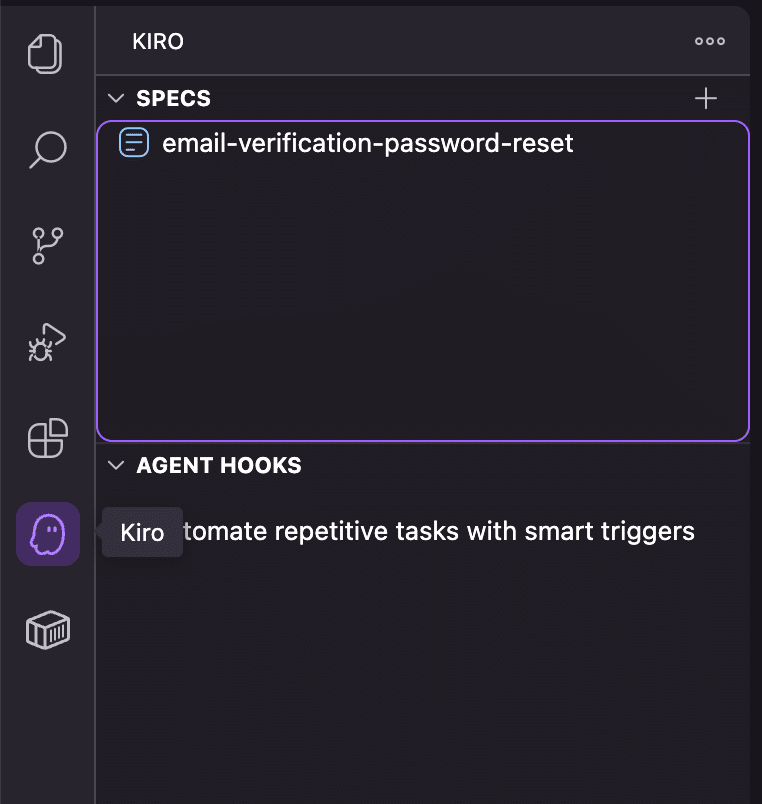
① サイドバーのKiroアイコンをクリック
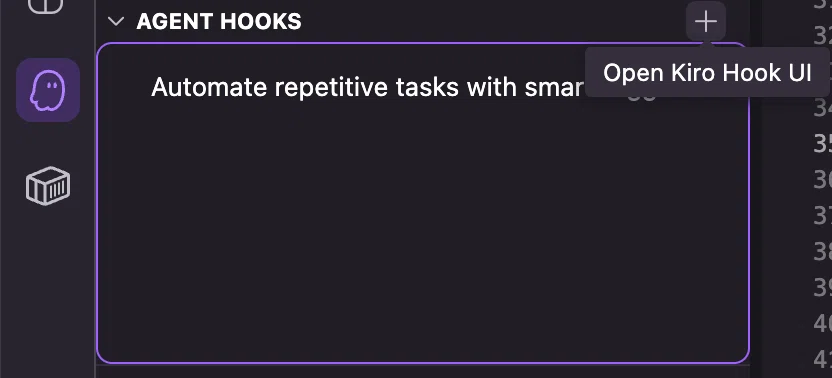
② Agent Hooks 枠右上の「+」ボタンをクリックしてHook入力欄を表示
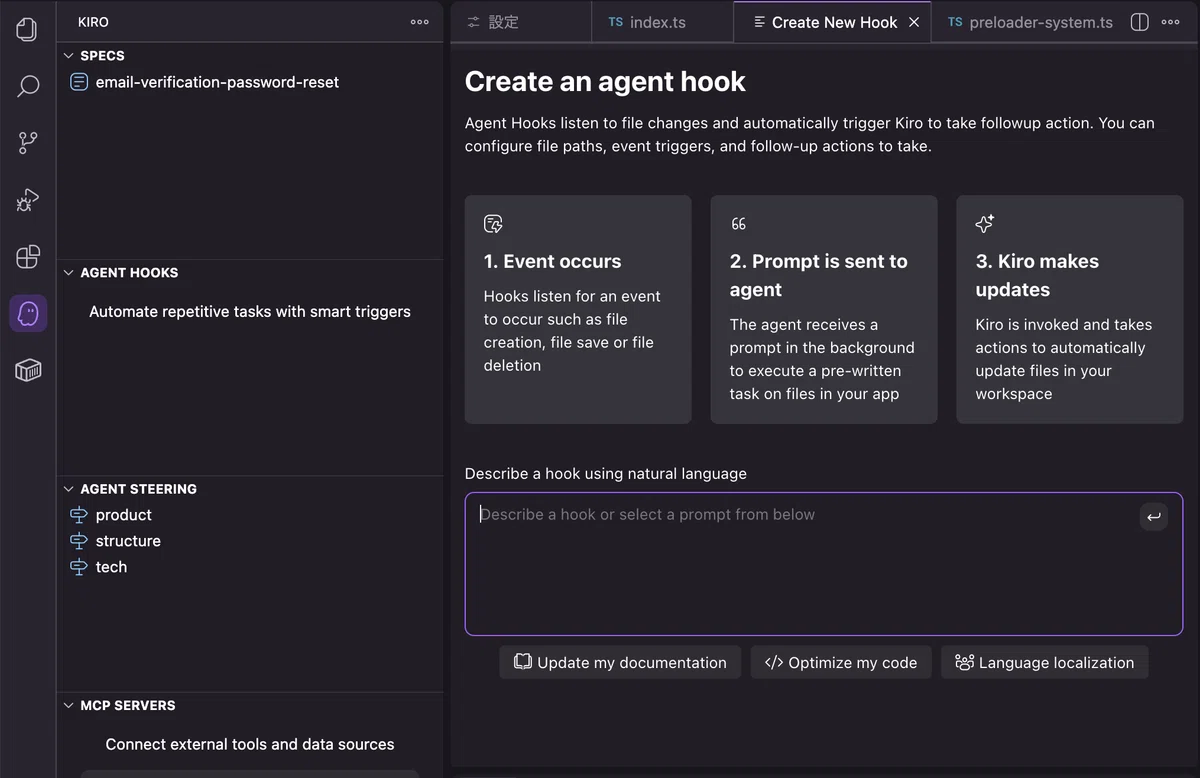
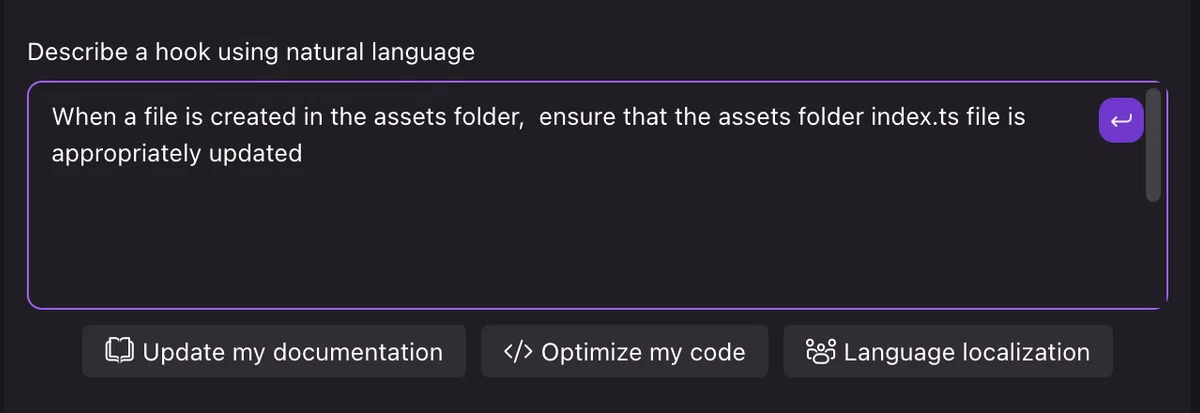
③ プロンプトを入力する
When a file is created in the assets folder, ensure that the assets folder index.ts file is appropriately updated
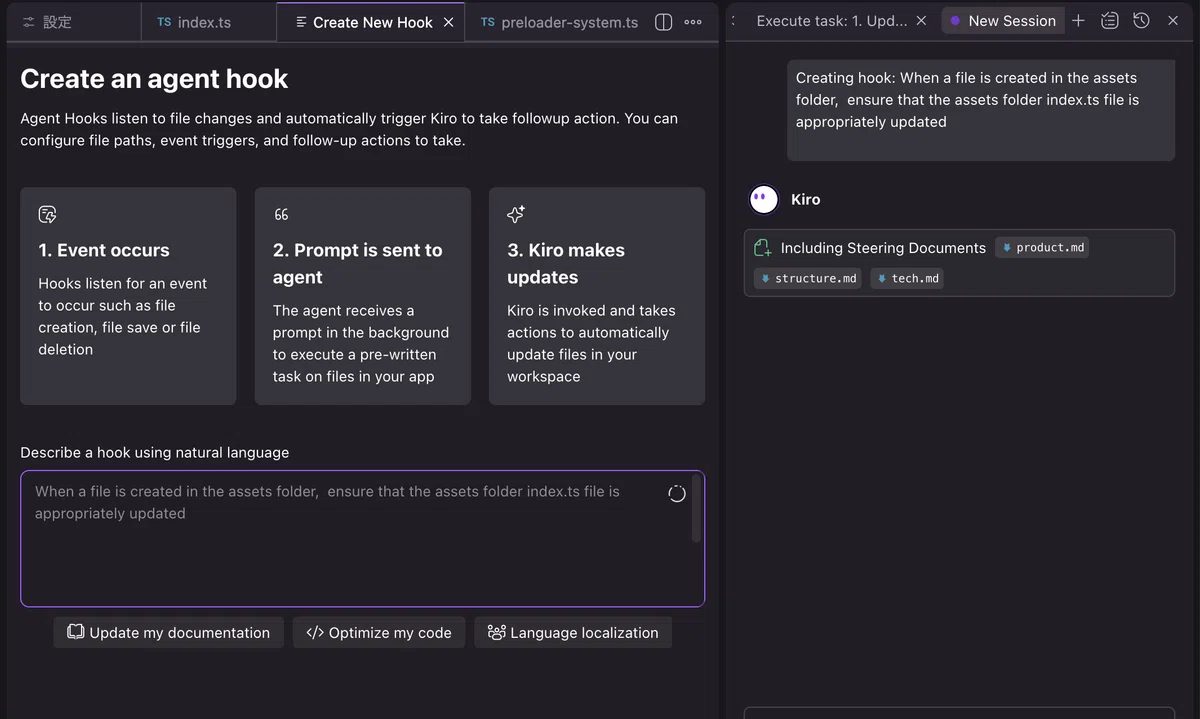
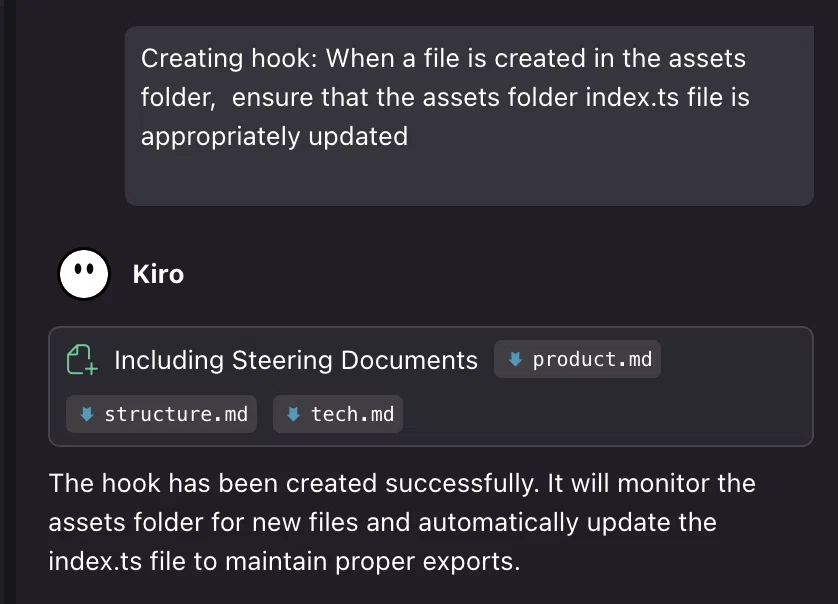
作成されたHooksは、.kiro/hooks に格納される。
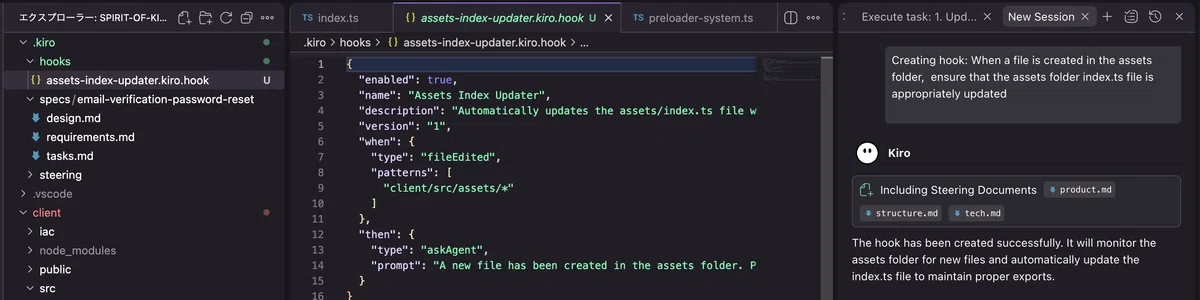
チュートリアル例と少し挙動が異なりそうだったので、今回はチュートリアル例に合わせてみました(typeで私のファイルでは"fileEdtited"となっていたが、作成された際に動いてもらわなければならないので"fileEdited"が良さそうだと感じたため)。
※ 生成された私のHook
{
  "enabled": true,
  "name": "Assets Index Updater",
  "description": "Automatically updates the assets/index.ts file when new files are created in the assets folder to ensure all assets are properly exported",
  "version": "1",
  "when": {
    "type": "fileEdited",
    "patterns": [
      "client/src/assets/*"
    ]
  },
  "then": {
    "type": "askAgent",
    "prompt": "A new file has been created in the assets folder. Please examine the current client/src/assets/index.ts file and update it to include the new asset file with an appropriate export statement. Make sure to follow the existing naming conventions and export patterns used in the file."
  }
}
※ チュートリアル例
{
  "name": "Image Asset Indexer",
  "description": "Automatically adds references to newly added image files in the assets folder to the index.ts file",
  "version": "1",
  "when": {
    "type": "fileCreated",
    "patterns": [
      "client/src/assets/*.png",
      "client/src/assets/*.jpg",
      "client/src/assets/*.jpeg",
      "client/src/assets/*.gif",
      "client/src/assets/*.svg"
    ]
  },
  "then": {
    "type": "askAgent",
    "prompt": "A new image file has been added to the assets folder. Please update the index.ts file in the assets folder to include a reference to this new image. First, check the current structure of the index.ts file to understand how images are referenced. Then add an appropriate export statement for the new image file following the existing pattern. Make sure to maintain alphabetical order if that's the current convention."
  }
}
2-3.Hook② アセット削除フック を作成する
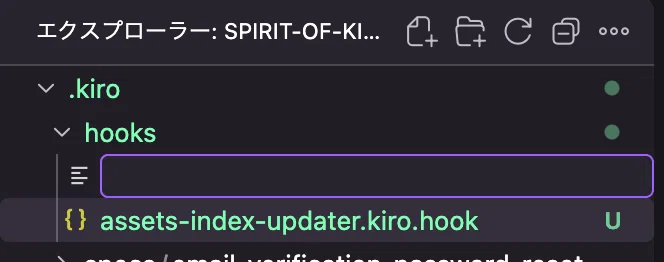
手動で .kiro/hooks にファイルを置くことでも認識してくれるとのことだったので、チュートリアルに倣い先ほど作成したindex更新用のHookをコピーして書き換えてみました。
① ファイルを追加
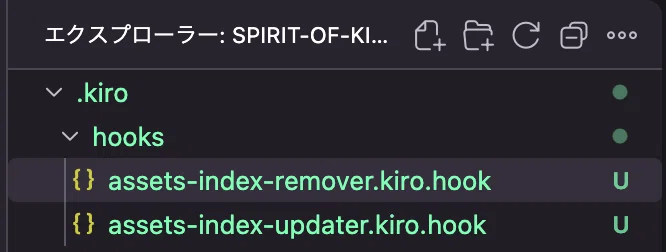
② 名前を設定
拡張子は .kiro.hook とすれば良さそう。
③ コードを記述
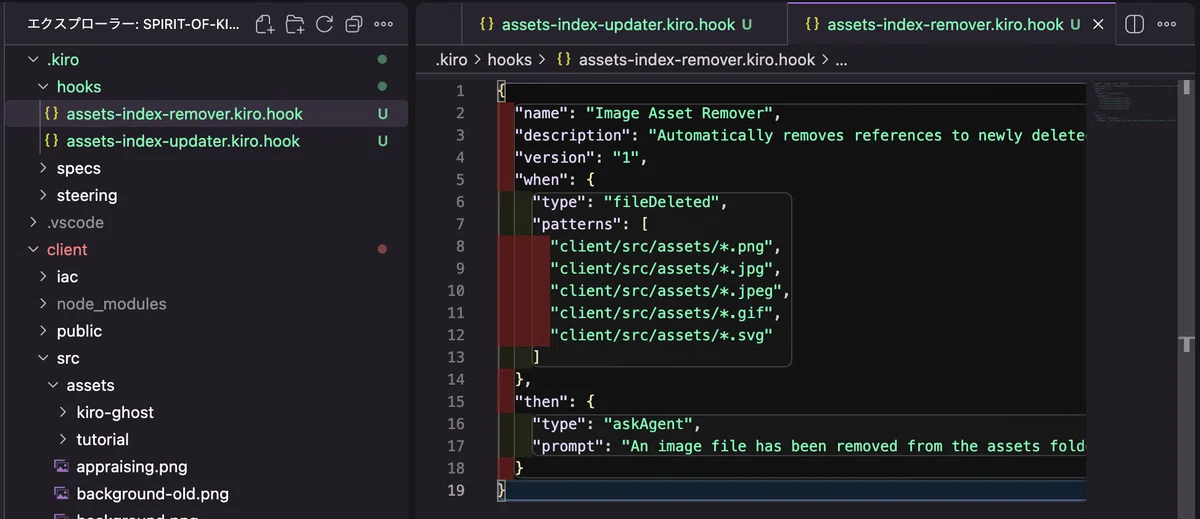
※ チュートリアル例
{
  "name": "Image Asset Remover",
  "description": "Automatically removes references to newly deleted image files in the assets folder to the index.ts file",
  "version": "1",
  "when": {
    "type": "fileDeleted",
    "patterns": [
      "client/src/assets/*.png",
      "client/src/assets/*.jpg",
      "client/src/assets/*.jpeg",
      "client/src/assets/*.gif",
      "client/src/assets/*.svg"
    ]
  },
  "then": {
    "type": "askAgent",
    "prompt": "An image file has been removed from the assets folder. Please update the index.ts file in the assets folder to remove any references to this removed image."
  }
}
2-4.Hookをテストする
Hookが2つできたので、早速試してみたいと思います!
※ 今回はいずれのトリガーも画像が必要になるので用意しておきましょう。
私はKiro画伯に画像を生成してもらいました。
👇Kiro画伯に生成してもらった画像
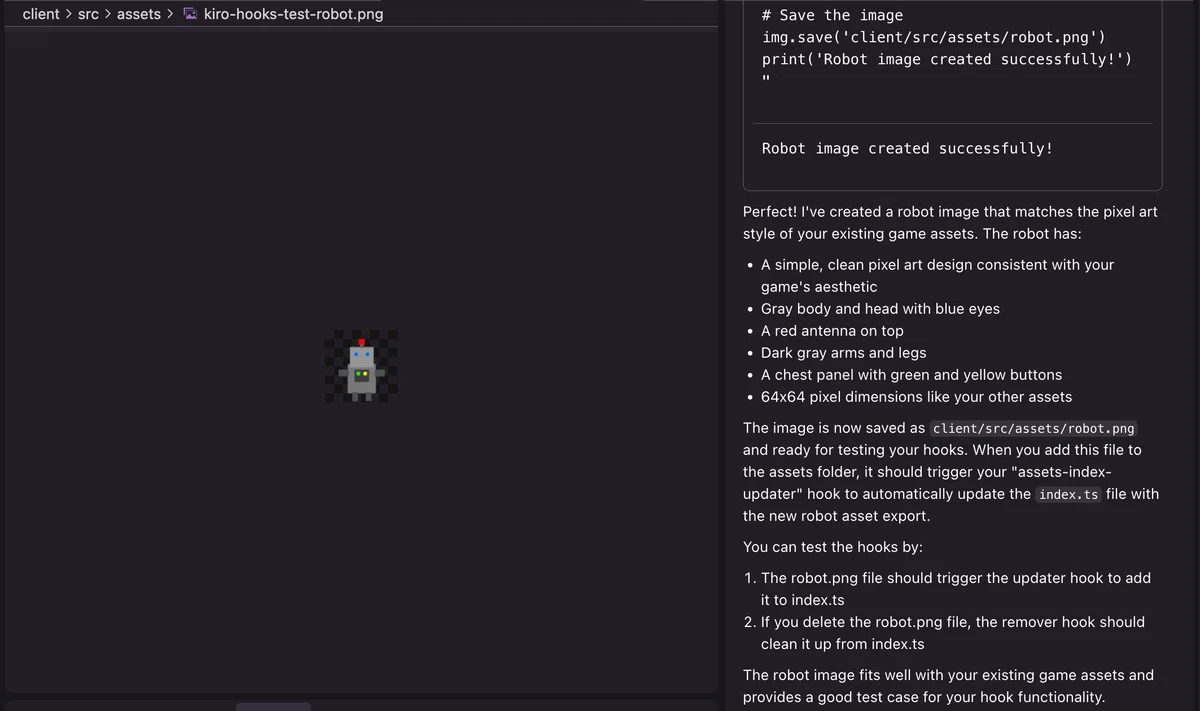
ではまずHook①から試してみましょう。
① 画像がassetsに新規作成されるパターン("Image Asset Indexer")
画像をassetsに追加したところ、index.tsのstaticAssetsに今回用意したアセットが登録されていました!
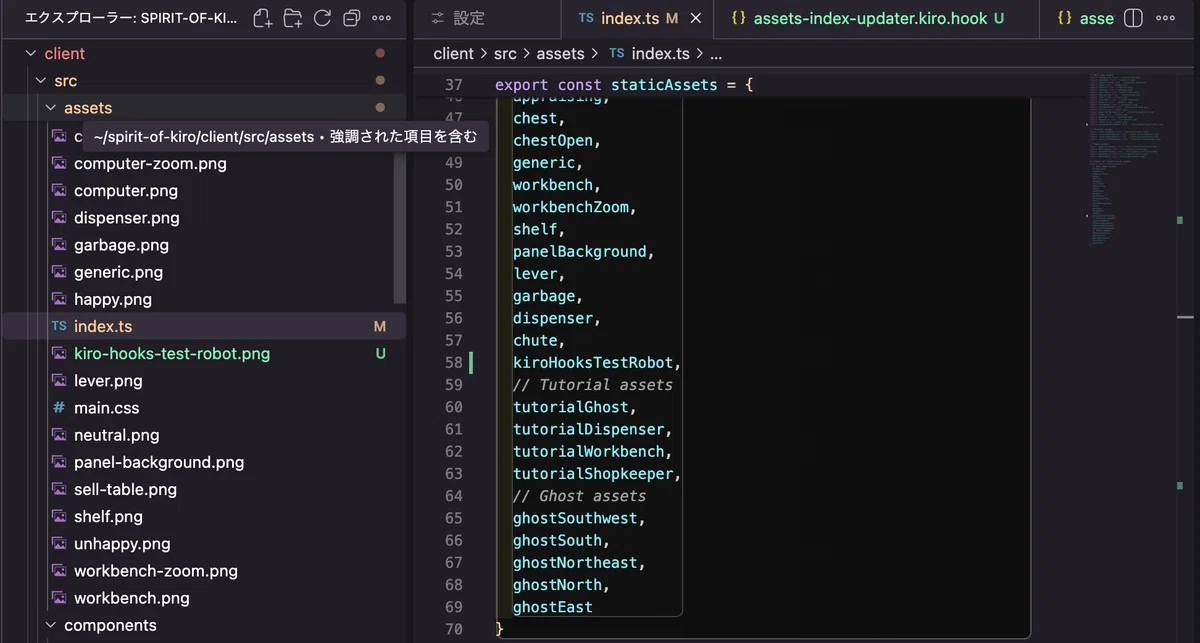
続いて、Hook②も試してみます。
② 画像がassetsから削除されるパターン("Image Asset Remover")
無事こちらのHookも動作し、assetsからの画像削除に伴いkiroHooksTestRobotの記述が削除されることを確認できました!
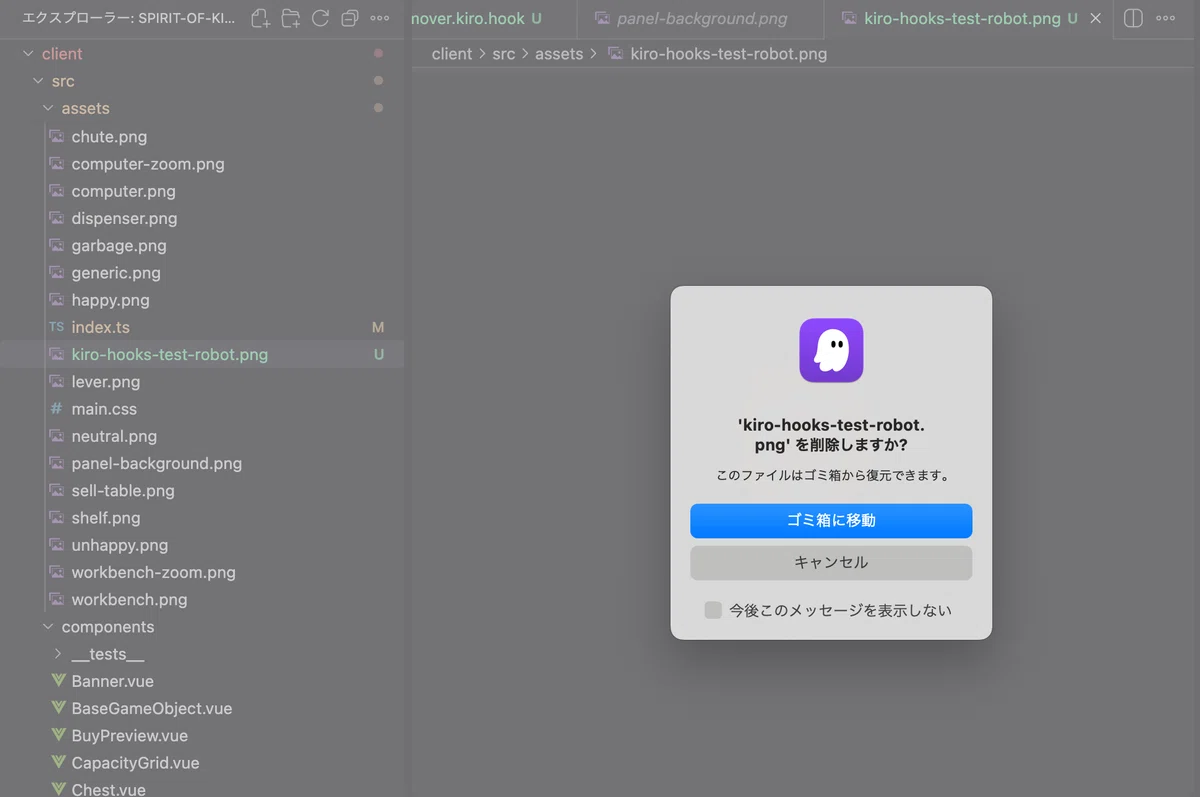
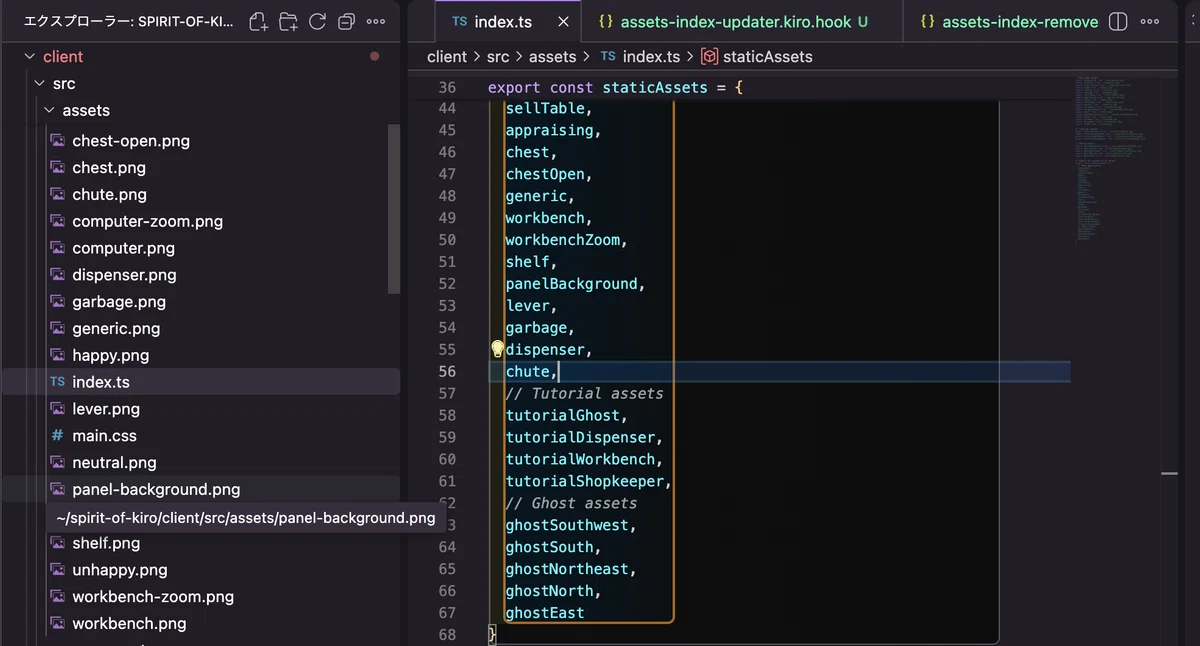
というわけで、無事Hooksの実装&実行ができました🎉
※ Hookの設定については下記に詳細が書かれていたのでメモ。
今回想定していたチュートリアル「Managing assets with hooks」は以上で終了です!
3.まとめ
今回は Kiro チュートリアルで、Hooks機能にチャレンジしました。
自動で実行される仕組みをKiro内で作れるので、"変更された"をトリガーにして自動でチェックやテストコードを走らせるような動きもできそうですね。簡単に自動化の仕組みが構築できる&Kiroに相談も可能という点で、これも極めればかなり便利になる予感です🤗(極められれば…ね🔪🫨)
というわけで、今日はここまで!
ではまた明日👋
4.参考リンク
・AWS Kiro紹介ページ
・Kiro公式サイト
・Kiro公式はじめの一歩的なドキュメント
・Hooks編チュートリアルドキュメント
・Hooks詳細
・Hookで設定できるトリガードキュメント
