Education Features
Interative learning
Level up your lessons with Canva's interactive AI-powered tools in one platform, to ignite curiosity and playful learning in the classroom.
If you’re a School or District, contact us(opens in a new tab or window).


Learning that feels like play
Keep your students curious, focused, and actively participating with interactive tools that make learning come alive. Add quizzes, polls, voiceovers, and animations to transform any lesson, from literacy to STEM, into something unforgettable. With just a few clicks, you can boost engagement without losing precious teaching time.


Activities that inspire, created in seconds
Be ready for class in seconds, not hours. Turn any learning goal into an engaging classroom activity with a simple prompt.


Unleash student
creativity, safely.
Help students build digital and design literacy as they explore, create, and collaborate with age-appropriate AI tools on Canva. With built-in safety, trusted content, and full teacher control, students can express big ideas confidently, and you can teach with peace of mind.
Education Features
Make learning unforgettable with Canva’s new interactive tools! Perfect for building AI quizzes, interactive maps, and more, these features turn traditional lessons into immersive experiences.
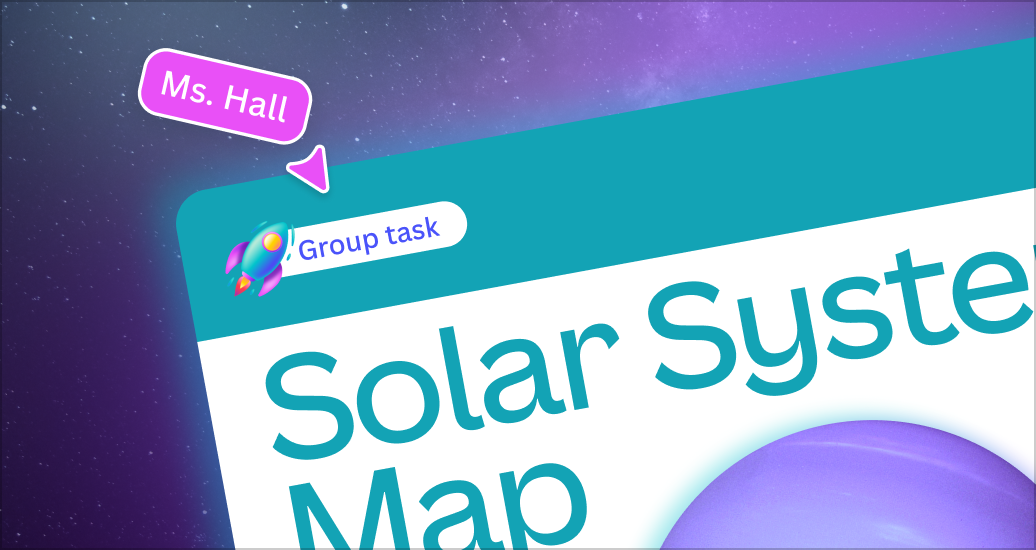
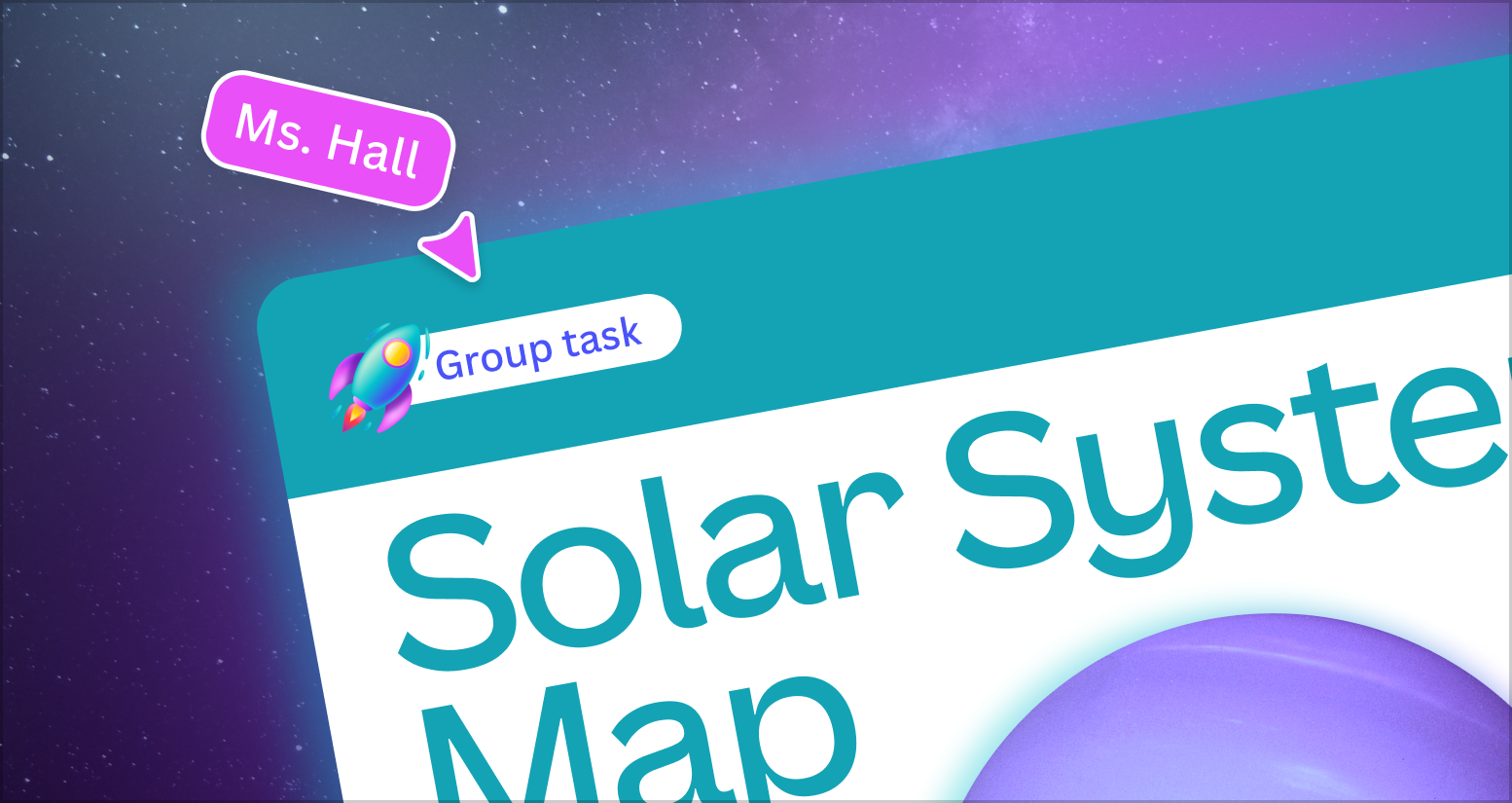
Transform learning goals into engaging activities, instantly
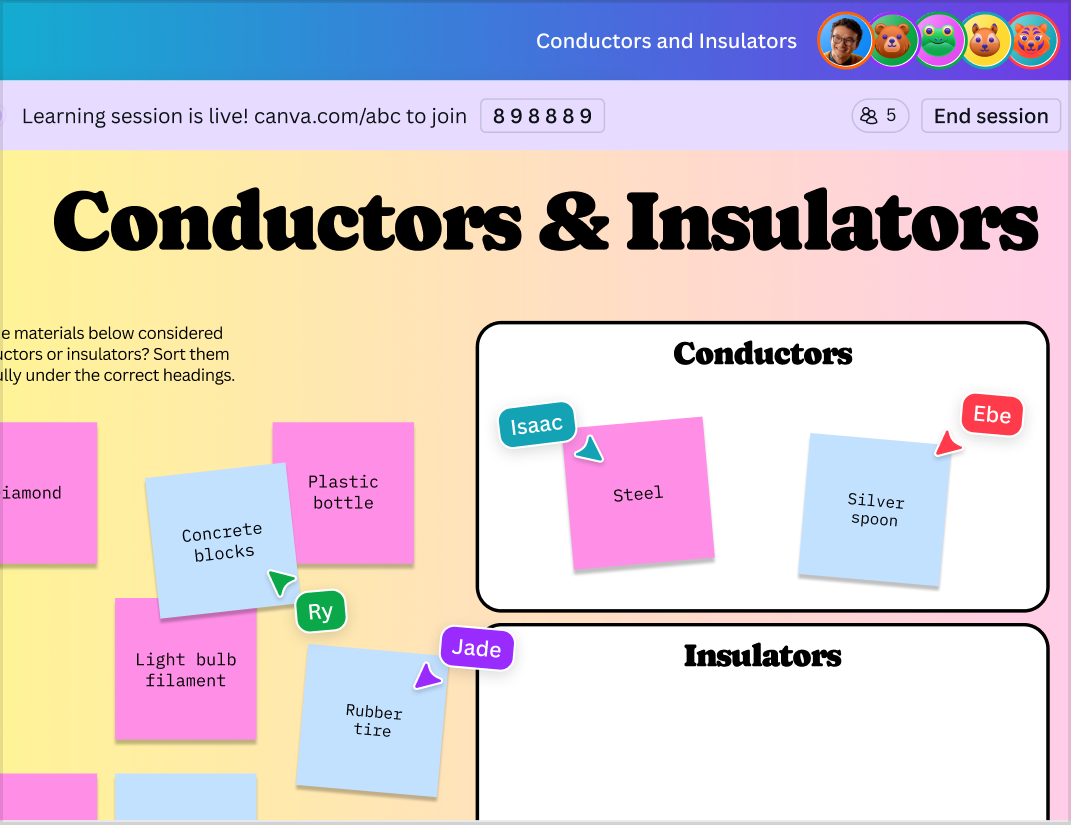
Get your whole class creating and collaborating in seconds
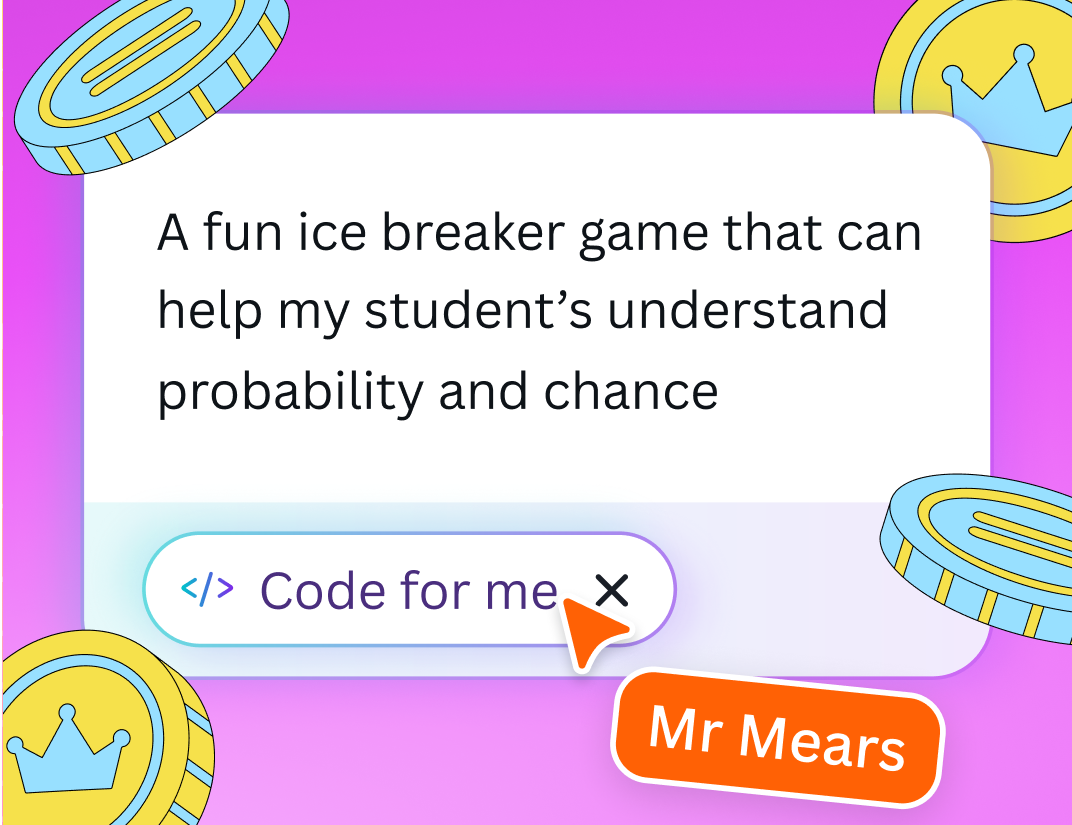
Unlock possibilities with Canva Code
Captivate your class with interactive data
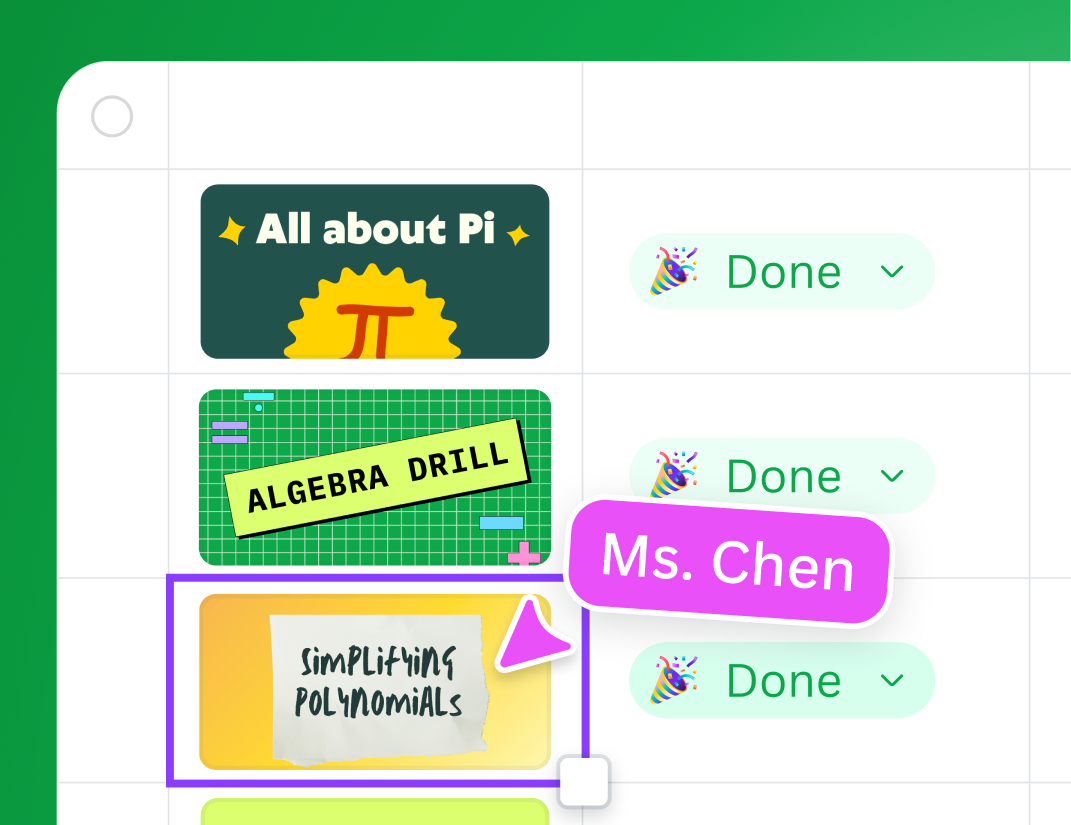
Assign and track student work
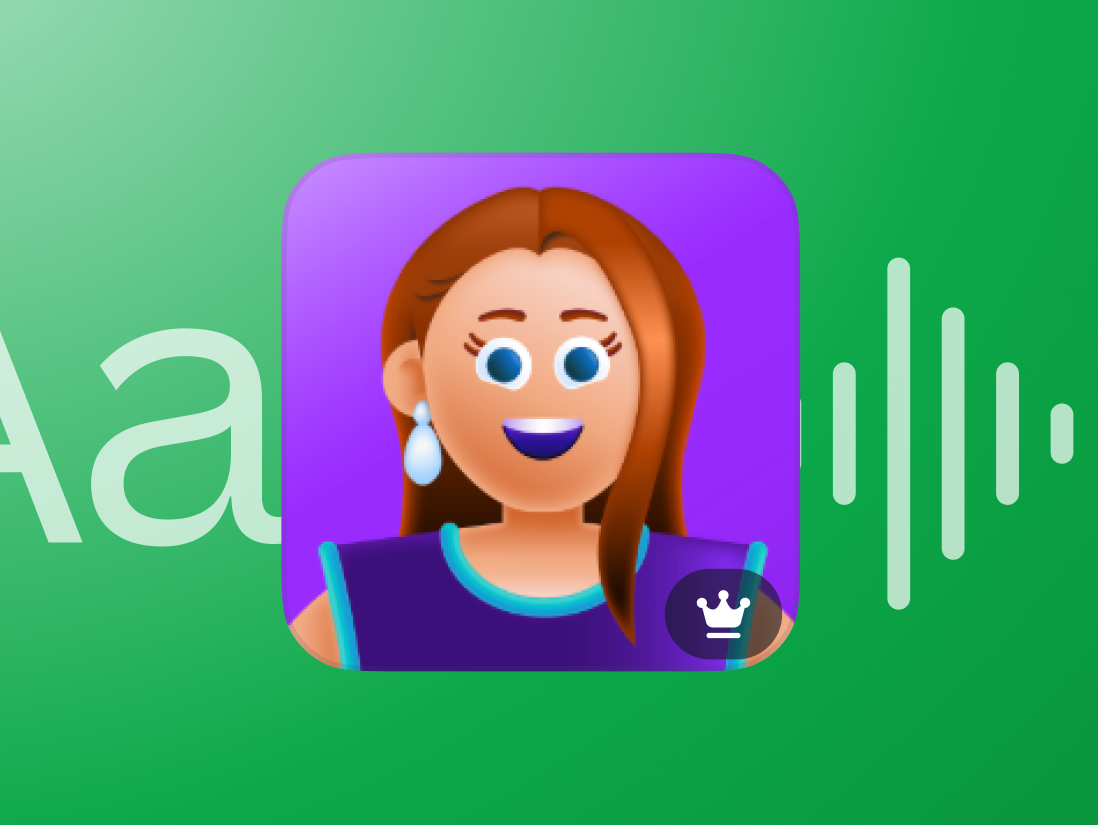
Turn text into professional AI-powered voiceovers
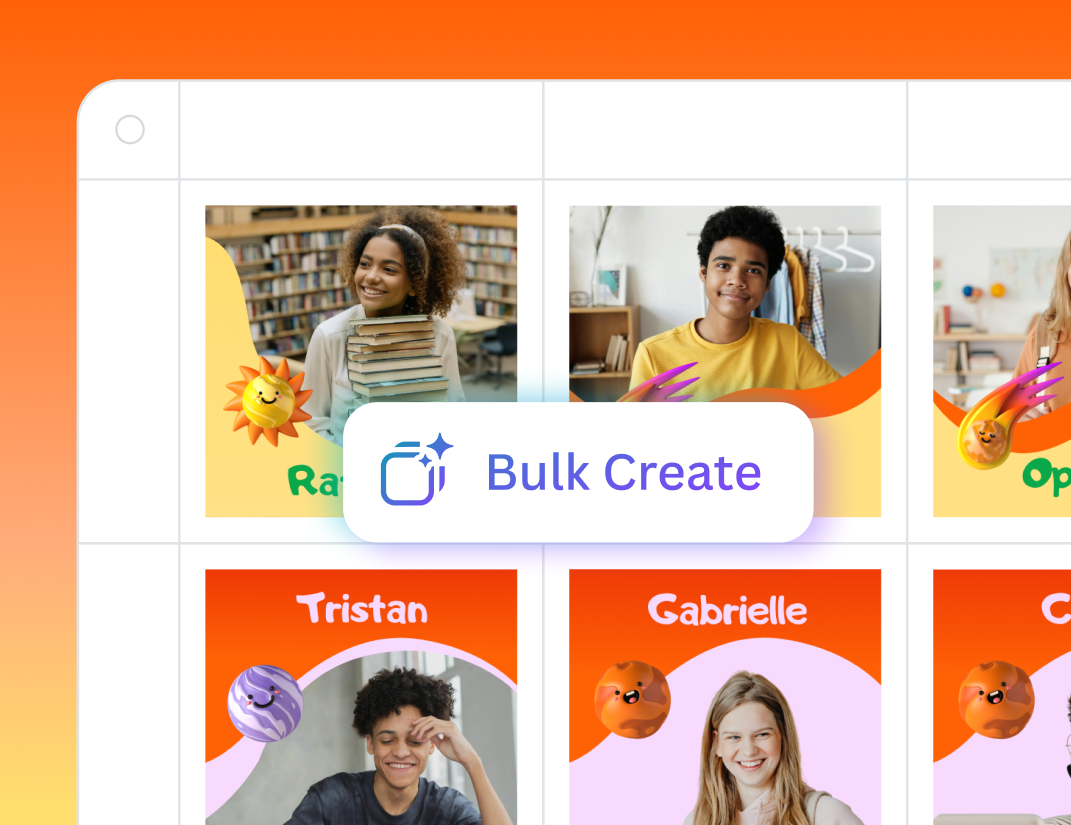
Transform your class data into personalized learning
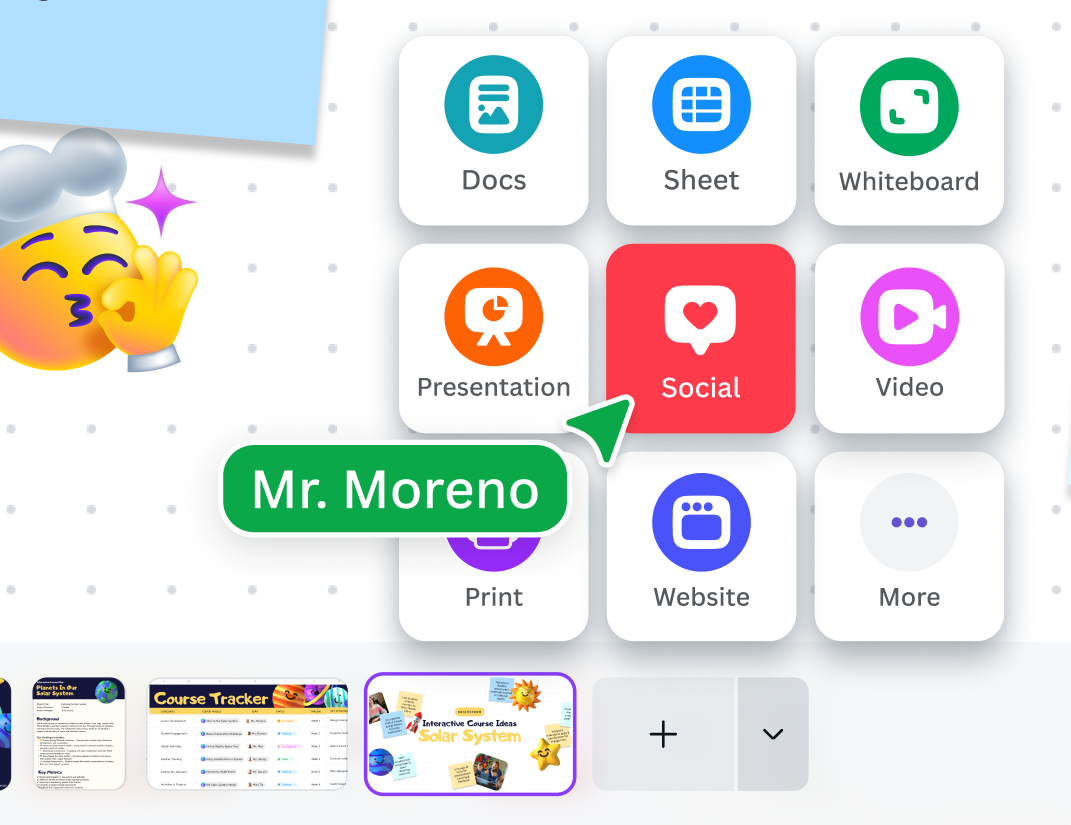
Teach and collaborate all in one place
Turn student data into insights
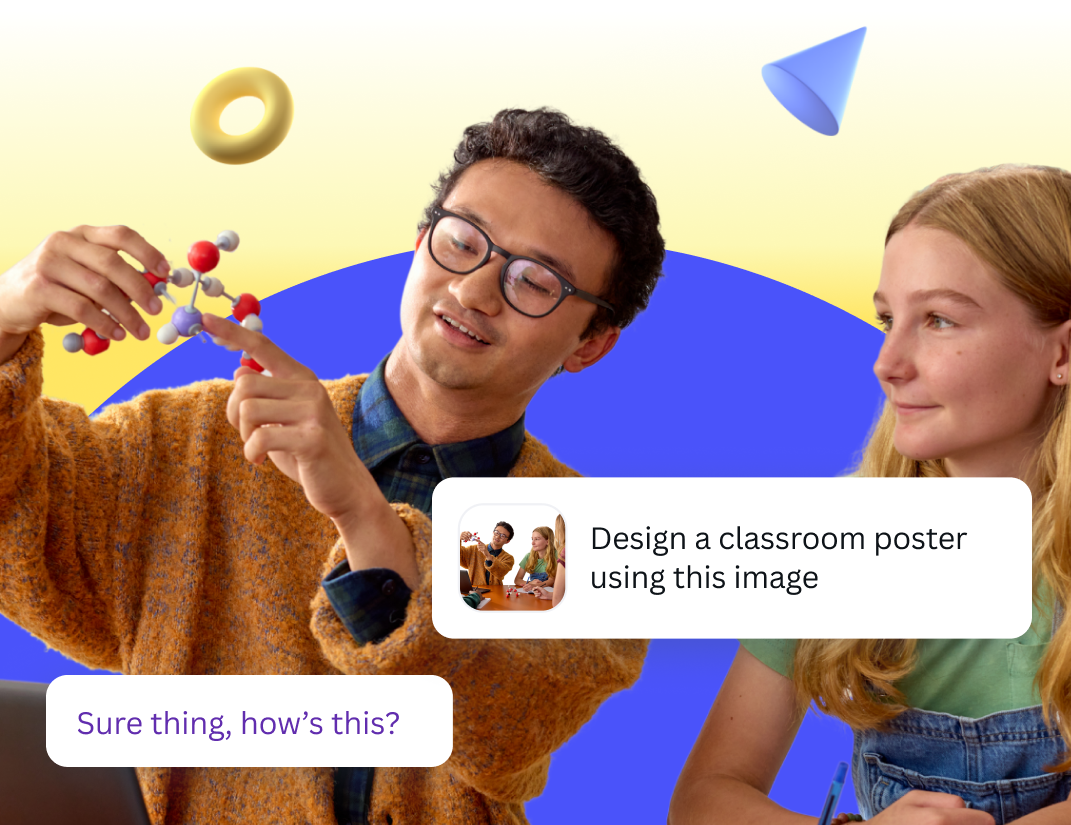
Create and refine ideas with a creative partner
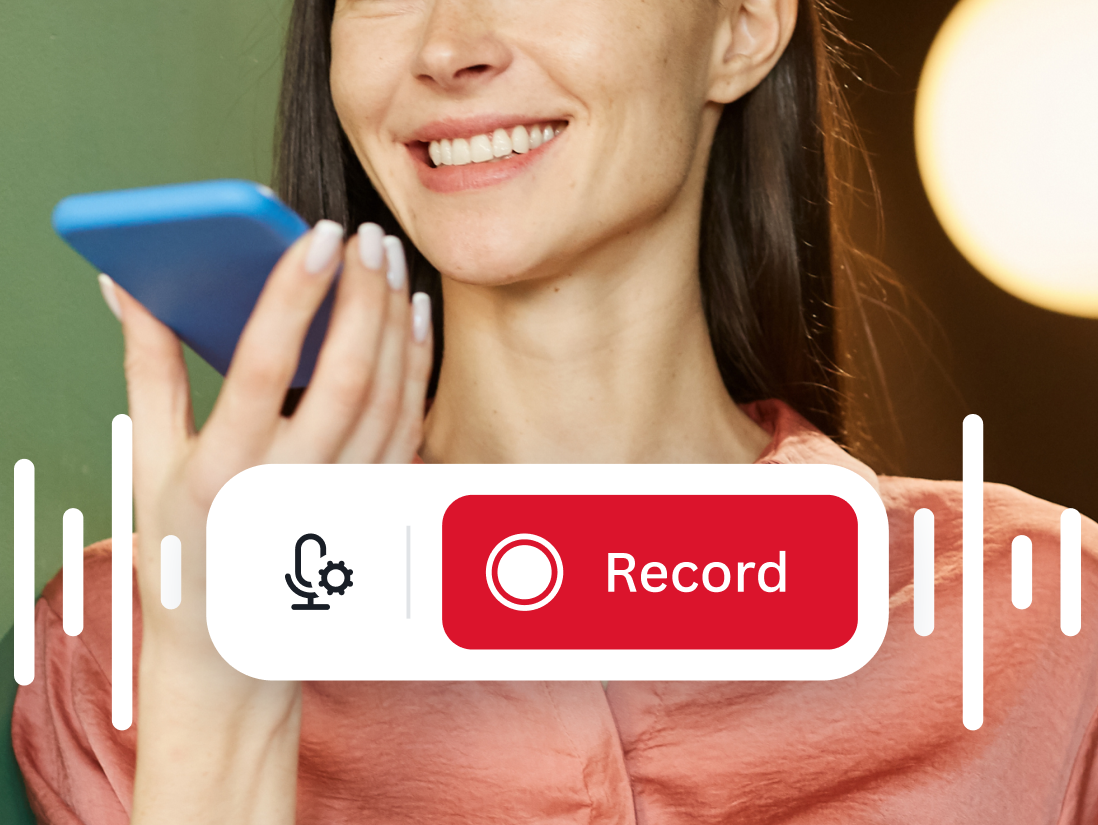
Create your own recorded voiceover
1/8
Transform learning goals into engaging activities, instantly
Get your whole class creating and collaborating in seconds
Unlock possibilities with Canva Code
Captivate your class with interactive data
Assign and track student work
Turn text into professional AI-powered voiceovers
Transform your class data into personalized learning
Teach and collaborate all in one place
Turn student data into insights
Create and refine ideas with a creative partner
Create your own recorded voiceover
1/11
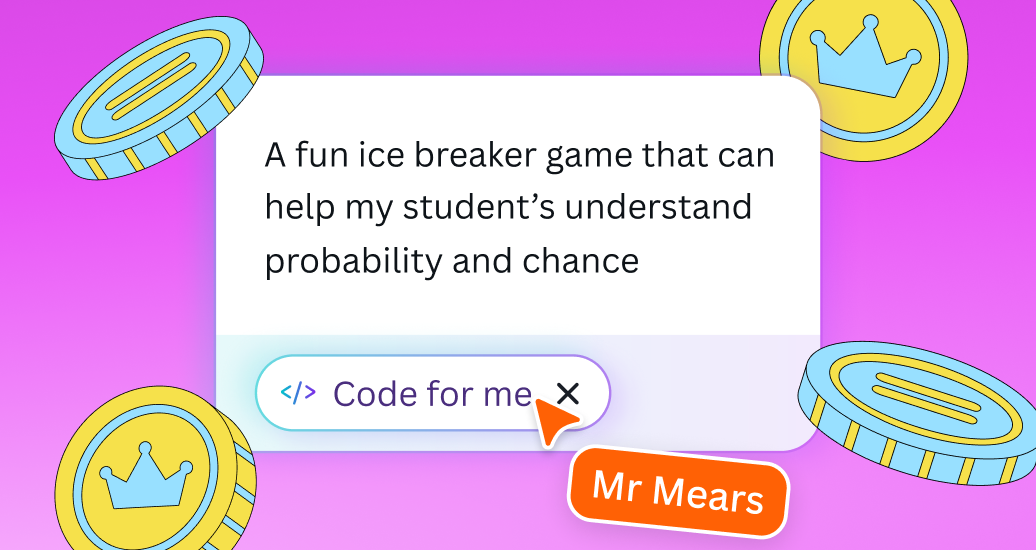
Unlock possibilities with Canva Code
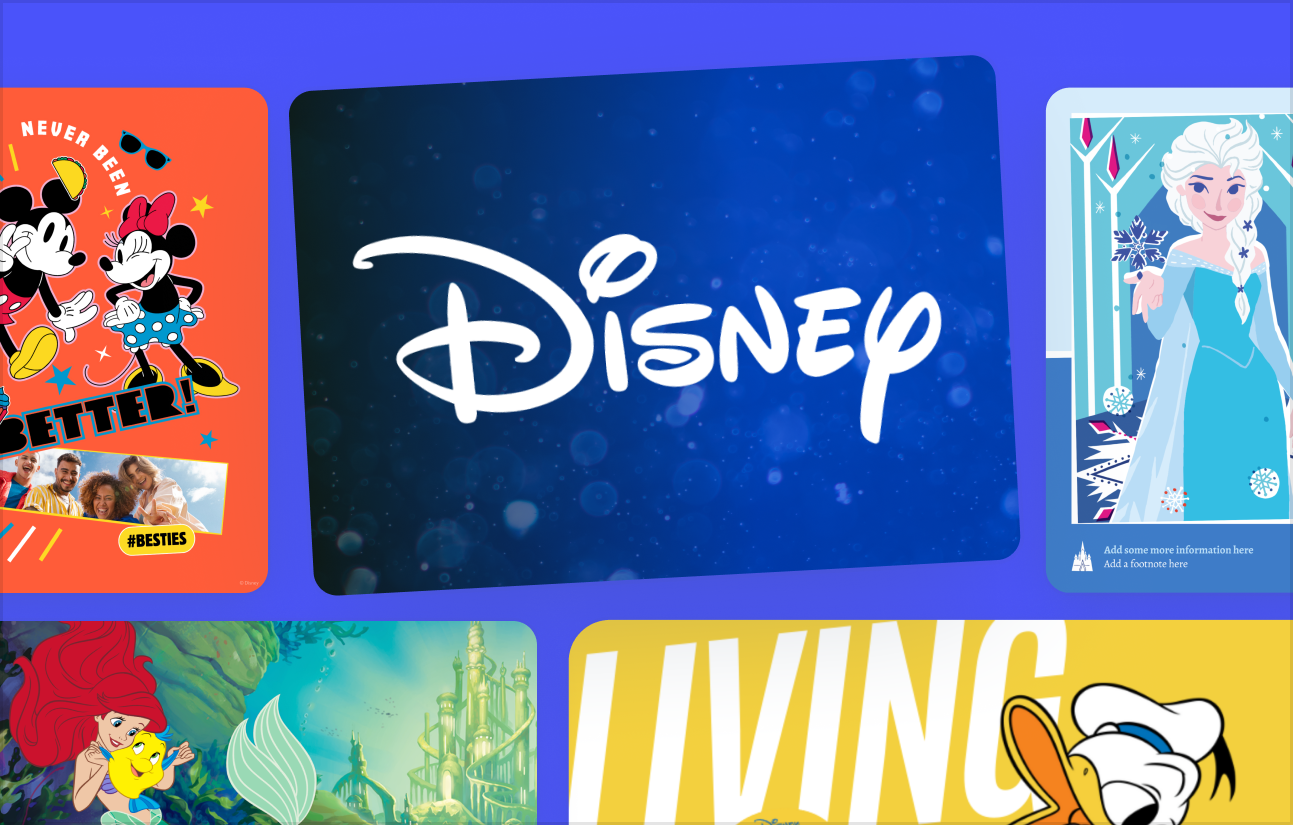
Add Disney content to your designs
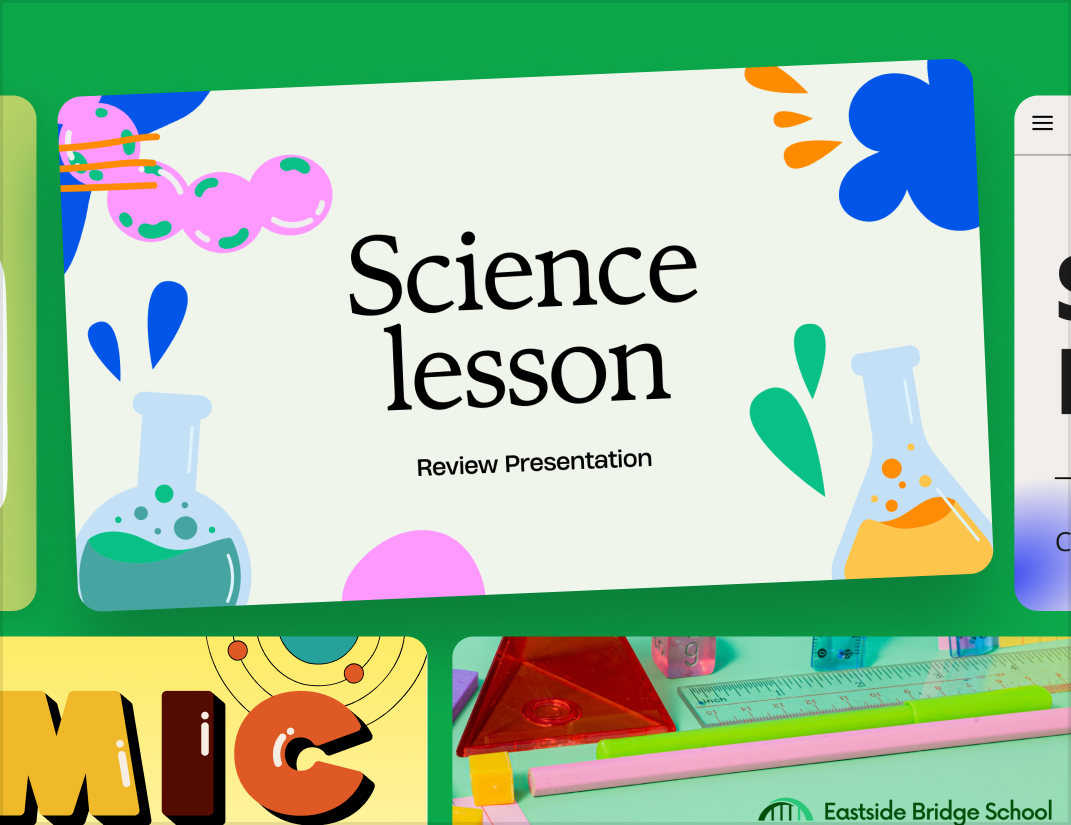
Thousands of free ready to teach lessons
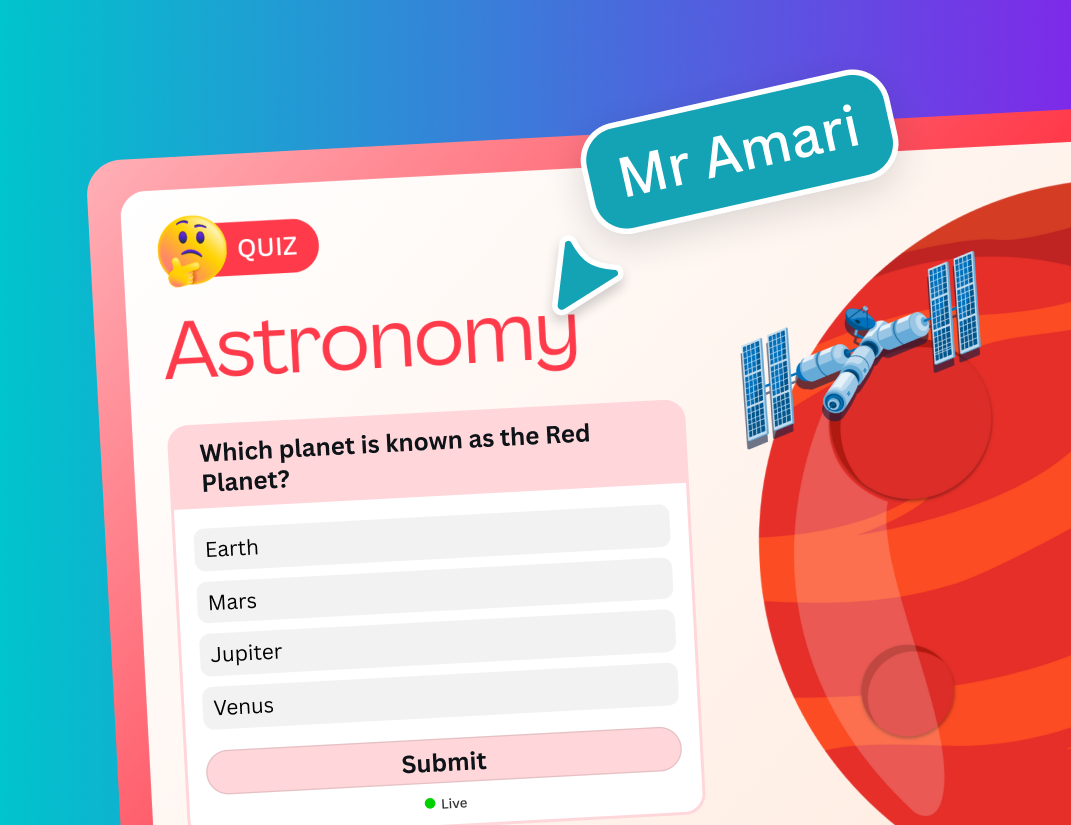
Ready-made lessons with polls and quizzes
Ready-to-teach curricular lessons
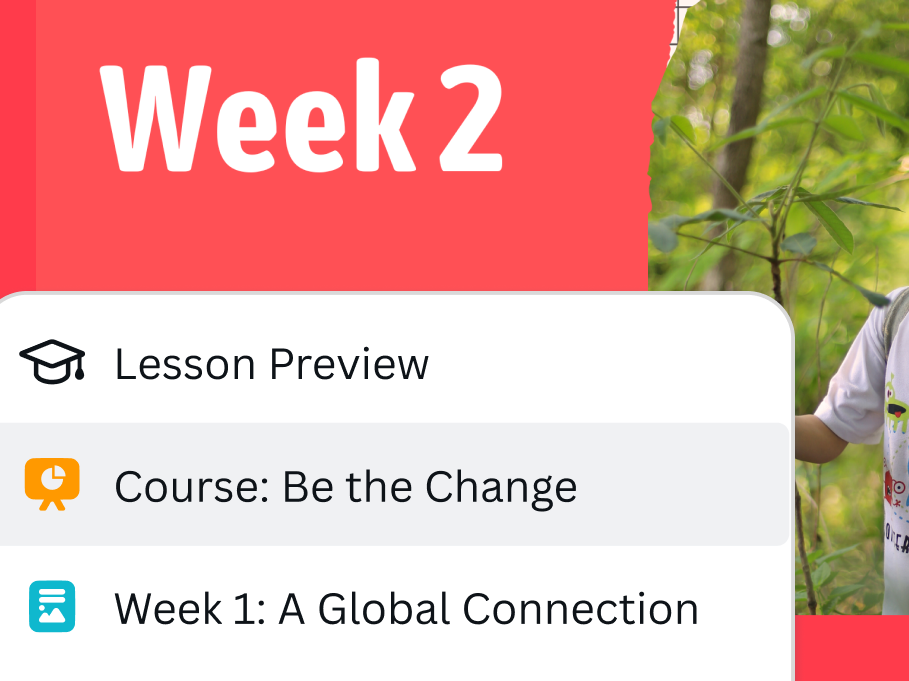
Prepare students for the future
Unlock possibilities with Canva Code
Add Disney content to your designs
Thousands of free ready to teach lessons
Ready-made lessons with polls and quizzes
Ready-to-teach curricular lessons
Prepare students for the future
1/6
Transform learning goals into engaging activities, instantly
Captivate your class with interactive data
Transform your class data into personalized learning
Teach and collaborate all in one place
Turn student data into insights
Create and refine ideas with a creative partner
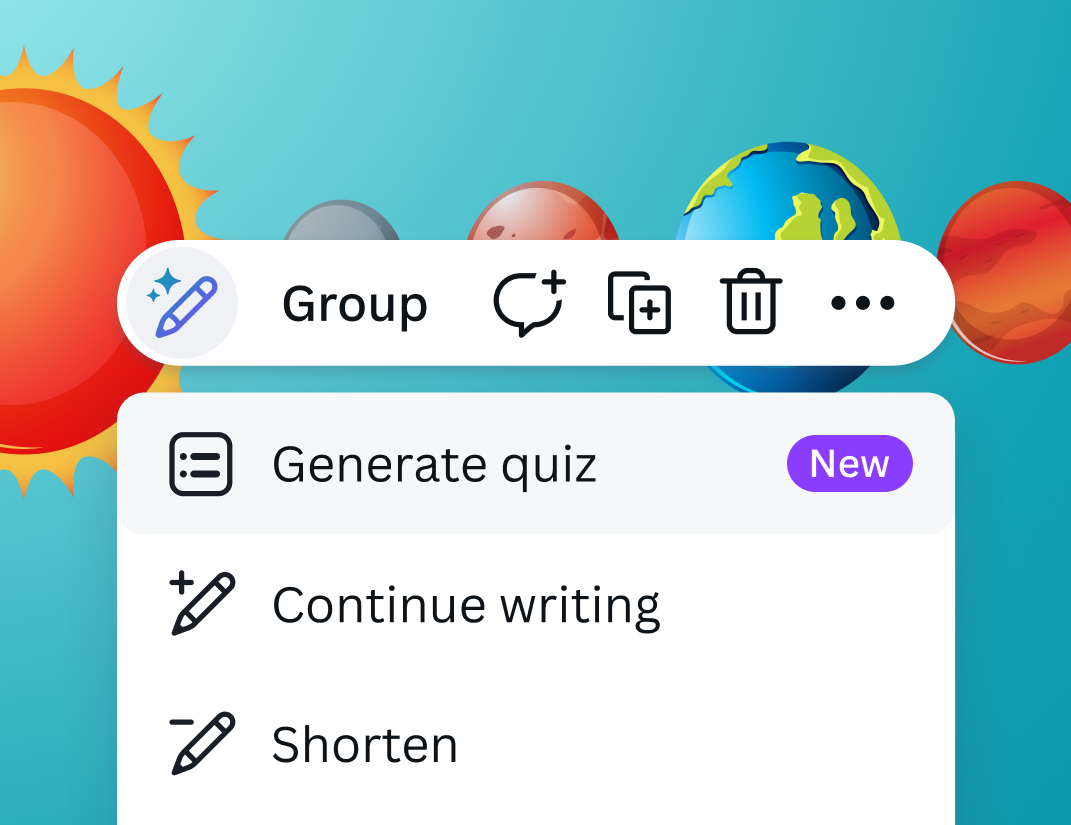
Create a quiz from your slides in seconds
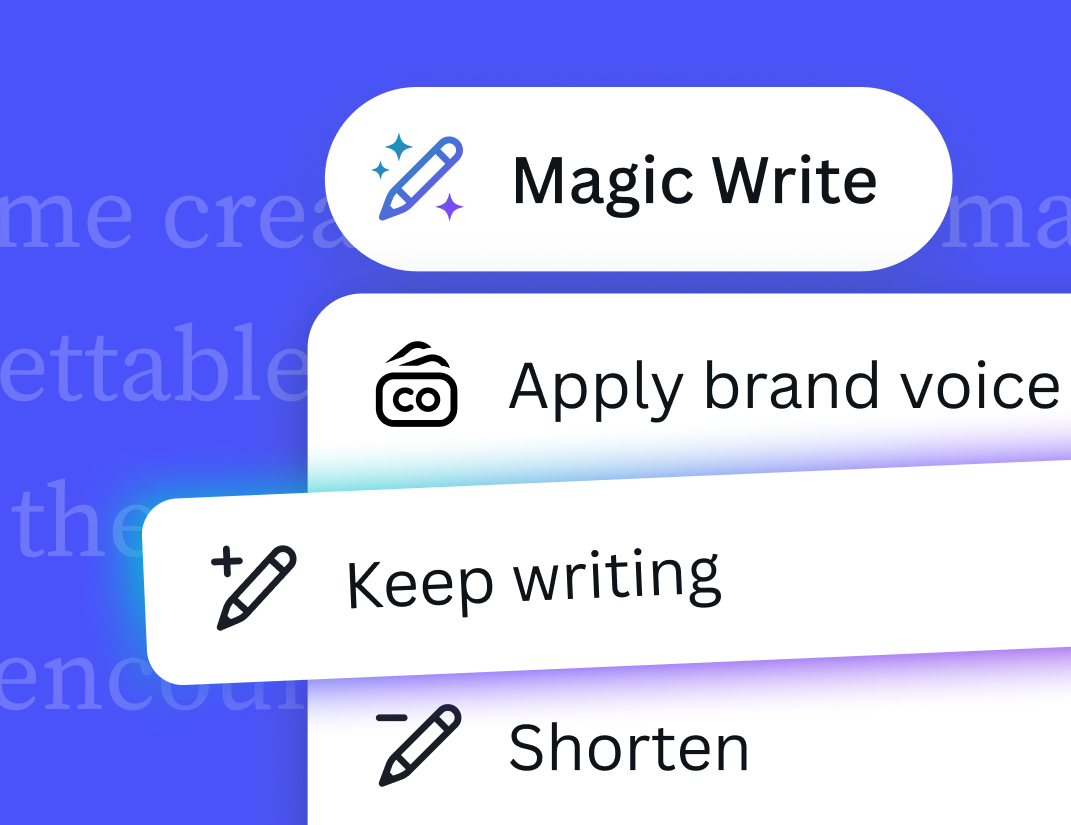
Meet the supercharged Magic Write
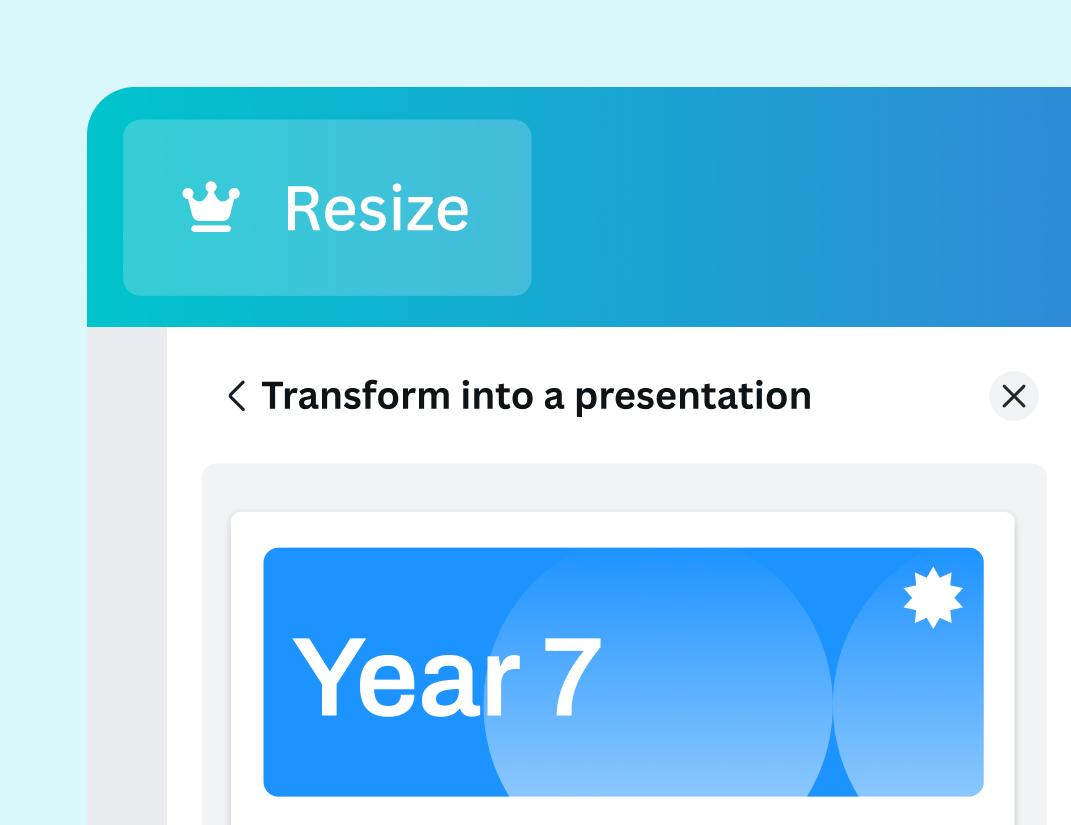
Transform your design instantly
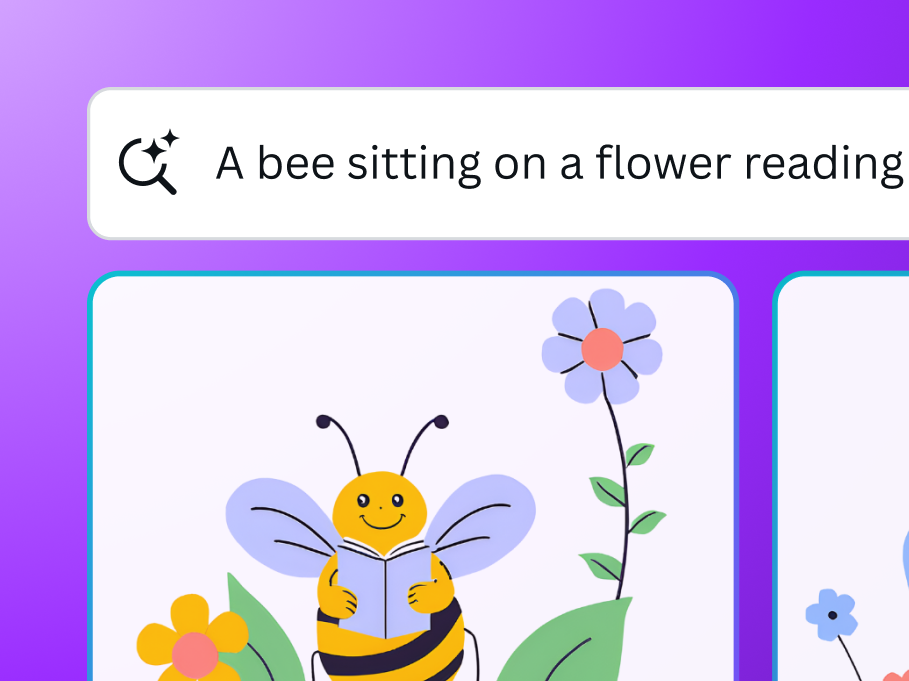
Dream it up, then add it to your design.
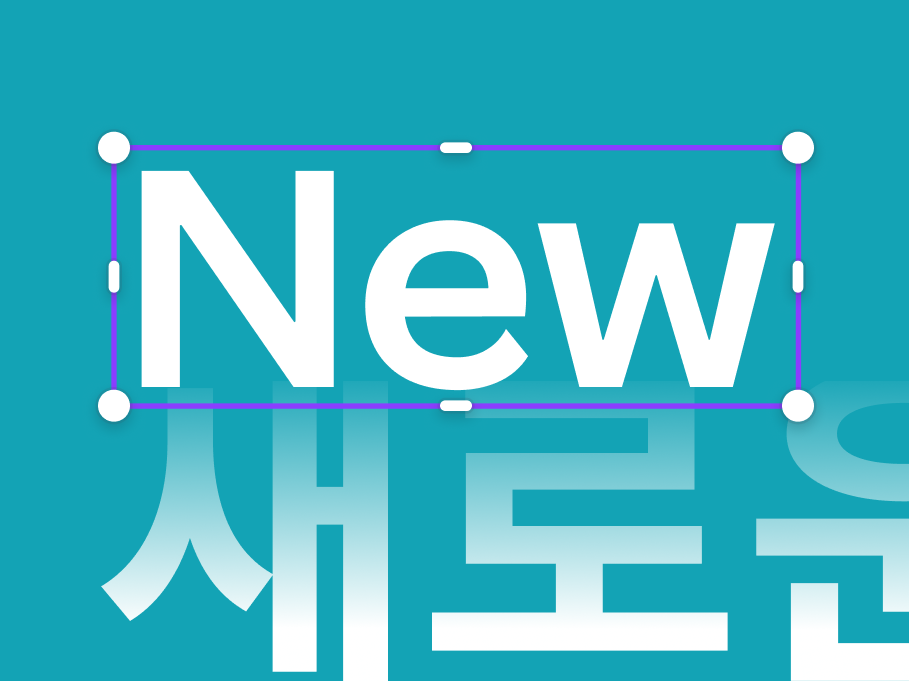
Translate your design into 100+ languages
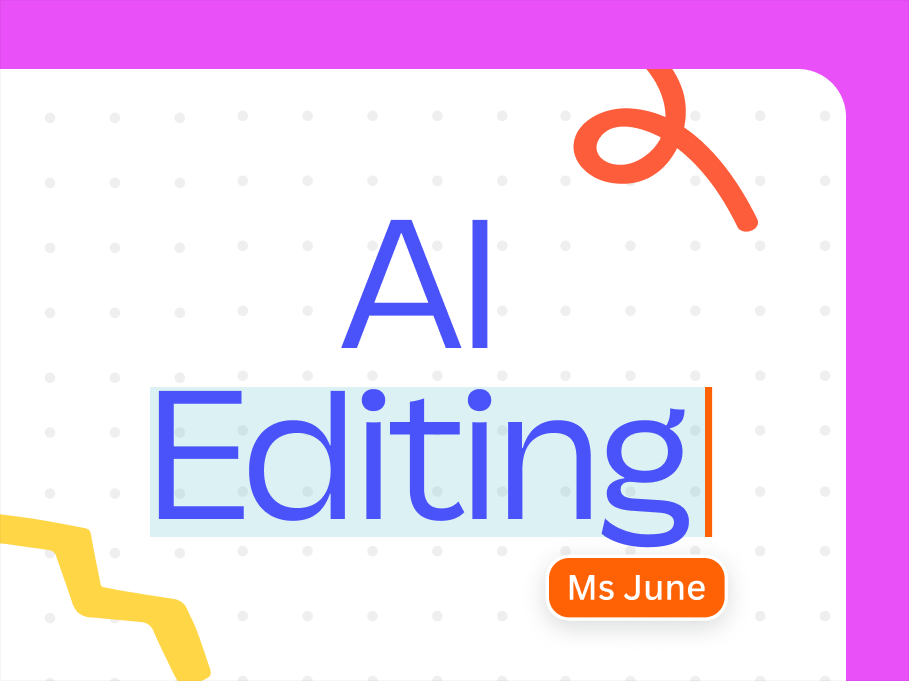
Elevate teaching resources with AI editing tools
1/9
Transform learning goals into engaging activities, instantly
Captivate your class with interactive data
Transform your class data into personalized learning
Teach and collaborate all in one place
Turn student data into insights
Create and refine ideas with a creative partner
Create a quiz from your slides in seconds
Meet the supercharged Magic Write
Transform your design instantly
Dream it up, then add it to your design.
Translate your design into 100+ languages
Elevate teaching resources with AI editing tools
1/12
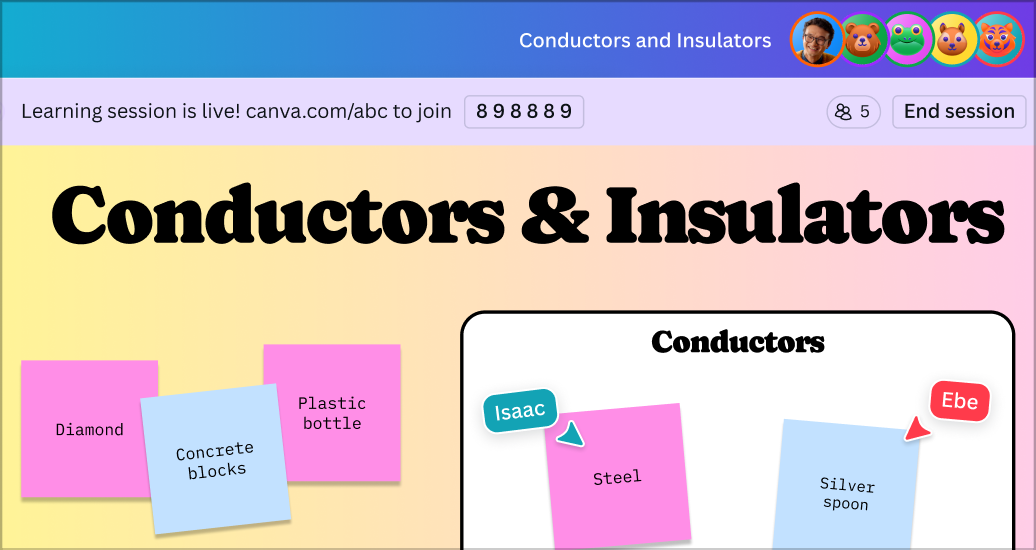
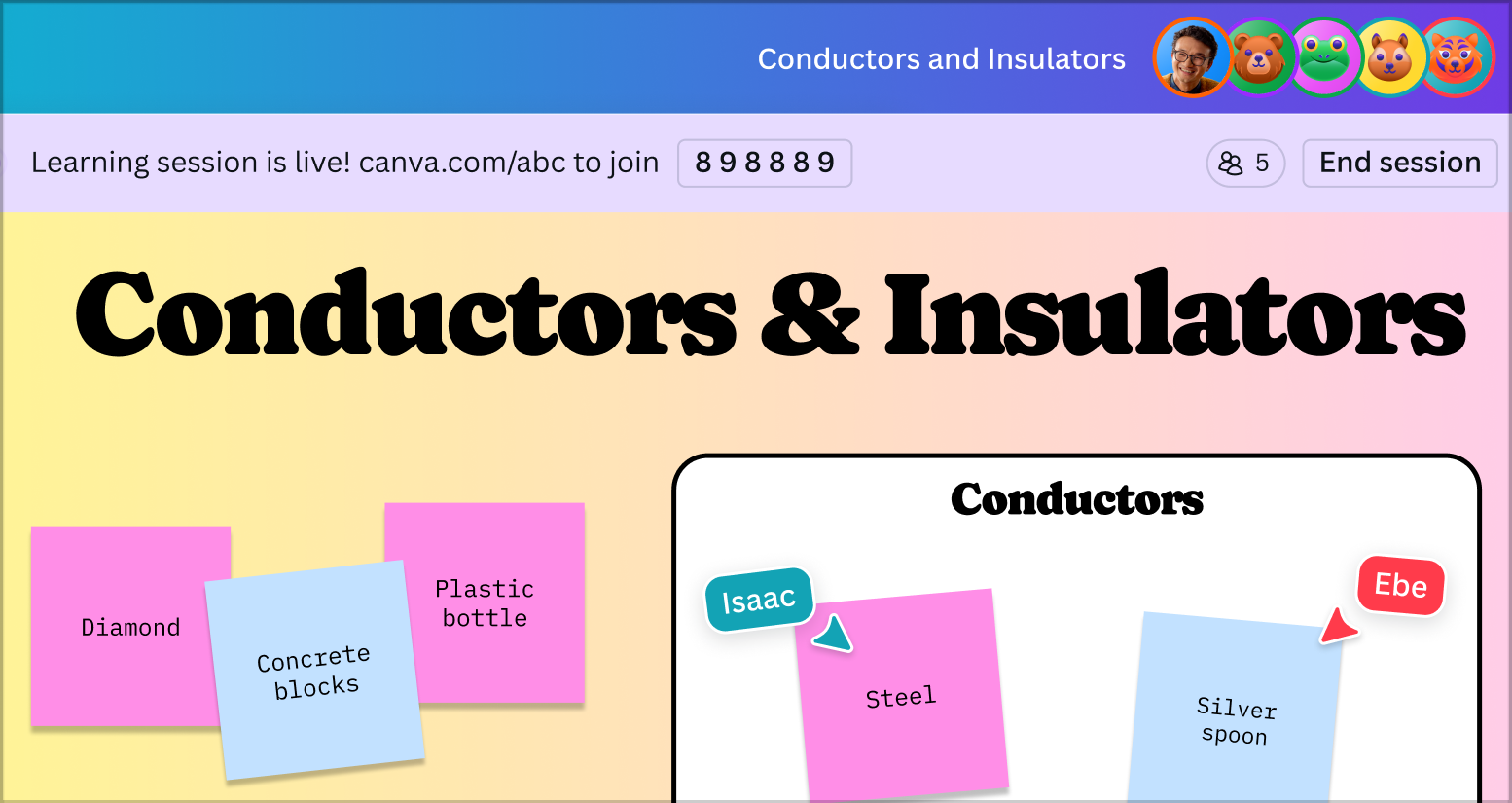
Get your whole class creating and collaborating in seconds
Assign and track student work
Unlock possibilities with Canva Code
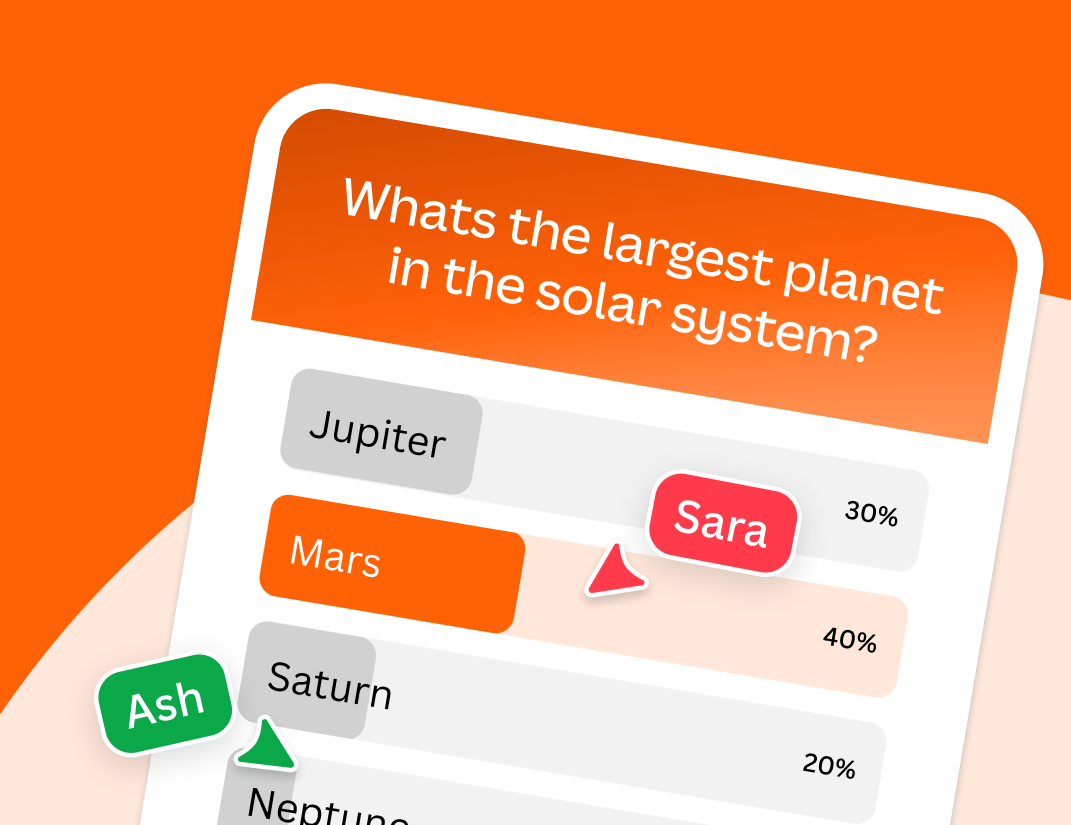
Drive interactivity in lessons with polls and quizzes
Turn text into professional AI-powered voiceovers
Create your own recorded voiceover
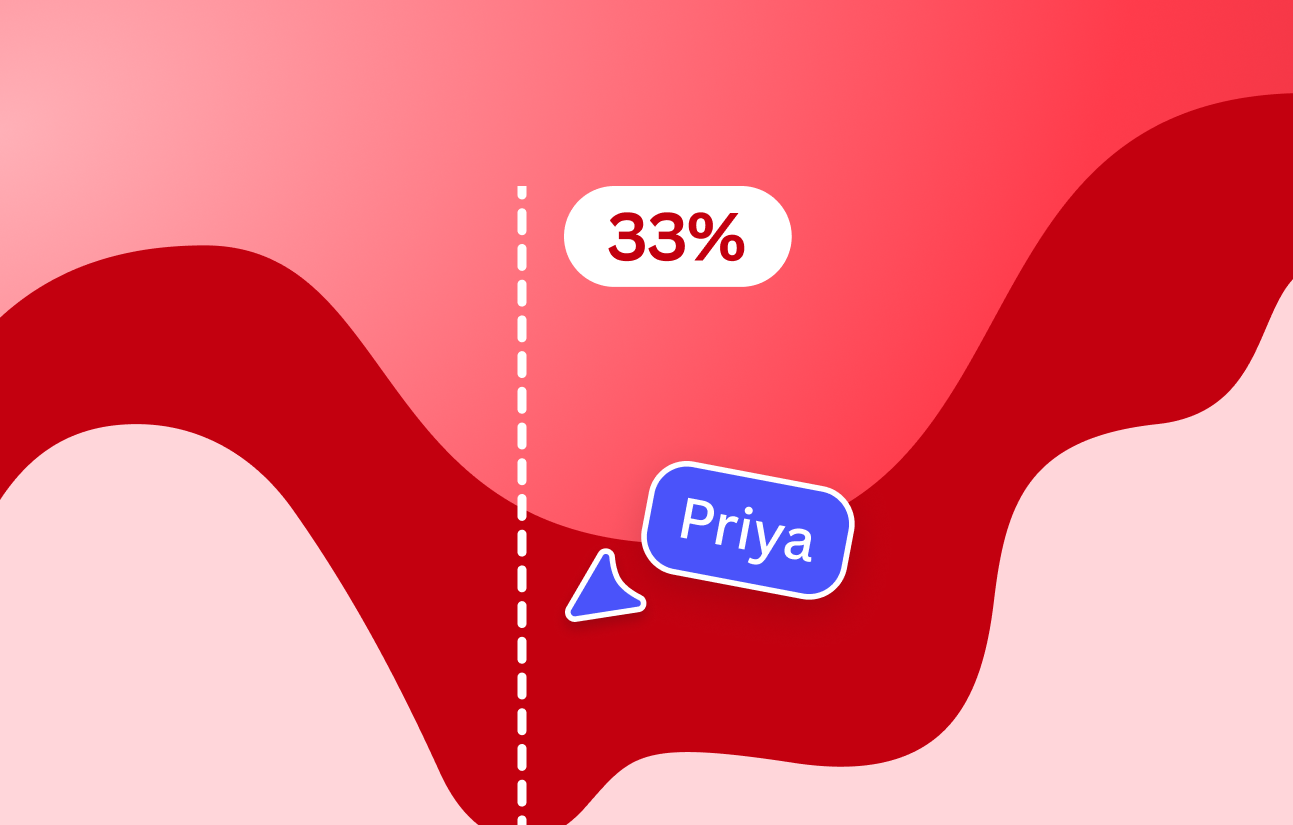
Bring data to life with interactive storytelling
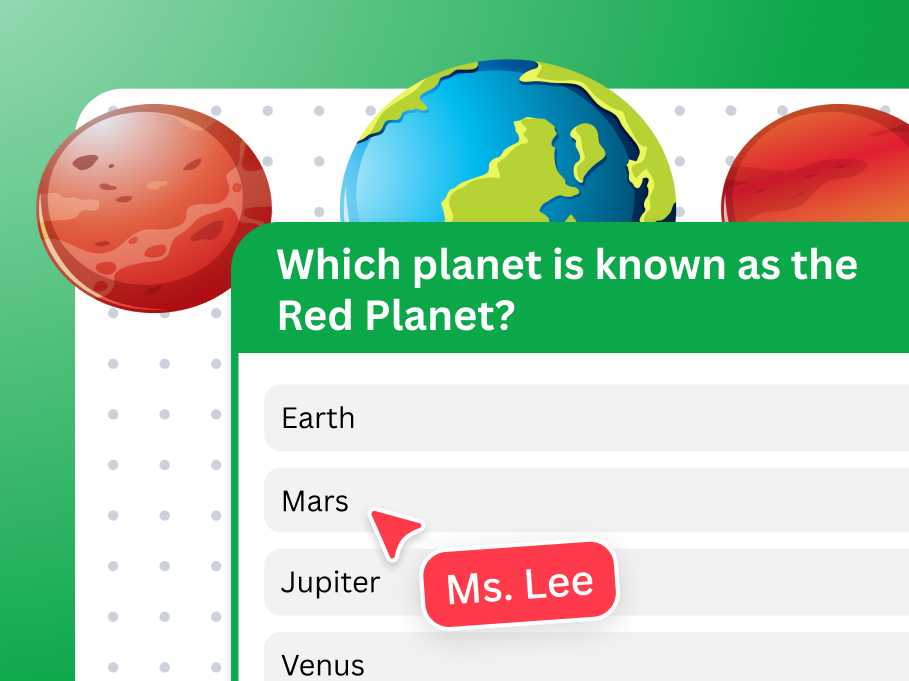
Foster collaboration and get ideas flowing with Whiteboards
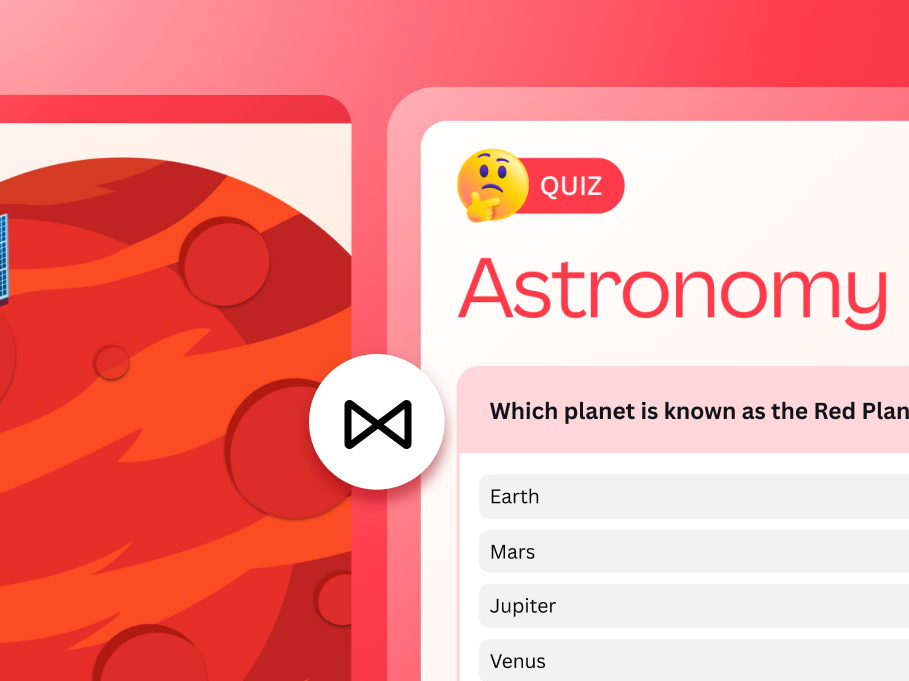
Bring presentations to life with interactivity
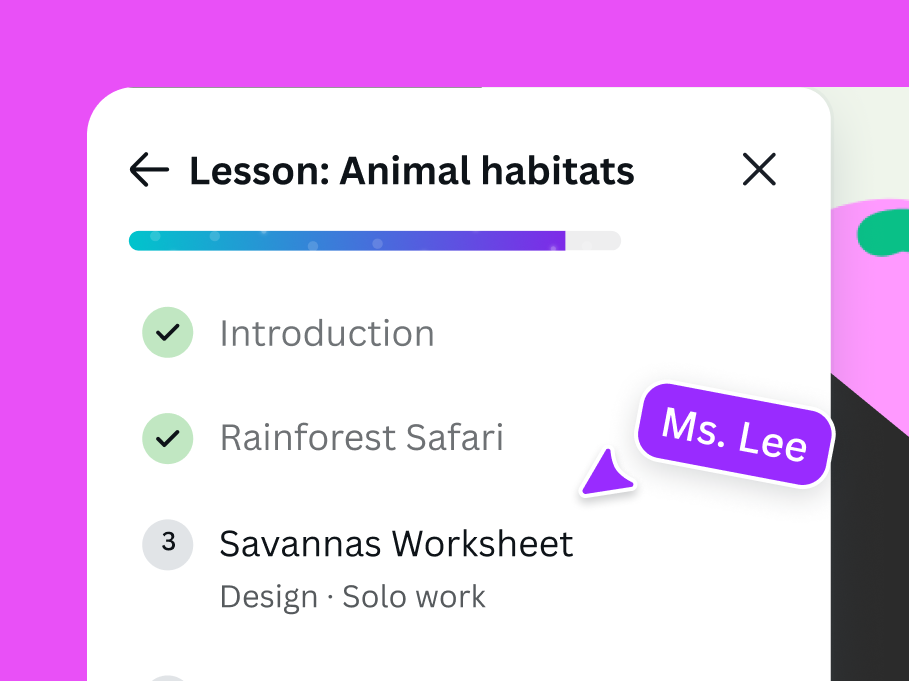
Create your own sequenced lessons
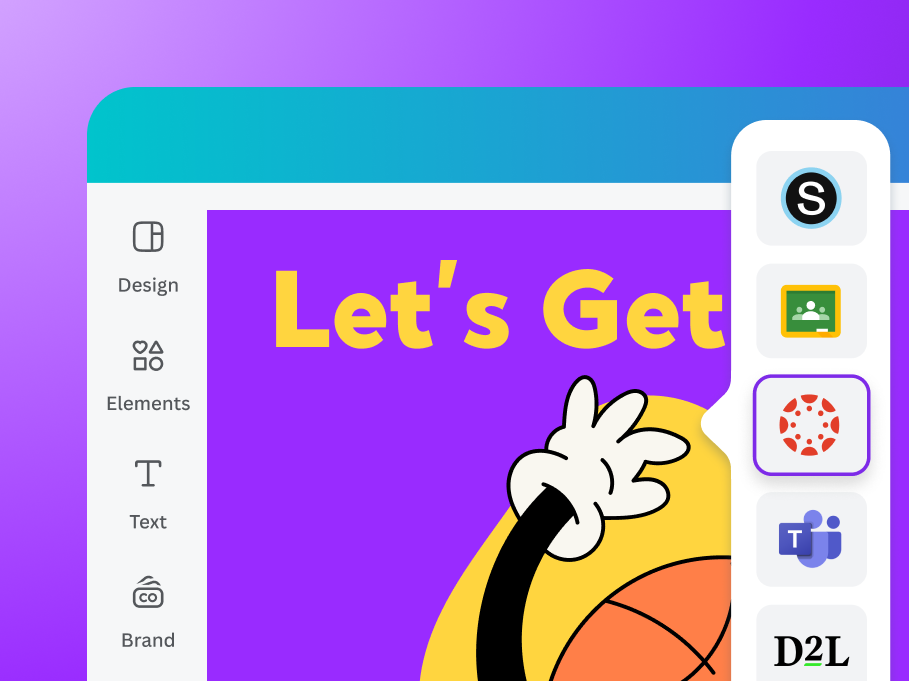
Access Canva creations in all your teaching tools
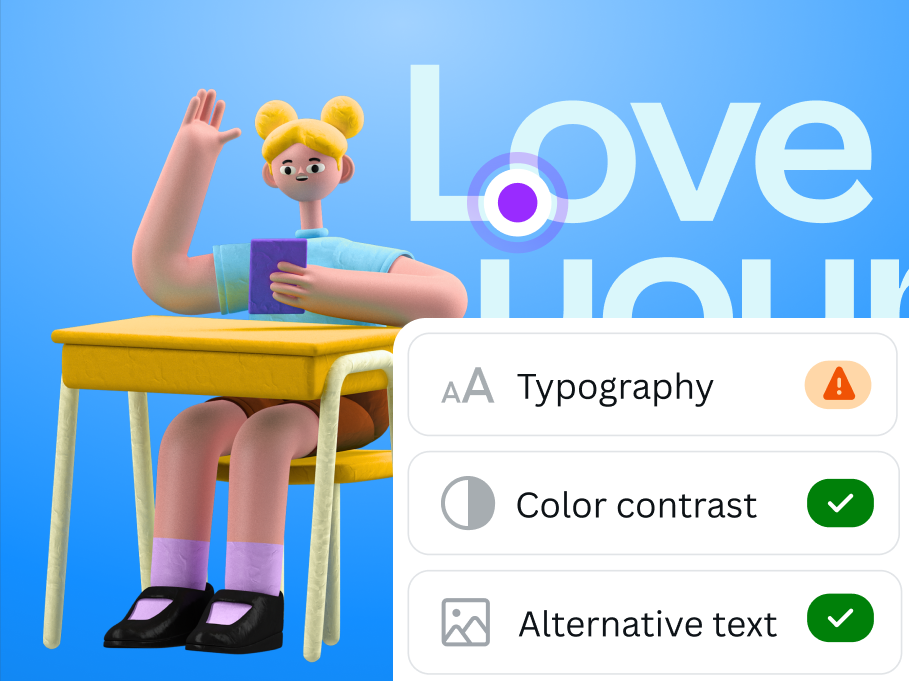
Make learning inclusive for all
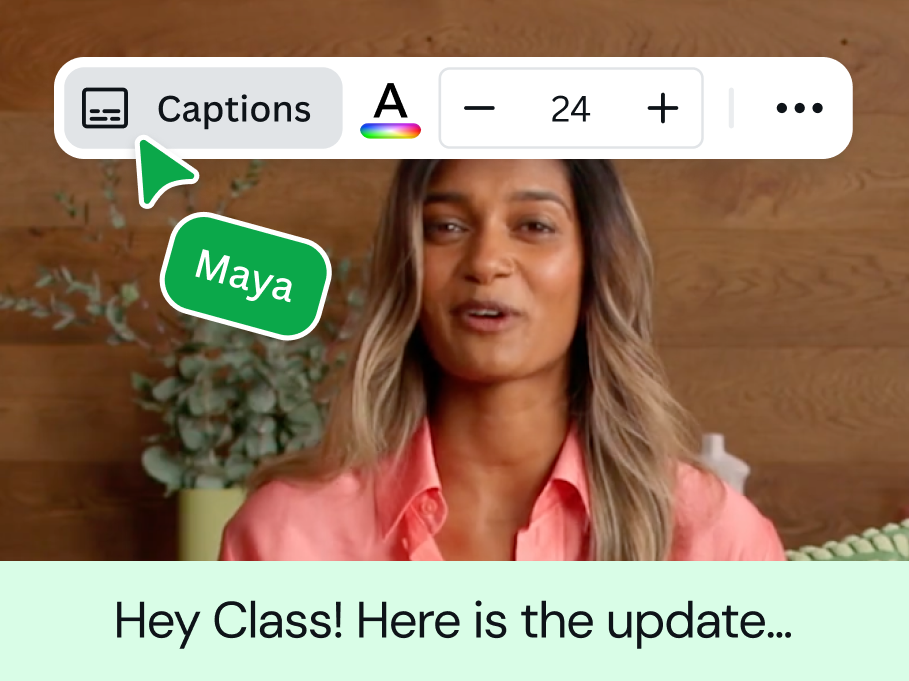
Boost engagement with AI- generated captions
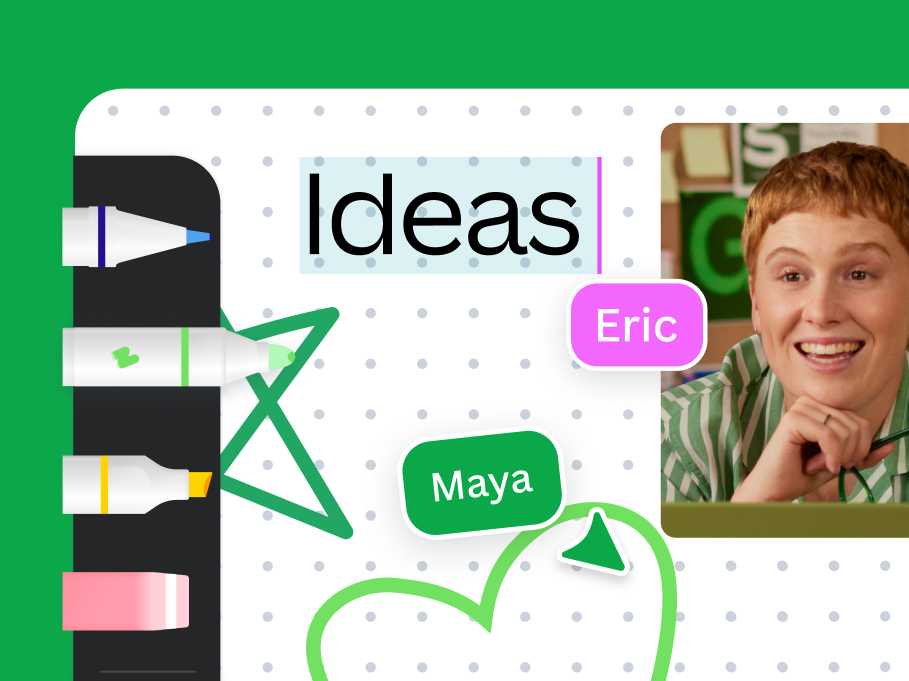
Free up your creativity with Draw
1/11
Get your whole class creating and collaborating in seconds
Assign and track student work
Unlock possibilities with Canva Code
Drive interactivity in lessons with polls and quizzes
Turn text into professional AI-powered voiceovers
Create your own recorded voiceover
Bring data to life with interactive storytelling
Foster collaboration and get ideas flowing with Whiteboards
Bring presentations to life with interactivity
Create your own sequenced lessons
Access Canva creations in all your teaching tools
Make learning inclusive for all
Boost engagement with AI- generated captions
Free up your creativity with Draw
1/14
Get Canva Education today!


Frequently asked questions
Yes - it's 100% free, with no paywalls or nasty surprises.
It’s our commitment that Canva Education will remain 100% free for K-12 (primary and secondary) educators, their students, as well as qualified school districts and institutions.
Most of Canva’s premium features are included in Canva Education, as well as dedicated features for educators, such as LMS integrations, the ability to share work and assignments with students, thousands of high quality educational templates, and more.
School districts and institutions can also enjoy enterprise-grade security features, deployment via SSO, onboarding support, and professional development training - all for free.
Canva Education is available for K-12 (primary and secondary) educators, their students, and qualified school districts and institutions. Check out our full eligibility guidelines.(opens in a new tab or window)
No problem. If you already have a Canva account, log in to your account, go to our sign up page(opens in a new tab or window), and follow the verification process to upgrade your account to Canva Education. All of your existing designs will transfer over.
Currently, Canva Education is available for K-12 (primary and secondary) students. If you're a primary or secondary student, your teacher needs to invite you to join Canva Education. They can do this from their Canva Education account, here’s how(opens in a new tab or window).
Our dedicated education and district offerings are FERPA and COPPA compliant, and we are also a signatory of the National Data Privacy Agreement. We are committed to GDPR compliance, and offer safe-for-school content.
Canva uses a multi-layered set of safeguards to ensure the content within our Canva Education platform is safe for schools and safe for students. In addition to a set of blocked search terms, we also leverage a best-in-class machine learning platform that scans our existing collection of millions of photos and graphics to identify, flag, and remove access to “not safe for school” content for anyone using for Canva Education. Our collections are reviewed by content moderators to ensure compliance with our “not safe for school” definitions.
Yes, our global Canva for Teachers community is open to all teachers. They are dedicated groups for educators and help to empower them to use Canva as a tool to educate. Along with a global group, we have an array of local teachers communities for several languages and locales. Learn more(opens in a new tab or window)
