- Text to Speech

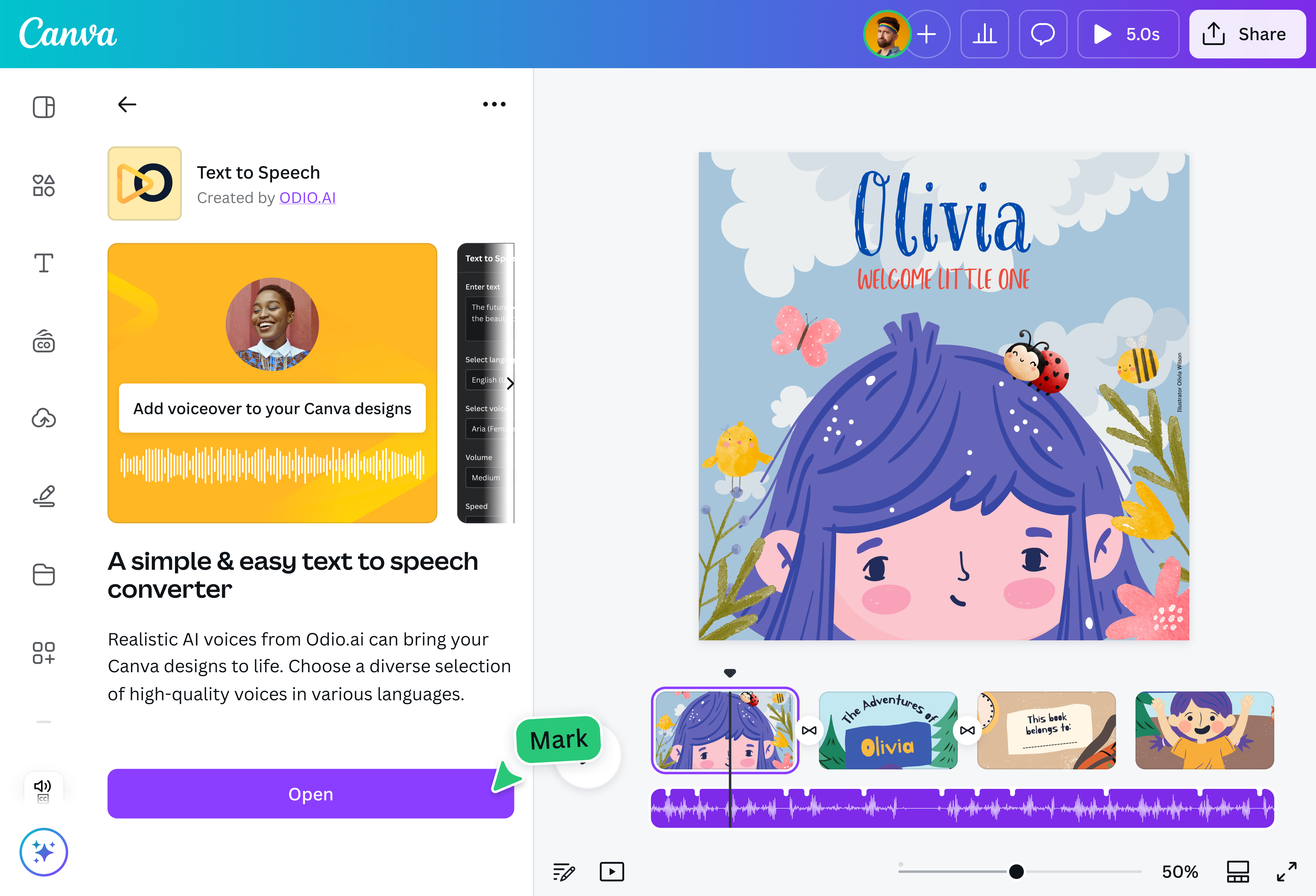
Bring your words to life with Canva's Text to Speech tool. Easily turn written text into natural-sounding speech. Choose from a variety of AI voices to enhance your videos, ads, presentations, podcasts, and more—no mic or recording needed.
Effortlessly give your projects a voice

Make your content more engaging and memorable with voiceovers. Instantly add emotion, tone, and personality that text or visuals alone can't convey. Mix voiceovers with music from the AI music generator(opens in a new tab or window) on Canva for a richer, more immersive experience that will keep your audience hooked.
Bring your characters to life

Give your characters a voice with natural-sounding voiceovers, perfect for virtual influencers, VTubers, and anyone who uses digital avatars(opens in a new tab or window). Choose from a variety of tones and voices—including masculine, feminine, conversational, professional, and playful—with many language variations available, even a Bengali text to speech app(opens in a new tab or window). Make your characters' lines even more dynamic and use Magic Write(opens in a new tab or window) to craft compelling dialogue, then bring it to life with AI text-to-speech.
Create instant audiobooks you can enjoy anywhere

Turn any written text into an audiobook in seconds. Perfect for auditory learners or people with visual impairments, the text-to-speech generator on Canva makes reading easier and more convenient. You can personalize the voice and adjust the speed. You can also boost your sound with our audio enhancer(opens in a new tab or window). Now, you don’t need to sit down and read—enjoy your favorite story anytime, anywhere.
How to convert your text to voice

Frequently asked questions
- Text-to-speech technology turns writing into spoken words, allowing your computer, smartphone, or other devices to "read" text aloud to you. This makes digital content more accessible, especially for people with visual impairments or reading difficulties.
- The text-to-speech feature can convert a maximum of 2,000 characters. If your text is longer, no worries! Simply break it into smaller sections and convert each one separately. You can then merge the audio files and create a seamless listening experience using our free video editor.
- Text-to-speech uses advanced algorithms and natural language processing to create voices that sound human, capturing nuances like pronunciation, tone, pitch, speed, and rhythm.
- You can translate any text into a voiceover in a wide range of languages, such as:
- English
- Spanish
- Mandarin Chinese
- Arabic
- Filipino
- German
- Greek
- French
- Japanese
- Italian
- Korean
- And many others

@naveet
