
You don’t necessarily need to pay for antivirus software anymore. Windows already includes solid protection through Microsoft Defender, while several third-party companies still offer genuinely useful free antivirus programs without turning into paid subscriptions after a short trial.
For most people who specifically want third-party protection, Bitdefender Antivirus Free is the best place to start. It focuses on the essentials, including real-time malware and web protection, without cramming the app with features you may never use. Avast One is better suited to people who want more security tools in the same package, while Microsoft Defender remains the obvious option if you’d rather install nothing at all.
There are a few other free options worth considering. Avira packs in more than basic antivirus protection, AVG sticks closer to the old-school antivirus experience, and Malwarebytes is useful when you’re more worried about cleaning up a PC that may already be infected.
Bitdefender Antivirus Free
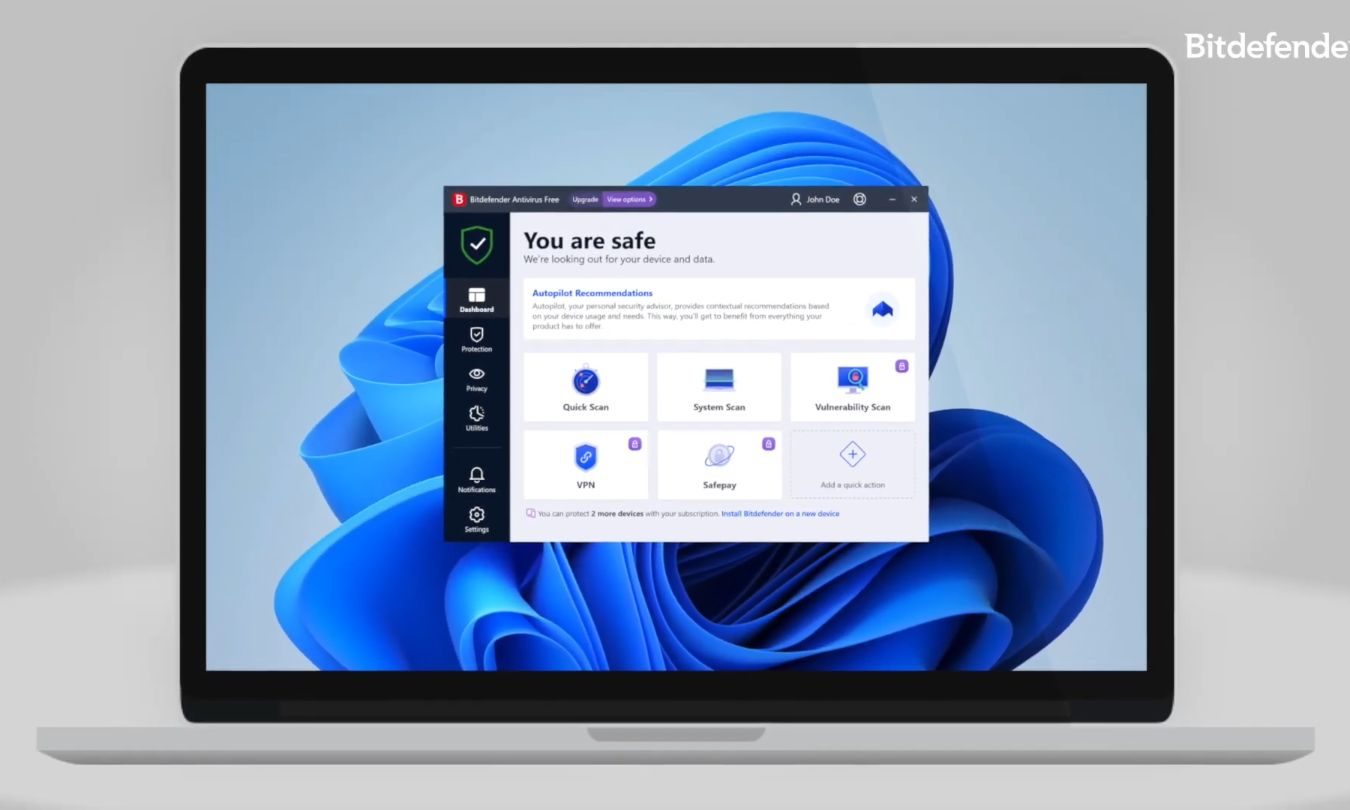
The best free antivirus software overall
Bitdefender Antivirus Free gets our top recommendation for people looking for a dedicated third-party antivirus because it sticks to the basics. You get real-time protection against malware and other threats, protection against malicious and phishing websites, and the ability to scan your system without an expiration date or subscription. Bitdefender describes Antivirus Free as a genuinely free product rather than a short trial.
That simplicity is a big part of the appeal. Plenty of free antivirus programs want to become an entire security dashboard, complete with optimization tools, VPNs, browser utilities, and reminders about everything you’re missing by not paying. Bitdefender’s free version is comparatively straightforward. Install it, let it run in the background, and step in when it actually finds something worth your attention.
A lot of Bitdefender’s broader privacy, identity, and device-security features remain part of its paid products. In this case, that also helps keep the free app from becoming overloaded with tools that have little to do with basic antivirus protection.
Avast One
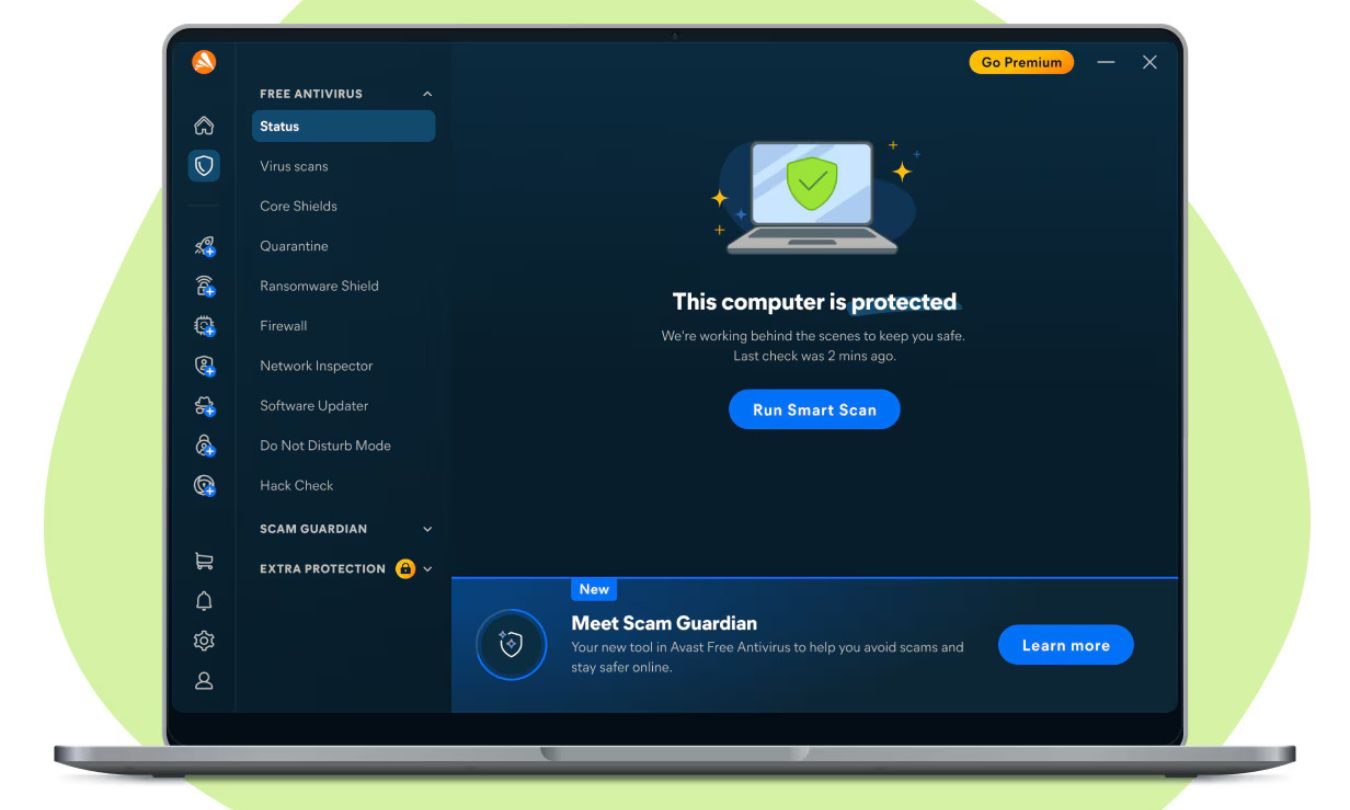
The best free antivirus with extra features
Avast takes almost the opposite approach to Bitdefender. Its current Avast One app combines antivirus protection with additional web, scam, privacy, and network security tools, which makes it a better fit for people who want their free security software to do more.
The free version includes core antivirus protection alongside basic scam and web protection. Avast also offers additional free privacy and security features, while reserving more extensive VPN, identity, and cleanup capabilities for paid modules. The company refreshed Avast One in 2026, bringing more of its security, privacy, identity, and performance features into a single app.
Its protection credentials remain strong, too. AV-Test’s June 2026 results gave Avast Free Antivirus full marks for protection, performance, and usability.
The downside is that Avast feels more commercial than Bitdefender. Paid features remain visible inside the app, and you’re more likely to run into prompts encouraging you to subscribe as you explore its broader toolkit.
Microsoft Defender
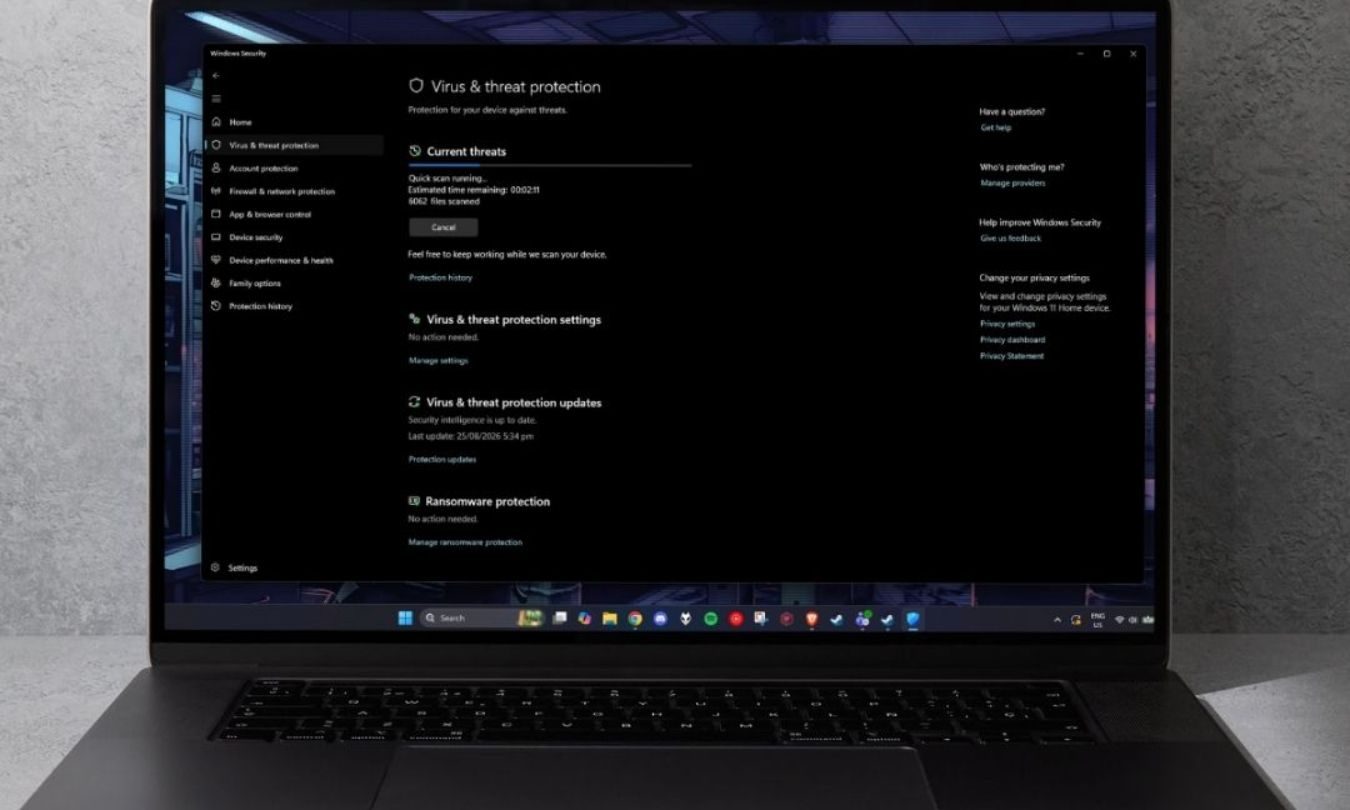
The best free antivirus already on your PC
There’s a decent chance you already have all the antivirus protection you need.
Microsoft Defender Antivirus is built into Windows 11 as part of Windows Security, automatically providing real-time protection against viruses, malware, and other threats. There’s nothing extra to download or a separate antivirus subscription to maintain.
Microsoft’s antivirus regularly participates in independent security testing and has become far more competitive than the bare-bones Windows antivirus tools many people may remember from years ago. In AV-Test’s June 2026 evaluation, Defender earned full marks for protection and usability and 5.5 out of 6 for performance. If you want a deeper look at how it works, we’ve also reviewed Microsoft Defender on its own.
Windows Security also gives you access to firewall controls, account protection, device security settings, and reputation-based protection against potentially unwanted apps and suspicious downloads. Most of it stays out of the way unless Windows finds something that needs your attention.
The built-in antivirus doesn’t expire or require a separate subscription. Microsoft does offer a broader Microsoft Defender app through Microsoft 365 Personal and Family subscriptions, but that’s separate from the antivirus protection already included with Windows.
For plenty of Windows 11 users, the protection already on their PC is enough.
Avira Free Security
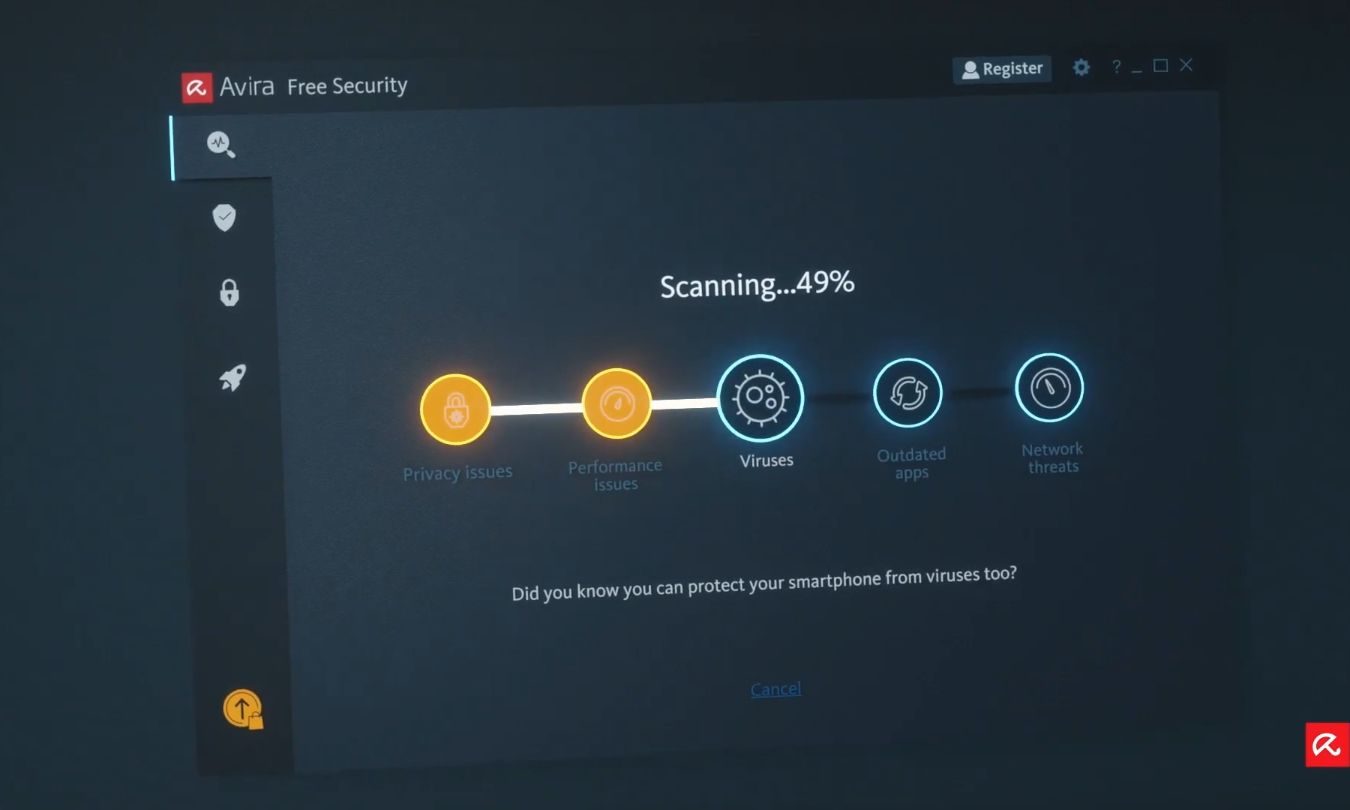
The best free antivirus security suite
Avira Free Security makes more sense if you actively want your antivirus software to do more than watch for malware.
Alongside real-time protection, Avira’s free security package includes browser protection, a password manager, software updating, and performance tools. There’s also a VPN, although the free allowance is limited to 500MB per month.
That wider toolkit can be handy on a new PC where you’re trying to cover several basic security jobs at once. Vulnerable software, risky websites, and unwanted programs can all cause problems without fitting neatly into the traditional idea of a computer virus.
The feature list looks more generous than the fully unlocked experience. VPN use is tightly capped, some utilities have restrictions, and premium tools remain visible inside the app. That’s the trade-off for getting a broader free suite instead of a more focused antivirus.
AVG AntiVirus Free
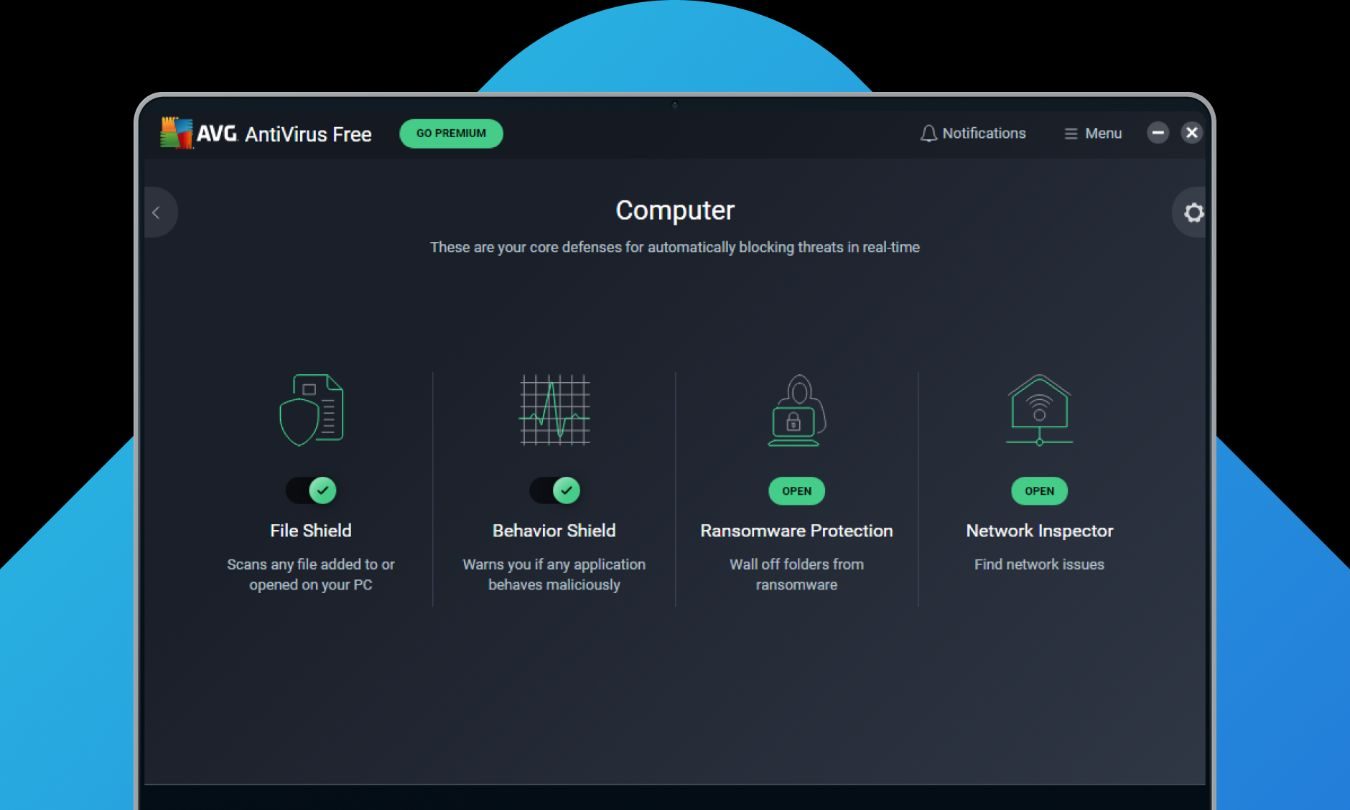
The best traditional free antivirus
AVG AntiVirus Free remains one of the strongest free antivirus programs around, even if its place on this list comes with some overlap.
AVG and Avast have the same parent company and share underlying security technology, which helps explain why their results in independent testing are often extremely similar. For most people, there’s little reason to install both or spend too much time pretending they’re completely different propositions.
AVG makes the most sense for someone who prefers a conventional antivirus app over the broader suite approach of Avast One. The free version provides real-time protection against viruses, malicious websites, infected emails, and other threats. It also continues to perform well in lab testing, earning full marks across protection, performance, and usability from AV-Test in June 2026.
Paid security and performance features still sit alongside the free ones, but that’s not the main reason AVG ranks lower here. It simply fills a narrower role than the other recommendations.
If you’ve used AVG for years and like how it works, there’s no strong reason to move away from it.
Malwarebytes Free
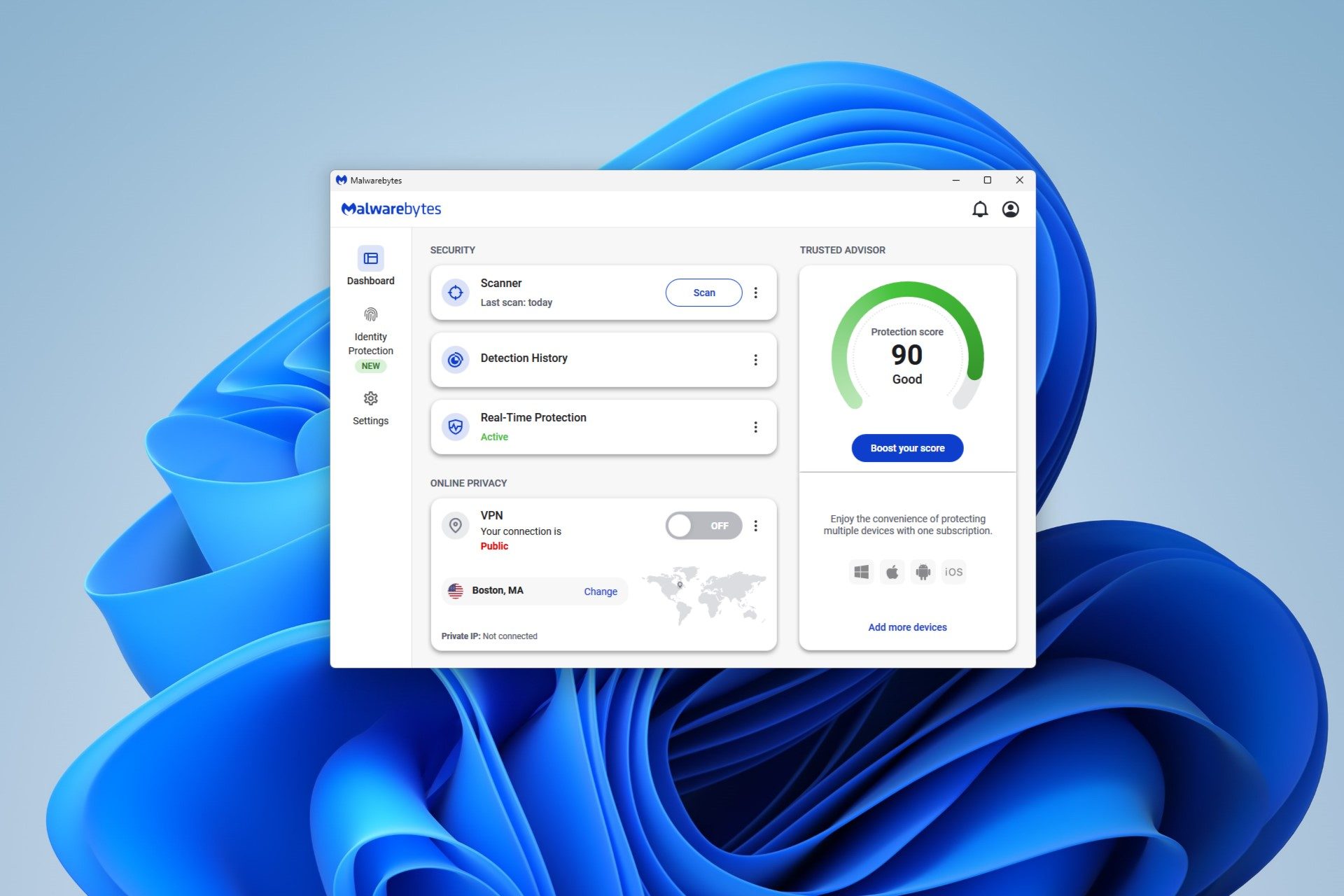
The best free malware removal tool
Malwarebytes Free is the odd one out on this list, and that’s exactly why it’s still useful.
Rather than serving as our first choice for continuous everyday antivirus protection, Malwarebytes Free is particularly helpful when you suspect something has already made its way onto your PC. You can run quick or custom scans and use Malwarebytes to identify and remove malware that may be causing problems.
Its biggest limitation changes how you should think about it. Malwarebytes lists real-time malware, ransomware, and web protection among the features that require a subscription.
We wouldn’t replace Microsoft Defender or another real-time antivirus with Malwarebytes Free and assume you’ve got equivalent protection. Treat it as an extra scanner and cleanup tool you can reach for when your normal security software hasn’t settled your suspicions.
What’s the catch with free antivirus?
The basic malware protection in free antivirus software can be genuinely free, but the business model usually depends on convincing at least some users to upgrade.
How annoying that becomes depends on the product.
Bitdefender keeps most of the free experience focused on antivirus and reserves broader security tools for paying customers. Avast and Avira expose more premium features inside their apps, so you’ll see more of what you’re missing. AVG sits somewhere in between, while the Microsoft Defender Antivirus built into Windows avoids the usual free-to-paid funnel.
Malwarebytes needs a little more care because its free tier serves a different purpose. It’s useful for scanning and removing malware, but continuous real-time defenses require payment.
You should also watch for products described as “free” when they’re really temporary trials. A genuinely free antivirus should continue providing its advertised core protection after the introductory period ends without suddenly asking you to pay to keep basic protection running.
Which free antivirus should you choose?
Bitdefender Antivirus Free is the easiest recommendation for someone who wants third-party protection without much clutter. It handles the core job without trying to become a giant security suite.
Avast One heads in the other direction, bundling more security and privacy features into the free package. Avira Free Security appeals to a similar audience, particularly if tools such as software updating and limited VPN access are useful to you.
Windows 11 users who don’t need any of that can simply stay with Microsoft Defender Antivirus. There’s no additional antivirus subscription, and you don’t have to install another program.
AVG AntiVirus Free is a solid fit if you prefer a more conventional antivirus interface, while Malwarebytes Free is the one to reach for when you’re trying to scan and clean up a potentially infected PC rather than replace your everyday real-time protection.
Do you still need antivirus software in 2026?
Yes, but that doesn’t necessarily mean you need to download a separate antivirus program.
Modern versions of Windows already include antivirus protection through Microsoft Defender, and web browsers have their own protections against suspicious websites and downloads. If you decide to rely on the built-in tools, it’s also worth checking the Windows security settings everyone should know rather than assuming the defaults cover every preference.
A separate antivirus can still make sense if you prefer its interface, want additional security tools, or simply feel more comfortable using software from a dedicated security company. What you shouldn’t do is install another antivirus solely because you’ve heard that Windows Defender is inherently inadequate. That advice is badly out of date.
Antivirus also can’t rescue you from every security mistake. Giving away a password on a convincing phishing page can bypass protections that are otherwise doing their job, and recent scams have included fake Google security checks designed to steal passwords. A good password manager can help with another part of that problem, but it still doesn’t replace paying attention to what you’re clicking.
Antivirus is one layer of protection, not permission to stop paying attention.
Frequently asked questions
What is the best free antivirus in 2026?
Bitdefender Antivirus Free is our pick for the best free antivirus for most people who want a third-party security app in 2026. It covers the core job without stuffing the experience with unnecessary extras.
Is Microsoft Defender good enough?
For many Windows users, yes.
Microsoft Defender Antivirus provides real-time protection as part of Windows Security and continues to score well in independent antivirus testing. If you keep Windows updated and follow reasonable security practices, replacing it with another free antivirus isn’t a requirement.
Is free antivirus software safe?
Yes, provided it comes from a reputable security company and genuinely includes ongoing protection rather than a temporary free trial.
Some products provide continuous real-time antivirus protection, while others are primarily scanners or cleanup tools. Malwarebytes Free, for example, is useful for removing malware but doesn’t provide the same continuous protection as Bitdefender, Avast, AVG, Avira, or Microsoft Defender.
Download antivirus software directly from the developer whenever possible rather than using an unfamiliar third-party download site. Fake download pages are a real problem, including sites that impersonate legitimate Windows apps while distributing malware.
Can you run two antivirus programs at the same time?
You generally shouldn’t run two full real-time antivirus products simultaneously. They can interfere with one another, create unnecessary background activity, or cause conflicts when both programs try to respond to the same file.
Windows handles this automatically with compatible antivirus software. When another antivirus app is installed and active, Microsoft Defender Antivirus turns itself off and comes back on if that antivirus is removed.
A separate on-demand scanner such as Malwarebytes Free is different because you can use it when needed without treating it as another full-time antivirus layer.
Does free antivirus slow down your PC?
Any antivirus can affect performance because it needs to examine files, downloads, processes, and other activity for potential threats. On a modern PC, though, a good antivirus should spend most of its time unnoticed in the background.
The impact can become more obvious during a full system scan or on an older computer with limited memory or processing power. If performance is especially important to you, a more focused antivirus such as Bitdefender or simply sticking with Windows’ built-in protection may be preferable to installing a feature-heavy security suite.