Free PNG Logo Maker

Easy drag-and-drop editor
1M+ professionally-designed templates
Try our design and work apps
Download or share designs easily
Build a memorable brand identity with a logo you can use anytime, in any way you want. When you create a PNG logo online on Canva, you can explore your creativity with a full suite of features, including background transparency and image enhancers. With an easily editable and versatile logo, you can make your mark across various digital, print, and web materials.

A logo adapted to your needs
Logos are the visual trademark for your brand. As you develop your professional identity and grow your consumer base, your logo becomes your partner in recall. Use it wherever you can—on your website, social media graphics, letterheads, business cards(opens in a new tab or window), and merchandise, you can even use it as your Instagram logo.(opens in a new tab or window)
Canva’s free PNG logo creator offers a downloadable image file to help you do all these and more. Take advantage of our powerful editing tools to design a distinct logo you can use in all your brand collaterals. A logo in PNG format supports a transparent background, so you can easily use it as a watermark without clashing against the contrasting colors of your media and products. Preserve the high quality of your PNG image, no matter where you use it.
How to create a PNG logo

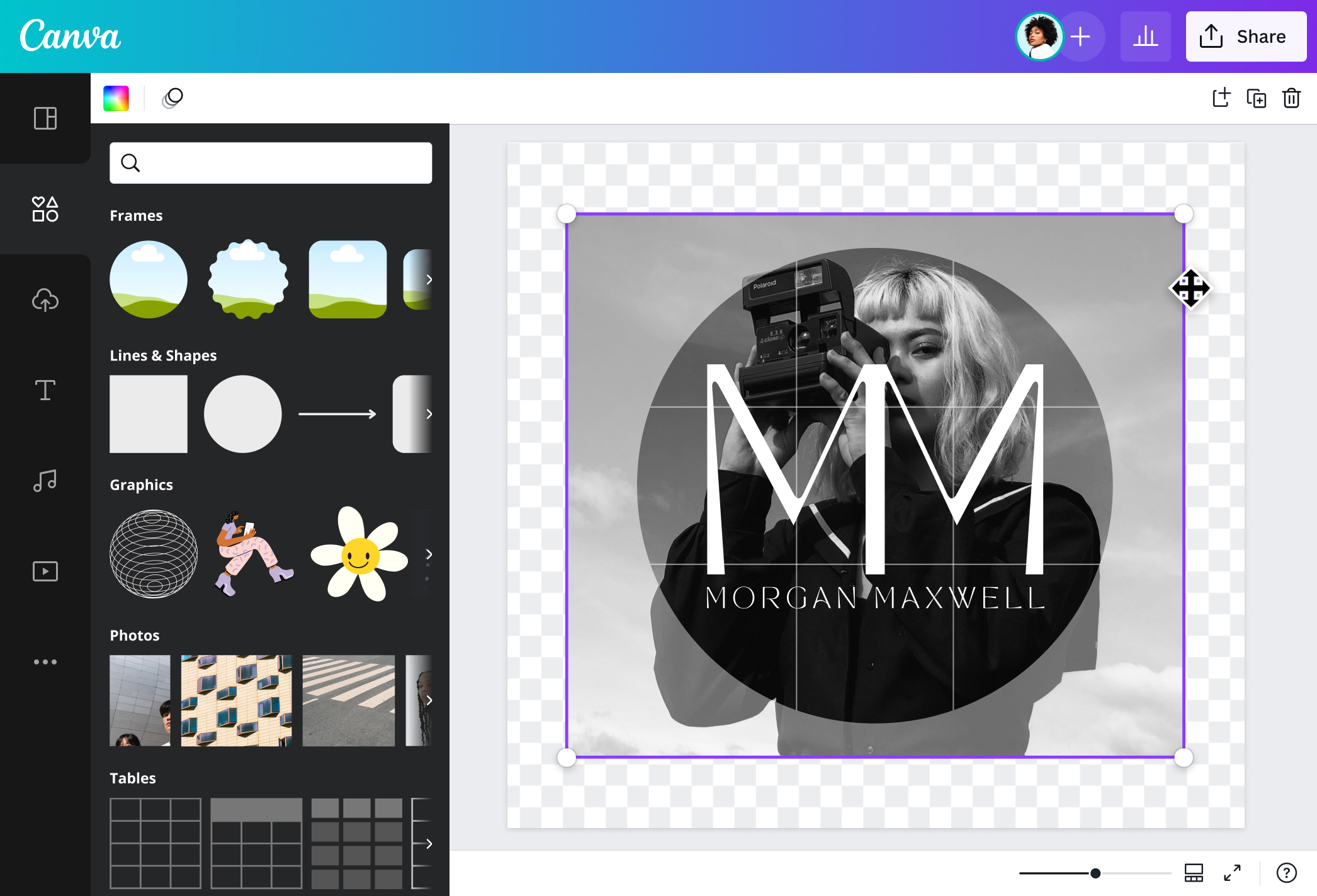
Enhanced details for a unique mark
Whether starting your own clothing line, launching a food business, or rebranding your beauty company, craft a stunning logo with Canva's logo PNG creator. Start with a professionally-made template, then customize it to your heart’s content. Each design element in our media library has been created with expert artistry.
Canva’s free PNG logo generator lets you save your image in high-quality PNG format. Drop shadows and transparent color overlays will still look good even after downloading, so you won’t lose out on all the finer details of your design! Whether scaling up your logo for large prints or using it as an icon on your social media pages, you’ll get rich colors and a smooth resolution every time. Bring the timeless appeal of old-school imagery to your pictures with a cool vintage camera effect(opens in a new tab or window).
Take your logo out of the box
Give a new shape to your logo and go beyond the usual circle or square. Add deliberate curves and spirals to showcase your brand personality. Or apply vertical or horizontal lines to boost aesthetic appeal. With Canva Pro’s one-click Background Remover(opens in a new tab or window) feature, you can make instant edits and create a transparent logo that seamlessly blends in anywhere you use it.
Go for the timeless and versatile wordmark logo, or make clever use of typography with a striking monogram. Make multiple versions in transparent, dark, and light backgrounds, and let your PNG logos merge nicely across various backdrops of your branded content. Your versatile set of logo variations can be used for future projects, such as a merch expansion or a website makeover.
A quick start to a lasting identity
You don't need professional design skills or expensive software. Let Canva be your one-stop custom PNG maker! From editable templates and beginner-friendly tools to high-quality image downloads, you can design anything you need, all in one place.
Upload your PNG logo design onto your library and use it for future projects. Build a strong recall value for your brand when you add your logo to your digital, print, and web materials. Design labels, merchandise, and social media cards, using Canva's ready-made templates. Then, add your DIY logo for the perfect, professional finish.
FAQ

@navneet4


