- SRS Document
Creating an SRS document: How-tos, templates, and tips
Jump to:
What is an SRS document?
You’ve probably been here before: Halfway through a project, two teams are building entirely different versions of the same product. Why? Because nobody documented what the product should actually do. That’s exactly what an SRS document is meant to prevent.
Short for software requirements specification, an SRS document is the playbook that outlines what your software must achieve. It lays out all the must-haves: user interactions, system behavior, and edge cases. It also mentions constraints such as security, uptime, and performance expectations.
Rather than diving into how the system works behind the curtain, the SRS document keeps its focus on what the system should do from the user’s point of view. It’s less about “how to build it” and more about “what it must deliver.”
This document becomes essential scaffolding for your software project. It helps product leads, engineers, quality assurance (QA), and stakeholders talk the same language. With it, you avoid expensive misinterpretations down the line.


Why use an SRS document?
A solid SRS document helps you stay on track. It protects your timeline and keeps your budget under control. Your team gets a shared understanding of what’s being built. It prevents feature creep and provides developers with clarity. For a QA team, it helps them know what “done” looks like. And for stakeholders? It documents exactly what they’re signing off on.
More than just a technical checklist, a well-structured SRS document also serves as a benchmark. It provides a reliable framework that keeps design, implementation, and testing aligned. When the blueprint is clear, teams can move faster with fewer misunderstandings. You can test against it, validate scope, and track deviations. It becomes a shared foundation that connects vision with execution, especially when multiple departments or vendors are involved.
This approach aligns with ISO/IEC/IEEE 29148:2018, the internationally recognized standard for software and systems requirements engineering(opens in a new tab or window). It outlines the structure, quality criteria, and lifecycle integration for SRS documents; ensuring teams deliver consistent, testable, and traceable requirements.
In heavily regulated spaces such as medical device software or Customer Relationship Management (CRM) systems handling sensitive data, a missing or unclear SRS document can lead to non-compliance, failed audits, or outright system rejection. Canva Docs(opens in a new tab or window) helps teams in these environments document scope and requirements clearly, making it easier to stay compliant and audit-ready.
Who writes it and when?
There’s no single owner of the SRS document. While a product manager or business analyst typically leads the charge, the real value comes from cross-functional input. Engineers define system limits. Designers flag interaction models. Compliance teams spot regulatory risks. The end result? A document everyone can stand behind.
Timing-wise, the SRS document should be kicked off before development begins. Ideally, it should be created after early discovery sessions and stakeholder interviews. But it’s not a “set it and forget it” type of document. Revisit the SRS whenever things shift and requirements evolve. Think of this document like you would the product: something that needs care, updates, and buy-in along the way.
Here’s how different teams usually shape it:
- Business teams focus on goals and what success looks like: metrics, user outcomes, and measurable impact.
- Product managers often provide the big-picture context. They feature priorities, timelines, and how the system supports business goals.
- Developers tend to weigh in on what’s technically doable and flag any early constraints.
- Designers or user experience leads bring in usability thinking, especially around tricky edge cases that might otherwise get missed.
- Legal and compliance teams ensure everything lines up with policy and external regulations.
Now, if you’re writing requirements in an agile environment, the SRS document doesn’t go out the window. It just takes a different shape. You’re not writing a 50-page document upfront but building a lean version that evolves with your sprints. Add what’s new. Trim what’s outdated. Keep it useful, not sacred.
That flexibility is what makes the SRS document stick, especially when other documents like Business Requirements Documents (BRDs) or Functional Specification Documents (FSDs) enter the mix. Not sure how they differ? This table should help:

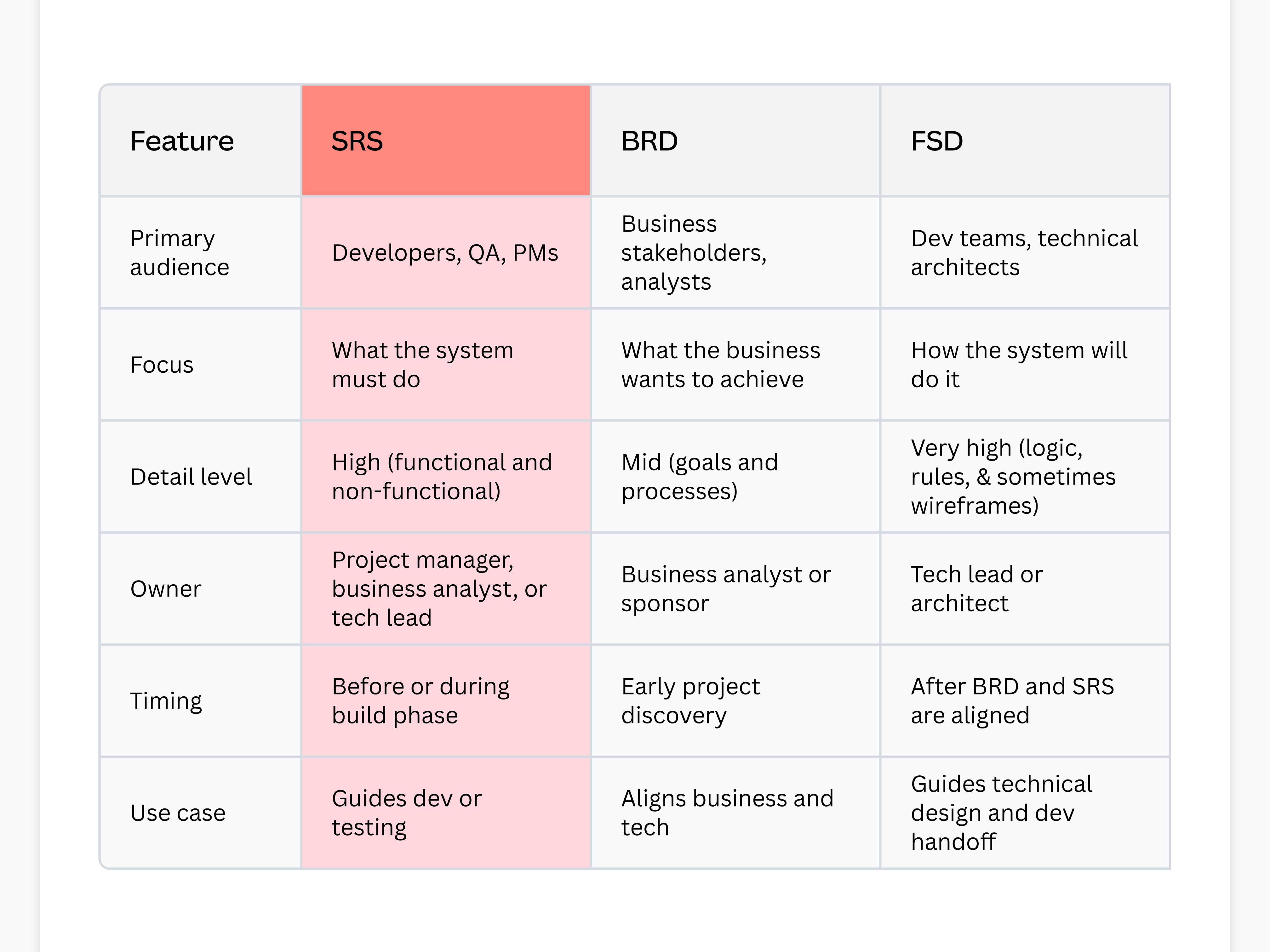
SRS document vs. BRD vs. FSD comparison table
What to include in an SRS document
A good SRS document in software engineering isn’t just a list of features. It’s how teams stay aligned. The documented guide gives structure to the chaos of software development and keeps everyone, from developers to stakeholders, on the same page. Below are the core sections every complete SRS document should include.
The intro sets the stage. It tells people what the document is, what it covers, and who it’s meant for. That could include your dev team, external vendors, QA testers, or even a procurement lead reviewing system specs. It’s also a good place to mention how the SRS document will be maintained, especially if it’s evolving with sprints or phase rollouts.
Here’s where you explain why the software exists. What’s the business problem? What value does it unlock?
Then comes the project scope(opens in a new tab or window). This is where you draw the line between what the product will include and what it won’t. It could be as simple as “mobile only” or “no admin dashboard in v1.” Clarity here prevents misaligned expectations later.
System requirements describe what the software needs to run. These include things such as hosting platforms, storage, or third-party dependencies.
Meanwhile, functional requirements dig into what the software does. Not just buttons or screens, but behaviors. Examples include how users log in, how data flows, or what triggers certain rules.
Many teams break this down by user role or feature set to make things easier to navigate.
If your system needs to talk to something else, it must be mentioned in this section. External interface requirements can include:
- Web user interface (UI) components or dashboards
- Application programming interface (API) with brief request and response summaries
- Integrations with third-party tools like CRMs or payment systems
- Hardware or physical devices the system interacts with
No need to go ultra-technical. Just make these connections visible and traceable.
These aren’t about what the system does, but how well it does it. Qualities such as performance, security, reliability, and compliance are discussed in this section of an SRS document. It also touches on usability and accessibility standards, which are essential in enterprise or regulated environments.
The best NFRs are measurable. Not “fast” or “secure,” but “responds in under 500ms” or “meets SOC 2 audit requirements.” NFRs often come from many directions (legal, tech, and support, to name a few), so treat this section in your SRS document as a collaborative effort.
How to write system requirement specifications documents
A well-written SRS document can mean the difference between a smooth development cycle and a misaligned, budget-draining mess. But it’s not about hitting some technical word count. It’s about creating a document that helps teams think clearly, act quickly, and avoid confusion later.
Here’s a practical way to go about it.

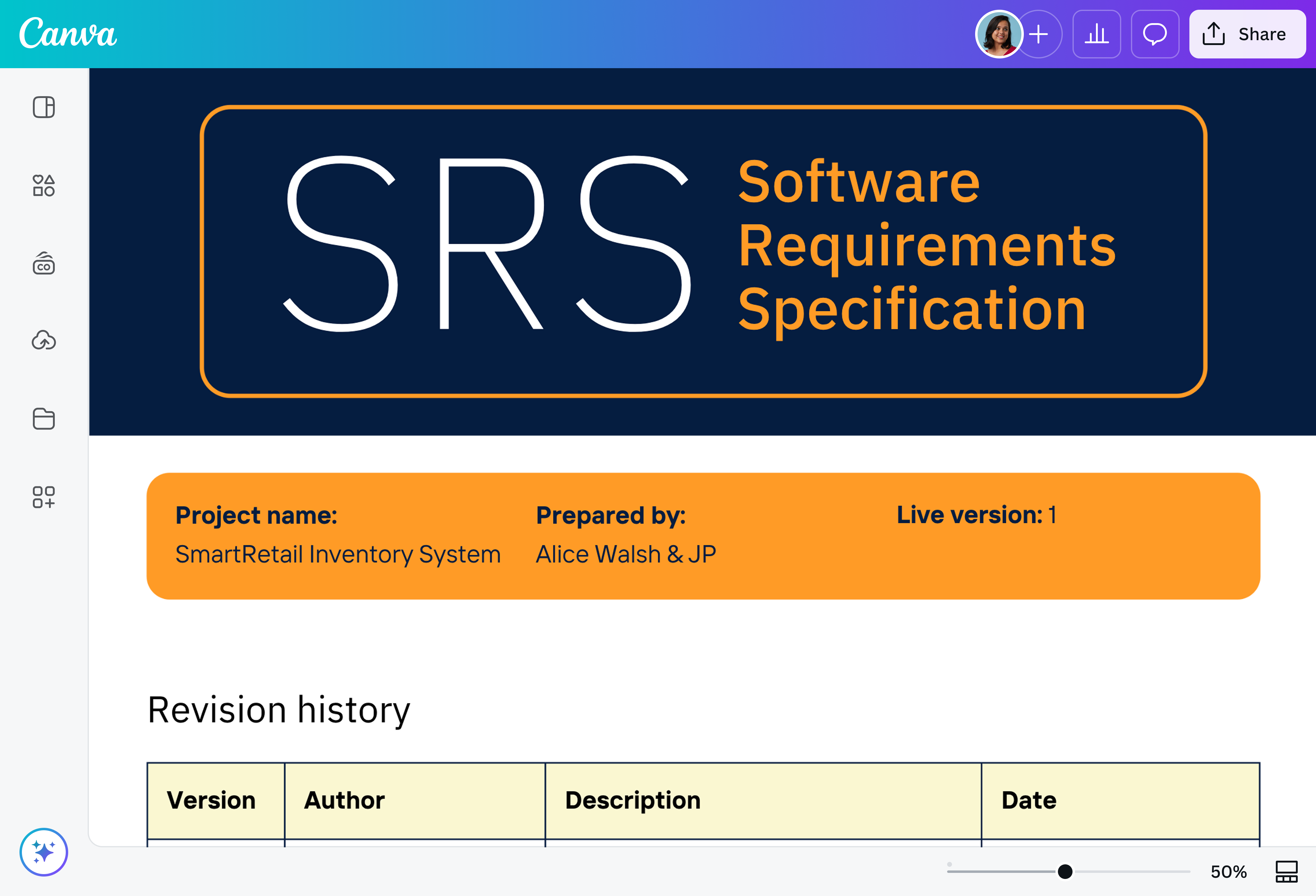
Start with structure. Before diving into your CRM, payroll, or medical device system, use a structured software requirements specification document template to guide your team. List down the usual points: introduction, scope, system behavior, interfaces, and constraints.
Whether you build from scratch or use a ready-made SRS document template, the point is to give people something to respond to. Most teams find it easier to review and improve than to invent from zero. Canva Docs is a reliable option for this. You can easily drop in whiteboards(opens in a new tab or window), diagrams(opens in a new tab or window), and flowcharts(opens in a new tab or window) into your document. Plus, you can assign comments directly inside the draft, no juggling five tools to get aligned.
For example, Epicor manages product documentation across multiple systems and regions using Canva.(opens in a new tab or window) To keep their teams aligned and documentation consistent, they rely on a standardized structure from the start. Using clear templates ensures their global teams can scale fast without sacrificing clarity.

Now that you’ve got a shell, fill it with intent. Start by outlining what the system is supposed to do from the end user’s point of view. Focus on behavior, not features.
This part should cover core functions, expected flows, and known business rules. It doesn’t need to be technical yet, just clear. Depending on how your team thinks, you can break it out by persona(opens in a new tab or window) (e.g., “As an admin, I should be able to...”), by workflow, or even by screen.
Also, be upfront about what won’t be included. A short “out of scope” section is one of the most effective guardrails you can write.
Words are fine. But in complex systems, a few sketches go a long way.
Use flow diagrams to map out how data moves through your system. Add wireframes(opens in a new tab or window) or UI examples to clarify user expectations. If your product touches other platforms or APIs, visuals help connect the dots, especially for non-technical stakeholders.
If you’re working in sprints, don’t wait to add visuals at the end. Drop them in early, even if they’re rough. They’ll sharpen your own thinking and reduce review friction later.
From data flow diagrams(opens in a new tab or window) and system architecture maps to annotated wireframes and flowcharts, Canva offers a variety of visuals to support your SRS document. These can be created using Canva Whiteboards and embedded directly into Canva Docs for seamless collaboration.
Once the SRS document feels stable, circulate it. Not just to engineers, but to anyone whose work will be shaped by the system you’re describing. That could include compliance, QA, design leads, support teams, or even procurement.
It’s common to get conflicting feedback in large organizations. That’s okay. The goal here isn’t perfection but alignment. Set a timeline for comments, consolidate the feedback, and clarify open questions. If this is a regulated build or tied to vendor work, make sure sign-off is formal and traceable. And don’t treat approval as a finish line. If your roadmap shifts or assumptions change, the SRS document should flex with it.
At DocuSign, the team streamlined content production and cut down approval cycles across 6,000 employees(opens in a new tab or window) by standardizing their templates in Canva. That level of shared structure is exactly what makes a good SRS document powerful and it helps teams move faster without losing clarity.
Get inspired with SRS document templates
Starting from zero slows everything down. Canva’s ready-to-use SRS document examples give you a head start with structure, labels, and space to work. Product leads can focus on functionality. Everyone else? Less guesswork, fewer blockers. It’s a faster way to get everyone aligned from the first draft.


All you need in an SRS document maker
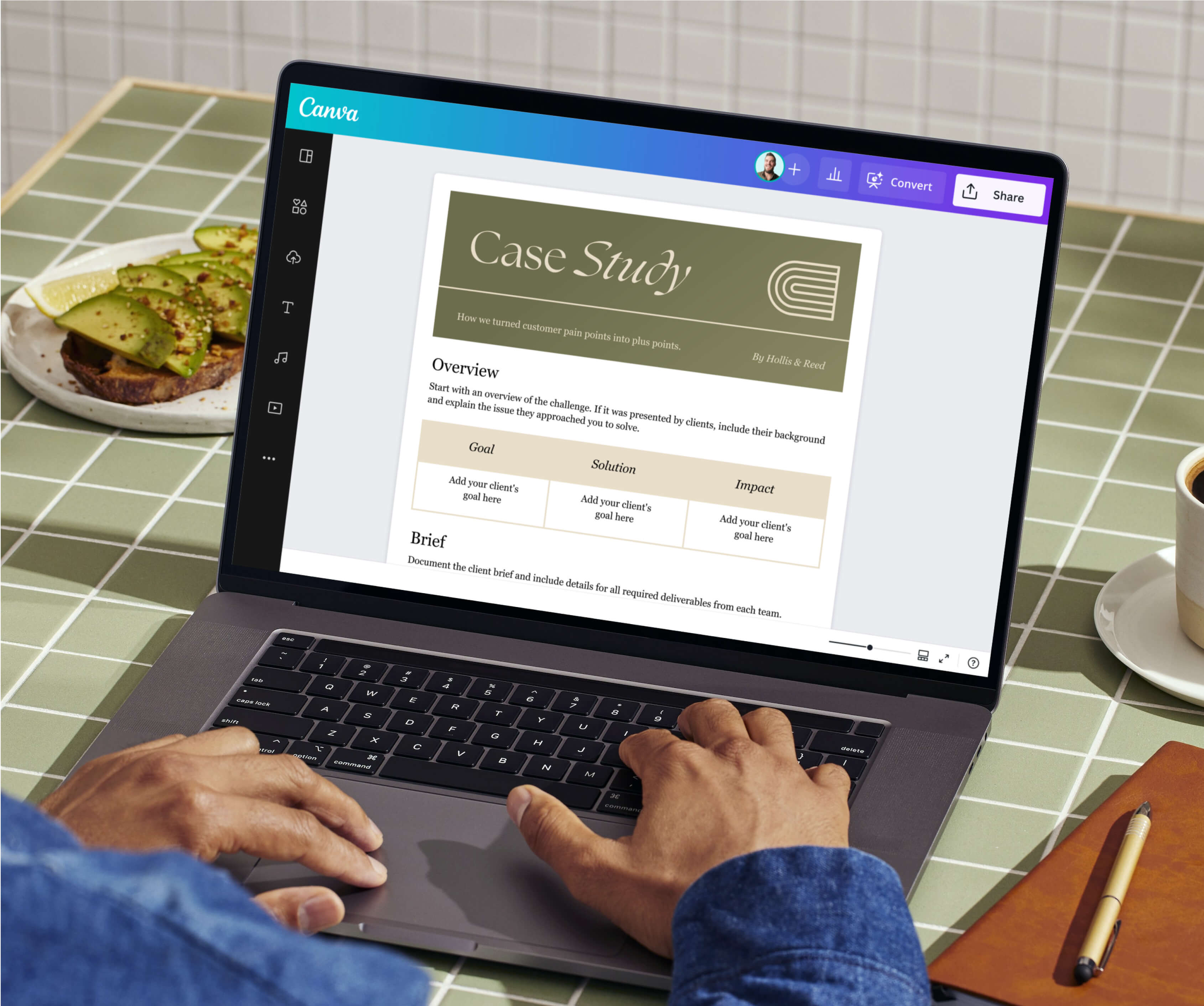
Canva Docs gives you the structure and flexibility to turn software requirements into a living, collaborative document. Add diagrams, tag reviewers, and embed visuals like flowcharts or wireframes created in other Canva tools. Teams can work in real time or leave comments asynchronously. Even better, the entire SRS document lives in one smart, shareable workspace.

Collaborate in real-time
Work with teams and build on ideas with comments and emoji reactions. Keep sync sessions on track with a timer.

Visual library for visual Docs
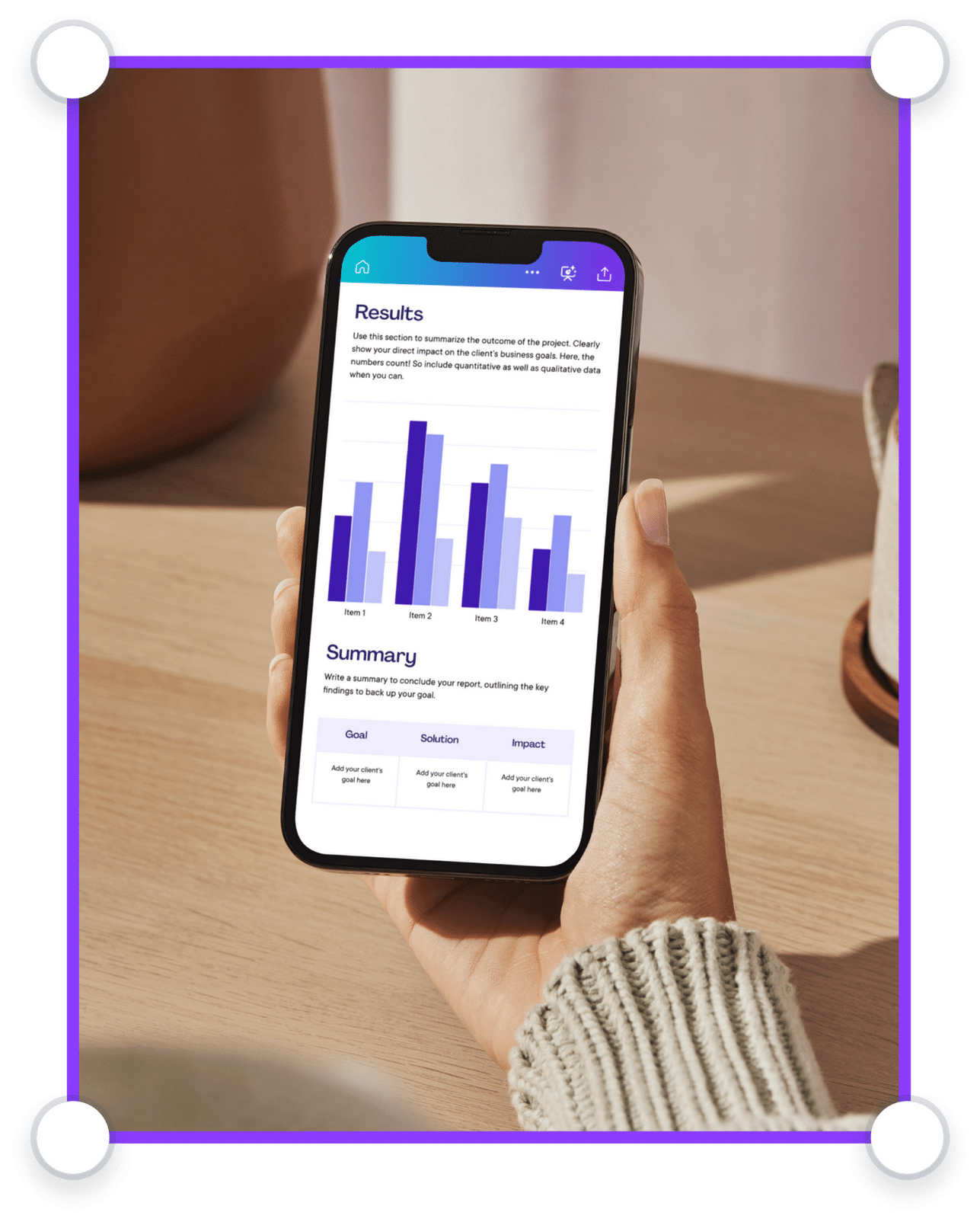
Seamlessly add visuals like graphs, tables, images, videos, graphics, and more, all available within your doc.

Manage all your content in one place
Design high-quality creative content for any format. Sort, share, and scale content with ease.

Scale your brand
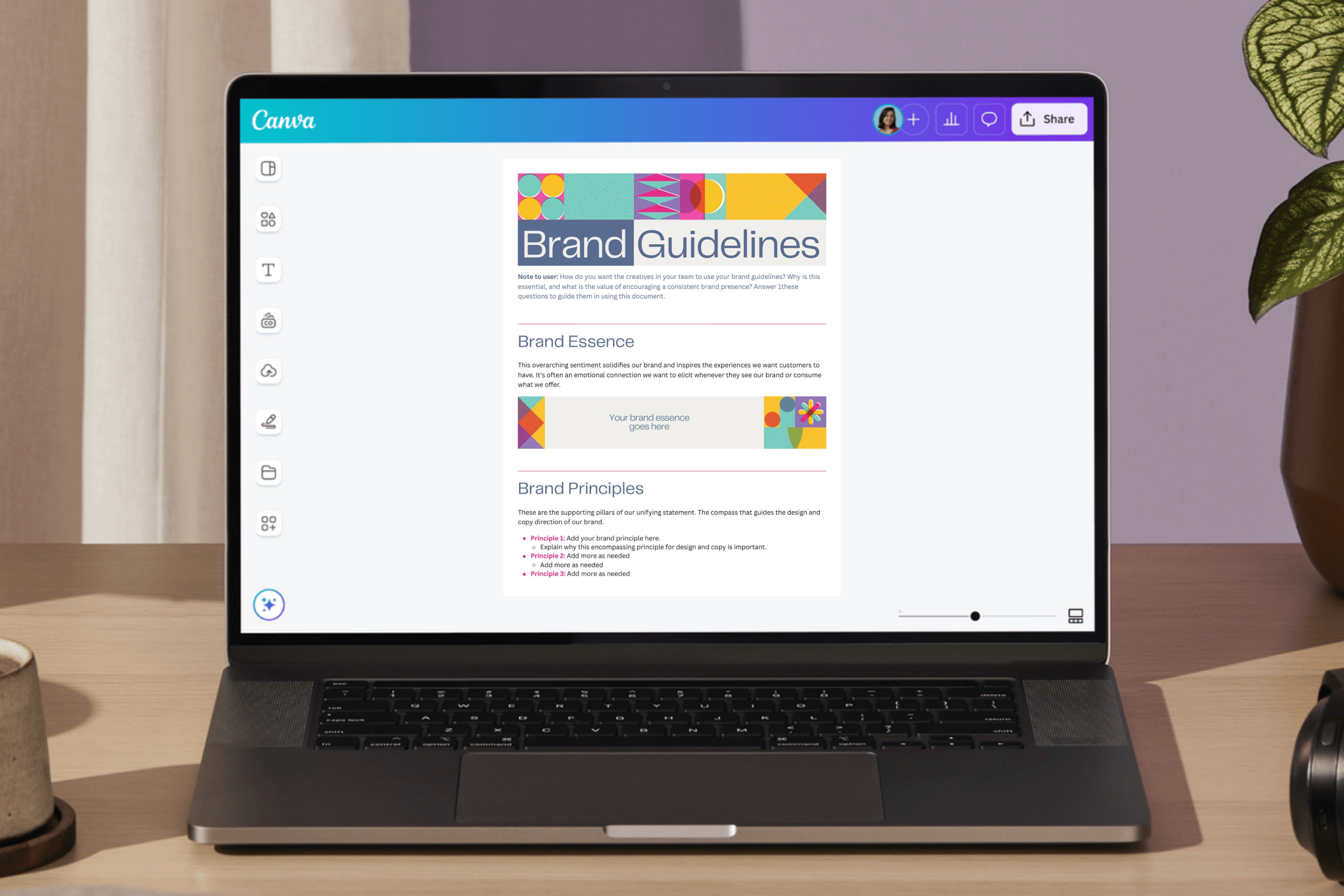
Set brand guidelines across your organization. Limit fonts, colors, and content to keep designs on brand.

Visually supercharge your work
Elevate your business documents. Create Docs, Whiteboards, Presentations, Websites, Videos,Social Media posts, and more.

Work smarter with Magic Studio AI
All the power of AI, at your fingertips. Generate assets, copy drafts, and designs with AI-powered tools within Canva.

Power up with apps
Make your organization’s workflows more efficient with hundreds of apps and integrations, or customize your own.

Stay safe and in control
Keep your confidential content safe with built-in security measures, user and AI controls, and usage reporting features.
Best practices for writing an SRS document
Writing an SRS document is about making them usable and not only going beyond getting requirements down. For huge organizations working across departments, clarity, adaptability, and context matter. These examples help ensure your software requirements specification stays relevant as projects evolve.
Keep it clear and concise
Clarity beats cleverness every time. Your SRS document should inform, not impress. Use simple language. Define acronyms. And if a requirement can’t be tested or understood by someone new to the team, it probably needs rewriting. As reinforced by IEEE-aligned guidance, ambiguous or overly clever phrasing often leads to confusion during implementation and testing(opens in a new tab or window).
Know your end-user
You’re not just writing for engineers. Legal might read your SRS document. Support might quote it. Product and QA rely on it. Write with the full audience in mind, and don’t assume everyone speaks “dev.” Clear, accessible documentation makes it easier for every team to contribute and stay aligned.
Include flexibility where needed
Requirements change. Priorities shift. Leave space for that. A rigid SRS document becomes obsolete the moment something shifts, so build in room for edits, notes, or living sections that evolve with the project. According to ISO/IEC/IEEE 29148:2018 guidance, the best SRS documents are traceable, testable, and modifiable as requirements evolve.(opens in a new tab or window)
SRS document FAQs
To write an effective SRS document, start with structure. What makes an SRS document actually useful is how readable and practical it is for everyone involved. The best ones are built in layers: first the outline, then the right people weighing in at the right time.
Functional requirements describe how the software behaves. This involves what users can do, what actions trigger responses, and what rules get enforced. Think login forms, workflows, and approvals.
Non-functional requirements, on the other hand, set expectations around things like speed, uptime, or encryption. Instead of describing behavior, they define the quality of the experience around it.
An SRS document aids software development by keeping teams grounded. When priorities shift or team members rotate out, the document helps preserve the original intent. Internal documentation standards maintain shared understanding, even as teams grow or product direction shifts. That consistency becomes critical for reducing misalignment and minimizing rework.
Only as often as things change, which is usually more than you think. New features, scope shifts, and blockers all impact what the software needs to do. If you’re working in sprints, it’s best to treat the SRS document as something that evolves with each cycle. Waiting until the end to revise it only increases risk and misalignment.
Was this page helpful?
Present software requirements with confidence