- AI Image Expander
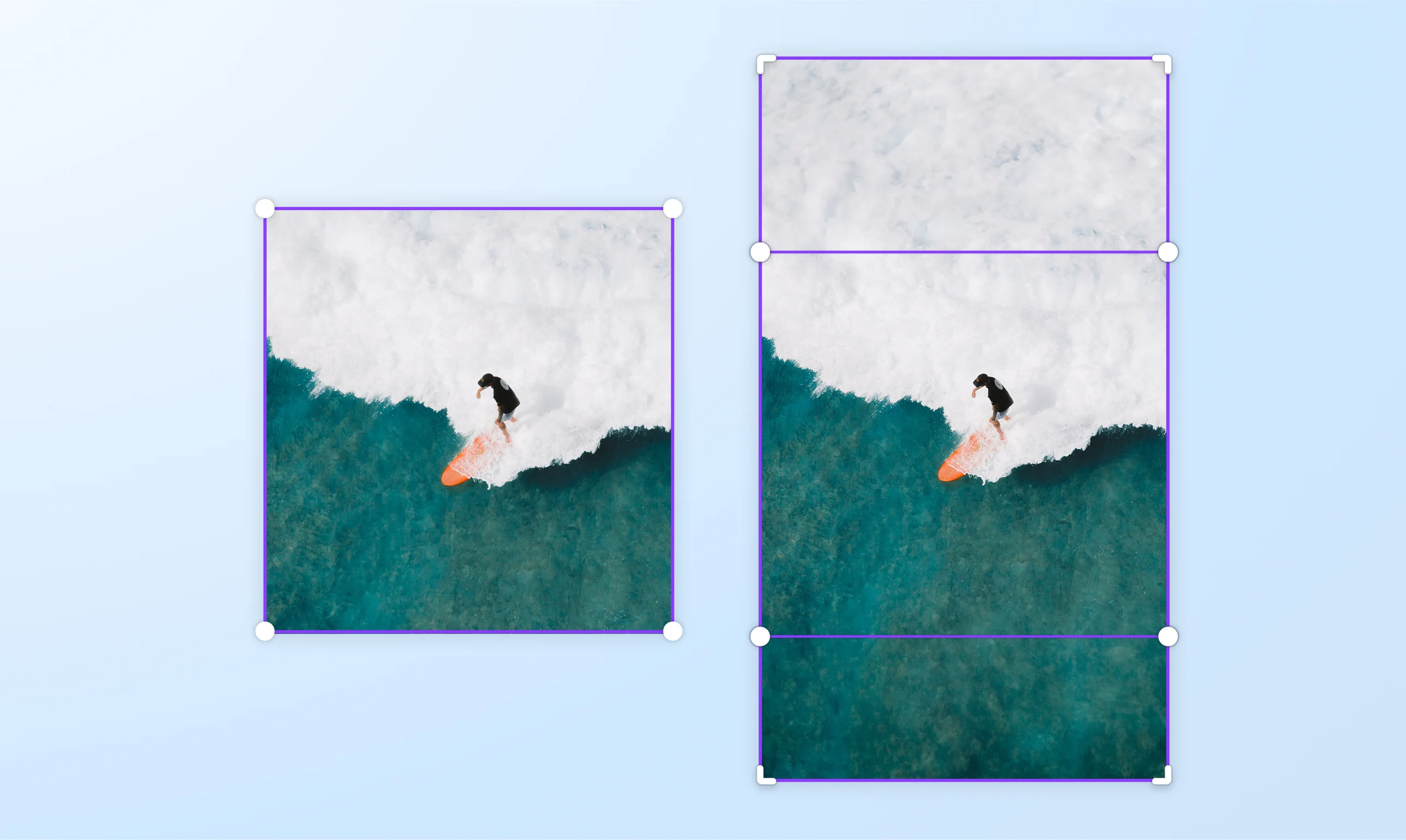
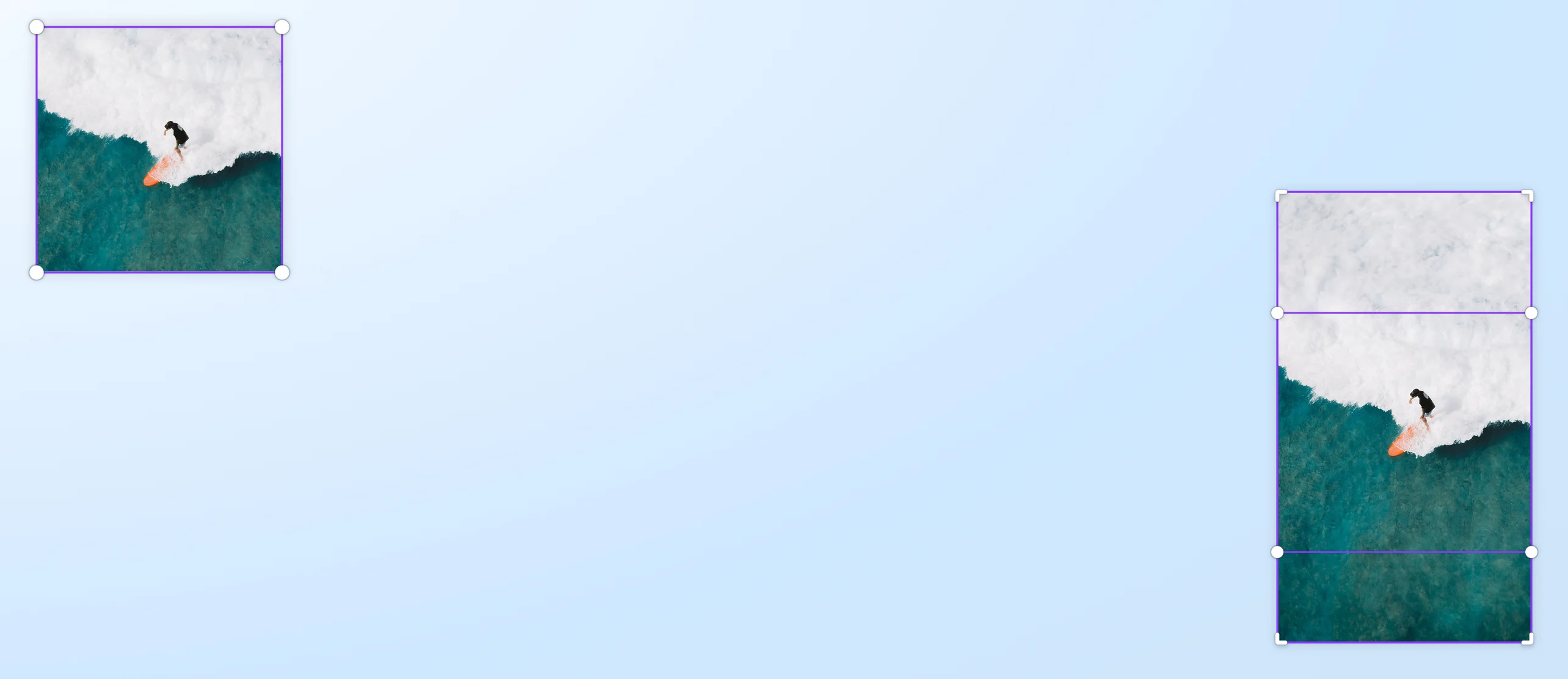
Expand images for better clarity with our AI Image Expander
Extend images in any direction with AI using Magic Expand on Canva Pro. Quickly recover whatever's just outside the frame or expand it to fit your design or website layout. With our AI image extender, we make achieving crisp and detailed visuals a breeze.
or drop it here
Learn about Canva's upload formats and requirements. See how we use your content in our Privacy Policy.
Expand photos instantly—like magic


Unlock a world of possibilities by expanding images with AI. Canva’s Magic Expand lets you fix awkward framing, save zoomed-in images, or turn a vertical shot into a horizontal one. In seconds, you can fill in the rest of your image and generate the missing details. From social media to marketing campaigns, use our AI picture expander or ai headshot generator(opens in a new tab or window) to enrich your visual content—with quality and detail intact.
Refine your image with care

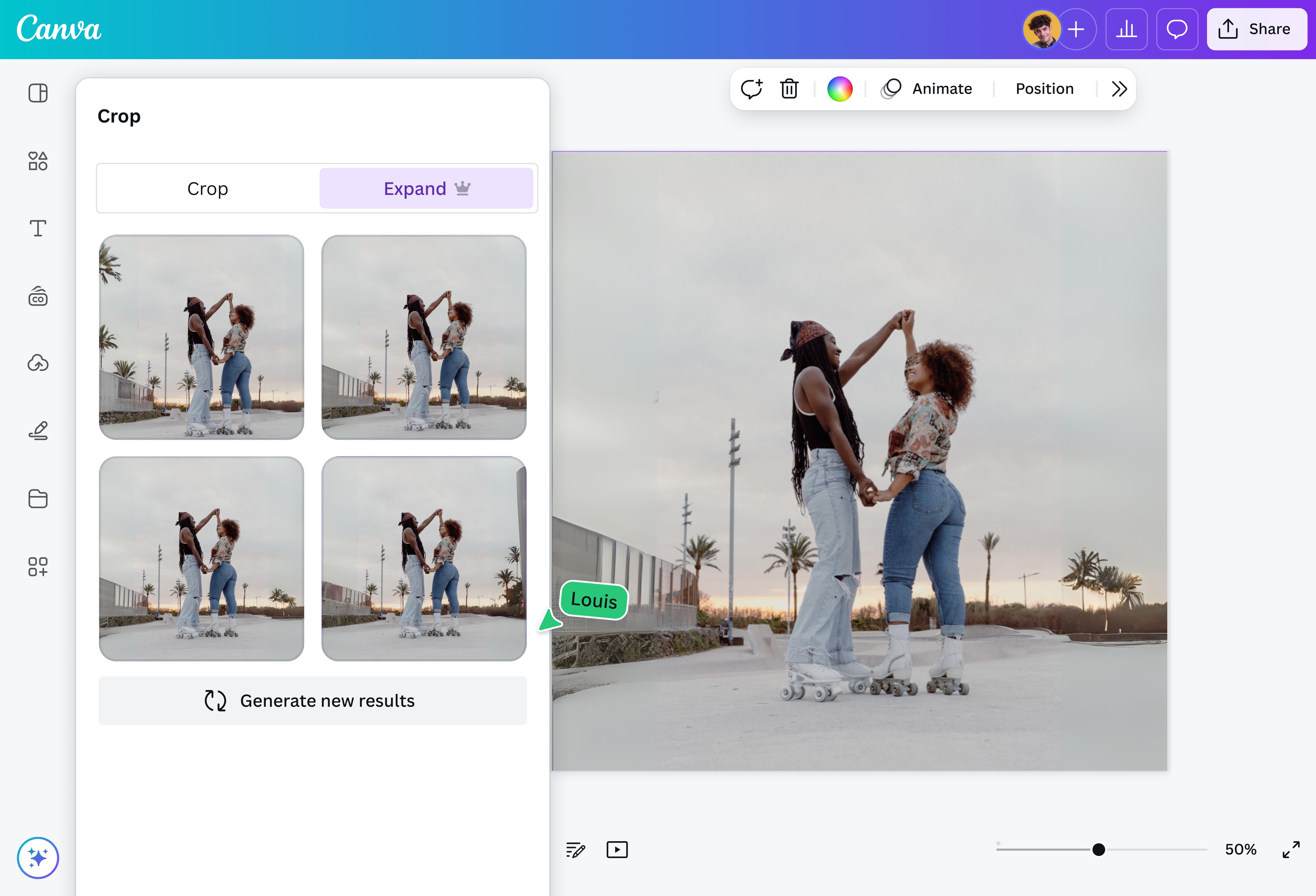
Ensure every image is thoughtfully perfected with our easy-to-use AI image extender. Choose your preferred size or aspect ratio and watch as AI extends your image in intricate detail. Want to zero in on a specific portion of your photo? Select a freeform area for expansion and work your magic! Canva matches the original image's color and style, smoothly blending elements into one coherent frame.
Improved visuals for any project or purpose

Make the most of image enhancement with AI. Explore multiple generated image options by Magic Expand and get a ready image that fits into your design vision. Craft engaging ads, improve posters and infographics, or cleverly scale pictures to ensure they shine on your Instagram carousel and beyond. Produce versatile images for all kinds of creative projects with the AI image resizer on Canva. Show them you mean business and fine-tune your slides before converting PPT to PDF(opens in a new tab or window) online.
How to expand an image with AI

Frequently Asked Questions
- You can use our AI photo expander to expand your images using artificial intelligence. Upload your photo into our online editor, then choose your desired aspect ratio or select a freeform area for expansion. Let the image resizing software work its magic and enhance your photo without losing quality or detail. You can download your design to your local folder, share it online via email, or use your AI-extended image in another design project.
- Our image expander uses powerful AI to expand images in just a few clicks. Improve the composition of banner images in your digital ads. Prevent photos from being overly zoomed or cropped on your Instagram carousel and other social channels. You can also transform portrait photos into stunning landscape shots so they fit better into your website or design layout. Effortlessly restore or enhance image details with AI using our picture enlarger tool.
- Our AI photo enlarger is currently available to Pro and Teams users. Visit our pricing plans page to learn more about the different options available. With a Pro account, you’ll have full access to the tool, plus many other impressive design features. Likewise, you can access our AI image enlargement tool if your account is under our Nonprofit and Education programs.
- Canva is always free for every individual. However, if you want to unlock premium features, individuals can upgrade to Canva Pro to easily create professional designs and content. If there are two or more people, upgrading to Canva for Teams provides access to premium features, and teams will love the content management, collaboration, and approvals features.

@SpotOnDomain
